
unrealbg/BlazorShop
unrealbg/BlazorShop has 32 GitHub stars and 21 forks. GitHot measured 0 stars in 24 hours. Last checked 2026-11-10 02:32 UTC. Last push 2026-11-06.
Modern .NET 10 e-commerce starter built with Blazor, ASP.NET Core, PostgreSQL, Stripe, Docker & Aspire — SSR storefront, admin workspace and clean architecture.
What you can do
- ASP.NET Core Identity, JWT access tokens, refresh-token flow
- Email confirmation, password change, profile update
- Role-based access (Admin/User)
- Lockout and guarded administrative user-management flows
Measured star growth
- in 24h
- 0
- in 7 days
- Update delayed
- in 15 days
- Update delayed
- in 1 month
- Update delayed
Net star changes over overlapping periods, not daily totals. Missing measurements are left blank. Stars measure attention, not software quality.
README.md
OriginalBlazorShop

BlazorShop is an open-source, opinionated .NET 10 e-commerce starter and reference application built with ASP.NET Core, Blazor, PostgreSQL, and Microsoft Aspire. It combines a server-rendered public storefront, a Blazor WebAssembly customer/admin workspace, an ASP.NET Core Web API, production Docker deployment, and an isolated live demo.
Table of Contents
- Introduction
- Who Is It For?
- Project Status
- Features
- Current Limitations
- Technologies Used
- Requirements
- Getting Started
- Project Structure
- API & Docs
- Screenshots
- Contributing
- Browser E2E Tests
- Demo
- License
- Acknowledgements
Introduction
BlazorShop is designed as both a working shop application and a reusable reference for modern .NET commerce projects. It provides a server-rendered public storefront, a secure ASP.NET Core Web API backend, and a separate Blazor WebAssembly workspace for customer and administrator flows.
The repository includes catalog management, product variants, cart and checkout, Stripe/Cash on Delivery/Bank Transfer payment flows, order tracking, SEO tooling, an operational admin area, PostgreSQL persistence, Aspire orchestration, observability, CI, and production Docker deployment.
Who Is It For?
- Developers looking for a practical .NET 10 / Blazor e-commerce starter or reference architecture.
- Small/medium businesses that want to bootstrap a .NET-based online shop and adapt it to their own requirements.
- Developers exploring ASP.NET Core, Blazor Web App, Blazor WebAssembly, EF Core, PostgreSQL, Aspire, and layered application architecture in a non-trivial project.
Project Status
The UI v2 integration through PR #127 is merged, including public static SSR catalog/search. Commerce/security issues #87–#95 are closed: explicit administrator bootstrap, variant-preserving checkout, immutable order snapshots, atomic inventory reservations, authoritative order-first checkout, idempotency, Stripe reconciliation, lifecycle separation and the legacy archive are implemented and covered by automated regressions.
Release readiness is tracked separately in #128. The 2026-11-01 RC audit records the exact audited commit, functional evidence, defects, unverified operational gates and an RC NO-GO decision. A live demo or green PR checks do not establish production readiness.
Current priorities include fail-closed bank configuration, transactional email reliability (#52), hosting/CSP hardening (#26), measured accessibility/performance work (#31/#42), and a current-target routing/provider/recovery rehearsal. Each fix requires its own reviewed scope; optional features remain in the issue backlog.
Additional production/UX work remains tracked in GitHub Issues. The issue tracker is treated as the current implementation backlog; README features describe what exists on master, not planned functionality.
Features
- Authentication & Authorization
- ASP.NET Core Identity, JWT access tokens, refresh-token flow
- Email confirmation, password change, profile update
- Role-based access (Admin/User)
- Lockout and guarded administrative user-management flows
- Isolated customer and administrator demo sessions with reset-on-logout/expiry behavior
- Catalog Management
- Categories, products, product variants, SKU/size/stock data, image upload
- Product search/typeahead UI
- Admin inventory overview with low/out-of-stock filtering and product/variant stock updates
- Public SEO Storefront
- Server-rendered product and category routes (
/product/{slug}and/category/{slug}) - Public
/catalogwith native GET search, six supported sorts, category filtering and pagination; legacy WebAssembly search remains available - Published-only public catalog exposure and route-based metadata rendering
/sitemap.xmland/robots.txtfor the published route surface
- Server-rendered product and category routes (
- Cart & Checkout
- Persistent cart, quantity updates, totals
- Multiple payment methods: Stripe (card), Cash on Delivery, Bank Transfer
- Bank transfer instructions via email with order reference
- Orders & Tracking
- One authoritative
Orders/OrderLinespersistence model for customer/admin history, with immutable purchase-time snapshots - Admin order management
- Shipping status, carrier tracking number and tracking URL updates
- One authoritative
- Newsletter
- Email subscription with welcome email
- Admin Area
- Dashboard, products, categories, variants, orders, users, inventory, SEO, redirects, settings, and audit log
- User role editing, lock/unlock, email confirmation, password-change requirement flag, and guarded admin safety checks
- Operational store/order/notification settings without exposing SMTP passwords or API secrets
- Admin audit trail for sensitive catalog, SEO, redirect, order, user, settings, and inventory operations
- Developer Experience & Operations
- OpenAPI/Swagger and Serilog logging
- OpenTelemetry logging, metrics, and tracing with optional OTLP export
- Microsoft Aspire AppHost orchestration and service discovery
- Standard server-side HTTP resilience defaults and health checks
- Automated unit/service/infrastructure tests and GitHub Actions CI
- Modern UI with Tailwind-style classes, toast notifications, and Chart.js
- Production Docker Compose deployment with separate Storefront, Web, API, and PostgreSQL services
- Explicit deployment-only initial administrator bootstrap command
- Configurable CORS, rate limiting, forwarded headers, HSTS/HTTPS behavior, and refresh-token cookie policy
Current Limitations
These are known areas being actively hardened; see the linked issues for the source-of-truth acceptance criteria.
- Release gates (#128): implemented commerce contracts and passing isolated regressions do not replace a verified production-like installation, recovery rehearsal, external provider lifecycle and owner approval. See the audit findings and evidence.
- Bank configuration and email delivery: the audit reproduces unsafe fallback bank instructions under missing settings and SMTP-dependent registration rollback. Durable email recovery remains open in #52; these findings have not been fixed by documentation changes.
- Security/session policy: refresh eligibility, atomic rotation and demo/session isolation are implemented. Already issued ordinary access JWTs retain their existing two-hour validity; immediate revocation needs a separate decision. Final proxy trust, unified routing and production observation provisioning remain separate work.
- Public catalog indexing: new catalog/search URLs initially use
noindex,followand stay out of the sitemap. Product/category SEO remains available; enabling unfiltered catalog indexing needs a separate reviewed policy. - Accessibility/performance: sampled responsive/keyboard checks pass, but measured contrast/list-semantics defects and unverified production budgets remain. No full accessibility or cross-browser layout certification is claimed.
- Merchant/provider suitability: merchant identity, bank ownership, legal content, delivery/fulfillment scope and real provider configuration require owner verification. Current presentation assumes EUR; this is not a complete multi-currency or shipping-address implementation.
- Legacy checkout archive (#95): old checkout-history rows are retained losslessly as an operational archive that is deliberately outside runtime order history; see the archive policy and cutover procedure.
Technologies Used
- .NET 10, ASP.NET Core Web API
- Blazor Web App (server-rendered public storefront)
- Blazor WebAssembly (customer/admin workspace and existing interactive client)
- Entity Framework Core 10 + PostgreSQL
- ASP.NET Core Identity
- AutoMapper, FluentValidation
- Serilog
- OpenTelemetry
- Microsoft Aspire AppHost / ServiceDefaults
- Stripe integration
- Swashbuckle (Swagger/OpenAPI)
- xUnit, Moq and ASP.NET Core/Aspire testing infrastructure
- Docker / Docker Compose
Requirements
- .NET 10 SDK compatible with the repository
global.json- The repository currently pins SDK
10.0.107withrollForward: latestPatch.
- The repository currently pins SDK
- Docker Desktop or another compatible container runtime (recommended for
BlazorShop.AppHostandcompose.production.yml) - PostgreSQL if you run the API outside the AppHost-provisioned or Docker Compose database
- Modern WebAssembly-capable browser for the Web workspace
- Optional external configuration depending on enabled features:
- Stripe Secret Key + Webhook Secret
- SMTP credentials
- Bank-transfer account details
Getting Started
Clone the repository
git clone https://github.com/unrealbg/BlazorShop.git
cd BlazorShop
Configure the API
For local development, use appsettings overrides and preferably dotnet user-secrets for secrets.
- API configuration:
BlazorShop.Presentation/BlazorShop.API/appsettings.json - Production reference:
docs/production.appsettings.example.json - Storefront production reference:
docs/storefront.production.appsettings.example.json
Core values commonly required:
ConnectionStrings:DefaultConnectionJwt:Key,Jwt:Issuer,Jwt:AudienceStripe:Enabled,Stripe:SecretKey,Stripe:WebhookSecretCommerce:Currency(required store currency; currently supportsEUR,GBP, andUSD)BankTransfer:Iban,BankTransfer:Beneficiary,BankTransfer:BankName,BankTransfer:AdditionalInfoEmailSettings:From,DisplayName,SmtpServer,Port,UseSsl,Username,Password
Strict registration confirmation uses a transactional outbox and bounded background delivery. SMTP failure does not delete a committed account. See confirmation delivery and recovery for Identity token expiry, resend limits, disabled-email behavior and migration/rollback precautions.
Bank Transfer is optional and disabled by default. The API advertises it only when IBAN,
beneficiary and bank name pass the shared server validation; direct fresh checkouts are
also rejected when configuration is invalid. AdditionalInfo is optional. IBAN validation
checks generic structure and MOD-97, not bank existence or merchant ownership. Merchant
details require independent owner verification. See the configuration guard review
for normalization, placeholder rejection and durable replay/recovery behavior.
Production configuration also includes Identity confirmation requirements and runtime settings for CORS, forwarded headers, health endpoints, HSTS/HTTPS behavior, refresh-token cookies, and rate limiting. Use the production example/runbook rather than copying local-development defaults into production.
Tip: keep secrets out of source control via environment variables, deployment secrets, or dotnet user-secrets for local development.
- Database
The API currently applies EF Core migrations automatically on startup.
You can also apply migrations manually from the solution root:
dotnet ef database update --project BlazorShop.Infrastructure --startup-project BlazorShop.Presentation/BlazorShop.API
- Bootstrap the initial administrator
Public registration always creates a normal User account. On a fresh deployment, supply AdminBootstrap:Email, AdminBootstrap:Password, and AdminBootstrap:FullName through environment variables, deployment secrets, or local user-secrets, then run the deployment-only command:
dotnet run --project BlazorShop.Presentation/BlazorShop.API -- --bootstrap-admin
The command applies pending migrations, creates an email-confirmed Admin, and exits without starting the HTTP server. It refuses to run when an administrator or an account with the configured email already exists. Remove the bootstrap credentials from the active deployment configuration after the command succeeds. See docs/production-runbook.md for environment-variable and Docker Compose examples.
- Run the app
Using the AppHost is the recommended local orchestration path:
dotnet run --project BlazorShop.AppHost
Or run projects separately:
dotnet run --project BlazorShop.Presentation/BlazorShop.API
dotnet run --project BlazorShop.Presentation/BlazorShop.Storefront
dotnet run --project BlazorShop.Presentation/BlazorShop.Web
Default dev URLs (may vary by environment):
- API: https://localhost:7094
- Storefront: ASP.NET Core Kestrel/AppHost-assigned URL
- Web: https://localhost:7258
- The Storefront and Web clients call the API at
https://localhost:7094/api/by default unless overridden in configuration.
Runtime notes:
- Standalone Storefront serves its own static assets such as
/css/site.cssand/favicon.svg. - Standalone and AppHost Storefront runs expose crawl documents at
/sitemap.xmland/robots.txtfor the published public route surface. - With the API unavailable, static informational Storefront pages such as
/about-us,/privacy,/faq, and/termsstill return200, while catalog-backed routes such as/,/new-releases,/todays-deals,/category/{slug}, and/product/{slug}return503. - With the API available, Storefront slug routes return
200for published content and404for unknown slugs. - AppHost is the easiest way to verify the full local stack because it runs API + Storefront + Web together and exposes the Aspire development experience.
Tests
dotnet test BlazorShop.sln -c Release
The existing automated test suite covers application services, authentication, payment/cart behavior, repositories/infrastructure and migration/model consistency. The separate Chromium suite exercises the real Storefront-to-Web checkout-start flow; see Browser E2E Tests.
Browser E2E Tests
BlazorShop.E2E uses Microsoft.Playwright, the existing Aspire AppHost and a disposable PostgreSQL 16 database to exercise navigation, product and variant cart behavior, persistence after reload, anonymous login handoff, UI login and authenticated checkout start. Browser installation, local commands, CI behavior and diagnostic artifacts are documented in docs/browser-e2e.md.
Project Structure
- BlazorShop.Domain – Core entities and contracts
- BlazorShop.Application – DTOs, application services, validations
- BlazorShop.Infrastructure – EF Core, repositories, Identity, email, payments, persistence/infrastructure services
- BlazorShop.Presentation/BlazorShop.API – ASP.NET Core Web API controllers and runtime configuration
- BlazorShop.Presentation/BlazorShop.Storefront – Server-rendered Blazor Web App public storefront
- BlazorShop.Presentation/BlazorShop.Web – Blazor WebAssembly customer/admin workspace and existing interactive client
- BlazorShop.Presentation/BlazorShop.Web.Shared – Shared Web client models/services
- BlazorShop.AppHost – Microsoft Aspire local orchestrator for API + Storefront + Web + PostgreSQL
- BlazorShop.ServiceDefaults – Shared Aspire defaults for telemetry, health checks, service discovery, and HTTP resilience
- BlazorShop.Tests – Automated unit/service/infrastructure tests
- BlazorShop.E2E – Isolated Playwright Chromium tests for the real checkout-start browser flow
API & Docs
- Swagger UI is available when the API runs in Development at
/swagger. - CORS is configuration-driven; loopback origins are allowed for Development while production origins are explicit.
- Health endpoints, rate limiting, forwarded headers, HSTS/HTTPS behavior and refresh-token cookie policy are configuration-driven.
- Production deployment references:
docs/production-runbook.mddocs/dependency-security.mddocs/production.appsettings.example.jsondocs/storefront.production.appsettings.example.jsoncompose.production.yml
Screenshots
Captured from the live production demo on 4 August 2026. Source files live in
docs/screenshots/, with route and viewport metadata in
docs/screenshots/manifest.json.
Public Storefront
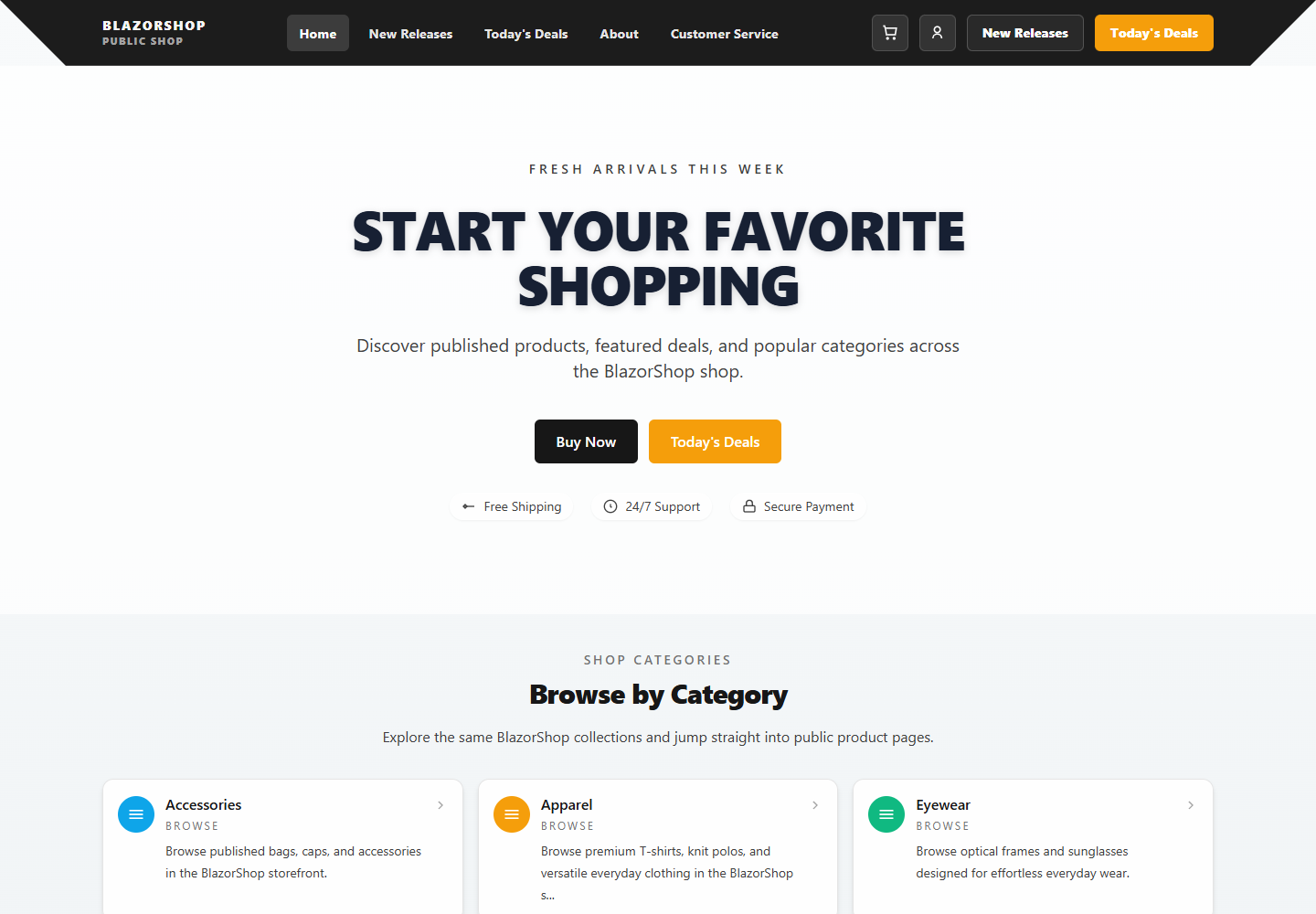 Storefront Home |
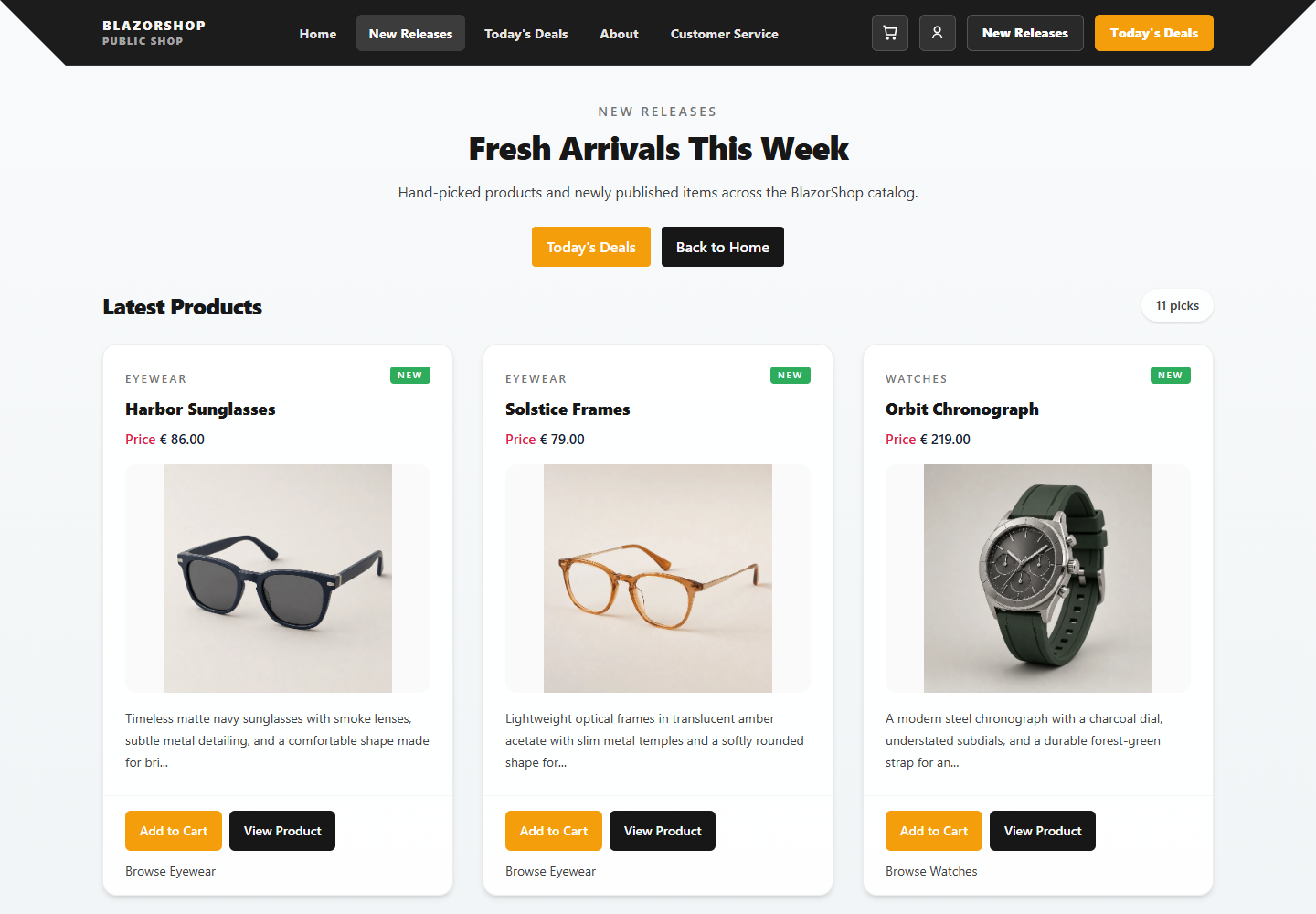 New Releases |
 Today's Deals |
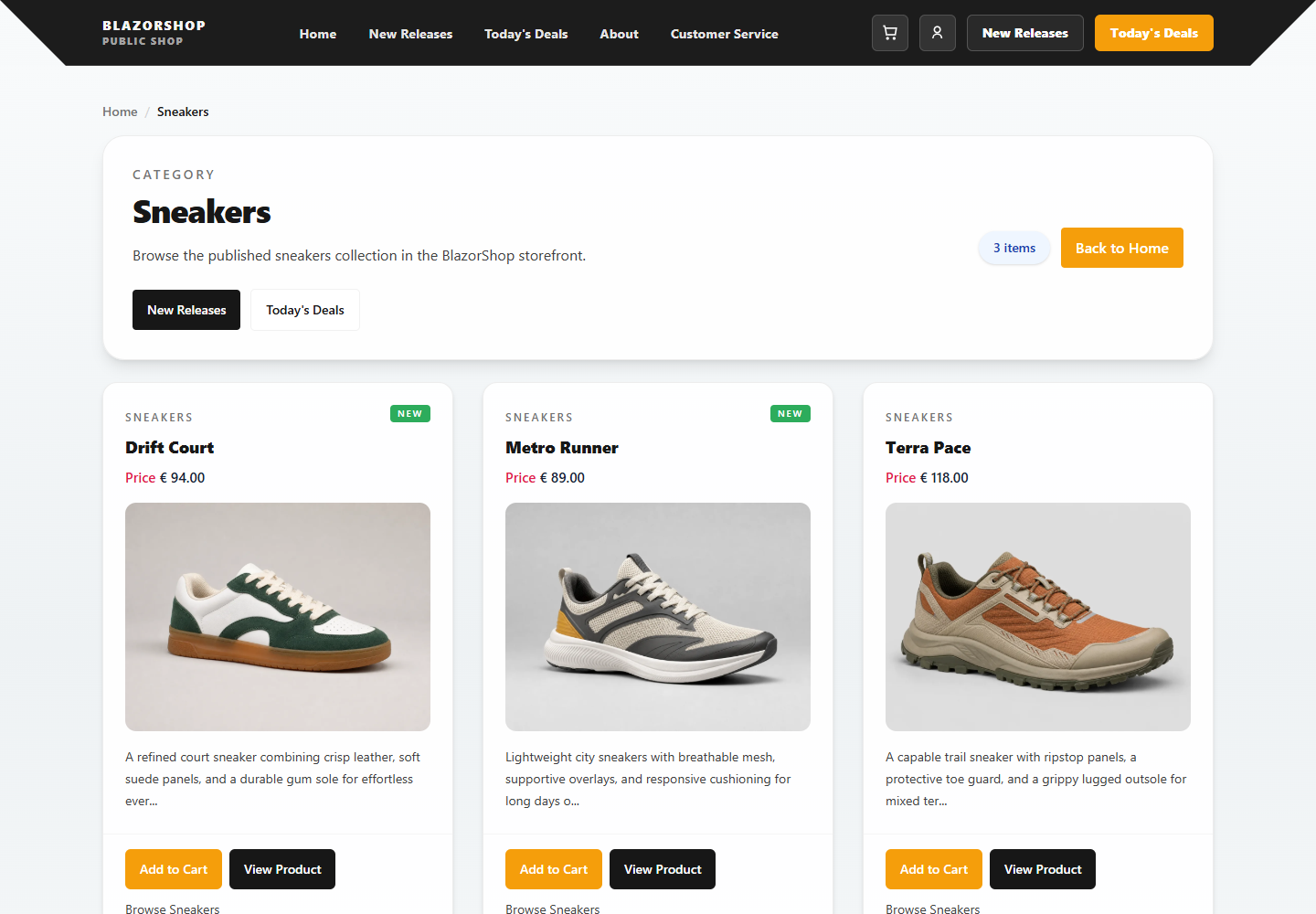 Category |
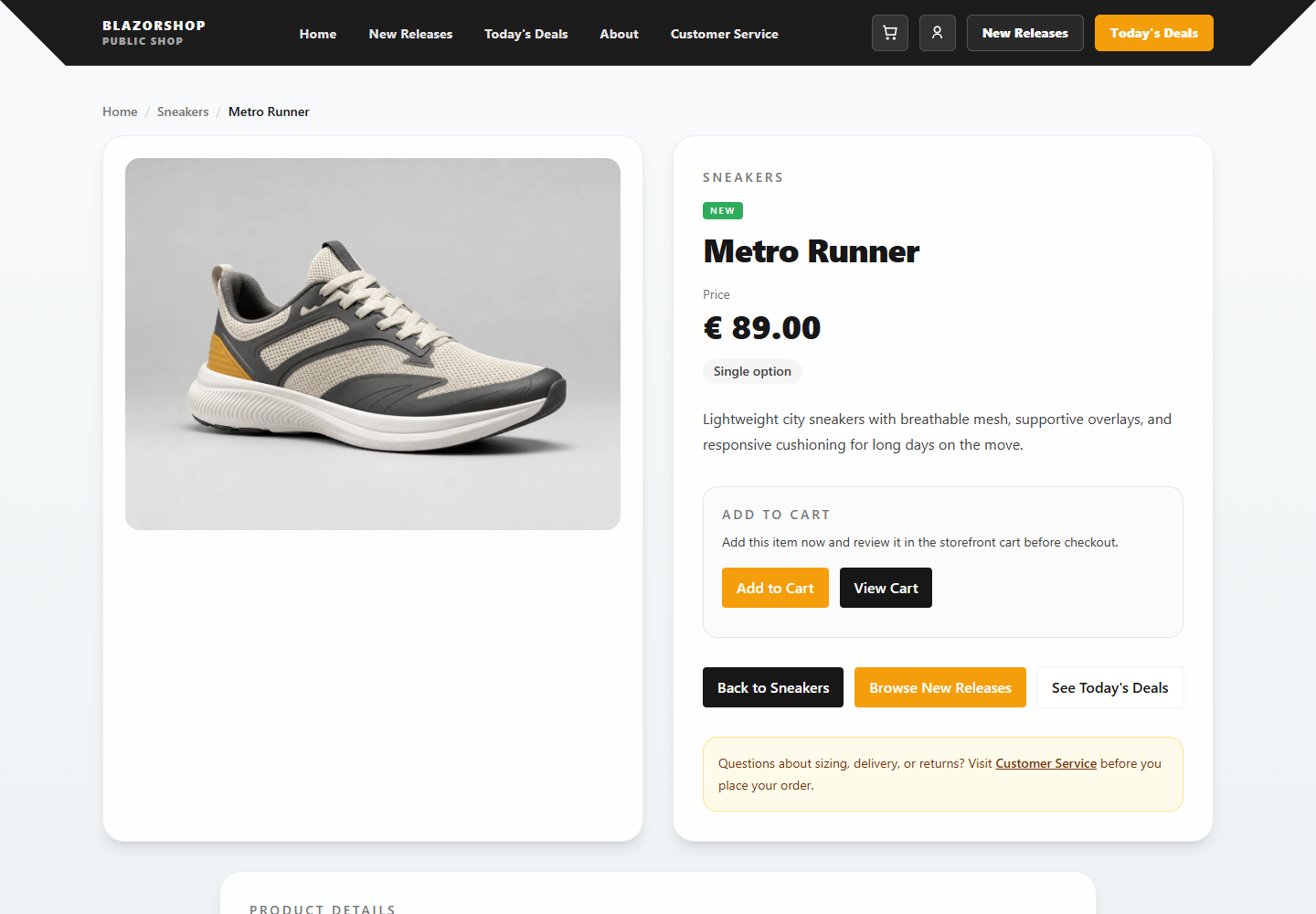 Product Detail |
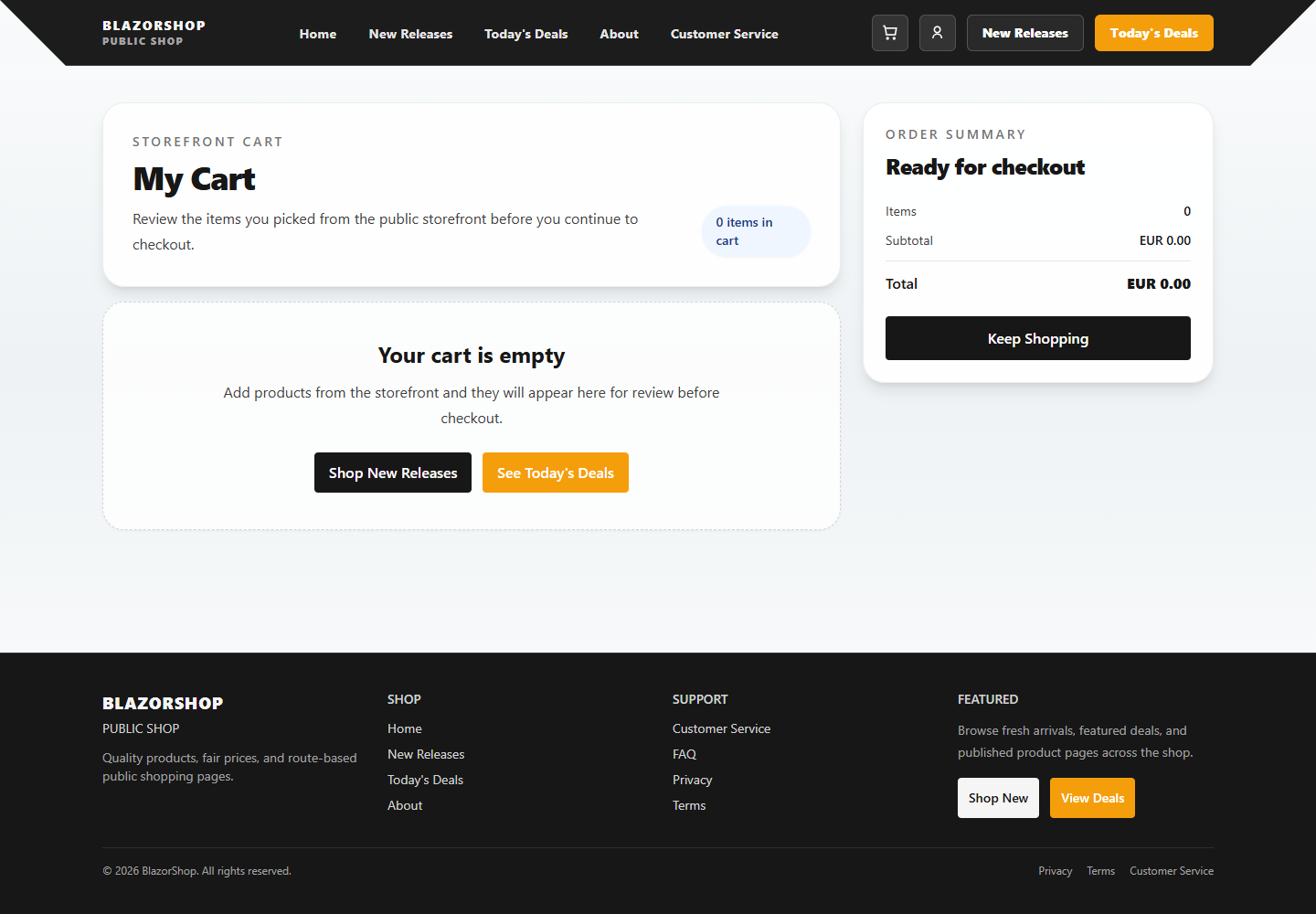 Cart |
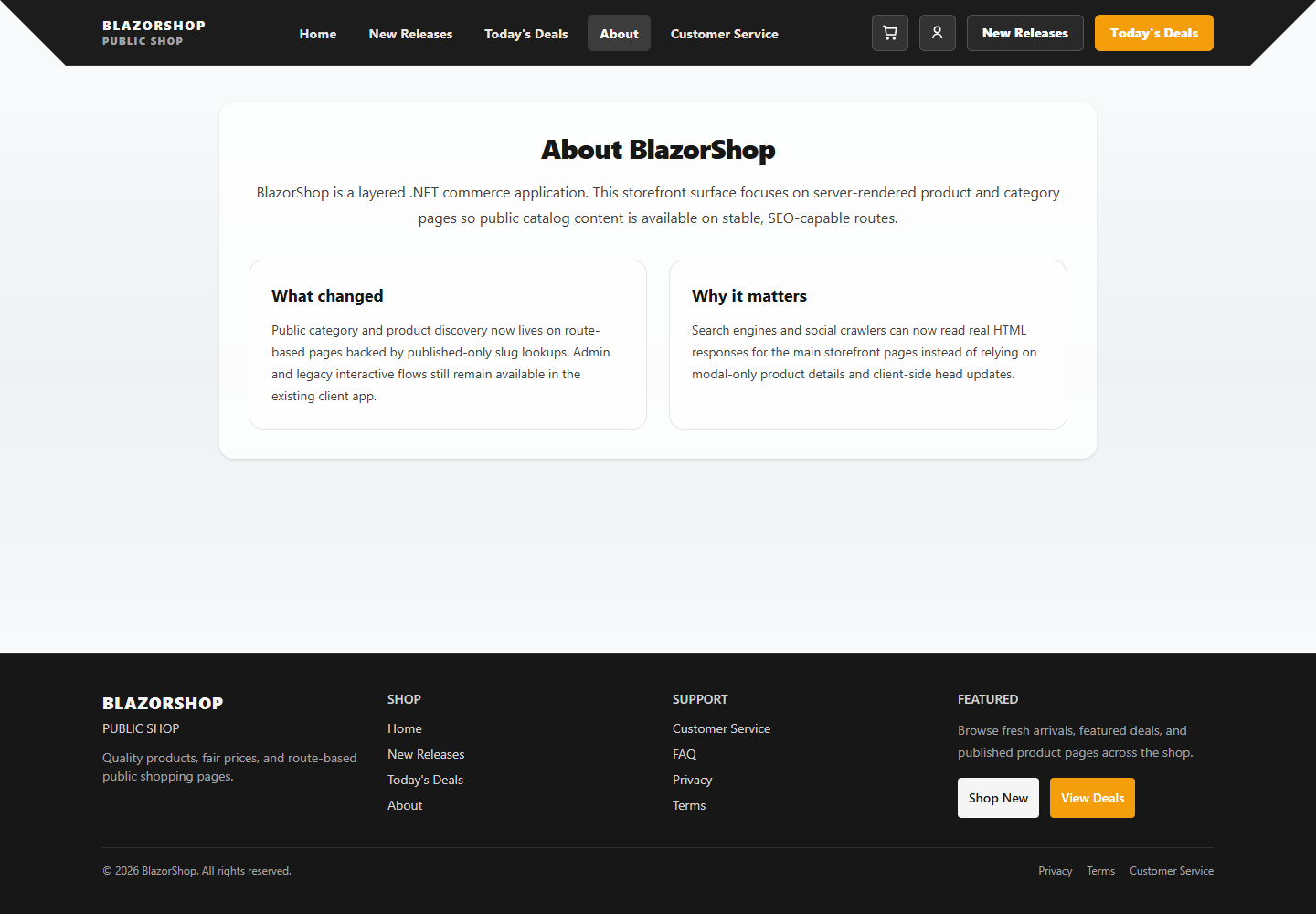 About |
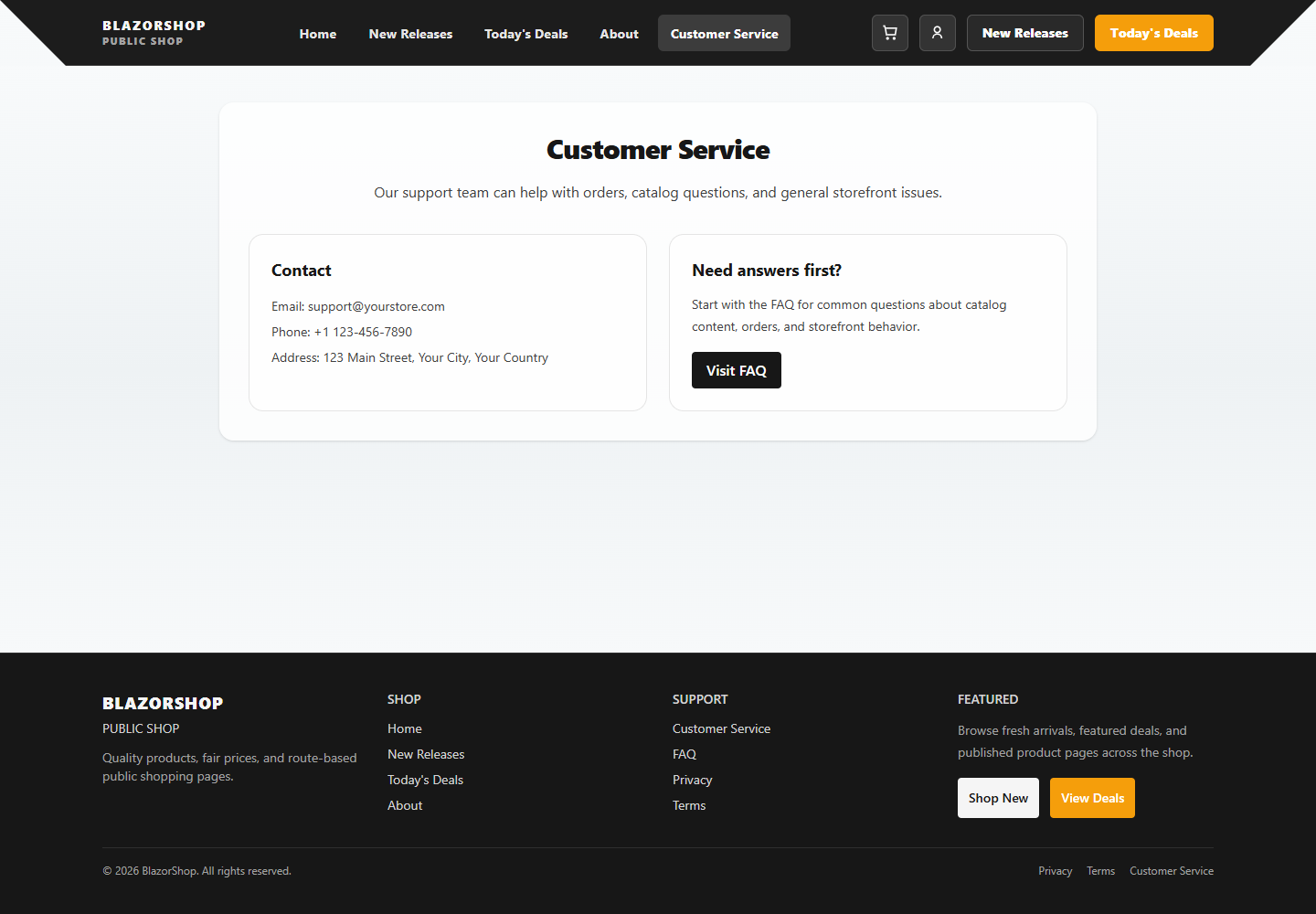 Customer Service |
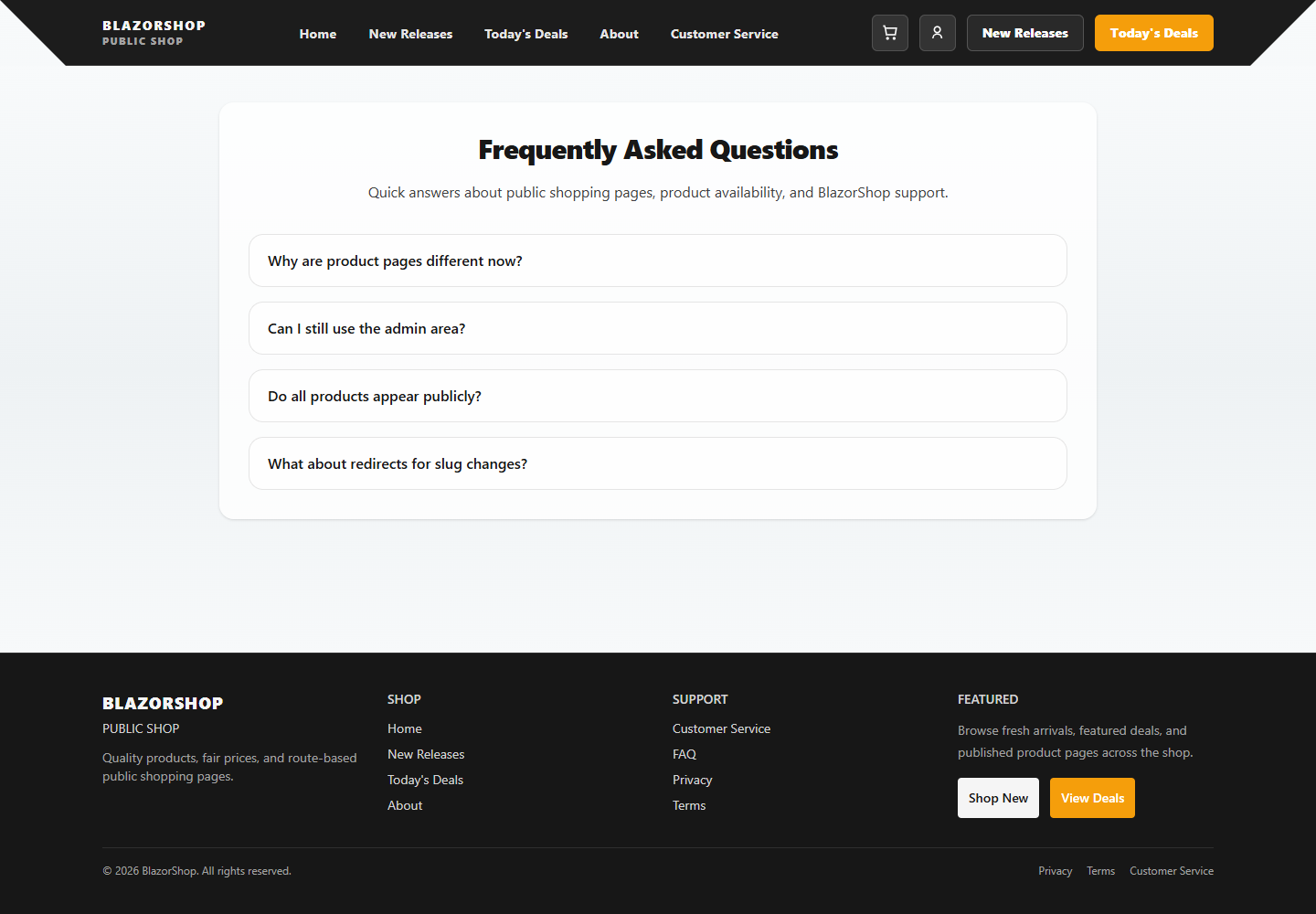 FAQ |
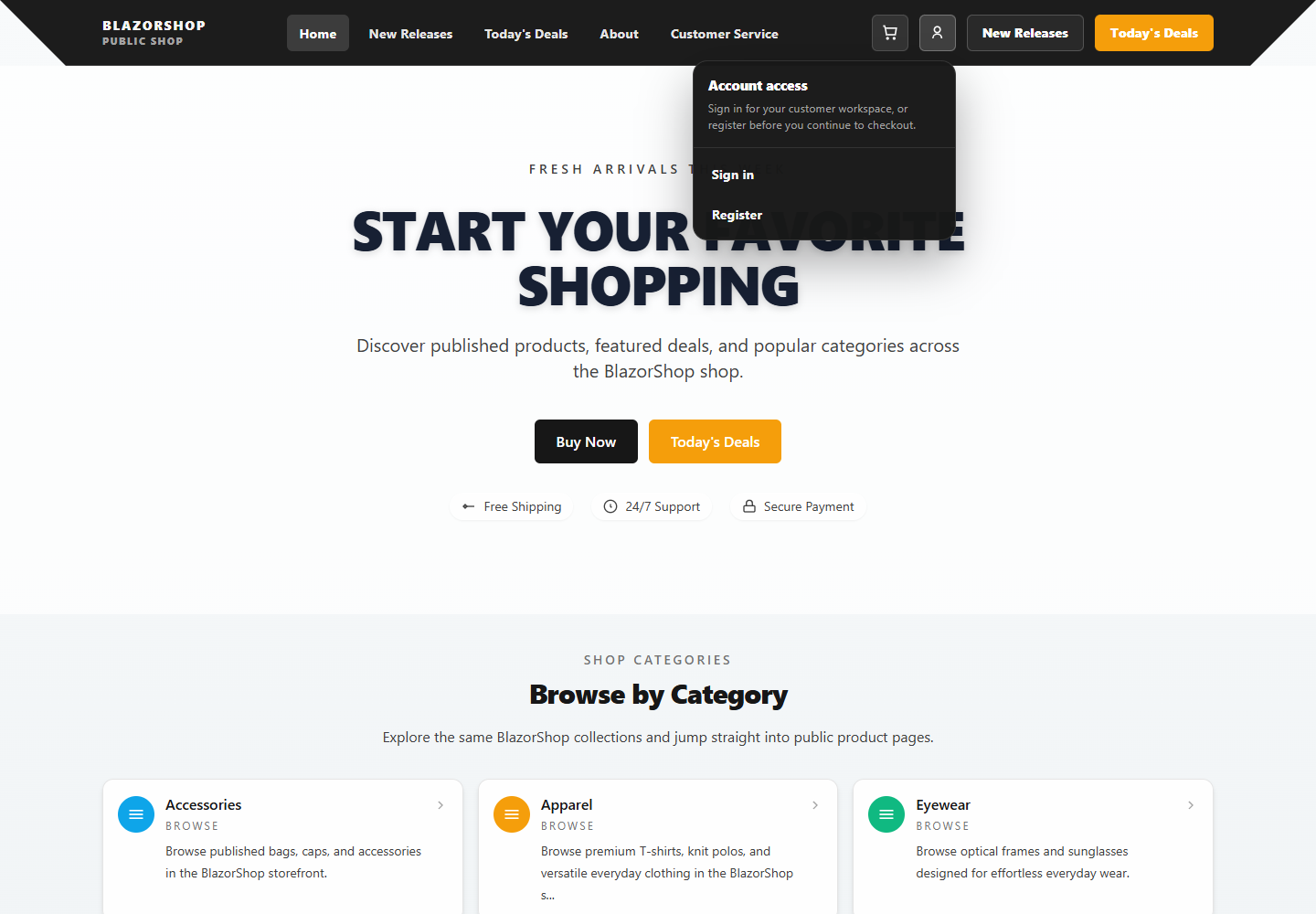 Account Menu |
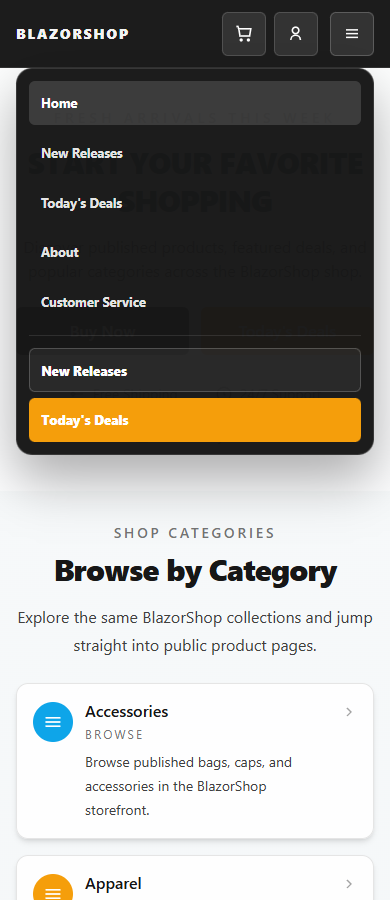 Mobile Menu |
Account and Access
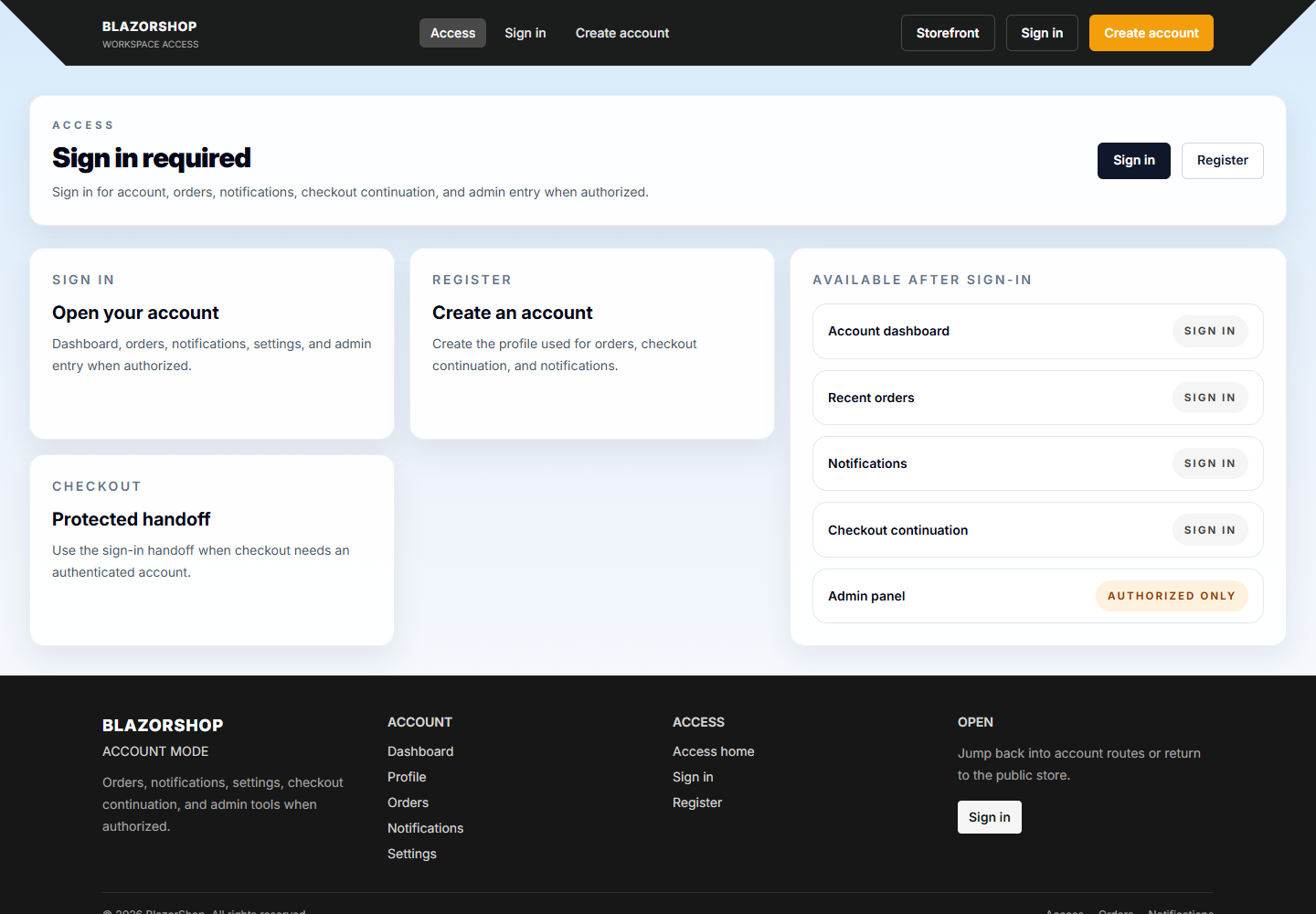 Workspace Access |
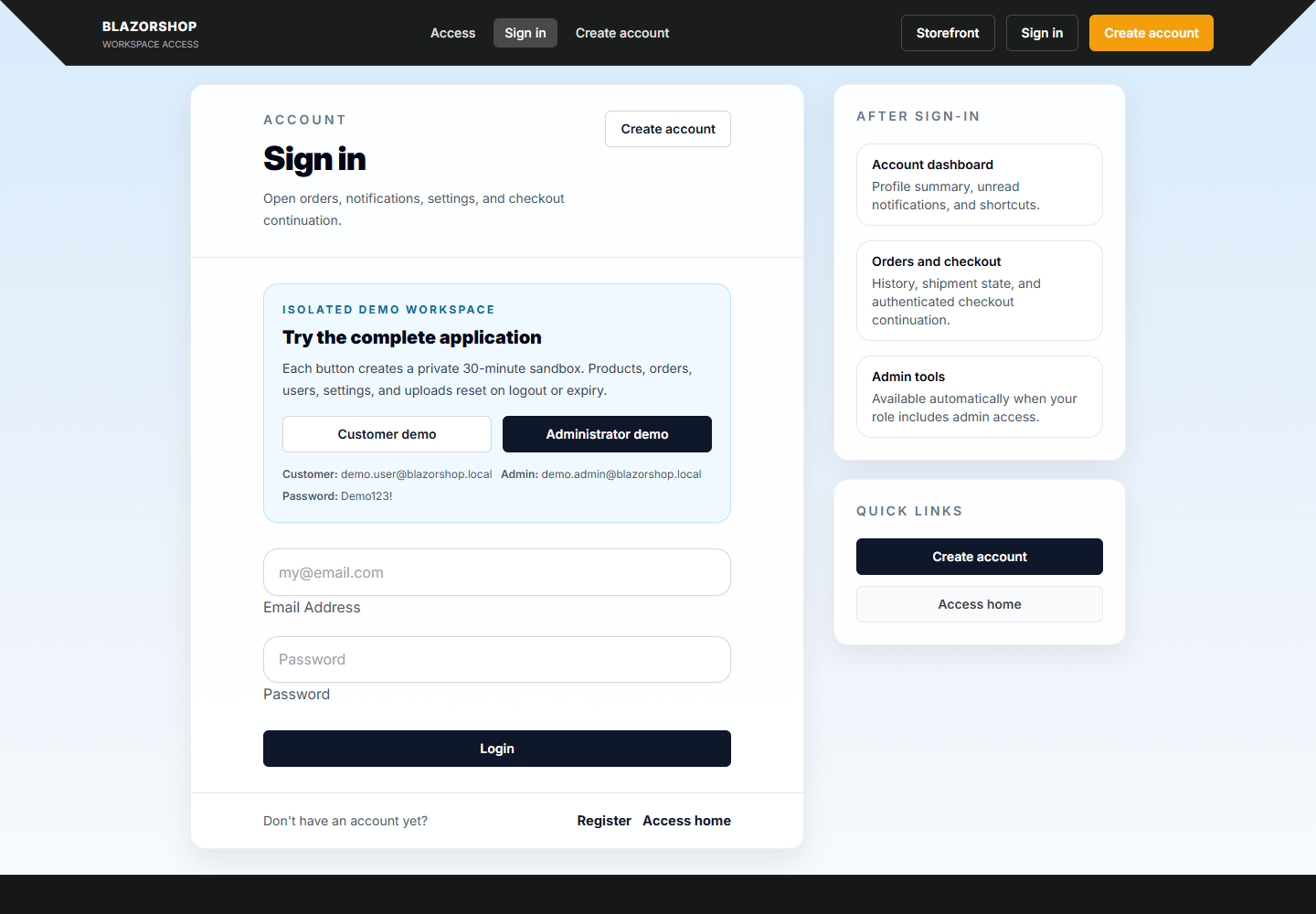 Sign In |
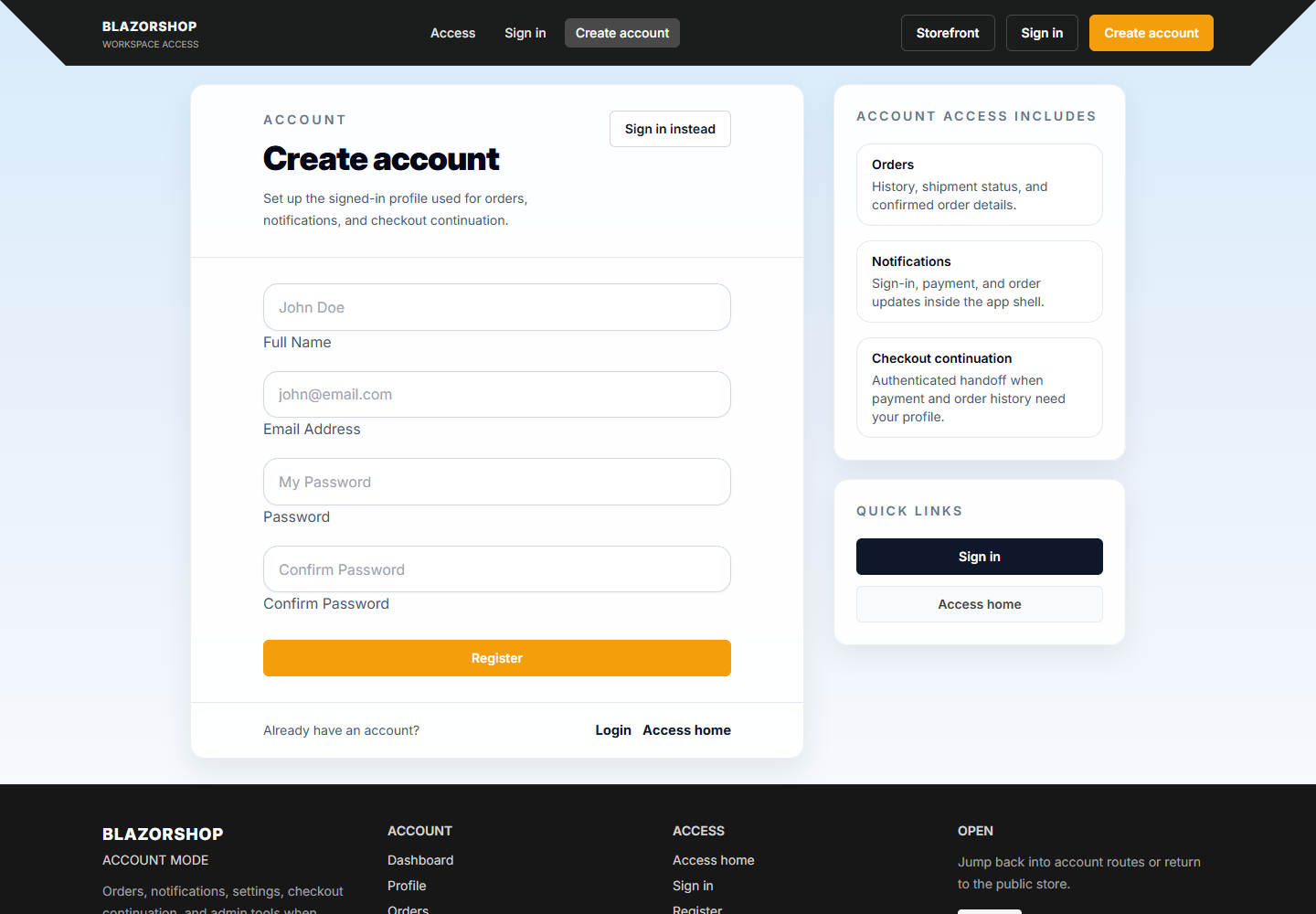 Register |
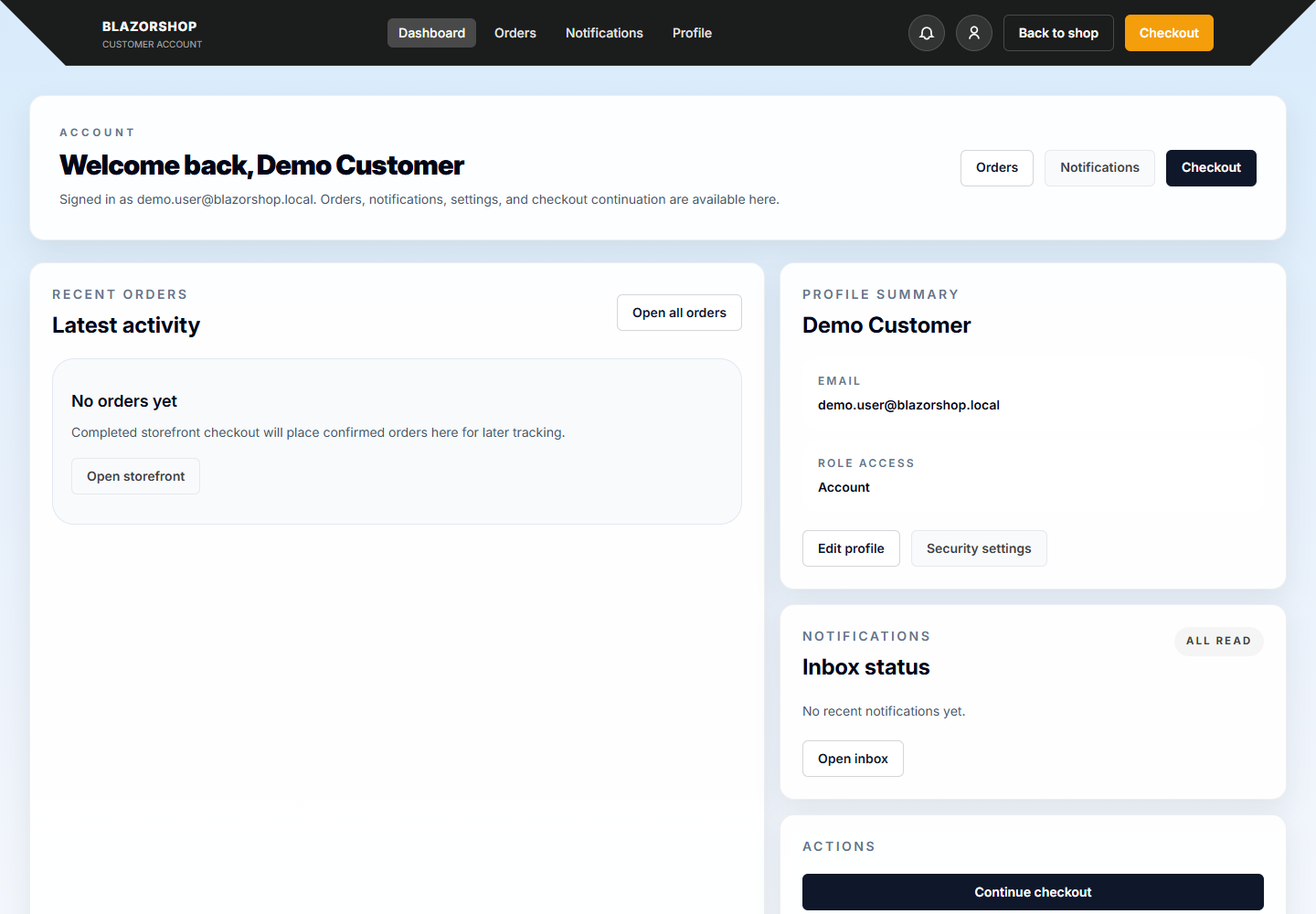 Account Dashboard |
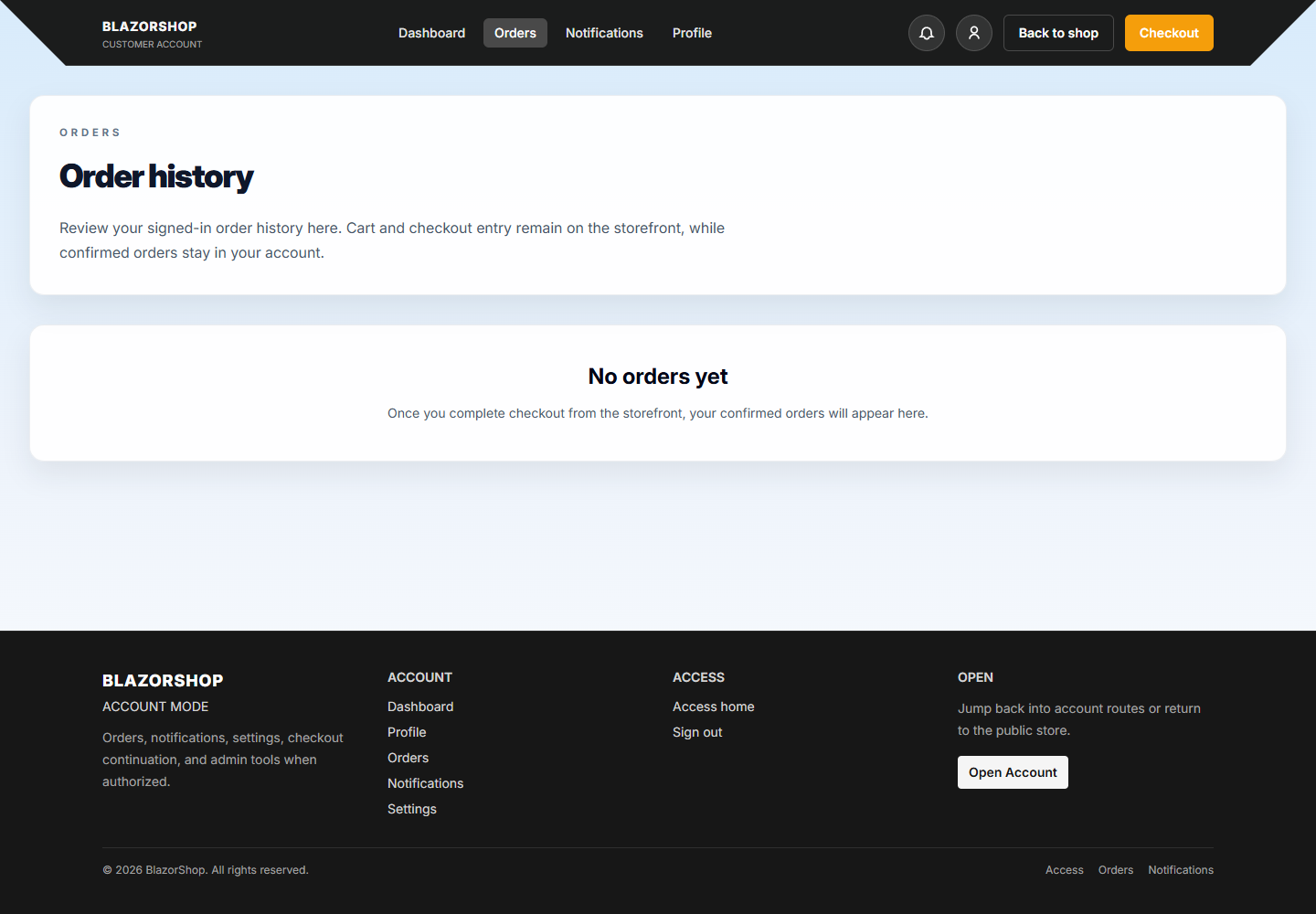 Orders |
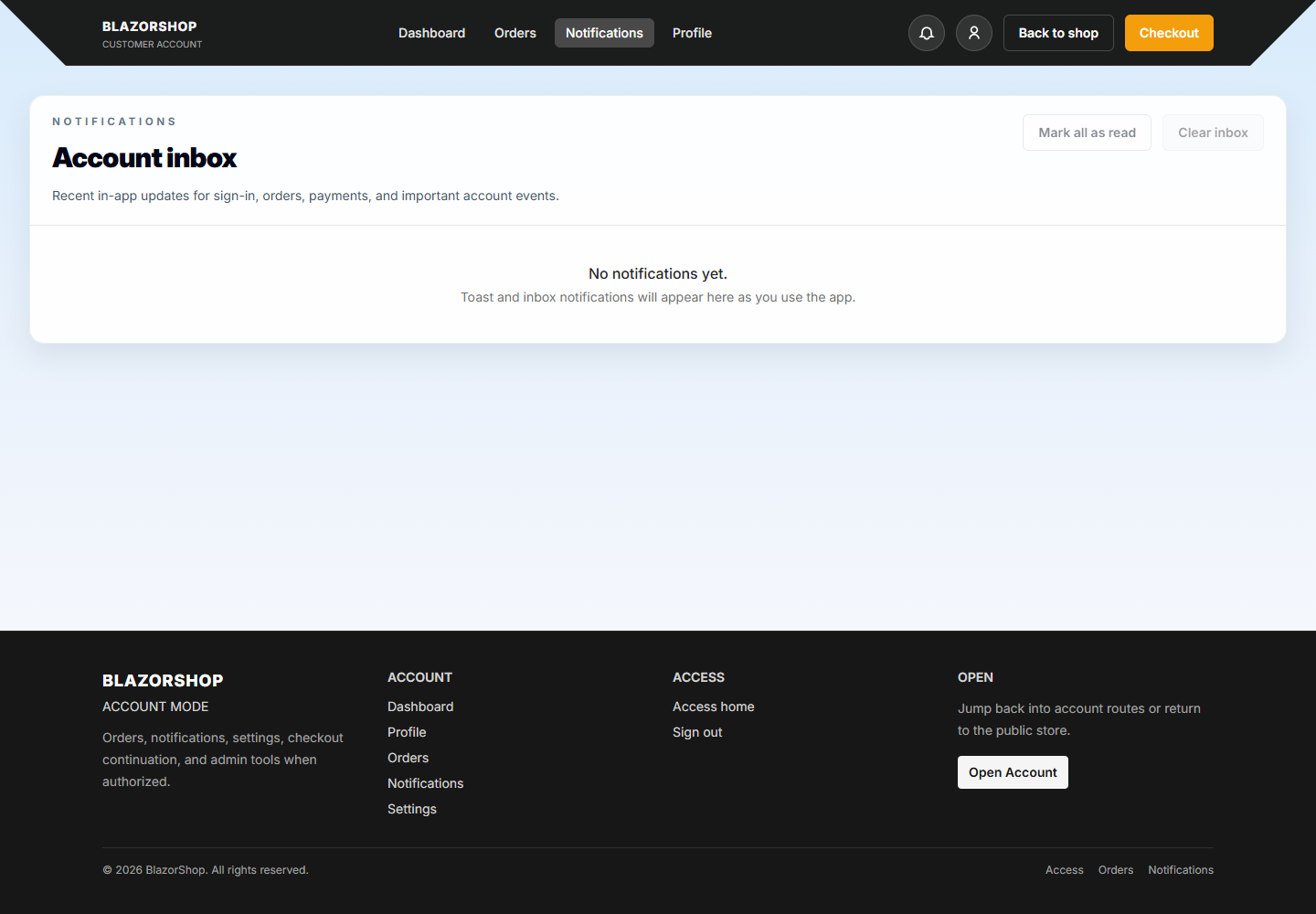 Notifications |
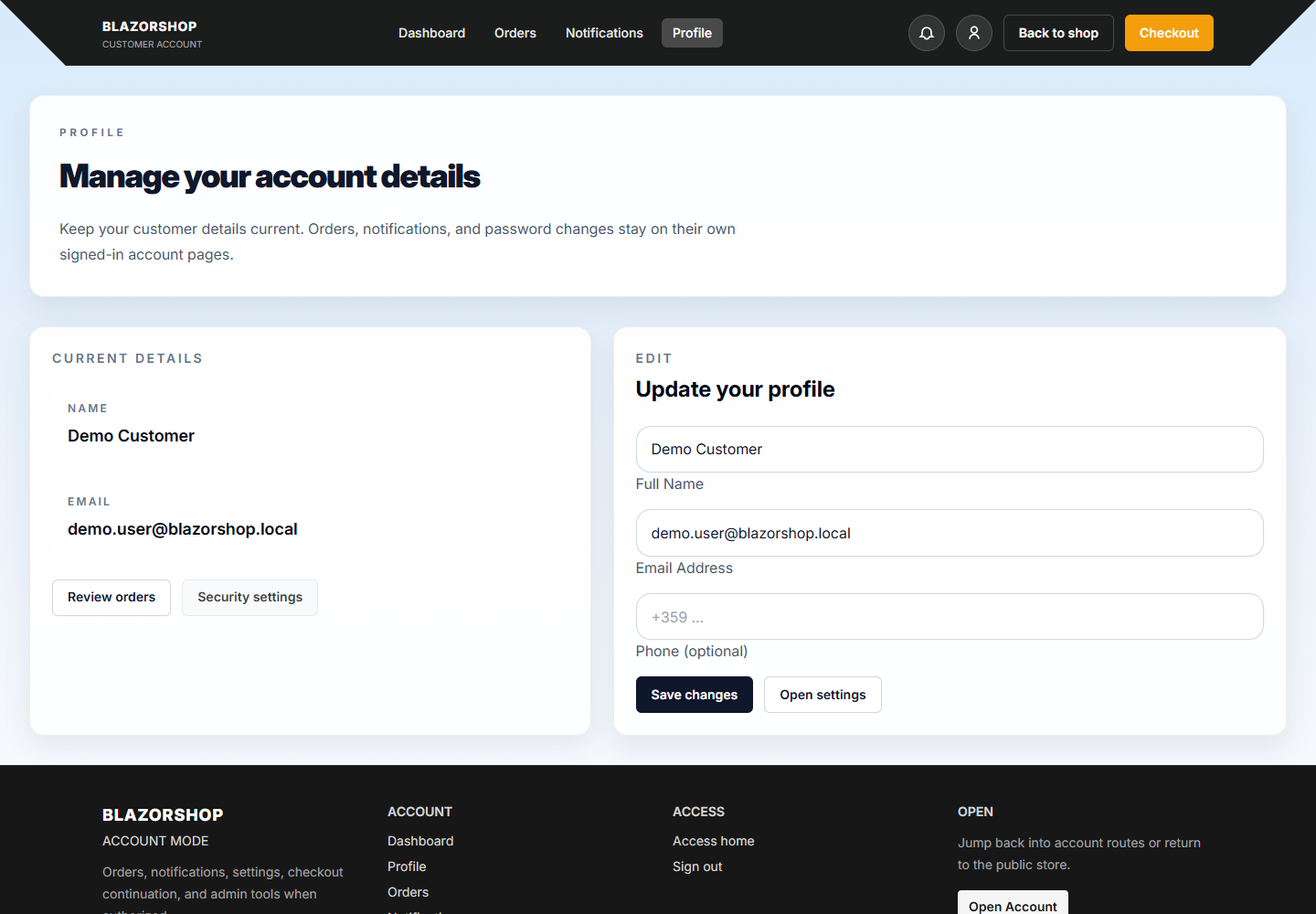 Profile |
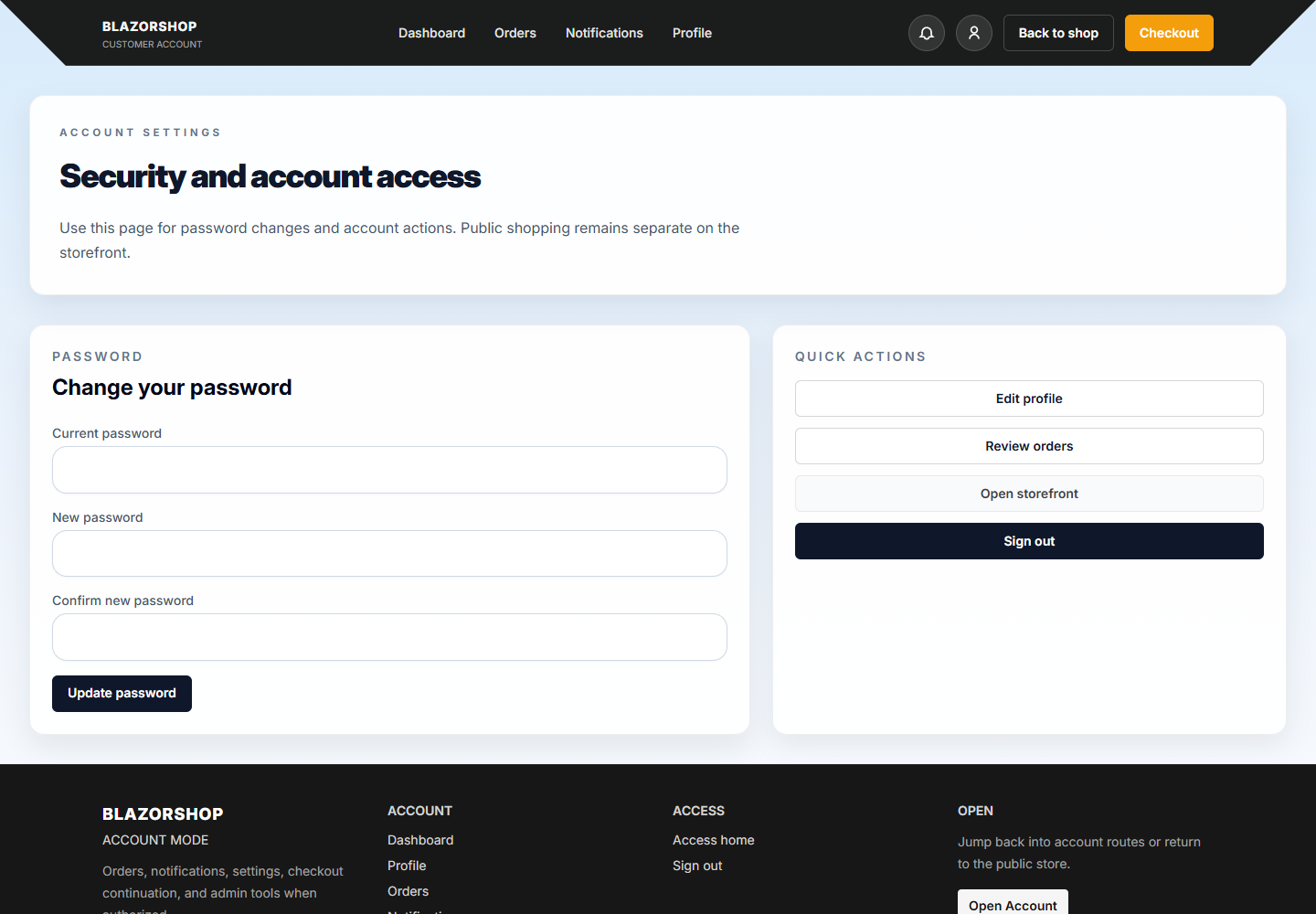 Settings |
 Checkout |
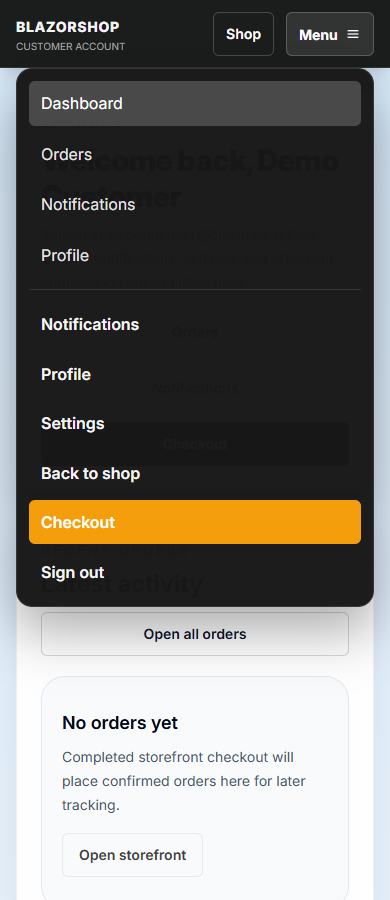 Mobile Menu |
Admin Operations
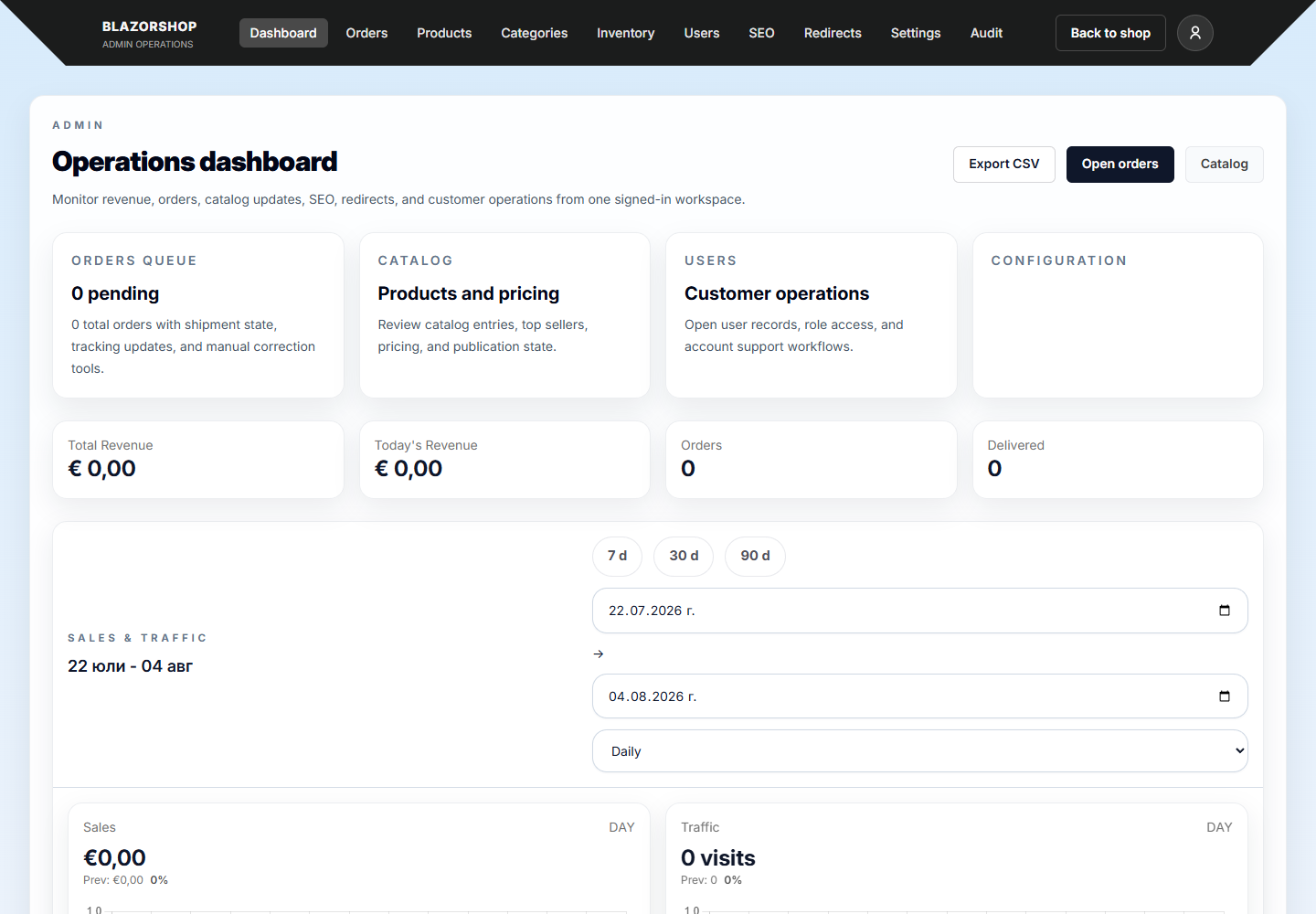 Dashboard |
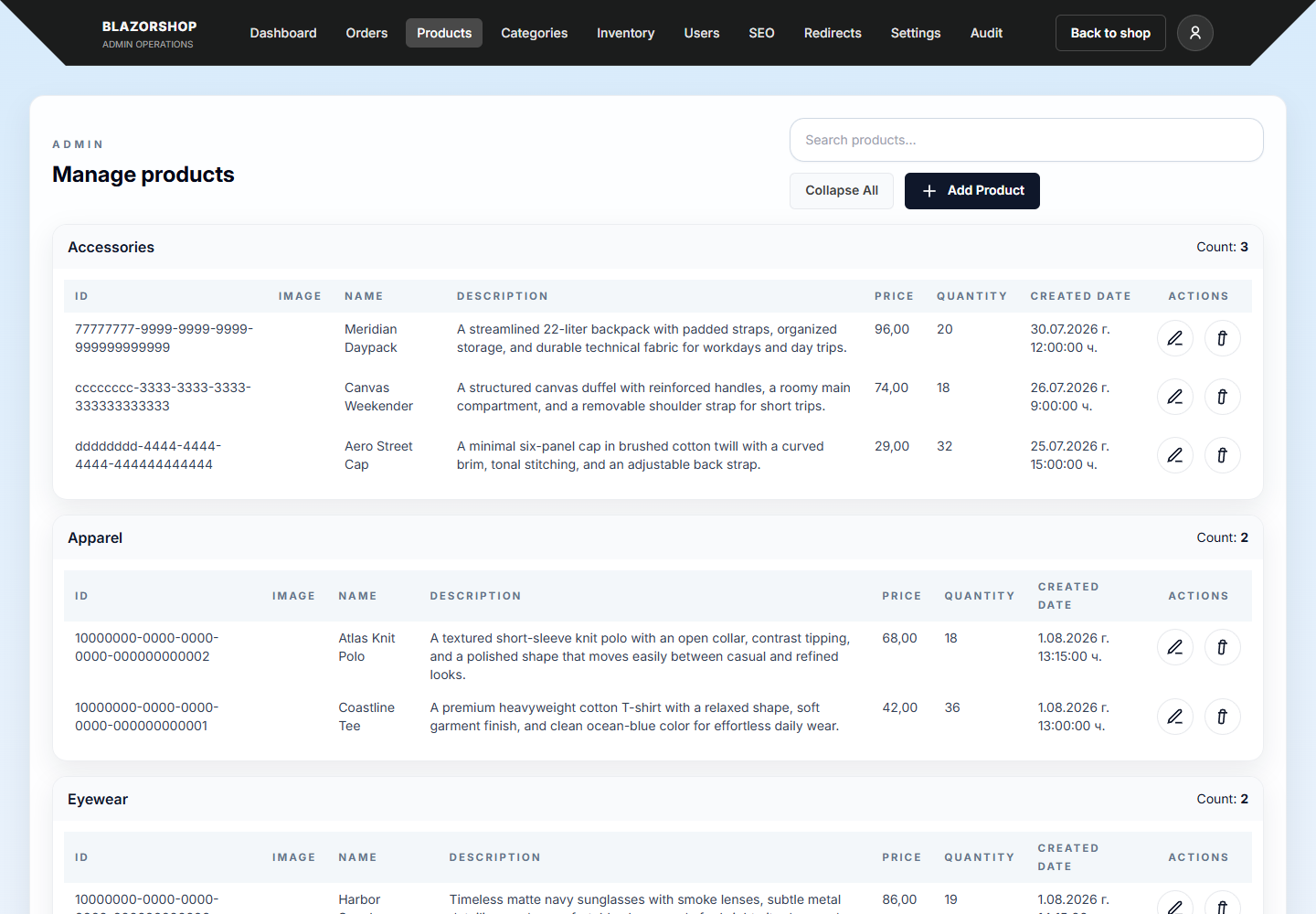 Products |
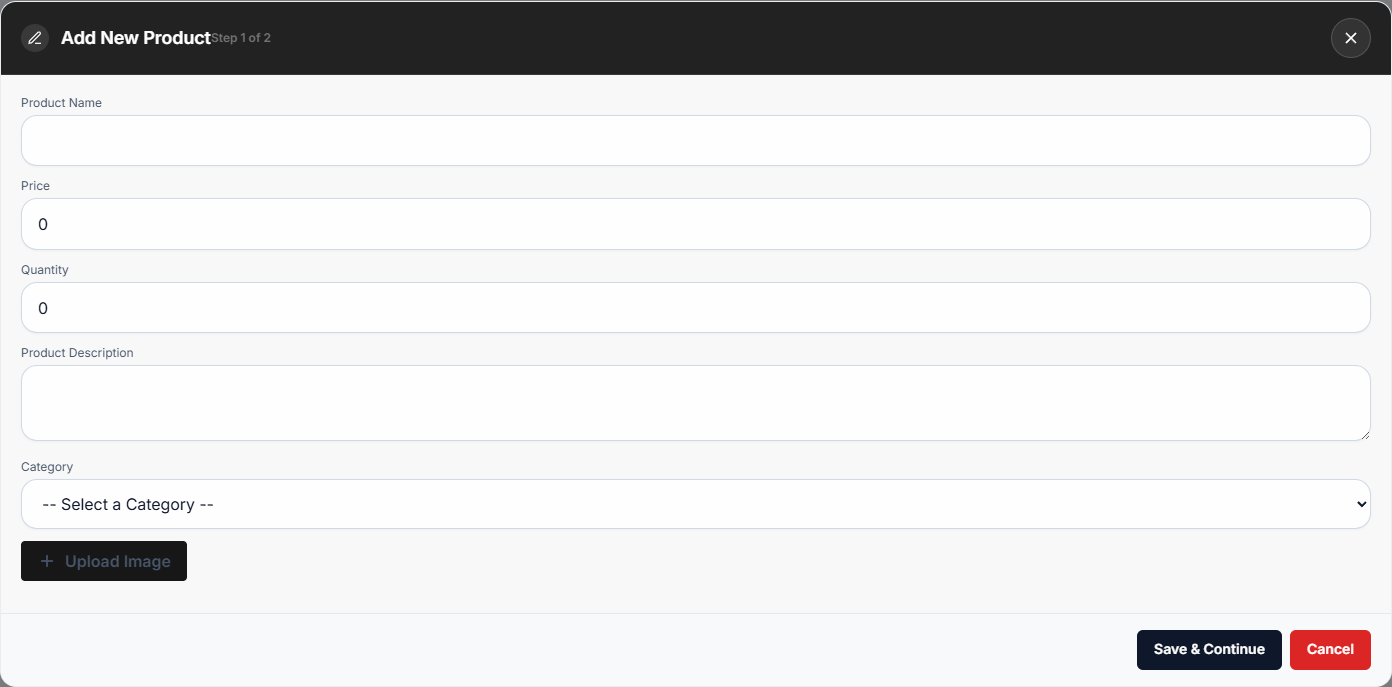 Add Product Modal |
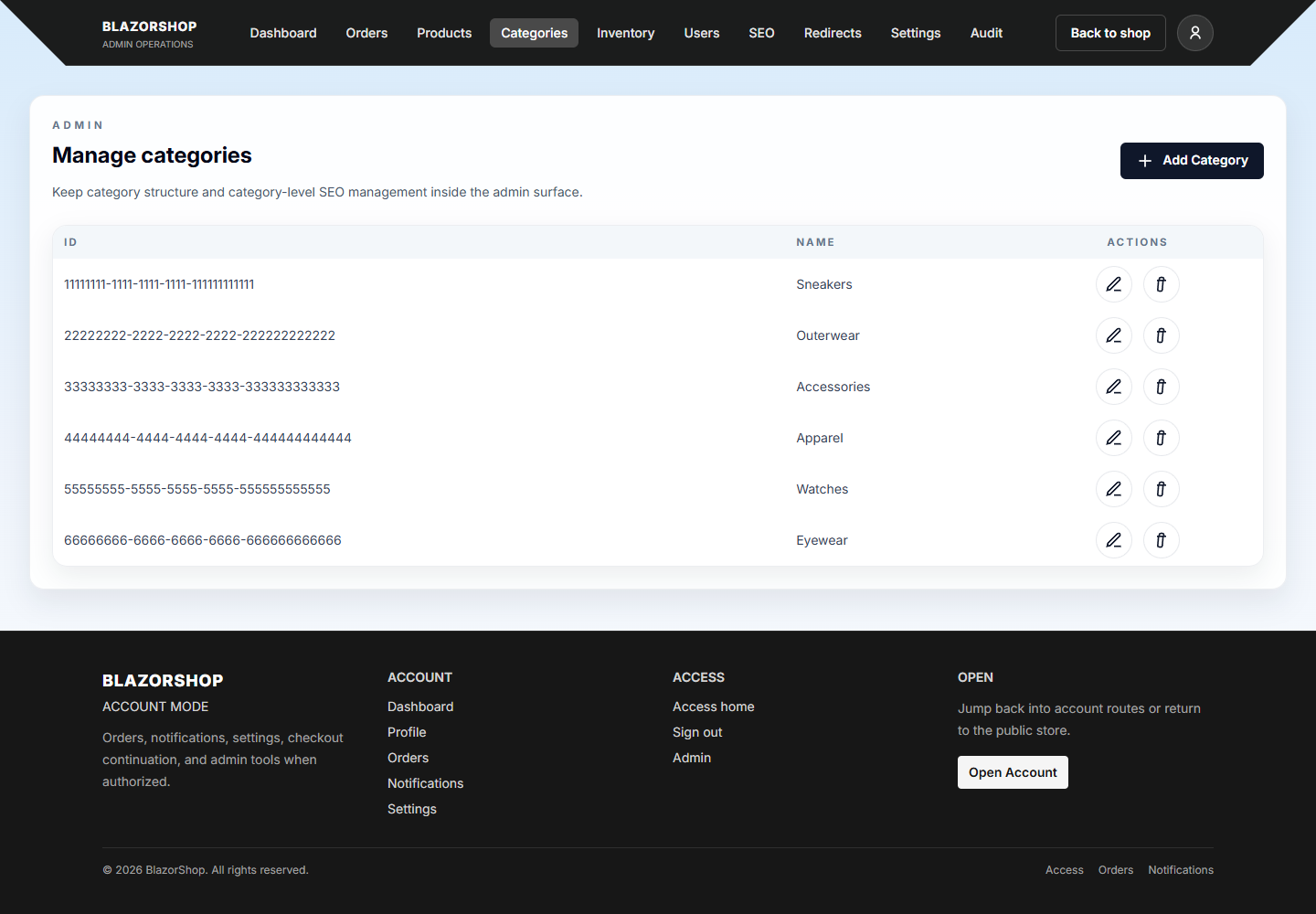 Categories |
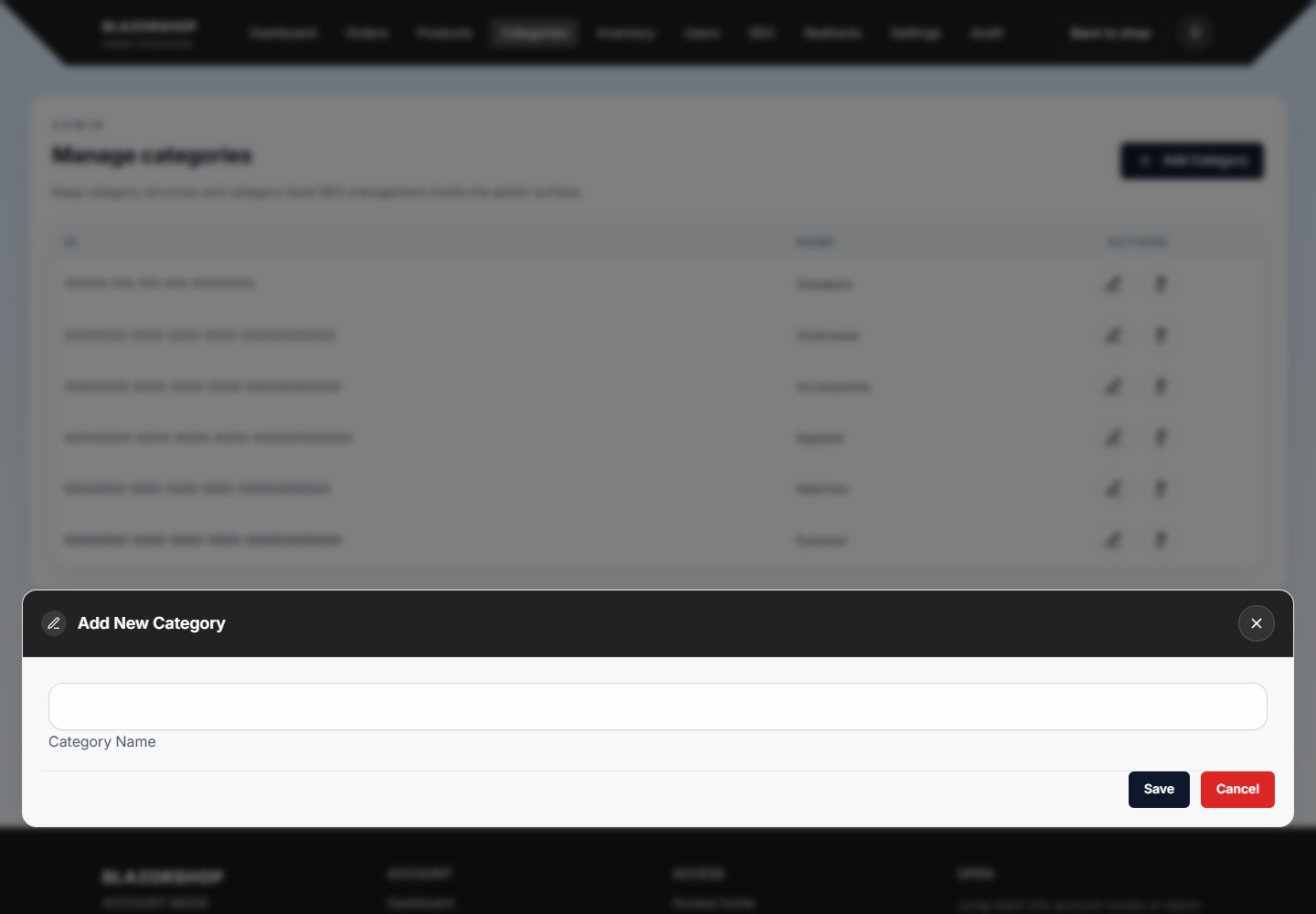 Add Category Modal |
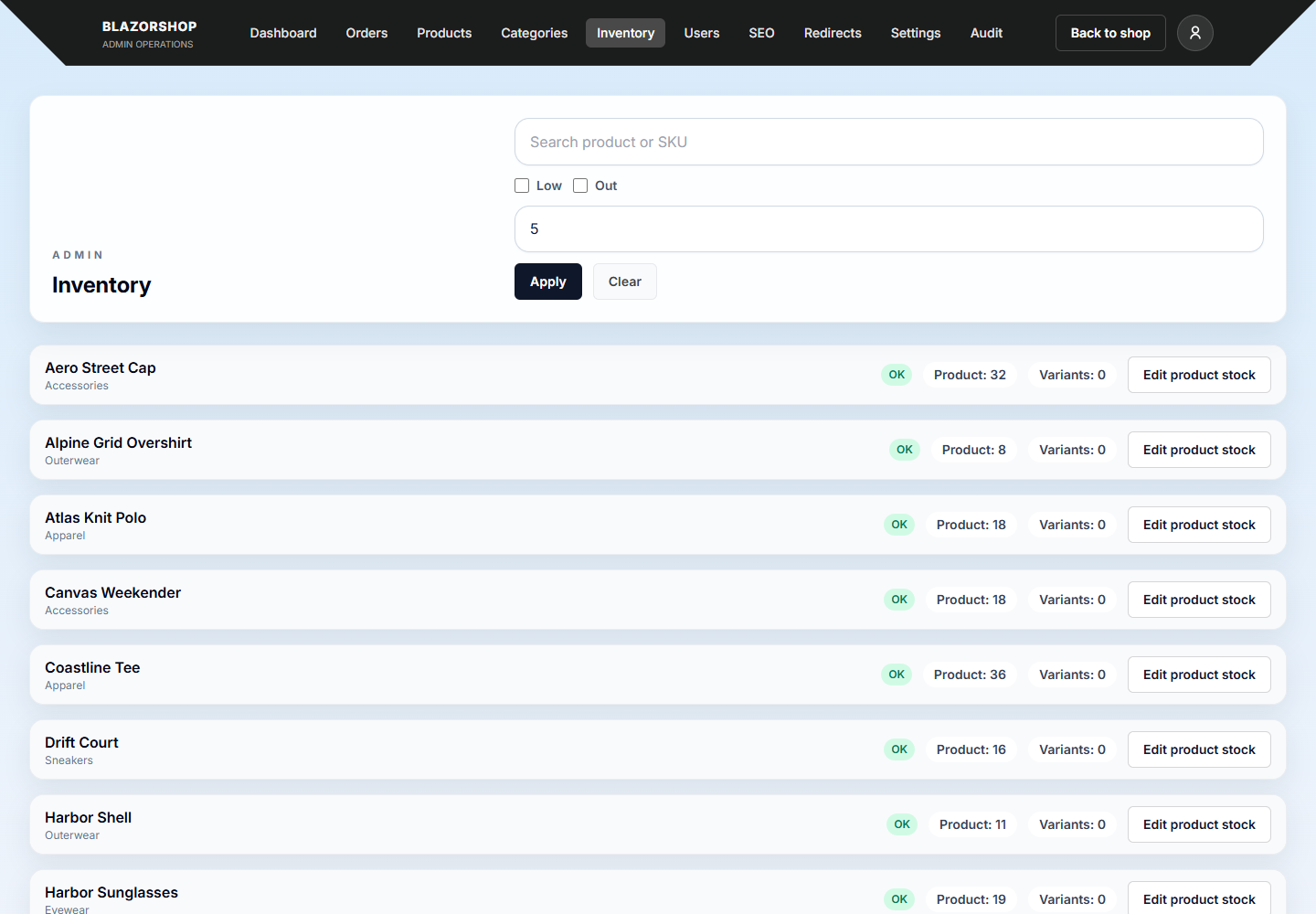 Inventory |
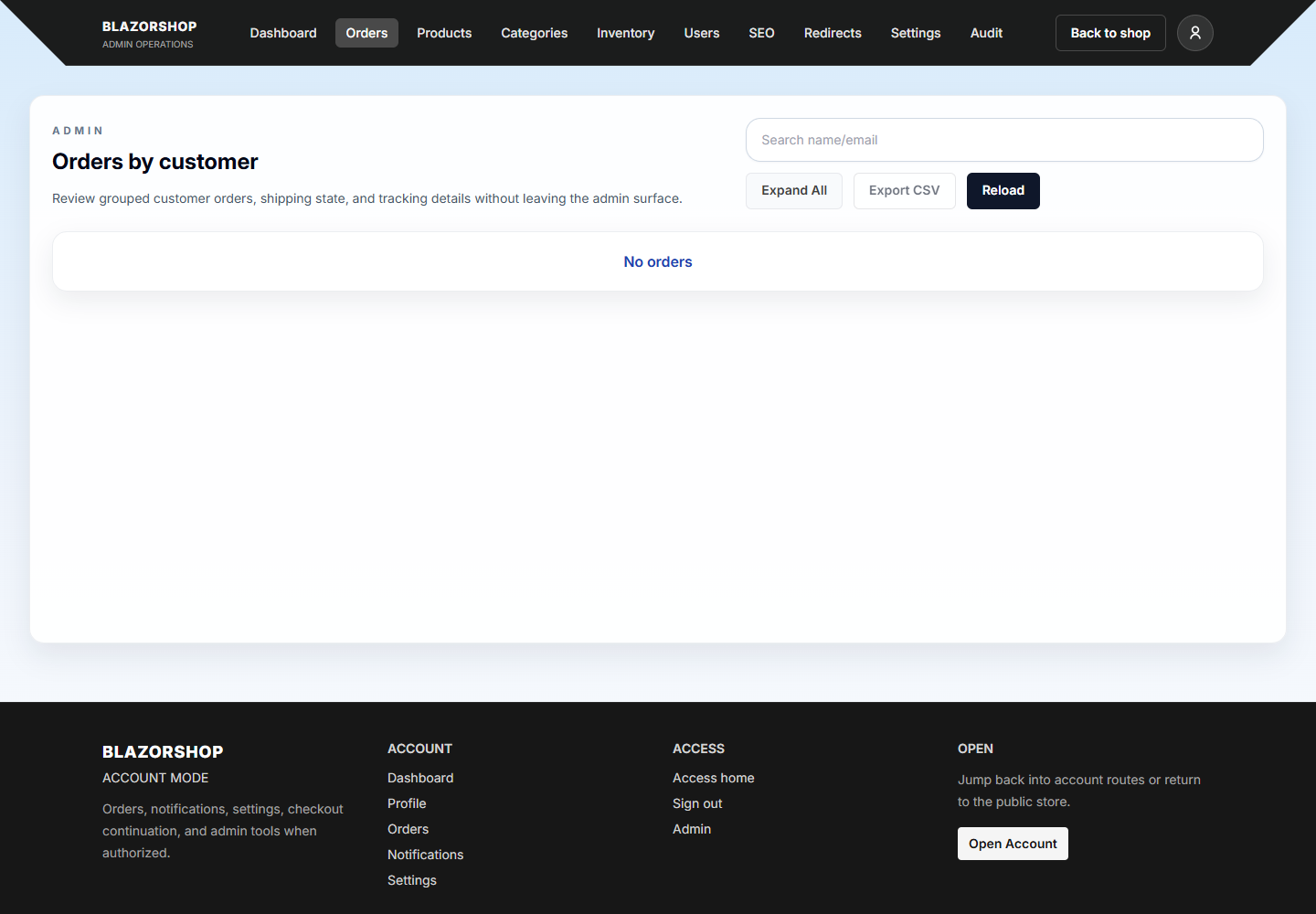 Orders |
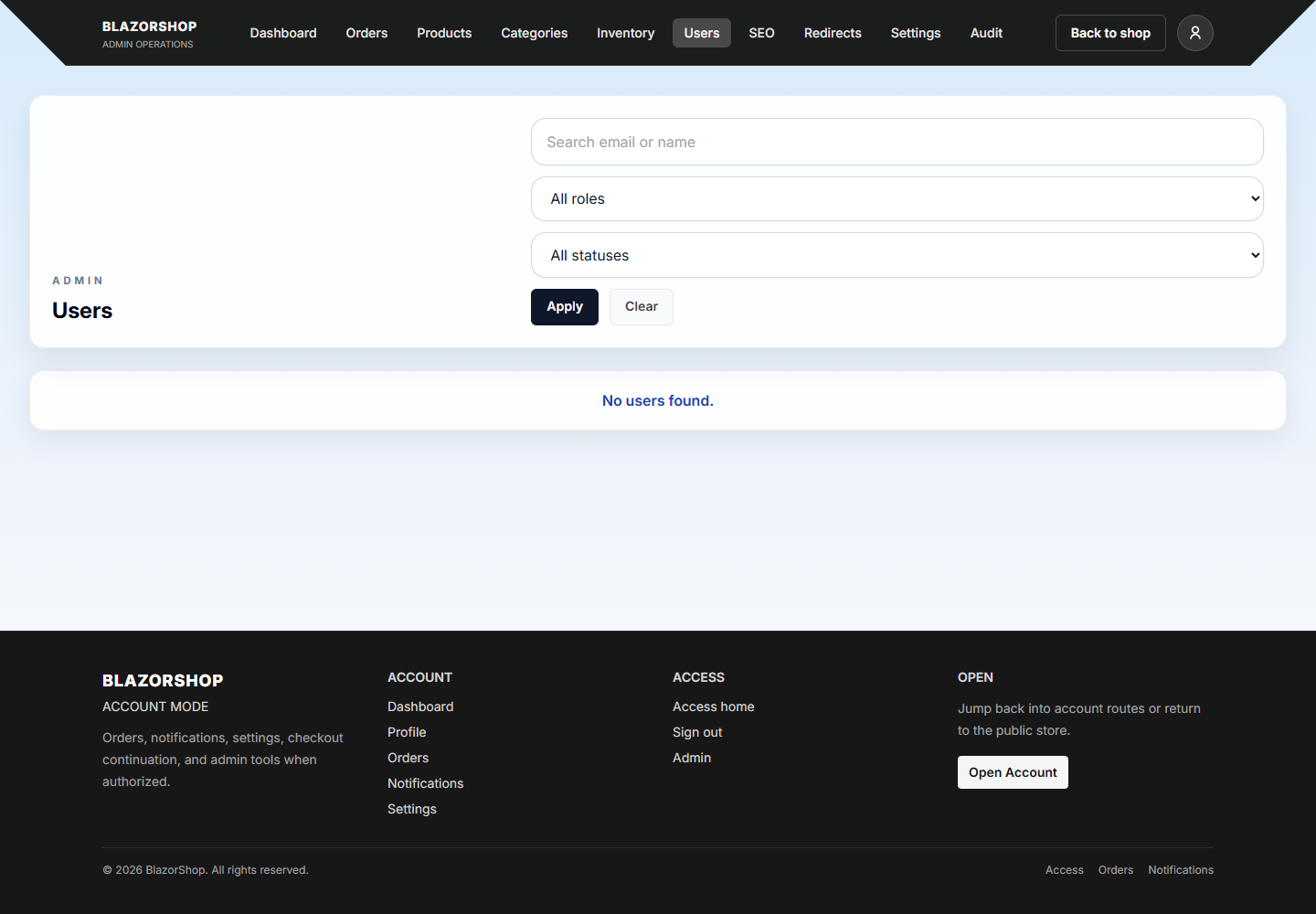 Users |
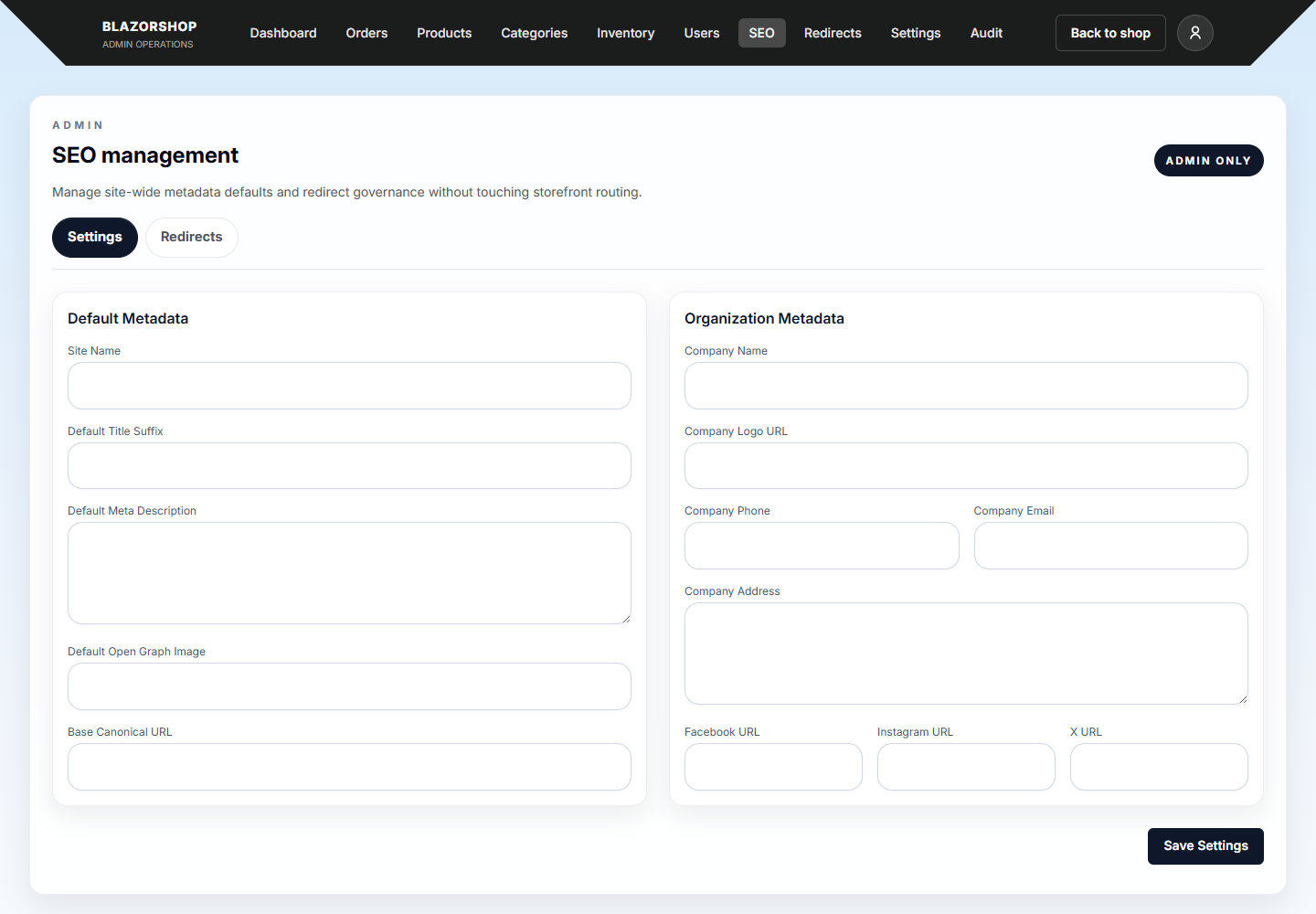 SEO |
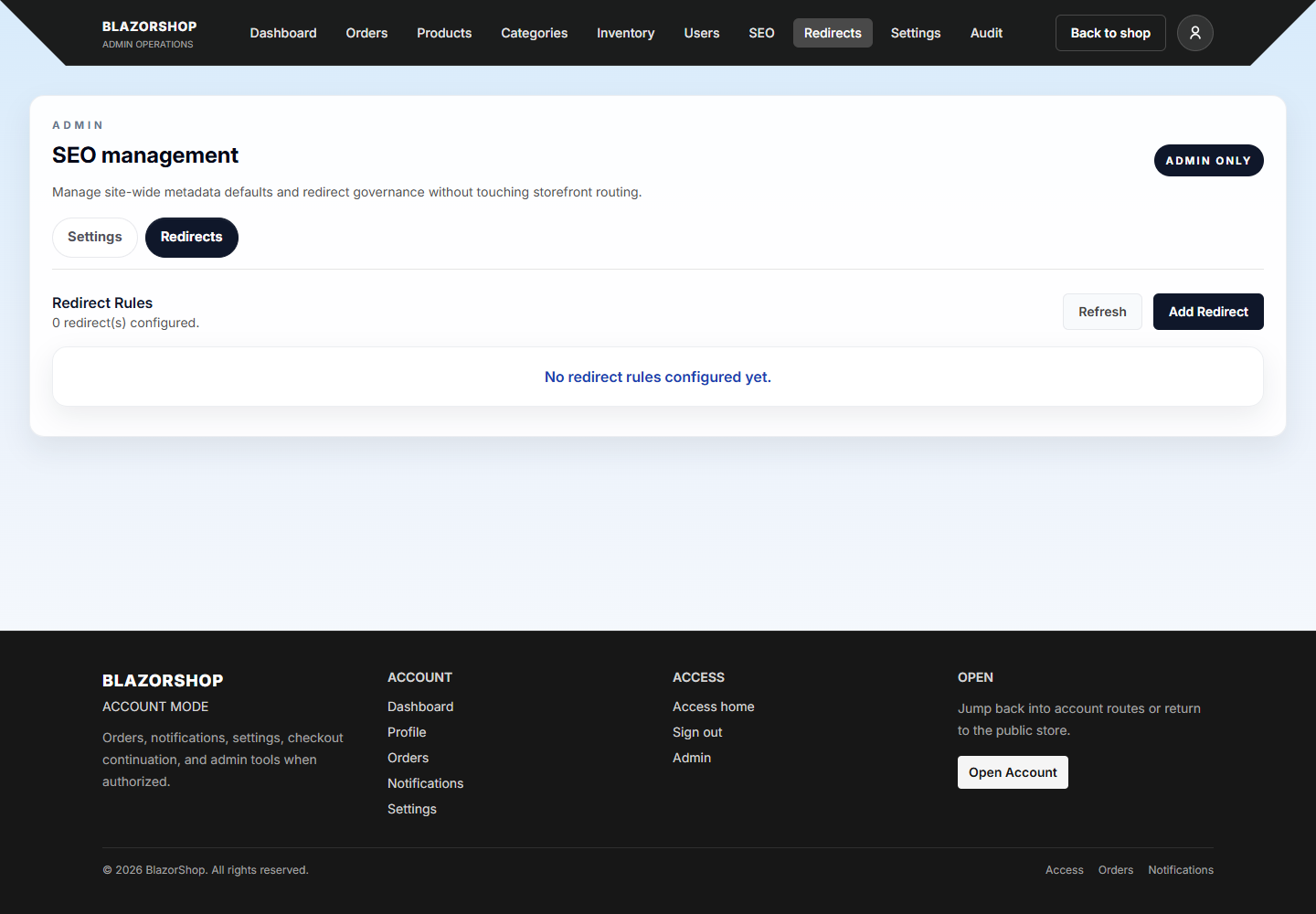 Redirects |
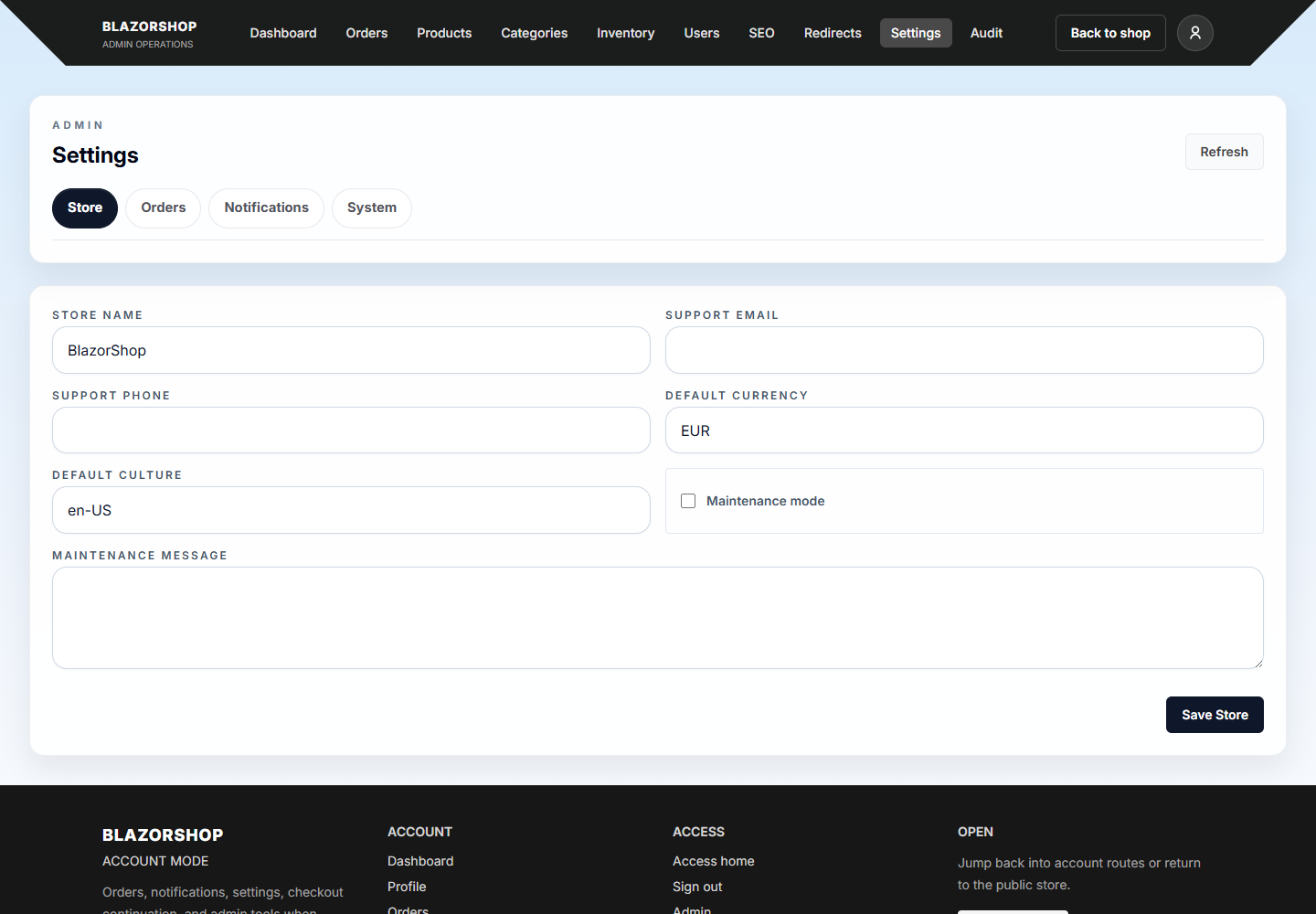 Settings |
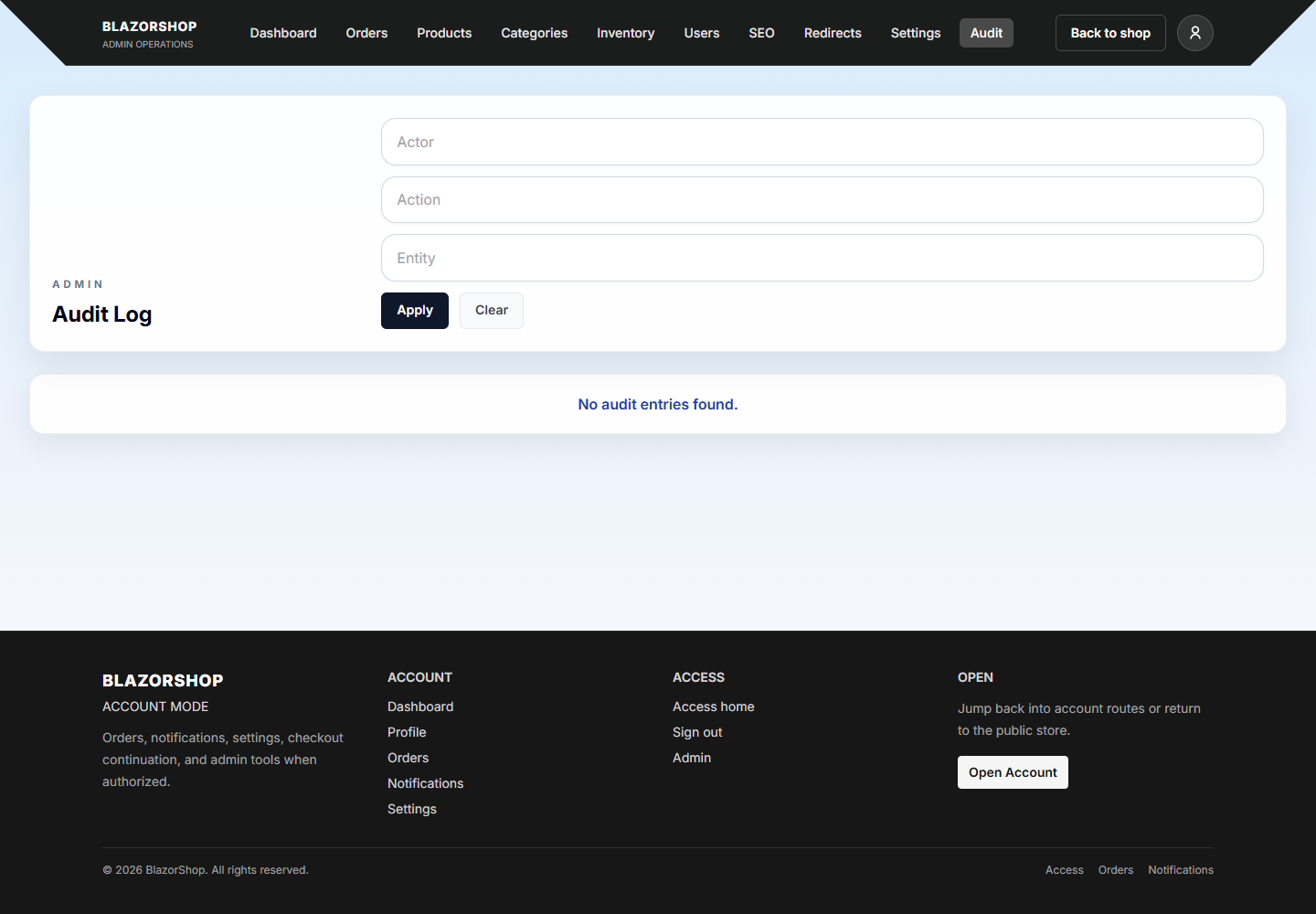 Audit |
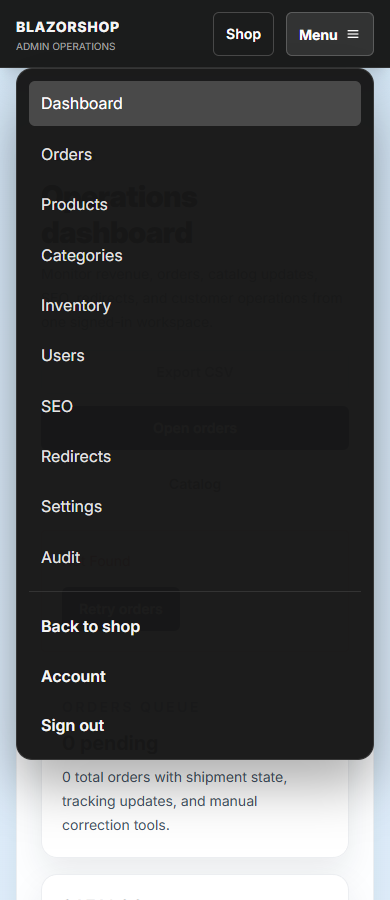 Mobile Menu |
Contributing
Fork the repository.
Create a feature branch:
git checkout -b feature/your-featureCommit your changes:
git commit -m "feat: add your feature"Push and open a Pull Request.
When contributing against an existing issue, use its acceptance criteria as the implementation scope and keep unrelated refactors out of the same PR where possible.
Demo
- Public storefront: https://shop.unrealbg.com
- Customer and admin workspace: https://account.unrealbg.com
- Customer demo:
[email protected] - Administrator demo:
[email protected] - Shared demo password:
Demo123!
Use the Customer demo or Administrator demo button on the sign-in page. Each button creates a private sandbox for that browser session. The sandbox starts with the published catalog and its own users, orders, settings, audit events, and uploads. Changes are visible in both the workspace and storefront for that session, but never reach the shared production tables.
Demo sessions use a secure cross-subdomain cookie and a session-bound JWT, expire after 30 minutes of inactivity, and are deleted immediately on sign-out. Temporary uploaded files are removed with the session. Card payments remain disabled in the public demo; the non-card checkout paths can be explored safely.
License
MIT License. See the LICENSE file for details.
Acknowledgements
- https://github.com/unrealbg – Creator and maintainer of BlazorShop.
Explore related projects
Asabeneh/30-Days-Of-Python
The 30 Days of Python programming challenge is a step-by-step guide to learn the Python programming language in 30 days. This challenge may take more than 100 days. Follow your own pace. These videos may help too: https://www.youtube.com/channel/UC7PNRuno1rzYPb1xLa4yktw
78,486 starsgrafana/grafana
The open and composable observability and data visualization platform. Visualize metrics, logs, and traces from multiple sources like Prometheus, Loki, Elasticsearch, InfluxDB, Postgres and many more.
77,790 starsredis/redis
For developers, who are building real-time data-driven applications, Redis is the preferred, fastest, and most feature-rich cache, data structure server, and document and vector query engine.
77,332 starsapache/superset
Apache Superset is a Data Visualization and Data Exploration Platform
75,455 stars