
tutors-sdk/tutors
tutors-sdk/tutors has 125 GitHub stars and 54 forks. GitHot measured 0 stars in 24 hours and 0 in 7 days. Last checked 2026-11-11 08:48 UTC. Last push 2026-07-23.
The core Tutors Reader application.
Measured star growth
- in 24h
- 0
- in 7 days
- 0
- in 15 days
- Update delayed
- in 1 month
- Update delayed
Net star changes over overlapping periods, not daily totals. Missing measurements are left blank. Stars measure attention, not software quality.
README.md
Original

Tutors: An Open Learning Web Toolkit
Table of Contents
- What is Tutors
- Getting Started
- Testing
- Requesting Features
- Reporting Bugs
- Setting Up a Tutors Development Environment
- Example Tutors Courses
- Tutors Project Repos
- Contributing
What is Tutors
Tutors is a collection of open source components and services supporting the creation of transformative learning experiences using open web standards. It consists of two key components:
Generator: transforms a folder of learning content into a Tutors course
Reader: presents a Tutors course as an intuitive, discoverable and attractive Web experience
This repo is the Tutors Reader. A companion repo:
...host the generators + support tools. These components are developed in the open by an active and friendly community, based on a simple set of values.
Getting Started
The first step might be to become familiar with the course structure by browsing a sample course, and then scan the reference manual. The manual will guide you through the process creating and publishing your own course (perhaps a copy of a sample). Thereafter you could scan the Gallery of existing courses to get an idea as to how Tutors is used in practice.
Consider setting up your own development version of tutors for experimentation.
Testing
Tutors Reader uses a comprehensive, multi-layered testing strategy to ensure contributor safety and prevent regressions.
Test Coverage
The project maintains automated tests across four layers:
- Unit Tests - Pure functions and utilities (Vitest)
- Integration Tests - Service layer with mocked dependencies (Vitest + MSW)
- Component Tests - Svelte components with user interactions (@testing-library/svelte)
- E2E Tests - Critical user journeys (Playwright)
Running Tests
# Run all unit and integration tests
npm test

# Run tests with coverage report
npm run test:unit

# Run tests in watch mode
npm run test:watch

# Run E2E tests
npm run test:e2e

# Run E2E tests in UI mode
npm run test:e2e:ui

# Run mutation testing (test quality validation)
npm run test:mutation
Test Requirements (BDD with EARS)
Tests follow the EARS (Easy Approach to Requirements Syntax) specification format:
- Event-Driven: "WHEN <trigger> the system shall <response>"
- State-Driven: "WHILE <state> the system shall <response>"
- Unwanted Behaviors: "IF <condition> THEN the system shall <response>"
Requirements are documented in tests/requirements/*.ears.md before test implementation.
Writing Tests
Tests are located alongside source files in __tests__/ directories or in the tests/ directory:
src/lib/services/course/services/
  ├── course.svelte.ts
  └── __tests__/
      └── course.test.ts

tests/
  ├── integration/
  ├── components/
  ├── e2e/
  └── requirements/
Example test structure:
import { describe, it, expect } from 'vitest';

describe('Feature: Course Loading', () => {
  describe('WHEN a user navigates to /course/{courseId}', () => {
    it('the system shall fetch tutors.json from the course URL', async () => {
      // Arrange (Given)
      const mockFetch = vi.fn().mockResolvedValue({ ok: true, json: async () => ({}) });

      // Act (When)
      await courseService.getOrLoadCourse('test-course', mockFetch);

      // Assert (Then)
      expect(mockFetch).toHaveBeenCalledWith(expect.stringContaining('/tutors.json'));
    });
  });
});
Continuous Integration
All tests run automatically on:
- Push to
mainordevelopmentbranches - Pull requests targeting
mainordevelopment
The CI pipeline includes:
- Linting and type checking
- Unit and integration tests with coverage reporting
- E2E tests across Chrome and Firefox
- Mutation testing on changed files (PRs only)
See .github/workflows/test.yml for the complete CI configuration.
Test Philosophy
BDD with EARS: Requirements are specified using the Easy Approach to Requirements Syntax before test implementation, ensuring clear acceptance criteria.
Mutation Testing: Stryker mutation testing validates test quality by introducing bugs and verifying tests catch them. Target: 80% mutation score on critical services.
Contributor Safety: Tests provide a safety net for new contributors, catching regressions before they reach production.
For more details on the testing strategy, see the comprehensive plan in .claude/plans/.
Reporting Bugs
We are delighted to get bug reports. If you encounter a bug, please open a Tutors Issue with a description of the problem. Include information about the environment where the bug occurred, steps to reproduce it, and any relevant screenshots or error messages. Label the issue 'fix'. Perhaps do a quick scan to see if the bug has been reported - if so you might comment / react to the existing error (use filtering to see only 'fix labeled issues).
Requesting Features
If you have an idea for a new feature or enhancement, feel free to open a Tutors Issue. Describe the proposed feature, its benefits, and any other relevant details. Label the new issue feature. Perhaps do a quick scan to see if the feature has already been proposed and consider commenting / reacting to the feature instead of creating a new one (use filtering to see only 'feature labeled issues).
Setting up a tutors Development Environment
Make sure you have Node 18 + installed, and start by cloning this repo:
git clone https://github.com/tutors-sdk/tutors.git
Open a shell and change into the project folder and run npm install...
cd tutors
npm install
Then copy the file .env.example to .env
Now to start the app you can run this command from the root:
npm run dev
This should launch the application:
  VITE v5.0.12  ready in 1069 ms

  ➜  Local:   http://localhost:3000/
  ➜  Network: use --host to expose
  ➜  press h + enter to show help
Now the app is up and running and you can browse to it by opening the local location in your browser.
The Tutors reader relies on a segment of the url to locate the course to display. Any of the samples below can be 'read' with an appropriate url segments appended to the local url you now have running. So for instance:
... can be loaded locally by:
(Note the port number 3000 may vary - see the launch console)
The 'source' for the above course is here:
You could try any of the other sample courses above. For example this course:
can be opened by this local reader like this:
Tutors Project Repos
There are 4 key tutors repos:
- Tutors: The course reader application. This is a SvelteKit application, written in TypeScript with a user experience implemented using Tailwind & Skeleton.
- Tutors Apps: A monorepo encapsulating the generators, tests + support tools and applications. It is written in TypeScript.
- Tutors Reference Manual: The manual is itself a tutors course, and is largely written in Markdown.
- Tutors Reference Course: A Tutors course to included all tutors learning objects and structures.
Example Tutors Courses
The reference course might be a place to start:
You can clone and rebuild this course following these instructions.
This is an example of an open source course:
This is a selected Course Gallery:
Some courses of interest:
- Higher Diploma in Computer Science Portal
- Full Stack Development
- Data Analytics
- Reference Course
- Higher Diploma in Computer Science at SETU: 2020-2022
- Classic Design Patterns
- Agile Software Development
- Technologische Fähigkeiten
Note: Some courses will request you authenticate via github for access.
Contributing
We welcome feature requests & bug reports! If you would like to try your hand at tackling an issue - your own or one off the shelf, then here is how it might work:
- Fork the tutors repository
- Set up a local build
- Create a new branch for your selected issue (feature or fix).
- Make your changes, and verify that feature behaves as expected in your local build
- Commit your changes, perhpas consider following these guideline for commit messages
- Push your changes to your fork
- Submit a pull request to tutors.
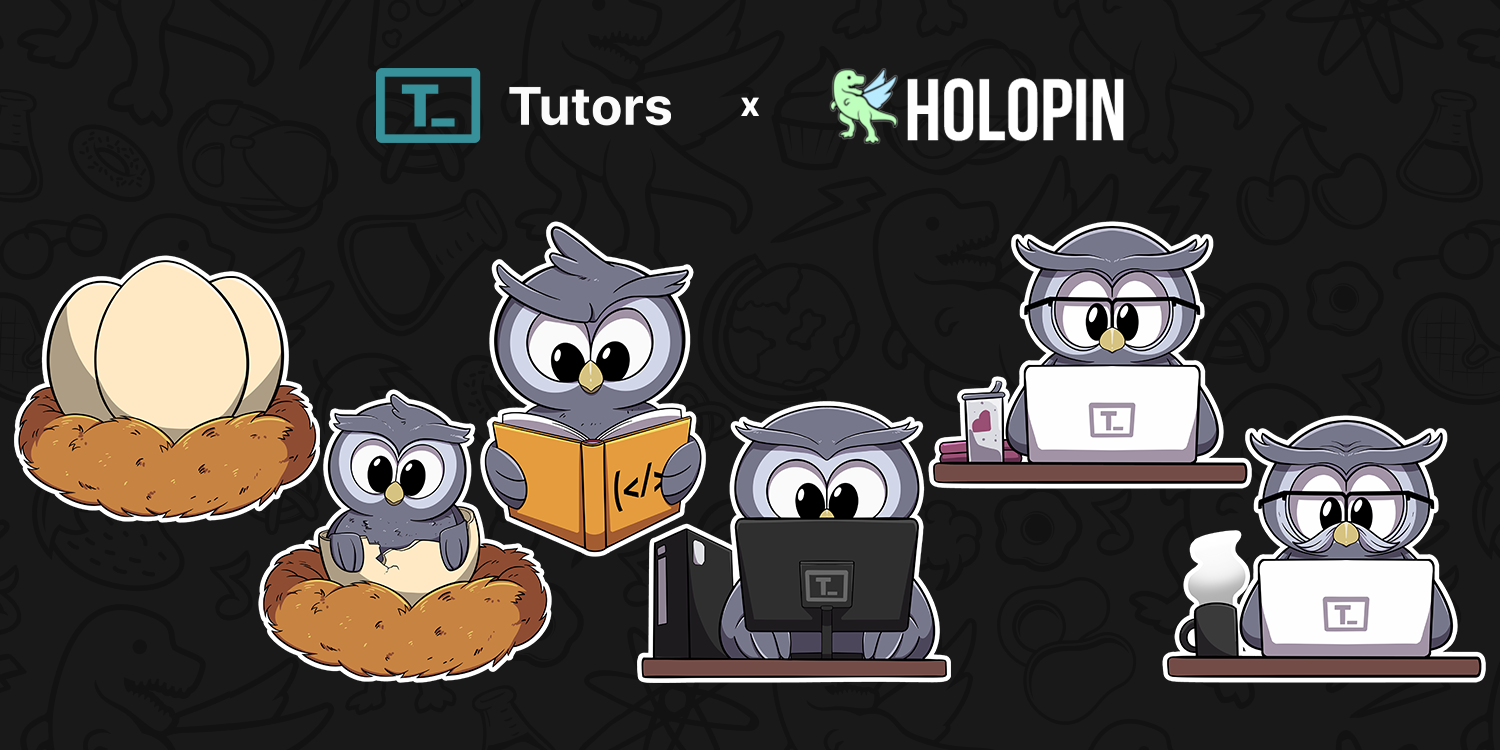
All contributors are eligible to earn a Holopin - a digital badge that represents your contributions to the project. These badges evolve the more contributions you make to the project!
Every time you open a PR that is accepted, you will be assigned holobytes. Collect these holobytes to see your owl evolve!
Use the following in package json when debugging:
  // deployed
    "@tutors/tutors-model-lib": "npm:@jsr/tutors__tutors-model-lib@^4.2.1",
  // debug - replace with correct absolute path
    "@tutors/tutors-model-lib": "file:../tutors-apps/cli/tutors-model-lib"
License

Explore related projects
sindresorhus/awesome
😎 Awesome lists about all kinds of interesting topics [NOTE: Pull requests are temporarily disabled until I have a chance to catch up with the existing ones]
535,595 starsEbookFoundation/free-programming-books
:books: Freely available programming books
401,469 starsnilbuild/developer-roadmap
Interactive roadmaps, guides and other educational content to help developers grow in their careers.
371,877 starsvinta/awesome-python
The definitive list that answers "I want to do X in Python, which tool should I use?"
334,190 stars