
tonyqinatcmu/SlideBot-AI
tonyqinatcmu/SlideBot-AI has 1,216 GitHub stars and 223 forks. GitHot measured +2 in 7 days. Last checked 2026-11-10 21:25 UTC. Last push 2026-01-31.
🎨 SlideBot AI - AI-Powered Presentation Generator
Measured star growth
- in 24h
- Update delayed
- in 7 days
- +2
- in 15 days
- Collecting history
- in 1 month
- Collecting history
Net star changes over overlapping periods, not daily totals. Missing measurements are left blank. Stars measure attention, not software quality.
README_EN.md
Original
SlideBot AI 2.0
AI-Powered Presentation Generator
Formerly known as: SlideFlow AI (screenshots and videos may show the old name)
🏢 Battle-tested in real business scenarios, refined with enterprise user feedback
Enter your topic, outline or materials, AI creates professional slides


🚀 Live Demo
We have deployed an online demo version for you to try!
🔗 Demo URL: http://223.6.255.214/ [Mainland China] 🔗 Demo URL: http://47.77.231.44/ [International]
📮 Need an invite code? Please contact the author!
✨ What's New in 2.0
🆕 📄 Reference Document Upload - Upload project reports, data analysis, meeting notes, etc. AI automatically extracts key points
🆕 📊 Chart/Material Embedding - Upload Excel tables or screenshots, AI directly embeds them into corresponding pages
🆕 💬 Material Description - Add descriptions to each material for more precise AI understanding
🔄 January 30, 2025 Update
🗜️ Image Compression Optimization - Generated PPT images automatically compressed to JPEG format (85% quality), reducing file size by over 60% for faster frontend loading
🔄 January 29, 2025 Update
🎉 Completion Notification - Pop-up dialog after PPT generation completes, quick access to ZIP/PDF download or fine-tuning mode
⏳ Upload Loading Optimization - Loading animation during material upload, dialog cannot be closed until upload completes to prevent accidental operations
🔄 Regeneration Animation - Overlay animation when regenerating single page, clearly showing current status
📁 File Format Validation - Template and Logo uploads now validate file formats, only PNG/JPG/WebP/GIF supported, EMF/SVG vector formats not supported
💡 Format Hints Optimization - Upload areas display clear format instructions to prevent users from uploading unsupported file types
🔄 January 28, 2025 Update
📝 Per-Page Theme Setting - After selecting page count, set individual themes for each page for more precise AI outline generation
✏️ Outline Preview Editing - After outline generation, edit titles and content directly in the right preview panel, click "Apply Edits" to sync
🎯 Image Fine-tuning Mode - Click on generated pages to enter fine-tuning mode, only modify specified parts while keeping other elements unchanged
🔢 Page Number Control - Option to hide page numbers in Advanced Settings → Layout Settings
✨ Highlights
🚀 One-Click Generation - Input your topic or ideas, AI automatically generates complete PPT from outline to design
🎙️ Voice Transcription - Upload meeting recordings, AI transcribes and organizes into structured presentations
📄 Document Understanding - Upload PDF/Word/PPT/Excel documents, AI automatically extracts key information
📊 Material Embedding - Upload charts, screenshots, data tables for specific pages, AI directly embeds them into PPT
🎨 Multiple Styles - Built-in presets like Business Minimal and Tech Cool, with full customization support
🖼️ AI Image Generation - Powered by Google Gemini model, generating professional visuals for each slide
📝 Real-time Collaboration - Interactive editing of outlines and designs, AI understands your feedback instantly
🎯 Precise Control - Custom colors, fonts, page count, and logos to meet enterprise VI requirements
📸 Screenshots
Overview Introduction
Login Page
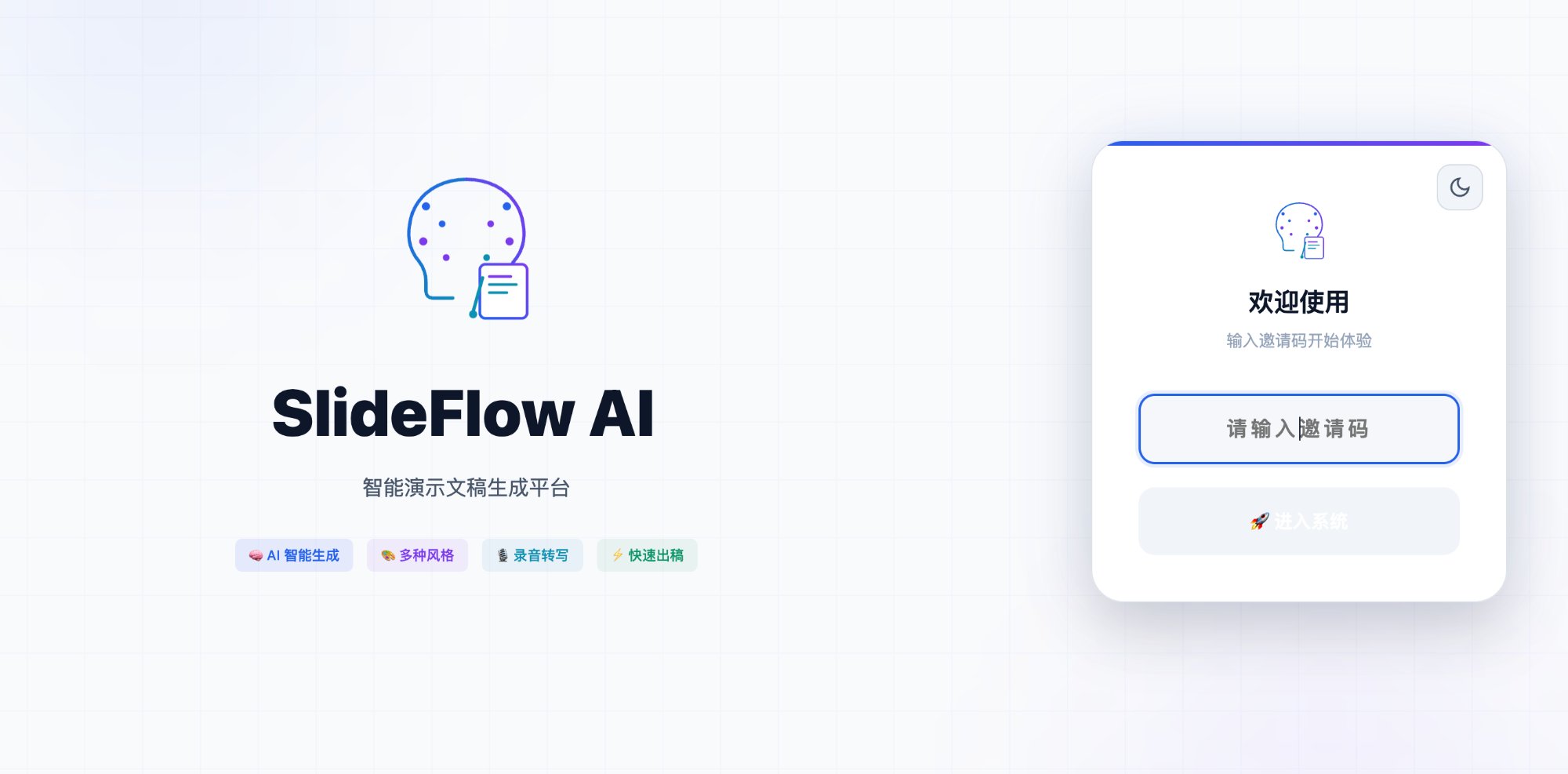
Clean and elegant login interface with invite code verification
Workbench
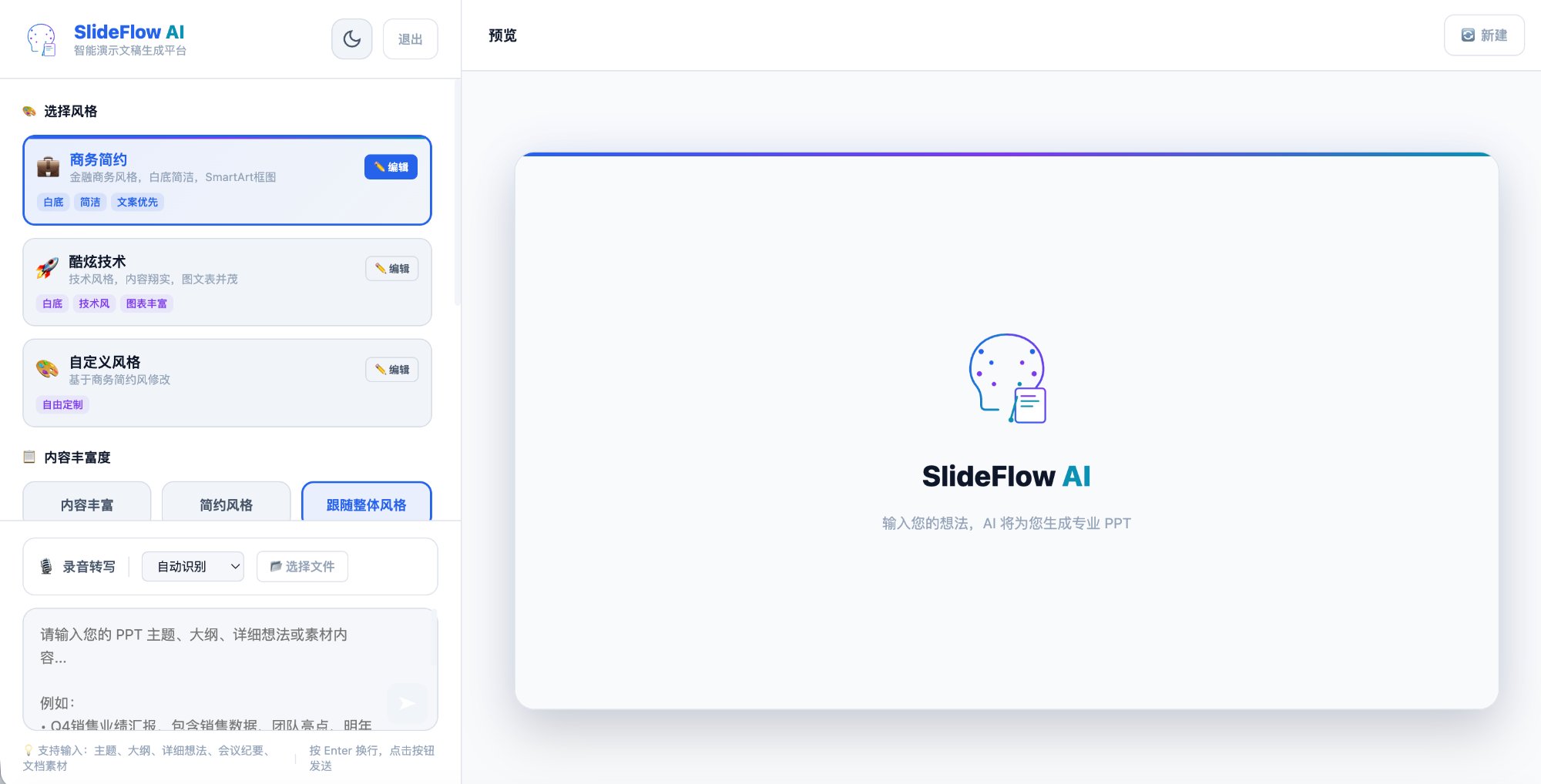
Feature-rich workbench: style selection, content richness adjustment, voice transcription
Generation Process
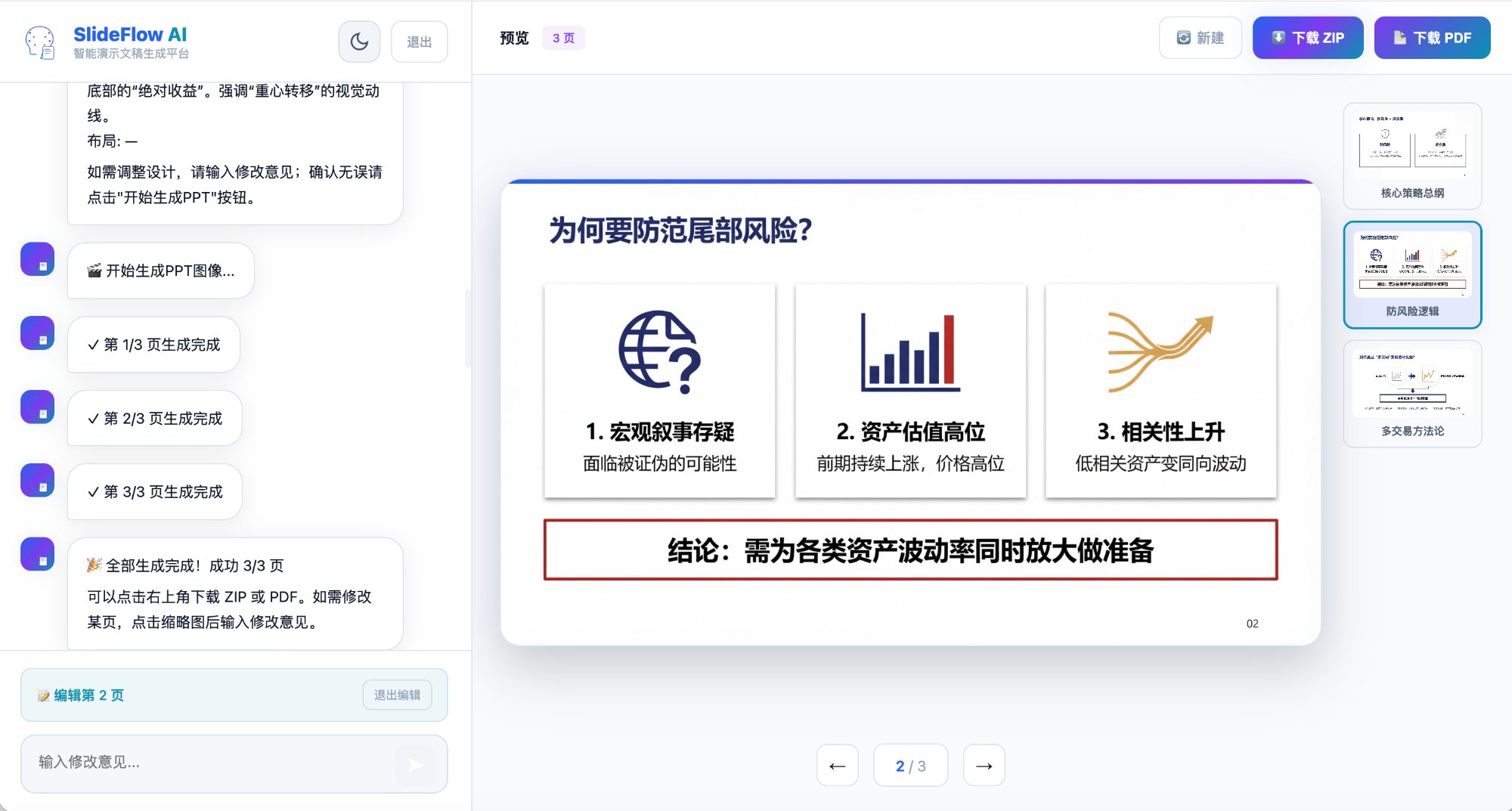
Real-time progress display with page-by-page preview and editing
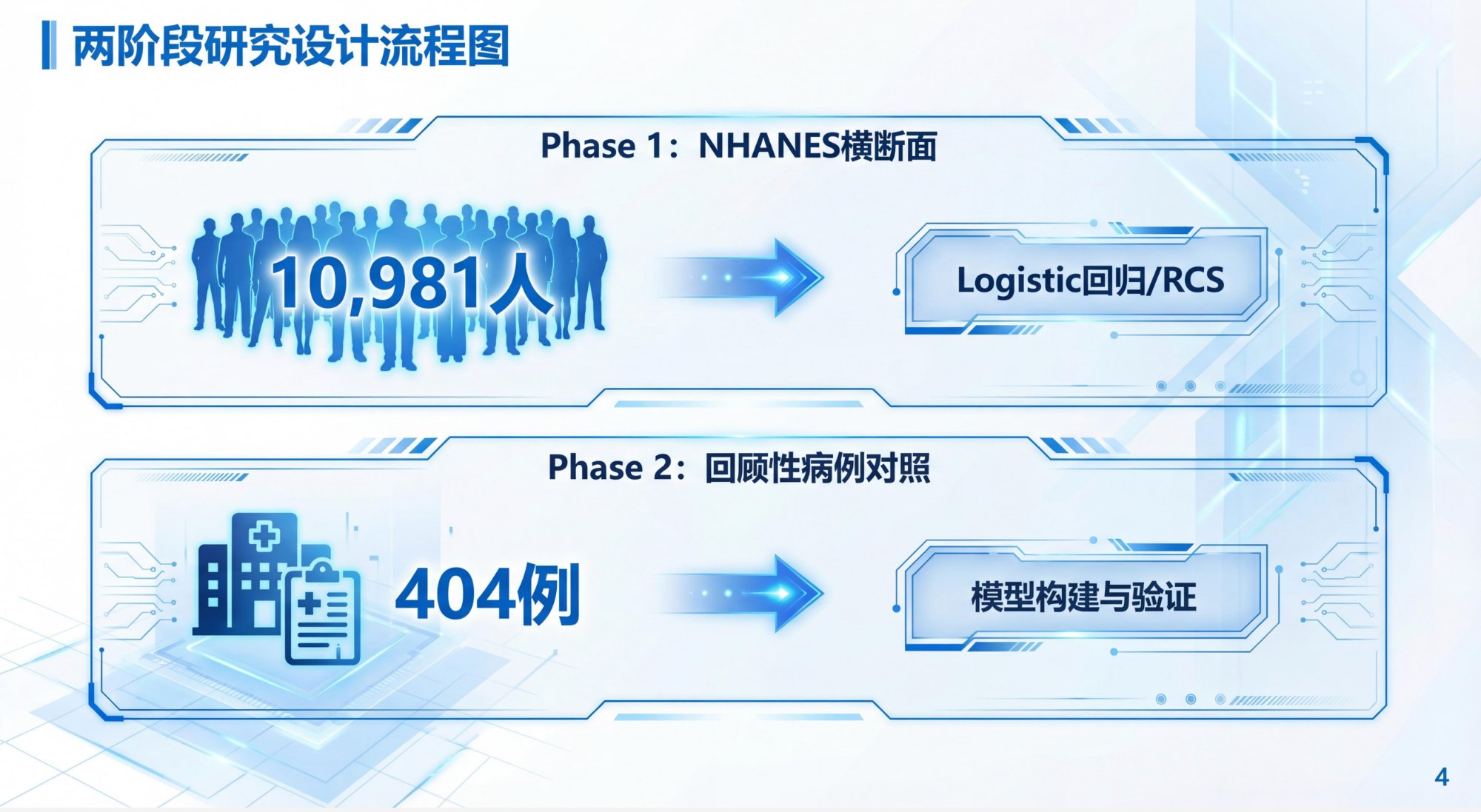
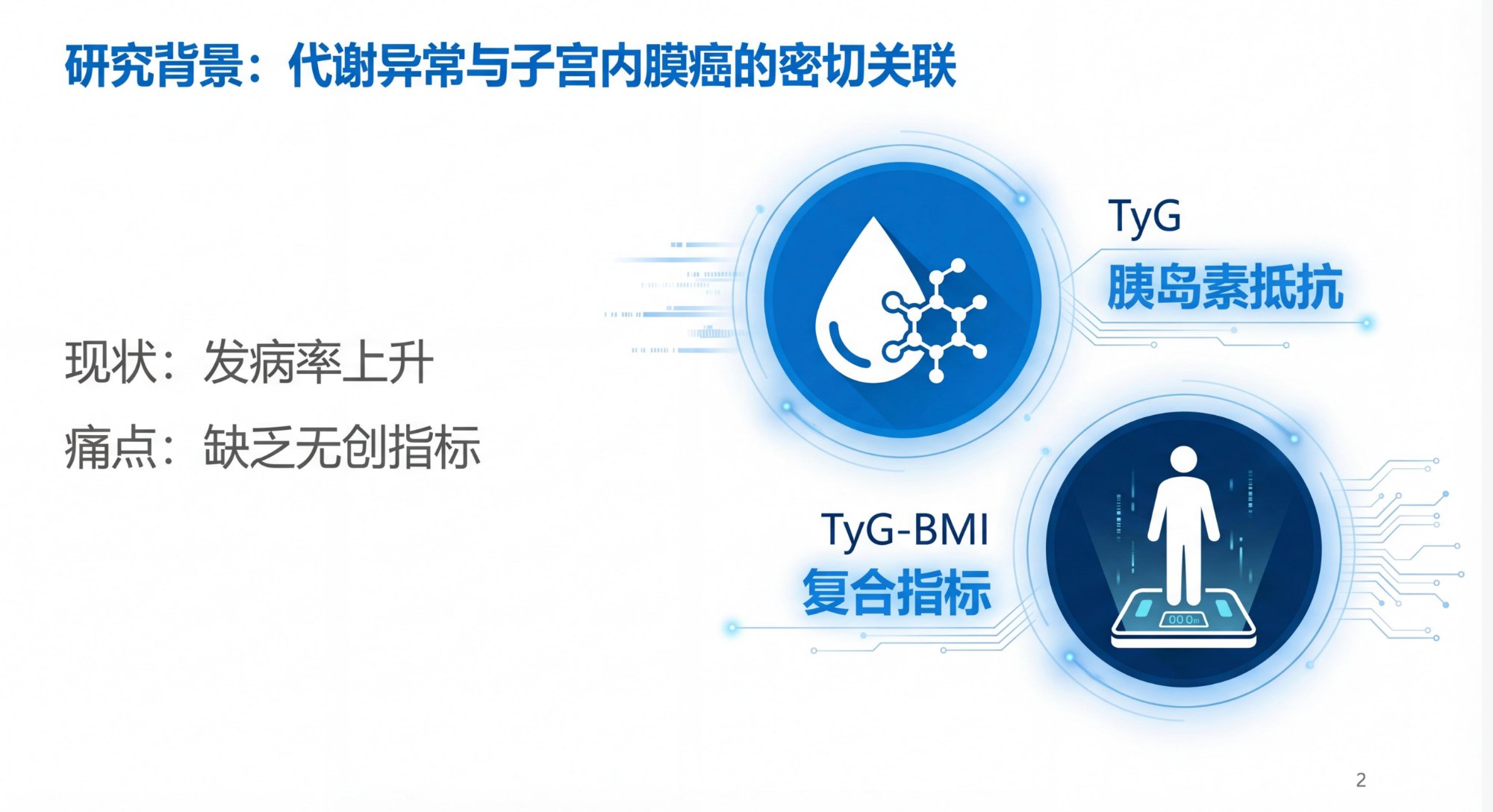
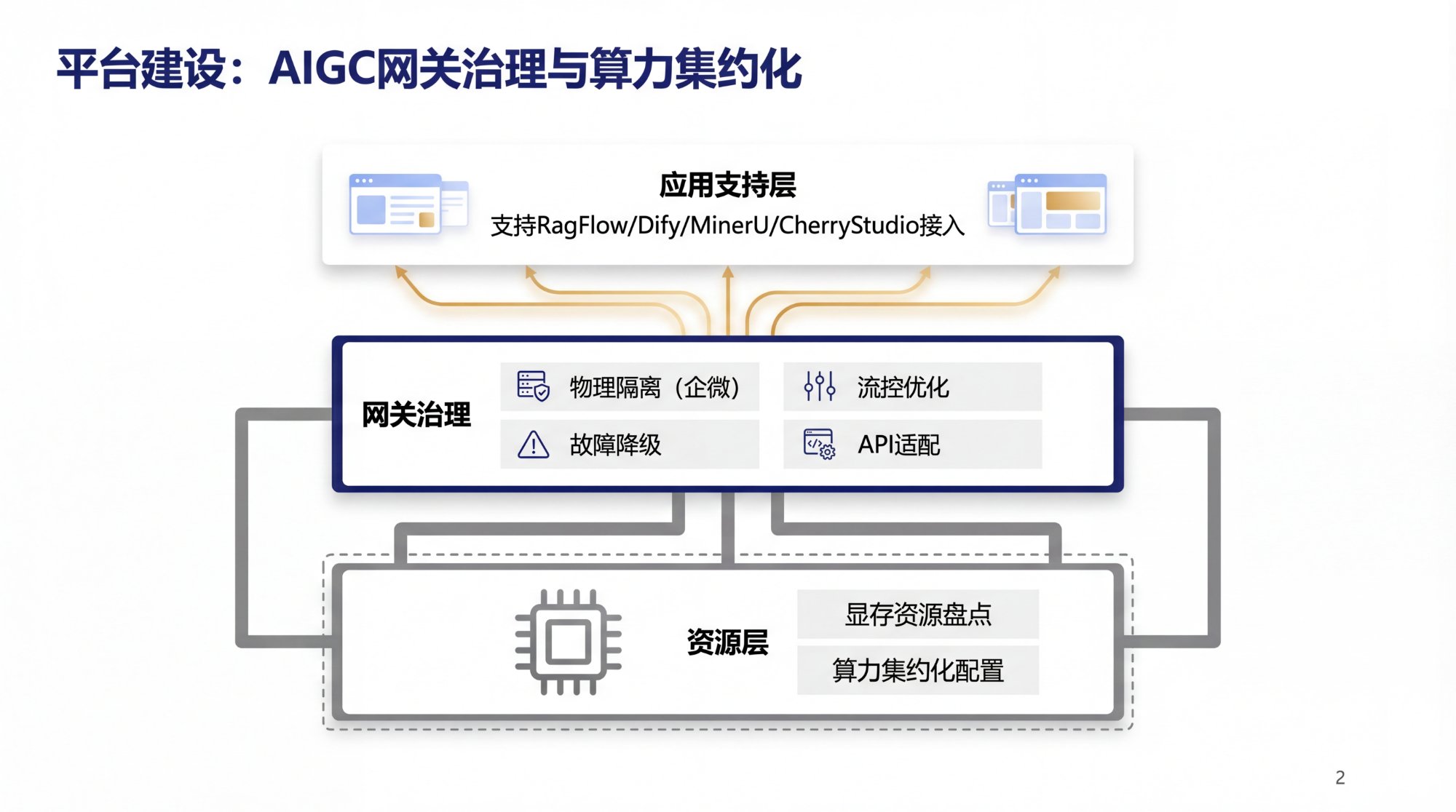
Design Results
| Research Flowchart | Background Analysis |
|---|---|
 |
 |
| Architecture Diagram | Business Analysis |
|---|---|
 |
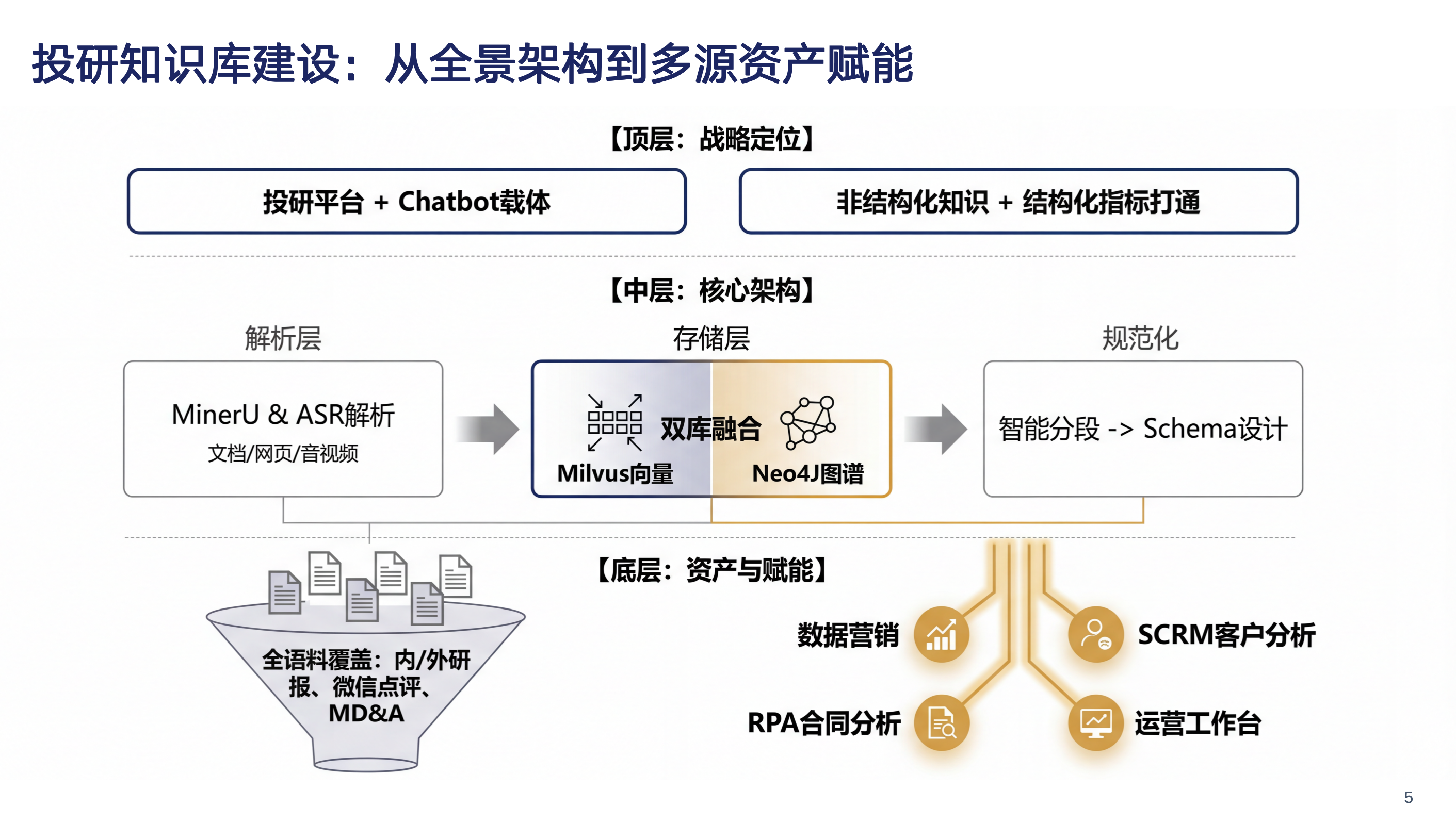 |
Professional PPT pages generated by AI, supporting multiple styles and layouts
📊 Table Data Embedding
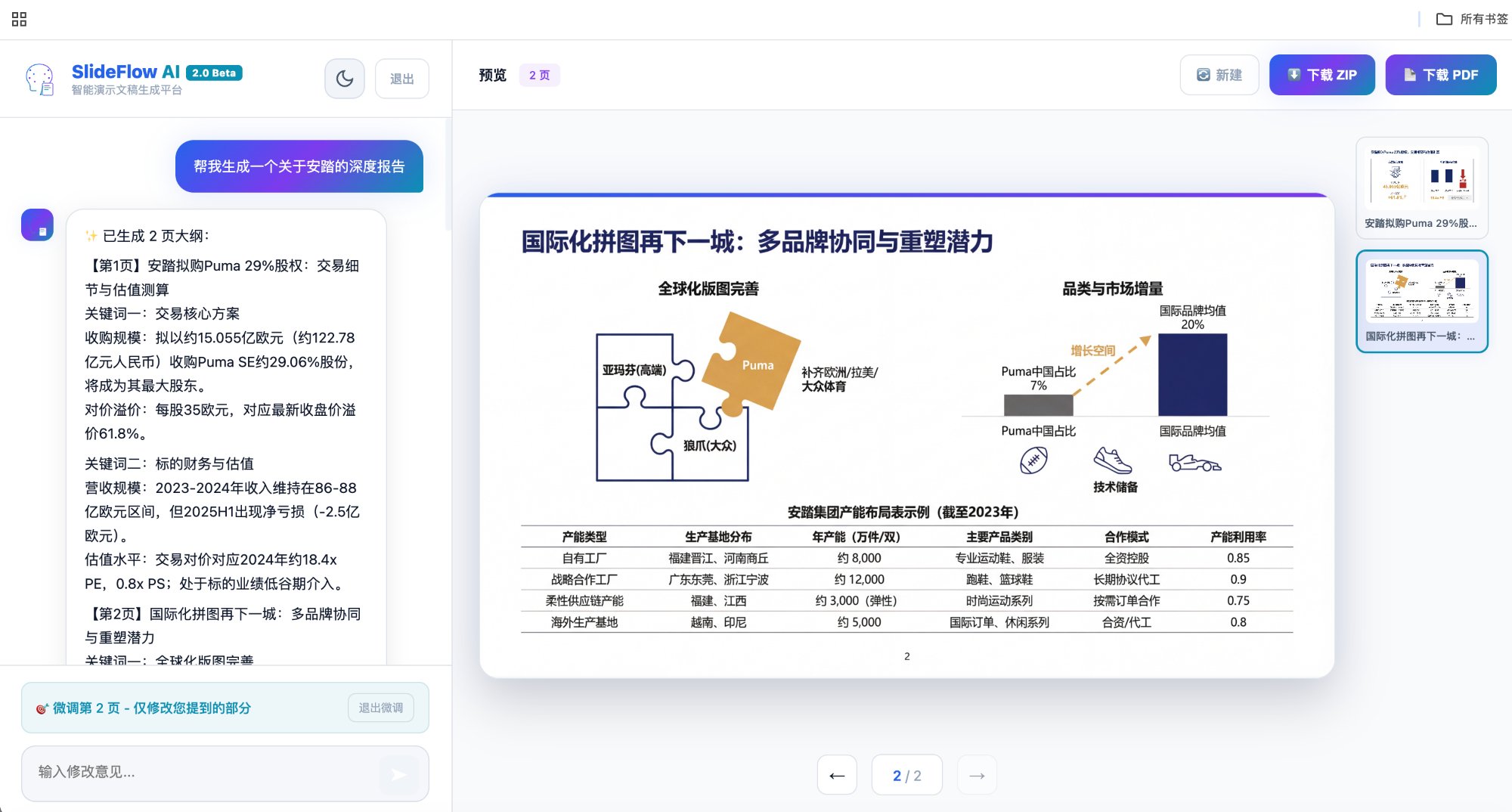
Upload Excel spreadsheet data, AI automatically understands and embeds it into PPT pages with professional data visualization
🎬 Complete Workflow
The Complete Journey from Idea to PPT
┌─────────────────────────────────────────────────────────────────┐
│  Step 1: 📝 Enter Your Idea                                     │
│  ─────────────────────────────────────────────────────────────  │
│  "Create a PPT about 2026 AI trends for investors,              │
│   data-driven, around 10 pages"                                 │
│                                                                  │
│  💡 Upload meeting recordings for AI transcription               │
│  📄 Upload reference docs (PDF/Word/PPT/Excel), AI extracts key points │
└─────────────────────────────────────────────────────────────────┘
                                 ↓
┌─────────────────────────────────────────────────────────────────┐
│  Step 2: 🎨 Choose Style & Configure Parameters                 │
│  ─────────────────────────────────────────────────────────────  │
│  • Style Presets: Business Minimal / Tech Cool / Custom         │
│  • Content Density: Rich Content / Minimalist / Follow Style    │
│  • Page Control: Auto or specify 1-20 pages                     │
│  • Advanced: Color Scheme / Fonts / Logo / Template             │
└─────────────────────────────────────────────────────────────────┘
                                 ↓
┌─────────────────────────────────────────────────────────────────┐
│  Step 3: 📋 AI Generates Outline (Editable)                     │
│  ─────────────────────────────────────────────────────────────  │
│  Page 1: Cover - 2026 AI Trends Outlook                         │
│  Page 2: Market Size - Trillion-Dollar Opportunity              │
│  Page 3: Tech Breakthroughs - Multimodal & Agents               │
│  ...                                                             │
│                                                                  │
│  ✏️ Not satisfied? Tell AI your feedback for instant adjustment │
│  📊 Upload chart materials (images/Excel/pasted tables) for specific pages, auto-embedded during generation │
└─────────────────────────────────────────────────────────────────┘
                                 ↓
┌─────────────────────────────────────────────────────────────────┐
│  Step 4: 🎯 AI Generates Design Plan (Editable)                 │
│  ─────────────────────────────────────────────────────────────  │
│  Detailed design concepts and visual plans for each page:       │
│  • Page layout structure                                        │
│  • Color application guidelines                                 │
│  • Chart/graphic recommendations                                │
│                                                                  │
│  ✏️ Not satisfied? Keep chatting to refine until perfect        │
└─────────────────────────────────────────────────────────────────┘
                                 ↓
┌─────────────────────────────────────────────────────────────────┐
│  Step 5: 🖼️ AI Generates PPT Images Page by Page               │
│  ─────────────────────────────────────────────────────────────  │
│  🎨 Generating page 3/10...                                     │
│  ████████████████░░░░░░░░░░░░ 50%                               │
│                                                                  │
│  📊 Uploaded materials are auto-embedded into corresponding pages │
│  ✏️ Single page not right? Click thumbnail and provide feedback │
└─────────────────────────────────────────────────────────────────┘
                                 ↓
┌─────────────────────────────────────────────────────────────────┐
│  Step 6: 📥 Download Your Creation                              │
│  ─────────────────────────────────────────────────────────────  │
│  • ZIP download (all images)                                    │
│  • One-click PDF export                                         │
│  • Use WPS [PDF to PPT] tool for further editing                │
└─────────────────────────────────────────────────────────────────┘
🛠️ Architecture
┌─────────────────────────────────────────────────────────────────┐
│                        Frontend                              │
│  React 18 + Responsive Design + Dark/Light Theme             │
└─────────────────────────────────────────────────────────────────┘
                              │
                              ▼
┌─────────────────────────────────────────────────────────────────┐
│                        Backend                               │
│  FastAPI + Python 3.10+ + Async Architecture                 │
└─────────────────────────────────────────────────────────────────┘
                              │
                              ▼
┌─────────────────────────────────────────────────────────────────┐
│                      AI Services                             │
│  Google Gemini (Text Generation + Image Generation)          │
│  iFlytek (Speech-to-Text)                                    │
└─────────────────────────────────────────────────────────────────┘
🚀 Quick Start
Requirements
- Python 3.10+
- Node.js 18+
- Google Gemini API Key
Installation
# 1. Clone the repository
git clone https://github.com/tonyqinatcmu/SlideBot.AI.git
cd SlideBot.AI

# 2. Install backend dependencies
pip install -r requirements.txt

# 3. Configure environment variables
cp .env.example .env
# Edit .env file and add your API keys

# 4. Install frontend dependencies and build
cd frontend
npm install
npm run build
cd ..

# 5. Start the server
python server.py
Visit http://localhost:8001 to get started!
The default invite code is "VISITOR". You can modify it in the invite_codes.json file.
⚙️ Configuration
Configure the following parameters in .env:
# Google Gemini API (Required)
GEMINI_API_KEY=your_gemini_api_key

# iFlytek Speech-to-Text (Optional, for voice transcription)
IFLYTEK_APP_ID=your_iflytek_app_id
IFLYTEK_API_SECRET=your_iflytek_api_secret

# Server Configuration
PORT=8001
HOST=0.0.0.0
Getting API Keys
| Service | Purpose | Get Key |
|---|---|---|
| Google Gemini | Text/Image Generation | Google AI Studio |
| iFlytek | Voice Transcription (Optional) | iFlytek Platform |
📁 Project Structure
slidebot/
├── server.py              # Backend main program (FastAPI routes)
├── requirements.txt       # Python dependencies
├── .env.example           # Environment variables example
├── .gitignore             # Git ignore configuration
├── LICENSE                # MIT License
├── invite_codes.json      # Invite code configuration
│
├── modules/               # Backend modules (modular architecture)
│   ├── __init__.py       # Module exports
│   ├── config.py         # Configuration constants (API keys, paths, etc.)
│   ├── prompts.py        # AI prompt templates
│   ├── models.py         # Pydantic data models
│   ├── asr.py            # iFlytek speech-to-text
│   ├── invite_codes.py   # Invite code management
│   ├── session.py        # Session state management
│   ├── gemini_api.py     # Gemini API wrapper
│   └── visit_counter.py  # Visit counter
│
├── frontend/              # React frontend
│   ├── src/
│   │   ├── App.js        # Main component (all UI logic)
│   │   └── index.js      # Entry point
│   ├── public/
│   │   ├── index.html
│   │   └── wps-tip.png   # WPS tip image
│   └── package.json
│
├── docs/                  # Documentation resources
│   └── images/           # README screenshots
│
├── outputs/               # Generated image outputs (auto-created)
├── references/            # Uploaded reference files (auto-created)
├── audio/                 # Audio files (auto-created)
└── records/               # Usage records (auto-created)
🎨 Features
Core Features
| Feature | Description |
|---|---|
| 🤖 Smart Outline | Auto-generate structured PPT outline with real-time editing |
| 🎨 Style Design | AI generates detailed design for each page |
| 🖼️ Image Generation | Professional visuals using Gemini, 2K/4K resolution |
| 📝 Real-time Iteration | Conversational interaction, adjust anytime |
| 📥 Multi-format Export | ZIP package and one-click PDF export |
Advanced Features
| Feature | Description |
|---|---|
| 🎙️ Voice Transcription | Upload recordings, AI organizes into PPT |
| 🏢 Template Support | Upload corporate templates for VI consistency |
| 🎯 Custom Colors | Flexible primary, secondary, accent color settings |
| 📝 Custom Fonts | Separate Chinese and English font settings |
| 📊 Content Density | Switch between data-rich and minimalist styles |
| 🌙 Dark Mode | Support dark/light theme switching |
🚧 Roadmap (TODO)
- Smart outline generation with iterative editing
- AI design style generation
- Gemini image generation page by page
- Voice transcription to PPT
- Custom colors, fonts, and logo
- ZIP / PDF multi-format export
- Material Upload - Support uploading PDF, Word, PPT, Excel, images, etc. AI auto-extracts and organizes
- Speech Script Generation - Generate accompanying speech scripts alongside PPT
- Style Persistence - Save user's personalized style preferences for future sessions
🔧 Development Guide
Local Development
# Backend development (hot reload)
uvicorn server:app --reload --port 8001

# Frontend development
cd frontend
npm start
Production Deployment
Recommended deployment methods:
# Production deployment
uvicorn server:app --host 0.0.0.0 --port 8001

# Or use Docker (write your own Dockerfile)
Combine with Nginx reverse proxy and Systemd service management for a more stable production environment.
🤝 Contributing
We welcome all forms of contributions!
- Fork the project
- Create your feature branch (
git checkout -b feature/AmazingFeature) - Commit your changes (
git commit -m 'Add some AmazingFeature') - Push to the branch (
git push origin feature/AmazingFeature) - Open a Pull Request
📄 License
This project is licensed under the MIT License.
Open Source Projects
- Google Gemini - Multimodal AI model
- iFlytek - Speech-to-text service
- FastAPI - Modern high-performance Python web framework
- React - User interface library
⭐ Star History
If this project helps you, please give us a Star ⭐
👨💻 Contact the Authors
Shenlin (Tony) Qin
| [email protected] |  |
 |
Jie Tang
| [email protected] |  |
 |
Feel free to reach out to discuss AI, product design, startups, and more!
Made with ❤️
Explore related projects
codecrafters-io/build-your-own-x
Master programming by recreating your favorite technologies from scratch.
561,686 starspublic-apis/public-apis
A collective list of free APIs
498,075 starsmorluto/rea
Reverse engineer anything with agents, from app behavior down to native binaries.
450,986 starsopenclaw/openclaw
The AI that really does things. Any OS. Any Platform. The lobster way. 🦞
394,312 stars