
tiagorlampert/CHAOS has 2,850 GitHub stars and 590 forks. GitHot measured +1 stars in 24 hours. Last checked 2026-11-08 18:44 UTC. Last push 2024-10-26.
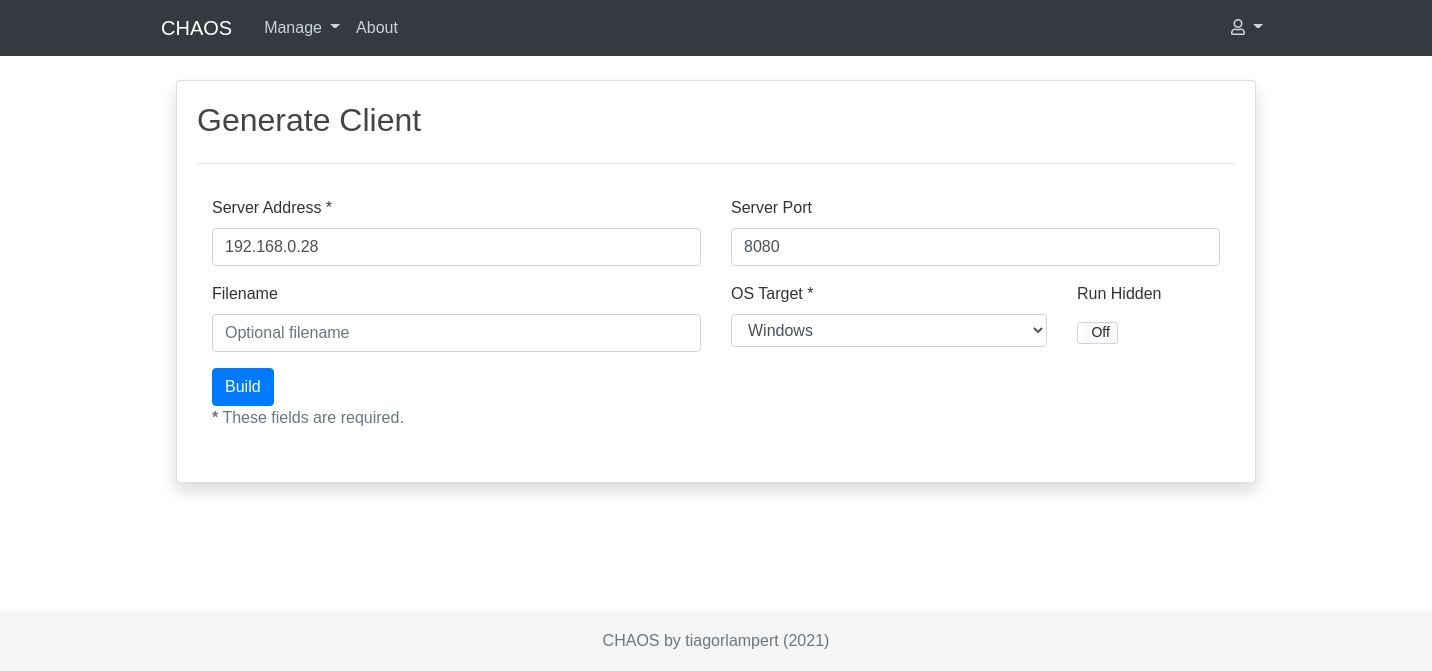
:fire: CHAOS is a free and open-source Remote Administration Tool that allow generate binaries to control remote operating systems.
What you can do
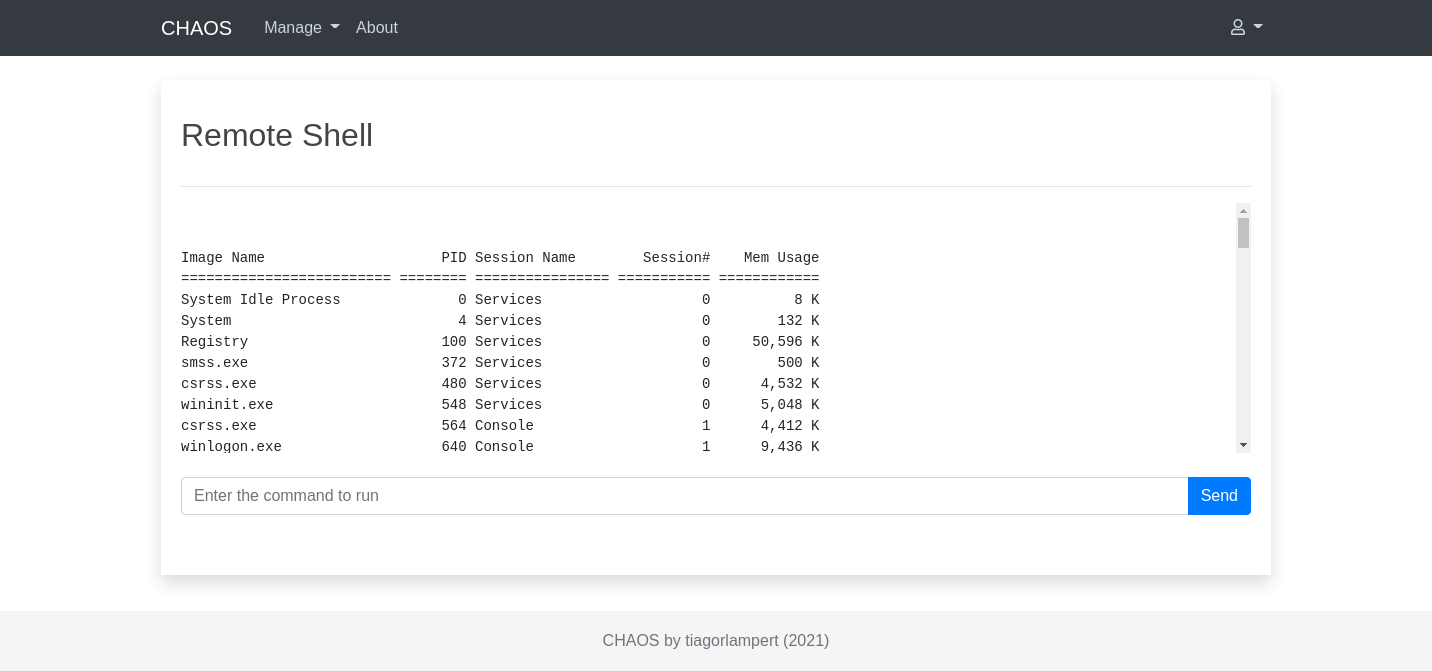
- Reverse Shell - X - X
- Download File - X - X
- Upload File - X - X
- Delete File - X - X
Measured star growth
- in 24h
- +1
- in 7 days
- Collecting history
- in 15 days
- Collecting history
- in 1 month
- Collecting history
Net star changes over overlapping periods, not daily totals. Missing measurements are left blank. Stars measure attention, not software quality.
README.md
Original

CHAOS: Remote Administration Tool




CHAOS is a free and open-source Remote Administration Tool that allow generate binaries to control remote operating systems.
Report bug
·
Request feature
·
Quick start
·
Screenshots
Disclaimer
THIS SOFTWARE IS PROVIDED "AS IS" WITHOUT WARRANTY OF ANY KIND. YOU MAY USE THIS SOFTWARE AT YOUR OWN RISK. THE USE IS COMPLETE RESPONSIBILITY OF THE END-USER. THE DEVELOPERS ASSUME NO LIABILITY AND ARE NOT RESPONSIBLE FOR ANY MISUSE OR DAMAGE CAUSED BY THIS PROGRAM.
Table of contents
Features
| Feature |  |
 |
|---|---|---|
Reverse Shell |
X | X |
Download File |
X | X |
Upload File |
X | X |
Delete File |
X | X |
Screenshot |
X | X |
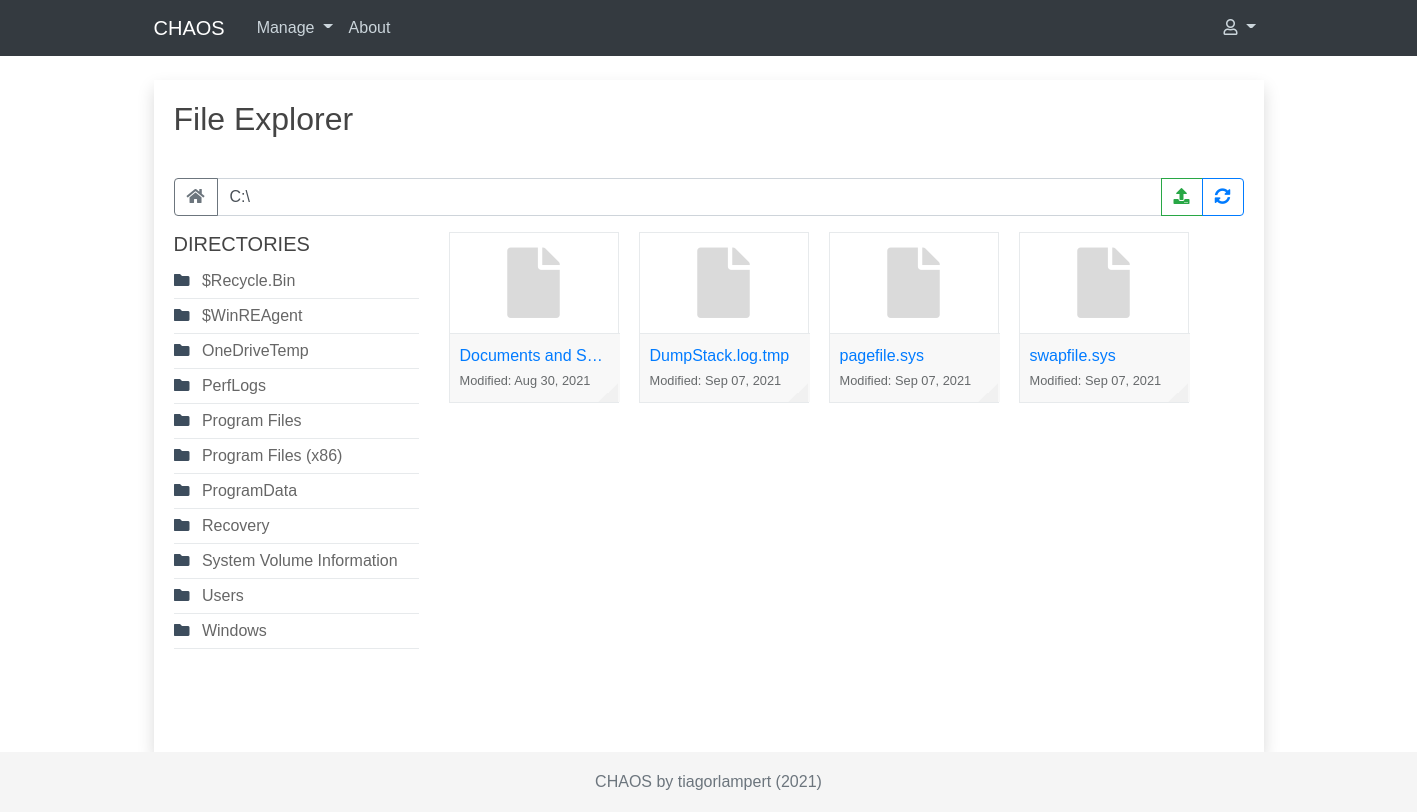
File Explorer |
X | X |
Get OS Info |
X | X |
Run Hidden |
X | |
Restart |
X | X |
Shutdown |
X | X |
Lock screen |
X | |
Sign out |
X | |
Open Url |
X | X |
Quick start
Some install options are available:
1. Local Development
See more:
# Install dependencies
$ sudo apt install golang git -y

# Get this repository
$ git clone https://github.com/tiagorlampert/CHAOS

# Go into the repository
$ cd CHAOS/

# Run
$ PORT=8080 SQLITE_DATABASE=chaos go run cmd/chaos/main.go
2. Docker
See more:
Linux
# Create a shared directory between the host and container
$ mkdir ~/chaos-container

$ docker run -it -v ~/chaos-container:/database/ -v ~/chaos-container:/temp/ \
  -e PORT=8080 -e SQLITE_DATABASE=chaos -p 8080:8080 tiagorlampert/chaos:latest
Windows
# Create a shared directory between the host and container
$ md c:\chaos-container

$ docker run -it -v c:/chaos-container:/database/ -v c:/chaos-container:/temp/ -e PORT=8080 -e SQLITE_DATABASE=chaos -p 8080:8080 tiagorlampert/chaos:latest
3. Deploy on heroku
Try it now on Heroku with a single click:

After running go to http://localhost:8080 and login with the default username: admin and password: admin and change the password.
Databases
To connect in a supported database you should set some required environment variables:
SQLite:
SQLITE_DATABASE= chaos
PostgreSQL:
POSTGRES_DATABASE= chaosPOSTGRES_HOST= localhostPOSTGRES_PASSWORD= postgresPOSTGRES_PORT= 5432POSTGRES_USER= postgresPOSTGRES_SSL_MODE= disable/require //optional
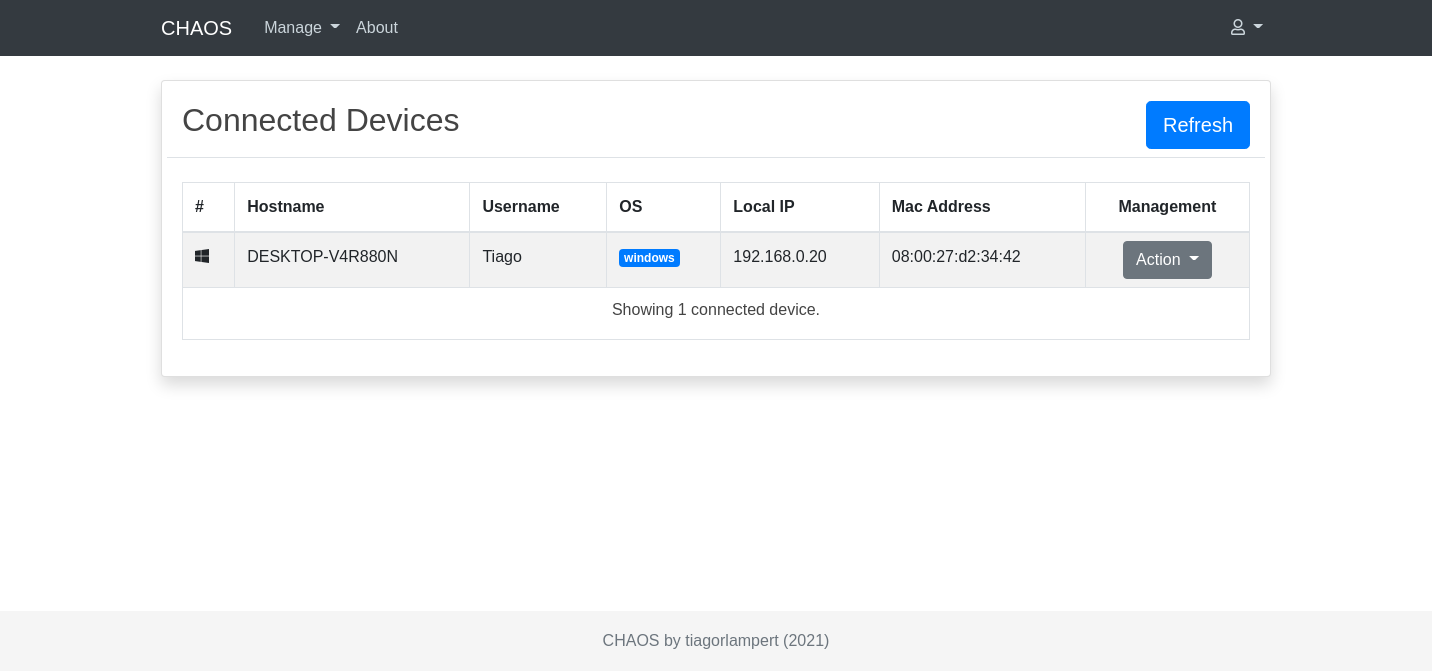
Screenshots
Contributing
See our contributing guide at CONTRIBUTING.md.
Donate
If you enjoyed this project, give me a cup of coffee. :)

Copyright and license
The MIT License
Copyright (c) 2017, Tiago Rodrigo Lampert
Explore related projects
codecrafters-io/build-your-own-x
Master programming by recreating your favorite technologies from scratch.
561,027 starspublic-apis/public-apis
A collective list of free APIs
497,267 starsmorluto/rea
Reverse engineer anything with agents, from app behavior down to native binaries.
443,236 starsopenclaw/openclaw
The AI that really does things. Any OS. Any Platform. The lobster way. 🦞
394,202 stars