
teslamotors/custom-wraps
teslamotors/custom-wraps has 1,936 GitHub stars and 1,180 forks. GitHot measured +6 stars in 24 hours and +40 in 7 days. Last checked 2026-11-09 00:07 UTC. Last push 2026-07-22.
This repository provides templates and examples for creating custom wrap designs for your Tesla's 3D vehicle visualization. Personalize your car's appearance in the Paint Shop with your own unique designs.
Measured star growth
- in 24h
- +6
- in 7 days
- +40
- in 15 days
- Update delayed
- in 1 month
- Update delayed
Net star changes over overlapping periods, not daily totals. Missing measurements are left blank. Stars measure attention, not software quality.
README.md
OriginalCustom Wrap Images for Tesla Vehicles
This repository provides templates and examples for creating custom wrap designs for your Tesla's 3D vehicle visualization. Personalize your car's appearance in the Paint Shop with your own unique designs.
How to Use Custom Wraps
- Download the template for your specific vehicle model (see links below)
- Edit the template with your custom design (fill in the white areas)
- Save your design as a PNG file (512x512 to 1024x1024 pixels, max 1 MB)
- Transfer your wraps to your vehicle using the mobile app or a USB drive:
- Mobile app (requires v4.59.0 or later): Creations → Wrap → Upload
- USB drive: place your wraps in a folder called
Wraps
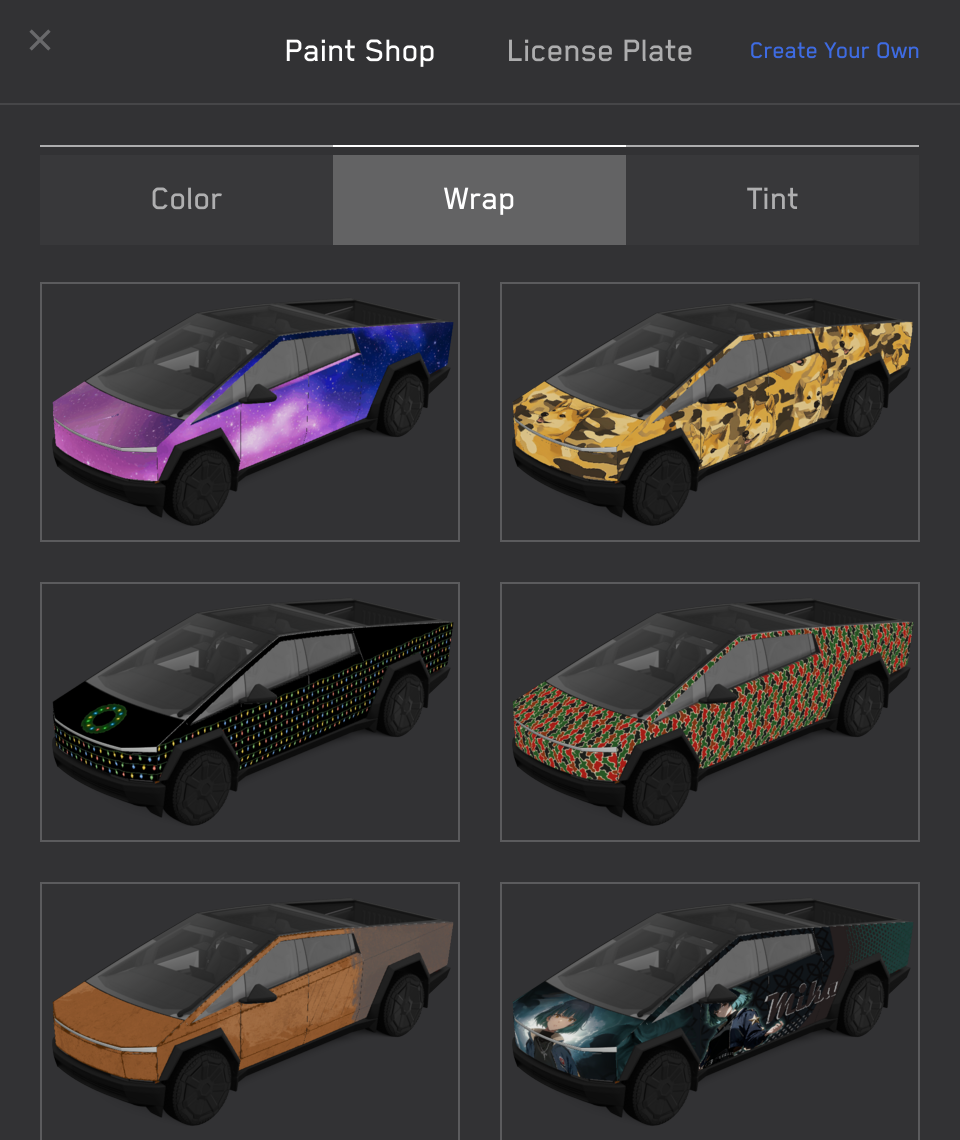
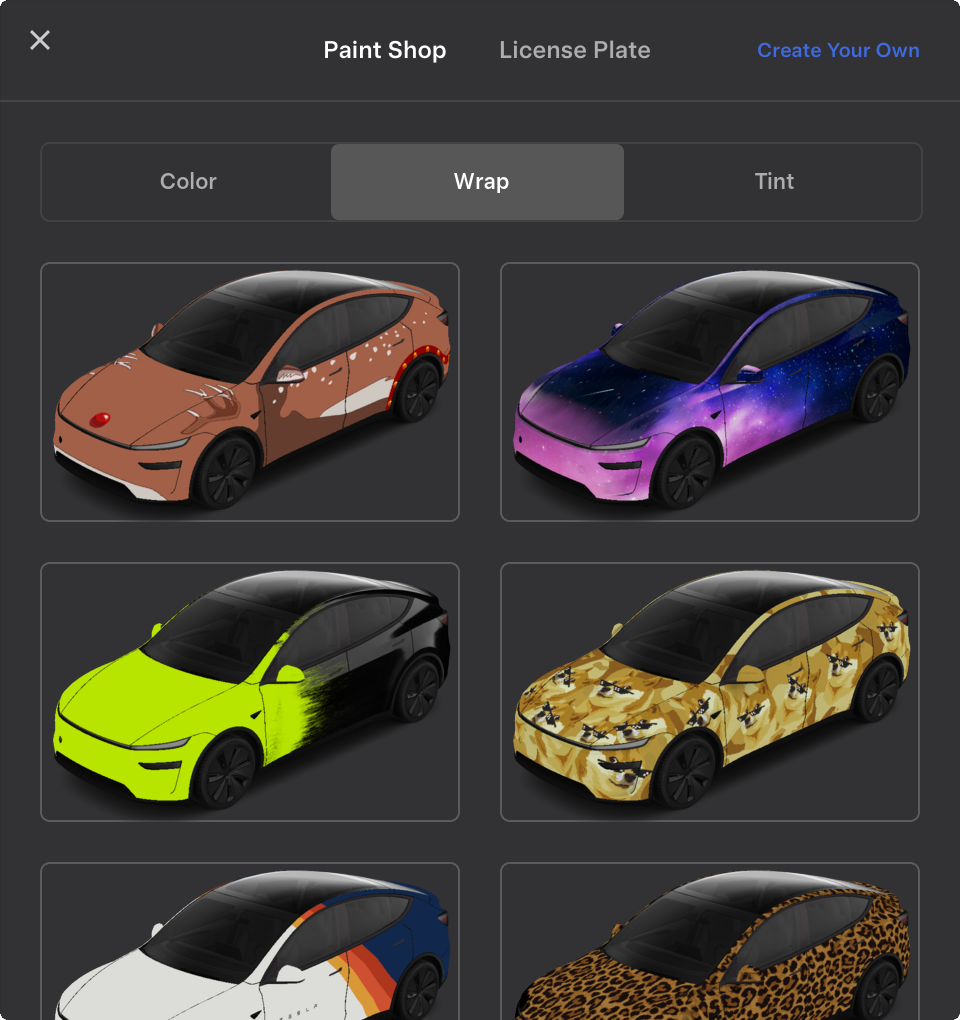
- Apply in your Tesla: Toybox → Paint Shop → Wraps tab
Select Your Vehicle
Choose your vehicle to download the template and view example wraps:


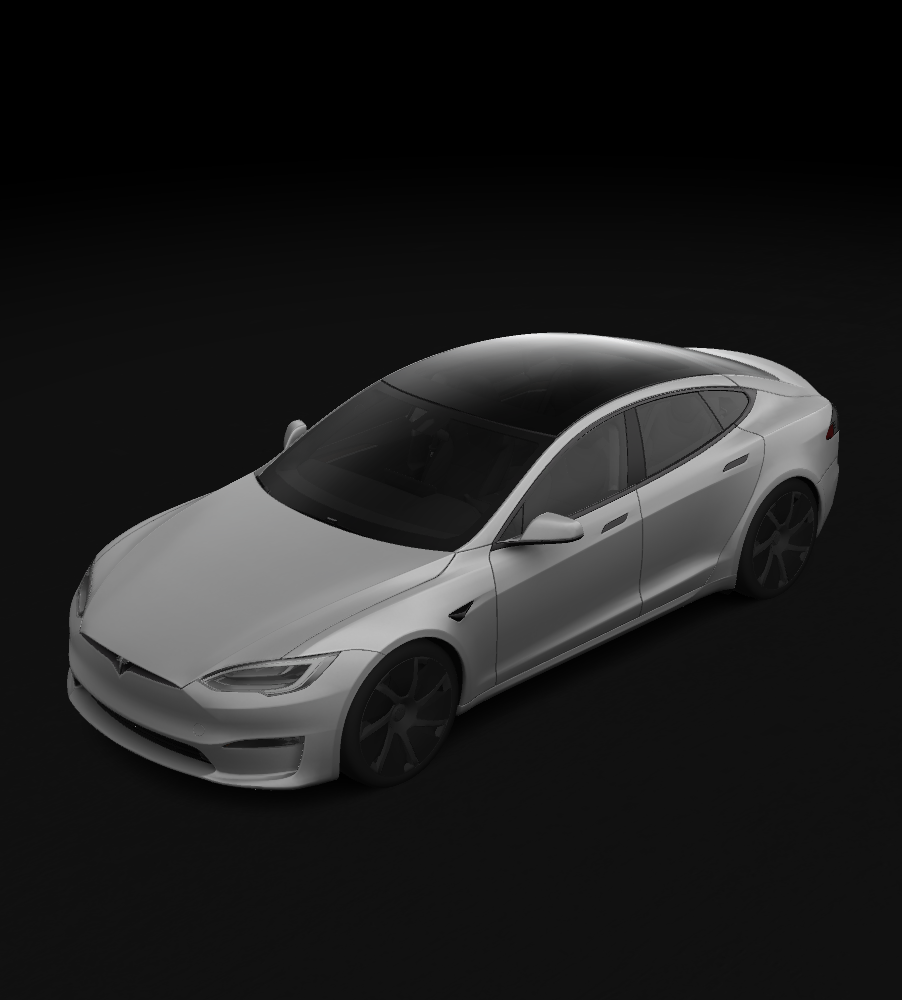
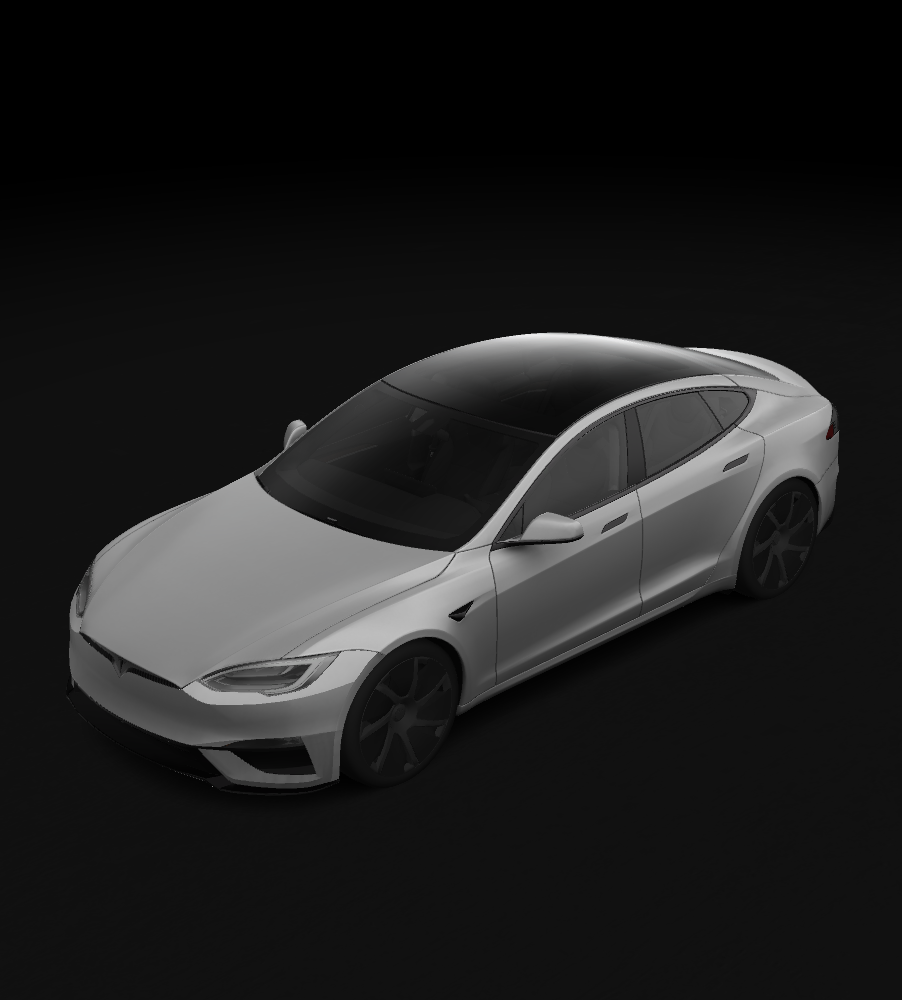
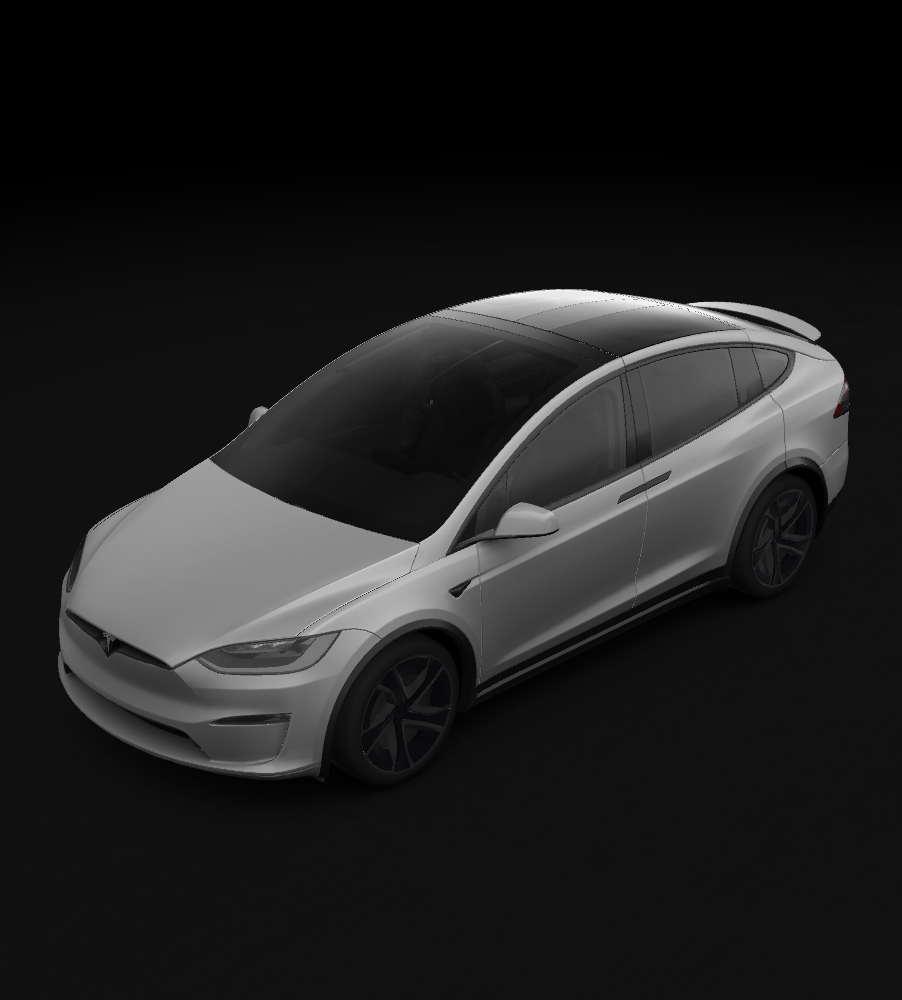
Requirements & Setup
Image Requirements
- Resolution: 512x512 to 1024x1024 pixels (use template size for best results)
- File Size: Images must be no larger than 1 MB.
- File Name: Use alphanumeric characters, underscores, dashes, and spaces only (max 30 characters).
- File Format: Images must be in PNG format.
- File Count: Up to 10 from the mobile app and up to 10 from a USB drive
Applying Wraps in Your Vehicle
Once transferred, your wraps will appear in Toybox → Paint Shop → Wraps tab:
USB Drive Setup
- Format the USB drive as one of the following:
- exFAT
- FAT 32 (for Windows)
- MS-DOS FAT (for Mac)
- ext3
- ext4
- Note: NTFS is not currently supported
- Create a folder called
Wrapsat the root level of the drive - Place your PNG files inside the
Wrapsfolder - Ensure the drive doesn't contain map or firmware updates
USB Drive Troubleshooting
If you encounter any issues loading wraps from a USB drive, please check the following:
- Ensure that the USB drive is formatted correctly and does not contain any map update or firmware update files.
- Verify that the wrap images meet the requirements listed above.
Explore related projects
codecrafters-io/build-your-own-x
Master programming by recreating your favorite technologies from scratch.
561,267 starspublic-apis/public-apis
A collective list of free APIs
497,524 starsmorluto/rea
Reverse engineer anything with agents, from app behavior down to native binaries.
445,983 starsopenclaw/openclaw
The AI that really does things. Any OS. Any Platform. The lobster way. 🦞
394,230 stars