
susiai/susi_chat
susiai/susi_chat has 1,033 GitHub stars and 14 forks. GitHot measured +1 stars in 24 hours. Last checked 2026-11-09 11:53 UTC. Last push 2026-01-20.
We implement a chat interface to communicate with a LLM. The following ways of communication are possible:
Measured star growth
- in 24h
- +1
- in 7 days
- Update delayed
- in 15 days
- Update delayed
- in 1 month
- Update delayed
Net star changes over overlapping periods, not daily totals. Missing measurements are left blank. Stars measure attention, not software quality.
README.md
Originalsusi_chat
We implement a chat interface to communicate with a LLM. The following ways of communication are possible:
- using a command-line console within your Linux/Mac/Windows terminal
- using a command-line console within a Browser using Javascript to simulate the same environment that you can experience with the terminal
- using a voice interface: console inputs are done via speech recognition and responses are done either on a console or using text-to-speech
All of those options shall be possible either on a normal computer or using a Raspberry Pi which also should be able to show that the whole operation is done without internet connection.
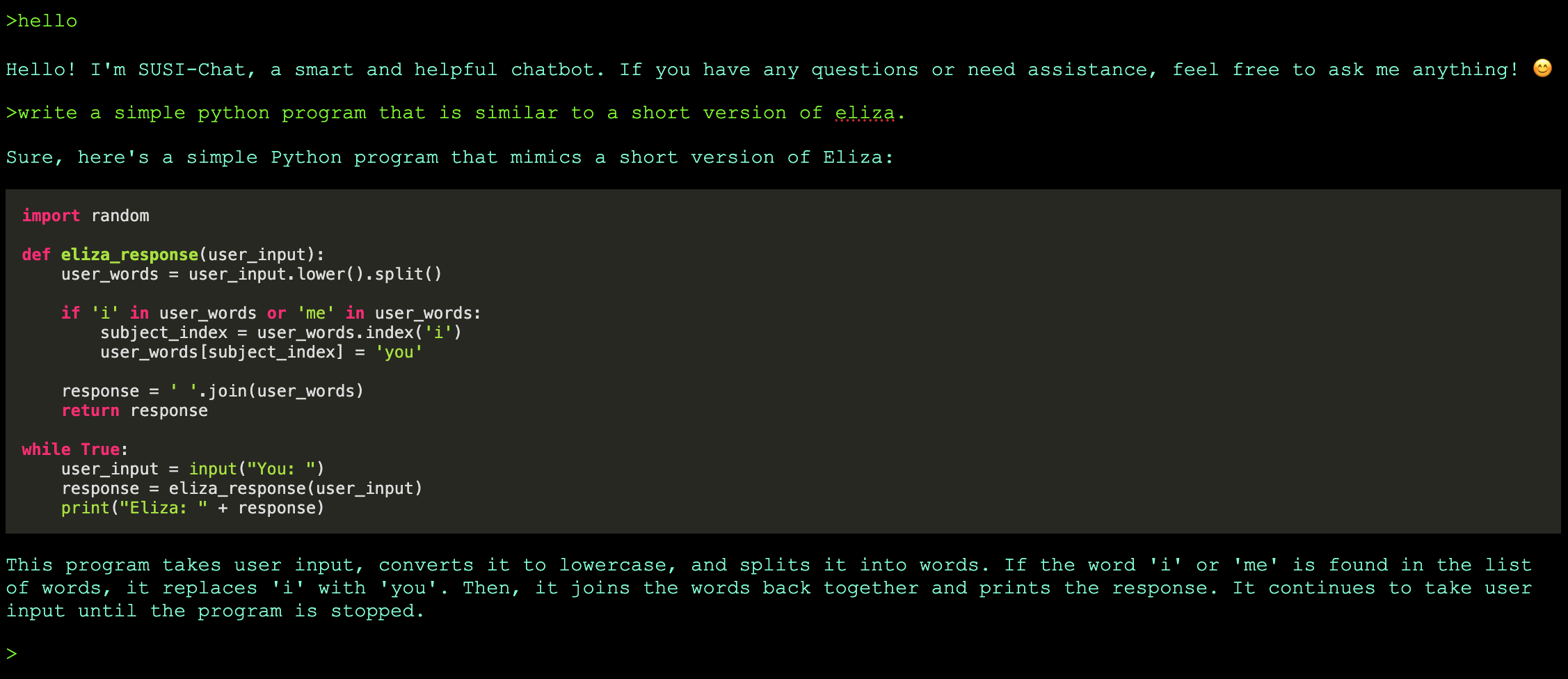
Running a chat server
We need a LLM as back-end for the chat. We use llama.cpp for this. To run the server, do:
# clone and build llama.cpp (do this just once)
cd ..
git clone https://github.com/ggerganov/llama.cpp.git
cd llama.cpp
make

# get model (here: one which can run on a Raspberry Pi 5, do this just once)
curl -o models/openchat-3.5-0106.Q2_K.gguf https://huggingface.co/TheBloke/openchat-3.5-0106-GGUF/blob/main/openchat-3.5-0106.Q2_K.gguf

# run the model
./server --host 0.0.0.0 --port 8001 -ngl 0 --path ../susi_chat/chat_terminal/ -m ~/models/openchat-3.5-0106.Q2_K.gguf
.. to run llama.cpp with the mixtral model hosting also susi_chat at http://localhost:8001
Explore related projects
codecrafters-io/build-your-own-x
Master programming by recreating your favorite technologies from scratch.
561,398 starspublic-apis/public-apis
A collective list of free APIs
497,679 starsmorluto/rea
Reverse engineer anything with agents, from app behavior down to native binaries.
447,495 starsopenclaw/openclaw
The AI that really does things. Any OS. Any Platform. The lobster way. 🦞
394,261 stars