
superplan-md/superplan-plugin
superplan-md/superplan-plugin has 75 GitHub stars and 2 forks. GitHot measured 0 stars in 24 hours. Last checked 2026-11-17 20:35 UTC. Last push 2026-05-06.
What you can do
- plans drift across chats and notes
- steps get skipped
- progress is unclear
- AI agents lose direction
Measured star growth
- in 24h
- 0
- in 7 days
- Collecting history
- in 15 days
- Collecting history
- in 1 month
- Collecting history
Net star changes over overlapping periods, not daily totals. Missing measurements are left blank. Stars measure attention, not software quality.
About
Superplan is a CLI-first execution system that forces AI agents into step-by-step task workflows instead of drift-prone chat-based work.
ProductivityREADME.md
OriginalSuperplan CLI
Superplan is an execution system for AI agents.
It turns planning into actual execution inside your repository. Instead of vague plans, chat history, or TODO lists, Superplan forces work into clear, step-by-step tasks that agents can execute, track, and resume at any time.
The CLI is designed for agents to follow, not for humans to run manually. You define the work; your agent executes it through Superplan's structured runtime.
Why use Superplan?
Most work fails because:
- plans drift across chats and notes
- steps get skipped
- progress is unclear
- AI agents lose direction
Superplan fixes this by making work explicit, structured, and never lost even if you switch agents or resume later..
Installation
macOS / Linux
curl -fsSL https://raw.githubusercontent.com/superplan-md/superplan-plugin/main/scripts/install.sh | sh
Windows (PowerShell)
curl.exe -fsSL -o install-superplan.cmd https://raw.githubusercontent.com/superplan-md/superplan-plugin/main/scripts/install.cmd; if ($LASTEXITCODE -eq 0) { .\install-superplan.cmd }
Windows (Command Prompt)
curl.exe -fsSL -o install-superplan.cmd https://raw.githubusercontent.com/superplan-md/superplan-plugin/main/scripts/install.cmd && install-superplan.cmd
Windows (Git Bash / MINGW64)
curl.exe -fsSL -o install-superplan.cmd https://raw.githubusercontent.com/superplan-md/superplan-plugin/main/scripts/install.cmd && cmd.exe //c install-superplan.cmd
install-superplan.cmd is a Windows batch file. If you download it from Git Bash, run it through cmd.exe or switch to PowerShell; do not ask Bash to execute it directly.
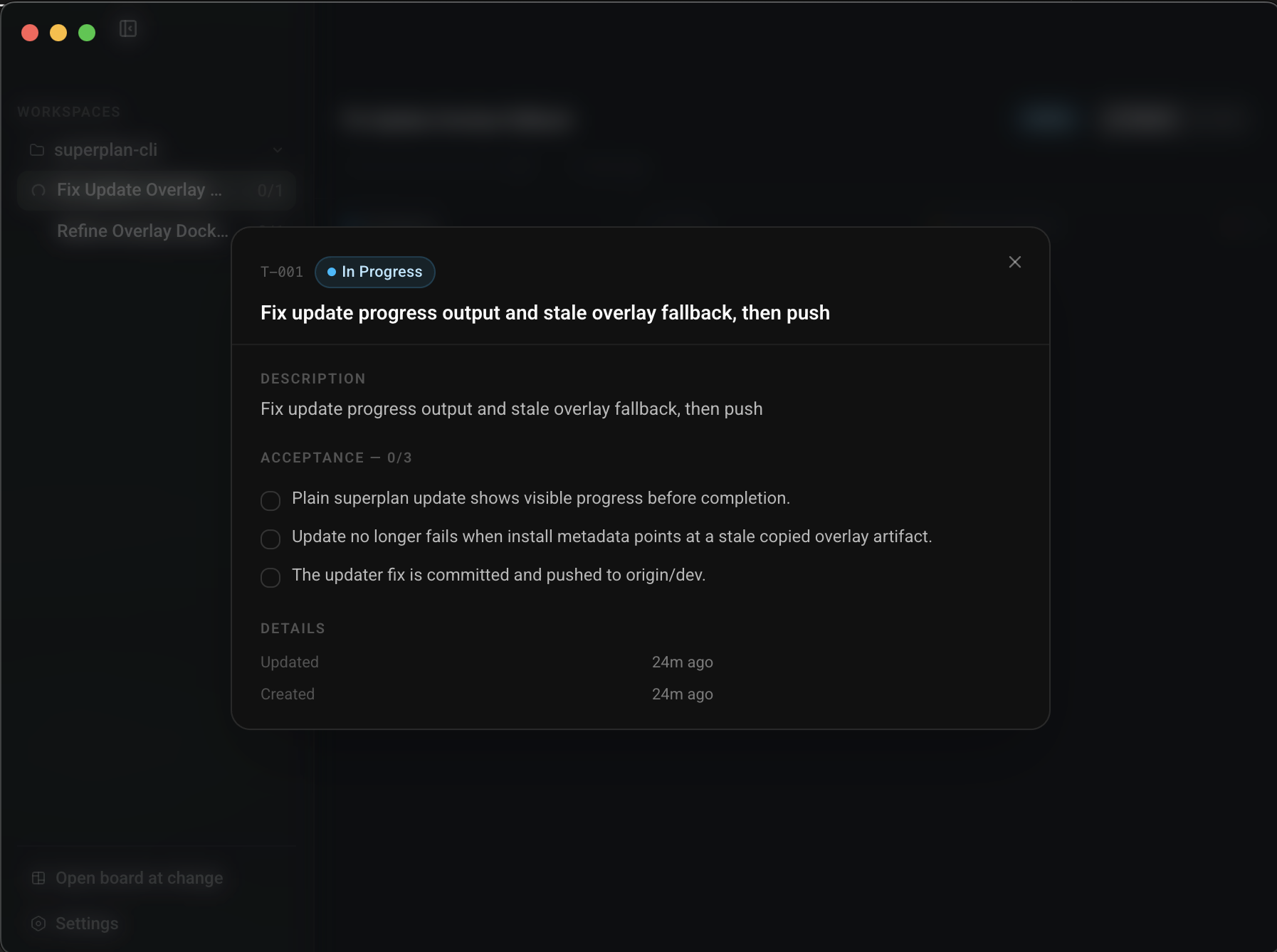
The Windows installer now installs the CLI and the packaged overlay companion, and it downloads and keeps a bundled Node runtime when needed so users do not need to preinstall Node.js just to get started.
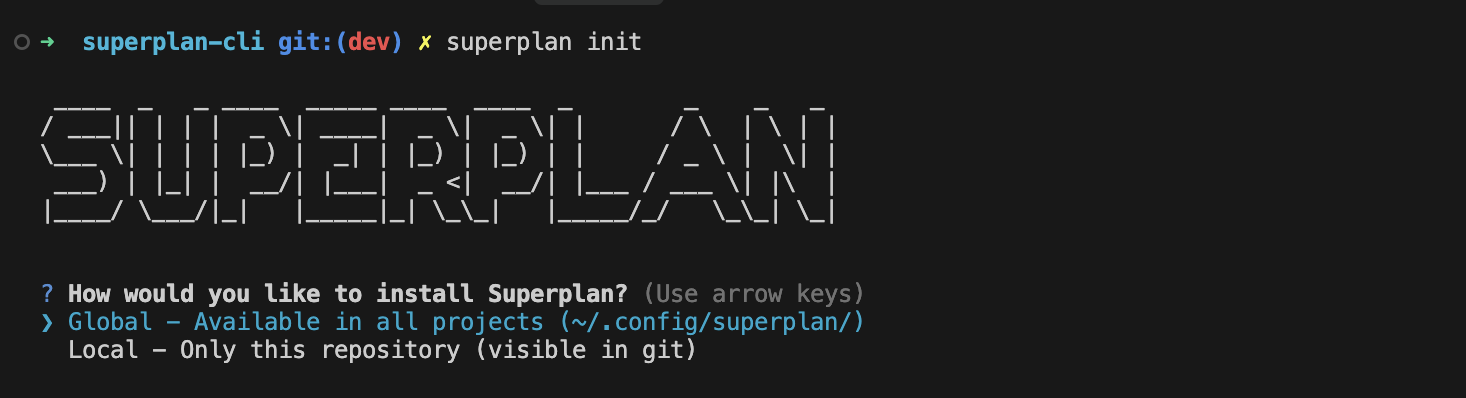
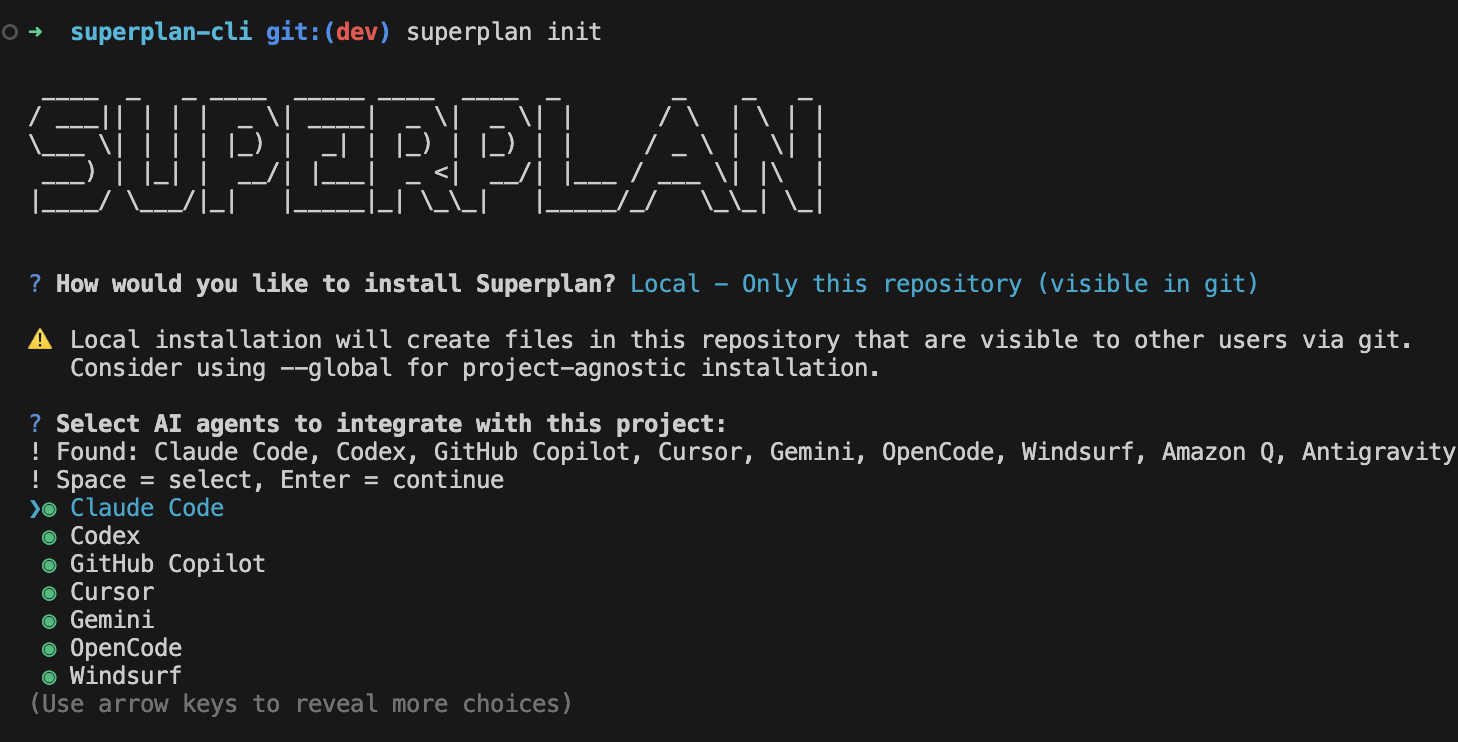
After install, Superplan will ask if you want to run superplan init.
If superplan is not found in the current shell after install, open a new terminal and run superplan --version.
Quick Start
superplan init
How it works
Superplan lives inside your repo and controls execution.
- You define a change
- Superplan converts it into tasks
- Tasks are executed one by one
- Progress is saved and tracked
Everything is stored in:
.superplan/changes/
This means:
- no lost context
- no guessing what's next
- work can be resumed anytime
Example Workflow
Create a change:
superplan change new my-feature --json
Define tasks inside:
.superplan/changes/my-feature/tasks.md
Run execution:
superplan run --json
Track progress:
superplan status --json
Complete tasks:
superplan task complete <id>
superplan task approve <id>
What makes it different?
| Normal planning | Superplan |
|---|---|
| Notes scattered everywhere | Tasks stored in repo |
| Next step is guessed | CLI tells you what's next |
| Progress unclear | State is tracked |
| Hard to resume | Fully resumable |
Core idea
Superplan ensures:
- every step is defined
- every task is tracked
- nothing is skipped
Who is this for?
- Developers who want structured execution
- Teams working on complex features
- Anyone using AI agents and tired of drift
Skills System (Advanced)
Superplan uses internal "skills" to manage execution:
- planning and task creation
- execution loop
- debugging and recovery
- validation and review
You don't need to learn these to get started, but they enforce structure behind the scenes.
Summary
Superplan helps you stop guessing what to do next and actually finish work.
License
Apache License 2.0. See LICENSE for details.