
status-im/status-app
status-im/status-app has 376 GitHub stars and 99 forks. Star changes are not measured yet. Last checked 2026-11-09 21:23 UTC. Last push 2026-11-05.
Status App client made in Nim & QML
Measured star growth
- in 24h
- Update delayed
- in 7 days
- Update delayed
- in 15 days
- Update delayed
- in 1 month
- Update delayed
Net star changes over overlapping periods, not daily totals. Missing measurements are left blank. Stars measure attention, not software quality.
README.md
Original



Status App
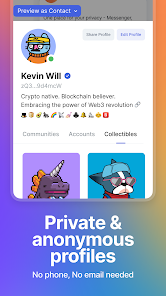
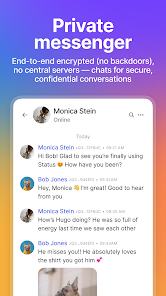
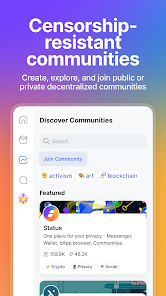
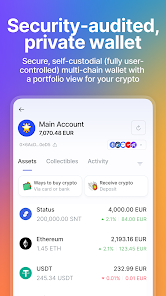
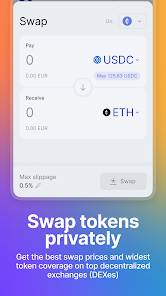
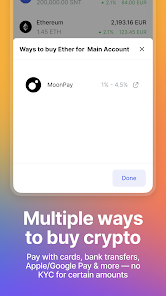
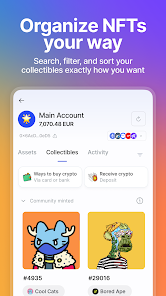
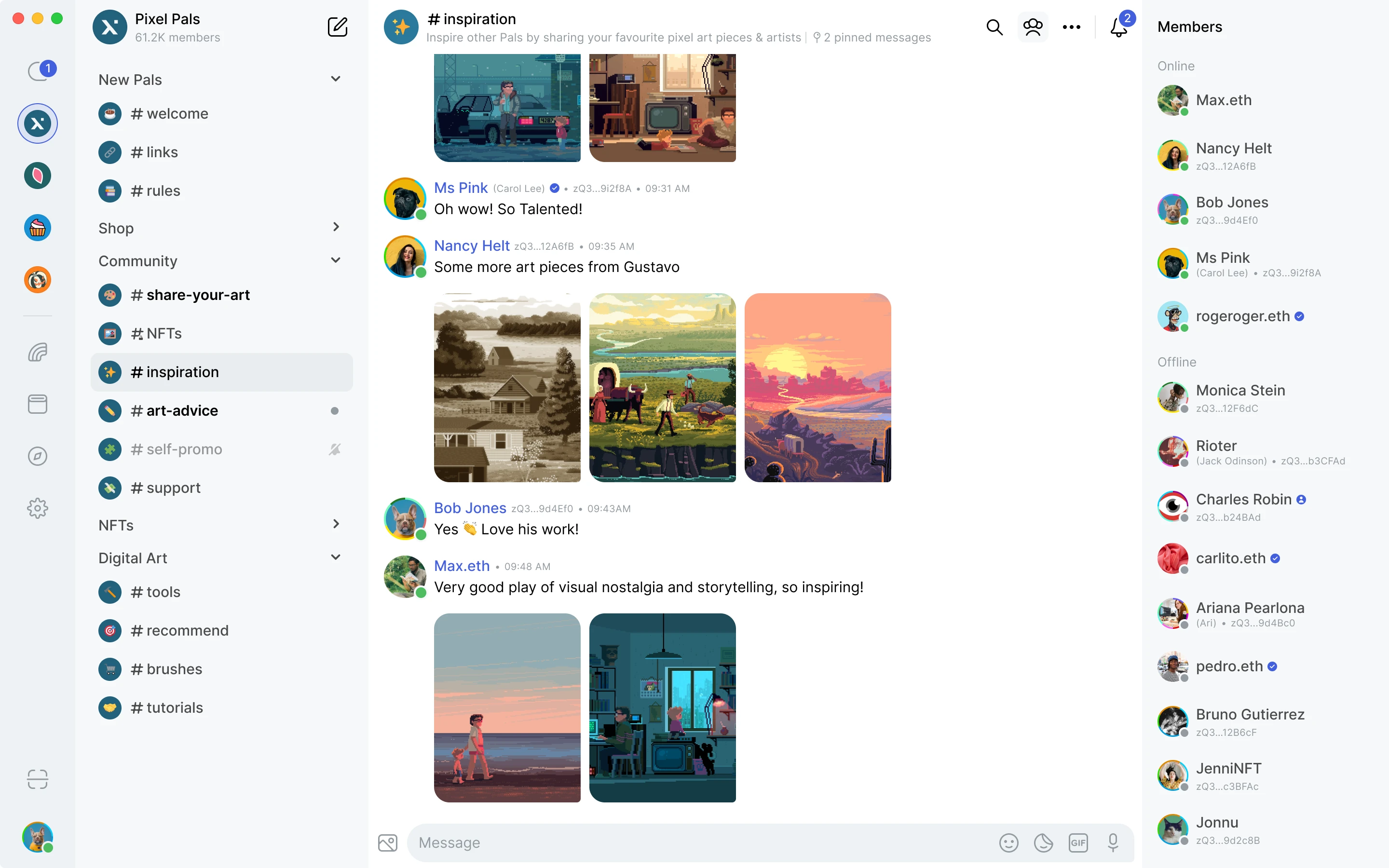
The Status App is a privacy-first, decentralised messenger built with Nim and Qt/QML. It offers end-to-end encrypted messaging, community chats, and Ethereum wallet integration — all without requiring a phone number or email.

📑 Table of Contents
🚀 Download & Install
Get the latest release for your platform:
- Android: Play Store
- Apple: App Store
- Windows: Download EXE
- Linux: Download Tarball
- macOS: Download DMG
Supported Versions
| Platform | Supported versions | Notes |
|---|---|---|
| Windows | Intel chip (no native Windows ARM build yet) | Windows 11 is used for testing |
| Linux | Continuous effort to support the lowest Ubuntu LTS version. | Actively tested on Ubuntu 22.04; should run on most Linux flavours using glibc 2.31 or newer |
| macOS | ARM chip | MacOS latest version |
| Android | 9 to 16 | |
| iOS | 17 and higher |
Windows
- Download the
.exefile. - Run the
.exeinstaller. - Launch the installed app 🎉
Linux
- Download the
.tar.gzfile. - Extract the tarball file (replace
*with the version)cd ~/Downloads tar xvf StatusIm-Desktop-*.tar.gz - Optionally, verify the Status app GPG signature.
- Go to the directory where it extracted and double-click the AppImage file 🎉
macOS
- Download the
.dmgfile. - Open it and drag
Status.appto the Applications folder. - Open the Applications folder and double-click the Status icon 🎉
🛠️ Build from Source
To build Status from source, follow the instructions specific to your operating system. Detailed build instructions are available in the official documentation:
🤝 Contributing
We welcome contributions from the community! To get started:
- Read our Contributing Guidelines.
- Check out good first issues to get involved.
- Join the #feedback-desktop and #feedback-mobile channels on Status.
📚 Documentation
- 📘 User Help documentation
- 🛠️ Installation Guide
- 🏗️ Building Desktop from Source
- 📱 Building Mobile from Source
- 🏛️ Architecture Docs
- 🤝 Contributing Guide
- 💡 You have an idea for a cool feature or improvement?
- 🗺️ Status Roadmap
For more information, visit our official website or explore our GitHub organization.
This project is tested with BrowserStack.
Explore related projects
trimstray/the-book-of-secret-knowledge
A collection of inspiring lists, manuals, cheatsheets, blogs, hacks, one-liners, cli/web tools and more.
257,481 starsHack-with-Github/Awesome-Hacking
A collection of various awesome lists for hackers, pentesters and security researchers
125,103 starsswisskyrepo/PayloadsAllTheThings
A list of useful payloads and bypass for Web Application Security and Pentest/CTF
82,542 starscaddyserver/caddy
Fast and extensible multi-platform HTTP/1-2-3 web server with automatic HTTPS
78,935 stars