
skywinder/GaugeKit
skywinder/GaugeKit has 1,021 GitHub stars and 101 forks. GitHot measured 0 stars in 24 hours, 0 in 7 days, and -2 in 15 days. Last checked 2026-11-10 04:43 UTC. Last push 2022-04-10.
Kit for building custom gauges + easy reproducible Apple's style ring gauges.
What you can do
- Flexible and high-customizible gauges
- Auto-resized views
- Support @IBInspectable & @IBDesignable
- Written with vanilla Swift flavor :baby_chick:
Measured star growth
- in 24h
- 0
- in 7 days
- 0
- in 15 days
- -2
- in 1 month
- Update delayed
Net star changes over overlapping periods, not daily totals. Missing measurements are left blank. Stars measure attention, not software quality.
README.md
Original



GaugeKit
##Kit for building custom gauges + easy reproducible Apple's style ring gauges.
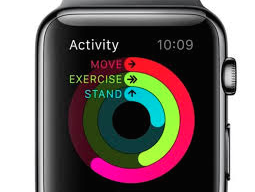 ->
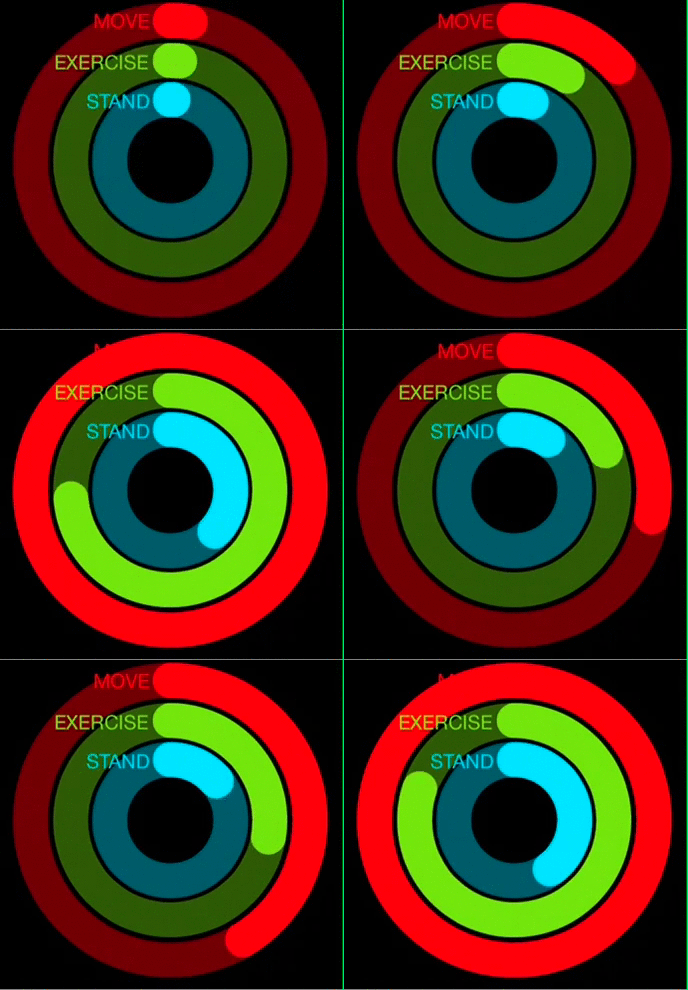
Example Usage
Open GaugeKit.xcworkspace and change the scheme to 'Example' and run Example project.
Installation
CocoaPods
CocoaPods is a dependency manager for Cocoa projects.
GaugeKit is available through CocoaPods. To install it, simply add the following line to your Podfile:
source 'https://github.com/CocoaPods/Specs.git'
platform :ios, '8.0'
use_frameworks!

pod "GaugeKit"
Carthage
To integrate GaugeKit into your Xcode project using Carthage, specify it in your Cartfile:
github "skywinder/GaugeKit" >= 0.2
Embedded Framework
Add GaugeKit as a submodule by opening the Terminal, cd-ing into your top-level project directory, and entering the following command:
$ git submodule add https://github.com/skywinder/GaugeKit.git
Manually
If you prefer not to use either of the aforementioned dependency managers, you can simply add swift files into your project manually.
Features :sparkles:
- Flexible and high-customizible gauges
- Auto-resized views
- Support
@IBInspectable&@IBDesignable - Written with vanilla
Swiftflavor :baby_chick:
Usage :rainbow:
- Put on storyboard
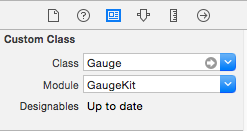
UIView, and set them classGaugeand moduleGaugeKit:
Select type of gauge (property
typein class orgaugeTypeIntfor changes directly in Interface builder)- case `Circle` - case `Left` - case `Right` - case `Line`
##Example:
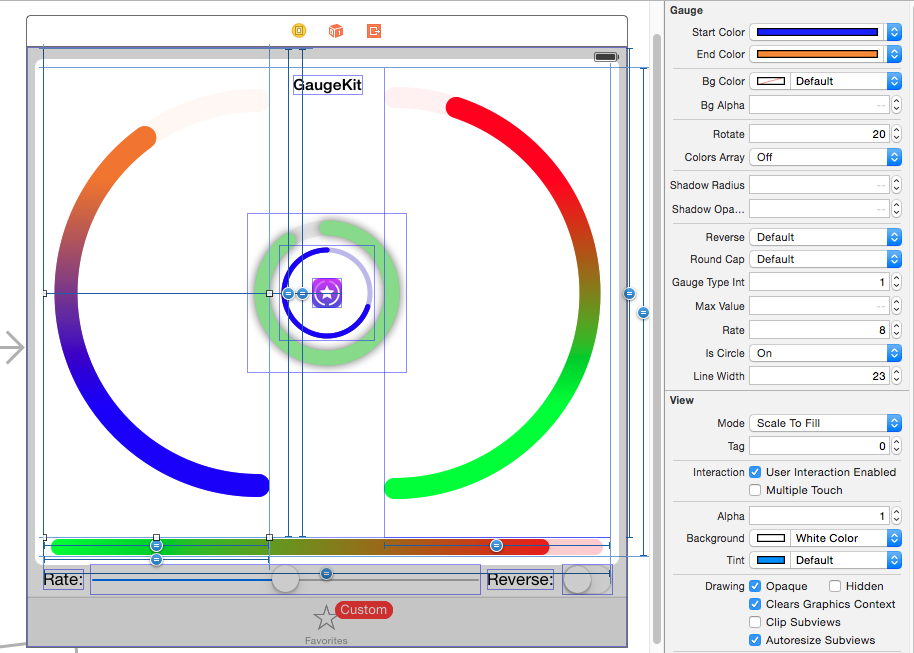
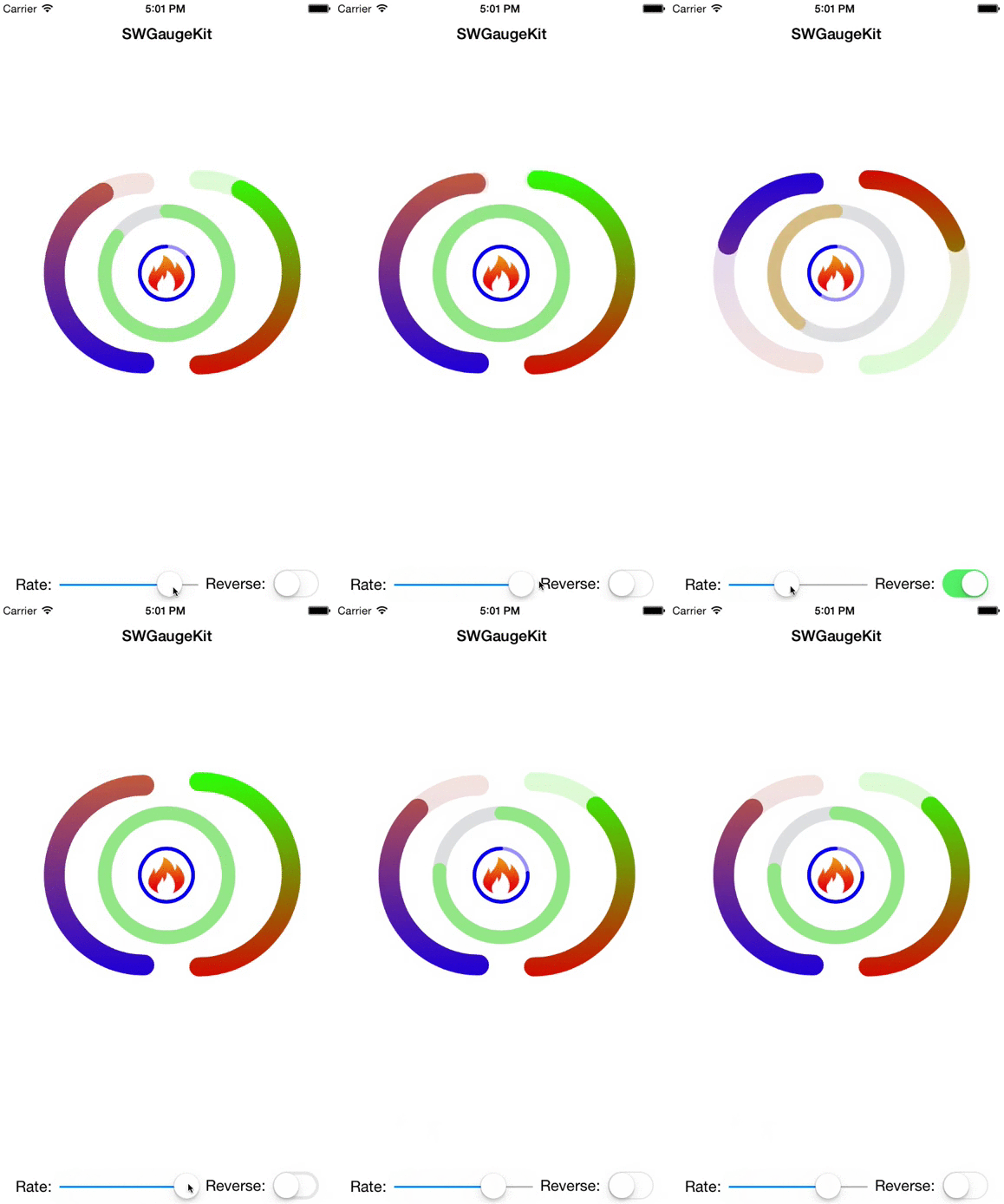
###IB Example:
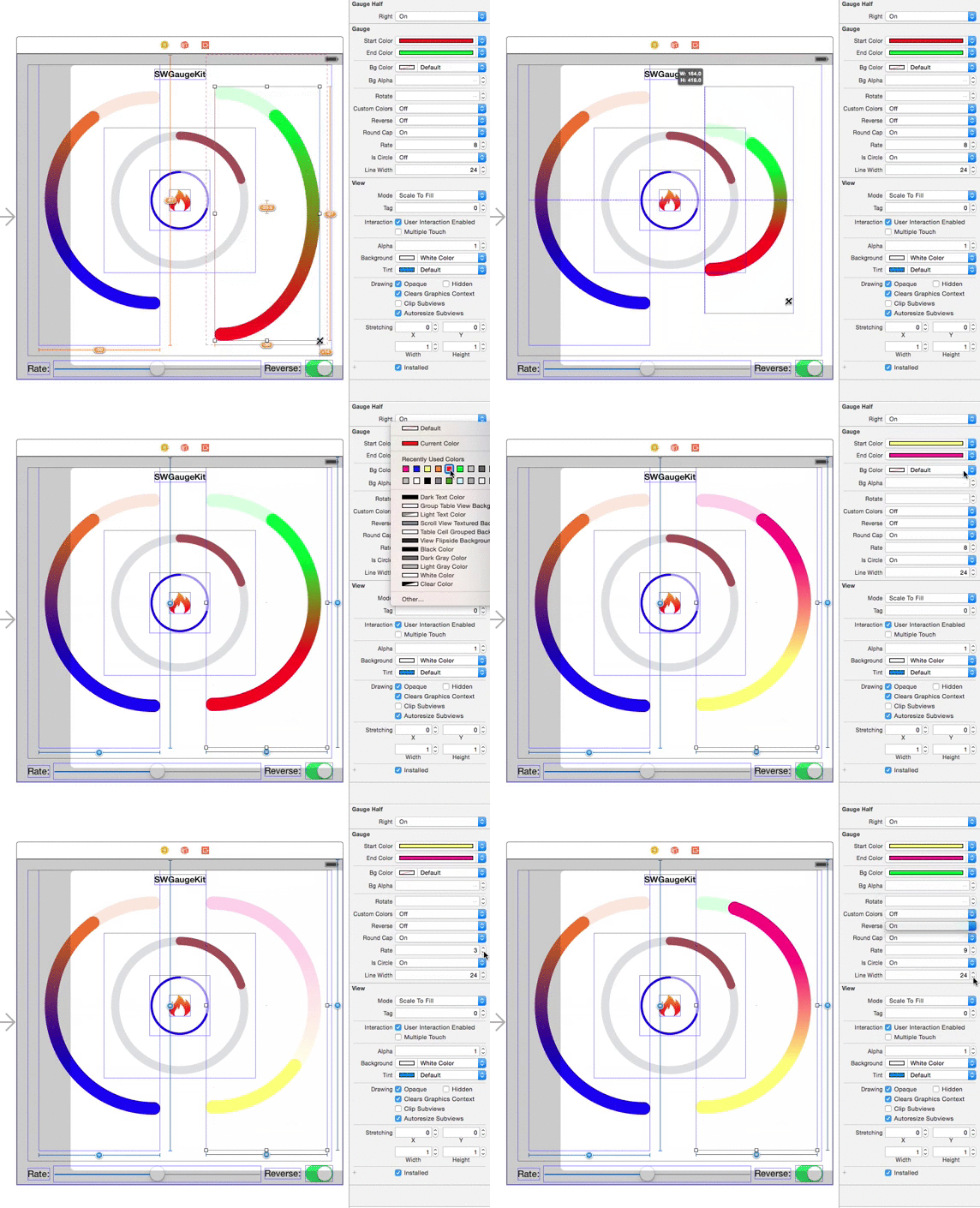
Requirements
- iOS SDK 7.0 or later (iOS SDK 8.0 if you use it as a Framework)
- Swift 1.2 and Xcode 6.3 or later
- Swift 2.x.x is also supported!
Communication :speaker:
Bug reports, feature requests, patches, well-wishes are always welcome!
- If you need help, open an issue.
- If you found a bug, open an issue.
- If you have a feature request, open an issue.
- If you want to contribute, see Contributing section.
Contributing :octocat:
I'd love to see your ideas for improving this library.
The best way to contribute is by submitting a pull request.
Contributors
Code Contributors
This project exists thanks to all the people who contribute. [Contribute].


License
GaugeKit is available under the MIT license. See the LICENSE file for more info.
Explore related projects
ytdl-org/youtube-dl
Command-line program to download videos from YouTube.com and other video sites
141,527 starsexcalidraw/excalidraw
Virtual whiteboard for sketching hand-drawn like diagrams
135,396 starsgodotengine/godot
Godot Engine – Multi-platform 2D and 3D game engine
119,942 starsmrdoob/three.js
JavaScript 3D Library.
117,983 stars