
silentprovider423/HomeNotes
silentprovider423/HomeNotes has 8 GitHub stars and 0 forks. GitHot measured 0 stars in 24 hours. Last checked 2026-11-14 19:56 UTC. Last push 2026-11-08.
What you can do
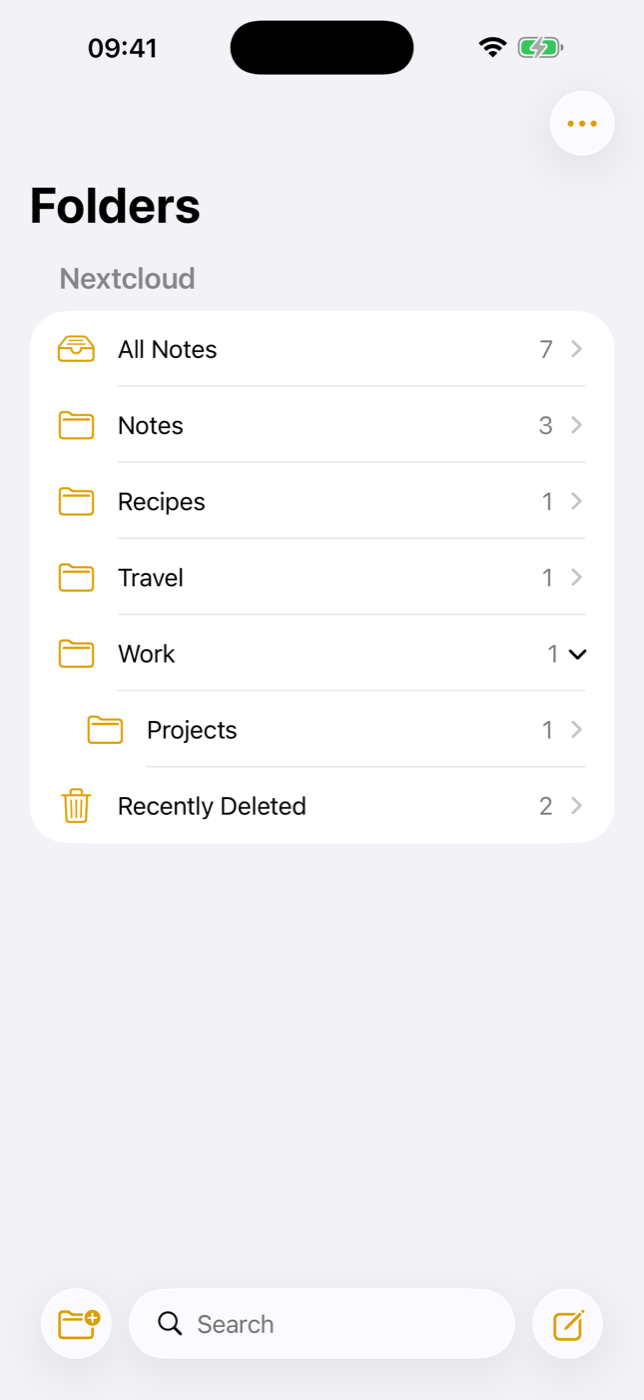
- All Notes, Notes (no folder), your own folders with subfolders (collapsible), note counts
- New folder, new subfolder, rename and delete (WebDAV, so empty folders work too)
- Recently Deleted on the device: deleted notes stay 30 days, recover (attachments are re-uploaded) or delete permanently
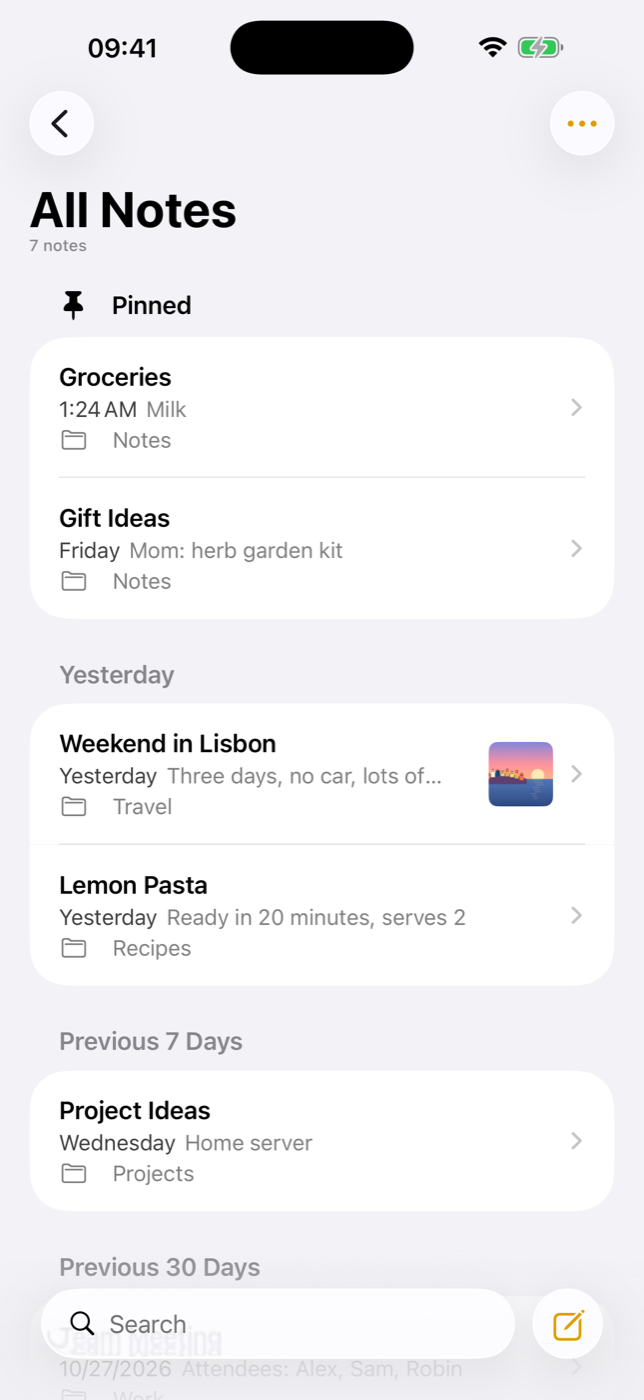
- Pinned section on top (pinned = Nextcloud favorite), grouped by date: Today, Yesterday, Previous 7 / 30 Days, months, years
Measured star growth
- in 24h
- 0
- in 7 days
- Collecting history
- in 15 days
- Collecting history
- in 1 month
- Collecting history
Net star changes over overlapping periods, not daily totals. Missing measurements are left blank. Stars measure attention, not software quality.
About
A native iOS notes app for your own Nextcloud – the look and feel of the iPhone Notes app, without iCloud.
ProductivityREADME.md
OriginalHomeNotes
A native iOS notes app for your own Nextcloud – the look and feel of the iPhone Notes app, without iCloud.
HomeNotes is an independent iPhone client for the Nextcloud Notes app. It aims to feel like Apple's Notes app on iOS 26 (folders, pinned notes, swipe actions, checklists, tables, formatting bar …) while every note is a plain Markdown file on a server you own.
Status: first release, tested against Nextcloud 33 with Notes 6.1 (API 1.4). UI in English and German (follows the iPhone language). Code comments are in German.
Built with help from Claude Code: Apple's Notes frameworks were analysed by name and strings only (no decompiling), the Swift was written together with it.
Personal project: no guarantees, no support promises. Bug reports and pull requests are welcome, but I answer when I have time.
Not affiliated with Apple or with Nextcloud GmbH. "Nextcloud" is a trademark of its owners.
Part of the HomeRoll family – see also HomeRoll (photos on your own Immich server).
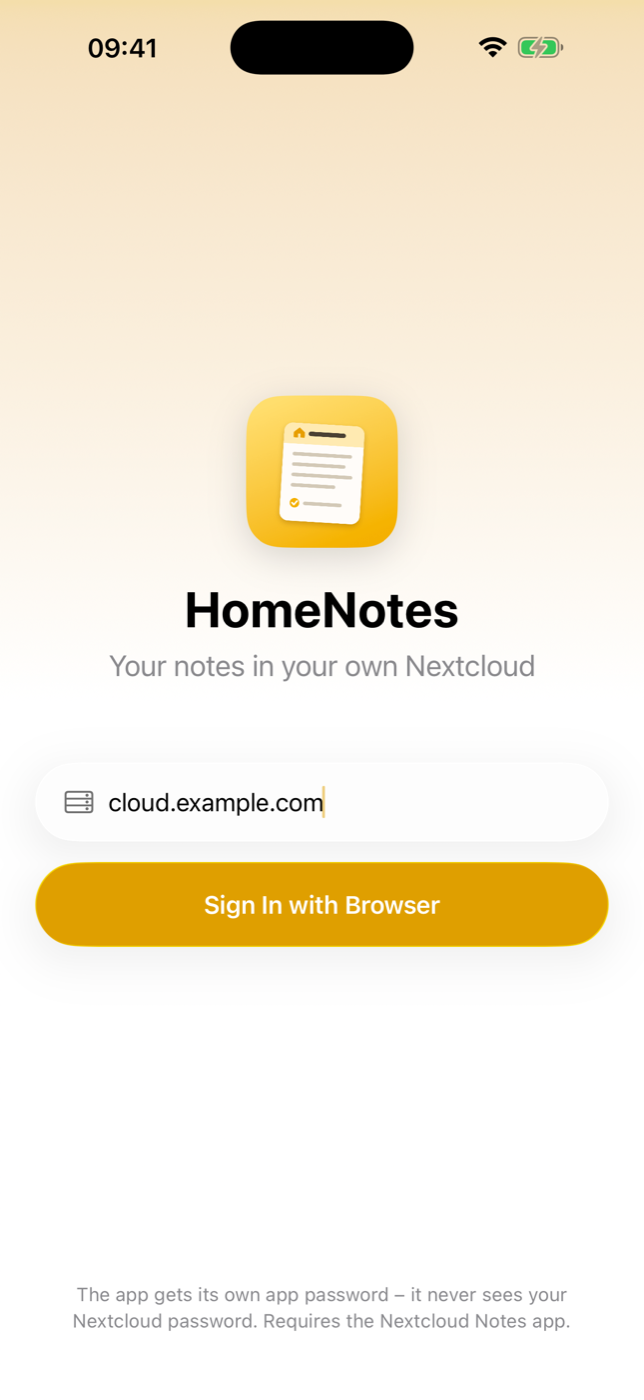
Screenshots with demo notes in a test account.
Features
Folders
- All Notes, Notes (no folder), your own folders with subfolders (collapsible), note counts
- New folder, new subfolder, rename and delete (WebDAV, so empty folders work too)
- Recently Deleted on the device: deleted notes stay 30 days, recover (attachments are re-uploaded) or delete permanently
Note list
- Pinned section on top (pinned = Nextcloud favorite), grouped by date: Today, Yesterday, Previous 7 / 30 Days, months, years
- Sort by date edited, date created (read via WebDAV) or title, newest/oldest first, grouping on/off
- Swipe right to pin, swipe left to delete, move or share; long press for a preview with the same actions
- Select several notes to move or delete them at once
- Row with title, date, first line of text, folder and image thumbnail – like Apple
Search
- Local full-text index over all notes (case and accent insensitive, prefix search), top hits, per-folder search
Editor
- First line is the title; date on top (tap to see the creation date)
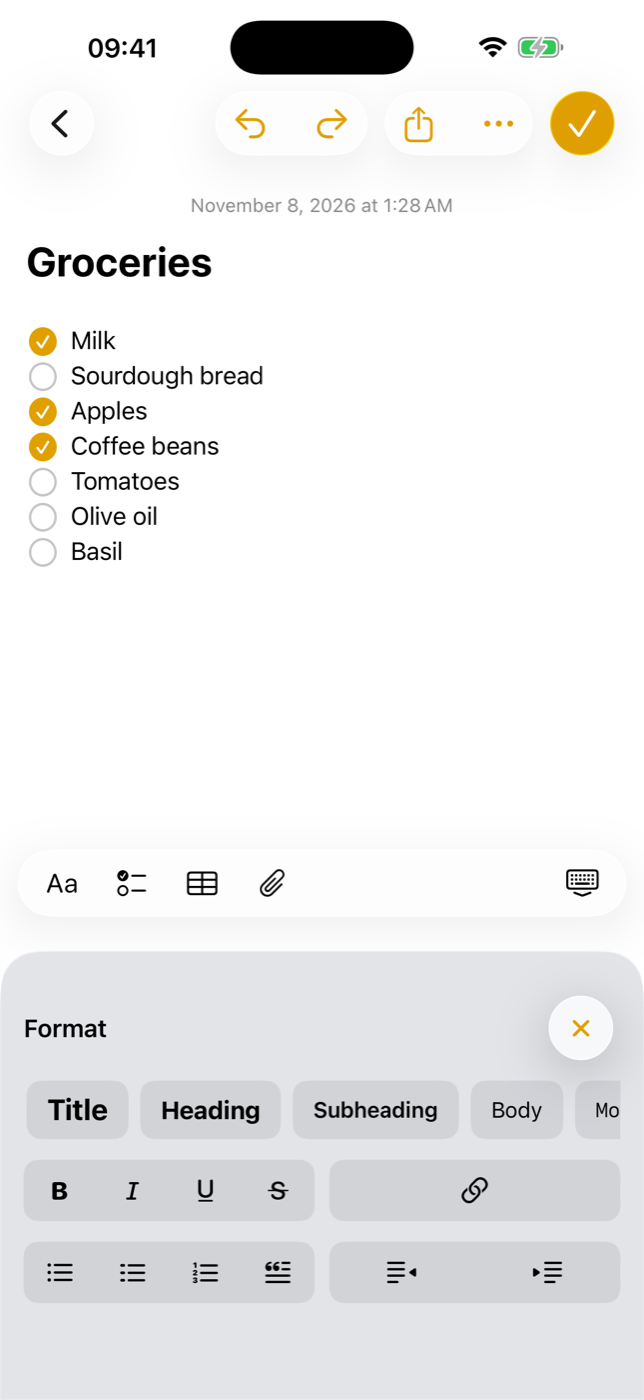
- Format panel "Aa" in place of the keyboard: Title, Heading, Subheading, Body, Monostyled; bold, italic, underline, strikethrough; bulleted, dashed and numbered lists, block quote, indent/outdent
- Checklists with tappable circles, Return continues the list, empty item ends it; check all, uncheck all, move checked to bottom, delete checked
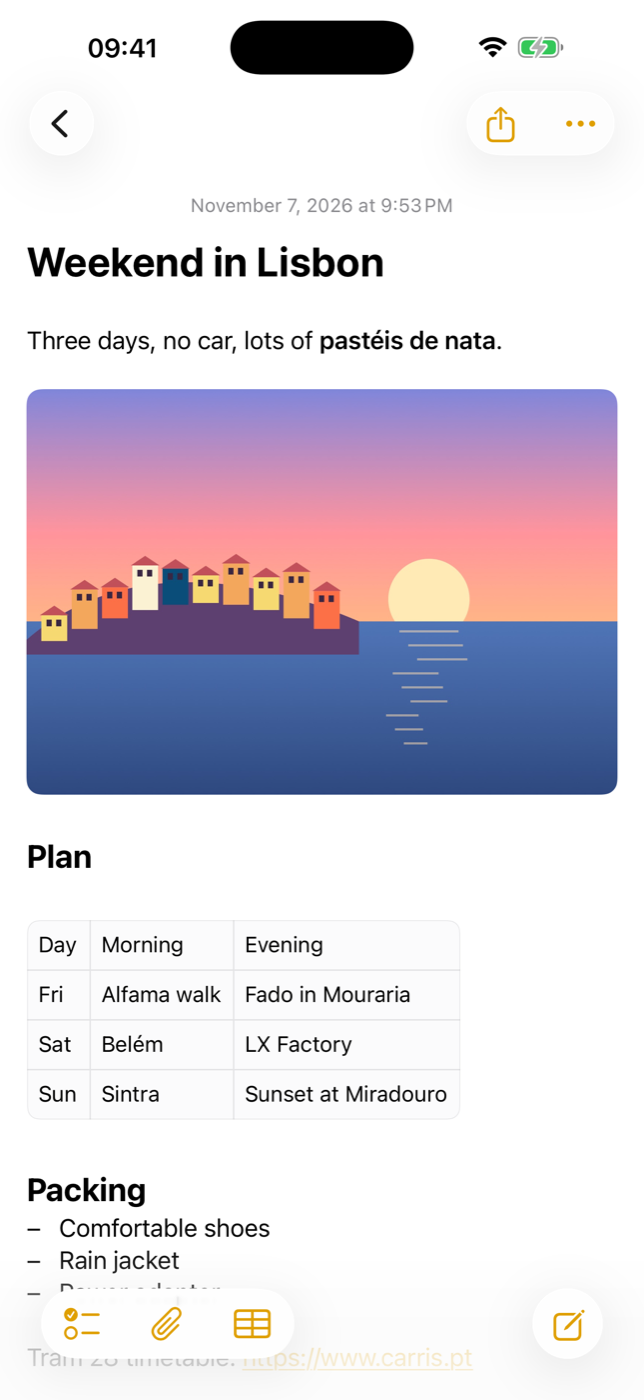
- Tables (shown inline, edited in a table editor: add/delete rows and columns, swap rows, convert to text, delete)
- Links (add/edit/remove), bare URLs become links
- Attachments via the Notes attachment API: photos and videos (library or camera), any file; images shown inline, Quick Look, delete
- Undo/redo, find in note, Writing Tools, spell checking, keyboard shortcuts (⌘B/I/U, ⇧⌘T/H/J/B/M, ⇧⌘7/8/9, ⇧⌘L, ⇧⌘U, ⌘K, Tab)
- Paste as Markdown, share a copy, export as
.md
Markdown mapping (what ends up in the file on the server)
| In the app | In the file |
|---|---|
| Title / Heading / Subheading | # / ## / ### |
| Monostyled | fenced code block |
| Bold, italic, strikethrough, underline | **…**, *…*, ~~…~~, <u>…</u> |
| Bulleted / dashed / numbered list, indent | * , - , 1. , two spaces per level |
| Checklist | - [ ] / - [x] |
| Block quote | > |
| Table | GFM table |
| Image / file |  / [name](…) |
The mapping is line-preserving: every line of the file is one paragraph in the editor, and Markdown the editor doesn't understand stays as text – so opening and saving a note doesn't rewrite it.
Sync
- Offline cache with the whole library on the device; changes are saved locally first and uploaded in the background
- Every save uses
If-Match; on 412 the app merges line by line (3-way) and only if both sides changed the same line it keeps the server version and saves yours as a "(Conflict)" copy – nothing is lost - Efficient refresh with
pruneBefore, chunked loading for large libraries, attachments queued while offline
Requirements
- A Nextcloud server with the Notes app (tested with Nextcloud 33 / Notes 6.1; attachments need Notes 4.12.3+, deleting attachments Notes 6.1+), reachable from the iPhone – at home, via VPN or public with HTTPS
- Xcode 26, XcodeGen (
brew install xcodegen) - iPhone with iOS 26
Install without a Mac
You need your own Nextcloud for this. Step-by-step guide from zero (server with Docker, Notes app, access from outside, install): docs/SETUP.md.
- Download
HomeNotes-<version>.ipafrom the latest release. - Install it with SideStore or AltStore. A free Apple ID is enough, the app then has to be refreshed every 7 days (SideStore does that on the phone).
- Open the app, enter your Nextcloud address and tap Sign In with Browser. Log in on your Nextcloud page (two-factor works too) – the app receives its own app password.
Build & install
git clone https://github.com/<you>/homenotes.git
cd homenotes
xcodegen generate
open HomeNotes.xcodeproj
- Set your own bundle identifier in
project.yml(defaultorg.homeroll.notes) and select your team in Xcode. - Run on your iPhone and sign in with your Nextcloud address.
- Unsigned IPA for sideloading (AltStore/SideStore):
./build-ipa.sh.
Simulator with a test account
Never use your real account for tests. Create a test user on your Nextcloud and put its credentials into a git-ignored file:
cat > .test-account <<'X'
NOTES_SERVER=https://cloud.example.com
NOTES_USER=notestest
NOTES_PASSWORD=<app password of the test user>
X
xcrun simctl create "HomeNotes Test" "iPhone 17 Pro Max" > .sim-udid
./sim-run.sh                      # build, install, start signed in (debug builds only)
Tests (unit tests, live tests against the test account, UI test):
set -a; . ./.test-account; set +a
TEST_RUNNER_NOTES_SERVER=$NOTES_SERVER TEST_RUNNER_NOTES_USER=$NOTES_USER TEST_RUNNER_NOTES_PASSWORD=$NOTES_PASSWORD \
  xcodebuild -project HomeNotes.xcodeproj -scheme HomeNotes -destination "id=$(cat .sim-udid)" test
The live tests create everything in their own HomeNotesTest-… folder and delete it again.
Privacy
- The app talks only to your Nextcloud server (Notes API, WebDAV and OCS on the same server).
- No analytics, no third-party SDKs, no other servers.
- Sign-in with Nextcloud Login Flow v2: the app never sees your password, only an app password that you can revoke in Nextcloud (Settings → Security → Devices & sessions). Signing out revokes it.
- App password in the Keychain; the note cache stays in the app's container with iOS file protection.
Project layout
App/API/      Nextcloud Notes API v1, WebDAV, OCS, Login Flow v2
App/Core/     Markdown ⇄ paragraphs, 3-way merge, search index, NoteStore (cache + sync)
App/Editor/   UITextView (TextKit 2) editor, format panel, tables, attachments
App/UI/       folders, note list, login, settings
Tests/        unit tests, live tests against a test account, UI test
tools/        icon generator, string catalog builder
License
GPL-3.0 (GNU General Public License v3.0; releases up to this change were published under MIT). Nextcloud and the Notes app (AGPL-3.0) are not included – HomeNotes only talks to their HTTP APIs.
More Home apps
Same idea, other Apple apps – all free, open source and self-hosted:
- HomeRoll – Photos · Immich
- HomeRoll Desktop – Photos for Mac · Immich
- HomeRoll TV – Photos for Apple TV · Immich
- HomeTune – Music · Navidrome
- HomePost – Mail · IMAP/SMTP or JMAP
- HomeFind – Find My · Dawarich
- HomeCast – Podcasts · PinePods
- HomeThread – notes to self · own server (Docker)
All apps: github.com/silentprovider423
Deutsch
HomeNotes ist eine eigene iPhone-Notizen-App für deine selbst betriebene Nextcloud (App „Notes“). Sie sieht aus und fühlt sich an wie Apples Notizen unter iOS 26 – Ordner, Angepinnt, Wischgesten, Checklisten, Tabellen, Formatleiste –, aber jede Notiz ist eine Markdown-Datei auf deinem eigenen Server, ohne iCloud. Die Oberfläche gibt es auf Deutsch und Englisch, je nach Sprache des iPhones. Funktionen, Voraussetzungen und Installation stehen oben.