
sarpstar/cinecode
sarpstar/cinecode has 2,212 GitHub stars and 384 forks. GitHot measured +152 stars in 24 hours. Last checked 2026-11-11 21:48 UTC. Last push 2026-11-03.
Films made with code. Short films, long YouTube videos, ads, explainers and music videos: an AI coding agent writes the script, builds every frame in code, designs the sound and hands you an MP4.
Measured star growth
- in 24h
- +152
- in 7 days
- Update delayed
- in 15 days
- Update delayed
- in 1 month
- Update delayed
Net star changes over overlapping periods, not daily totals. Missing measurements are left blank. Stars measure attention, not software quality.
README.en.md
Original
Films written in code.
Short films, long YouTube videos, ads, explainers and music videos. You bring the idea and the taste; an AI coding agent writes the script, builds every frame in code, designs the sound and hands you a finished MP4.
Türkçe · 简体中文 · 日本語 · Install · Quick start · FAQ




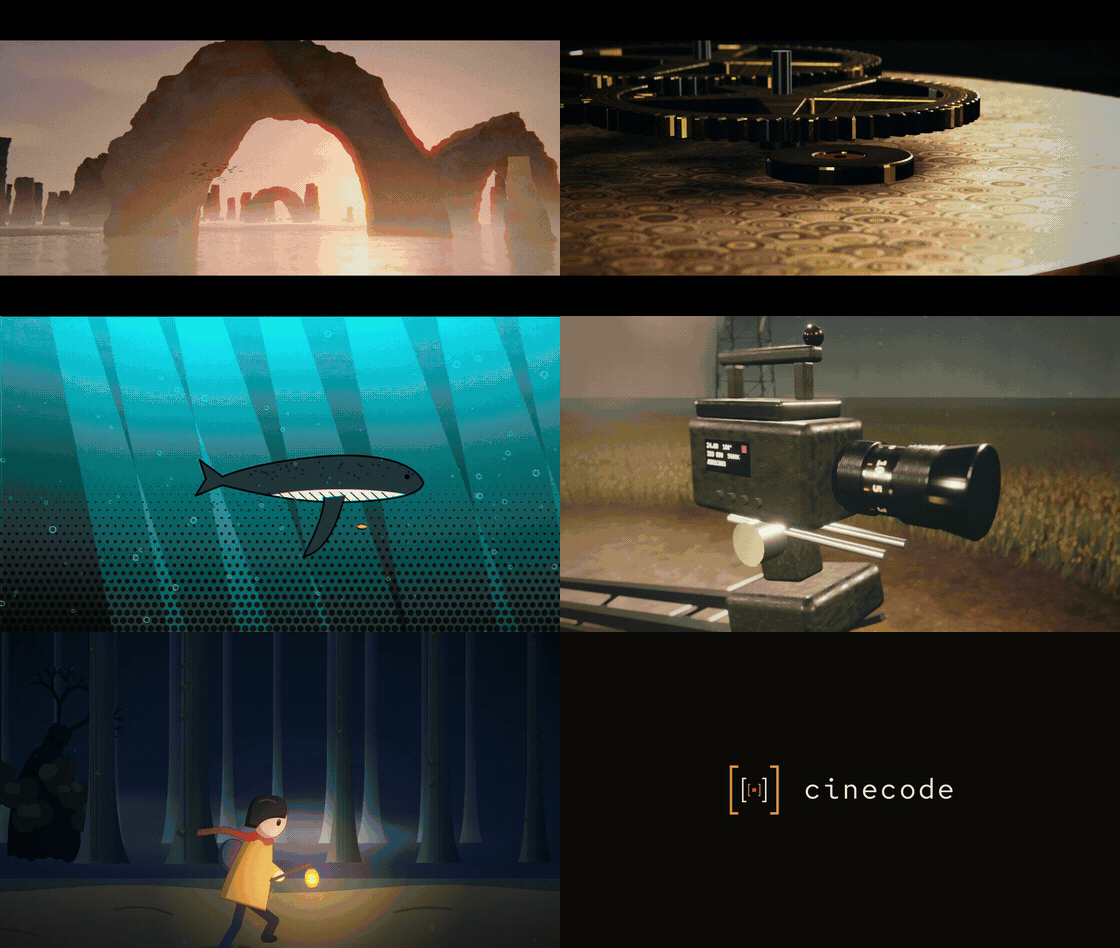
30 seconds from films made with cinecode. Every frame is rendered from code in headless Chrome.
It runs inside Claude Code (desktop app, VS Code extension, terminal) or Cursor, on your own computer. No paid service is required; a narrator, only if you want one, uses your own Gemini key (it has a free tier), ElevenLabs, or a free Turkish voice.
What you can make
Short films, made of code
Say what's on your mind in one sentence; you shape the rest together.
- It doesn't settle for the obvious. The agent crosses your idea with something real drawn at random from the world: a museum piece, an animal, a photo from space, an old invention, a historic site, a craft. So instead of the film anyone would make first, you get takes on your idea you hadn't thought of yourself.
- It doesn't repeat itself. Every suggestion is checked against the films you've already made, so you never get the same film twice.
- You always have the last word. You choose what the film is made of: 3D with real light, 2D animation, paint, ink, paper, clay, motion graphics or pixels. You pick the look from a board of stills from real films, and you see and approve the first two scenes before the whole film is built.
Long videos for YouTube
Documentaries, explainers and video essays of ten minutes and more, built in Film mode in acts and chapters:
- a researched script where every claim about a real person or event carries its source;
- an open question planted in the first minute and a curiosity map that keeps the viewer to the end;
- a narrator in your language (Turkish and English voices, free Turkish voices included), with a voice treatment of its own, never the raw engine;
- archive photographs, maps, documents and footage from open archives, and code where no picture exists: maps that draw themselves, counters, diagrams, places rebuilt;
- chapter cards when the form wants them, music chosen by ear for each act, a −14 LUFS master and a credits file for your video description.
Ads and product films
Your product, colours, fonts, logo and call to action. The product is built in detail and lit like a studio shot; software gets UI hero shots; a specificity test keeps the film from fitting any other brand; 9:16, 1:1 and 16:9 versions come with safe areas.
Explainers for social video
Vertical films of 30 to 60 seconds: a question in the first second, kinetic type from an open, Turkish-checked font pairing, diagrams that build line by line, words that read at phone size.
Music videos
Bring your song: its beat grid is measured, the cuts sit on its bars and the hits on its beats, one picture for each lyric line.
And more
- Like a video you love, but different: its form is measured (cuts, tempo, light, colour) and the film is made new on it, never from its frames.
- An edit of your own footage: a talking head or a screen recording cut from a word-timed transcript, pauses trimmed, graphics timed to the words.
- A series in one format: save a film's format and make the next episode in it.
From a 15-second clip to films of ten minutes and more. Quick mode makes a film of up to about 3 minutes in one session; Film mode takes longer films through approved steps. The longer the film, the more time and usage it takes.
Made with cinecode
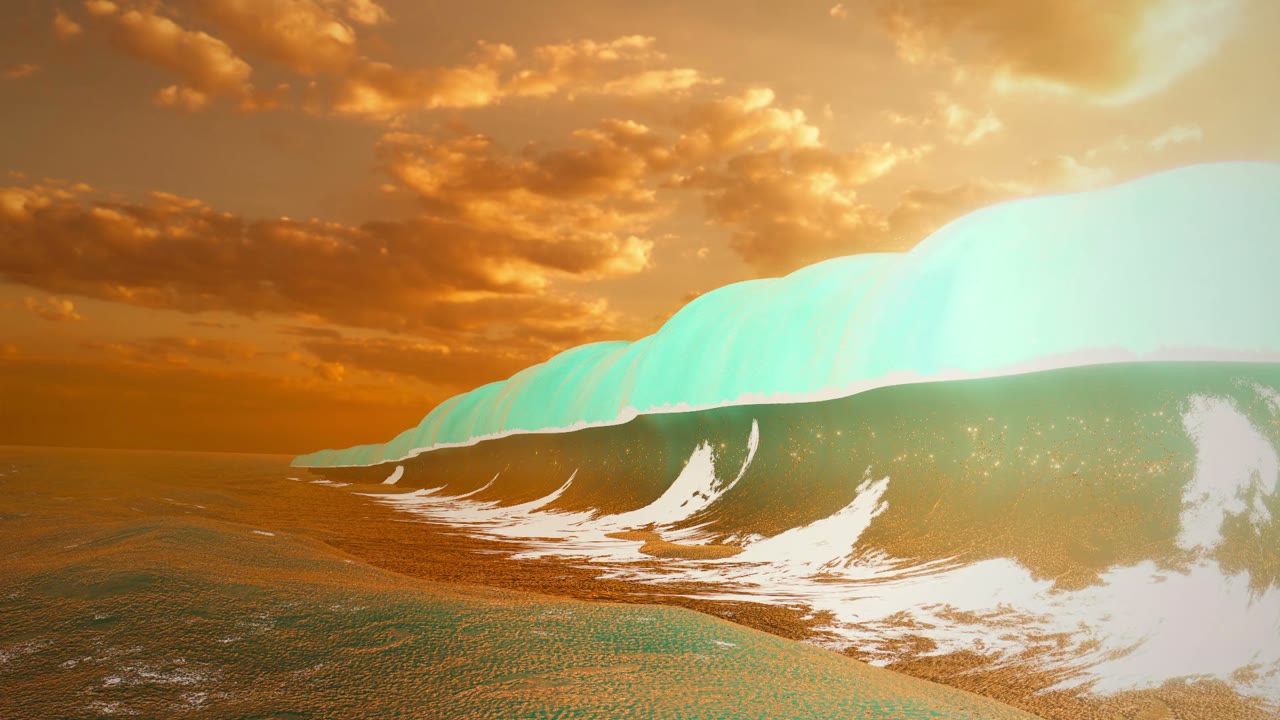 Motor · moments held still · 90 s |
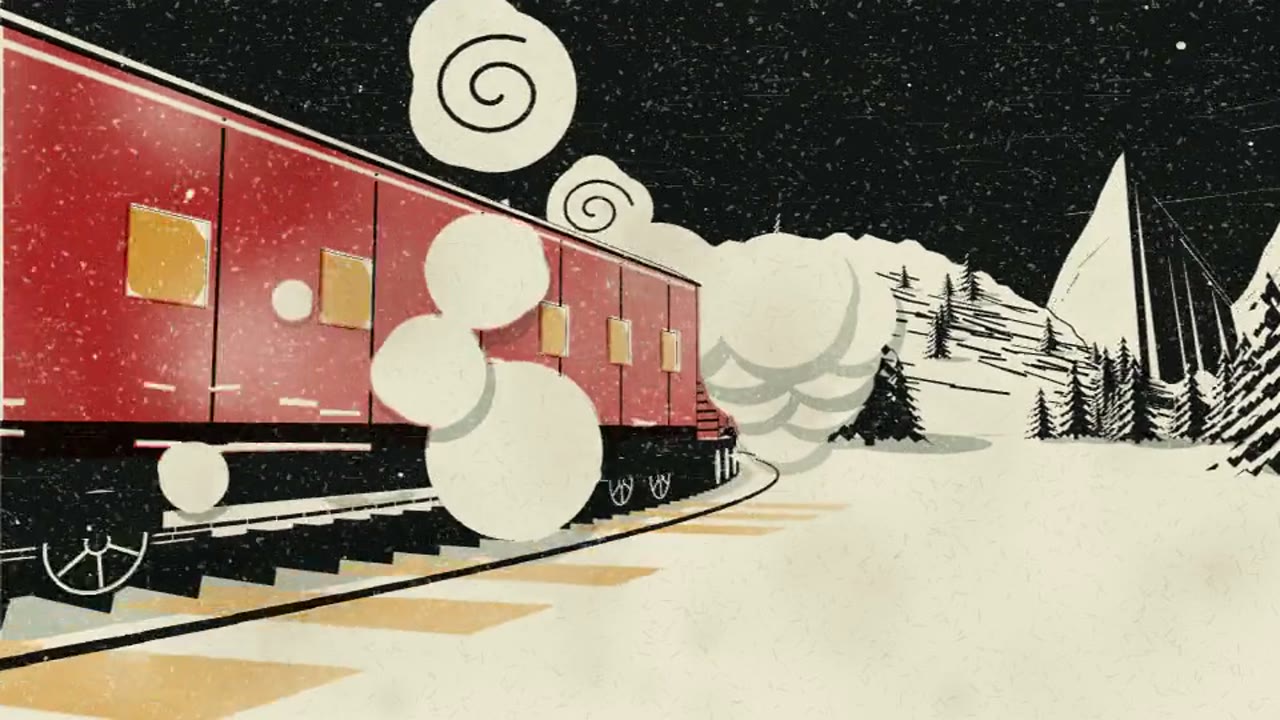 The Mail Train · a linocut journey · 25 s |
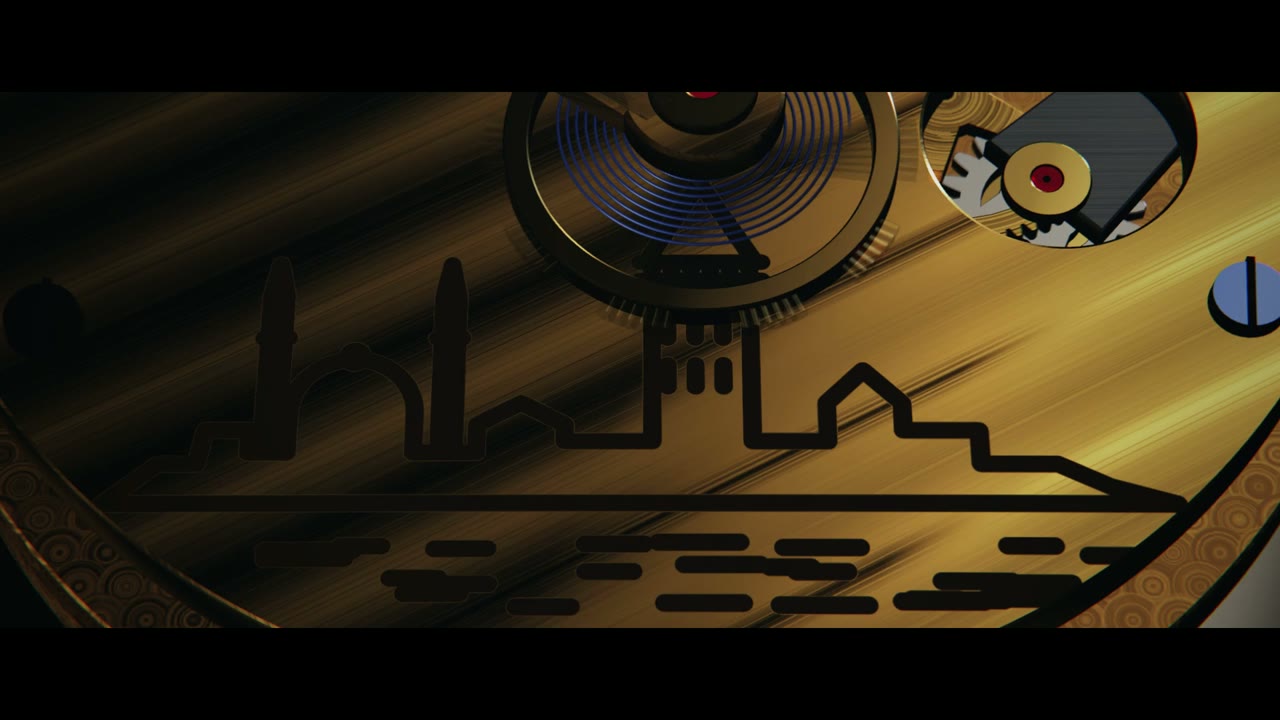 İlk Tik · a watch ad · 50 s |
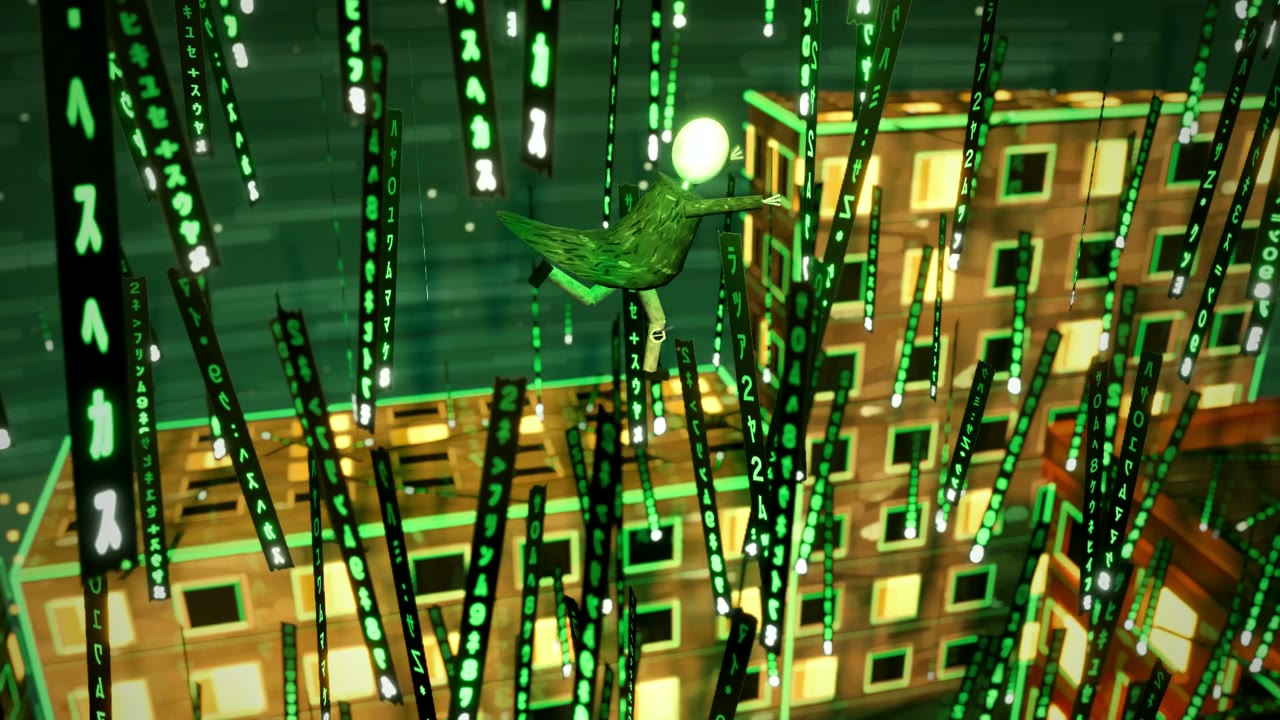 Atlama Programı · a homage in miniature · 50 s |
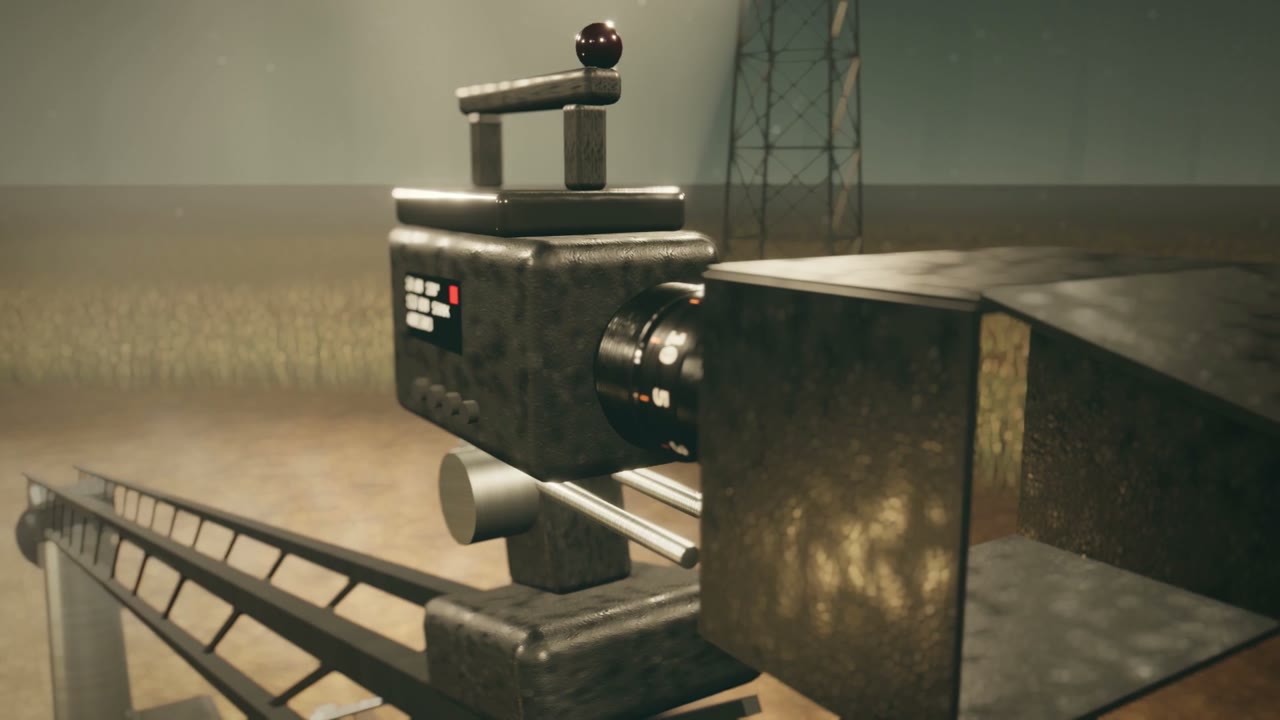 Boş Koltuk · a film set that builds itself · 80 s |
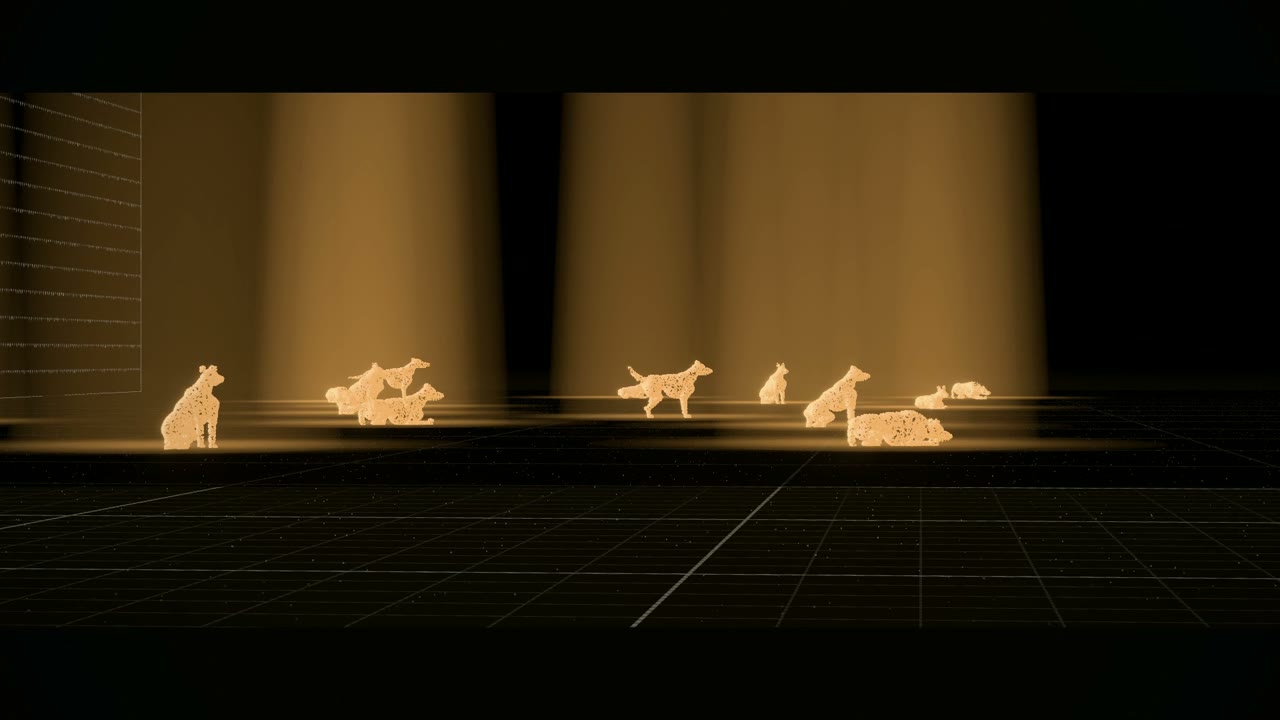 Yüz Köpek · a data documentary · 90 s |
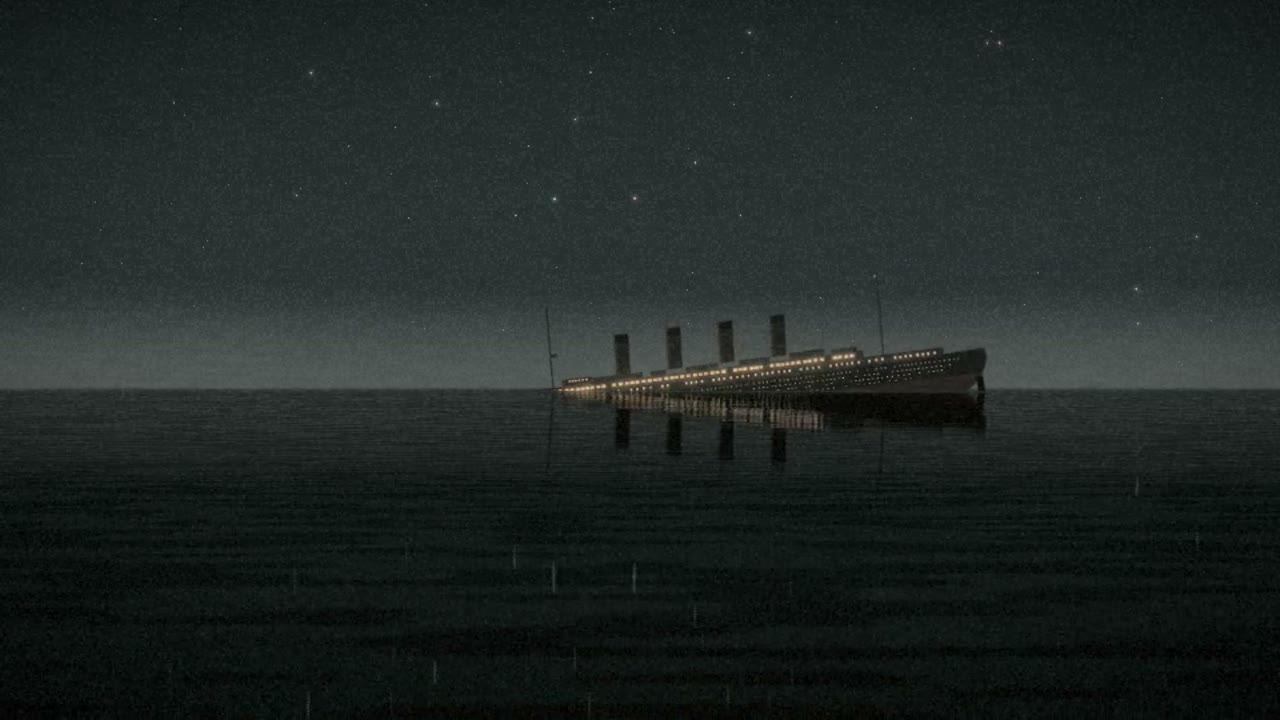 Titanik, Son Saatler · a documentary · 5 min |
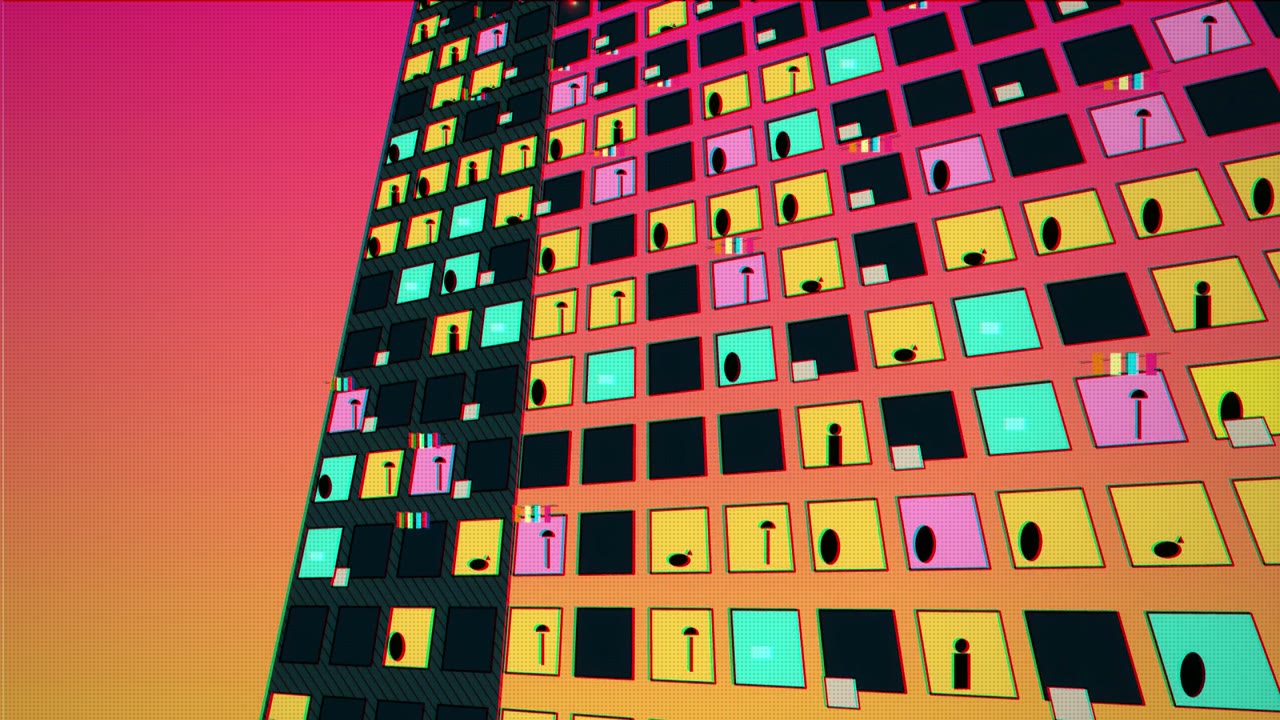 cinecode · a pop-art promo · 60 s |
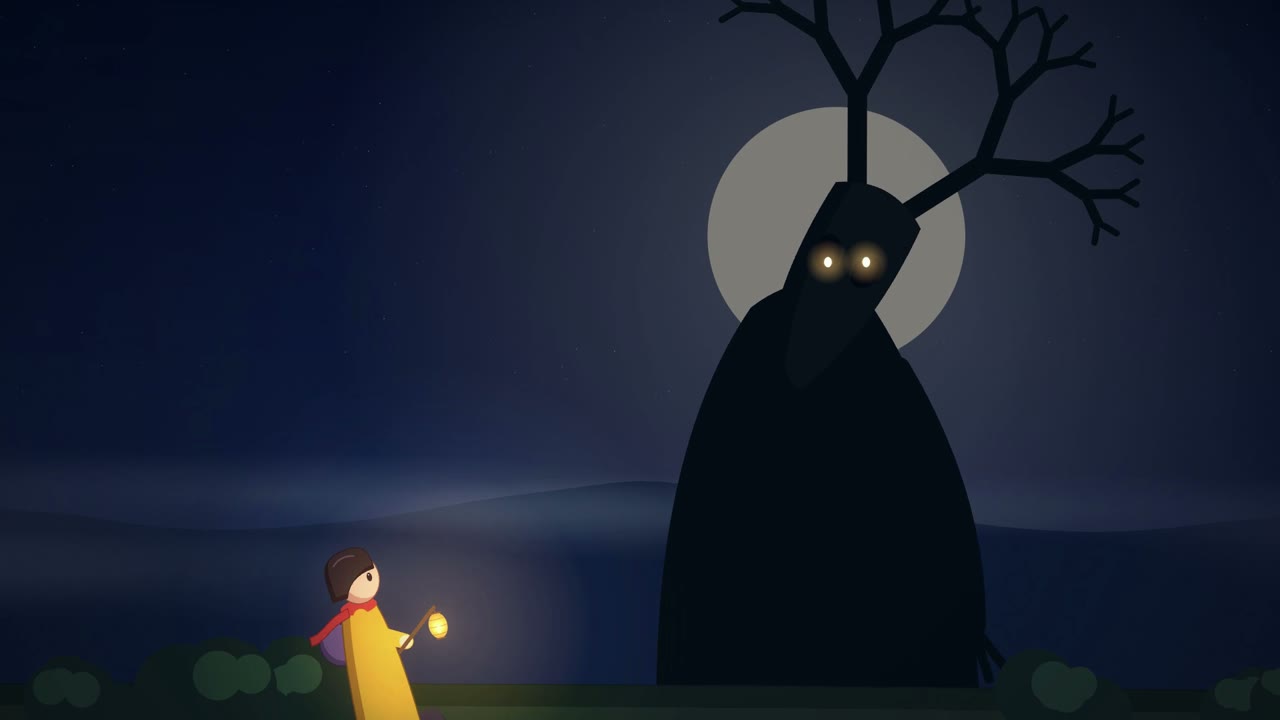 Fener · an animated tale · 60 s |
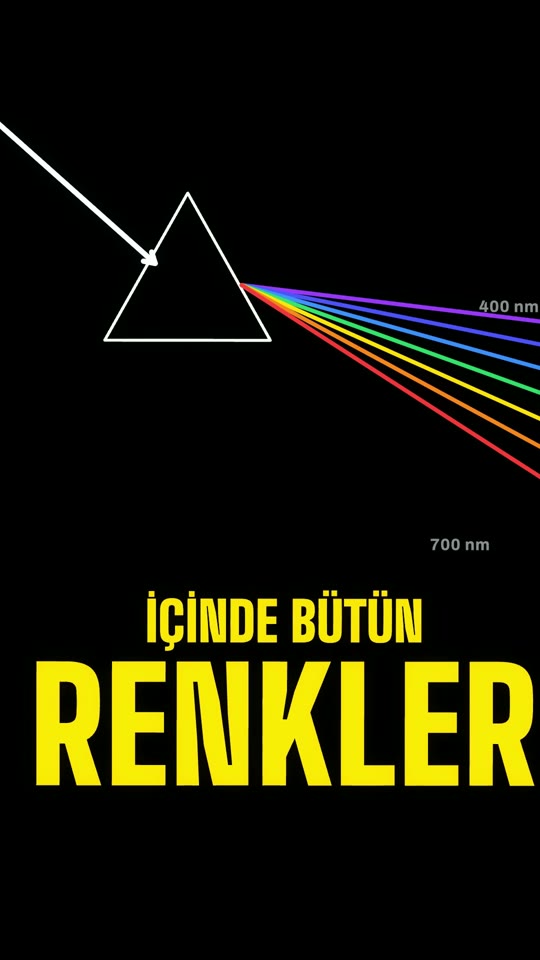 Gökyüzü neden mavi? · an explainer · 45 s, 9:16 |
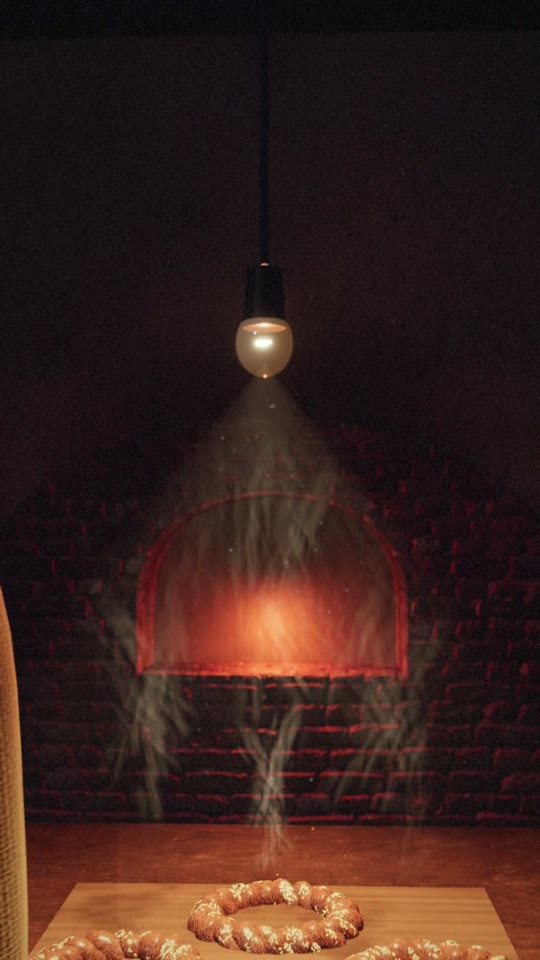 Kuzguncuk Fırın · a bakery ad · 15 s, 9:16 |
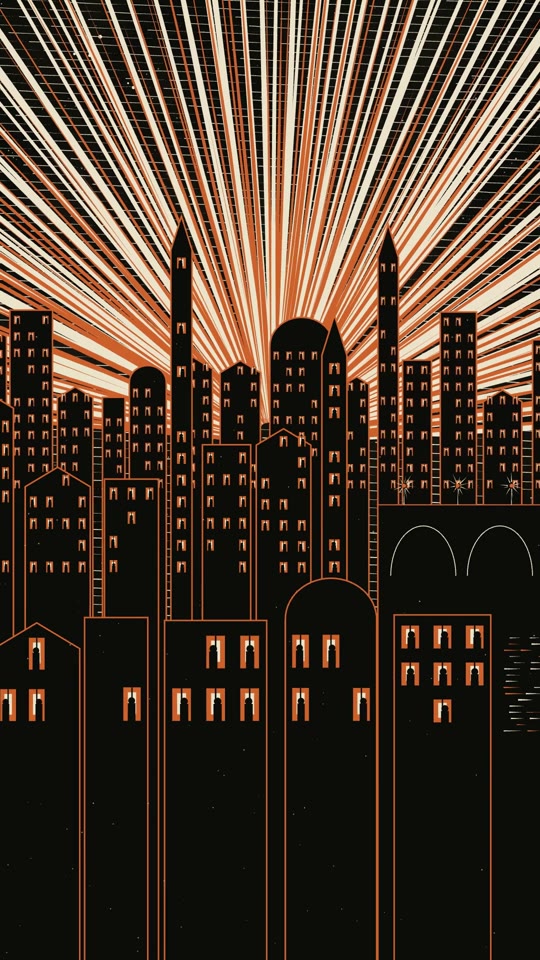 Tek Kibrit · a graphic short · 63 s, 9:16 |
How it works
- You say the idea. One sentence is enough; a full brief goes straight to work.
- It asks a few questions (the idea's readings, what the film is made of, length and format, the look, the sound and the music), each with a recommended answer marked ★.
- It shows the plan as text: the beats second by second and a director card you can change line by line. Then two scenes as stills, before the rest is built.
- It renders a draft, checks it (motion from the first frame, loudness, legibility, repeats), shows it to you, and an independent viewer watches it cold. Your notes change only what they touch.
- The final: full size, mastered to −14 LUFS, with the credits for your video description.
Two modes
The agent asks this first and recommends one for your goal.
| Quick mode | Film mode | |
|---|---|---|
| In one line | the whole film in one file, a few questions, a low-res draft, 1–2 revisions | the roadmap and the whole script approved first; then production stage by stage with your OK, or straight to the draft; research, layered sound |
| Best for | anything under about a minute, brand and client pieces included; social clips, explainers, ads, pieces up to about 3 minutes; a short film's first draft in minutes, about 3 approvals | longer films with several scenes, research or archive material: documentaries, narrated pieces, festival shorts; about 6–8 approvals stage by stage, about 3 straight through |
| How | a few questions (incl. the medium, voice-over, music and references) → optional research (stills from films that look like yours, plus real shapes where the subject is real) → the plan as text (beats, director card, the reference board) → two scenes as stills for your OK, then the rest → low-res draft → up to 2 revision rounds on drafts → final render | 6 questions → roadmap → script → style frame → animatic → render; stage by stage each with your OK, or straight from the script to the draft |
| Picture | one self-contained film.html: scenes as functions of time, Canvas 2D or three.js / WebGL, on-screen text |
three.js scenes with eight look presets, per-shot renders |
| Sound | designed from version 1 in the same file (Web Audio, rendered offline): an ambience bed per scene, effects on the picture's cue table, one shared reverb, music from an arrangement table | a designed sound identity with layered beds, foley, hero moments, voice and music |
| Agents | one main chat builds, renders and revises (fast); research in the background, helpers only for the prediction test, the overlap check, narration takes and an independent viewer of each draft | the main chat builds what it holds; helpers take the independent parts in parallel (sound, narration, research, review) and the chapters of a long film |
You can start in Quick mode and move a film to Film mode later: the beats become the roadmap.
Two purposes
Asked together with the mode: the mode decides how deep the work goes, the purpose decides what kind of film it is. Everything after it (question defaults, references, gates, checks) follows the purpose.
| Cinematic film | Ad & product (brand, launch, promo, explainer) | |
|---|---|---|
| Aim | a story, mood or art piece that looks filmed, not rendered | a film that belongs to one subject, says whose it is and what to do next |
| Picture | the cinematic pass: shallow focus and lens character, grain, an operator's inertia, and on request (off by default) 180° motion blur on fast moves, film tonality from the kit's own print curve and gate weave; camera moves chosen for each shot | the specificity and competitor test, names on screen as lower thirds, UI hero shots for software, your brand colours and fonts (open fonts from Fontsource; your own brand font stays local), an end card with a call to action |
| Sound | ambience-led, a signature sound, the music your pick | narrator + music by default |
| Delivery | the format you choose | 9:16, 1:1 and 16:9 variants with safe areas |
| Extra | — | optional: your own footage or screen recordings cut from a word-timed transcript (needs Whisper): pause trims, stutter and retake flags you approve, graphics timed to the words |
Details: references/purpose-cinematic.md, references/purpose-ad.md, references/footage-edit.md. Motion, the camera vocabulary, fonts, sound sync, the hook, one action per shot and the checks are shared by both.
What you get
- A writing system for clever, short, on-target scripts (both modes): diverge then converge, a clear turn when the story has one, ending first, show don't tell, a word budget, a banned-cliché list in English and Turkish, a read-aloud and 30% cut pass, a first-time-viewer check.
- A named camera and transition vocabulary (
references/camera-moves.md): moves, focus moves and transitions (dolly in, orbit, dolly zoom, FPV, handheld, speed ramp, rack focus, match cut, whip pan, J-cut…) with what each makes the viewer feel, default duration, speed and easing. Every shot's camera is one line: "dolly in, 3 s, slow ease-in-out, toward the figure". Both engines implement them as pure functions of time (film.html2.5D camera,starter/camera.mjsfor three.js). - Quick mode starter:
film.htmlwith a deterministic timeline, a 2.5D camera with depth planes, transitions, a shared cue table for picture and sound, seeded randomness (with a lazy cache for seeded data), text helpers and name labels sized for diacritics, and small Web Audio voices (pad, kick, tick, hit, riser, whoosh, pluck, a soft lead, foley, ambience beds, a shared generated reverb) with an arrangement table that is checked before every render. Clicking it in a browser plays picture and sound together. - Film mode interview of six questions in three short rounds (the direction board is shown between them), and eight look presets (cinematic realistic, anime/cel, pastel storybook, claymation, papercut/collage, retro/synthwave/VHS, glossy commercial, hand-made ink), plus a path to a custom look from your own reference images. The same eight families work in Quick mode too (grade, texture, toon shading, drawings on twos).
- A voice that belongs to the film: narration never goes out as the raw engine voice. Each film picks how its voice comes through (close, tape, radio, chorus, underwater, machine…), where it stands (a room, a hall, a stone nave, open air) and can carry the film's signature sound inside it; every line lands at the same dialogue level.
- Like this video, but …: drop a video you like into
refs/and say what to change. Its form is measured (cuts and shot lengths, tempo, palette and light, BPM, how the cuts sit on the beat), you change what you want, and the film is made new on that form, never from its frames or music. - Your own song: bring a song or track and the film follows its beat grid: tempo measured on the whole song, the clip cut on a bar line, cuts and hits on bars and beats, one visual per lyric line; the music ducks under narration automatically.
- Direction board (Film mode): once you tell your idea, three visual directions are shown in one image, each a style plus stills from two or three real films whose look carries it (FilmGrab, mood only) with its measured palette; the one you pick is measured into the film's light and colour, and the style frame is checked against it.
- Looks found for each idea: directions from real cinema (stills from films, cinematographers and photographers, mood only) and a shelf of style recipes as vocabulary (woodcut, ukiyo-e, shadow puppetry, risograph, silent film and more; most of them by LemoLab, see Credits); only the chosen one is read.
- Designer-grade typography (
references/typography.md): licence-clean, Turkish-verified fonts and pairings from independent open foundries and Fontsource; three pairings dealt per film and shown as specimen cards in the film's own look; typography references from Fonts In Use, Art of the Title, Typewolf, Are.na and your own screenshots (Instagram saves included) inrefs/type/, measured into a type direction; a taste log that learns your picks across films; phone-size legibility, contrast and diacritic checks; optional word-locked talking-head captions. - Sound design essentials: a light sound identity per film, layered beds, tested ffmpeg recipes, a −14 LUFS master.
- Small, dependency-free tools: frame capture (also straight to MP4, and the page's soundtrack to WAV), animatic builder, mixer, mastering, quality checks (including a measured hook check, subject action per scene once the camera move is removed, and loudness and harshness per scene), open-licence asset search with a licence log.
Requirements
- An AI coding agent that can run local tools: Claude Code (desktop app, VS Code extension or terminal) or Cursor. The regular chat at claude.ai cannot run tools on your computer; Claude Code can (ffmpeg, Chrome, the scripts).
- Node.js 22+, Python 3.9+, ffmpeg and Google Chrome (or Chromium / Edge); the agent installs what is missing, with your OK. Nothing else, on Windows either: the kit runs in Claude Code's own PowerShell, with no bash; Git is used only to install and update the kit, never to render. If the kit's guard does not run in a Claude Code session, the film's setup says GUARD OFF (the tests run on Windows and Linux on every push, and on macOS before each change; a whole film made on Windows is not tried yet). The hooks need a recent Claude Code (the exec-form hooks and
onFailure, 2.1.295 or newer); on an older client the guard may not register and the film still runs. - A GPU that Chrome can use (any recent Mac, or a PC with a working graphics driver).
- Disk space: Quick mode pipes frames straight into the MP4, so a few hundred MB is enough; Film mode needs a few GB per film while rendering.
Missing one of them? Just start: the agent checks the machine first and offers to install what is missing (it asks before installing anything). Nothing else is installed: the scripts use only built-ins, and three.js loads pinned library versions from a CDN.
Free Turkish voices, if you want one (the kit installs none of them; narration otherwise uses Gemini TTS with your key, or the system voice as a stand-in):
- EMA Lightning by Canberk Aslan (Apache 2.0): one clear voice, offline on a CPU, about 800 MB with PyTorch. The kit can use it once installed:
python3 tools/tts.py --install ema, then--engine ema. - VoxCPM2 Türkçe ses tasarımı (Apache 2.0): design a voice from a description, seven ready narrators (a documentary voice, a deep storyteller, a news anchor); Apple Silicon or an NVIDIA card, about 3.7 GB.
- Ahenk by Özgür Güler: question intonation, emotions and laughter (large model, NVIDIA card) and Ahenk Cep (small, CPU); the weights are CC BY 4.0, so a film that uses them credits Ahenk.
Install
Open Claude Code (the desktop app's Code tab, the VS Code extension or the terminal) and say:
Install the cinecode skill from https://github.com/sarpstar/cinecode
It fetches the kit from GitHub with git into ~/.claude/skills/cinecode (Windows: %USERPROFILE%\.claude\skills\cinecode); on a Windows computer without git it installs git first (winget install --id Git.Git -e), after your OK. Then open a new chat. Later, "update cinecode" brings the newest version. Install it in one place only, so the agent does not see two copies.
By hand, the same in one line:
git clone https://github.com/sarpstar/cinecode.git ~/.claude/skills/cinecode
The skill starts on everyday film, animation and ad phrases ("kısa film", "animasyon", "reklam filmi", "ürün videosu", "tanıtım videosu", "make a short film", "product video", "ad").
1. Claude desktop app (Code)
Open the Claude desktop app, switch to Code, select an empty folder for your film, and type "I want to make a short film" (Turkish: "Kısa film yapmak istiyorum").
2. VS Code extension (Claude Code)
Install the Claude Code extension, open an empty folder, open the Claude Code panel and type the same sentence.
3. Terminal
mkdir my-film && cd my-film && claude
Then type the same sentence.
4. Cursor
In Cursor's Agent chat, ask for the same install into ~/.cursor/skills/cinecode, or:
git clone https://github.com/sarpstar/cinecode.git ~/.cursor/skills/cinecode
Open an empty folder in Cursor, open the Agent chat and type the same sentence. The kit's own checks (make.py, qc.py) run the same; the guard hooks that stop a few mistakes as they happen (a script asked about before it is shown, a draft not shown, a stop right after an approval) run in Claude Code only.
Quick start
Open an empty folder in your agent (see Install).
Write your idea. The idea is the only thing you need; leave the rest out if you are not sure, and the agent asks:
Let's make a film with cinecode: <what it is about, a sentence or two>.

(Add these if you know them; leave them out and the kit asks:)
Length: <15 s / 1 min / 5 min…>
Where it will be shown: <Instagram vertical / YouTube horizontal…>
Sound: <a narrator / no voice / my own song: file>
Look: <a film, a photo or a painter you have in mind, or "suggest one">
Leave the mode out: the agent suggests one from the size of the work. The less you write, the more it asks; a complete brief (beats, words, length, format) goes straight to a draft without questions.
Pick a mode and a purpose (cinematic film, or ad & product), answer the questions in one or two short rounds (the recommended option is marked ★).
Approve or change at each checkpoint. The finished film lands at the top of the film's folder as
<title>.mp4.
Quick mode, step by step
| # | Step | You do |
|---|---|---|
| 1 | A few questions: your idea, the medium (what the film is made of), length and format, style and mood, sound (narrator + music, music and effects only, or on-screen text + music; with a narrator also voice type and language), the music on its own (a real recording you pick by ear, your own track, written in code, or none), references (search, only yours, or skip); the sound identity is suggested in one line | answer, or "ok" |
| 1b | Light research, if you chose it: open-licence references for the subject's key elements, more as the film gets longer (2–3 for 15–30 s, 3–5 for 60 s, 2 per chapter beyond; plus your refs/) |
— |
| 2 | The plan (one text gate): logline, the turn, a second-by-second beat table with camera lines (one flow, grouped by internal chapter for longer films), text or lines; the reference board when research ran; a short director card (look, camera, motion, tempo, transitions, type, sound, finishing) you can change line by line | OK, swap a reference, one note, or ask for more references |
| 3 | Two scenes first: the look and two scenes (the opening and the one least like it) as stills, before the rest is built | go on, or one note |
| 4 | Build and draft: one film.html with picture and sound, a half-size draft without finishing effects, mastered to −14 LUFS, hook checked |
watch, then OK or notes |
| 5 | Revisions on drafts: up to two rounds of targeted edits, each shown as a new draft | send notes in one batch |
| 6 | Final render: full size, with the finishing effects you turned on (motion blur, print tone, gate weave; all off by default), checked again | watch |
Film mode, the six steps
| # | Step | You do |
|---|---|---|
| 1 | Interview: six questions in three short rounds, the direction board between them | answer, or pick the ★ options |
| 2 | Roadmap: concept, shots with timings (as many as the length needs: 4–8 for 30 s, grouped in chapters and acts for longer films), look, sound identity, hook, risks | approve or change lines |
| 3 | Script and text: the angle, the turn, the lines (or wordless), on-screen text; the whole script shown at once | approve or change; choose how production runs: stage by stage, or all of it straight to the draft |
| 4 | Style frame: one still at final quality, the bar for every later frame | approve or give a note |
| 5 | Animatic: a low-res timed video with temp sound | is the pacing right? |
| 6 | Render, sound, final: a half-size draft cut with the mixed sound first, then the full-size picture, master, checks, delivery | watch, send notes in one batch |
Notes are applied only to the shots, lines or sound layers they touch; each round is a new version. After you approve the final, the agent asks whether to clear the drafts and in-between files; the delivered film, your references, assets, audio sources and notes always stay.
Built-in rules (both modes): the first 2 seconds move from frame 1 (measured); every frame is a pure function of time (re-renders are identical); every outside file gets a licence row when it is downloaded; long renders run in the background with a status file; the agent looks at small contact sheets instead of full-size frames, which keeps cost down.
Who does the work (Film mode): the main chat builds what it already holds the context for; a fresh helper agent, briefed from the project files with its model named, takes an independent part that runs in parallel (sound, narration takes, research, the independent viewer) or a chapter of a long film; your notes are saved verbatim in notes/round-N.md and only the shots they touch are worked on; a defect is diagnosed on a few test frames before anything is rebuilt. At checkpoints the agent may offer a new chat: in the Claude desktop app it opens by itself after your yes; elsewhere you open one and paste a single line, "Continue from STATE.md" (Turkish: "STATE.md'den devam et"). Details: references/context-protocol.md. Every step of a chat re-reads the whole chat, so a short chat is what keeps a film cheap: each helper starts on the model its task needs (taste and judgement on your chat's model, file work and sourcing on lighter ones), the renders answer in four lines (tools/make.py), and images stay small. In Claude Code the skill enforces this with three hooks that start the kit's guard; among its checks: a reminder when the chat grows large, no large images in the chat, a 25-step limit per helper, nothing asked about that the user has not seen, the key file kept closed.
What is inside
cinecode/
├── SKILL.md              the skill: the flow, the questions and the hard rules; every film chat starts here
├── AGENTS.md             the entry point for agents that read AGENTS.md
├── references/           the craft guides
│   ├── quick-mode.md     Quick mode, step by step
│   ├── film-mode.md      Film mode: six approved steps
│   ├── writing.md        script, hook, prediction test, overlap check
│   ├── looks.md          look, light, texture; with craft.md and finish.md
│   ├── camera-moves.md   camera language; motion with motion.md and motion-design.md
│   ├── typography.md     type; sound.md for sound, music-video.md for your own song
│   └── purpose-*.md      cinematic film, or ad and product
├── scripts/              the tools (Python standard library and Node)
│   ├── init_film.py      sets up the film's folder
│   ├── make.py           stills, draft and final, one command each
│   ├── capture.mjs       frame-by-frame render in headless Chrome
│   ├── deal.py, dice.py  sparks and the outside dice
│   ├── direction.py      the style board; with styles.py, asset_search.py, fonts.py
│   ├── mix.py            the mix; master_audio.py (−14 LUFS), tts.py (narrator), beat_grid.py
│   ├── qc.py             quality checks; with scene_check.py, words_check.py
│   └── guard.py          the guard: enforces the rules on the spot (with hook.cjs, Claude Code)
├── templates/            a new film's files and the Quick mode starter page
├── starter/              the three.js scene: eight looks, named camera moves, a type layer
├── styles/               58 style recipes (51 from lemo-opuscar, MIT; 7 the kit's own)
├── docs/                 README images and the font library
└── tests/                the test suite, run on Windows and Linux on every push
A film folder the kit sets up:
my-film/
├── <title>.mp4           the finished film
├── STATE.md              where the film stands; every new chat continues from here
├── film.html             Quick mode: the film itself, one page of code
├── ROADMAP.md, SCRIPT.md Film mode: roadmap and script; the scenes live in engine/
├── refs/, research/      your references and the research
├── audio/, assets/       sound and downloaded material; their licences in LICENSES.csv
├── review/, renders/     check frames and drafts
└── tools/                this film's copy of the kit's tools
Where things are saved: each film is its own folder (the finished film sits at its top as <title>.mp4). What carries over from film to film lives in ~/.cinecode/: your API keys (keys.env, entered once), saved formats, the taste log and download caches. The kit's own folder is never written to.
FAQ
Code only, or hybrid? Code is the core: the pictures are made by code, at no model cost. The longer and more factual a film is, the more real material joins it where code cannot show the real thing: footage and photos the agent finds itself in open archives (Wikimedia Commons, the Internet Archive, NASA, museums) and stock photos and videos from Pixabay (your free key, asked once), each logged with its licence and credited. For the sound the kit recommends a recorded score and ready-made sound effects (free CC0 libraries); fully synthetic sound is a choice you can make. You can add your own footage, photos and recordings. If you connect an image or video generator yourself (Higgsfield, fal or another), the agent uses it only when you ask, as a last resort; it never suggests one. Faces work best stylised or as silhouettes in close-ups.
Do I enter my API key for every film? No. The first time narration needs one, enter it once: the agent opens the key file in your text editor with an empty GEMINI_API_KEY= line; paste the key after the =, save and close (or, in a terminal, python3 tools/keys.py set GEMINI_API_KEY, typed without showing). Every film after that uses it. Keys you put in an older film's .env can be moved there with keys.py import. Keys never go into a film folder or a repository.
How do I know what it can do? Ask: "what can you make?" ("neler yapabilirsin?"). You get a short menu: a short film, an ad or product video, a music video on your song, a film like a reference video, an edit of your own footage, a new film in a saved format, a look through the styles. Or just say what you want ("make a music video for this song"); the agent takes the right route.
Which mode should I pick? Quick mode when you want a finished film today or post often; Film mode when one piece has to be as good as it can be. The agent recommends one from your goal.
How long does a film take? In Quick mode a 30-second film is one short session: a few questions, one plan, two scenes to look at, a quick draft, then the final render (seconds to minutes each). In Film mode a 30-second film is usually a few sessions: the interview and roadmap take minutes, the script and style frame one sitting, and the render of a 30-second film takes minutes on a recent GPU. Most of the time goes into your notes, which is the point.
Do I need a powerful GPU? Any recent Mac (Apple silicon) or a PC with a working graphics driver is enough. The agent checks this at the start (capture.mjs --probe). Without a GPU in headless Chrome, rendering falls back to the CPU: fine for tests, slow for a whole film.
Can I use my own references? Yes: drop images into refs/ and links or film titles with timestamps into refs/links.txt. Copyrighted references are used for mood only, never in frames.
Can I use my films commercially (ads, client work, monetised channels)? As far as the kit is concerned, yes. Every font it deals or finds is under a licence that allows commercial use with nothing owed on screen or in the description (SIL OFL, Apache, MIT, Ubuntu Font Licence, CC0); the font is used in the picture, never sold or shared as a file. Four curated faces come from Fontshare (ITF Free Font License): free for commercial work too, but you download them yourself and never pass the files on; the kit keeps all font files out of git. References found by the agent are for mood and shape only; an image or a sound enters the film only with a licence that allows it, logged in LICENSES.csv. Your own logos, brand fonts, footage and songs stay your responsibility. Open music and images: the kit takes only public-domain, CC0 and CC BY material, and CC BY-SA for images (CC0 first for music), records each licence and writes the credits for your video description beside every final; check an item's source page before you publish, and keep the credits file with the film (it answers a YouTube Content ID claim on a CC BY track). Whoever publishes a film is responsible for its licences; the kit comes as is (MIT licence). This is not legal advice.
Where do I write the credits? In the video's description (YouTube) or the post's caption (Instagram, TikTok, X), nowhere on the picture. Every final leaves <title>-credits.txt beside the film: paste it as it is. Public-domain and CC0 material needs no line (the file lists it anyway, briefly); CC BY and CC BY-SA material needs its line, with the licence link the file already carries. That file is also your answer if a platform flags a track or an image.
Where do my films go? Into the folder you started the agent in: if it is empty or holds only films, each film gets its own subfolder there; otherwise (your home folder, the desktop, a code project) the agent makes one Films folder there and keeps every film in it. The agent tells you the path. Start the agent in the same place next time and "continue" lists your films by name. If you start without choosing a folder (a chat with no folder in the Claude app), your films go to a Films folder in your home folder and the agent moves the chat into the film's folder, so stills, music and drafts show in the chat.
Where is my film? Do I need git? The finished film is copied into your film folder as <title>.mp4, and the agent gives you that path; that file is all you need. You never have to touch git: if it is installed, the agent keeps a local history of the film's text files (so a bad edit can be undone). Nothing is uploaded anywhere, and videos are not part of it.
I liked a film. Can the next one have the same format? Yes. Say "save the format" ("formatı kaydet") after the final; next time say "same format" ("aynı formatta"). The look, type, sound, camera style and rhythm are kept, only the idea is asked, and the scenes and words are made new for it. Formats stay on your computer (~/.cinecode/formats).
How many tokens does a film use, and how do I see it? A film is a long chat in which the agent writes code, renders and checks: a 30–60 second Quick film usually takes 100–250 steps. Every step re-reads the whole chat; most of that comes from the cache and is cheap, but each step grows as the chat does. So when a step is done and the chat has grown, the kit offers to continue in a new chat; nothing is lost, because the film lives in its files. python3 tools/usage.py in the film folder shows each chat's tokens (Claude Code). Every chat also starts with the short description of every installed skill and the tool definitions of every connected plugin and connector (a skill's full instructions load only when it is used); turning off the ones a film does not need makes every step cheaper.
Which languages? The agent replies in your language. Subtitles are off unless you ask (at most two languages, stacked).
Offline? Rendering, mixing and the checks work offline, and so does the Quick mode starter (Canvas 2D, Web Audio); searches need the network (references, music, the first font and style downloads, which are then cached). The three.js scene needs the network once for its libraries (or a local copy, see references/looks.md §6); starter/index.html needs nothing.
Tests
From the kit folder run python3 -m unittest discover -s tests; put CINECODE_BROWSER_TESTS=1 in front for the real Chrome and ffmpeg tests. The suite also runs on every push on Windows (with and without Git and bash) and on Ubuntu. If something goes wrong, report it on GitHub.
Credits
Made by Sarp Yıldız (@sarpstar) together with Claude, in Claude Code and Cursor. MIT licence, see LICENSE.
Built on three.js (MIT) and pmndrs/postprocessing (Zlib), loaded at render time, not bundled.
Some ideas inspired by Leonxlnx/taste-skill (MIT).
The character kit (references/characters.md) is inspired by John Heibel's ClaudeAnimationBase; the cliché and colour checks are inspired by a study of the films in yihui-dev/awesome-opus5-5-videos. Ideas only: no code, prompts or frames from either are included.
The beat grid method and the lessons on music videos, transition sounds and kinetic type follow tuzhechen2005/opus-video-skills (MIT), rewritten for this kit.
The style library (styles/) is the style recipes of lemomo-ai/lemo-opuscar by LemoLab (MIT, styles/LICENSE-lemo-opuscar), pinned to one commit; their demo films and engine are linked, not included. The vox-explainer recipe is the kit's own; its shot types and review lessons follow charlie947/motion-graphics-skills (MIT).
Also rewritten for this kit, all MIT: the product-film shot catalog after AbubakrChan/product-launch-motion; the beat types and cut reasons after cth9191/animate; the cut-seam rules, the one-frame pop and loop checks, motion blur only where things move, the silent one-sentence test and the social cover frame after howseen-ai/claude-motion-design; the light and lens vocabulary after showheyohtaki/motion-prompt.
Motion principles (references/motion.md) draw on ideas from LottieFiles/motion-design-skill (MIT) and whaleyxbt/claude-motion (MIT); the UI hero shot grammar (references/craft.md §8) on ideas from 1weiho/cinematic-shot (MIT); frame-exact tempos on cth9191/animate (MIT); the footage edit (references/footage-edit.md) on pause and retake thresholds and word-timed beats from nateherkai/herk-edit-kit (MIT) and speech-timed graphic density from Barty-Bart/motion-graphics (MIT). Recorded instruments (scripts/samples.py) are the CC0 Versilian Community Sample Library as packed by Vincentwei1021/mg-styles-15 (MIT), fetched on demand, not bundled; the recipes line-boil, liquid-motion, shape-morph, sticker-explainer and variety-captions and the jury check follow its style notes and review loop, rewritten for this kit. The checks on the film's words (scripts/words_check.py) follow the pattern families of blader/humanizer (MIT) and Wikipedia's Signs of AI writing, with Turkish equivalents. Apart from the lemo-opuscar recipes (included under their MIT licence), all written in our own words; no code or text copied. Optional typefaces come from Fontsource (code MIT; each font keeps its own licence, mostly SIL OFL 1.1), loaded at render time. fonts.py reads the Fontsource API and the public tag list of google/fonts at run time; neither is bundled.
The recorded instruments are CC0: the Versilian Community Sample Library and the Versilian Studios Chamber Orchestra 2 Community Edition, fetched in small pieces only when a film uses them.
The ready sound effects are Kenney's audio packs (CC0), downloaded once when a film first needs them.
Free Turkish voices recommended under Requirements: EMA Lightning (Canberk Aslan), VoxCPM2 Türkçe ses tasarımı (alexturkey) and Ahenk (Özgür Güler); thanks to their authors.
Repository: github.com/sarpstar/cinecode
Explore related projects
ytdl-org/youtube-dl
Command-line program to download videos from YouTube.com and other video sites
141,539 starsexcalidraw/excalidraw
Virtual whiteboard for sketching hand-drawn like diagrams
135,559 starsgodotengine/godot
Godot Engine – Multi-platform 2D and 3D game engine
120,003 starsmrdoob/three.js
JavaScript 3D Library.
118,228 stars