
saif0200/notchprompt
saif0200/notchprompt has 1,395 GitHub stars and 109 forks. GitHot measured +3 stars in 24 hours. Last checked 2026-11-06 08:35 UTC. Last push 2026-03-25.
distraction-free teleprompter hidden in the macbook notch
What you can do
- Menu bar utility workflow (NP status item).
- Notch-adjacent floating overlay with transport controls.
- Start/pause, reset, and jump back 5 seconds.
- Adjustable speed, font size, overlay width, and overlay height.
Measured star growth
- in 24h
- +3
- in 7 days
- Update delayed
- in 15 days
- Update delayed
- in 1 month
- Update delayed
Net star changes over overlapping periods, not daily totals. Missing measurements are left blank. Stars measure attention, not software quality.
README.md
OriginalNotchprompt
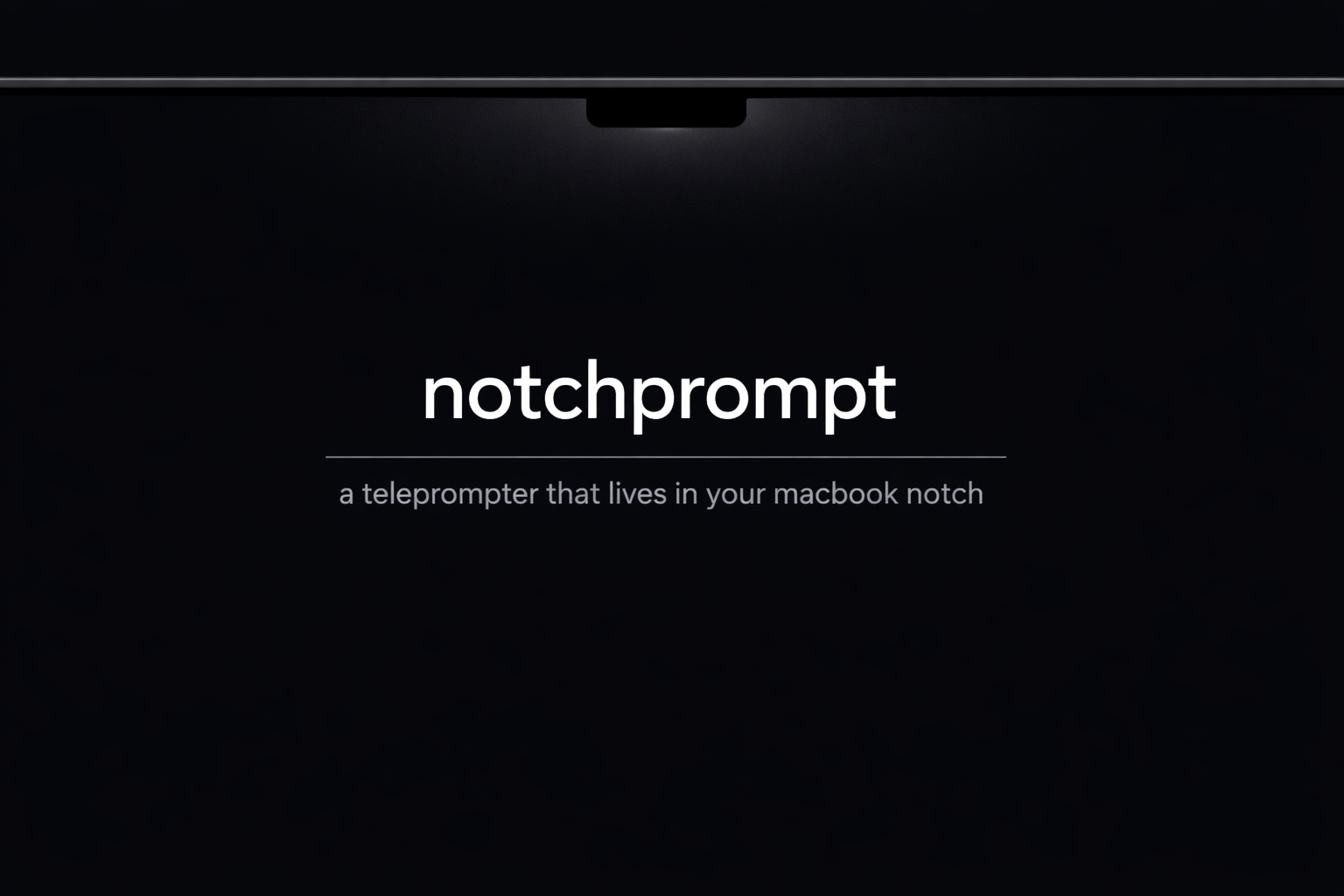
Native macOS notch-adjacent teleprompter for presentations and recordings.
Quick Demo
Demo assets below are placeholders. Replace with real captures before public launch.
Features
- Menu bar utility workflow (
NPstatus item). - Notch-adjacent floating overlay with transport controls.
- Start/pause, reset, and jump back 5 seconds.
- Adjustable speed, font size, overlay width, and overlay height.
- Optional countdown before scrolling starts.
- Import/export plain text scripts.
- Privacy mode (
NSWindow.SharingType, best-effort/app-dependent).
Requirements
- macOS version supported by the current deployment target in
notchprompt.xcodeproj. - Apple Silicon or Intel Mac.
Install (Recommended)
- Open GitHub Releases:
https://github.com/saif0200/notchprompt/releases - Download the latest
.dmgrelease asset. - Open the DMG and drag
notchprompt.apptoApplications. - Launch
notchprompt.app.
Unsigned Build Note
This build is currently unsigned/unnotarized, so macOS may show security prompts.
If macOS shows:
Apple could not verify "notchprompt" is free of malware...- or
"notchprompt" is damaged and can’t be opened
run:
xattr -cr /Applications/notchprompt.app
open /Applications/notchprompt.app
If it is still blocked:
- Open
System Settings -> Privacy & Security. - Click Open Anyway for
notchprompt. - Launch again.
Keyboard Shortcuts
| Shortcut | Action |
|---|---|
⌥⌘P |
Start / Pause |
⌥⌘R |
Reset scroll |
⌥⌘J |
Jump back 5s |
⌥⌘H |
Toggle Privacy Mode |
⌥⌘= |
Increase speed |
⌥⌘- |
Decrease speed |
Build From Source
git clone https://github.com/saif0200/notchprompt.git
cd notchprompt
open notchprompt.xcodeproj
CLI build:
xcodebuild -project notchprompt.xcodeproj -scheme notchprompt -configuration Debug build
License
MIT. See LICENSE.
Explore related projects
codecrafters-io/build-your-own-x
Master programming by recreating your favorite technologies from scratch.
560,505 starspublic-apis/public-apis
A collective list of free APIs
496,799 starsmorluto/rea
Reverse engineer anything with agents, from app behavior down to native binaries.
438,651 starsopenclaw/openclaw
The AI that really does things. Any OS. Any Platform. The lobster way. 🦞
394,087 stars