Projects View on GitHub
romaHerman/timeLineiOS
romaHerman/timeLineiOS has 604 GitHub stars and 84 forks. GitHot measured 0 stars in 24 hours. Last checked 2026-11-15 16:56 UTC. Last push 2019-09-13.
Measured star growth
- in 24h
- 0
- in 7 days
- Collecting history
- in 15 days
- Collecting history
- in 1 month
- Collecting history
Net star changes over overlapping periods, not daily totals. Missing measurements are left blank. Stars measure attention, not software quality.
About
DropIn TimeLine with progress animatiom
Developer ToolsREADME.md
OriginalTimeLine control is a simple drop in solution to show progress of some event e.g. track order
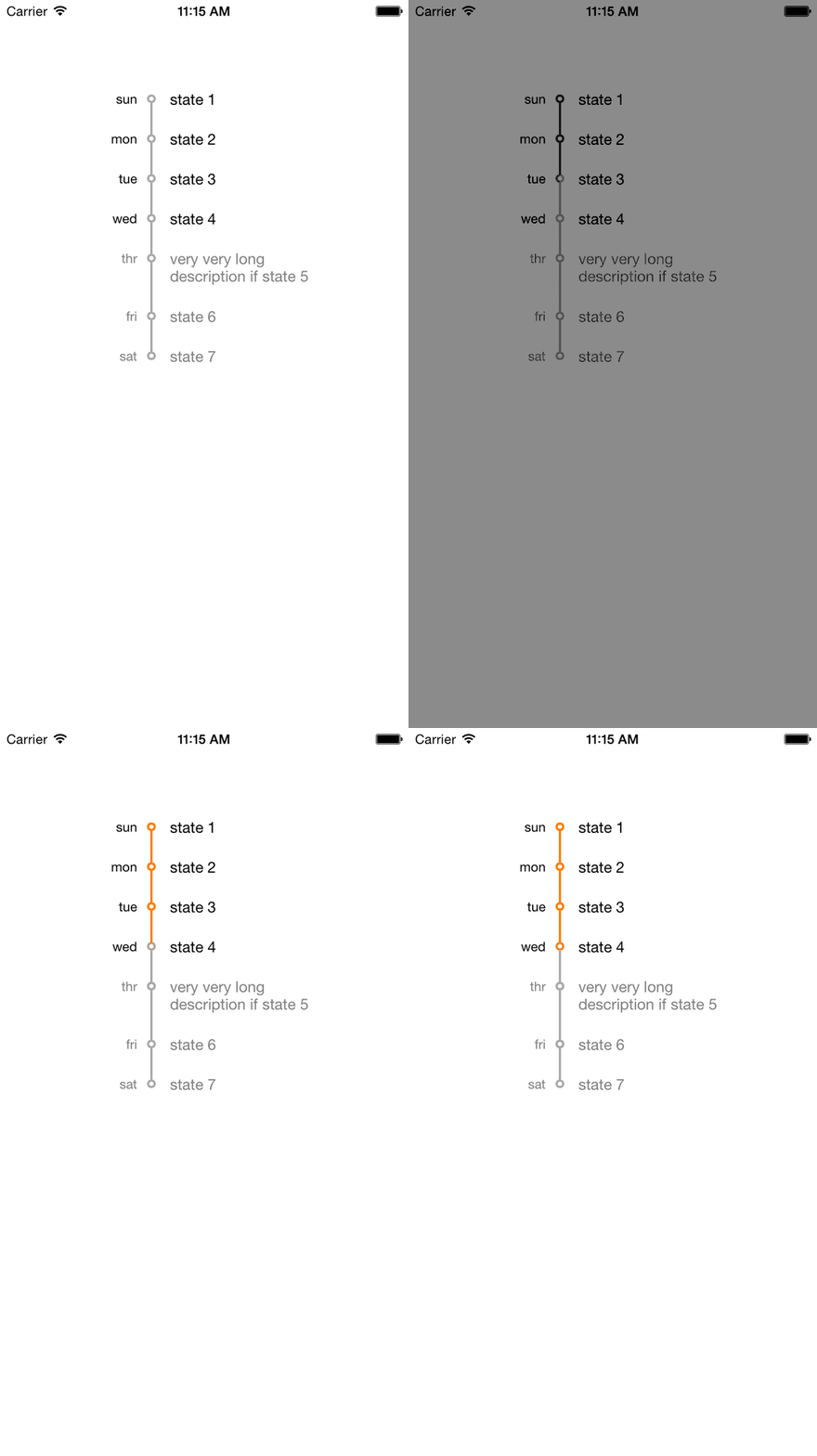
To use it in your application follow this steps:
- drag TimeLineControl folder to project
- import "TimeLineViewControl.h"
- and initialize view
NSArray *times = @[@"sun",@"mon",@"tue",@"wed",@"thr",@"fri",@"sat"];
NSArray *descriptions = @[@"state 1",@"state 2",@"state 3",@"state 4",@"very very long description if state 5",@"state 6",@"state 7"];
TimeLineViewControl *timeline = [[TimeLineViewControl alloc] initWithTimeArray:times
                                                       andTimeDescriptionArray:descriptions
                                                              andCurrentStatus:4];
timeline.center = self.view.center;
[self.view addSubview:timeline];
To deal with autoLayOut I've used Masonry library. It lays inside Timeline control folder. You don't need to do some additional steps to deal with it, just something to be aware of =)
That is it!
You can check ExampleProject to see how timeline works
Test actions1