
rogual/neovim-dot-app
rogual/neovim-dot-app has 1,126 GitHub stars and 61 forks. GitHot measured 0 stars in 24 hours. Last checked 2026-11-09 09:33 UTC. Last push 2020-10-01.
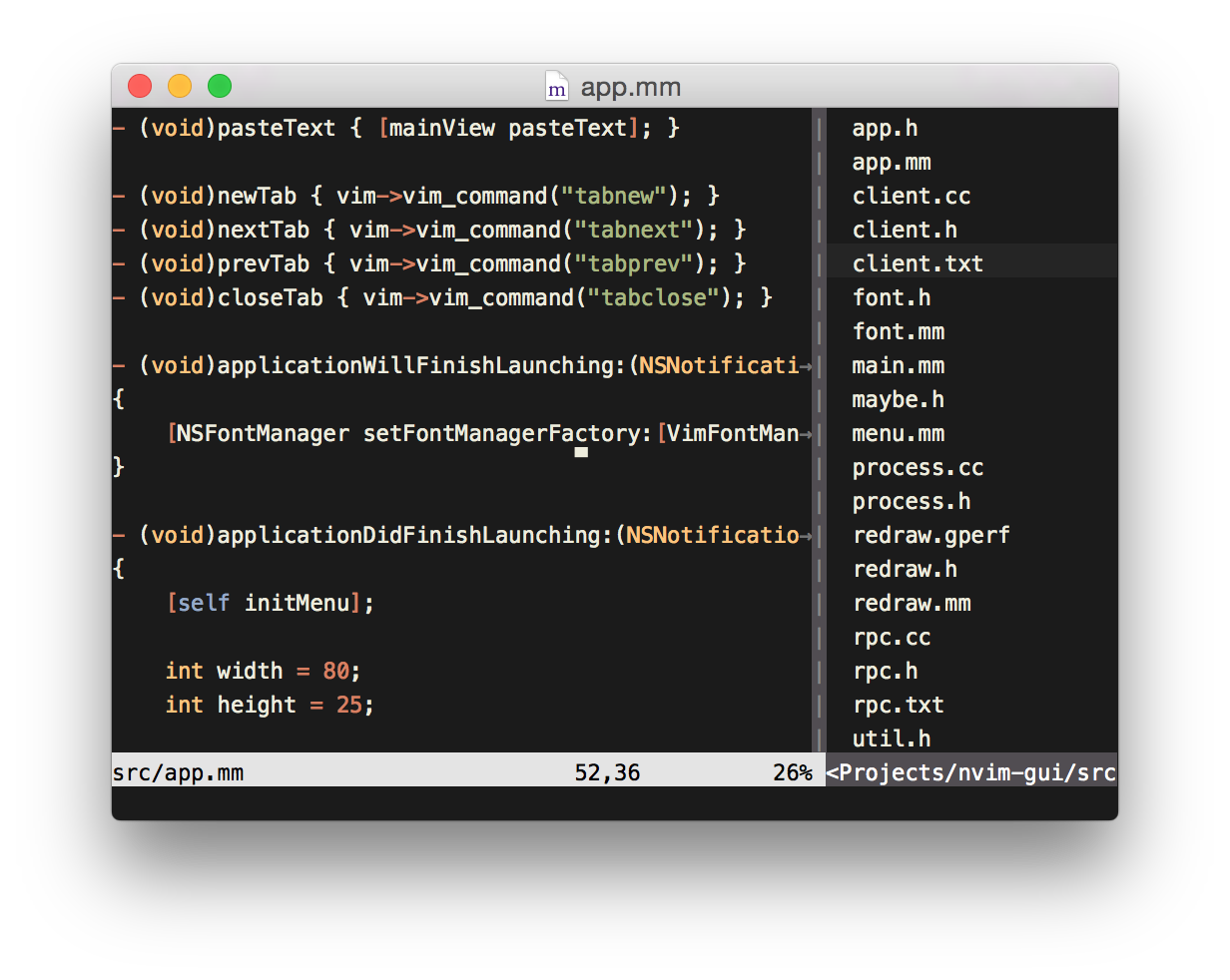
Mac OS X GUI for Neovim
Measured star growth
- in 24h
- 0
- in 7 days
- Update delayed
- in 15 days
- Update delayed
- in 1 month
- Update delayed
Net star changes over overlapping periods, not daily totals. Missing measurements are left blank. Stars measure attention, not software quality.
README.md
OriginalOS X GUI for Neovim
License
This source code is distributed under the terms of the GNU General Public License, version 3:
http://www.gnu.org/licenses/gpl-3.0.html
Features
What's Done
Text editing, mouse support, tabs, clipboard, Mac menus, font selection, font size adjustments, confirm-on-close, multiple windows.
Still to do
See the list of issues.
Pull requests are welcome, and greatly appreciated!
Contributing
See here.
Compiling
Prerequisites
- Neovim.app compiles on OS X 10.9 to 10.14.
- You'll need to install Xcode and its command-line tools.
- Homebrew isn't required but it's an easy way to install the rest of the dependencies.
Dependencies
SCons
$ brew install scons
MsgPack-C
$ brew install msgpack
A Neovim binary
$ brew tap neovim/homebrew-neovim
$ brew install --HEAD neovim
To compile:
$ make
This will look for a Neovim executable on your PATH. To specify an executable to use, just set the NVIM environment variable, e.g.:
$ NVIM=/path/to/nvim make
When the .app bundle is created, Vim's runtime files will be copied into it.
By default, the build script asks Vim where its runtime files are, and Vim
will probably say they're somewhere under /usr.
If you're compiling your own Neovim, and you don't want to install the runtime
files system-wide, the build script can copy the runtime files directly from
your neovim checkout. Just set VIM when compiling, e.g.:
$ VIM=/path/to/your/neovim/checkout make
If you're setting one of these options, you'll most likely want to set both.
Problems Compiling?
error: no member named 'ext' in 'msgpack::object::union_type'
This means your msgpack is out of date. Try:
brew uninstall msgpack
brew update
brew install msgpack
'msgpack.hpp' file not foundld: library not found for -lmsgpack
Homebrew installs things into /usr/local, but the compiler doesn't look there unless you've run:
xcode-select --install
so try doing that!
Running the Tests
$ build/test
Q&A
I'm having Python problems
Neovim uses the first Python it finds on your PATH. If you've launched Neovim from anywhere other than a terminal, it will only see your system PATH, which probably doesn't have that fancy new version of Python you've installed on it.
To point Neovim at the Python installation you want to use, put this in your .nvimrc:
let g:python_host_prog='/path/to/python'
Explore related projects
codecrafters-io/build-your-own-x
Master programming by recreating your favorite technologies from scratch.
561,398 starspublic-apis/public-apis
A collective list of free APIs
497,679 starsmorluto/rea
Reverse engineer anything with agents, from app behavior down to native binaries.
447,495 starsopenclaw/openclaw
The AI that really does things. Any OS. Any Platform. The lobster way. 🦞
394,261 stars