robinsloan/rnn-writer
robinsloan/rnn-writer has 203 GitHub stars and 28 forks. GitHot measured 0 stars in 24 hours. Last checked 2026-11-19 16:36 UTC. Last push 2019-05-30.
Measured star growth
- in 24h
- 0
- in 7 days
- Collecting history
- in 15 days
- Collecting history
- in 1 month
- Collecting history
Net star changes over overlapping periods, not daily totals. Missing measurements are left blank. Stars measure attention, not software quality.
About
Package for the Atom text editor that provides responsive, inline "autocomplete" powered by a recurrent neural network.
Developer ToolsREADME.md
Originalrnn-writer
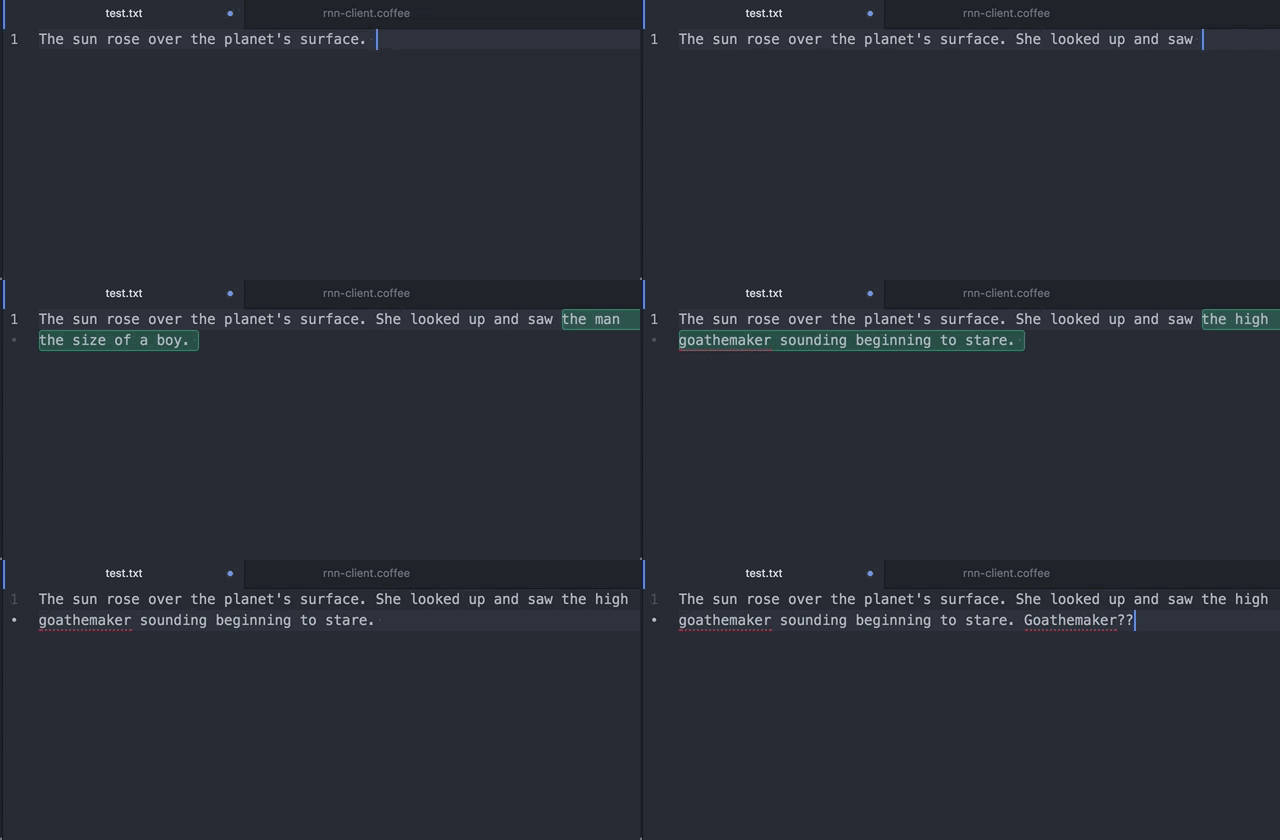
This is a package for the Atom text editor that works with torch-rnn-server to provide responsive, inline "autocomplete" powered by a recurrent neural network trained on a corpus of sci-fi stories, or another corpus of your choosing.
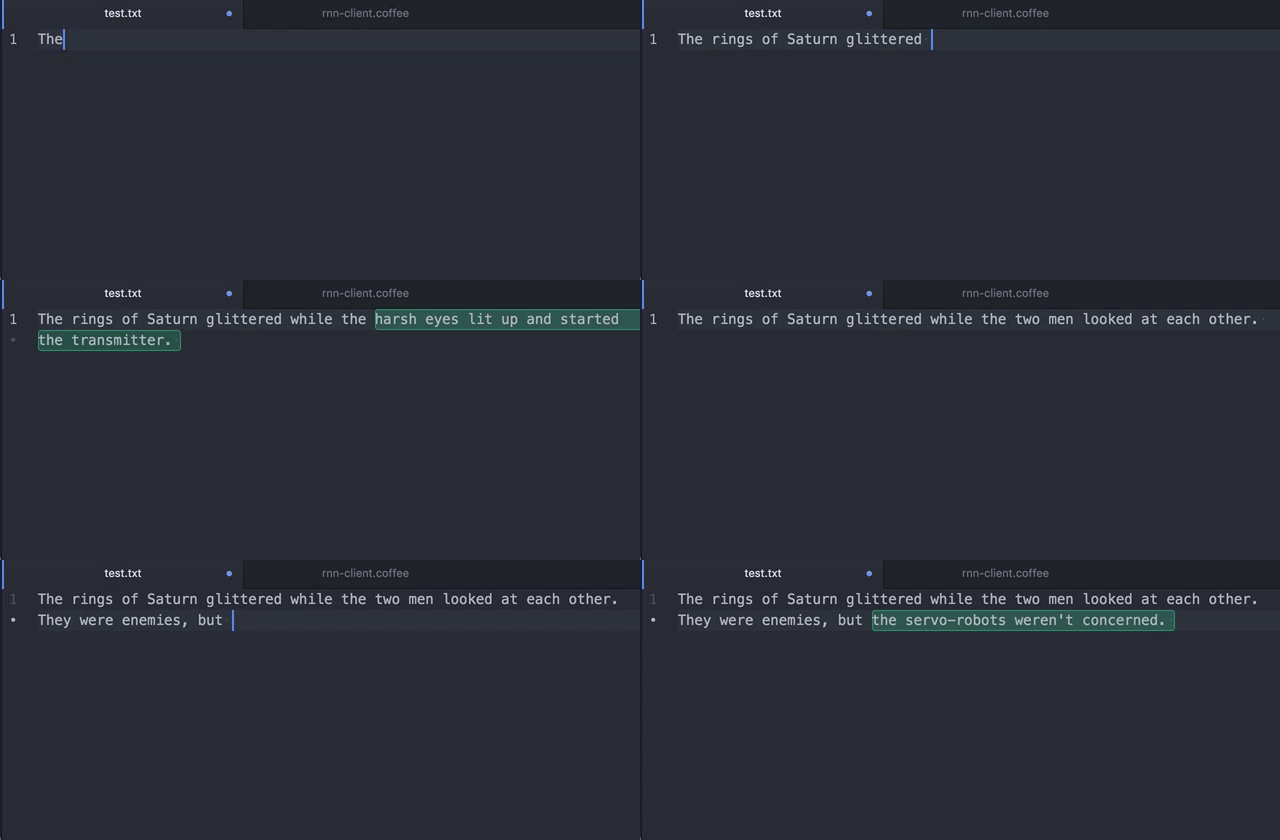
I explain what this project is all about here; it's probably worth reading that before continuing.
Installation
After downloading and installing Atom, get thee to a command line and do the following:
git clone https://github.com/robinsloan/rnn-writer.git
cd rnn-writer
apm install
apm link
That last command -- apm stands for Atom Package Manager -- tells the application about the package.
Next, open Atom. Go to the Settings screen (cmd+,) and select Packages on the left. rnn-writer should be listed near the top. Enable it. Close Atom and reopen it again. Now you should be able to access rnn-writer's settings -- again, cmd+, and find it near the top.
Configuration
The only thing missing is the location of a server to provide the "autocompletions." You should download and set up torch-rnn-server along with its dependencies, which are many -- but you can skip several if you're using a pretrained model. After doing this, tell rnn-writer where to find torch-rnn-server, e.g. at http://localhost:8080.
Use this thing!
This package only pays attention to files that have the .txt extension, so if you're typing in a fresh Atom window, be sure to save once (noveldraft.txt?) before proceeding.
One more time: be sure you're looking at a file with the .txt extension. Then:
Activate the package using cmd-shift-R.

Here are the controls, which should feel intuitive:
| This key | does this |
|---|---|
tab |
show suggested completions at the text insertion point |
down |
scroll down through completions (and get more if necessary) |
up |
scroll back up |
return or tab again |
accept the current completion |
left or escape |
reject all completions and reset |
| (anything else) | continue editing as usual |
You can always use cmd-shift-R to deactivate the package and type normally again.
If you run into problems or have ideas for improvements, don't hesitate to open an issue. This is the first time I've bundled up code for other people to use, so I'm sure I made -- am currently making -- some mistakes.
Enjoy!