
revolist/revo-ui
revolist/revo-ui has 45 GitHub stars and 5 forks. GitHot measured +12 stars in 24 hours. Last checked 2026-11-11 09:28 UTC. Last push 2026-11-06.
UI components for financial apps & dashboards
Measured star growth
- in 24h
- +12
- in 7 days
- Update delayed
- in 15 days
- Update delayed
- in 1 month
- Update delayed
Net star changes over overlapping periods, not daily totals. Missing measurements are left blank. Stars measure attention, not software quality.
README.md
OriginalRevo UI
RevoGrid's UI component library for financial apps, reporting dashboards, and project management.
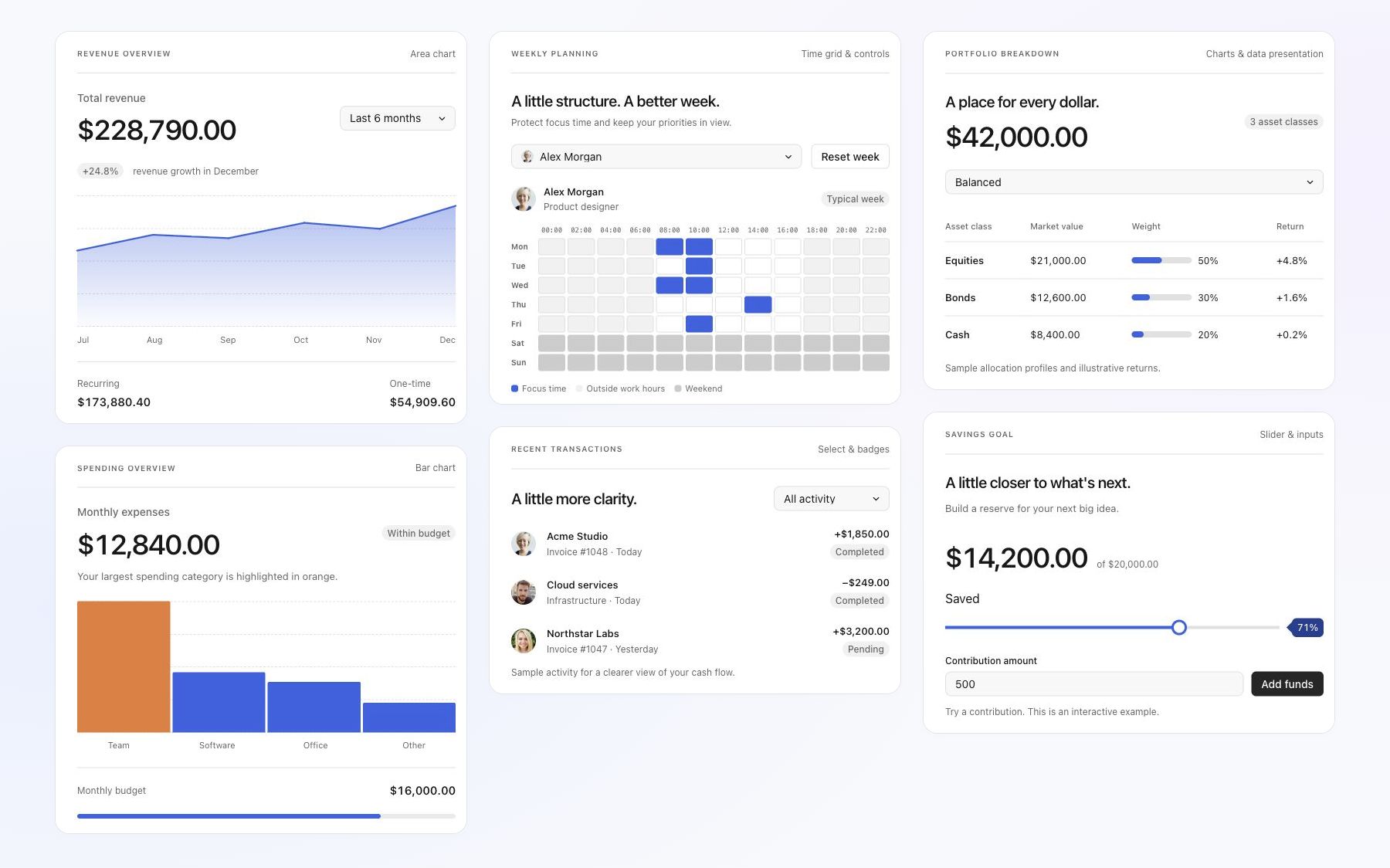
Compose data-rich workspaces with shared controls, pickers, charts, timelines, dialogs, and feedback. Use React, Vue, Angular, Svelte, Preact, or vanilla TypeScript. The package name remains @revolist/ui.
Live components · Interactive overview · Framework guides · RevoGrid · Pro documentation
Web Components
Use the runnable custom-element example to mount
Revo UI controls with the <revo-ui> adapter. The example supports property
updates, native events, and disconnect/reconnect cleanup.
Get started
pnpm add @revolist/ui preact
Import the shared styles once:
import '@revolist/ui/styles.css';
Choose your framework for setup instructions and usage examples:
React · Vue · Angular · Svelte · Preact · Vanilla TypeScript
Components
Explore live previews, variants, and expandable code examples on the website.
- Buttons — Actions, icon buttons, toggles, and button groups.
- Inputs and forms — Text, search, numbers, validation, and field layouts.
- Selects and pickers — Searchable dropdowns, multiple selections, user images, and assignees.
- Selection controls — Checkboxes, switches, radio buttons, and choice chips.
- Tabs and lists — Tabs, segmented controls, and selectable lists.
- Sliders — Single values and ranges with labels and value badges.
- Timeline — Draggable, resizable events with colors and tooltips.
- Calendars and dates — Date and time pickers, ranges, and weekly planning.
- Charts — Bar, line, and area charts with tooltips and range selection.
- Dialogs and tooltips — Dialogs, confirmations, popovers, and tooltips.
- Menus and toolbars — Dropdown menus, nested commands, and toolbar actions.
- Status and feedback — Badges, alerts, loading indicators, and empty states.
- Layout — Panels, resizable split views, and expandable sections.
- Pagination — Page navigation for tables and lists.
- Progress and rating — Progress bars, circular indicators, and star ratings.
- Activity messages — Updates with avatars, timestamps, and actions.
- AI assistant — Chat messages, prompts, suggestions, and task states.
- PDF viewer — PDF navigation, search, zoom, and download controls.
- Color — Choose a color from a palette or picker and apply shared semantic interface colors.
- Field configurators — Compose field libraries, selected-field lists, ordering, summaries, actions and drop feedback from shared pieces.
- Formatting controls — Typography choices, icon choices, inspector sections, preview comparisons and contextual filter badges.
Complete component reference
For individual component props and API details, see the complete component reference.
RevoGrid products
Build alongside RevoGrid, Grid Pro, Charts, Pivot, Gantt, Scheduler, and Kanban.
Licensing
Revo UI is MIT licensed. Anyone can use, modify, and distribute it, including in commercial projects.
Explore related projects
freeCodeCamp/freeCodeCamp
freeCodeCamp.org's open-source codebase and curriculum. Learn math, programming, and computer science for free.
459,000 starsdonnemartin/system-design-primer
Learn how to design large-scale systems. Prep for the system design interview. Includes Anki flashcards.
377,612 starsreact/react
The library for web and native user interfaces.
252,524 starsvuejs/vue
This is the repo for Vue 2. For Vue 3, go to https://github.com/vuejs/core
212,532 stars