
ref42/seex
ref42/seex has 139 GitHub stars and 22 forks. GitHot measured +2 stars in 24 hours. Last checked 2026-11-16 18:51 UTC. Last push 2026-11-14.
Measured star growth
- in 24h
- +2
- in 7 days
- Collecting history
- in 15 days
- Collecting history
- in 1 month
- Collecting history
Net star changes over overlapping periods, not daily totals. Missing measurements are left blank. Stars measure attention, not software quality.
About
批量导出立创商城元件为Altium Designer(AD)、KiCad、Cadence(OrCAD Capture / Allegro)可用的格式。Batch export LCSC components from the command line into formats supported by Altium Designer (AD) , KiCad and Cadence(OrCAD Capture / Allegro.
ProductivityREADME.en.md
OriginalSeEx (Seek and Export)









SeEx is a desktop tool that batch-exports LCSC components into formats that Altium Designer (AD), KiCad and Cadence (OrCAD Capture / Allegro) can use.
✨ Features
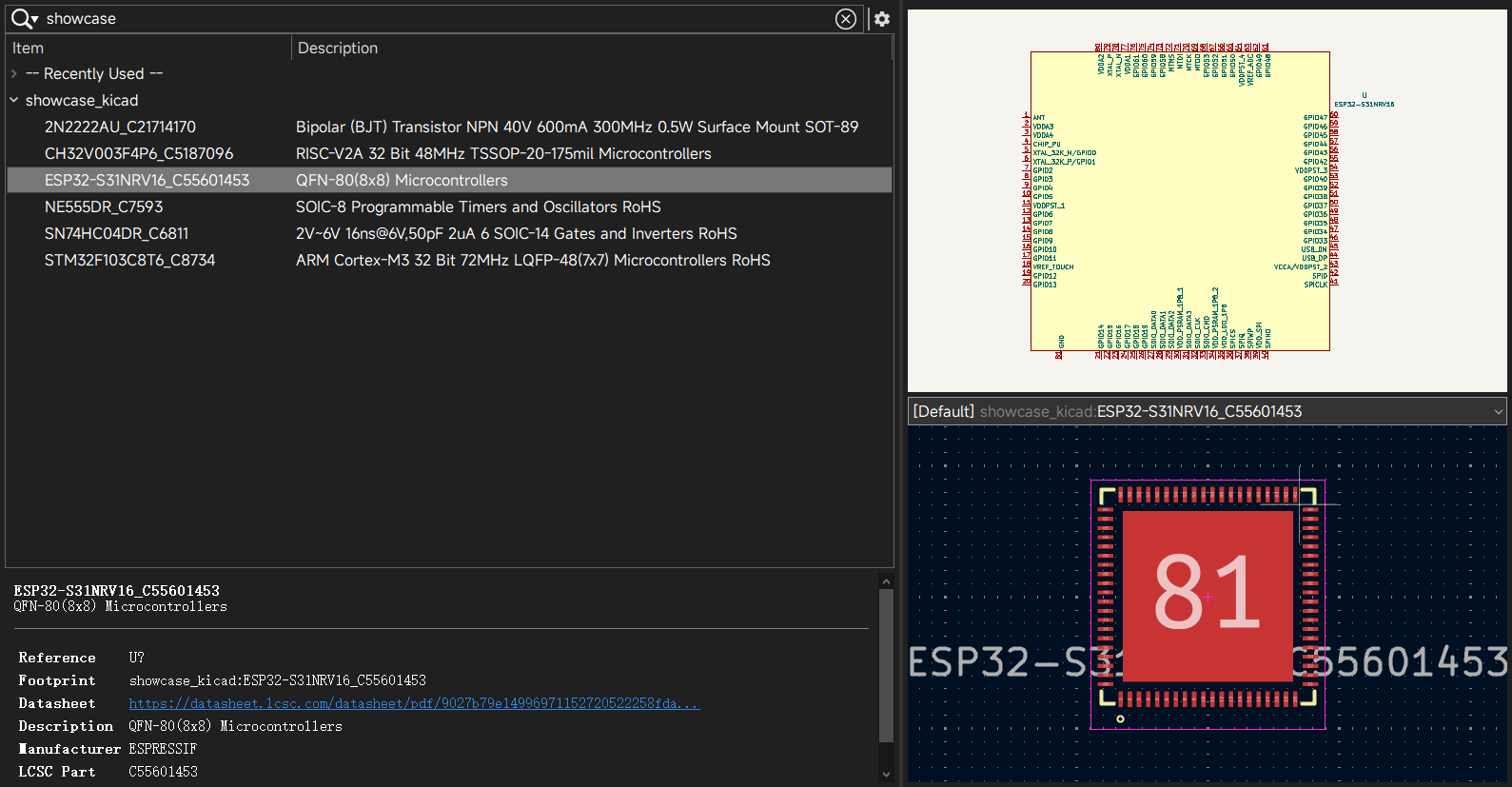
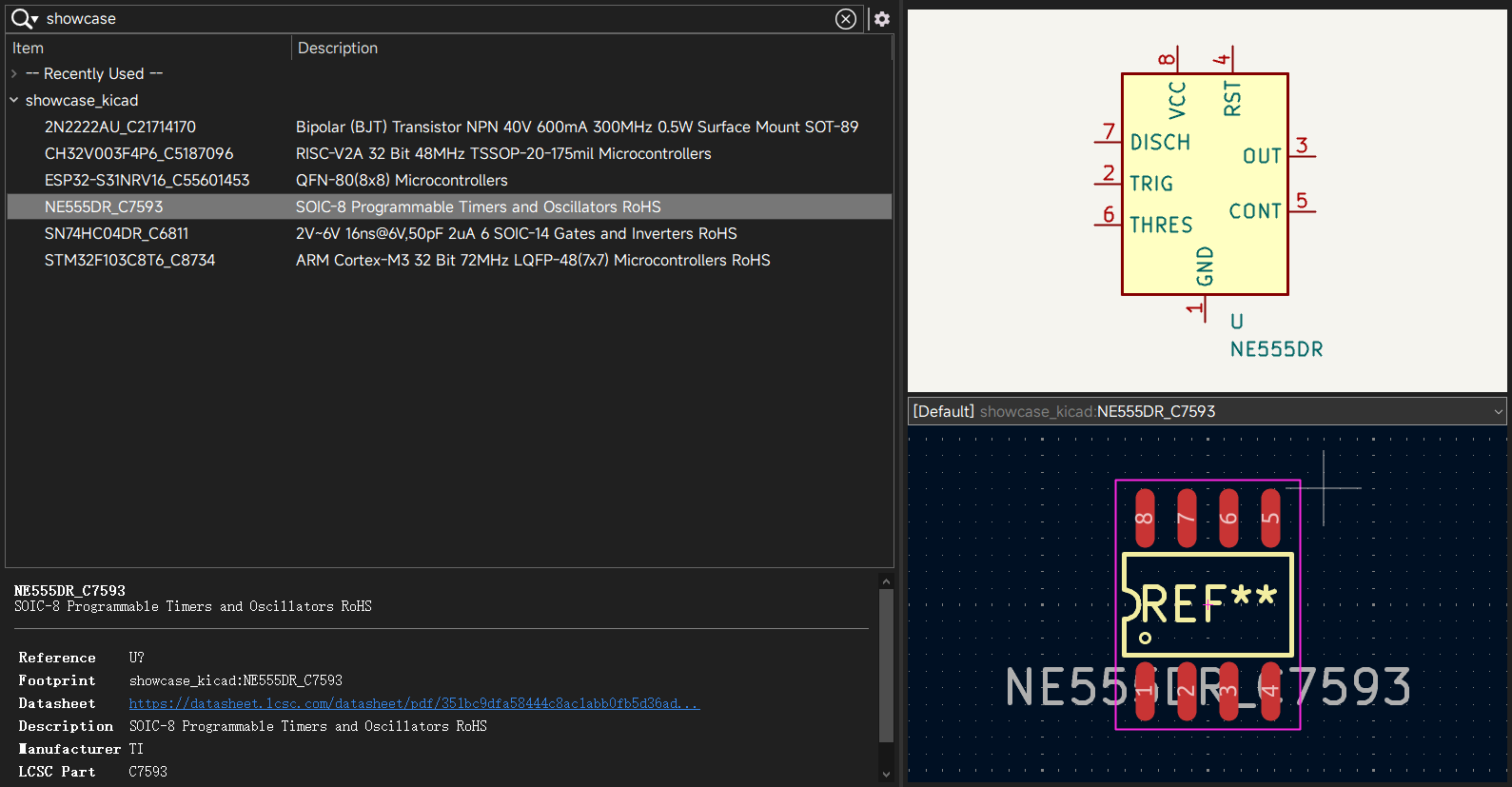
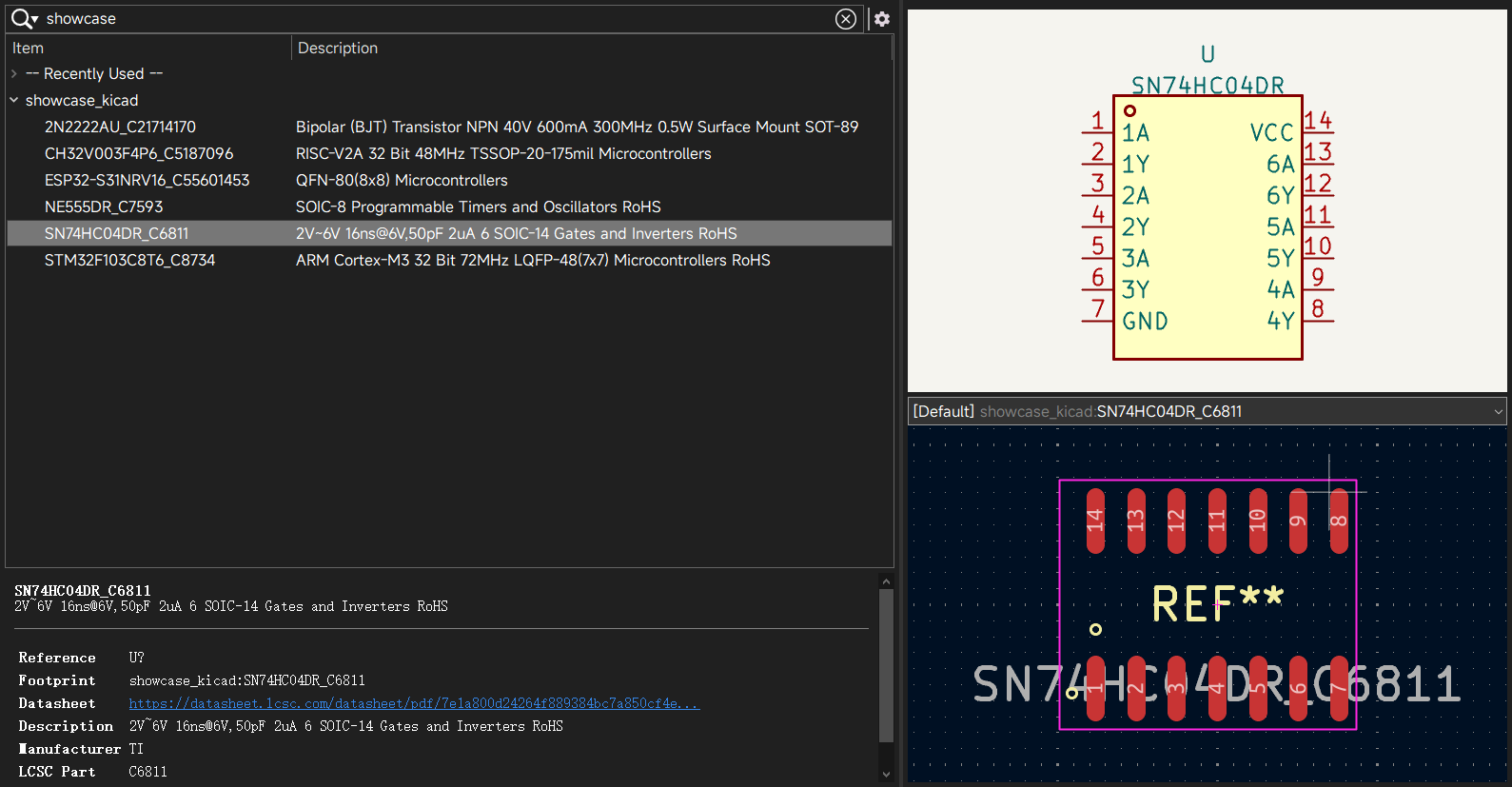
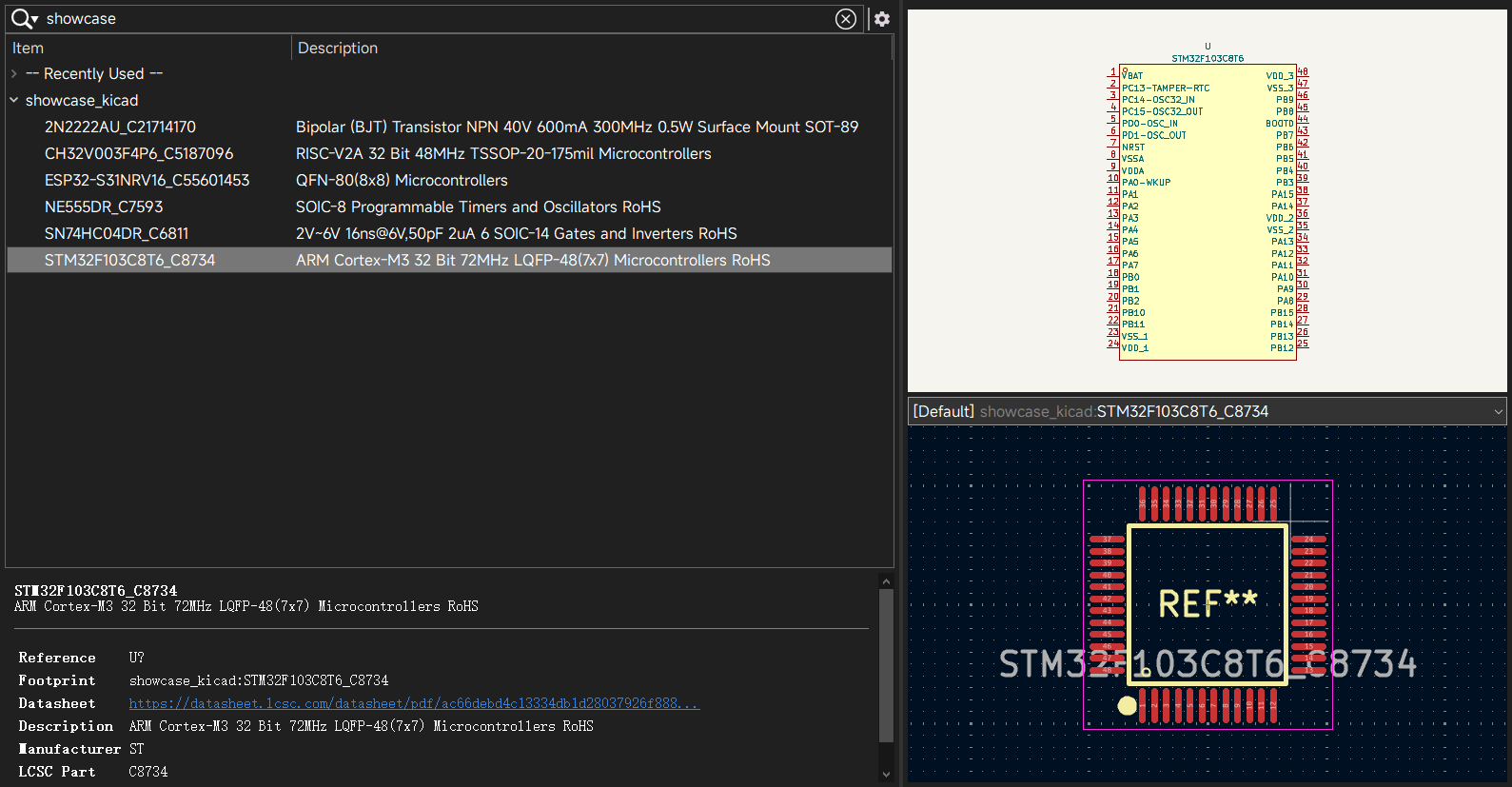
KiCad
- Export
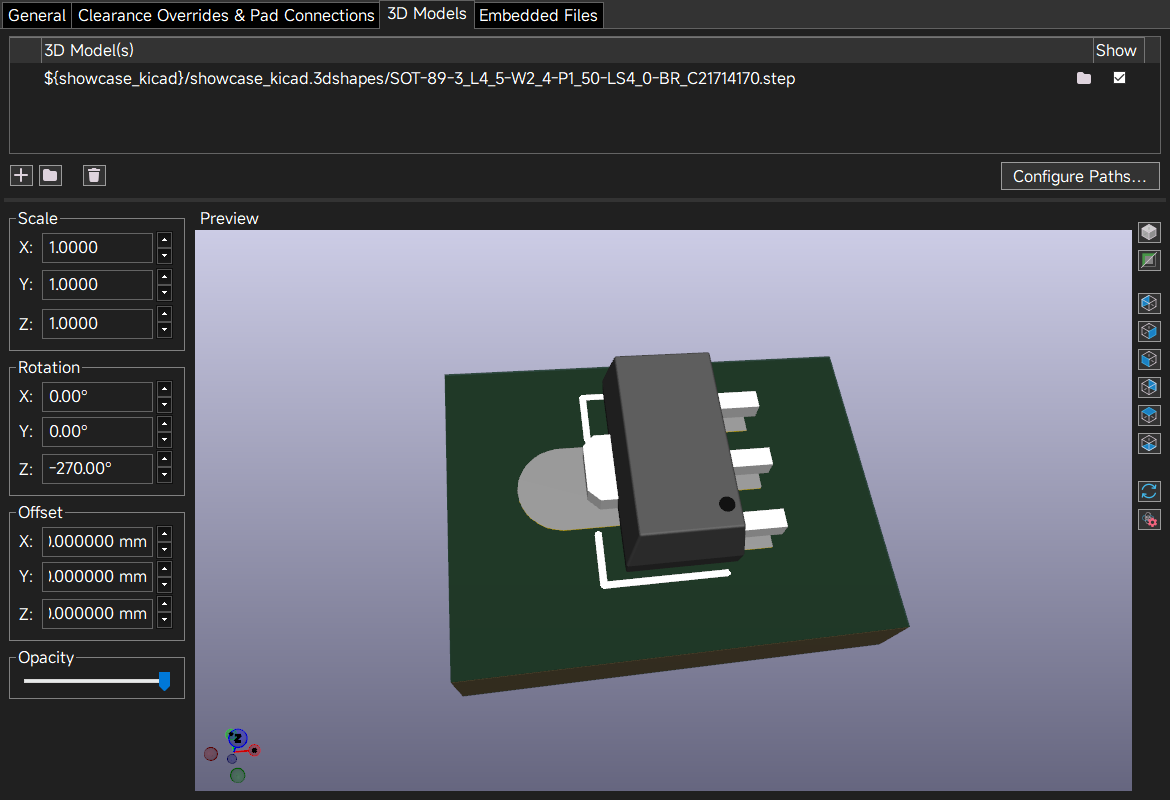
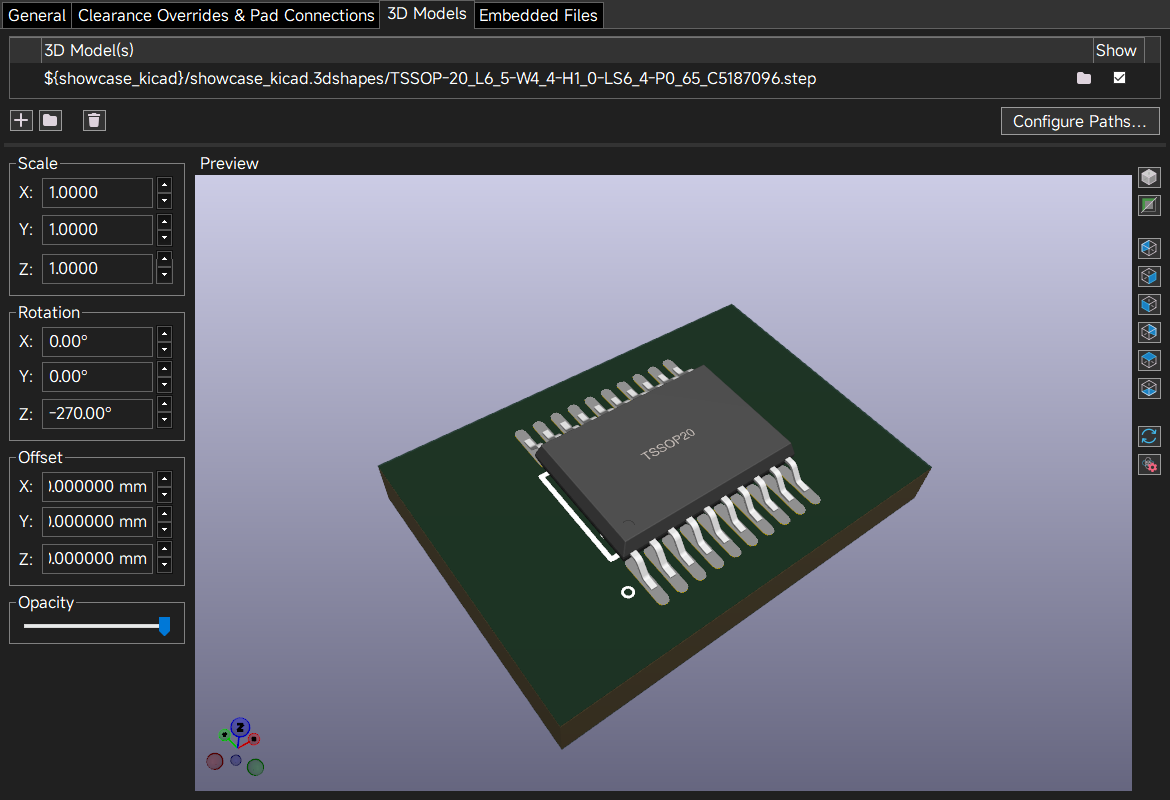
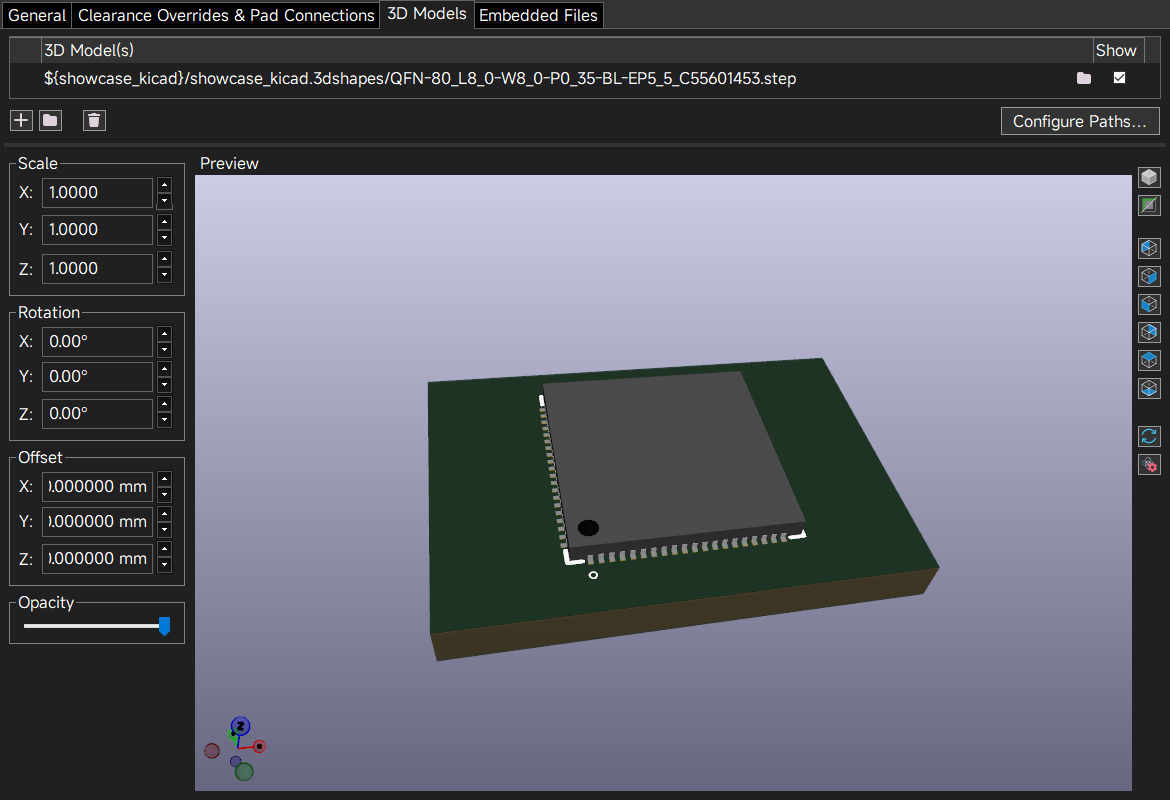
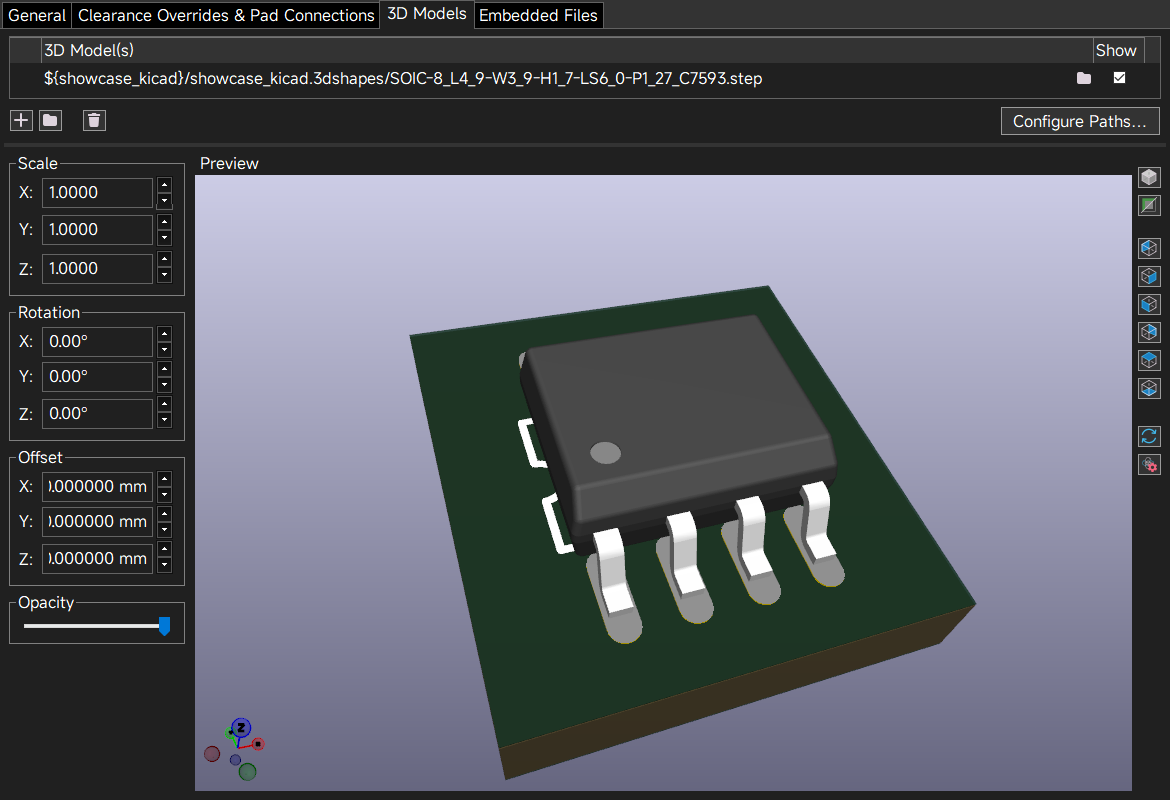
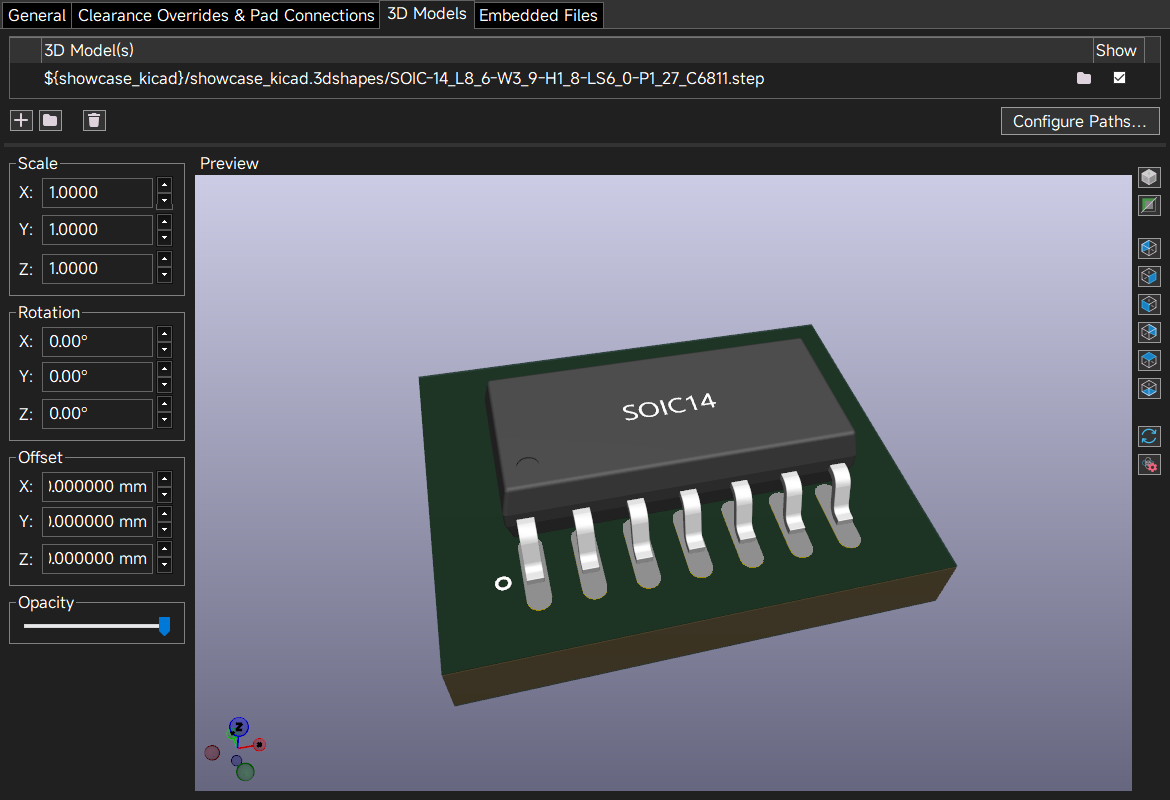
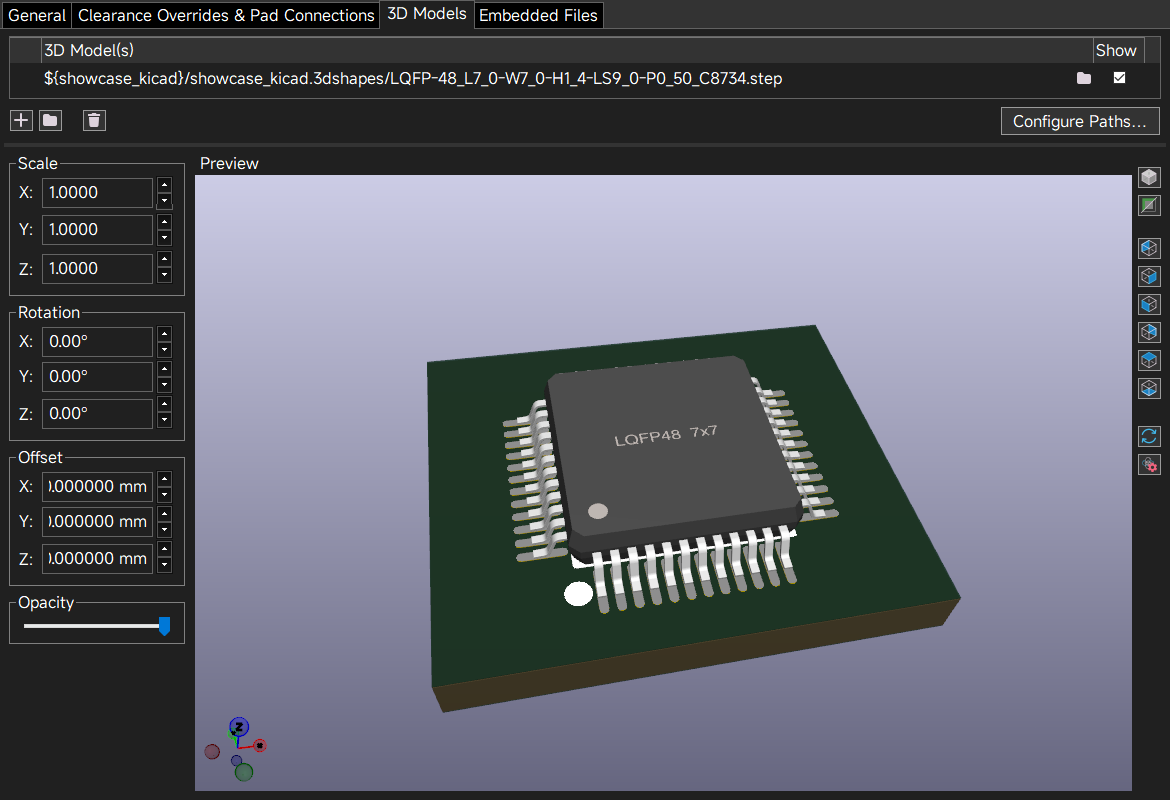
Symbol,Footprintand3Dmodel formats that KiCad can use. - Export in batches, or one at a time.
Altium Designer (AD)
- Export a component's
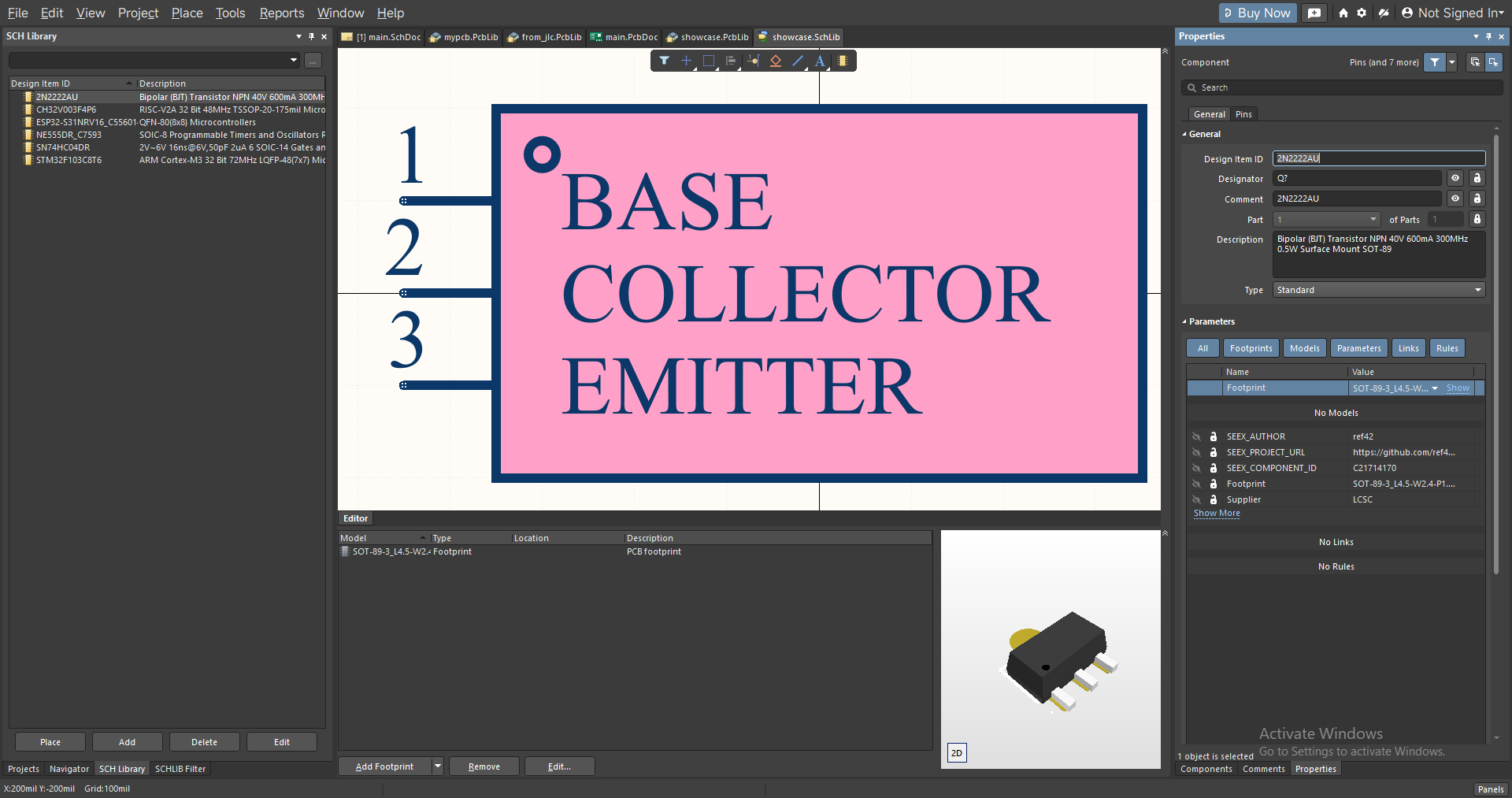
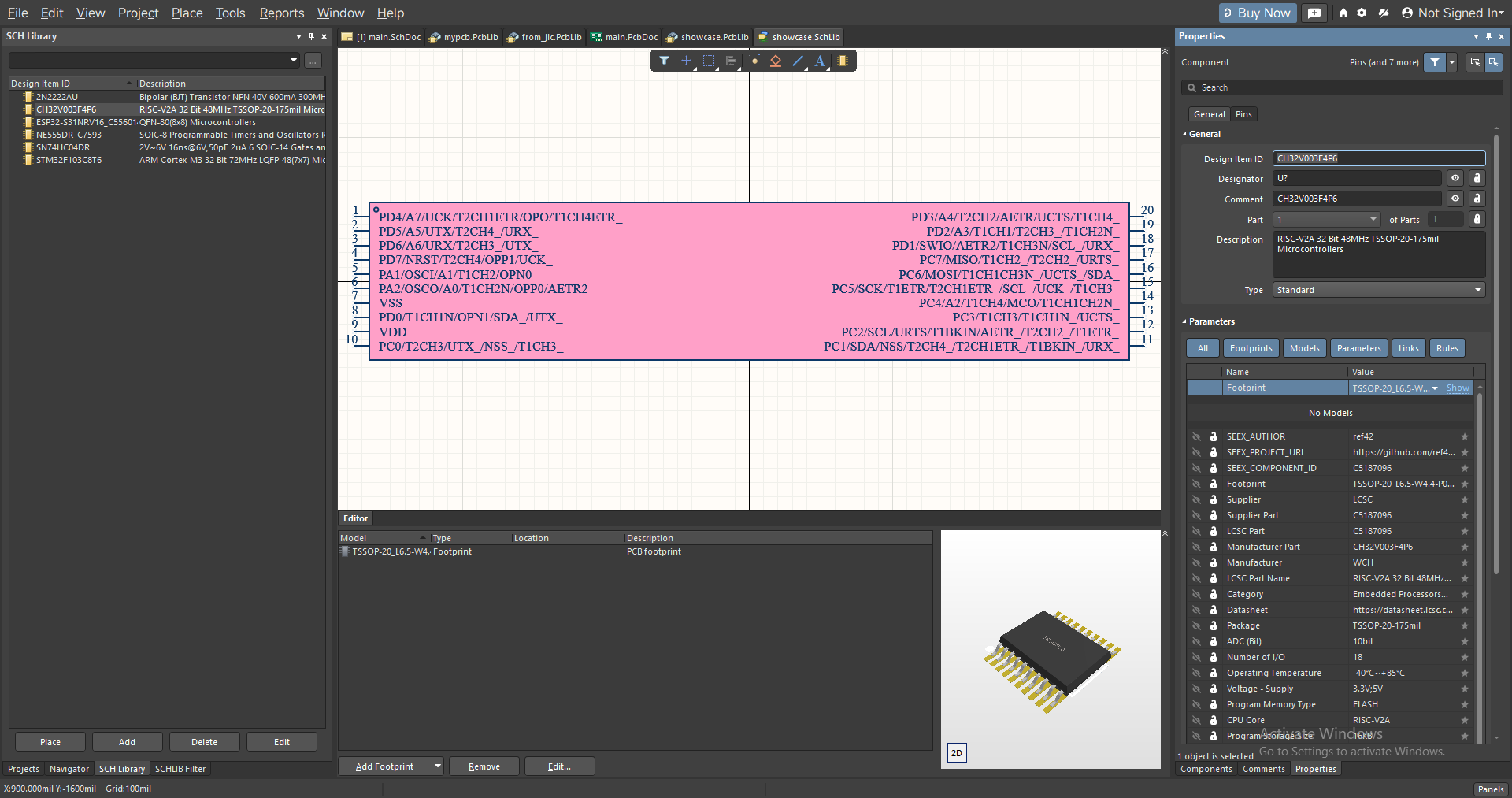
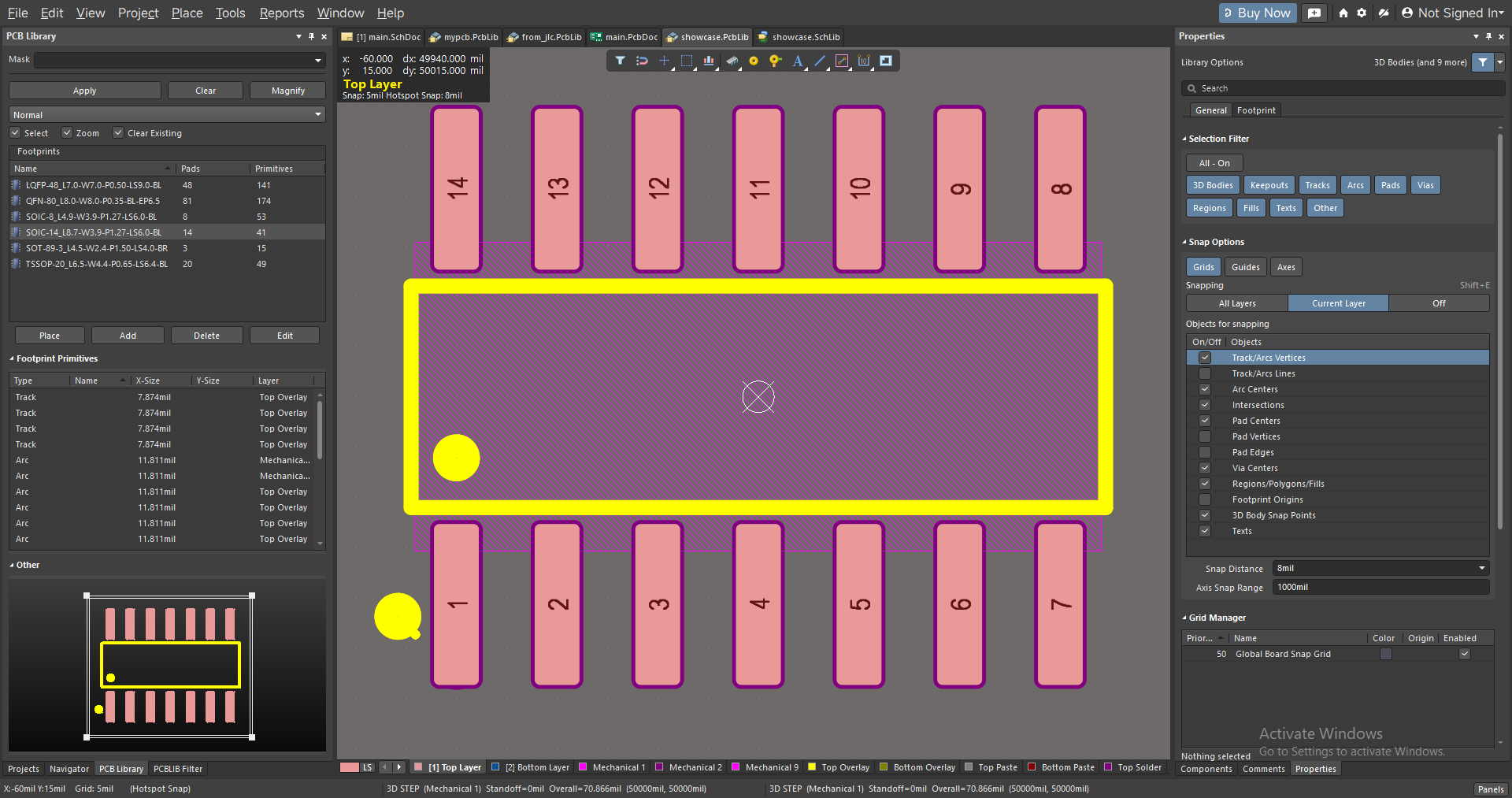
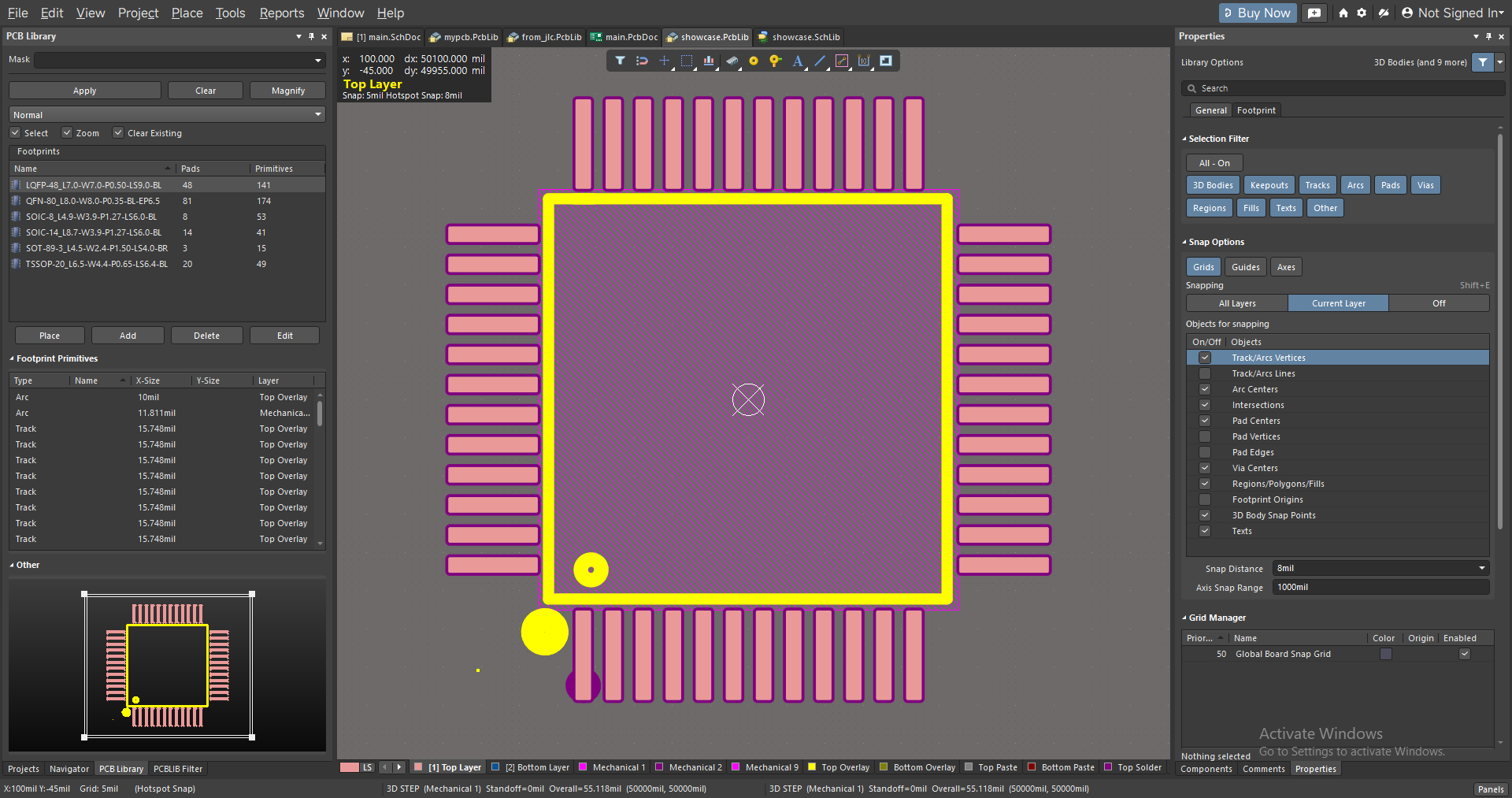
schlibandpcblibon its own (pcblibalready embeds thestepmodel). - Export in batches as well.
- Export several components into one
schlib/pcblib, i.e. a merged export.
Cadence (OrCAD Capture / Allegro)
- Export
Captureschematic symbols: oneLibrary XMLfile, whichCaptureconverts to an.olbwithFile > Import > Library XML. - Export
Allegrofootprints: oneSKILLscript per footprint plus one library script; runskill load("<library>_allegro/<library>.il")in theAllegro PCB Editorcommand window to generate the.dra,.psmand.padfiles in the same folder. - Export
3Dmodels (step), with the model already mapped into the footprint at the position EasyEDA uses. - Standard packages (chip resistors and capacitors,
SOT,SOD,SOIC,QFN, ...) get lands calculated perIPC-7352and checked against the manufacturer's; other packages keep the manufacturer's lands, with silkscreen, assembly layer and place bound generated perIPC-7352. - Pad generator (Export page,
Cadencetarget): padstacks (SMD, through-hole, via, non-plated hole; round, square, rectangular, oblong, rounded or chamfered lands; slots, drill tolerance, inner-layer lands, anti-pads, thermal reliefs, mask and paste per side) and mounting-hole, test-point and fiducial footprints, named per theIPC-7352padstack convention. They are written as more scripts into<library>_allegro, and the same library script builds them. seexitself calls no Cadence program; the import is done by you insideCadence.
Shared
- All targets support exporting metadata in Chinese or English.
- All targets support multi-threaded downloads.
- All targets support adding new components to an existing library previously exported by
seex. - All targets support a custom schematic stroke and fill colour.
- All targets support exporting
3Dmodels on their own. - The LCEDA logo (watermark) is removed from
3Dmodels by default and the model rebuilt; when it cannot be removed safely the original model is kept, and those components are listed in the export result.
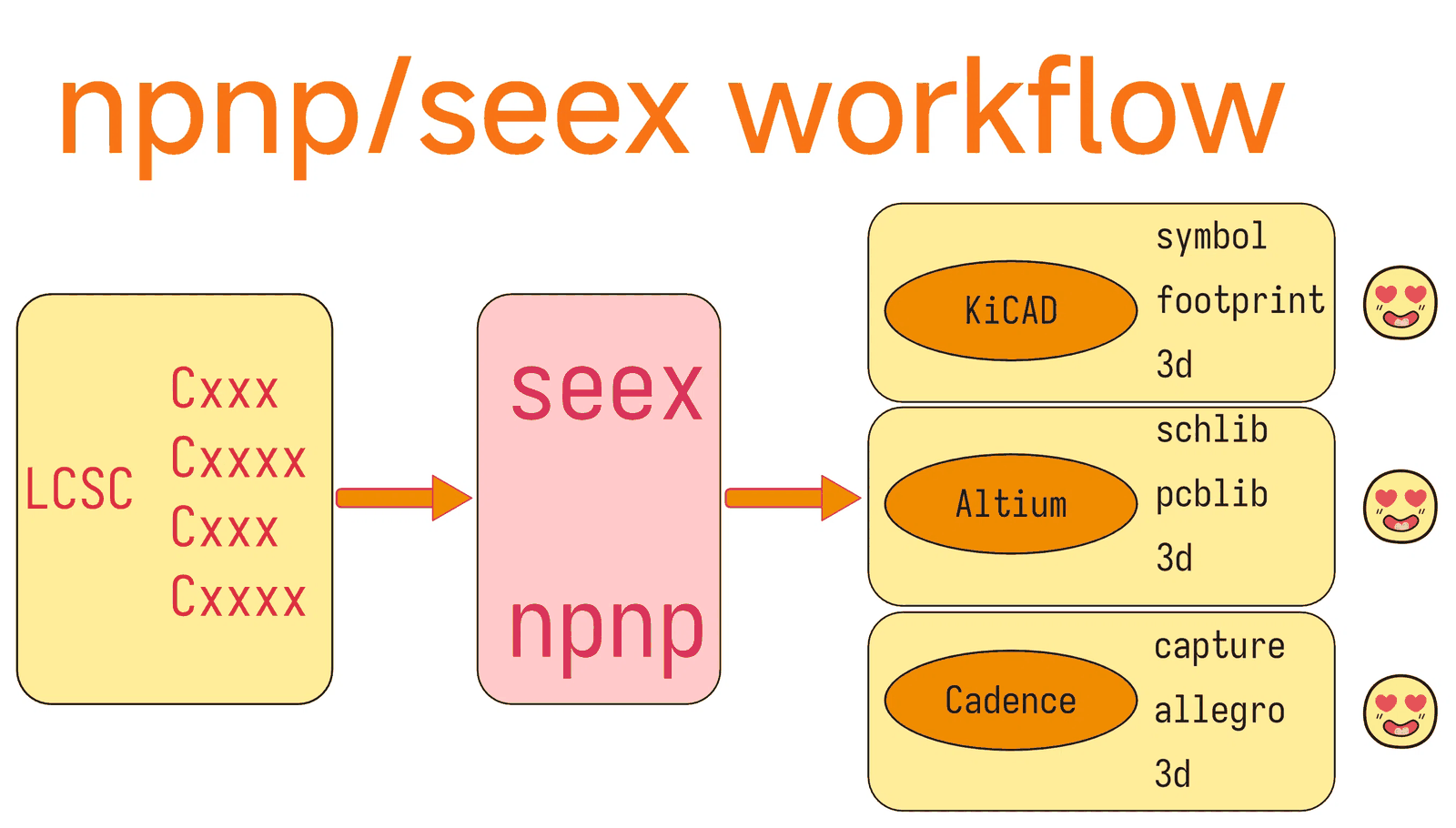
🔄 Workflow
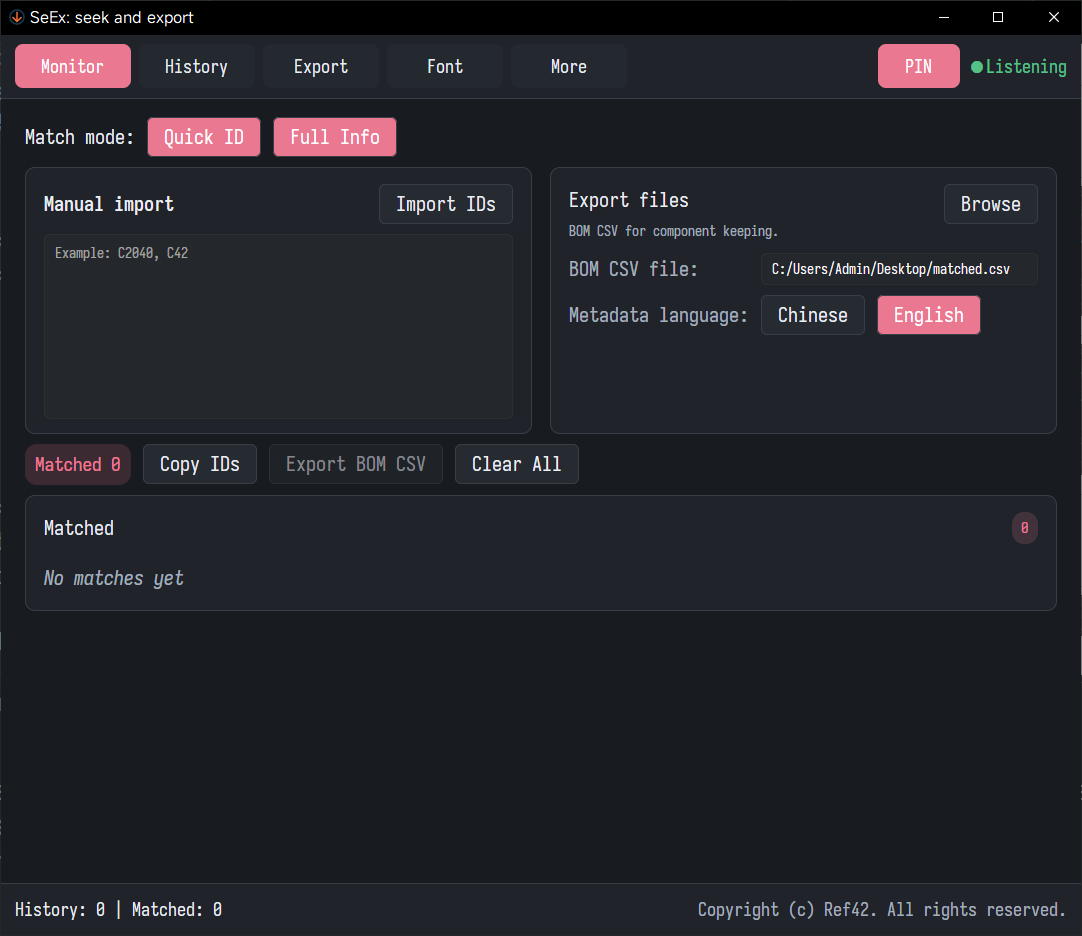
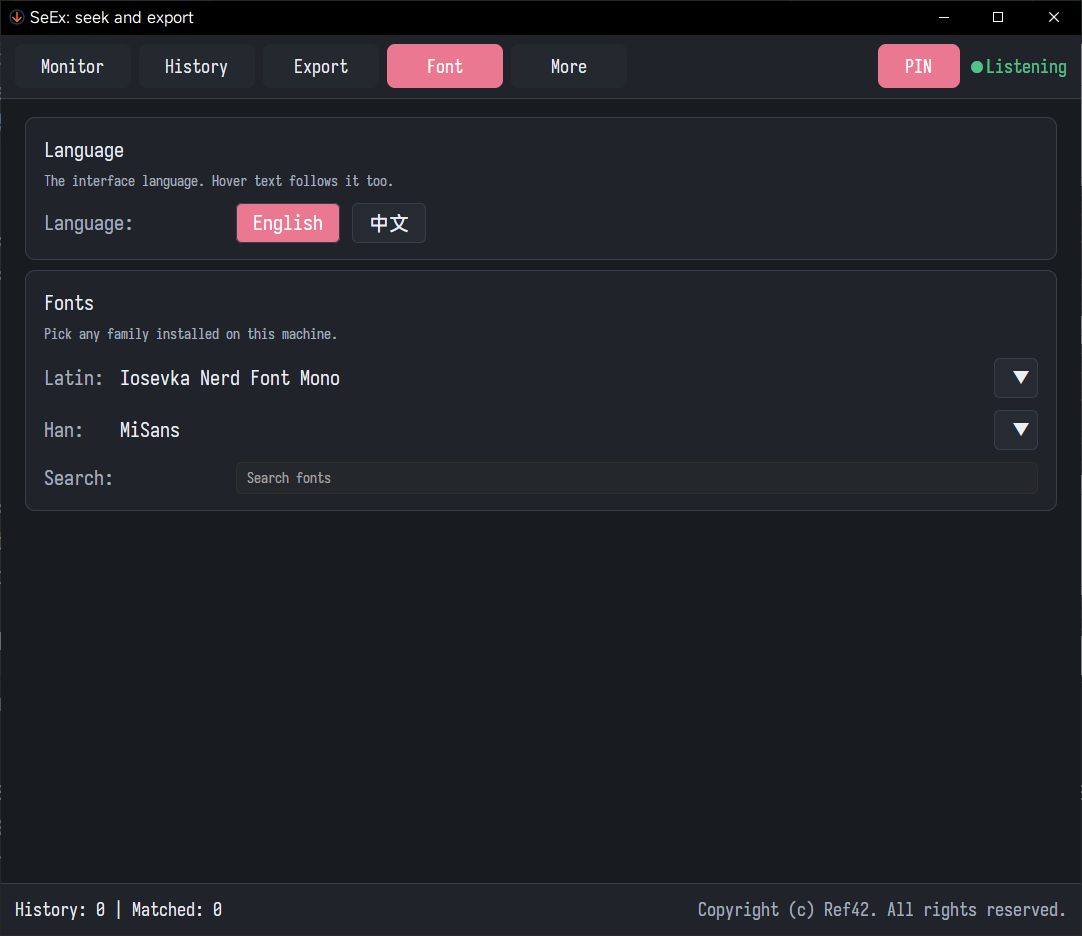
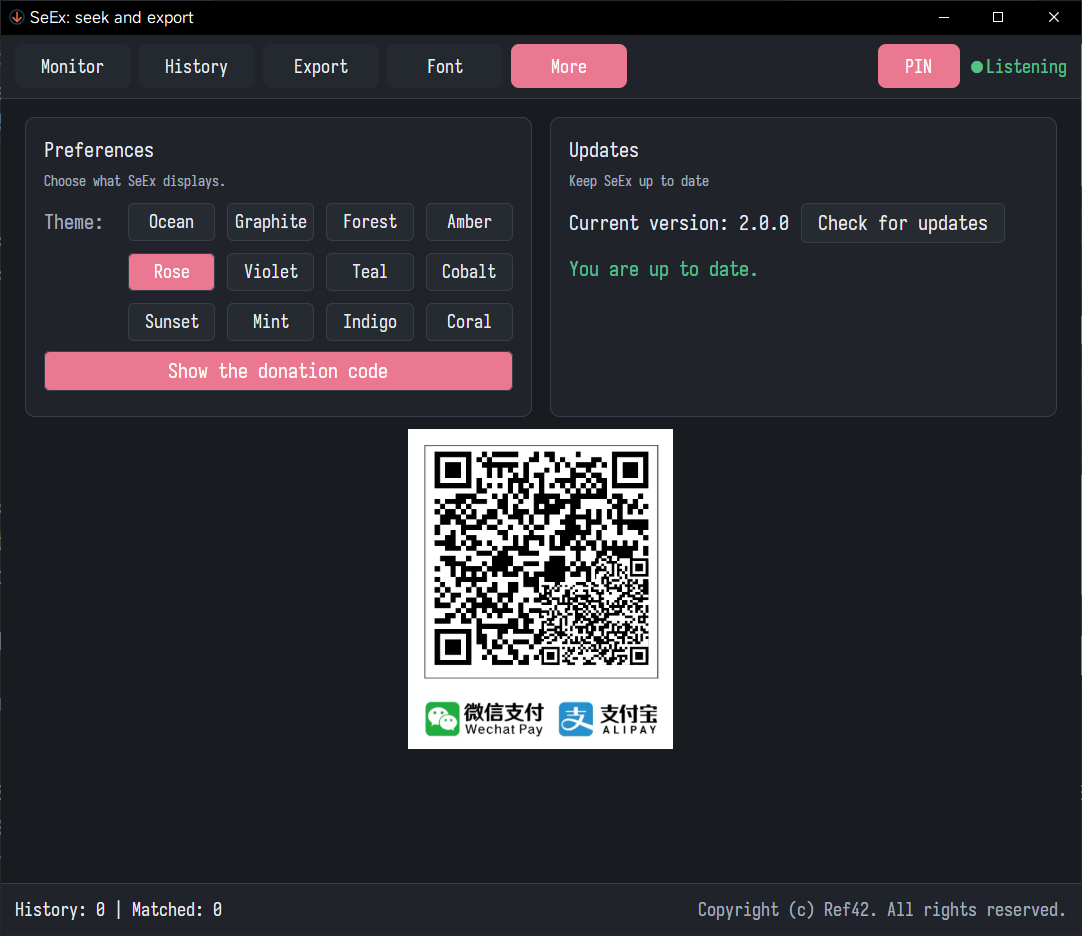
📸 Screenshots
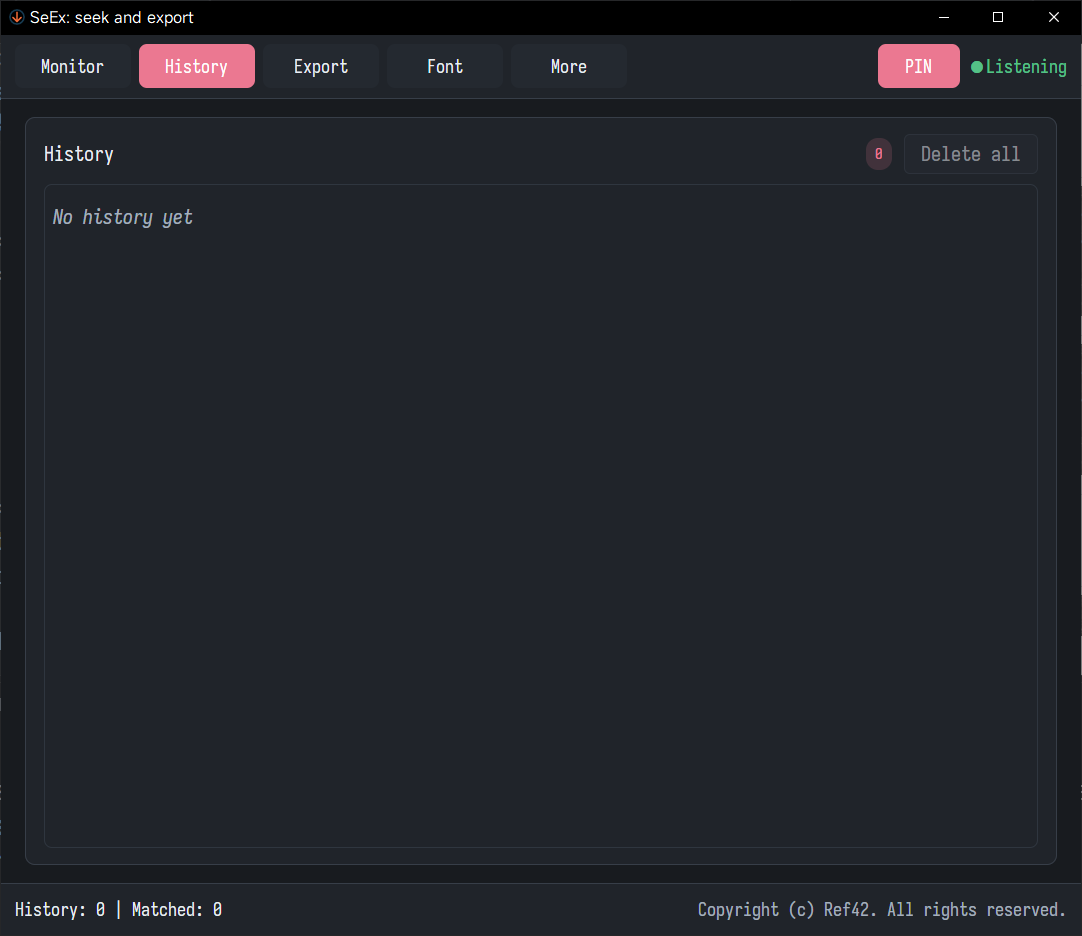
 |
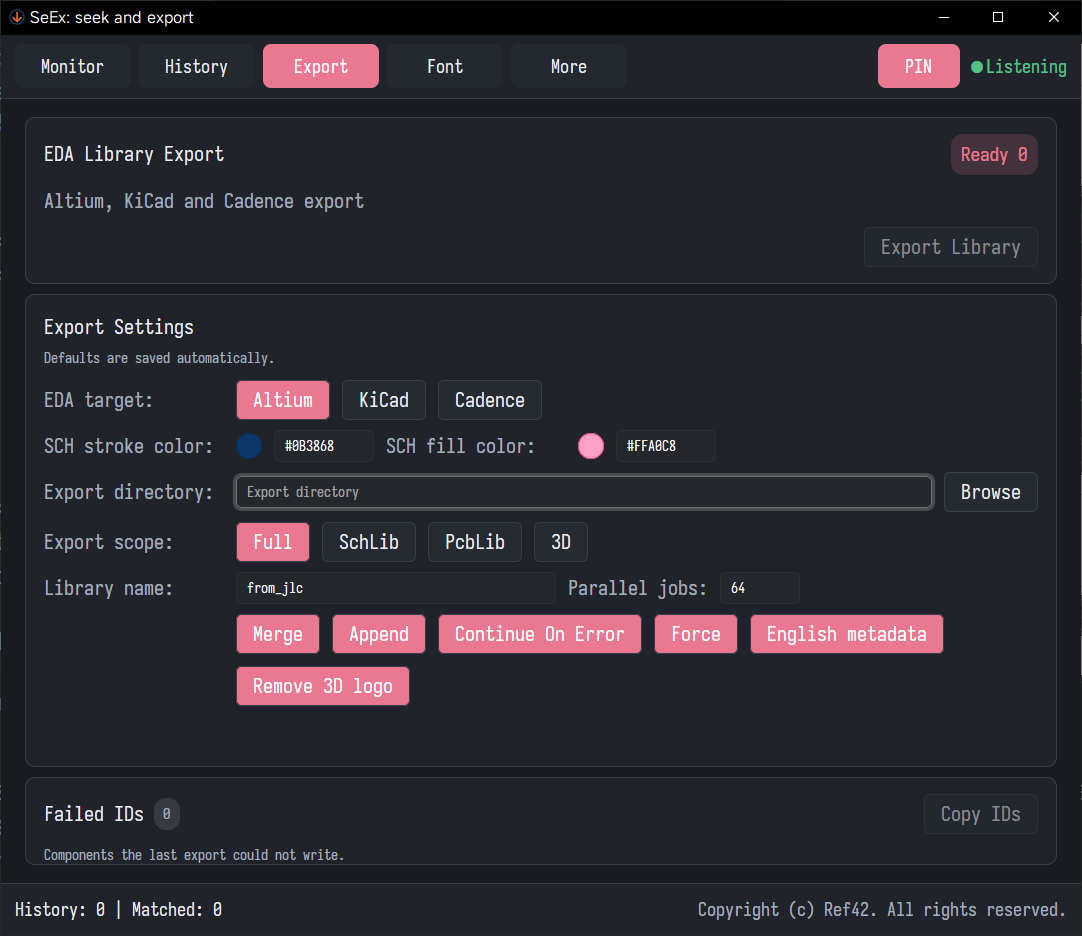
 |
 |
 |
 |
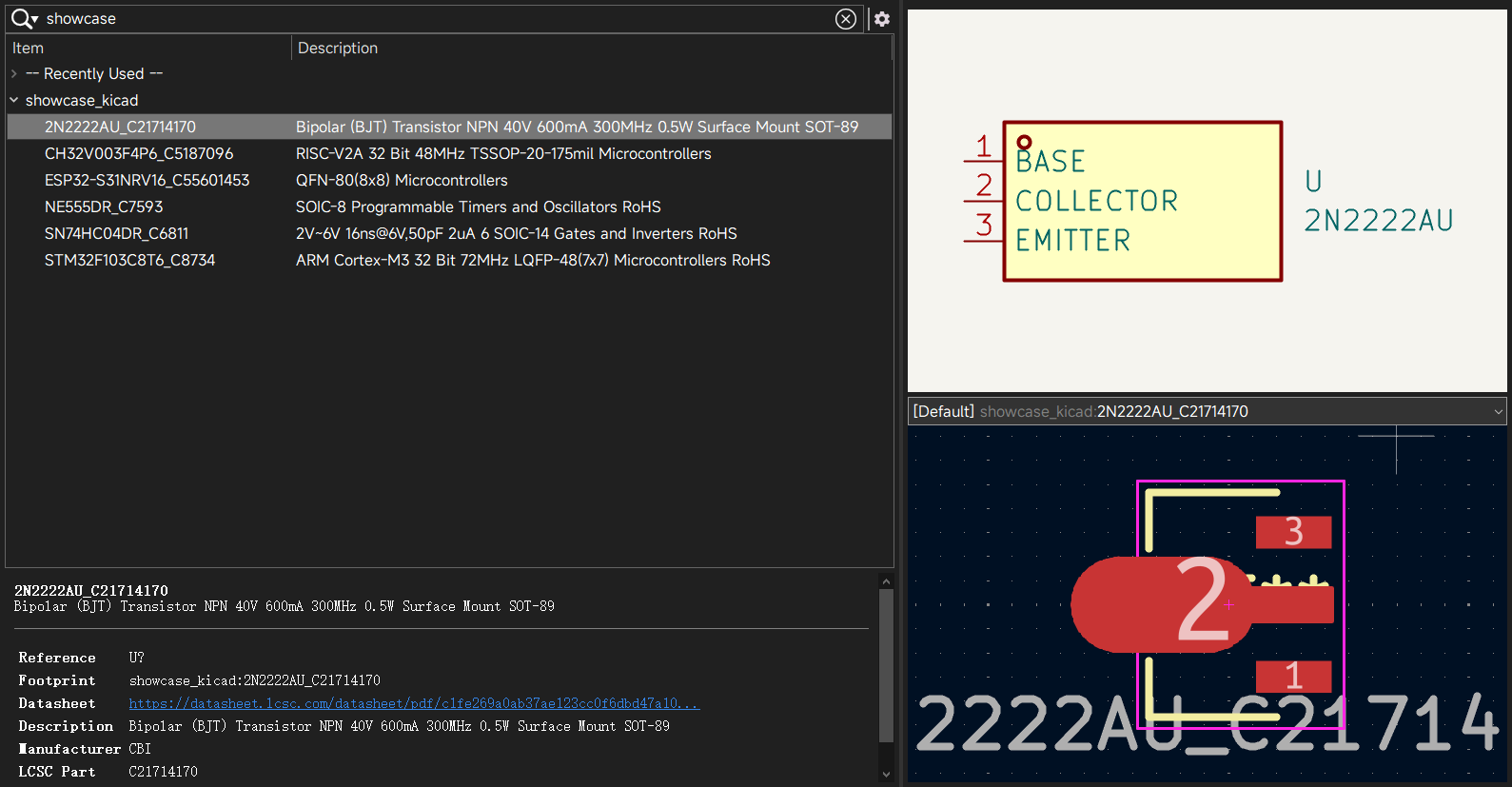
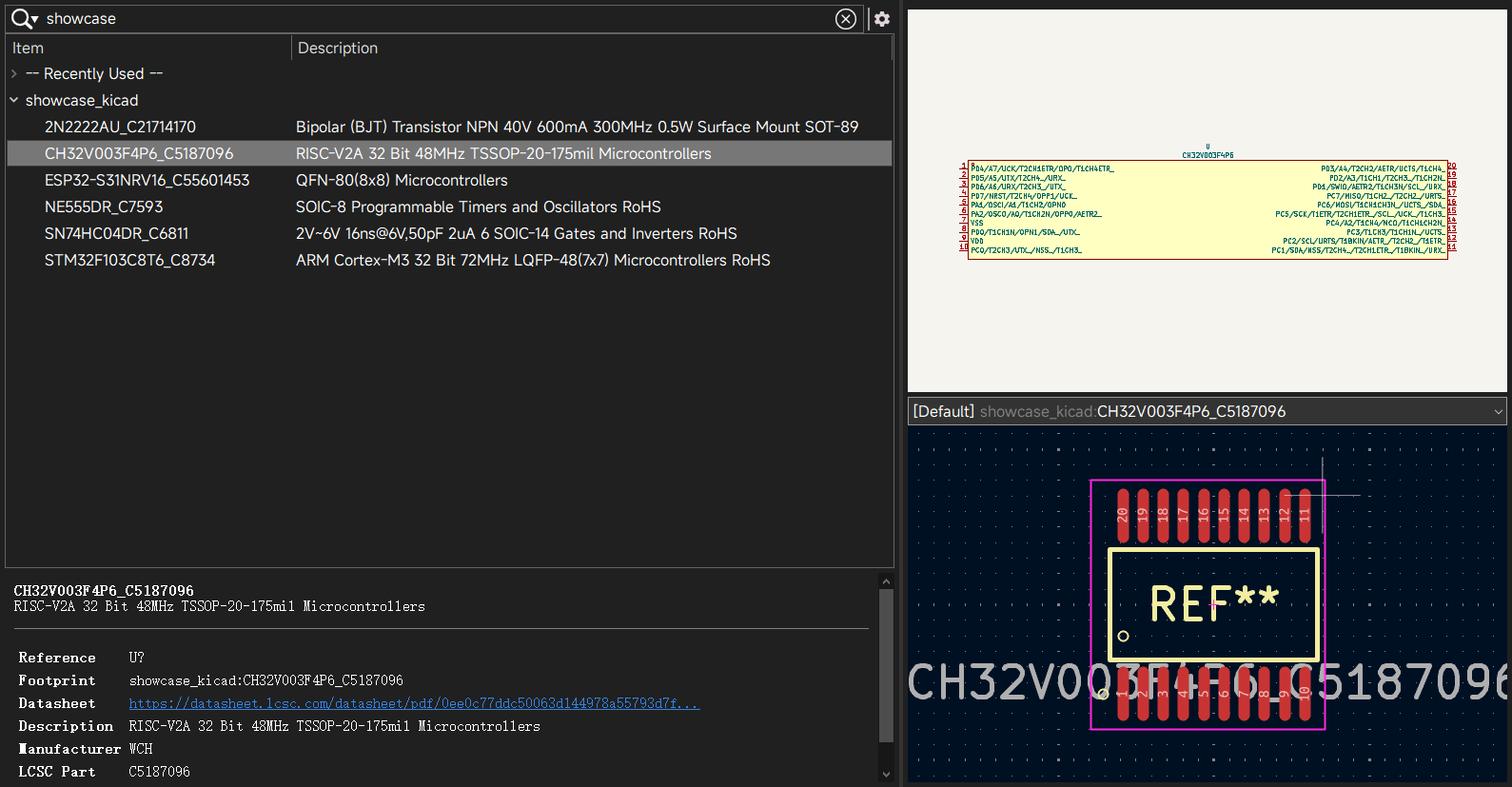
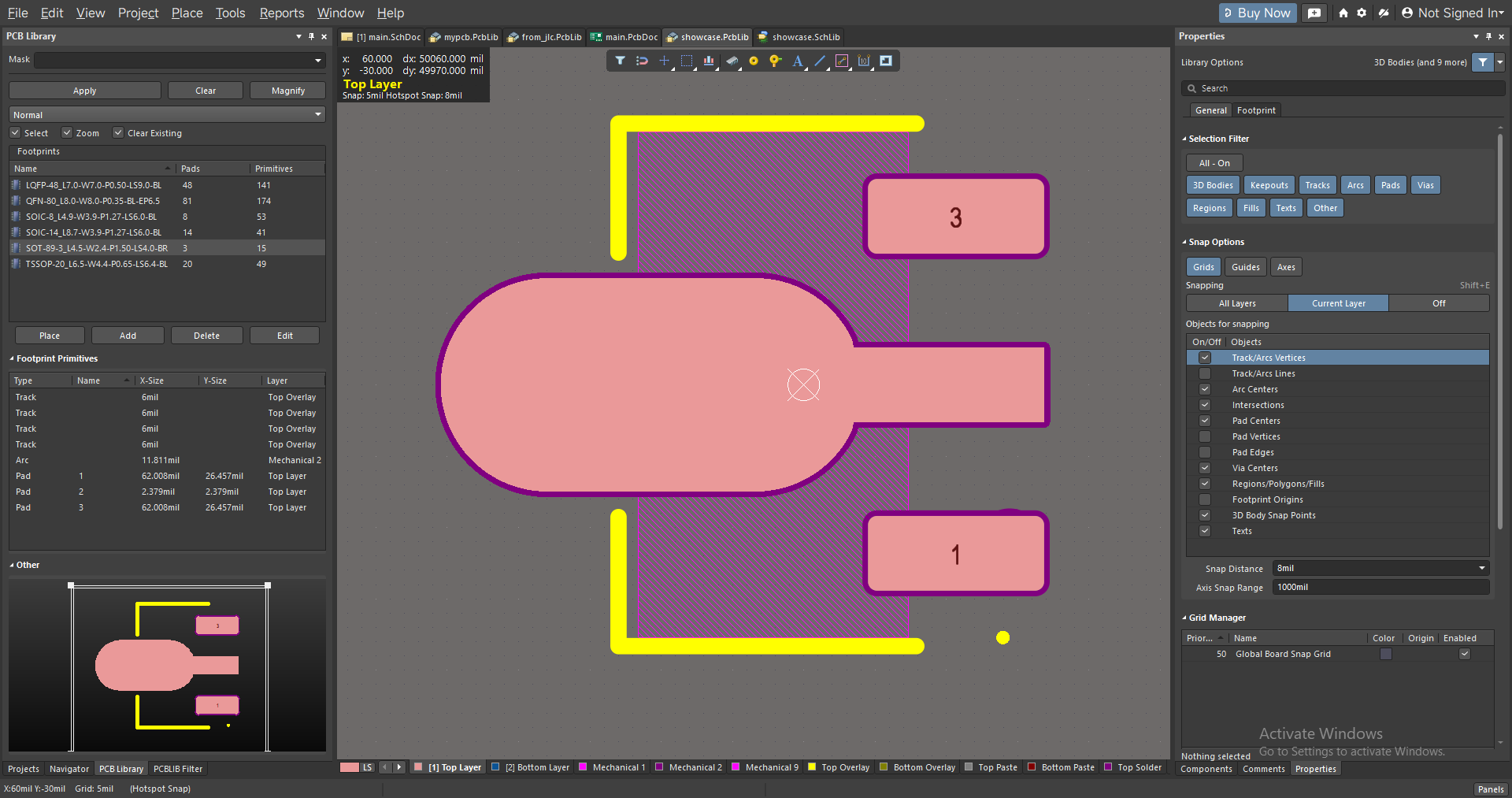
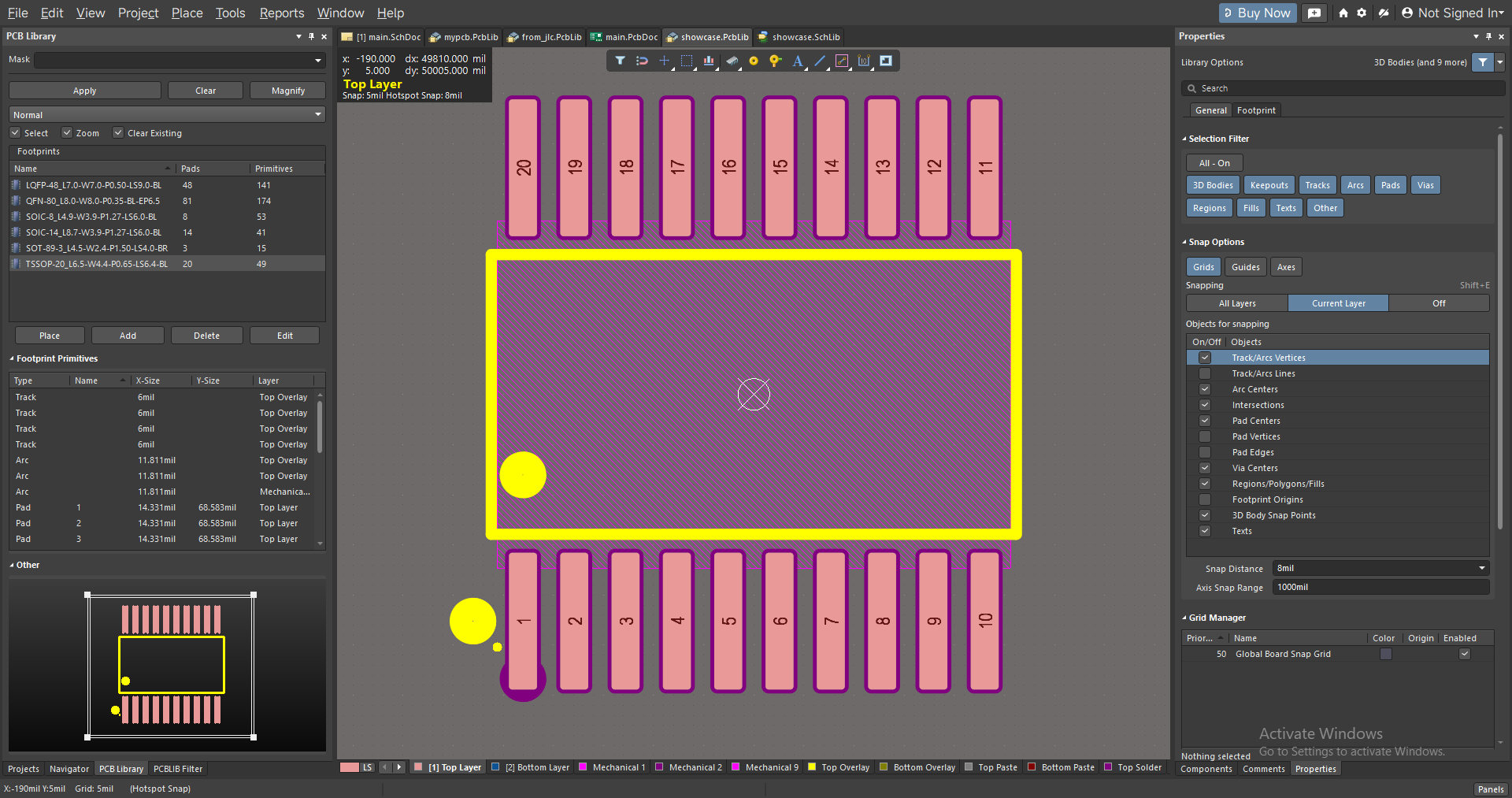
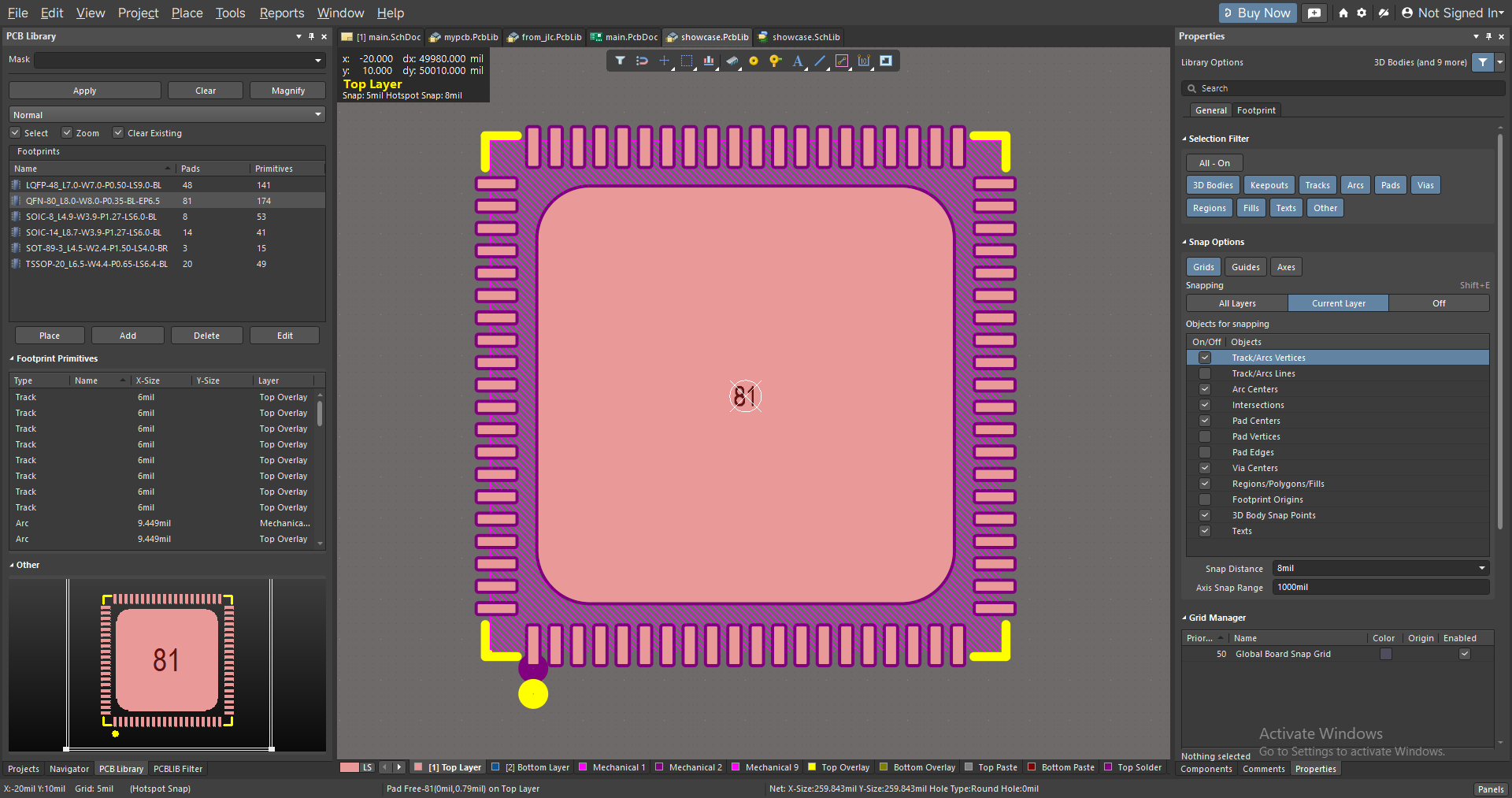
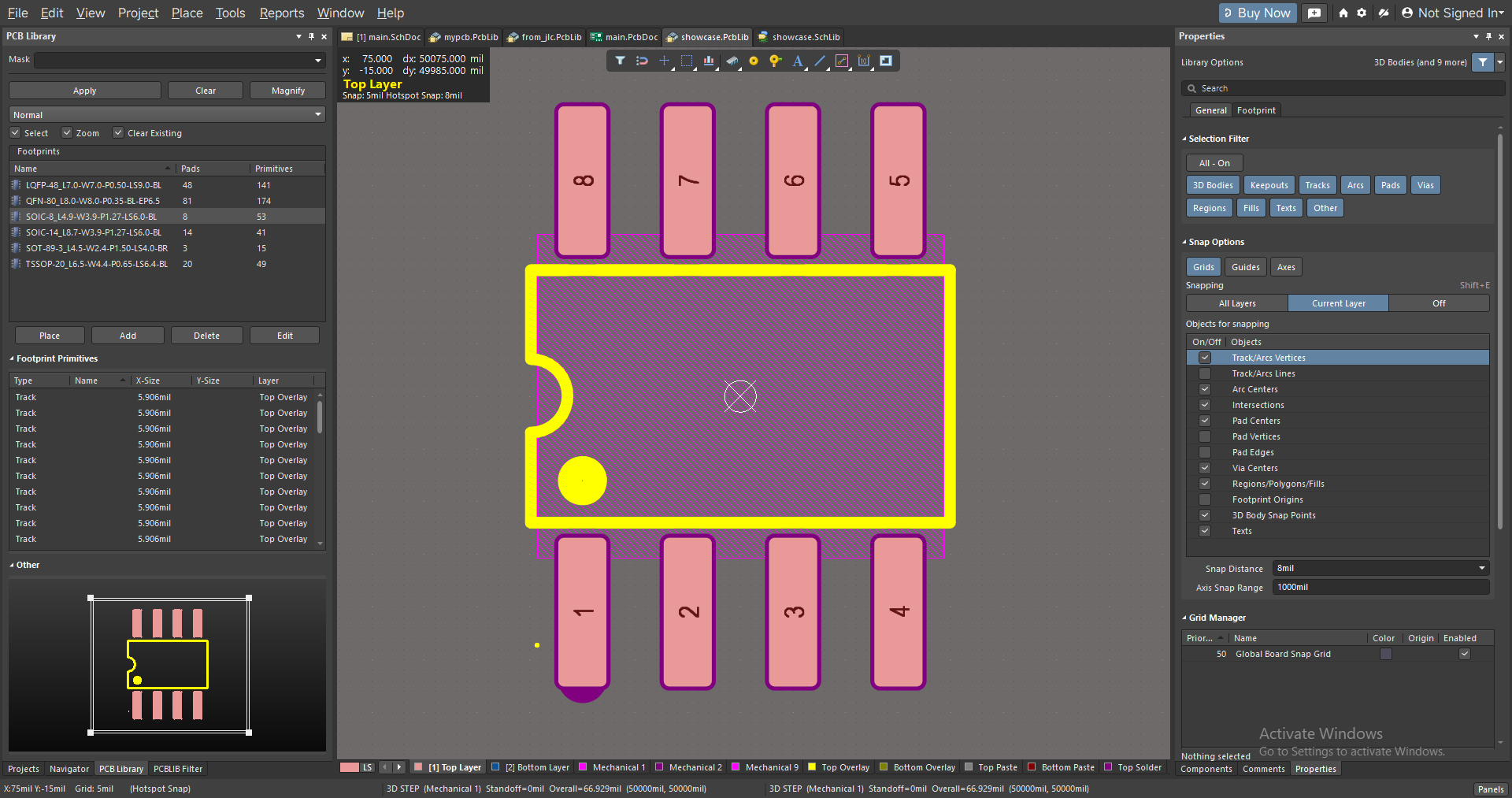
Export examples
 |
 |
 |
 |
 |
 |
 |
 |
 |
 |
 |
 |
 |
 |
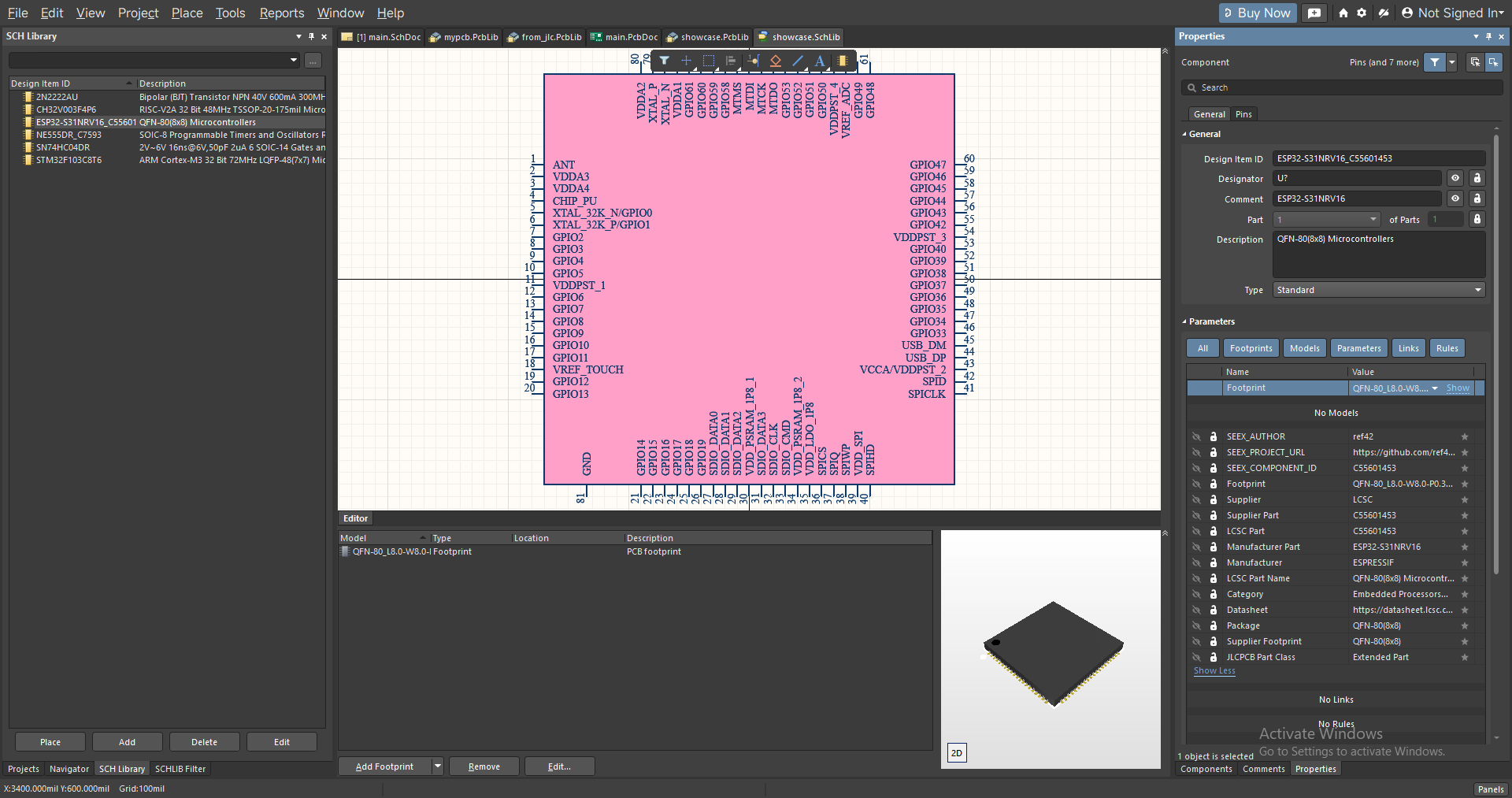 |
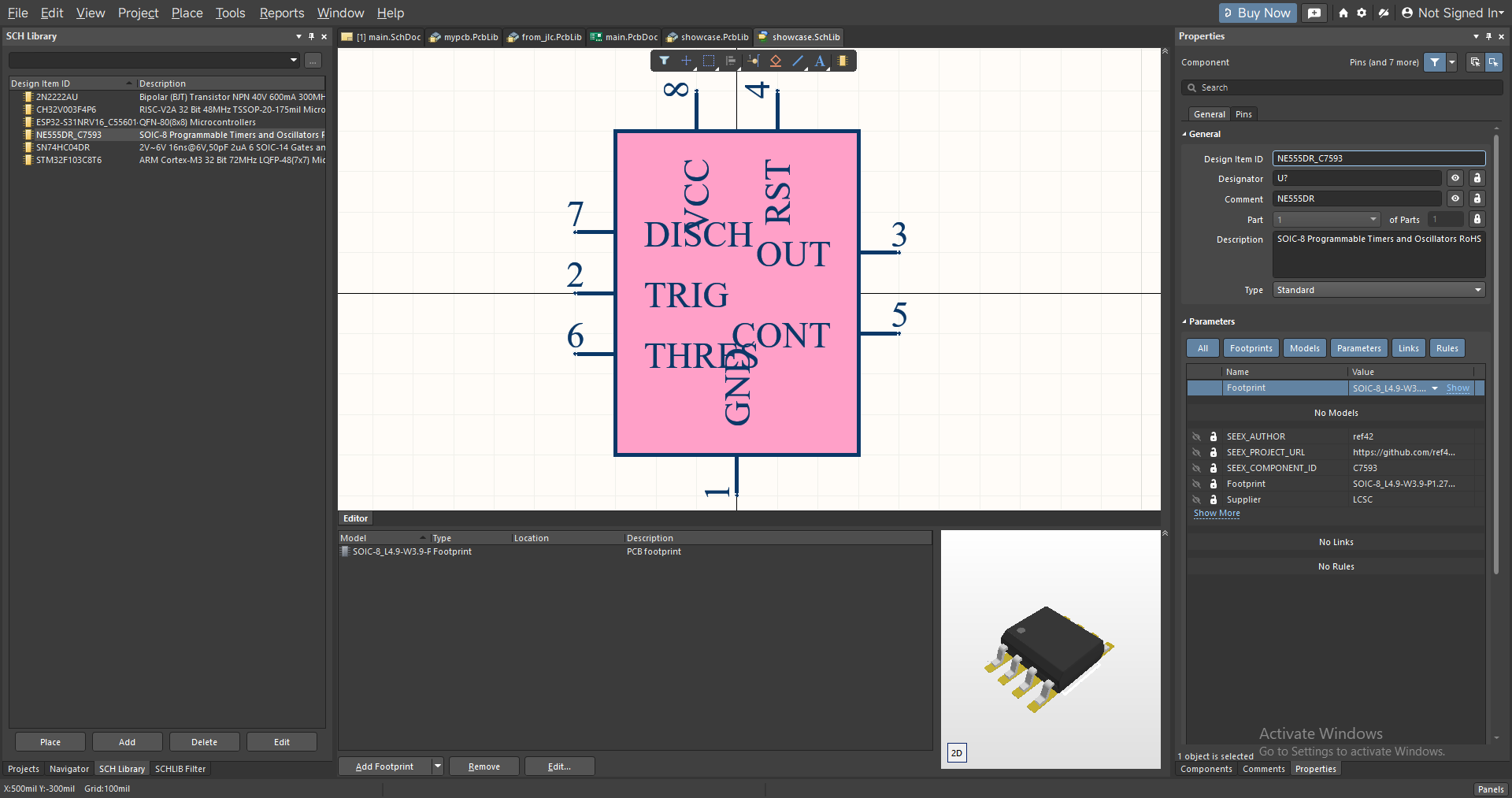 |
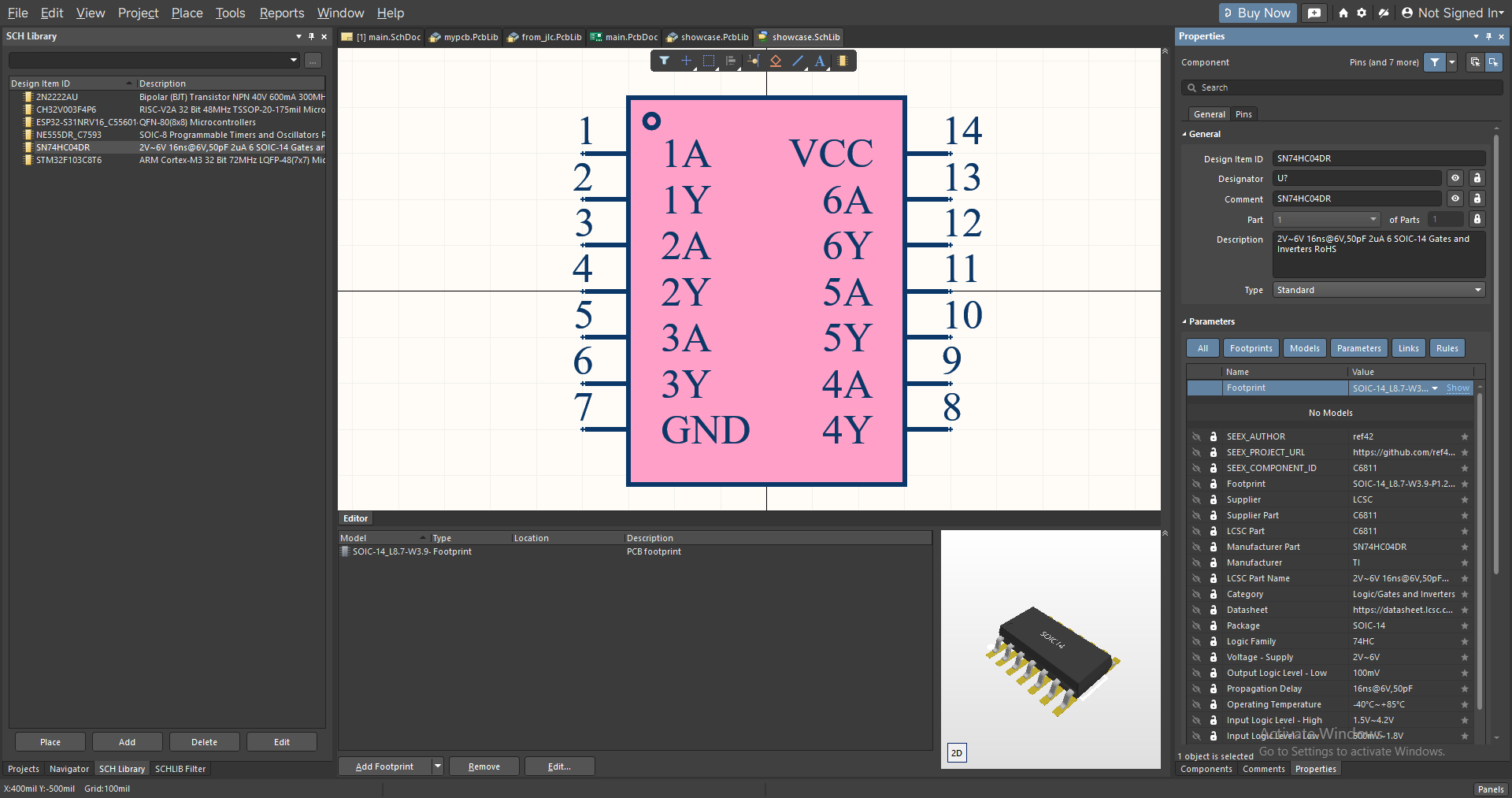 |
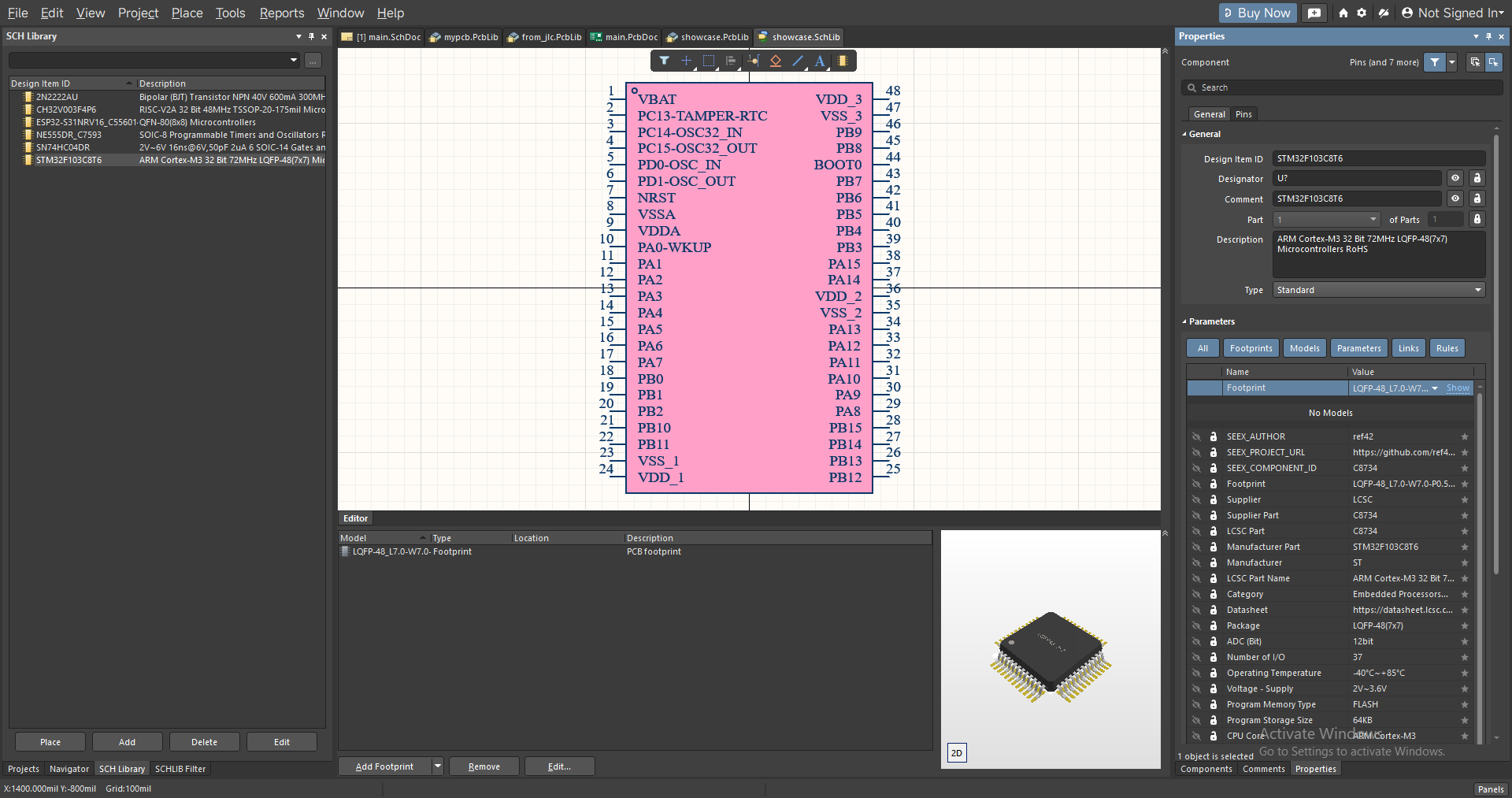 |
 |
 |
 |
 |
 |
 |
🖥️ Supported EDA Versions
[!NOTE] These are only the versions known so far; SeEx may well support more. If a library exported by
seexcannot be opened in an olderEDArelease, please open anissueand compatibility will be considered.
KiCad 9.0~LatestAltium Designer 23.x~LatestCadence SPB 26.1(OrCAD X Capture / Allegro X); theAllegrofootprint scripts need a release that supportsSKILL(Allegro PCB DesignerorOrCAD PCB Designer Professional)
🚀 Install and Use
Download
Download the archive for your platform from Releases, unpack it and run seex.exe — no installation needed.
Build from source
git clone https://github.com/ref42/seex.git
cd seex
cargo build --release
The executable is written to target/release/seex.exe.
Basic flow
- On the
Monitorpage, copy a part number from the LCSC store (e.g.C2040), or import an ID file. - Open the
Exportpage and choose theAltium,KiCadorCadencetarget and the export scope. - Click
Export library, then pick up the generated library files from the output folder.
📖 Project History
The project history, in chronological order:
nlbn(Nice Library Bring now, a pun on "拿来吧你")- no longer maintained
npnp(Normalize Pin Net Pad, a pun on "牛批牛批")- still maintained (a sister project of
seex)
- still maintained (a sister project of
seex(Seek and Export)- still maintained (a sister project of
npnp)
- still maintained (a sister project of
A little grumbling:
- When this project had not been released yet there was almost nothing like it on the market; for some reason there are many similar projects lately, which is a good thing — at least everyone has something to do. But a tool like this really is not worth reskinning and putting up for sale on some platform; that is genuinely tasteless. The point of a basic tool is that every developer can use it, not to get clever about making money. Really tasteless. 🤣
🧩 Sister Project
- npnp is the
cliversion ofseex, and is better suited to being called directly byAI/agents.- You can even have
AIanalyse a project for you, and then callnpnpto export the components it needs. That way you no longer have to search and pick parts by hand — you only have to verify the result. - If you already have the part numbers to export, even better: feed them straight to
npnp. - You can also use
npnpas aCItool.
- You can even have
🗺️ Roadmap
- Support more
EDAtools, such aspads. - Keep improving the current workflow and fix more hidden
bugs. - Keep improving the interaction and the user experience, refine the icons, and try new design languages.
🤝 Contributing
- Has software design experience and can help maintain the software over time.
- Has good taste; your suggestions would be very welcome.
- "Designers" who can help redesign the software's icon, the interface layout, and so on.
- If you have tokens to spare and are interested in this project, feel free to give it a go: the project does not reject
AI, it only asks that every author on a submittedPRis a real living person. - Contributing code is not required — every suggestion that makes
seexandnpnpbetter will be considered, and will be thanked at the end of this file.
🙏 Acknowledgements
The entries are in no particular order; they follow the development timeline.
References
easyeda2kicad@uPesy- Although it only supports
KiCad, it gave me some of the inspiration. It is an excellent tool, and the vast majority of EasyEDA import plugins forKiCadon the market are built on top of it.
- Although it only supports
IPC-7352(2023)https://dokumen.pub/qdownload/ipc-7352-generic-guideline-for-land-pattern-design.html- Used for rebuilding the
3Dmodels.
- Used for rebuilding the
Thanks
- 菊猫
- Gave me part of my
TOKEN. I also paid for some of it myself, but in the end it worked out as roughly half bought and half donated.opus 4.6was still very good at the time, and I leaned on it heavily to implement a lot of features and lay a good foundation.
- Gave me part of my
- emoji老弟@z217-cpu
- Helped me test multi-platform compatibility from the very start of the project until now; thank you very much!
- 🐏🐏@Cloud-Lightning
- Has used
seexin several projects and gave me a great deal of practical advice; thank you very much!
- Has used
- c大佬@lins-code54
- Provided the
Cadenceexport support, and the3Dmodel rebuild feature so that models no longer carry the cloud-pattern or textLogo; thank you very much!
- Provided the
- Everyone in WeChat groups
1and2- They did not mind me posting
seexandnpnpupdates in those groups; on the contrary, they were very supportive. Thank you very much!
- They did not mind me posting
- All users
- Without your downloads and
stars this project might have been shelved; thank you very much!
- Without your downloads and
📄 License
This project uses the custom SeEx Non-Commercial Share-Alike License 1.0: studying, modifying and redistributing are allowed, commercial use of any kind is not, and modified works must be shared under the same license. The full terms are in LICENSE.
[!NOTE] Although the source code is fully public, please follow the LICENSE when using this project.
Copyright Notice
Altium and Altium Designer are trademarks of Altium Limited; Cadence, OrCAD and Allegro are trademarks of Cadence Design Systems, Inc.; LCSC, LCEDA and JLC are trademarks of Shenzhen JLC Technology Group Co., Ltd. KiCad is the name and mark of the KiCad project and its developer community, released under the GPL. This project is not affiliated with or endorsed by any of these companies or projects; the names are used only to describe compatibility.
Offline library tools
The Libraries / 库管理 tab inspects .SchLib, .PcbLib, .kicad_sym, and
.kicad_mod files without contacting upstream services. It lists available
component names, IDs, descriptions, properties, and geometry/model counts.
Missing IDs are reported as unavailable; homemade parts do not need an LCSC ID.
Merge libraries reads the libraries directly inside the selected folder.
Use separate input folders for Altium and KiCad. KiCad inputs may include modern
symbol libraries, .pretty folders, and .3dshapes folders. Choose a new output
base name; existing outputs and source files are protected. Identical records
are deduplicated; conflicting names or model IDs stop the operation. KiCad
footprint and included model references are updated to the new library names.
Unresolved external references remain external. Altium files containing streams
or metadata that the writer cannot preserve are rejected before output is
published; this includes some vendor extensions and schematic image storage.
Legacy KiCad .lib/.mod, Altium integrated libraries, and format conversion
are not supported by this tool.
Clipboard monitoring can be paused by clicking the listening/paused status in the top-right toolbar. Resuming skips the current clipboard contents and captures subsequent changes. Manual import works while monitoring is paused. Quick ID and Full Info matching are always enabled.
BOM CSV uses UTF-8 with a BOM, CRLF rows, quoted text, and formula-safe spreadsheet cells. Columns include LCSC ID, quantity (initially 1), MPN, manufacturer, description, package, datasheet/component links, capture count, first/last seen, and metadata status. Capture count is kept separate from required BOM quantity; edit quantities for your design. Raw clipboard contents are excluded.
The Libraries results area scrolls independently of its action buttons. After inspection, Export CSV / 导出 CSV saves one row per component from the displayed snapshot, with source/format, component name and ID, description, available part/primitive/model counts, and a column for each custom KiCad property. CSV export uses UTF-8 with a BOM and spreadsheet-safe quoted values.
Both BOM and library inventory exports also offer Markdown (.md) tables with
the same columns and metadata as CSV, readable in a text editor or Markdown
viewer. Inspection results and error messages support text selection and copy;
Copy all copies the full inspection report. Altium Unicode parameter values
take precedence over legacy ANSI fallbacks, preserving symbols such as Ω, ±,
and ℃. Characters already replaced by ? in the source cannot be reconstructed.
New BOM export paths default to Documents/SeEx instead of the executable folder.
Export errors include the path and recovery guidance; close a file locked by
another application or choose a new filename in a writable folder.