
read2017/learn-anything-with-AI
read2017/learn-anything-with-AI has 205 GitHub stars and 17 forks. GitHot measured 0 stars in 24 hours. Last checked 2026-11-14 18:31 UTC. Last push 2026-10-02.
Measured star growth
- in 24h
- 0
- in 7 days
- Collecting history
- in 15 days
- Collecting history
- in 1 month
- Collecting history
Net star changes over overlapping periods, not daily totals. Missing measurements are left blank. Stars measure attention, not software quality.
About
A reusable AI learning skill for mastering almost any subject through project-driven learning, mastery checks, and authoritative sources.
LearningREADME.en.md
OriginalLearn Anything Skill

Turn AI from a question-answering tool into a study coach that actually helps you learn.





A portable SKILL.md workflow pack. It plays mentor + project coach by default: diagnose your starting point, give a learning roadmap, run project-based practice, check mastery — and write every learning artifact to Markdown files instead of leaving it in the chat.
Chinese-first teaching · warm but rigorous · authoritative sources · one SKILL.md across Codex / Claude Code / OpenCode
⭐ Star to bookmark · 👀 Watch for updates
Preview · What it does · Quick start · Tutorial · Work with me · Support this project · 中文说明
Preview
Project intro post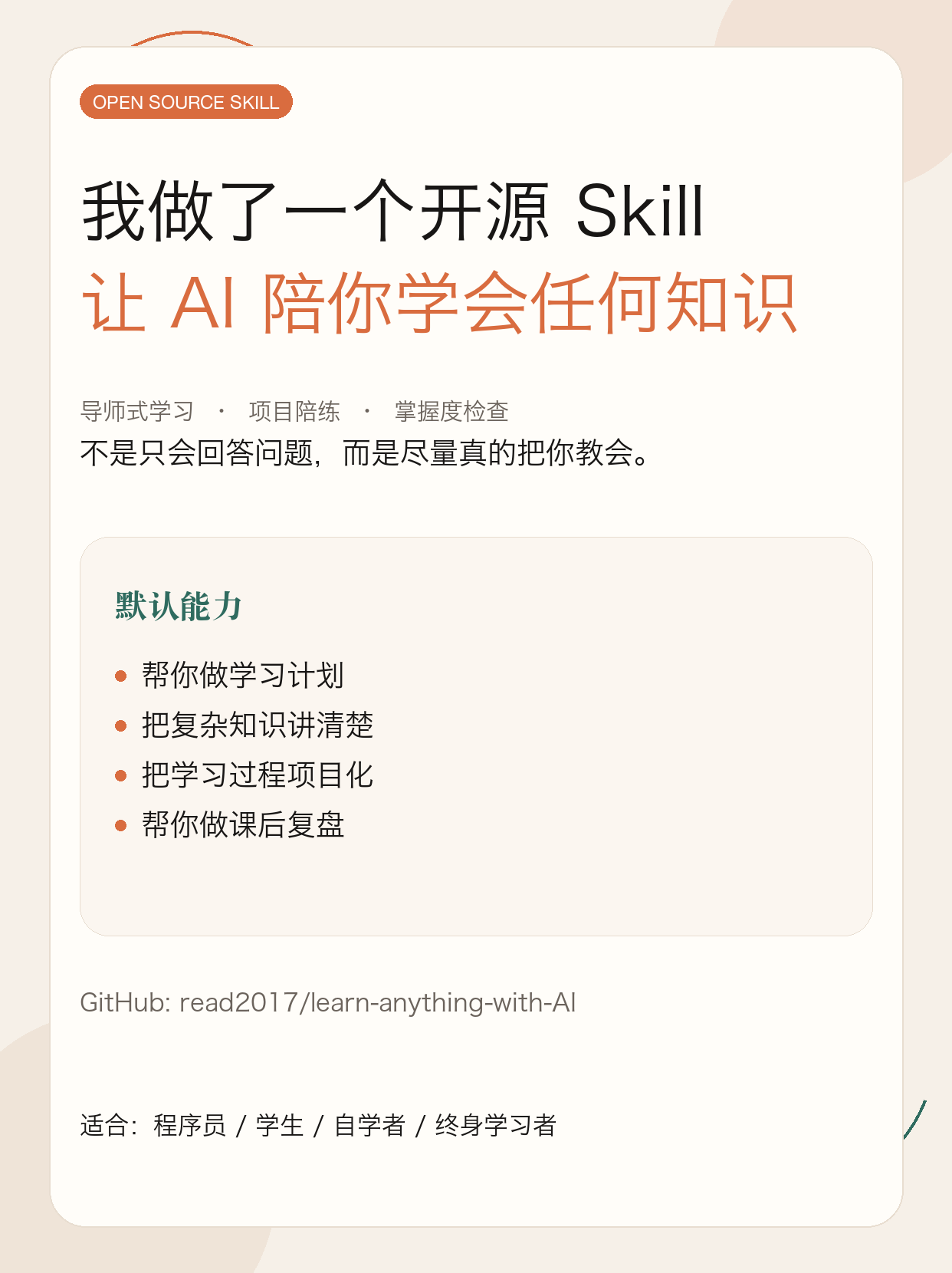
|
Beginner video tutorial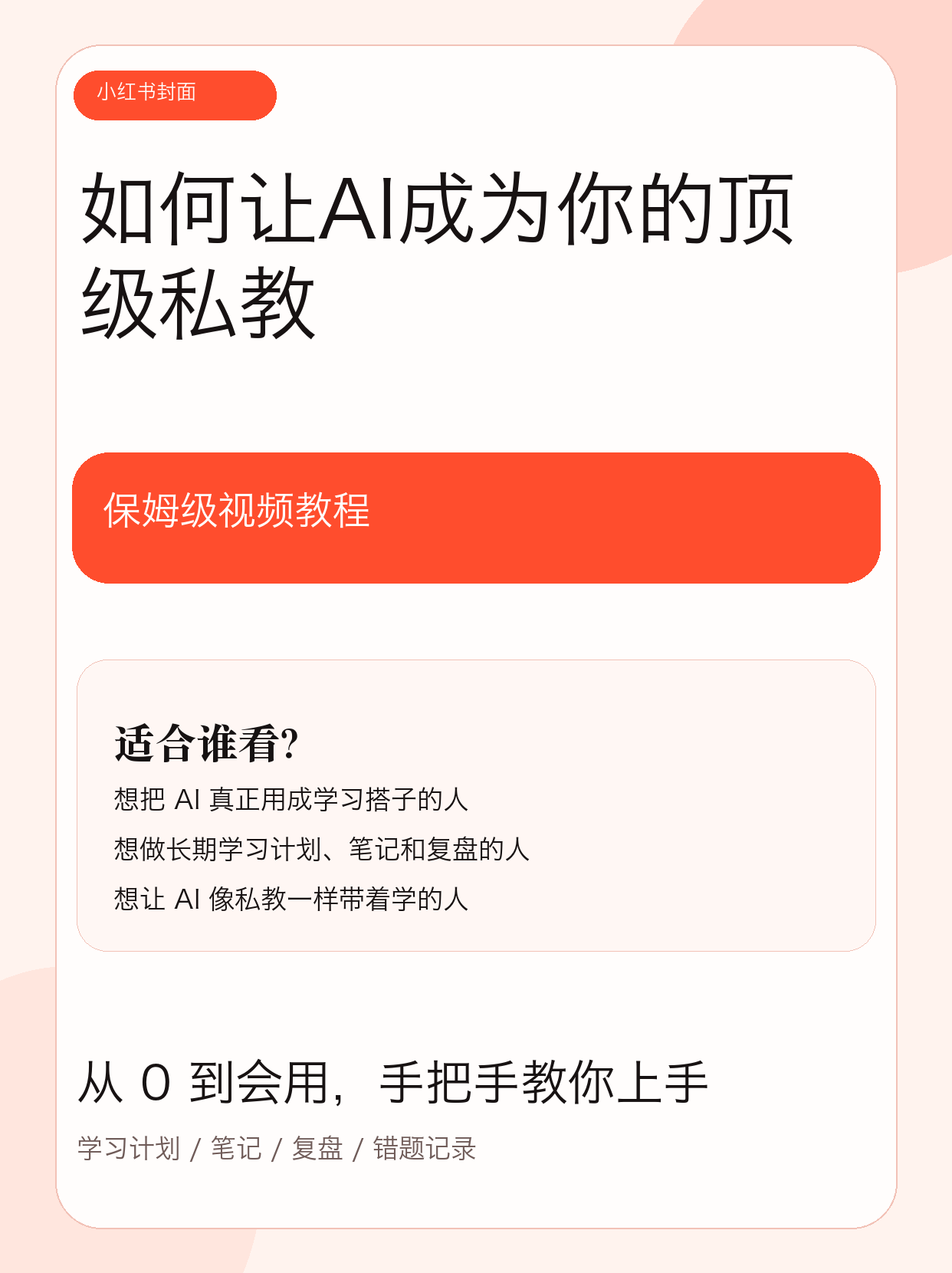
|
Quick Navigation
Overview · Recommended Workflow · Quick Start · Detailed Tutorial · Repository Structure · Suitable Topics · Customization · Customization · Compatibility Notes · Work with me
Overview
learn-anything-skill is a portable SKILL.md workflow package whose goal is not just to answer questions, but to help users actually learn.
- default role:
mentor + project coach - default method:
Project-Driven Learning + Mastery Learning - default outputs: study plans, study notes, session reviews, project briefs, mastery checks, and mistake logs
- default behavior: writes key learning outputs into Markdown files in the current working directory instead of leaving everything inside chat history
- default source strategy: prioritizes official docs, primary sources, canonical texts, and authoritative institutions, while separating factual basis from judgment and advice
- default projectization:
- programming topics: demos, micro-projects, debugging tasks, and small project briefs
- non-programming topics: short reports, presentation outlines, case analyses, knowledge maps, reading notes, and review documents
Good fit for:
- learners who want a structured path into a new topic
- people who want to move from "I know it" to "I can apply and transfer it"
- builders who prefer project-driven learning over passive explanation
- toolmakers who want a reusable open-source skill for Codex, Claude Code, and OpenCode users
Recommended Learning Directory Workflow
Do not study inside a cluttered general workspace if you can avoid it.
Create a dedicated learning directory first, then invoke the skill from inside that directory.
For example:
mkdir -p learn-ai
cd learn-ai
Then use learn-anything-skill inside that directory.
Why this is recommended:
- study plans can be saved automatically as Markdown files
- study notes can accumulate over time instead of disappearing into chat history
- session reviews, mastery checks, and mistake logs stay in one place
- materials, exercises, notes, and project briefs for one topic do not get mixed into unrelated projects
By default, the skill prefers writing learning outputs into a study/ subdirectory under the current working directory, for example:
learn-ai/
└── study/
    ├── ai-learning-plan.md
    ├── ai-notes.md
    ├── ai-session-review.md
    ├── ai-mastery-check.md
    └── ai-mistakes-log.md
Quick Start
1. Install the skill
Recommended via Agent Skills CLI:
npx skills add read2017/learn-anything-with-AI --skill learn-anything-skill
Global install:
npx skills add -g read2017/learn-anything-with-AI --skill learn-anything-skill
2. Create a learning directory
mkdir -p learn-ai
cd learn-ai
3. Start learning
Use $learn-anything-skill to help me learn SQL.
I know some Python but have never studied databases systematically.
Please create a 4-week study plan and design a small project brief.
Detailed Tutorial
The homepage keeps only the shortest path. For full installation guidance, platform-specific setup, usage patterns, examples, and prompt recipes, see:
- Chinese tutorial: docs/tutorial.md
- English tutorial: docs/tutorial.en.md
Recommended order for new users:
- watch the intro post or beginner video
- follow the quick start steps above
- use the detailed tutorial for your long-term study workflow
Repository Structure
skills/
└── learn-anything-skill/
    ├── SKILL.md
    ├── agents/
    │   └── openai.yaml
    ├── references/
    │   ├── mastery-rubric.md
    │   ├── project-patterns.md
    │   ├── source-strategy.md
    │   └── teaching-playbook.md
    └── assets/
        ├── learning-plan-template.md
        ├── mistakes-log-template.md
        ├── mastery-check-template.md
        ├── project-brief-template.md
        ├── session-review-template.md
        └── study-notes-template.md
Suitable Topics
This skill is not only for programmers. It works well for:
- programming and software engineering
- mathematics and statistics
- economics and finance fundamentals
- English and other language learning
- history, social science, and humanities reading
- writing, speaking, and communication training
- AI, LLM, and data-related topics
Customization
Common changes include:
- changing the tone or default language
- shifting the project style toward exams, papers, real-world work, or portfolio building
- changing the source strategy to emphasize official docs or textbook reading
- changing mastery checks to focus on problem solving, oral explanation, code implementation, or paper interpretation
Best files to edit first:
skills/learn-anything-skill/SKILL.mdskills/learn-anything-skill/references/source-strategy.mdskills/learn-anything-skill/references/project-patterns.mdskills/learn-anything-skill/references/mastery-rubric.md
Compatibility Notes
- OpenAI / Codex / ChatGPT Skills: this is the most native target format
- Claude Code: usable directly as a skill; for broader distribution, a plugin wrapper is recommended
- OpenCode: better treated as a command adaptation than as a fully identical skill system
- Other Agent Skills-compatible tools: prefer
npx skills add
In short: the core asset in this repository is the portable SKILL.md + references + assets workflow. Installation entry points differ across agents, but the teaching logic is reusable.
Expand references
These resources helped shape the installation and compatibility guidance:
- OpenAI Skills: https://openai.com/academy/skills/
- ChatGPT Skills help: https://help.openai.com/en/articles/20001066
- Codex app introduction: https://openai.com/index/introducing-the-codex-app/
- Claude Code cheatsheet: https://support.claude.com/en/articles/14553413-claude-code-cheatsheet
- Claude Code plugins: https://code.claude.com/docs/en/plugins
- OpenCode commands: https://opencode.ai/docs/commands
Support this project
If this skill helped you actually learn something:
- ⭐ Star — helps more people find it
- 👀 Watch — subscribe to updates and get notified on new releases
- Fork — make it yours (tone, project style, and source strategy are all meant to be edited; see Development & Customization)
Questions, feature requests, or a new project pattern to nominate? Open an Issue.
Buy me a coffee
This project took a good number of evenings. If it's been useful, you can buy me a coffee:
WeChat 赞赏码 (China) · tips only, not for purchasing services
International readers: Ko-fi (link TBD).
Work with me
This repo came out of a problem I had myself. If you're in a similar spot, I offer 1-on-1 services:
| Service | Who it's for | What you get |
|---|---|---|
| Custom skill | You have a workflow, knowledge base, or content you want packaged as a skill an AI can actually use | Scoping call → a working SKILL.md package |
| Persona distillation | You want a creator's or expert's public content turned into an AI assistant that answers in their style | Full pipeline: corpus collection, analysis, statistics, and skill delivery |
| AI workflow consulting | You want AI embedded in your real business process, not stuck in a chat box | A feasibility assessment for your specific case |
A real example: jianghushuo-oral-skill — distilling a creator with 4.89M followers from 433 videos (947k characters) into a single skill: 6 mental models, 15 documented internal contradictions, an independent blind-test score of 90/100, and every quote traceable to the exact second in the original video.
📮 [email protected] — tell me your use case, I usually reply the same day (English or Chinese).
Scope note: persona-distillation work only covers content you have the right to use — your own accounts, material you're licensed for, or public content for personal research. I don't process other people's content on someone else's behalf.
About the author
沉思哲 / Chen Sizhe(AI 产品研发)· GitHub @read2017
I turn things I've actually built into reusable AI tooling, and document the process on Xiaohongshu and Douyin (Chinese platforms).
抖音 Douyin |
小红书 Xiaohongshu |
License
This repository is released under the MIT License.