
rdev/liquid-glass-react
rdev/liquid-glass-react has 6,624 GitHub stars and 432 forks. GitHot measured +4 stars in 24 hours. Last checked 2026-11-07 10:37 UTC. Last push 2025-06-13.
Apple's Liquid Glass effect for React
What you can do
- Proper edgy bending and refraction
- Multiple refraction modes
- Configurable frosty level
- Supports arbitrary child elements
Measured star growth
- in 24h
- +4
- in 7 days
- Collecting history
- in 15 days
- Collecting history
- in 1 month
- Collecting history
Net star changes over overlapping periods, not daily totals. Missing measurements are left blank. Stars measure attention, not software quality.
README.md
OriginalLiquid Glass React
Apple's Liquid Glass effect for React.
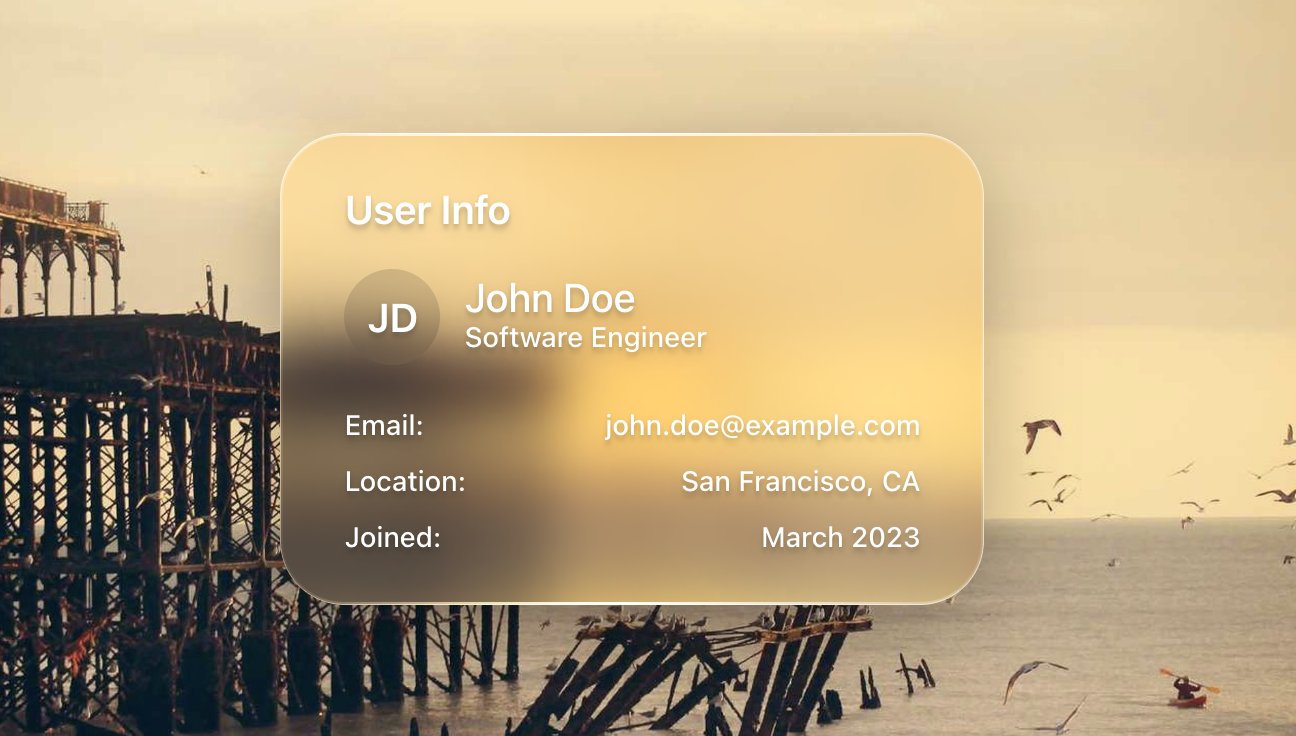
| Card Example | Button Example |
|---|---|
 |
 |
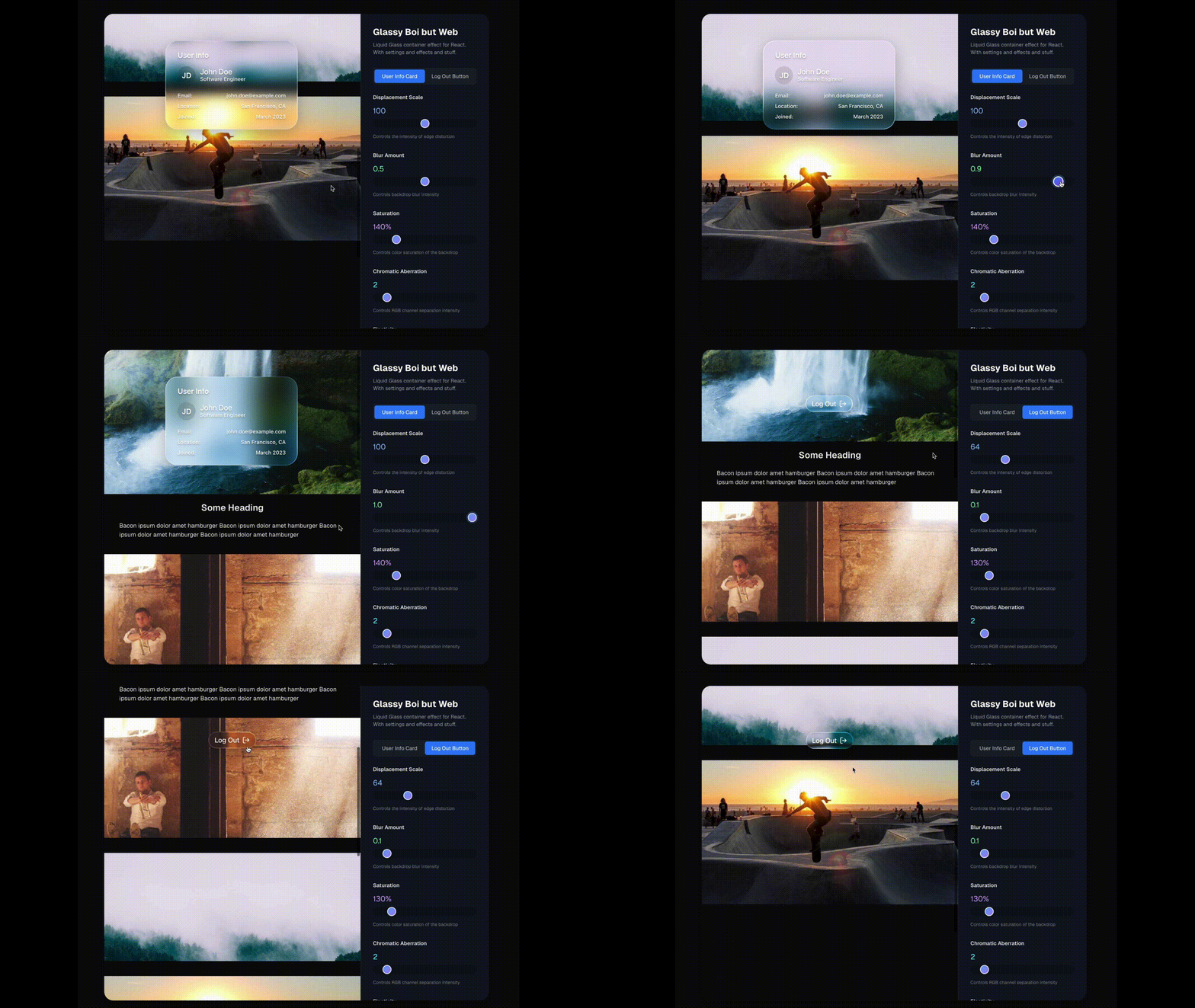
🎬 Demo
Click here to see it in action!
✨ Features
- Proper edgy bending and refraction
- Multiple refraction modes
- Configurable frosty level
- Supports arbitrary child elements
- Configurable paddings
- Correct hover and click effects
- Edges and highlights take on the underlying light like Apple's does
- Configurable chromatic aberration
- Configurable elasticity, to mimic Apple's "liquid" feel
⚠️ NOTE: Safari and Firefox only partially support the effect (displacement will not be visible)
🚀 Usage
Installation
npm install liquid-glass-react
Basic Usage
import LiquidGlass from 'liquid-glass-react'

function App() {
  return (
    <LiquidGlass>
      <div className="p-6">
        <h2>Your content here</h2>
        <p>This will have the liquid glass effect</p>
      </div>
    </LiquidGlass>
  )
}
Button Example
<LiquidGlass
  displacementScale={64}
  blurAmount={0.1}
  saturation={130}
  aberrationIntensity={2}
  elasticity={0.35}
  cornerRadius={100}
  padding="8px 16px"
  onClick={() => console.log('Button clicked!')}
>
  <span className="text-white font-medium">Click Me</span>
</LiquidGlass>
Mouse Container Example
When you want the glass effect to respond to mouse movement over a larger area (like a parent container), use the mouseContainer prop:
function App() {
  const containerRef = useRef<HTMLDivElement>(null)

  return (
    <div ref={containerRef} className="w-full h-screen bg-image">
      <LiquidGlass
        mouseContainer={containerRef}
        elasticity={0.3}
        style={{ position: 'fixed', top: '50%', left: '50%' }}
      >
        <div className="p-6">
          <h2>Glass responds to mouse anywhere in the container</h2>
        </div>
      </LiquidGlass>
    </div>
  )
}
Props
| Prop | Type | Default | Description |
|---|---|---|---|
children |
React.ReactNode |
- | The content to render inside the glass container |
displacementScale |
number |
70 |
Controls the intensity of the displacement effect |
blurAmount |
number |
0.0625 |
Controls the blur/frosting level |
saturation |
number |
140 |
Controls color saturation of the glass effect |
aberrationIntensity |
number |
2 |
Controls chromatic aberration intensity |
elasticity |
number |
0.15 |
Controls the "liquid" elastic feel (0 = rigid, higher = more elastic) |
cornerRadius |
number |
999 |
Border radius in pixels |
className |
string |
"" |
Additional CSS classes |
padding |
string |
- | CSS padding value |
style |
React.CSSProperties |
- | Additional inline styles |
overLight |
boolean |
false |
Whether the glass is over a light background |
onClick |
() => void |
- | Click handler |
mouseContainer |
React.RefObject<HTMLElement | null> | null |
null |
Container element to track mouse movement on (defaults to the glass component itself) |
mode |
"standard" | "polar" | "prominent" | "shader" |
"standard" |
Refraction mode for different visual effects. shader is the most accurate but not the most stable. |
globalMousePos |
{ x: number; y: number } |
- | Global mouse position coordinates for manual control |
mouseOffset |
{ x: number; y: number } |
- | Mouse position offset for fine-tuning positioning |
Explore related projects
freeCodeCamp/freeCodeCamp
freeCodeCamp.org's open-source codebase and curriculum. Learn math, programming, and computer science for free.
458,714 starsdonnemartin/system-design-primer
Learn how to design large-scale systems. Prep for the system design interview. Includes Anki flashcards.
377,251 starsreact/react
The library for web and native user interfaces.
252,360 starsvuejs/vue
This is the repo for Vue 2. For Vue 3, go to https://github.com/vuejs/core
212,631 stars