
qwreey/quick-settings-tweaks
qwreey/quick-settings-tweaks has 610 GitHub stars and 49 forks. GitHot measured +1 stars in 24 hours. Last checked 2026-11-16 20:27 UTC. Last push 2026-02-03.
What you can do
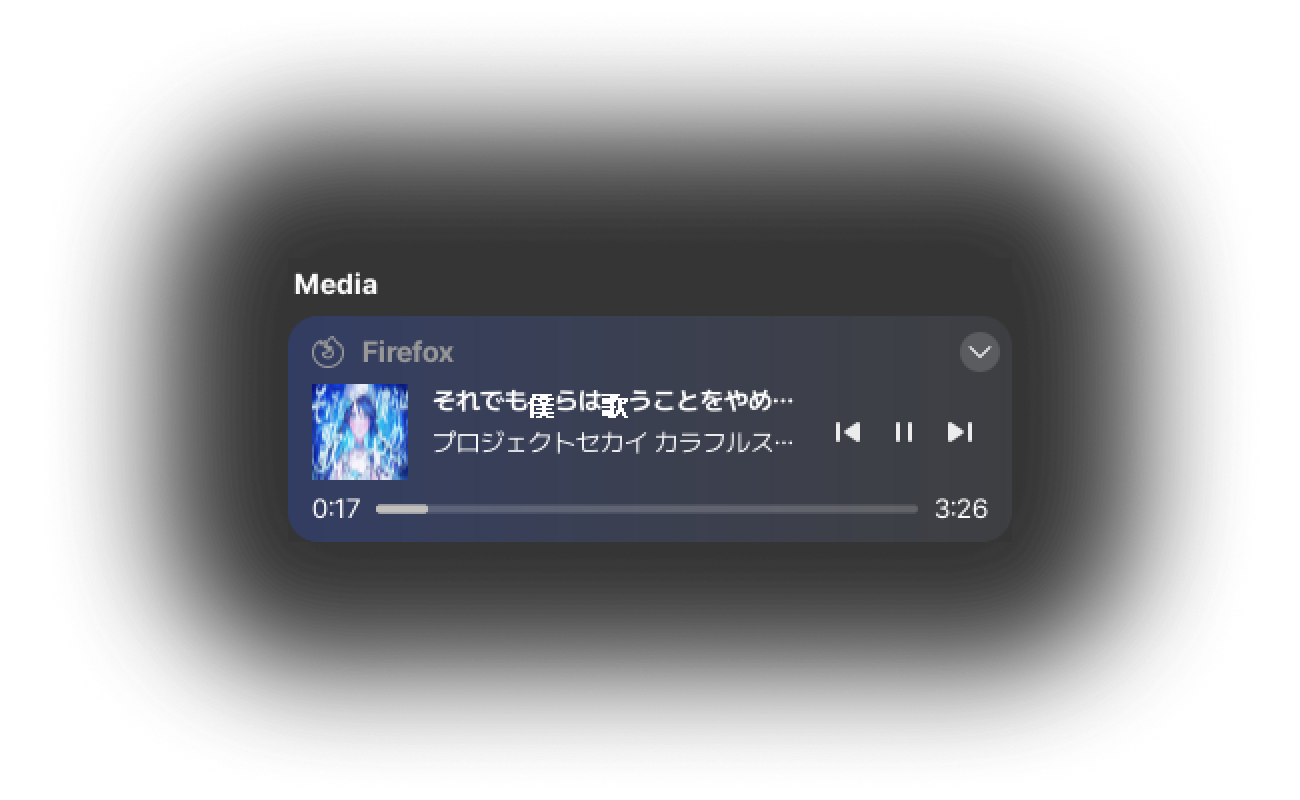
- Add the Media Controls WidgetControl your music and videos directly from the Quick Settings, instead of the Date Menu.For a cooler look, you can also get colors from the cover image and create a gradient.
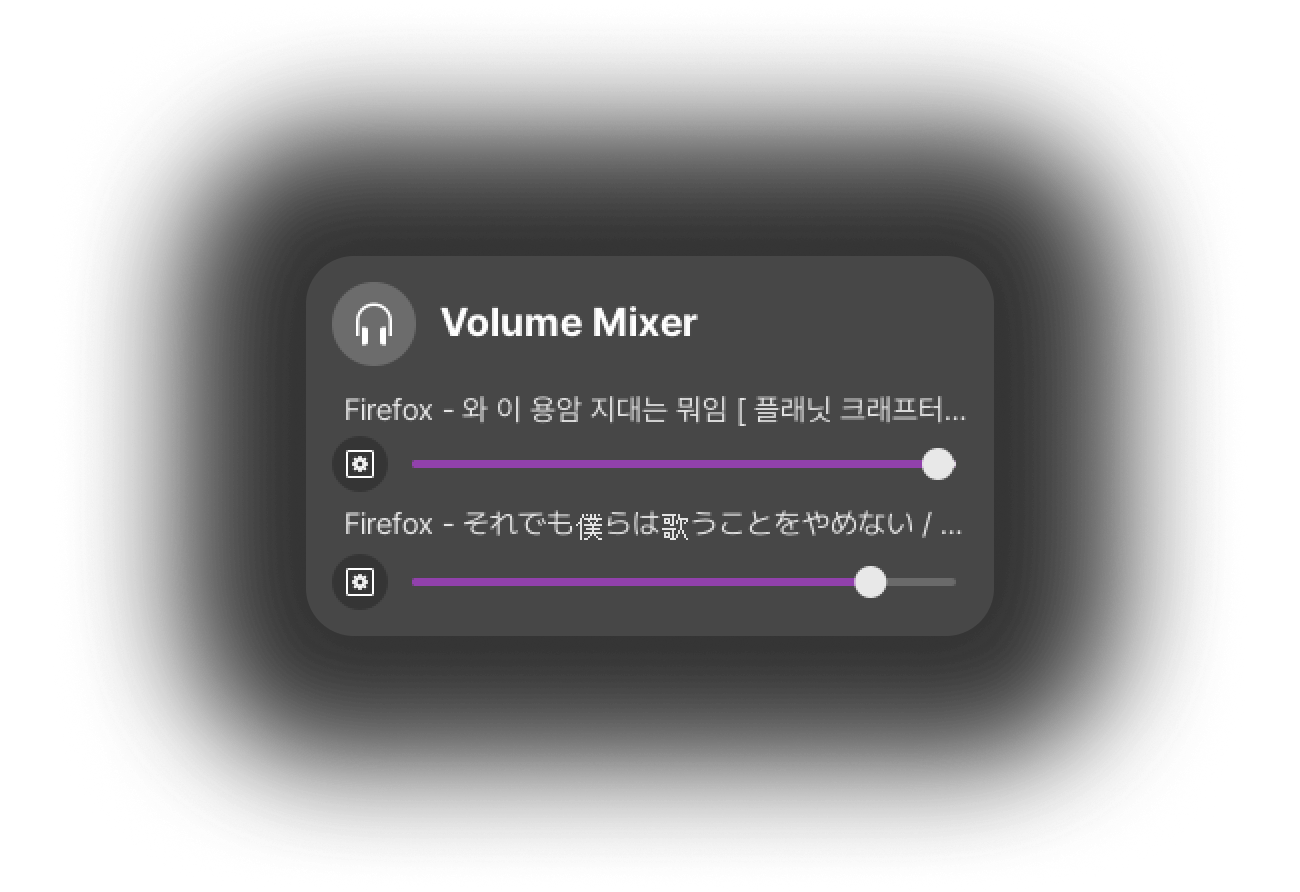
- Add the Volume Mixer WidgetAdjust application volumes, without opening extra application.Place the menu button next to the output slider for a compact and natural layout.
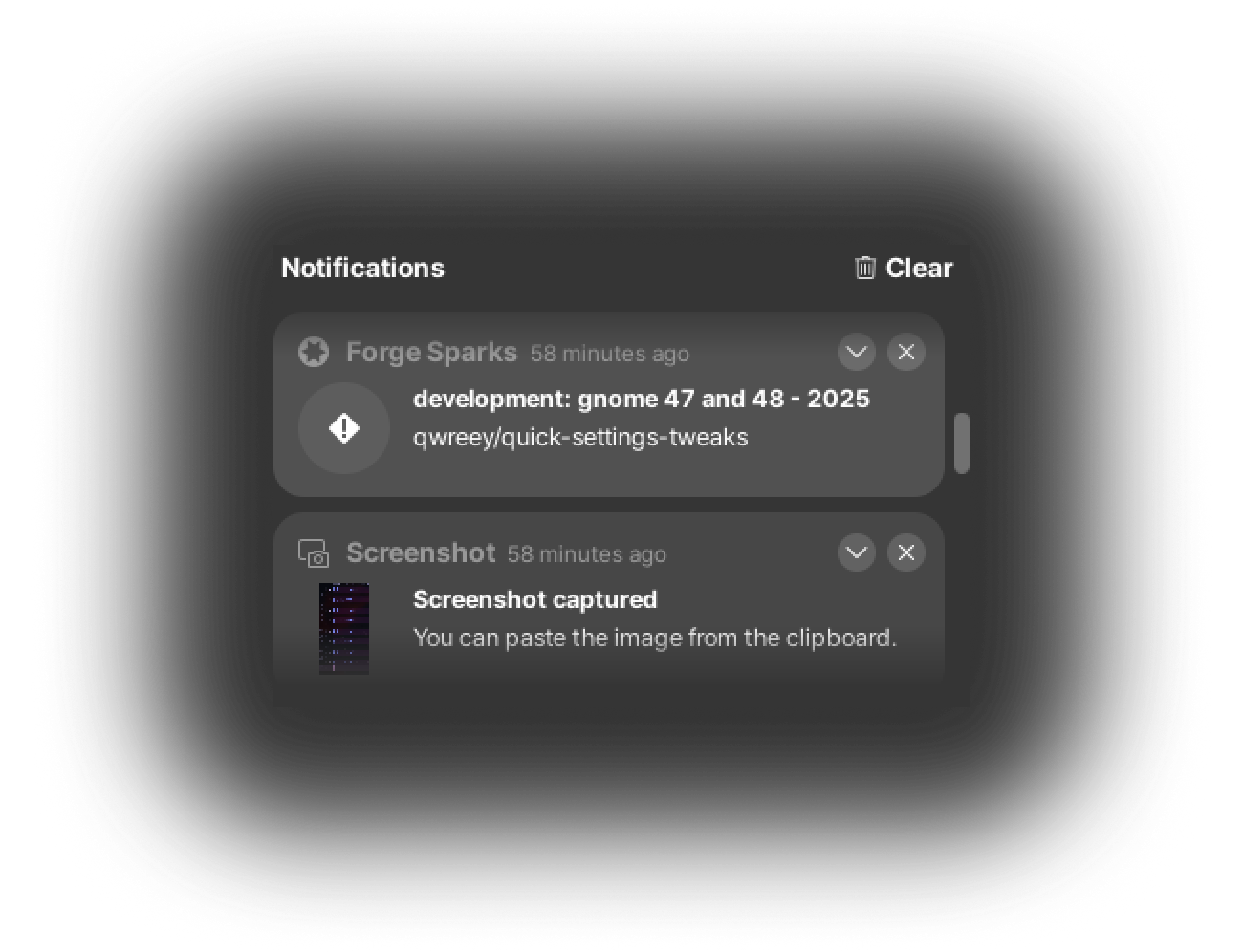
- Add the Notifications WidgetYou can check what has been sent to your mailbox or messenger, without missing!
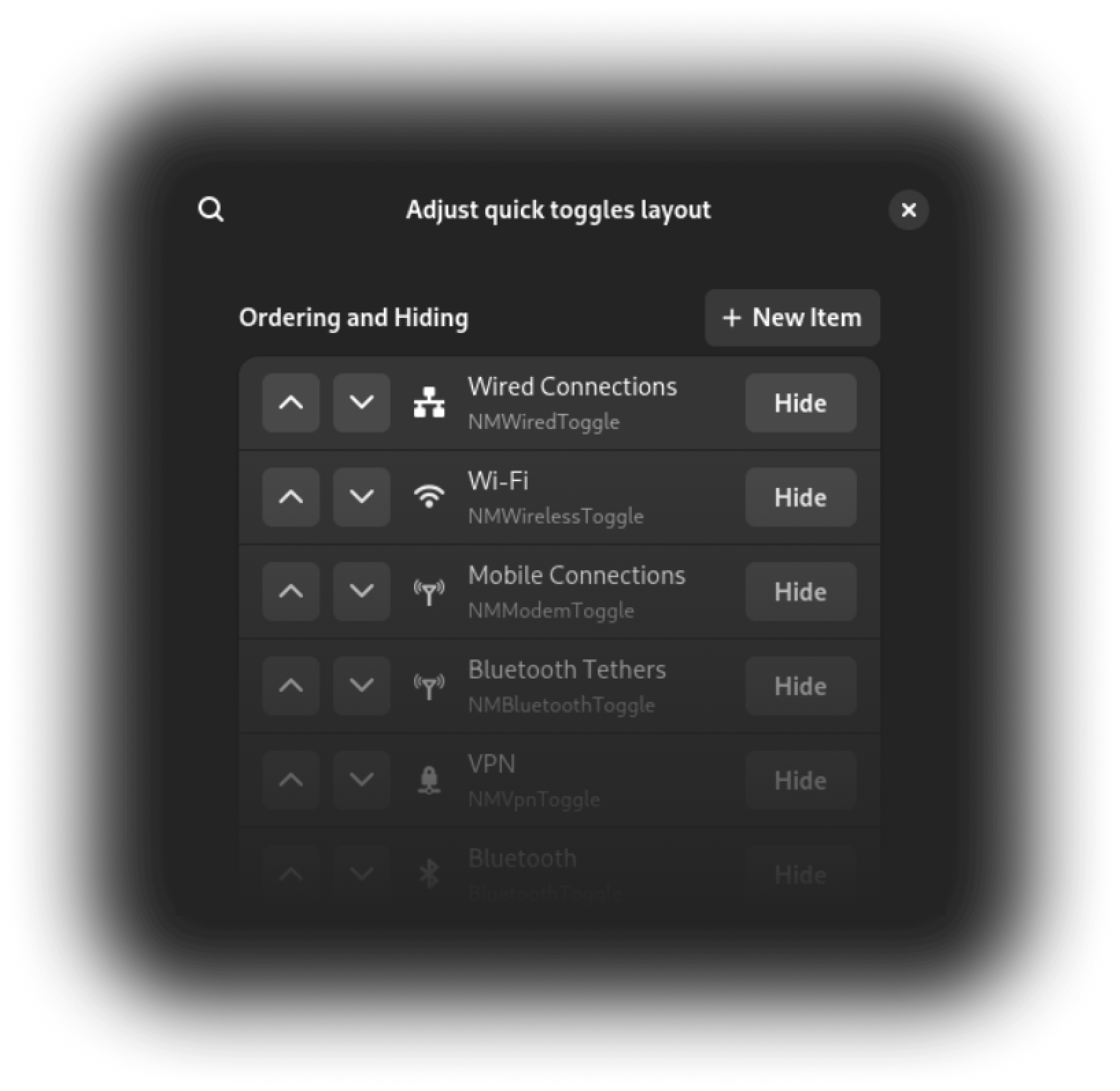
- Layout customizeHide, re-order, re-color your panel and Quick Settings layoutMake it simple and keep organized!
Measured star growth
- in 24h
- +1
- in 7 days
- Collecting history
- in 15 days
- Collecting history
- in 1 month
- Collecting history
Net star changes over overlapping periods, not daily totals. Missing measurements are left blank. Stars measure attention, not software quality.
About
Let's tweak gnome Quick Settings! You can add Media Controls, Notifications, Volume Mixer on quick settings and remove useless buttons!
Developer ToolsREADME.md
OriginalQuick Settings Tweaks 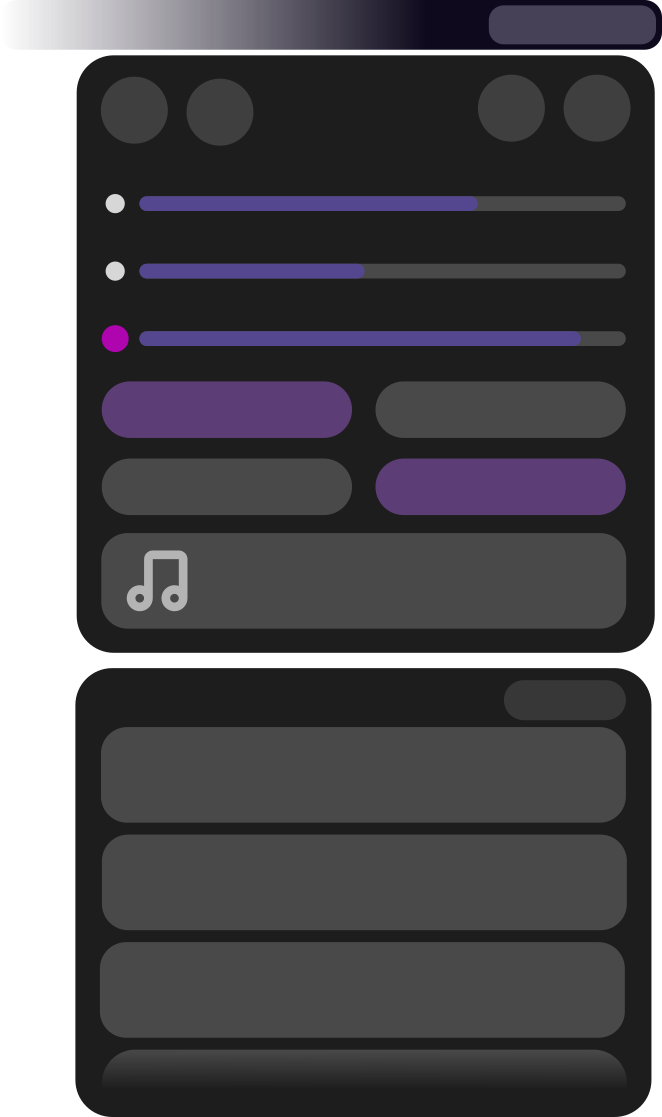
Let's tweak Gnome Quick Settings!

Quick Settings Tweaker is a Gnome 46+ extension which allows you to customize the new Quick Settings Panel to your liking!
Features
With this extension, you can... |
How it will appear |
|---|---|
Add the Media Controls Widget Control your music and videos directly from the Quick Settings, instead of the Date Menu. |
 |
Add the Volume Mixer Widget Adjust application volumes, without opening extra application. |
 |
Add the Notifications Widget You can check what has been sent to your mailbox or messenger, without missing! |
 |
Layout customize Hide, re-order, re-color your panel and Quick Settings layout |
 |
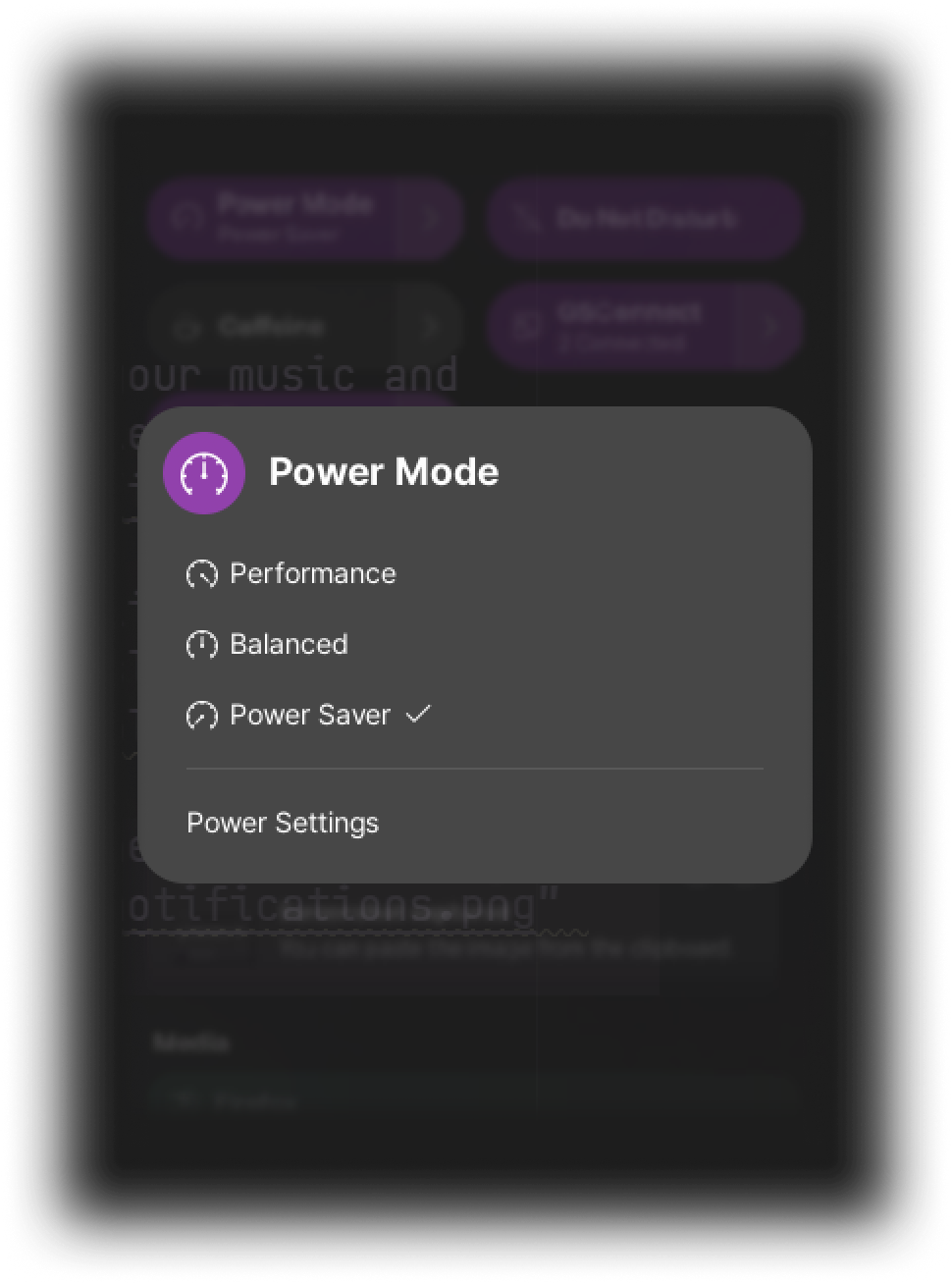
Overlay menu layout Your Quick Settings panel is too big? |
 |
Sponsor
You can promote and support development by github sponsor! You can help keep this project maintained
Here is my sponsors, thank for your support!
Stars
Development
Building
Prerequirements: You need to install nodejs, bash, and gnome-shell for compiling extension from source
You can create development build by executing TARGET=dev ./install.sh create-release. make sure run npm i first to ensure all build dependencies installed
Or, you can get nightly preview build from github releases tab. Build extension from dev branch is not encouraged, because the dev branch has unchecked bleeding-edge features not guaranteed to work. github-preview build is tested by developer and much stable than building dev branch.
Contribution and Issues
Keep in mind that there may be one or a few developers, but there may be many issues and users. I think you know how to behave with manners without even having to say it.
Please check github project board page for issue priority and progress.
Raise an issue
If you want to raise an issue, First, you must search your issue first. duplicated issue will be closed, and disturb developer's time.
Second, you must attach a related log files, gnome version and extension version informations. if you don't provide information much about your issue, it is hard to solve your issue. and to be clear, Please use [migration], [feature], [bug] prefix for issue title, It is very useful for searching and organizing issues
And last, you must use well-formed english You can use a translator or AI to write it, so avoid wasting time by having the developer translate and take notes. This takes up a surprising amount of the developer's time, making analysis very difficult, especially if the logs are mixed in English and other languages.
PR and code contribution
If you want to contribute, you must pull dev branch, Not master branch. master branch is release branch, because AUR and some user distributions use master branch as build source. If you create pull-request to master branch, it will be closed. you should re-open PR to dev branch.
Testing
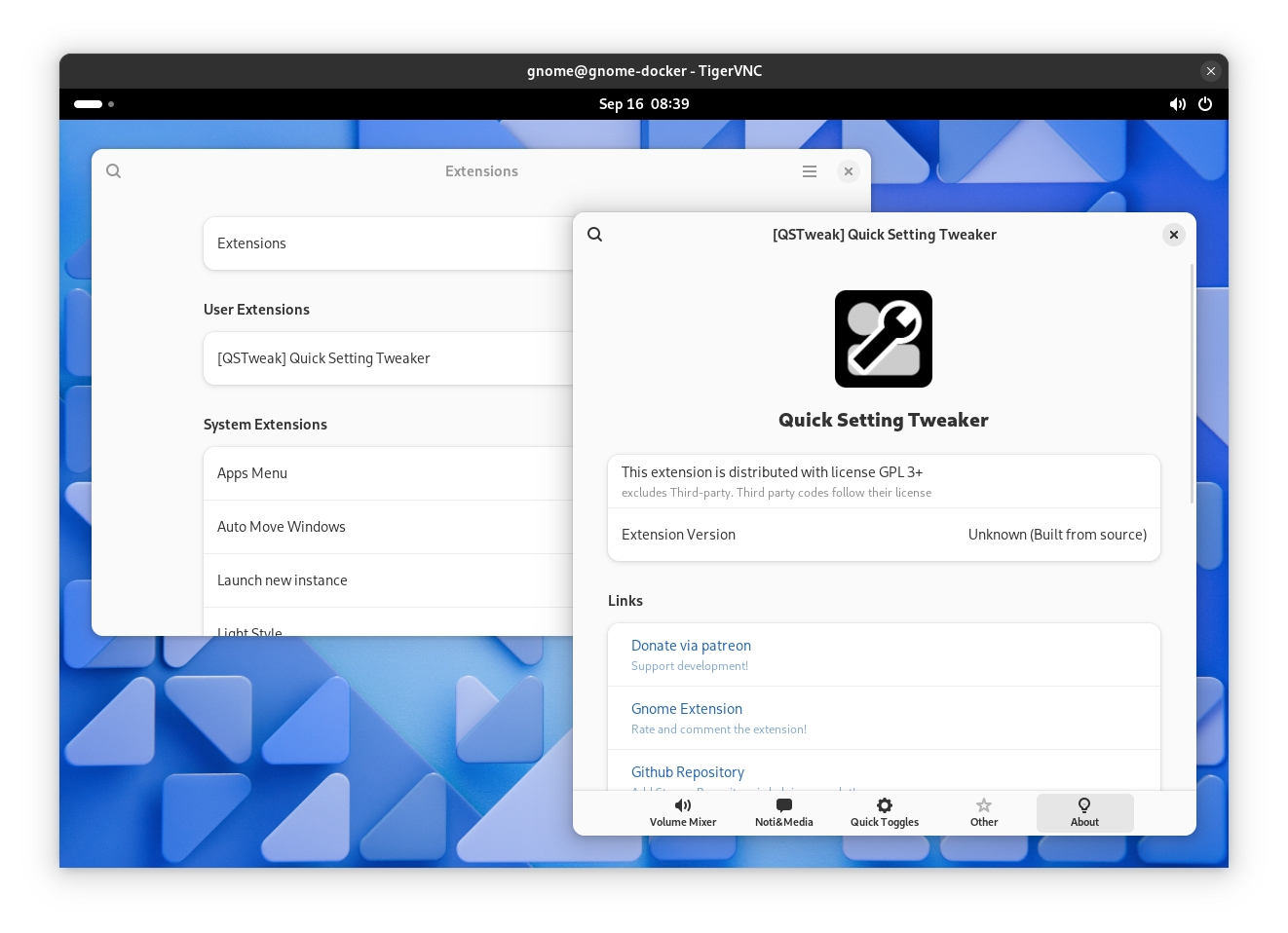
You can test extension with command ./install.sh dev. You will need tigervnc client and docker in host. Tested in arch linux but it should working on any systemd based platform
You can re-build extension by log out and close vnc window or send SIGINT to exit dev docker.