
qiuzhi2046/Qclaw
qiuzhi2046/Qclaw has 2,788 GitHub stars and 332 forks. GitHot measured -2 in 7 days. Last checked 2026-11-11 08:32 UTC. Last push 2026-04-30.
不用命令行,小白也能轻松玩转 OpenClaw
Measured star growth
- in 24h
- Update delayed
- in 7 days
- -2
- in 15 days
- Collecting history
- in 1 month
- Collecting history
Net star changes over overlapping periods, not daily totals. Missing measurements are left blank. Stars measure attention, not software quality.
README.en.md
Original
Qclaw



OpenClaw for everyone, without touching the command line
Visit Website »
简体中文 · Report Bug · Request Feature
Contents
Features
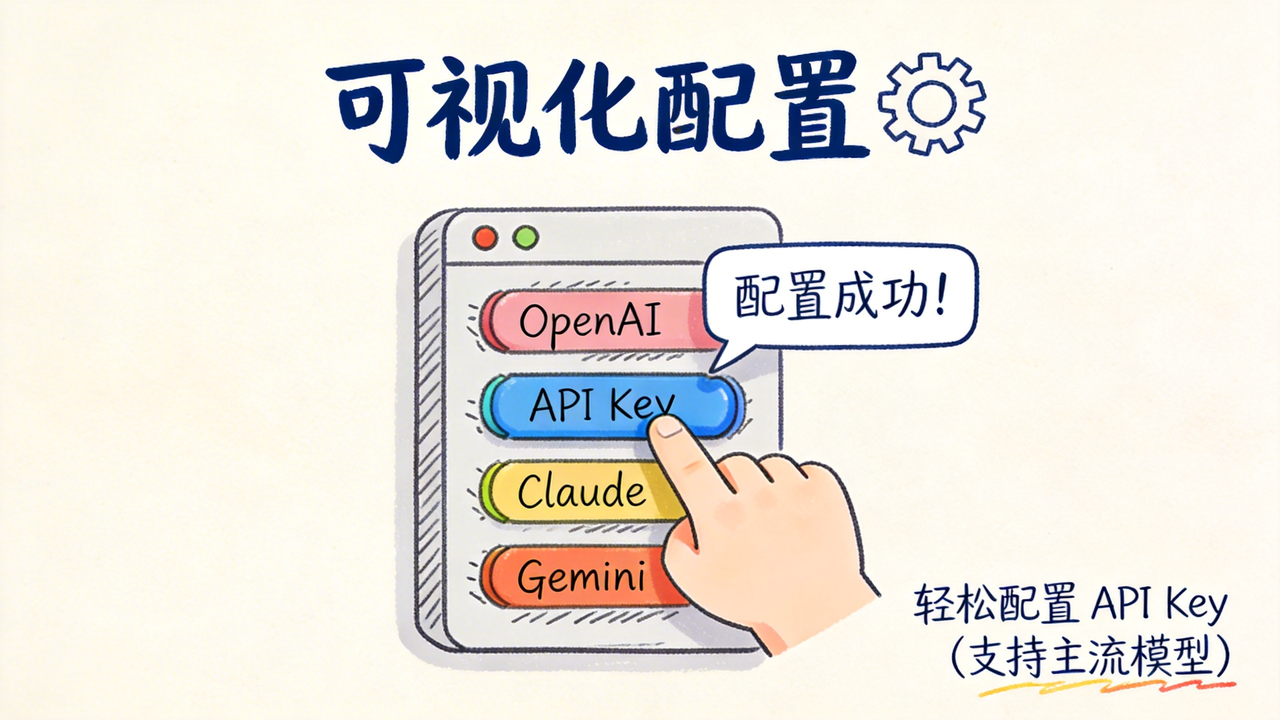

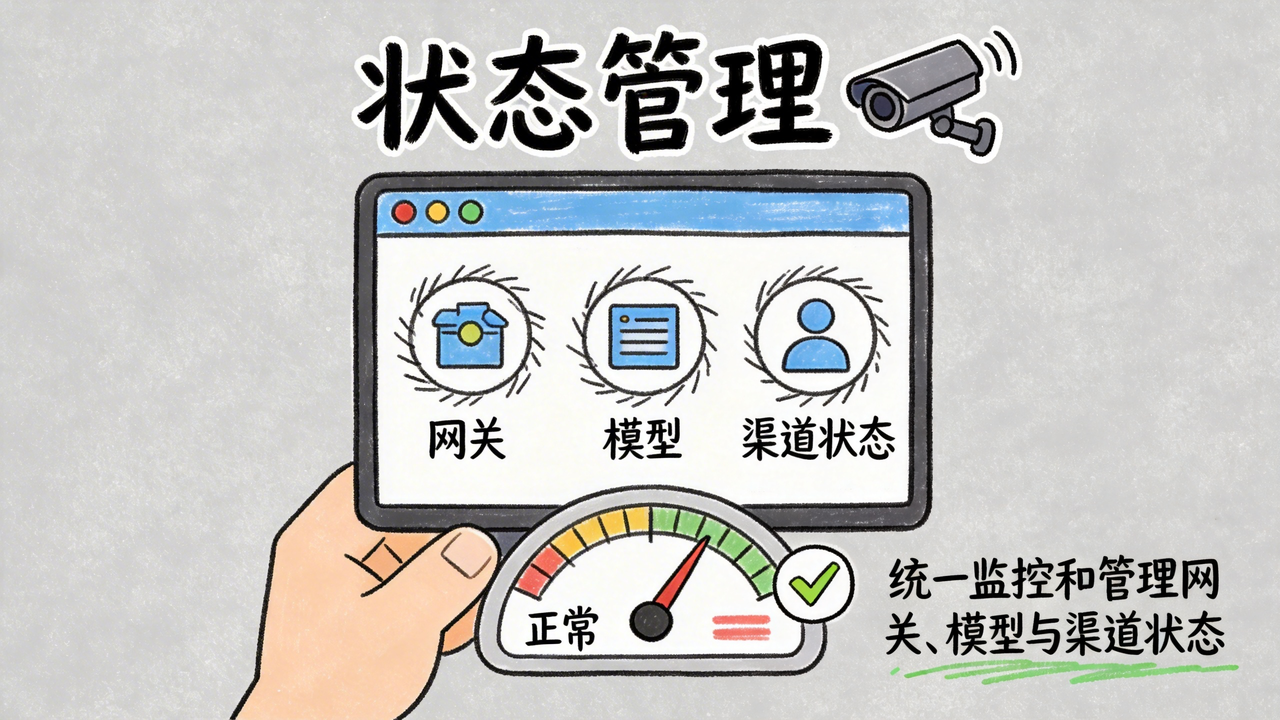

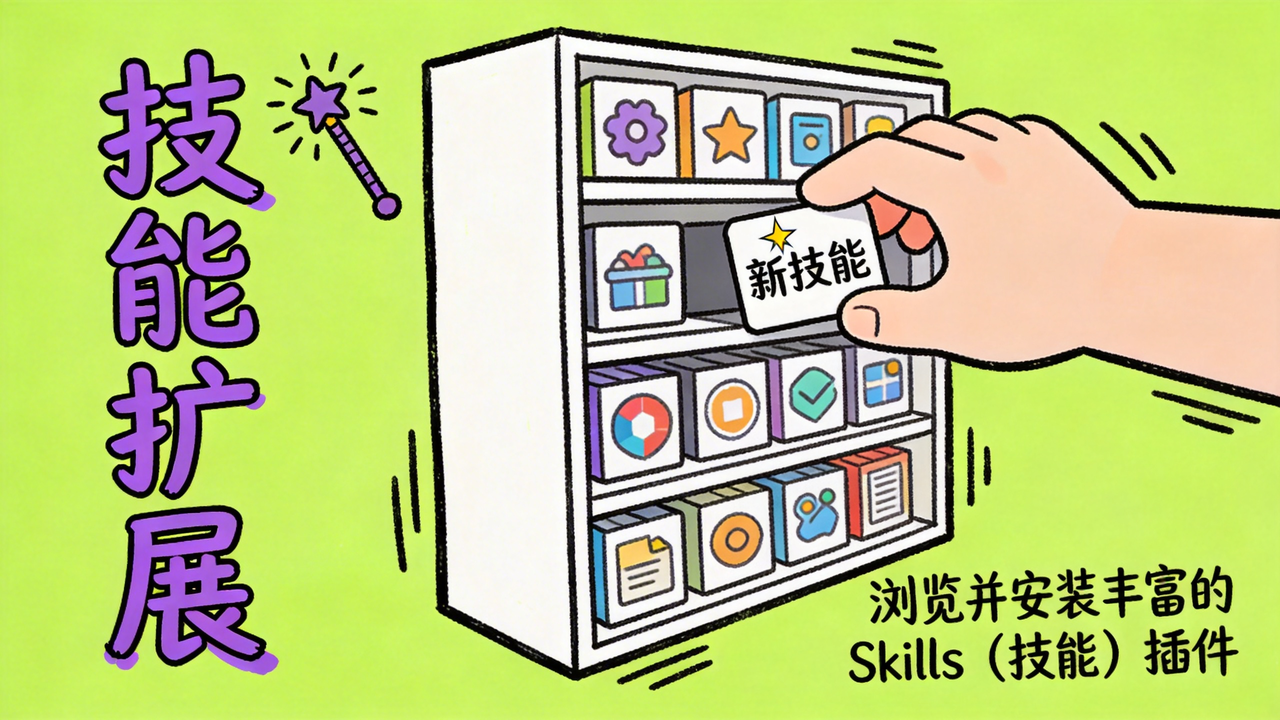
- Environment check — Detects Node.js and OpenClaw CLI automatically and installs missing dependencies when needed
- Full OpenClaw model support — Works with the complete OpenClaw model catalog and also supports custom model entries
- Latest IM integrations — Connect Feishu, WeChat, WeCom, DingTalk, and QQ with QR-code-driven setup, then install official plugins and write config automatically
- Guided onboarding — Beginner-friendly workflow with step-by-step guidance and safety reminders
- Operations dashboard — Monitor gateway status in real time, restart services, and repair runtime issues in one place
- Skills management — Manage skills from different sources
- Backup support — Includes automatic backup and manual backup flows
- Cross-platform direction — Supports macOS today, Windows is in progress, and Linux is planned
- Update support — Supports the latest OpenClaw releases
Why This Project Exists
Qclaw started with a simple goal: build a practical desktop companion for OpenClaw so everyone can install it, configure it, and actually use it with confidence.
- Lower the barrier by turning complex CLI and config steps into simple desktop interactions
- Make powerful AI tooling more accessible to everyone
- Help first-time users learn by doing, with setup steps that double as a tutorial
Quick Start
Step 1: Download and install
- Download and open the Qclaw Lite client
- Website: https://qclawai.com/
- GitHub Releases: Download the latest version
- Read the safety notice and confirm before continuing
Step 2: Prepare the environment
- Run the environment check
- If an existing OpenClaw setup is detected, Qclaw can import it directly
- Follow the on-screen guidance to begin configuration
Step 3: Configure models
- Open the AI provider page and wait for the model list to load
- Choose the models you want to use
- Supports the full OpenClaw model catalog, and some models also support OAuth authorization
Step 4: Connect IM channels (optional)
- Open the IM channels page
- Choose the platform you use most often, such as Feishu, DingTalk, QQ, or WeCom
- Follow the in-app guide to complete setup for each platform
Step 5: Start using it
- Start conversations directly in the desktop client
- Or test your AI assistant inside the IM tools you just connected
💡 Closing the Qclaw Lite window does not stop OpenClaw in the background. Your IM channels continue to work normally.
Development
Recommended development environment
- macOS
- Qclaw (OpenClaw)
- Codex or Claude Code
- Node.js 24, with 22 as the minimum supported version for local development
Install from source
# Clone the repository
git clone https://github.com/qiuzhi2046/Qclaw.git
cd Qclaw

# Install dependencies
npm install

# Start the development environment
npm run dev

# Build the production version
npm run build
Common commands
| Command | Description |
|---|---|
npm run dev |
Start the development server |
npm run build |
Build and package the application |
npm test |
Run the test suite |
npm run typecheck |
Run TypeScript type checks |
Project structure
electron/
  main/             Main process: window management, CLI calls, IPC handlers
  preload/          Preload scripts and secure bridge
src/
  pages/            Page-level components: wizard steps, dashboard, chat, and more
  components/       UI components
  lib/              Business logic: channel registry, provider registry, and utilities
  shared/           Shared modules: config flow, gateway diagnostics, and policies
  assets/           Icons and static assets
docs/               Project documents, architecture notes, and changelogs
scripts/            Build and release scripts, signing, versioning, and COS publishing
build/              App icons and packaging resources
Tech stack and architecture
| Layer | Technology |
|---|---|
| Desktop framework | Electron |
| Frontend | React + TypeScript |
| Build tooling | Vite + vite-plugin-electron |
| UI | Mantine + Tailwind CSS |
| Packaging | electron-builder |
┌─────────────────────────────────────────────────────────┐
│                           Qclaw                         │
│                                                         │
│  ┌──────────────────┐         ┌──────────────────────┐  │
│  │   Main Process   │         │  Renderer Process    │  │
│  │   (Node.js)      │   IPC   │  (Chromium)          │  │
│  │                  │◄───────►│                      │  │
│  │  ┌────────────┐  │         │  ┌────────────────┐  │  │
│  │  │  cli.ts    │  │         │  │  React + Vite  │  │  │
│  │  │  OpenClaw  │  │         │  │  Mantine + TW  │  │  │
│  │  │  CLI calls │  │         │  │                │  │  │
│  │  └─────┬──────┘  │         │  │  Wizard pages  │  │  │
│  │        │         │         │  │  Dashboard     │  │  │
│  │  ┌─────▼──────┐  │         │  └────────────────┘  │  │
│  │  │ System     │  │         │                      │  │
│  │  │ file I/O   │  │         └──────────────────────┘  │
│  │  │ processes  │  │                                   │
│  │  └────────────┘  │                                   │
│  └──────────────────┘                                   │
│                                                         │
│           │                                             │
│           ▼                                             │
│  ┌──────────────────┐                                   │
│  │  OpenClaw CLI    │                                   │
│  │  ~/.openclaw/    │                                   │
│  └──────────────────┘                                   │
└─────────────────────────────────────────────────────────┘
Known Issues
- This document tracks the current known limitations and bugs
- Please check Issues for specific bug reports and feature requests
Supported Platforms
- macOS 11 (Big Sur)+
- Windows 10+ (x64), currently in active development
- Linux, planned
Contributing
We welcome everyone with ideas and a willingness to contribute to Qclaw. It is thanks to contributors like you that this project continues to improve.
This guide will help you understand how to get involved in the project. Whether you want to report a bug, propose a new feature, or submit code, you are very welcome here.
We also actively welcome contributions created with AI coding tools. You do not need to be a professional developer to contribute something valuable.
If Qclaw becomes your first open-source contribution, we would be happy to see it happen here.
Contribution guide:
Beginner-friendly contribution guide:
Community
- Qclaw open-source community group

Community guidelines
- Respect every participant
- Keep discussions friendly and constructive
- Feel free to ask questions and help others
Social media



WeChat official account

Join Us
We welcome developers and related talent to join us. Please send your resume to: [email protected]
We may not offer the benefits of a large company yet, but we can offer a focused environment with minimal process overhead and unrestricted access to AI tooling.
If you love AI and have a bit of a builder's spirit, do not hesitate—send us your resume.
License
Distributed under the Apache-2.0 License. See LICENSE for details.
Contributors
See the contributors list on GitHub:
Acknowledgements
Thanks to OpenClaw. Without it, Qclaw would not exist. We are simply building a more approachable bridge on top of something powerful.
Thanks to Electron, React, Vite, Mantine, and the many open-source authors whose work makes this project possible.
Thanks to everyone who joined the internal test phase. Every bug report and suggestion helped improve the product.
More names: Feedback users, in no particular order
Finally, thanks to everyone willing to try, share, and bring more warmth to technology.
Open-source projects used by this repository
| Repository | Author | Package |
|---|---|---|
| openclaw/openclaw | OpenClaw | openclaw (CLI) |
| electron/electron | Electron Community | electron |
| facebook/react | Meta | react, react-dom |
| mantinedev/mantine | Vitaly Rtishchev | @mantine/core, @mantine/modals, @mantine/notifications |
| vitejs/vite | Evan You | vite |
| tailwindlabs/tailwindcss | Tailwind Labs | tailwindcss |
| electron-userland/electron-builder | Vladimir Krivosheev | electron-builder, electron-updater |
Explore related projects
codecrafters-io/build-your-own-x
Master programming by recreating your favorite technologies from scratch.
561,689 starspublic-apis/public-apis
A collective list of free APIs
498,082 starsmorluto/rea
Reverse engineer anything with agents, from app behavior down to native binaries.
451,080 starsopenclaw/openclaw
The AI that really does things. Any OS. Any Platform. The lobster way. 🦞
394,313 stars