
pylabel-project/pylabel
pylabel-project/pylabel has 342 GitHub stars and 63 forks. GitHot measured 0 stars in 24 hours. Last checked 2026-11-19 03:01 UTC. Last push 2024-08-14.
Measured star growth
- in 24h
- 0
- in 7 days
- Collecting history
- in 15 days
- Collecting history
- in 1 month
- Collecting history
Net star changes over overlapping periods, not daily totals. Missing measurements are left blank. Stars measure attention, not software quality.
About
Python library for computer vision labeling tasks. The core functionality is to translate bounding box annotations between different formats-for example, from coco to yolo.
Developer ToolsREADME.md
OriginalPyLabel


PyLabel is a Python package to help you prepare image datasets for computer vision models including PyTorch and YOLOv5. It can translate bounding box annotations between different formats. (For example, COCO to YOLO.) And it includes an AI-assisted labeling tool that runs in a Jupyter notebook.
- Translate: Convert annotation formats with a single line of code:
importer.ImportCoco(path_to_annotations).export.ExportToYoloV5() - Analyze: PyLabel stores annotatations in a pandas dataframe so you can easily perform analysis on image datasets.
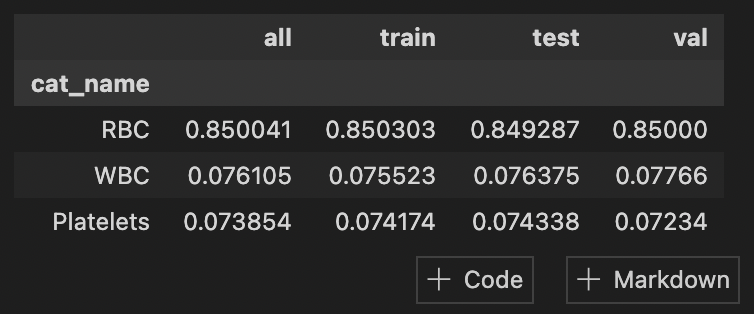
- Split: Divide image datasets into train, test, and val with stratification to get consistent class distribution.
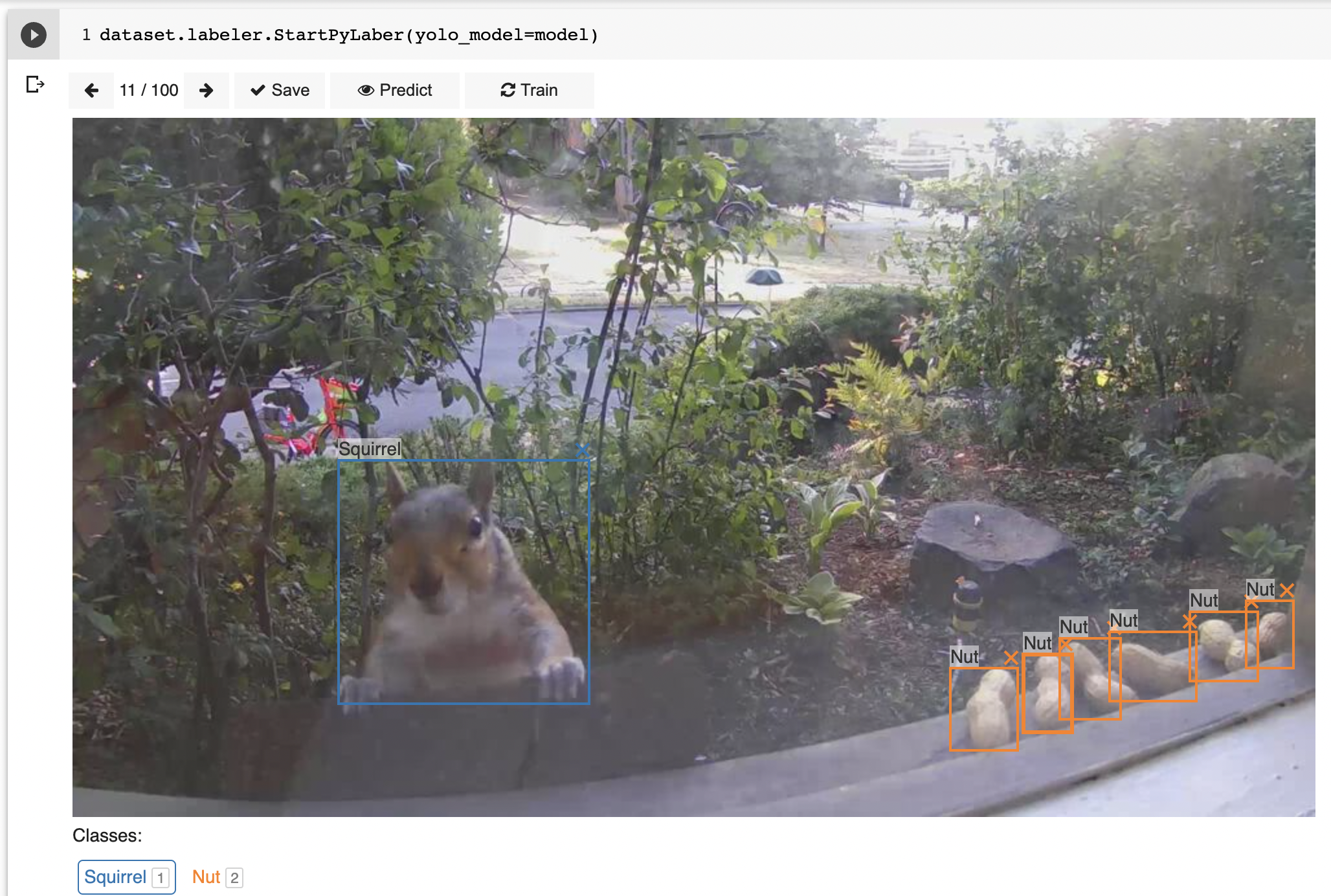
- Label: PyLabel also includes an image labeling tool that runs in a Jupyter notebook that can annotate images manually or perform automatic labeling using a pre-trained model.
- Visualize: Render images from your dataset with bounding boxes overlaid so you can confirm the accuracy of the annotations.
Tutorial Notebooks
See PyLabel in action in these sample Jupyter notebooks:
- Convert COCO to YOLO
- Convert COCO to VOC
- Convert VOC to COCO
- Convert YOLO to COCO
- Convert YOLO to VOC
- Import a YOLO YAML File
- Splitting Images Datasets into Train, Test, Val
- Labeling Tool Demo with AI Assisted Labeling
Find more docs at https://pylabel.readthedocs.io.
About PyLabel
PyLabel was developed by Jeremy Fraenkel, Alex Heaton, and Derek Topper as the Capstope project for the Master of Information and Data Science (MIDS) at the UC Berkeley School of Information. If you have any questions or feedback please create an issue. Please let us know how we can make PyLabel more useful.