
poolcamacho/Maple has 55 GitHub stars and 2 forks. GitHot measured 0 stars in 24 hours, -1 in 7 days, and 0 in 15 days. Last checked 2026-11-15 06:50 UTC. Last push 2026-07-29.
What you can do
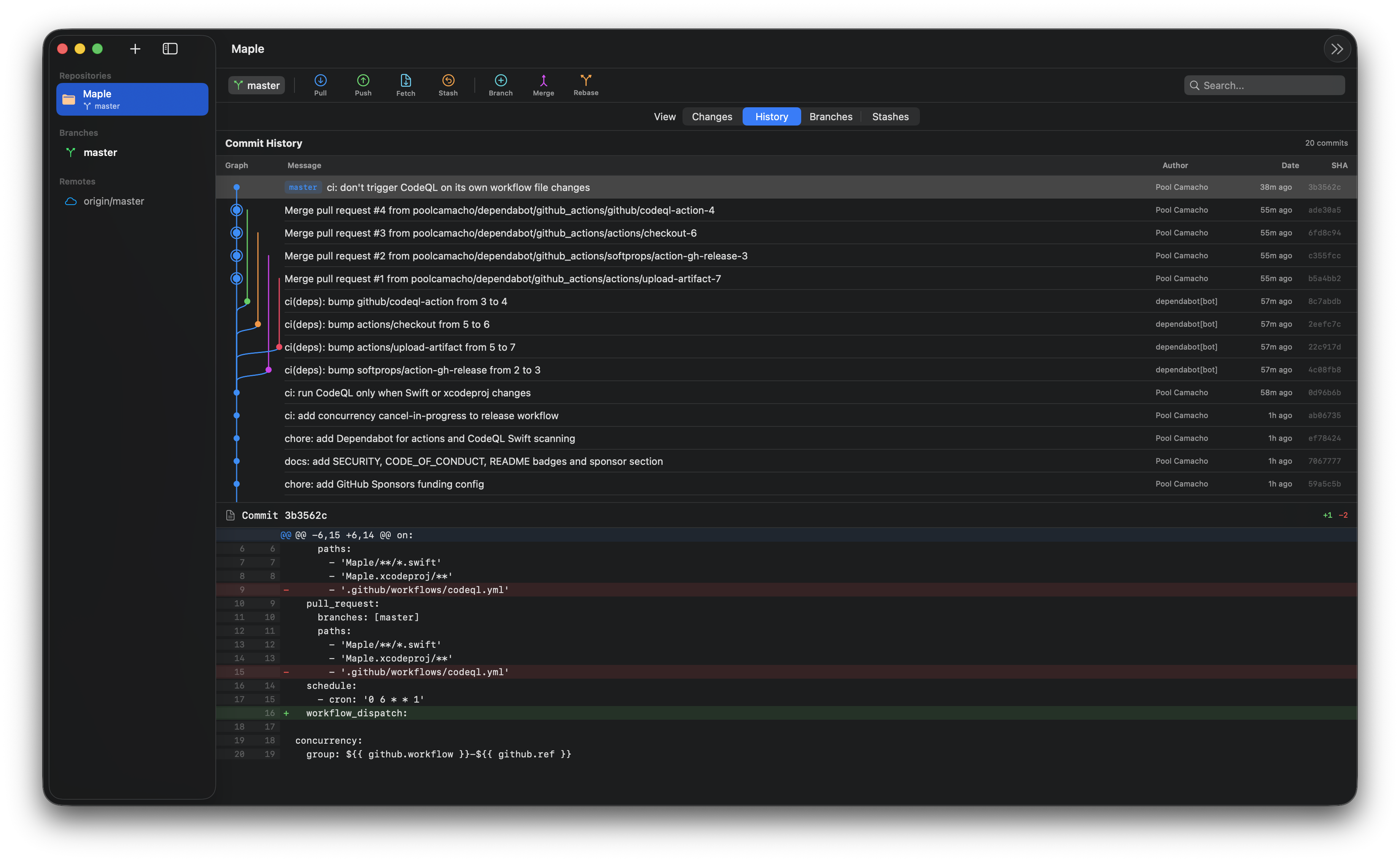
- Real commit graph. Lane assignment, curved edges per parent, merge nodes rendered as a ring so joins stay legible across busy histories.
- Interactive staging. Tick a checkbox on any hunk header, or any individual + / - line, and stage only what you want. Cmd+S stages (or unstages) the current selection. Works in reverse too: view the staged diff and surgically peel changes back into the working tree.
- Diff viewer with Blame toggle. Syntax coloured hunks, line numbers, and per line author / hash / date when Blame is on.
- Merge and rebase with conflict UX. Detects UU, AA, DD automatically, shows an operation banner with Abort / Continue / Skip, and lets you resolve per file with Use Ours or Use Theirs.
Measured star growth
- in 24h
- 0
- in 7 days
- -1
- in 15 days
- 0
- in 1 month
- Collecting history
Net star changes over overlapping periods, not daily totals. Missing measurements are left blank. Stars measure attention, not software quality.
About
A free, fast, native macOS Git client built with SwiftUI. Full commit graph with real topology, inline diff/blame, merge & rebase with conflict resolution.
Developer ToolsREADME.md
OriginalMaple






A free, fast, native macOS Git client built with SwiftUI. Inspired by GitExtensions, designed to feel at home on macOS.
Why Maple
Most Git GUIs on macOS are Electron based, locked behind a subscription, or oversimplified to the point of hiding what Git actually does. Maple is none of those. It shells out to the git binary you already have, shows the full topology of your history, and stays out of the way when you know what you are doing.
Features
- Real commit graph. Lane assignment, curved edges per parent, merge nodes rendered as a ring so joins stay legible across busy histories.
- Interactive staging. Tick a checkbox on any hunk header, or any individual
+/-line, and stage only what you want.Cmd+Sstages (or unstages) the current selection. Works in reverse too: view the staged diff and surgically peel changes back into the working tree. - Diff viewer with Blame toggle. Syntax coloured hunks, line numbers, and per line author / hash / date when Blame is on.
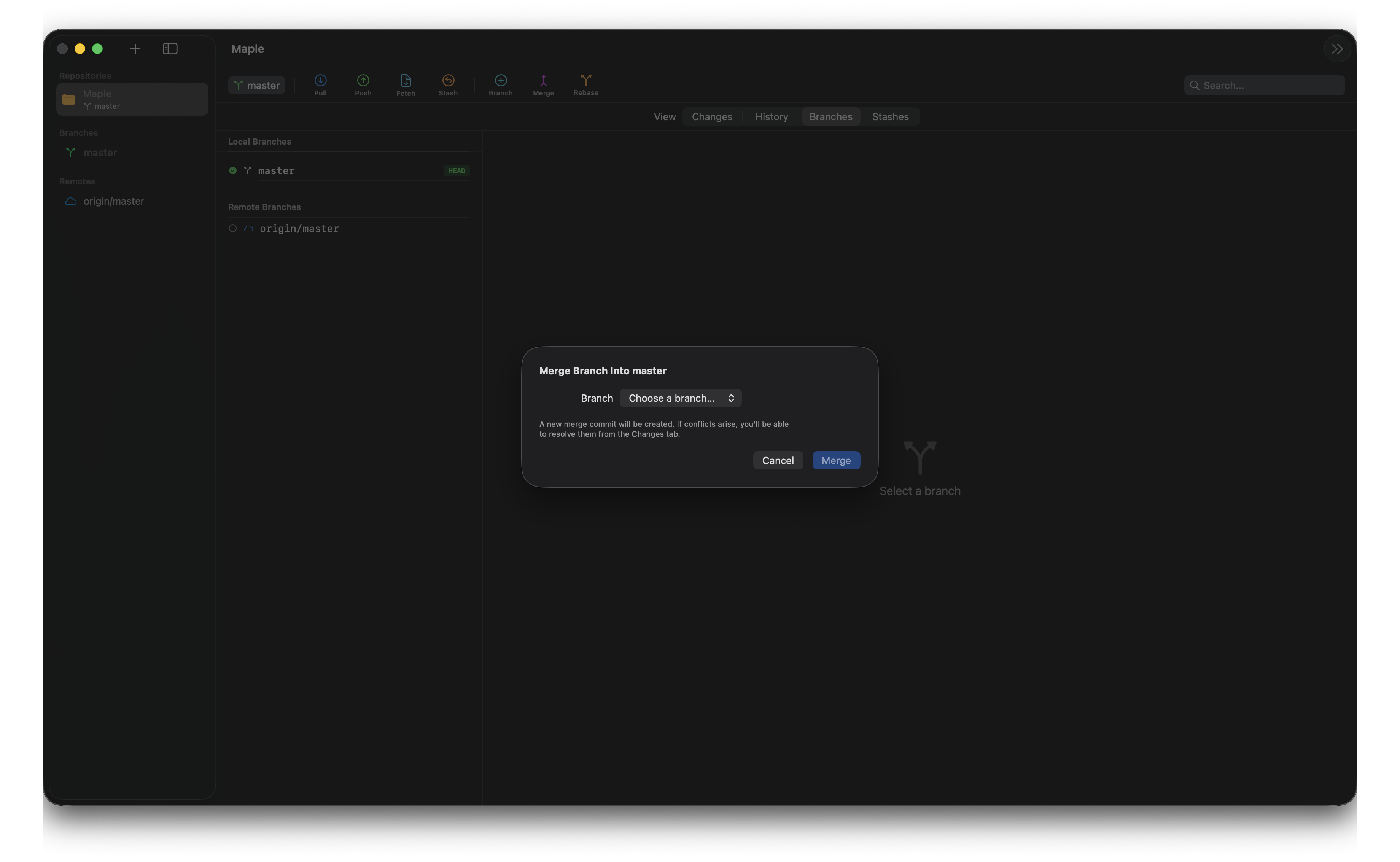
- Merge and rebase with conflict UX. Detects
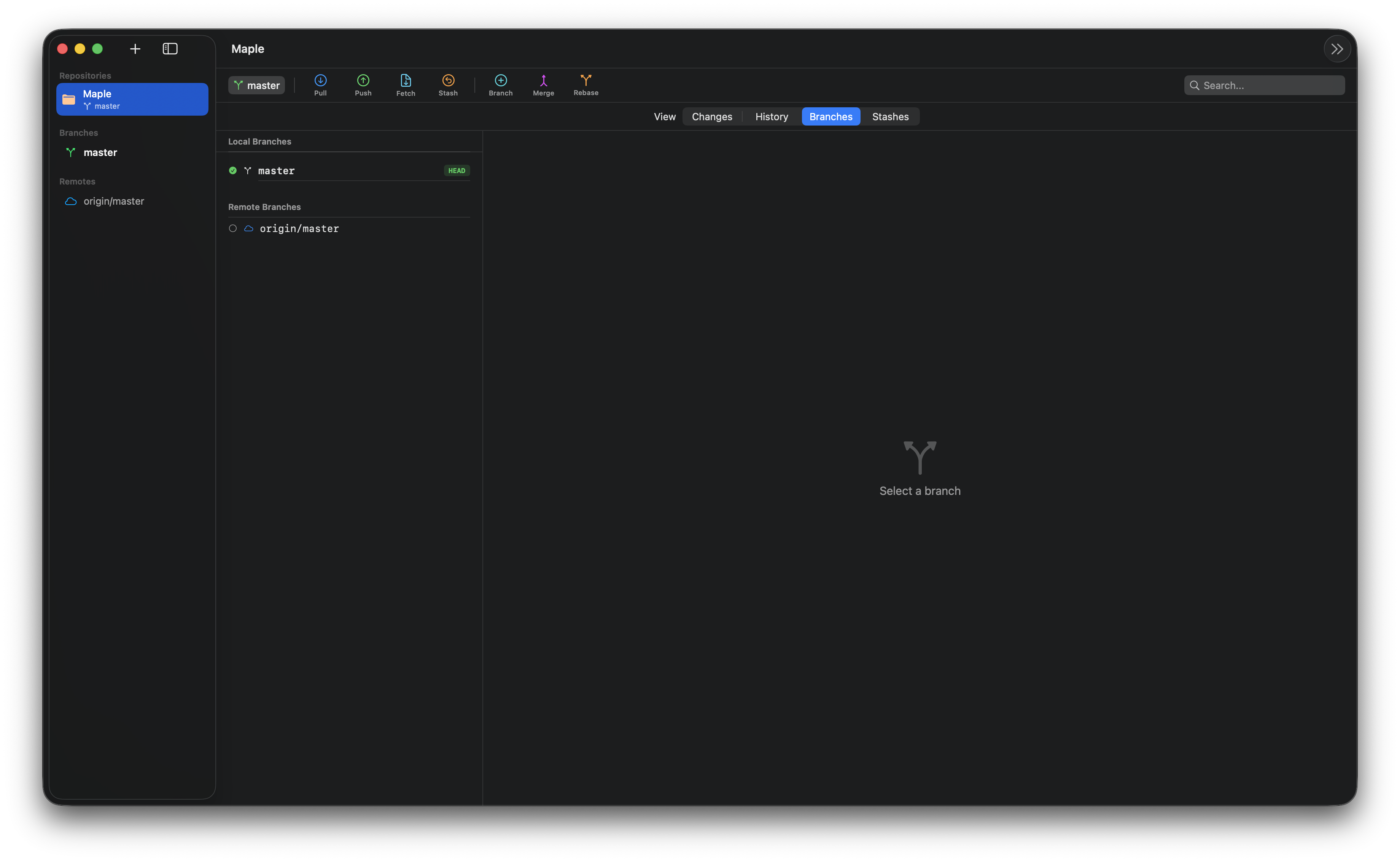
UU,AA,DDautomatically, shows an operation banner with Abort / Continue / Skip, and lets you resolve per file with Use Ours or Use Theirs. - Branch management. Local and remote branches, checkout (including remote to local tracking), create, rename, delete.
- Stash support. Save, pop, apply, drop with custom messages.
- Search. Filter the active tab live: changes by path, commits by message / author / SHA, branches, and stashes.
- Auto refresh. A file-system watcher on the repository's git directory (refs,
HEAD, index) picks up changes made outside the app, including in worktrees and submodules. - Adaptive layout. The toolbar, sidebar, and panels collapse gracefully from a wide desktop down to a compact laptop window.
Screenshots
Merge conflict resolution
Branch management
Install
- Grab the latest signed
.dmgfrom Releases. - Open the disk image and drag
Maple.appintoApplications. - Launch from Launchpad.
The .dmg is signed with a Developer ID Application certificate and notarized by Apple, so macOS Gatekeeper will open it without quarantine workarounds.
A Homebrew Cask is planned - once live:
brew install --cask maple
Requirements
- macOS 14.0+ (Apple Silicon recommended, Intel supported)
- Git installed (ships with Xcode Command Line Tools)
Building from source
If you prefer to build yourself instead of downloading the release:
- Xcode 26+ (Swift 6.3 toolchain)
git clone https://github.com/poolcamacho/Maple.git
cd Maple
open Maple.xcodeproj
Build and run from Xcode with Cmd+R.
Architecture
Models/     Pure Sendable data (AppState, GitModels, StashModels)
Services/   GitService (actor, runs git via Process),
            GitCoordinator (@MainActor, orchestration),
            command extensions, CommitGraphBuilder,
            DiffParser, StatusParser, ConflictParser, FileWatcher
Views/      One file per view, all async work through the coordinator
Utils/      FolderPicker, DateExtensions
Roadmap
Done
Direct integration with the
gitbinary viaProcess, with hardened stdin and pipe cleanupLive
git status,git log,git diffparsingCommit, push, pull, fetch
Branch create, checkout, delete, rename
Stash save, pop, apply, drop
Auto refresh via a git-directory watcher (worktree and submodule aware)
Responsive layout with adaptive breakpoints
Separated architecture (Models / Services / Views / Utils)
Blame view with per line author, hash, date
Commit graph with real branch topology
Merge and rebase with conflict resolution UI
Interactive staging - hunk level (select hunks with checkboxes, stage or unstage)
Interactive staging - line level (pick individual
+/-lines within a hunk)Cmd+Sstages / unstages the current selectionSearch filtering across changes, commits, branches, and stashes
Confirmation prompts before destructive actions (delete branch, drop stash, abort)
Set upstream on first push (prompts for
git push -u)Actionable messages for common git failures (auth, network, no upstream, lock)
Remembers open repositories and selection across launches
Cmd+Returnto commitSigned and notarized
.dmgreleases via GitHub ActionsUnit and integration test suite running in CI
Tag management (create lightweight or annotated, list, delete)
Clone a repository from a URL
Next
- Remote management (add, remove, configure)
- Command palette for frequent operations
- Settings and preferences
Contributing
Contributions are welcome. See CONTRIBUTING.md for the workflow and CODE_OF_CONDUCT.md for community expectations. Security issues go through the private flow in SECURITY.md.
Sponsor
Maple is developed on nights and weekends. If it saves you time, consider sponsoring on GitHub so it stays free and actively maintained.