
pheralb/svgl has 6,409 GitHub stars and 891 forks. GitHot measured -1 stars in 24 hours. Last checked 2026-11-08 09:28 UTC. Last push 2026-10-28.
🧩 A beautiful library with SVG logos. Built with Sveltekit & Tailwind CSS.
Measured star growth
- in 24h
- -1
- in 7 days
- Collecting history
- in 15 days
- Collecting history
- in 1 month
- Collecting history
Net star changes over overlapping periods, not daily totals. Missing measurements are left blank. Stars measure attention, not software quality.
README.md
Original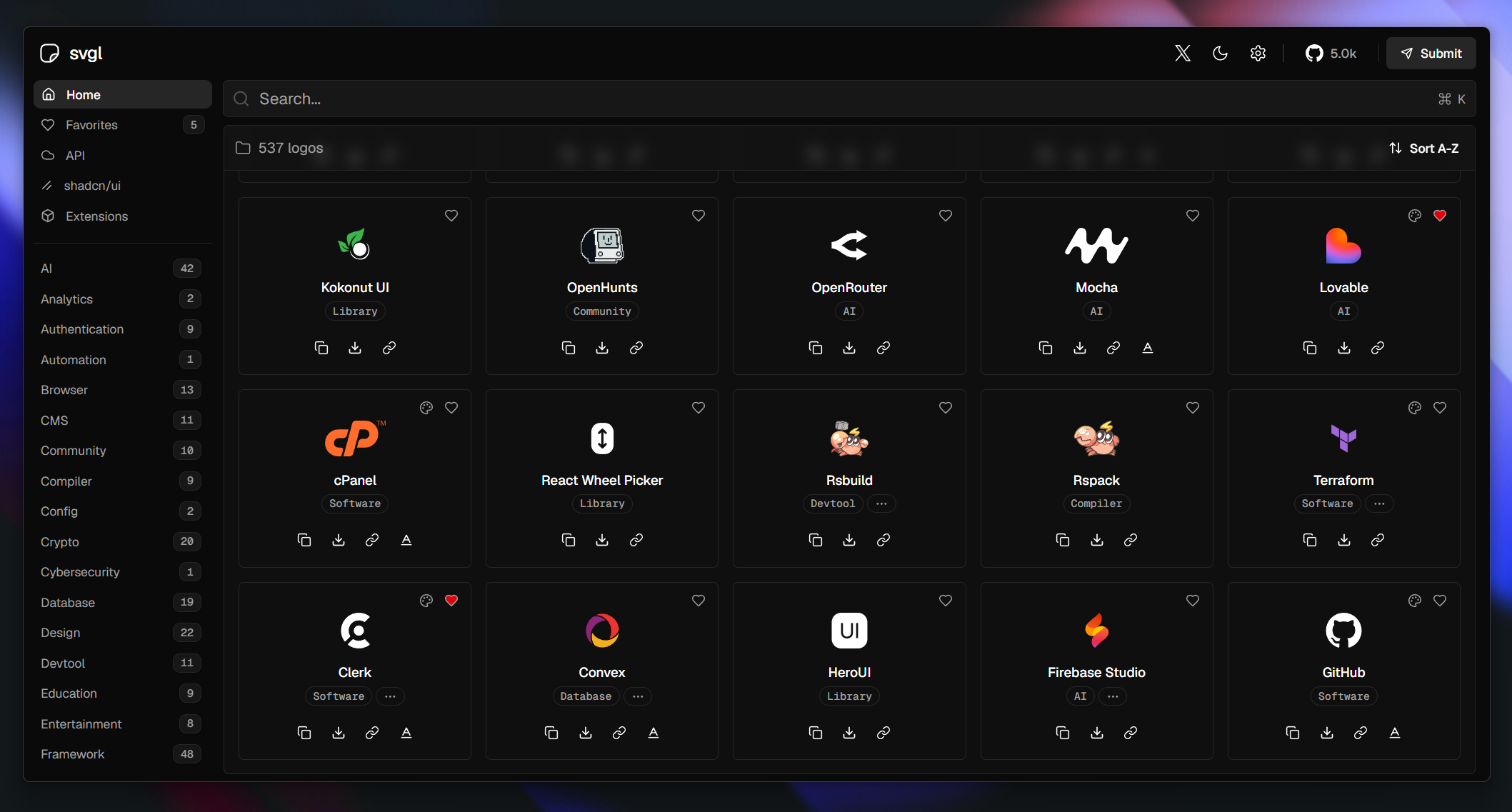




📦 Extensions
A list of extensions that use the SVGL API, created by the community:
| Extension | Description | Created by | Link | |
|---|---|---|---|---|
 |
SVGL CLI | A CLI for easily adding SVG icons to your project. | sujjeee | GitHub Repository |
 |
SVGL for Framer | Our SVGL plugin for Framer simplifies the use of SVG-based colourful logos. Easily import and easy to use. | Krishna Singh | Framer Marketplace |
 |
SVGL for React | An open-source NPM package that offers a SVGL Logos for React. | ridemountainpig | GitHub Repository |
 |
SVGL for Vue | An open-source NPM package that offers a SVGL Logos for Vue. | selemondev | GitHub Repository |
 |
SVGL for Svelte | An open-source NPM package that offers a SVGL Logos for Svelte. | selemondev | GitHub Repository |
 |
SVGL for Figma | Add svgs from svgl to your Figma project. | quilljou | Figma Plugin |
 |
SVGL for PowerToys | Search & copy SVG logos in PowerToys Run. | SameerJS6 | Website |
 |
SVGL for Raycast | Search SVG logos via svgl. | 1weiho | Raycast Store |
 |
SVGL for VSCode | SVGL directly in your VSCode. | girlazote | VSCode Marketplace |
| SVGL Badge | A beautiful badges with svgl SVG logos. | ridemountainpig | Website | |
 |
Magic | AI extension for Cursor & other IDEs | serafimcloud | Website |
 |
SVGL for PowerShell | PowerShell extension to quickly get svgl logos anywhere | Bart Spaans | GitHub Repository |
 |
SVGL for Flow Launcher | Search & copy SVG logos in Flow Launcher | AF_Askar | GitHub Repository |
🛠️ Stack
- Sveltekit + Svelte 5 - Web development, streamlined.
- Typescript - JavaScript with syntax for types.
- Content-Collections - Transform your content into type-safe data collections and say goodbye to manual data fetching and parsing.
- Shiki - A beautiful Syntax Highlighter.
- Tailwind CSS - A utility-first CSS framework for rapidly building custom designs.
- bits-ui - A collection of headless components for Svelte.
- clsx + tailwind-merge inspired by shadcn/ui - A tiny utility for constructing
classNamestrings conditionally. - Prettier + prettier-plugin-tailwindcss - An opinionated code formatter.
- Lucide Icons - Beautiful & consistent icons.
- svelte-sonner - An opinionated toast component for Svelte.
- Express with Redis - A fast, unopinionated, minimalist web framework for Node.js with a powerful in-memory data structure store.
🚀 Getting Started
[!IMPORTANT] Before submitting an SVG, ensure you have the right to use it and that its license permits adding it to svgl. If you are uncertain, please contact the author or the company.
You will need:
- Fork this repository and clone it locally:
git clone [email protected]:your_username/svgl.git
- Install dependencies:
# Install pnpm globally if you don't have it:
npm install -g pnpm

# and install dependencies:
pnpm install
- Go to the
static/libraryfolder and add your.svglogo.
[!WARNING]
- Remember to optimize SVG for web, you can use SVGOMG.
- When you optimize the SVG, make sure that the
viewBoxis not removed.- The size limit for each .svg is 21kb.
- Go to the
src/data/svgs.tsand add the information about your logo, following the structure:
- Simple logo:
{
  title: 'Title',
  category: 'Category',
  route: '/library/your_logo.svg',
  url: 'Website'
}
- Simple logo + wordmark:
{
  title: 'Title',
  category: 'Category',
  route: '/library/your_logo.svg',
  wordmark: '/library/your_logo_wordmark.svg',
  url: 'Website'
}
- Logo (light & dark mode):
{
  title: 'Title',
  category: 'Category',
  route: {
    light: '/library/your_logo_light.svg',
    dark: '/library/your_logo_dark.svg'
  },
  url: 'Website'
}
- Wordmark (light & dark mode):
{
  title: 'Title',
  category: 'Category',
  wordmark: {
    light: '/library/your_logo_light.svg',
    dark: '/library/your_logo_dark.svg'
  },
  url: 'Website'
}
- Full example with all properties:
{
  title: 'Title',
  category: 'Category',
  route: {
    light: '/library/your_logo_light.svg',
    dark: '/library/your_logo_dark.svg'
  },
  wordmark: {
    light: '/library/your_logo_wordmark_light.svg',
    dark: '/library/your_logo_wordmark_dark.svg'
  },
  url: 'Website'
}
- Add brand guidelines (where to find the images, how to use it, colors, fonts...):
{
  title: 'Title',
  category: 'Category',
  route: '/library/your_logo.svg',
  wordmark: '/library/your_logo_wordmark.svg',
  brandUrl: 'https://assets.website.com/brand-guidelines',
  url: 'Website'
}
- Add Loftlyy brand URL:
Loftlyy is a brand identity reference site — discover and explore brand colors, typography, logos, and design systems. Created by preetsuthar17.
{
  title: 'Title',
  category: 'Category',
  route: '/library/your_logo.svg',
  wordmark: '/library/your_logo_wordmark.svg',
  loftlyyUrl: 'https://www.loftlyy.com/en/brand-name',
  url: 'Website'
}
[!NOTE]
- The list of categories is here:
src/types/categories.ts. You can add a new category if you need it.- You can add multiple categories to the same logo, for example:
category: ['Social', 'Design'].
And create a pull request with your logo ✨.
🧑🚀 Getting Started with API
[!WARNING] This section is how to run API locally. For all API endpoints, check the API documentation.
- Install the dependencies (optional if you run the web app previously):
pnpm install
- Go to the
api-routesfolder and generate SVGs data usinggenerate-data.mjsscript:
cd api-routes
pnpm build:data
- Create a
.envfile inside theapi-routesfolder and add the following environment variables:
CORS_ORIGIN= # use your local development URL, e.g., http://localhost:5173
REDIS_URL= # use your Redis URL, e.g., rediss://:password@hostname:port
You can create a Redis server using: Railway - Coolify - Koyeb - Local with Docker.
- Run the API server:
pnpm dev
Ready 🚀
✌️ Contributing
🔑 License
- MIT.
Explore related projects
ytdl-org/youtube-dl
Command-line program to download videos from YouTube.com and other video sites
141,487 starsexcalidraw/excalidraw
Virtual whiteboard for sketching hand-drawn like diagrams
135,294 starsgodotengine/godot
Godot Engine – Multi-platform 2D and 3D game engine
119,771 starsmrdoob/three.js
JavaScript 3D Library.
117,842 stars