
pfnet-research/pfpdf has 241 GitHub stars and 3 forks. GitHot measured 0 stars in 24 hours. Last checked 2026-11-18 03:38 UTC. Last push 2026-11-14.
Measured star growth
- in 24h
- 0
- in 7 days
- Collecting history
- in 15 days
- Collecting history
- in 1 month
- Collecting history
Net star changes over overlapping periods, not daily totals. Missing measurements are left blank. Stars measure attention, not software quality.
About
PDF typesetting tool for Markdown files
Developer ToolsREADME.md
Originalpfpdf
pfpdf is a command-line tool that converts Markdown documents into PDFs with support for Japanese typesetting. Use it to create technical reports and manuals with cover pages and tables of contents. It also supports tables, equations, and syntax highlighting.
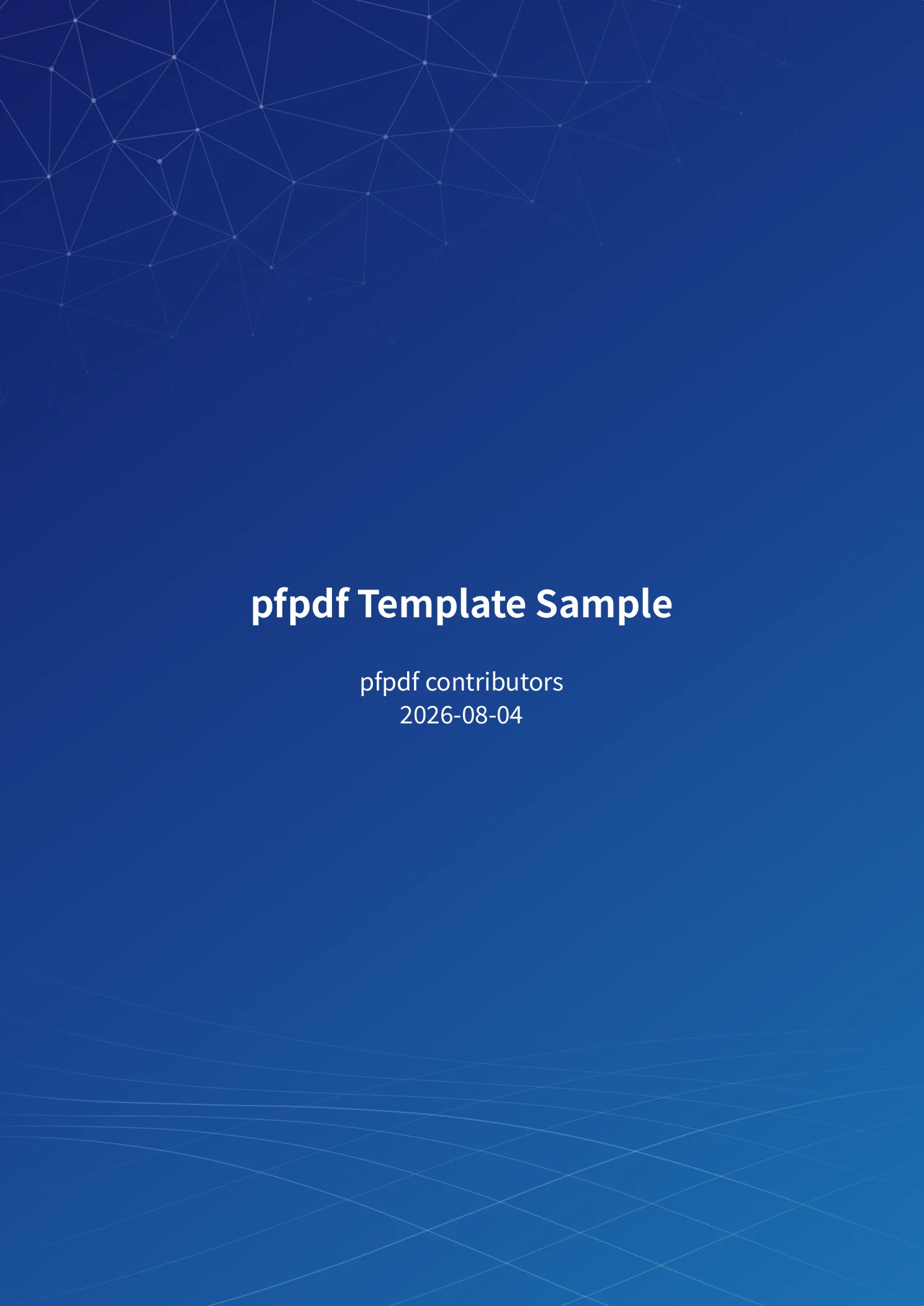
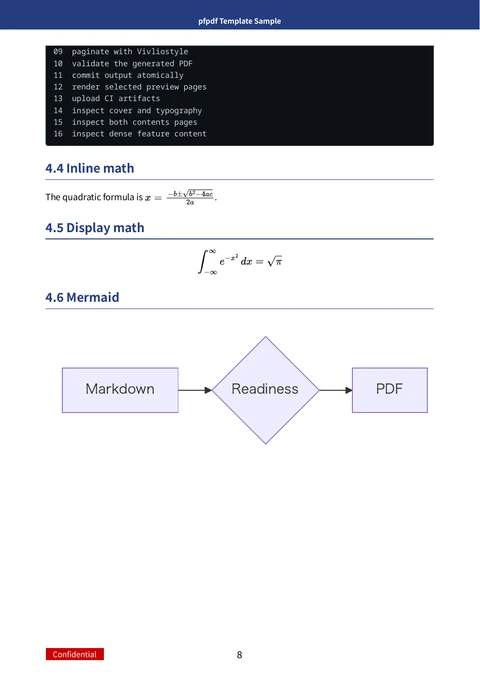
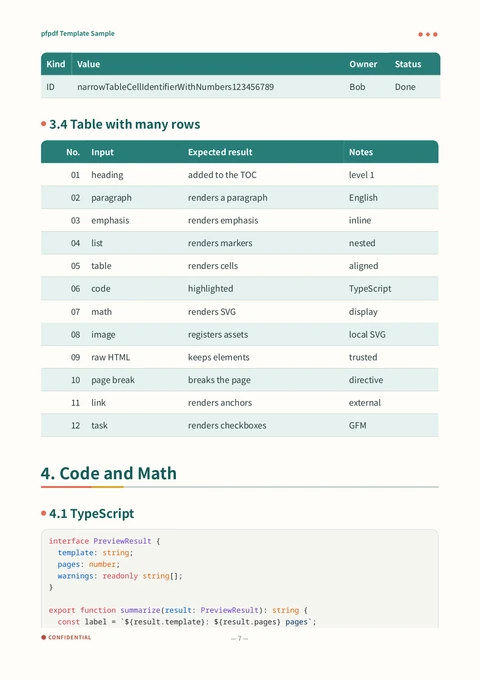
From left: a cover and a body page from the pfn template, followed by a table
and code from notebook. The template gallery
shows sample output from all seven bundled templates.
Create your first PDF
You need Node.js 22.12.0 or later and npm. The npx command below downloads and
runs pfpdf.
Save the following as document.md. The settings between --- delimiters
(front matter) specify the title, template, and document language.
---
title: Technical report
template: pfn
lang: en
---

# Overview

This PDF is generated with **pfpdf**.
Run this command in the directory containing document.md:
npx @pfnet-research/pfpdf@latest --input document.md --output document.pdf
The first run needs an internet connection to fetch the npm package and Chromium, the browser used for PDF rendering. The browser download can be several hundred megabytes; later runs reuse the cached browser. Rendering uses Vivliostyle CLI.
Open document.pdf to check the result: it contains a cover with the title, a
table of contents, and the body text.
For CI or build steps you run repeatedly, pin the package version by replacing
@latest with a version such as @0.2.1.
Combine chapters
To write chapters in separate files, put them in a directory such as chapters/
and pass that directory to --input:
npx @pfnet-research/pfpdf@latest --input chapters --output report.pdf
pfpdf combines .md files directly inside the directory in filename order; the
extension must be lowercase. Use names such as 00_title.md, 01_intro.md, and
02_results.md to set the reading order. Put shared settings together in front
matter at the top of the first file. See
document structure for links between
chapters, page breaks, and image paths.
Templates and Markdown
Set template in the front matter to choose a design. To try another design for
one conversion, add an option such as --template notebook to the command;
command-line arguments override front matter.
The templates come with their default fonts, including Japanese fonts. For custom templates, logos, or local fonts, see templates and assets.
- Tables and task lists: pfpdf supports GitHub Flavored Markdown (GFM), including strikethrough and emphasis next to Japanese punctuation and brackets.
- Equations, code, and diagrams: Use TeX math, syntax highlighting, and Mermaid. The required rendering assets are bundled.
- Citations and references: Generate bibliographies from BibTeX files. Numbered citations in the text link to the reference entries.
Environments and troubleshooting
CI tests PDF generation with a real browser in four environments:
- macOS aarch64 (Apple Silicon)
- Linux x86_64
- Windows x86_64
- Linux aarch64
Linux also needs system libraries for Chromium. If conversion fails, run the environment check:
npx @pfnet-research/pfpdf@latest --doctor
The check reports problems with Node.js, the browser, and fonts, along with suggested fixes. See troubleshooting for Linux setup and other conversion errors.
Input documents
Use pfpdf only with trusted documents. It renders input HTML and executes scripts as-is, with access to local files readable by pfpdf and to external URLs.
Remote images and other external resources must be available during conversion. The security policy describes the trust model and how to report vulnerabilities.
Documentation and development
| Document | Japanese | English |
|---|---|---|
| Tutorial: usage and document examples | Japanese | English |
| Design: specification and design decisions | Japanese | English |
The Japanese documents are the source for the specification and usage; the English
documents are translations. Each GitHub Release includes all four PDFs. To build
PDFs of the design and tutorial documentation locally or contribute to development,
follow the setup instructions in Contributing. Run make docs
to build the documentation PDFs.
See the CLI reference for all options.
License
pfpdf's code is released under the MIT License. Dependencies and bundled assets have their own licenses, including AGPL-3.0 for Vivliostyle CLI. See third-party licenses for the list.