
peers-labs/peers-touch
peers-labs/peers-touch has 41 GitHub stars and 1 forks. GitHot measured 0 stars in 24 hours. Last checked 2026-11-15 09:34 UTC. Last push 2026-11-13.
What you can do
- Chat — direct messages and group conversations, with reactions, photos, and rich media.
- Share — post to a private feed (Moments) visible only to friends you choose.
- Connect — add friends across independently run Stations.
- Ask your AI — an assistant on your devices and your data. Pick your model, set the rules.
Measured star growth
- in 24h
- 0
- in 7 days
- Collecting history
- in 15 days
- Collecting history
- in 1 month
- Collecting history
Net star changes over overlapping periods, not daily totals. Missing measurements are left blank. Stars measure attention, not software quality.
About
A decentralized social networking service with built-in AI Agent capabilities. Peer-to-peer, self-hostable social space where users retain ownership of their social data and connections.
AIREADME.md
OriginalPeers-Touch
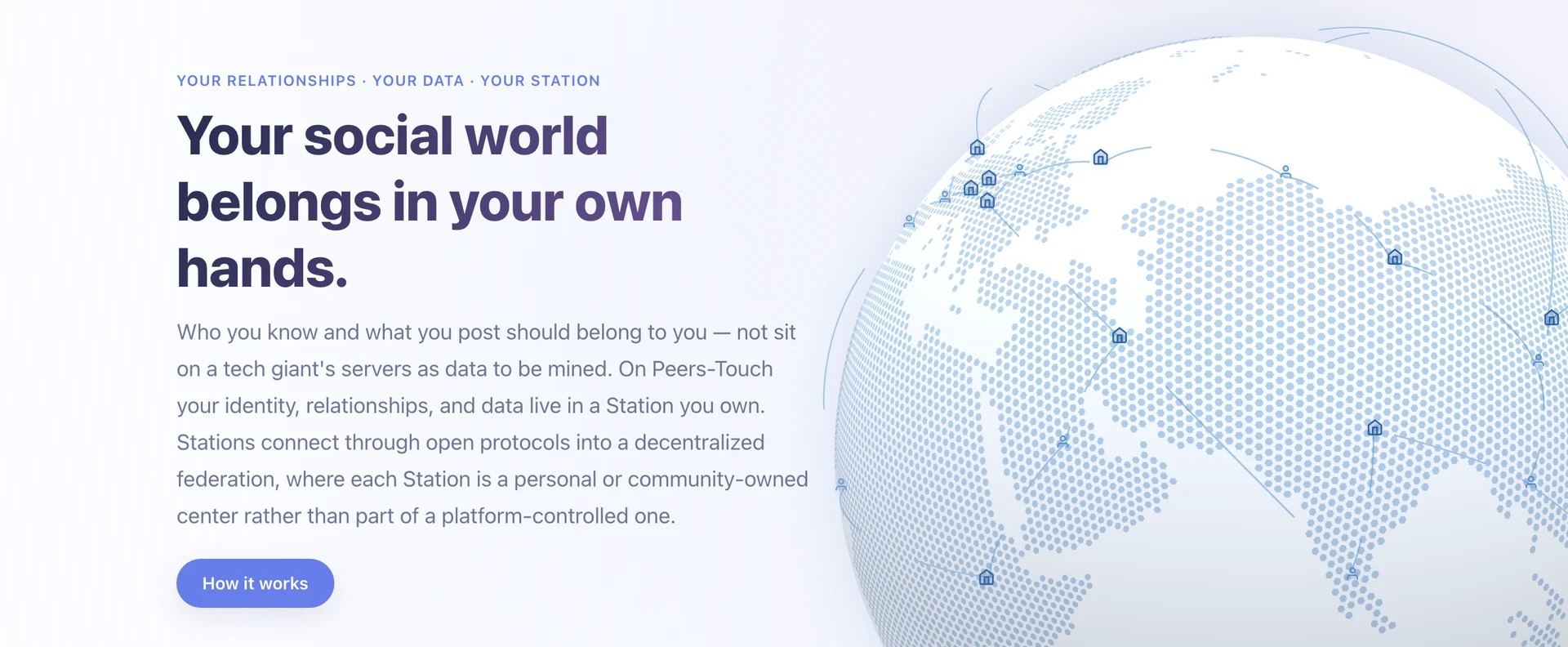
Chat, share, and stay connected — on a social network nobody else controls.
Your friends, messages, and memories live in a Station you own — not on a company's servers.
Stations talk to each other like email. You reach anyone, anywhere, with no platform in the middle.
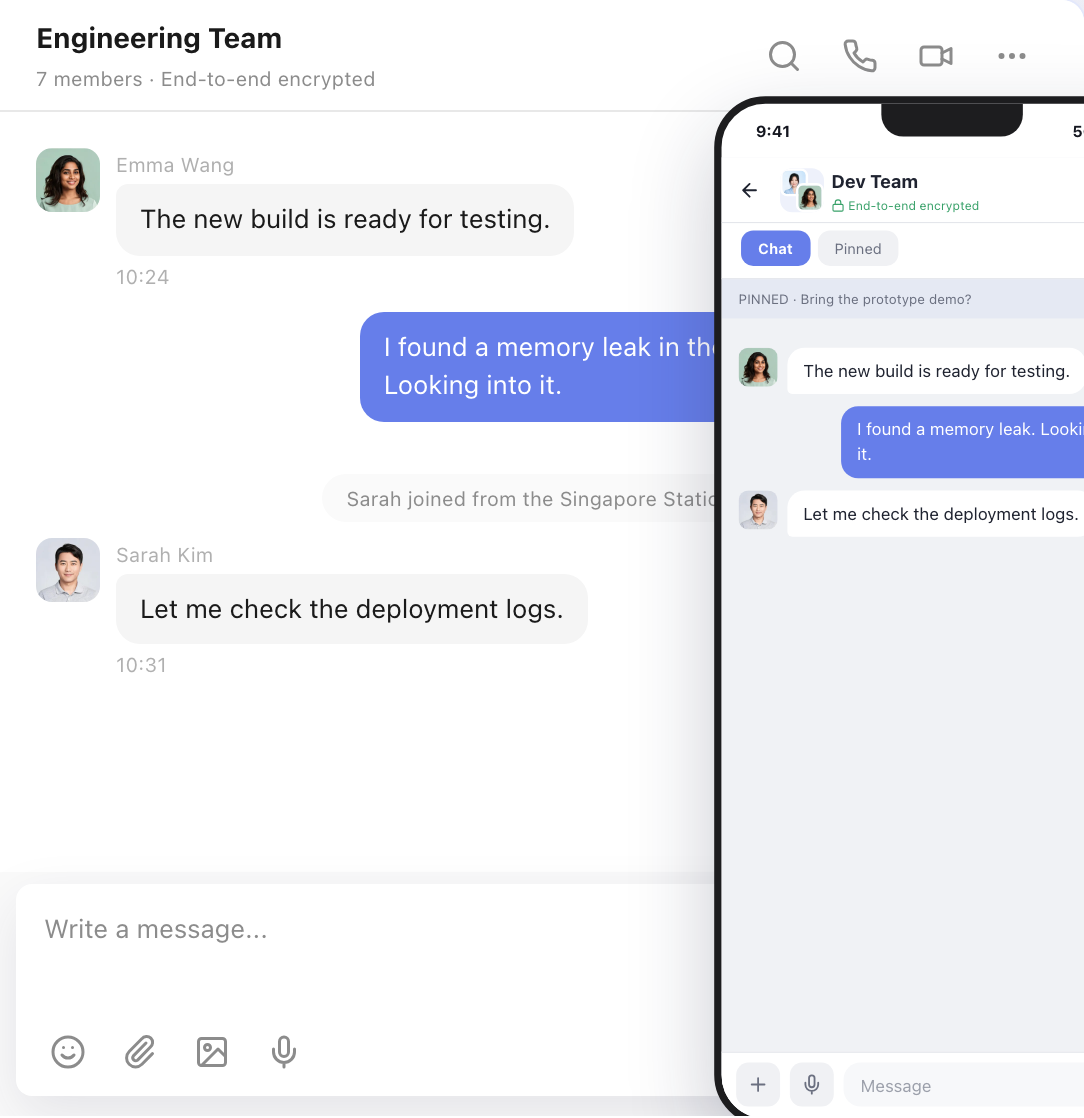
Desktop + Mobile Chat |
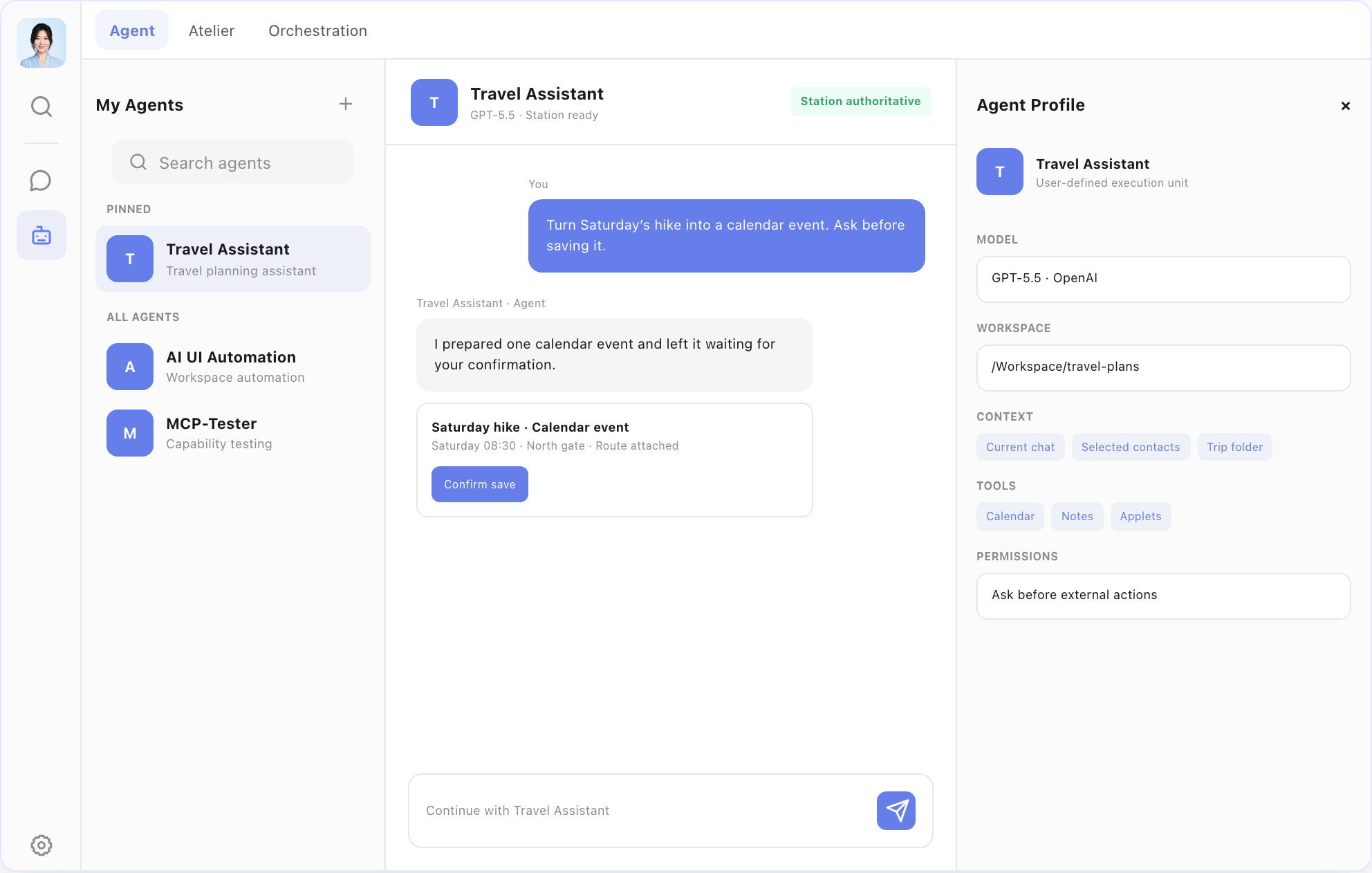
Agent — your personal AI on your Station |
What you can do
- Chat — direct messages and group conversations, with reactions, photos, and rich media.
- Share — post to a private feed (Moments) visible only to friends you choose.
- Connect — add friends across independently run Stations.
- Ask your AI — an assistant on your devices and your data. Pick your model, set the rules.
- Extend — install applets on your Station.
- Use it daily — native macOS, Android, and iOS apps that work offline and sync in the background.
How it works
Every user runs (or joins) a Station — a personal server on a NAS, Raspberry Pi, or cloud VM. Your Station holds your identity, contacts, messages, and content. Stations connect through open protocols, forming a federated network. Think of it like email: you pick your provider (or run your own), and you can still talk to everyone.
Architecture
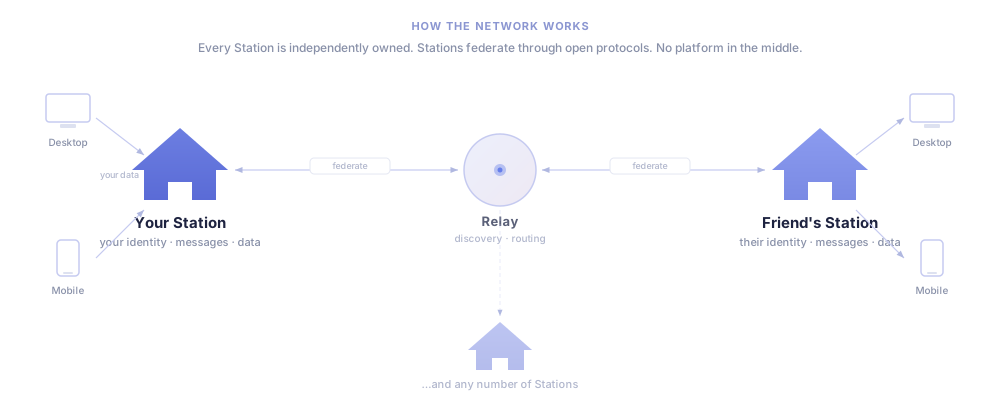
What's ready
Desktop (macOS) and mobile (Android / iOS, in development) apps with chat, social feed, AI assistant, applets, and federation across Stations. Voice/video calls and end-to-end encryption are in development.
Try it
As a regular user: not yet. Peers-Touch does not currently ship a verified public Release, downloadable Desktop installer, or hosted Station. The product features exist in source, while the distribution and native-update verification pipeline is being completed. Star the repo to get notified.
You will not need an AI agent or a development environment to install Peers-Touch. The instructions under AGENTS.md and tooling/skills/ are only for contributors working on this repository. When the first verified stable Release is published, the end-user flow will be:
curl -fL https://github.com/peers-labs/peers-touch/releases/latest/download/install.sh \
  -o peers-install.sh
sh peers-install.sh install
The installer downloads an immutable Station image, verifies release checksums, generates private credentials locally, and stores the instance under ~/.peers-touch/station. Desktop installers (.dmg, -setup.exe, .AppImage, .deb) will be attached to the latest GitHub Release. Until that Release exists, these URLs are expected to return 404 and there is no supported end-user installation path. See the Station installation and maintenance guide for backup, upgrade, rollback, remote access, and uninstall details.
Developers — run it locally:
make profile local     # Configure for local development
make station           # Start your Station (Go + PostgreSQL via Docker)
make desktop           # Open the desktop app
Sign in, add a friend, send a message. Test accounts: [email protected], [email protected], [email protected] (password: 1).
Requires: pnpm 9+, Go 1.22+, Rust, Docker. Full setup guide →
For developers: repo layout and contributing
Repository
apps/
  station/         Go backend — Hertz + DDD subservers + PostgreSQL
  desktop/         Tauri + React/TypeScript + Rust
  mobile/          Tauri v2 Mobile + Rust kernel
  applets/         Official applets
  official-site/   Product website (Astro, i18n)
  oauth2-client/   OAuth broker (Vercel)
model/domain/      Protobuf contracts (single source of truth)
packages/          Shared: chat-core, storage, applet-sdk, UI, locales
docs/              Architecture and platform docs
tooling/           Build scripts, agent skills
Contributing
- All data models in
model/domain/*.proto— no hand-written models. - No mocking — real front-to-back integration, always.
- Architecture docs before code for cross-layer changes.
make dev-startbefore non-trivial work.- Full guide: AGENTS.md
Acknowledgements
| Project | What it means for us |
|---|---|
| Tauri | Native desktop and mobile — not Electron |
| Hertz | Station's Go HTTP framework |
| LobeHub / Lobe UI | Desktop UI components |
| Protocol Buffers + prost | Cross-platform contracts |
| libp2p | Peer identity for federation |
| SQLCipher | Encrypted on-device storage |
| React + Ant Design | Frontend rendering and design |