
paololeonardi/WaterfallGrid
paololeonardi/WaterfallGrid has 2,661 GitHub stars and 136 forks. GitHot measured 0 stars in 24 hours and -1 in 7 days. Last checked 2026-11-09 18:09 UTC. Last push 2024-07-26.
A waterfall grid layout view for SwiftUI.
What you can do
- Irregular grid of content.
- Columns number different per device orientation.
- Spacing and grid padding customizable.
- Horizontal or vertical scroll direction.
Measured star growth
- in 24h
- 0
- in 7 days
- -1
- in 15 days
- Update delayed
- in 1 month
- Update delayed
Net star changes over overlapping periods, not daily totals. Missing measurements are left blank. Stars measure attention, not software quality.
README.md
OriginalWaterfallGrid
A waterfall grid layout view for SwiftUI.
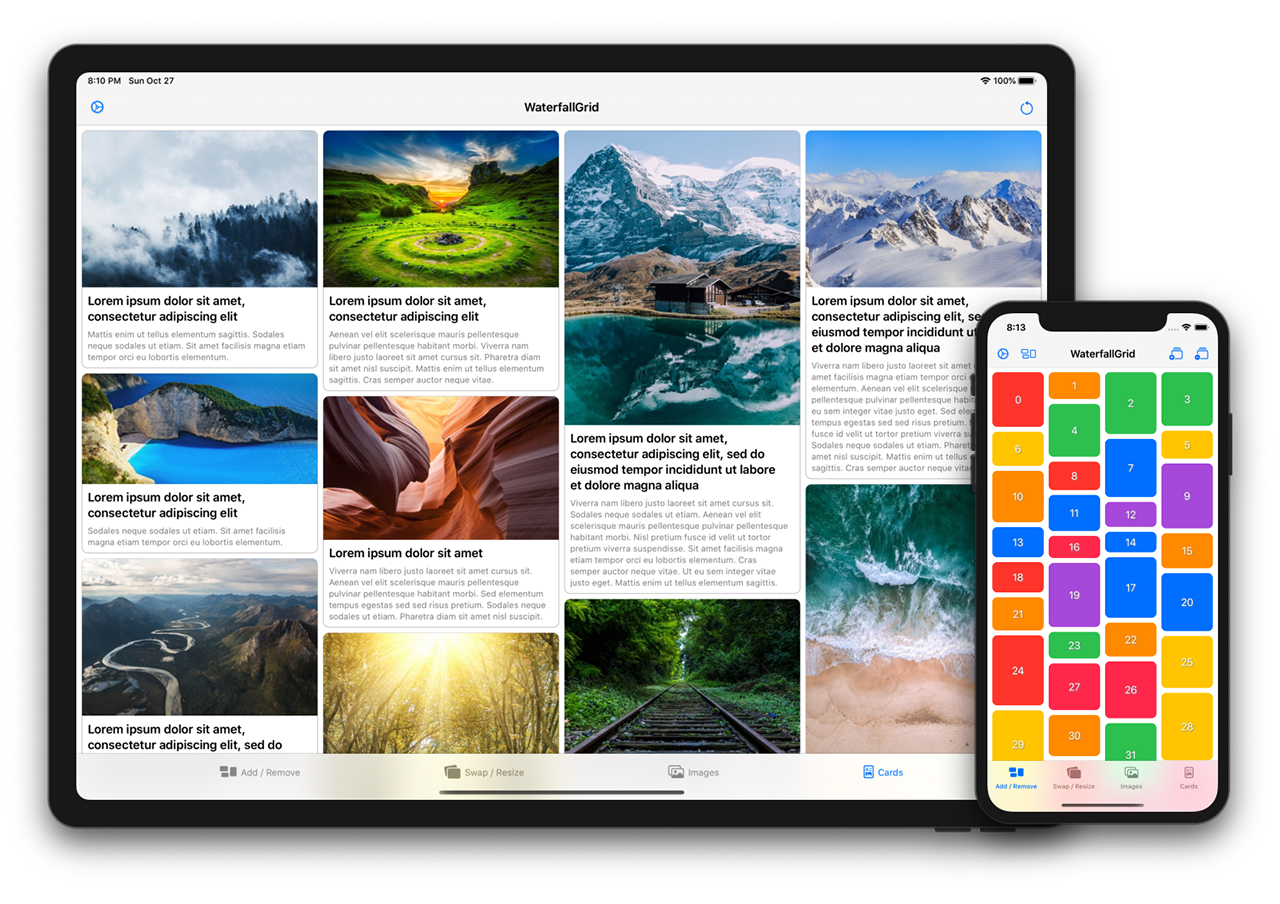


Features
- Irregular grid of content.
- Columns number different per device orientation.
- Spacing and grid padding customizable.
- Horizontal or vertical scroll direction.
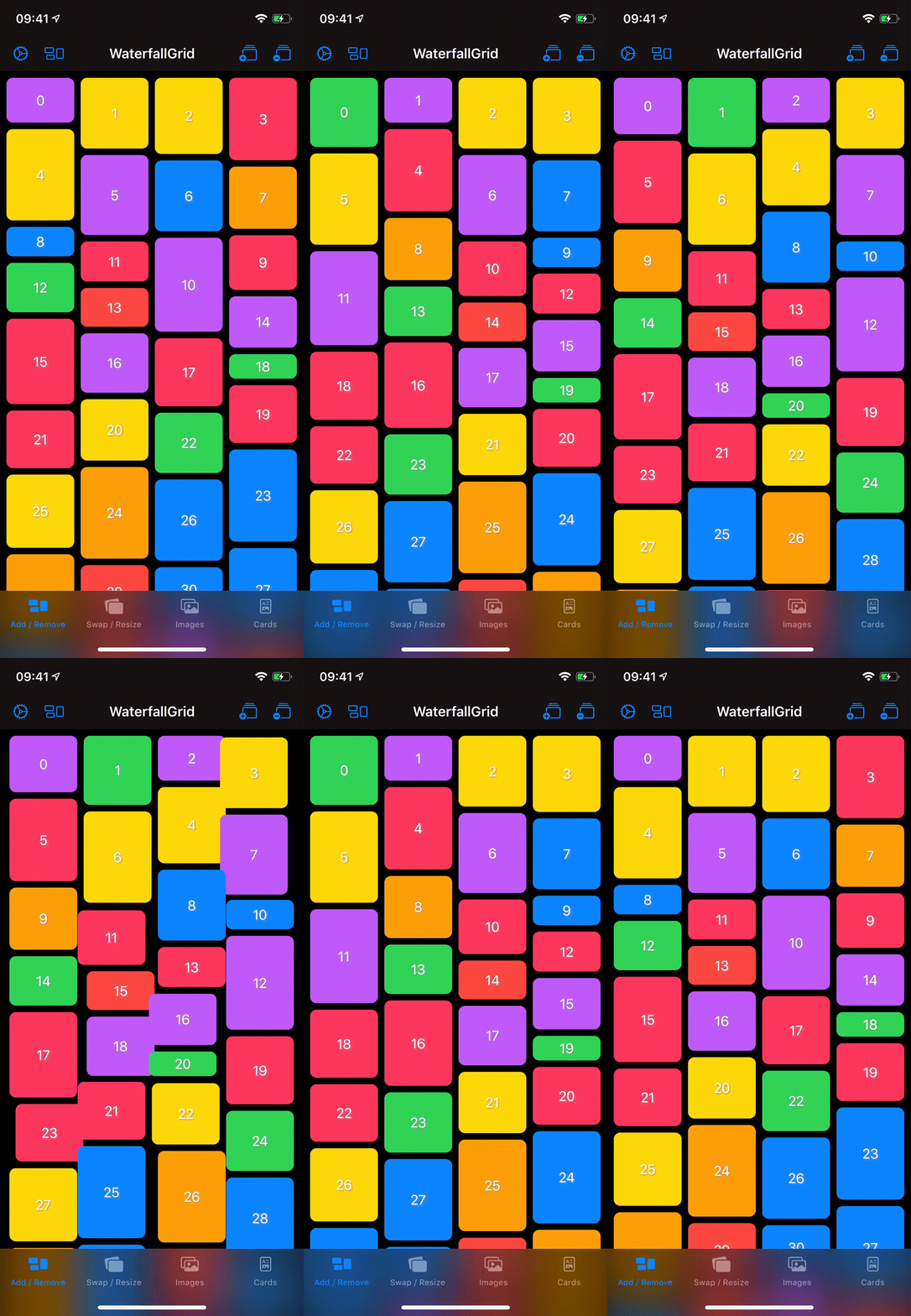
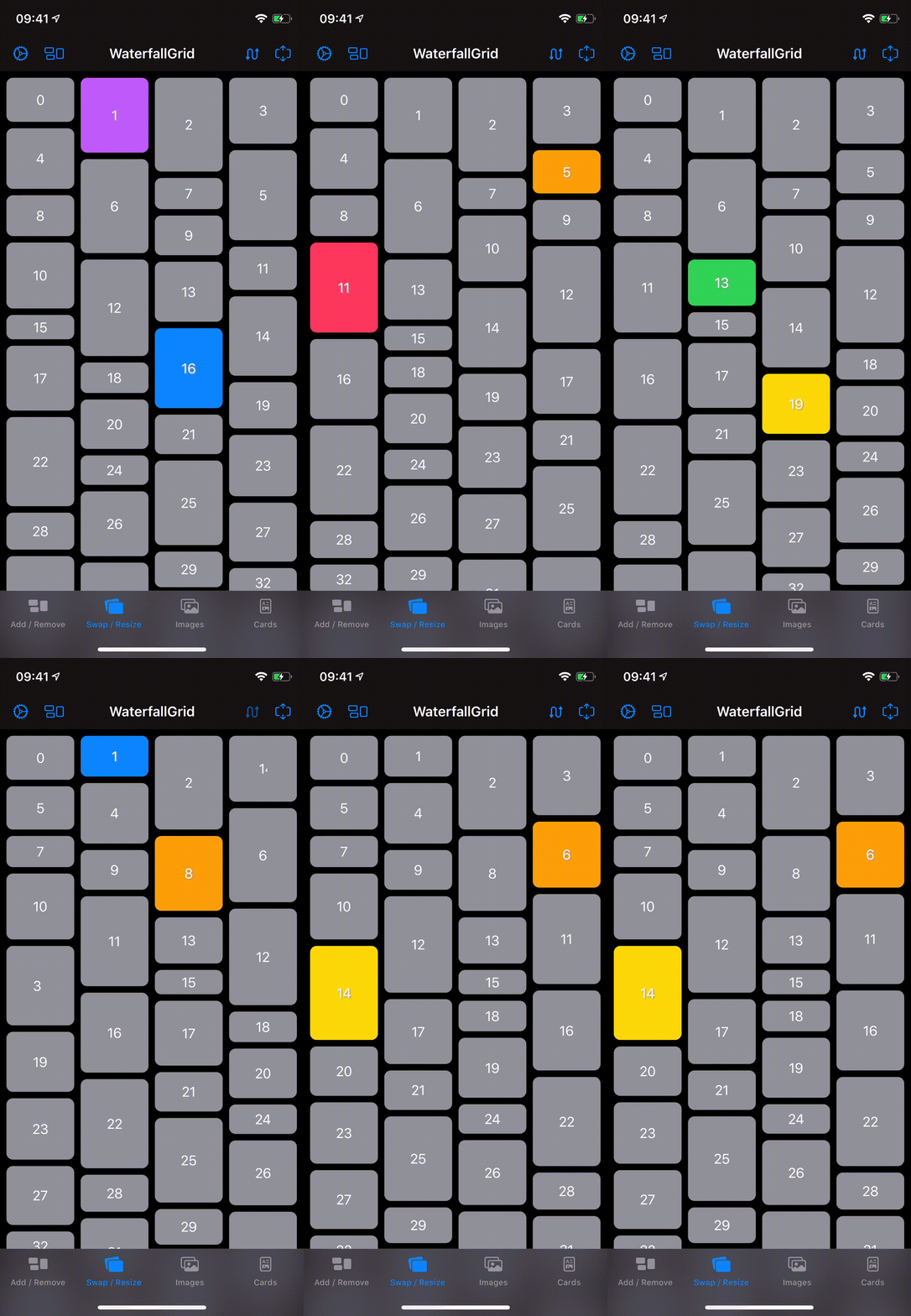
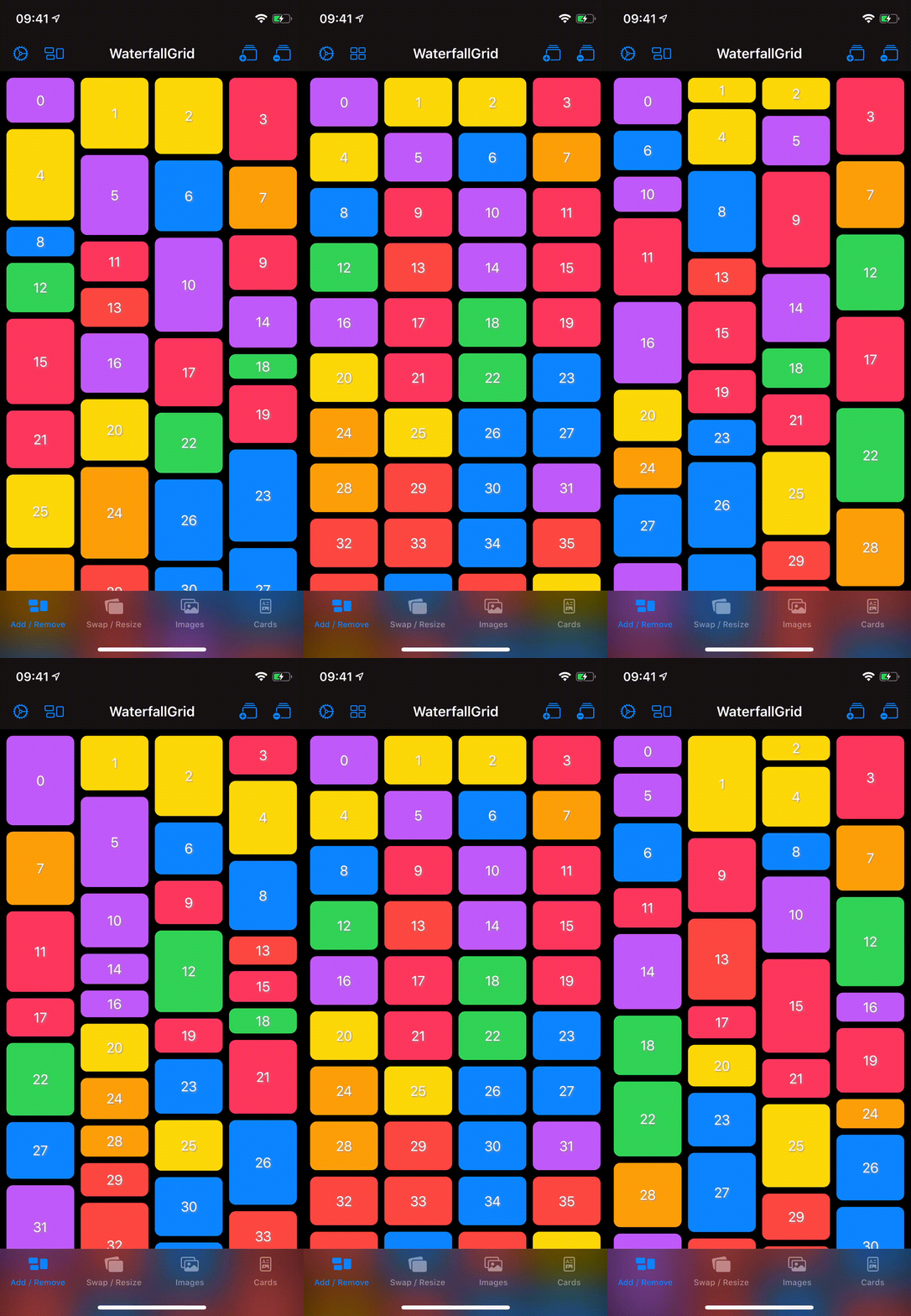
- Items update can be animated.
Usage
Initialization
You can create a grid that displays the elements of collection by passing your collection of data and a closure that provides a view for each element in the collection. The grid transforms each element in the collection into a child view by using the supplied closure.
WaterfallGrid works with identifiable data (like SwiftUI.List). You can make your data identifiable in one of two ways: by passing along with your data a key path to a property that uniquely identifies each element, or by making your data type conform to the Identifiable protocol.
Example 1
A grid of views of type Image from a collection of data identified by a key path.
WaterfallGrid((0..<10), id: \.self) { index in
  Image("image\(index)")
    .resizable()
    .aspectRatio(contentMode: .fit)
}
Example 2
A grid of views of type RectangleView from a collection of Identifiable data.
WaterfallGrid(rectangles) { rectangle in
  RectangleView(rectangle: rectangle)
}
or, for simple cases like this, just:
WaterfallGrid(rectangles, content: RectangleView.init)
Grid Style
To customise the appearance of the grid call the gridStyle function and pass the parameters you want to customise.
Columns
WaterfallGrid(cards) { card in
  CardView(card: card)
}
.gridStyle(columns: 2)
WaterfallGrid(cards, content: CardView.init)
.gridStyle(
  columnsInPortrait: 2,
  columnsInLandscape: 3
)
Spacing and Padding
WaterfallGrid(rectangles, content: RectangleView.init)
.gridStyle(spacing: 8)
.padding(EdgeInsets(top: 16, leading: 8, bottom: 16, trailing: 8))
Animation
WaterfallGrid(rectangles, content: RectangleView.init)
.gridStyle(animation: .easeInOut(duration: 0.5))
Scroll Behaviour
Embed in ScrollView & Indicators option
ScrollView(showsIndicators: true) {
  WaterfallGrid(rectangles, content: RectangleView.init)
}
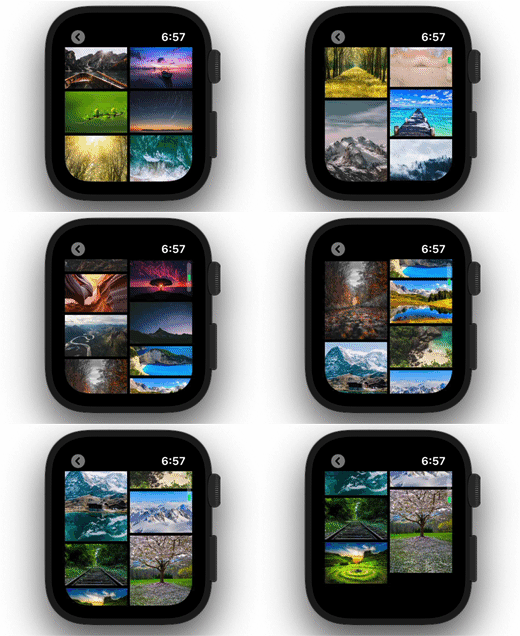
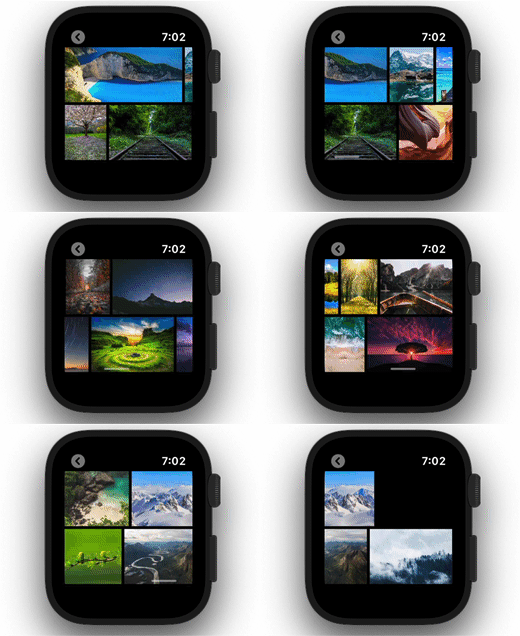
Horizontal Scroll Direction
ScrollView(.horizontal) {
  WaterfallGrid(rectangles, content: RectangleView.init)
  .scrollOptions(direction: .horizontal)
}
A Complete Example
ScrollView(.horizontal, showsIndicators: false) {
  WaterfallGrid(cards) { card in
    CardView(card: card)
  }
  .gridStyle(
    columnsInPortrait: 2,
    columnsInLandscape: 3,
    spacing: 8,
    animation: .easeInOut(duration: 0.5)
  )
  .scrollOptions(direction: .horizontal)
  .padding(EdgeInsets(top: 16, leading: 8, bottom: 16, trailing: 8))
}
Sample App
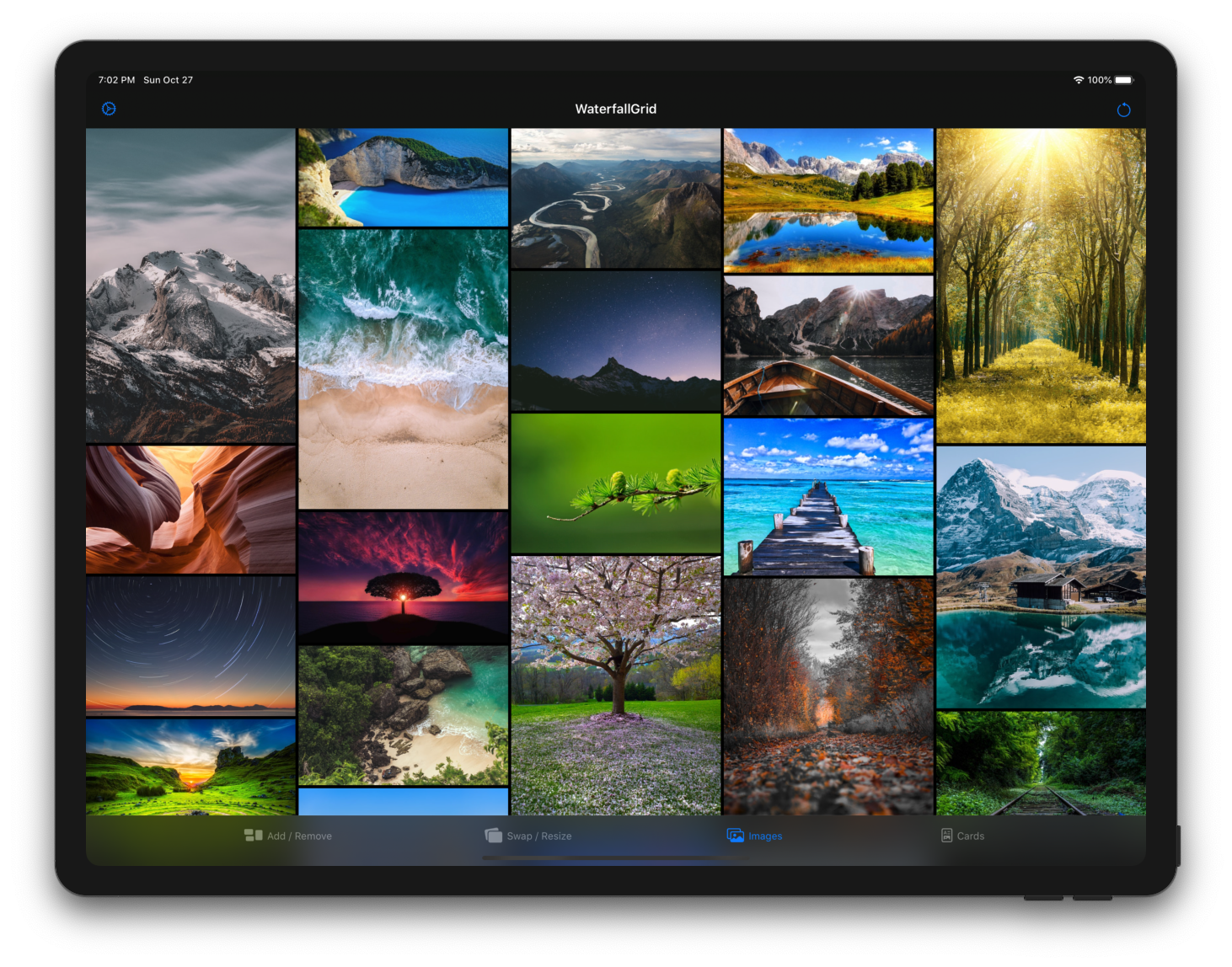
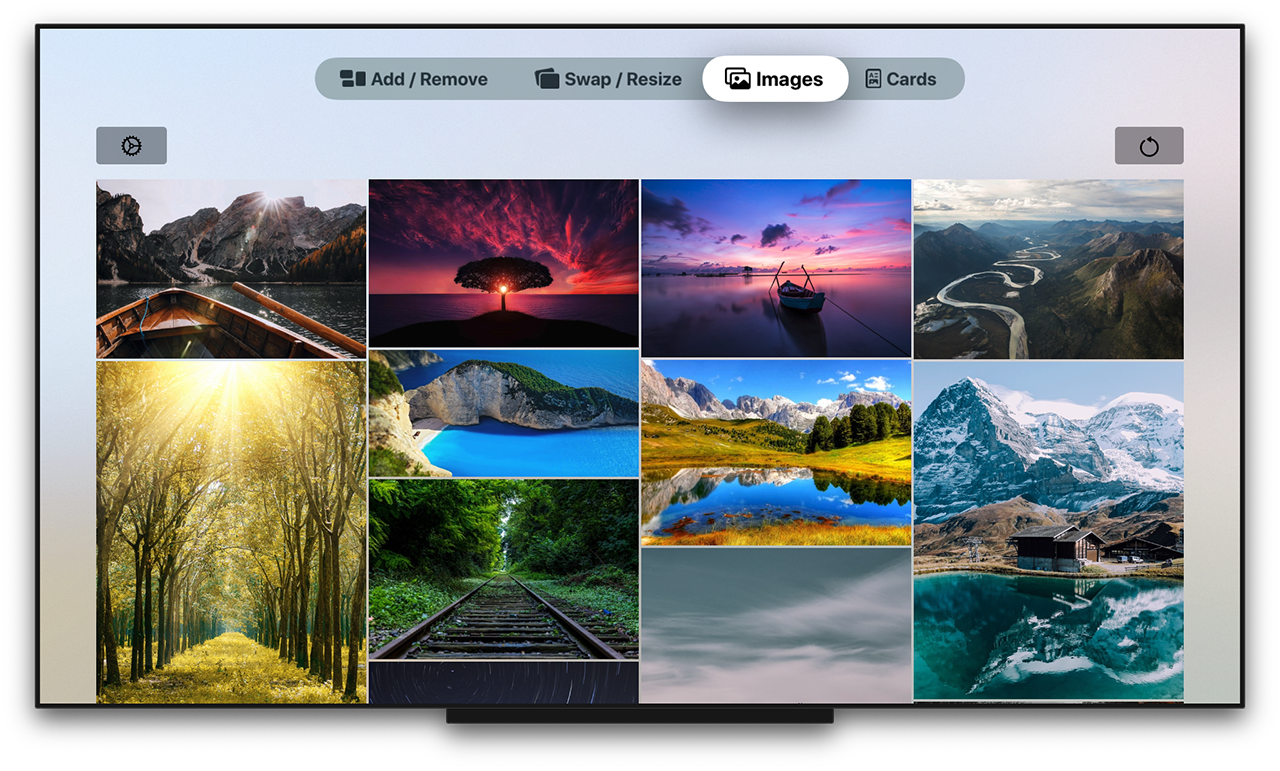
Explore the WaterfallGridSample app for some more detailed and interactive examples.
Installation
Swift Package Manager
App dependency
select File > Swift Packages > Add Package Dependency and enter the repository URL (Adding Package Dependencies to Your App)
Package dependency
Add it as a dependency within your Package.swift manifest:
dependencies: [
  .package(url: "https://github.com/paololeonardi/WaterfallGrid.git", from: "1.1.0")
]
CocoaPods
You can install WaterfallGrid via CocoaPods by adding the following line to your Podfile:
pod 'WaterfallGrid', '~> 1.1.0'
Run the pod install command to download the library
and integrate it into your Xcode project.
Migration Guides
Versioning
For the versions available, see the releases on this repository.
Contributing
Contributions are more than welcome. Please create a GitHub issue before submitting a pull request to plan and discuss implementation.
Author
Credits
WaterfallGrid was inspired by the following projects:
- QGrid - https://github.com/Q-Mobile/QGrid
- Grid - https://github.com/SwiftUIExtensions/Grid
- The SwiftUI Lab - https://swiftui-lab.com
License
WaterfallGrid is available under the MIT license. See the LICENSE file for more info.
Explore related projects
codecrafters-io/build-your-own-x
Master programming by recreating your favorite technologies from scratch.
561,398 starspublic-apis/public-apis
A collective list of free APIs
497,679 starsmorluto/rea
Reverse engineer anything with agents, from app behavior down to native binaries.
447,495 starsopenclaw/openclaw
The AI that really does things. Any OS. Any Platform. The lobster way. 🦞
394,261 stars