
openrca/orca-ui
openrca/orca-ui has 34 GitHub stars and 4 forks. GitHot measured 0 stars in 24 hours and 0 in 7 days. Last checked 2026-11-09 06:39 UTC. Last push 2023-01-06.
Web UI for OpenRCA
Measured star growth
- in 24h
- 0
- in 7 days
- 0
- in 15 days
- Update delayed
- in 1 month
- Update delayed
Net star changes over overlapping periods, not daily totals. Missing measurements are left blank. Stars measure attention, not software quality.
README.md
OriginalOpenRCA UI



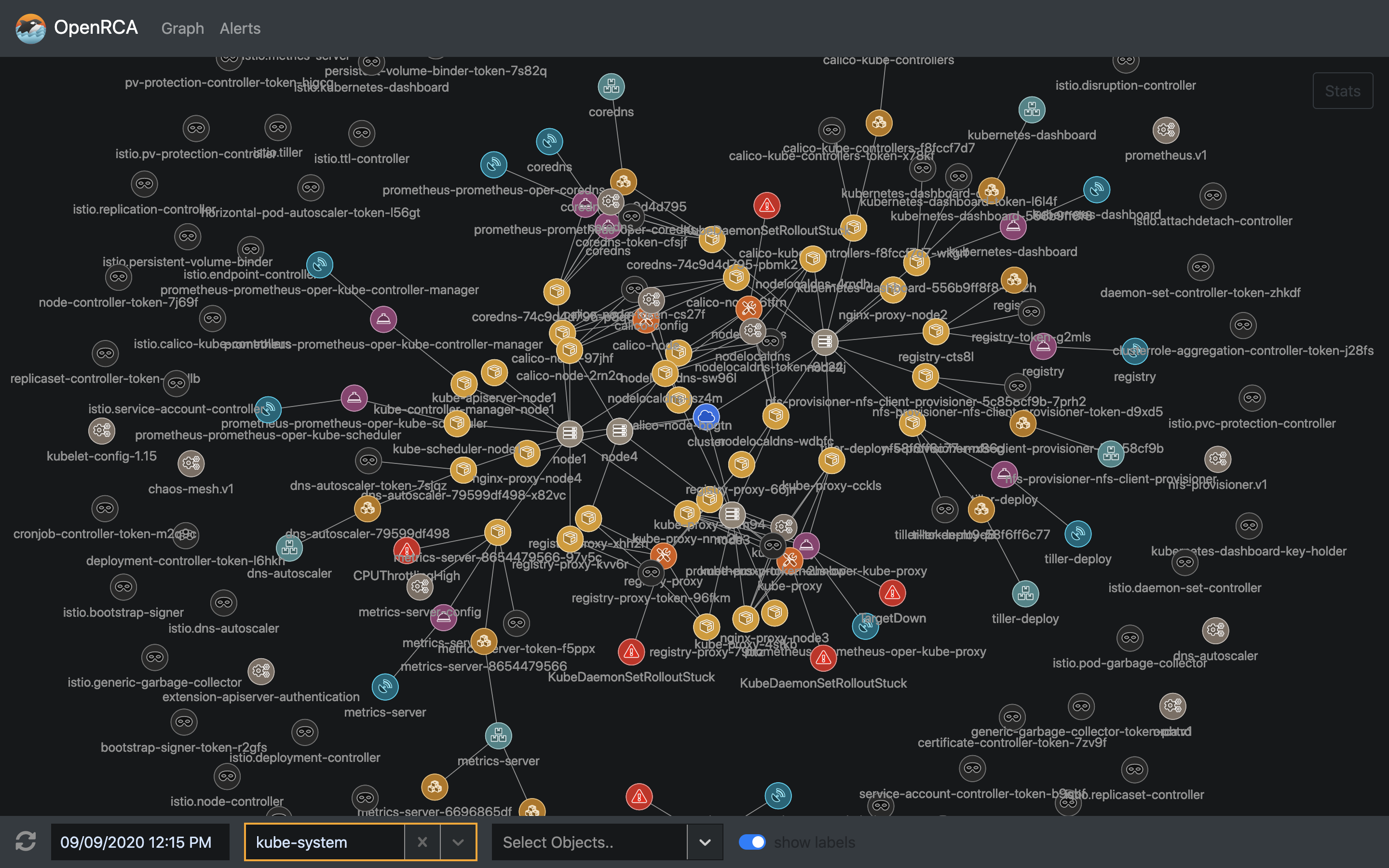
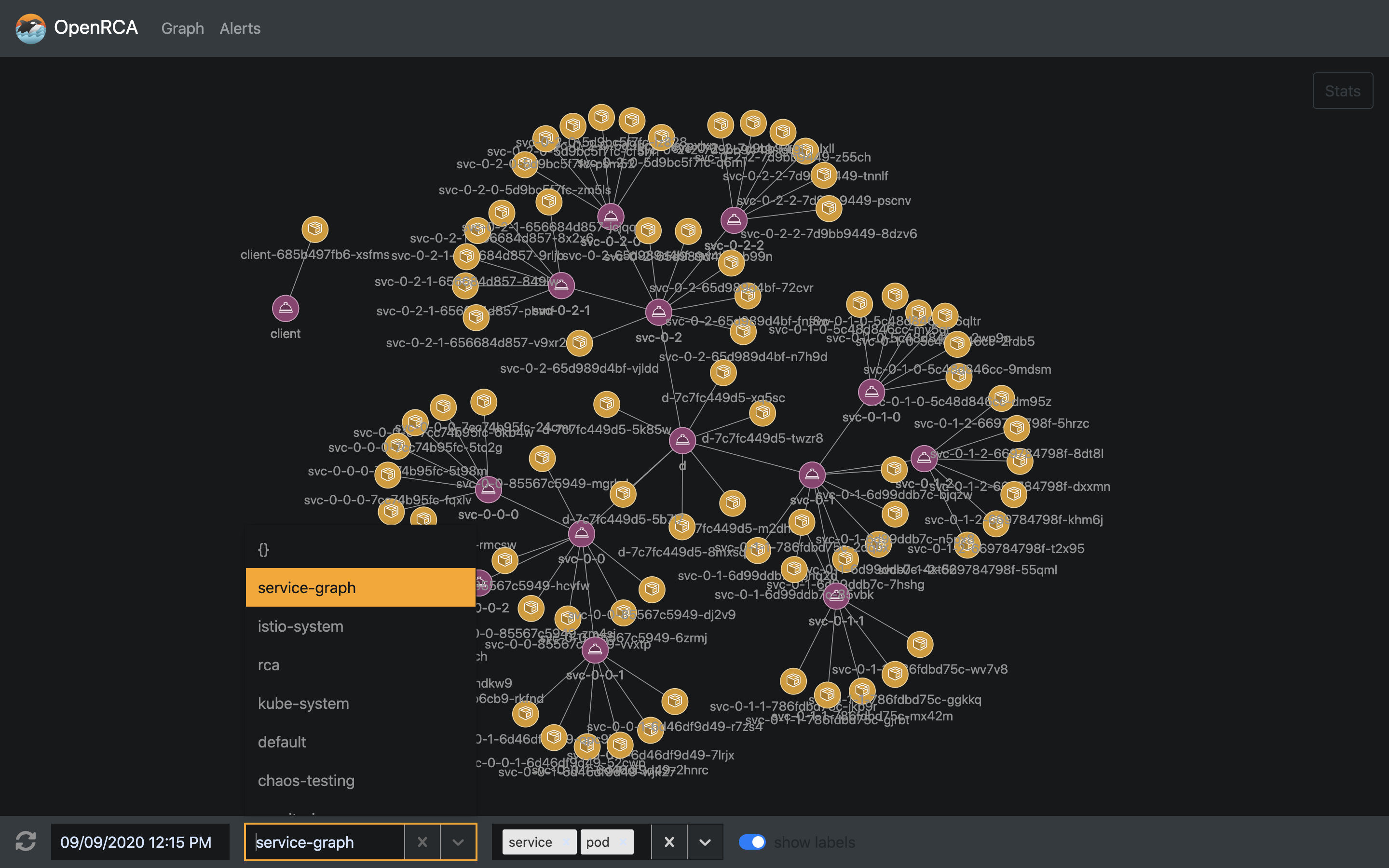
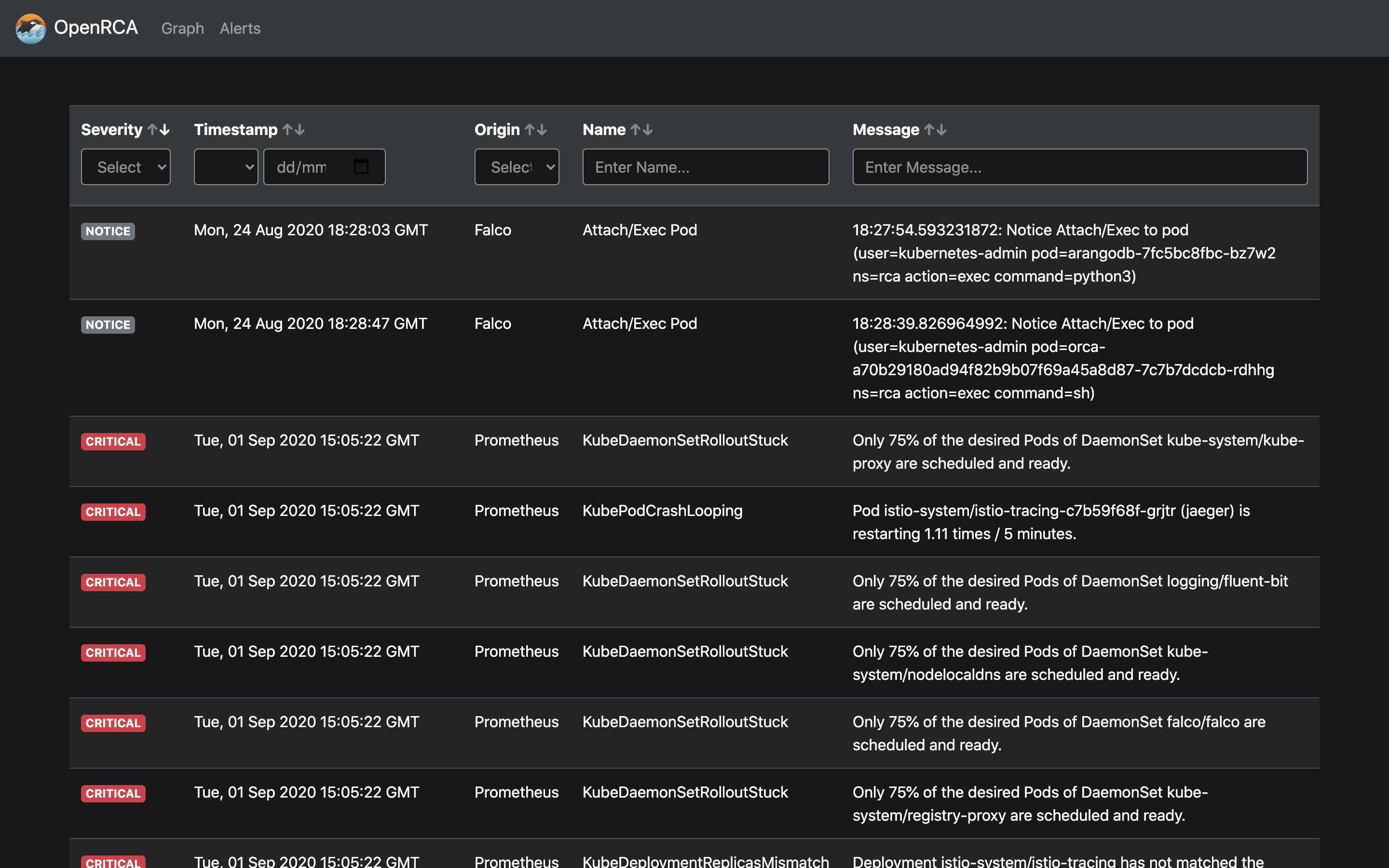
This repository contains the source code for the OpenRCA web interface.
| Cluster View | Cluster Filtering | Alerts View |
|---|---|---|
 |
 |
 |
Usage
Build and run in Docker
Build Docker image:
docker build -t openrca/orca-ui .
Run Docker container (specify correct IP and port of API container):
docker run -it \
    --name orca-ui \
    -e "BACKEND_URL=http://172.17.0.2:5000" \
    -p 80:8080 \
    openrca/orca-ui
To specify listen port LISTEN_PORT environment variable can be used:
docker run -it \
    --name orca-ui \
    --network=host \
    -e "LISTEN_PORT=8555" \
    -e "BACKEND_URL=http://127.0.0.1:5000" \
    openrca/orca-ui
Build and run locally
Install dependencies:
yarn
Build:
yarn build
Run:
yarn start
Development
Navigate to utils directory.
Build and start containers by executing command below (requres docker-compose):
docker-compose up
Orca UI is now available at http://localhost.
The code can be modified locally as it is bound to running container. It will be recompiled on the fly. Hot reload feature is also enabled, so any changes should be visible without reloading the webpage.
Contact
Reach project contributors via these channels:
Explore related projects
Asabeneh/30-Days-Of-Python
The 30 Days of Python programming challenge is a step-by-step guide to learn the Python programming language in 30 days. This challenge may take more than 100 days. Follow your own pace. These videos may help too: https://www.youtube.com/channel/UC7PNRuno1rzYPb1xLa4yktw
78,486 starsgrafana/grafana
The open and composable observability and data visualization platform. Visualize metrics, logs, and traces from multiple sources like Prometheus, Loki, Elasticsearch, InfluxDB, Postgres and many more.
77,790 starsredis/redis
For developers, who are building real-time data-driven applications, Redis is the preferred, fastest, and most feature-rich cache, data structure server, and document and vector query engine.
77,332 starsapache/superset
Apache Superset is a Data Visualization and Data Exploration Platform
75,455 stars