
opennookorg/betterwispr
opennookorg/betterwispr has 520 GitHub stars and 52 forks. GitHot measured +2 stars in 24 hours and +18 in 7 days. Last checked 2026-11-10 02:28 UTC. Last push 2026-10-24.
Free, open-source, local-first dictation app for macOS. Hold a shortcut, speak, and text is typed into any app. On-device speech-to-text with Whisper, Parakeet and Apple speech. Private, offline, open-source Wispr Flow alternative.
What you can do
- Dictate anywhere: hold-to-talk or press-to-toggle, with a shortcut you choose.
- On-device models: Apple speech, Parakeet v3 (25 European languages), Parakeet v2 (English) and Whisper large-v3 turbo.
- Vocabulary: spelling hints and phrase replacements for names and jargon.
- Learns your corrections: fix a misheard word once (in History, or right after it's pasted) and it's spelled right next time.
Measured star growth
- in 24h
- +2
- in 7 days
- +18
- in 15 days
- Collecting history
- in 1 month
- Collecting history
Net star changes over overlapping periods, not daily totals. Missing measurements are left blank. Stars measure attention, not software quality.
README.md
Original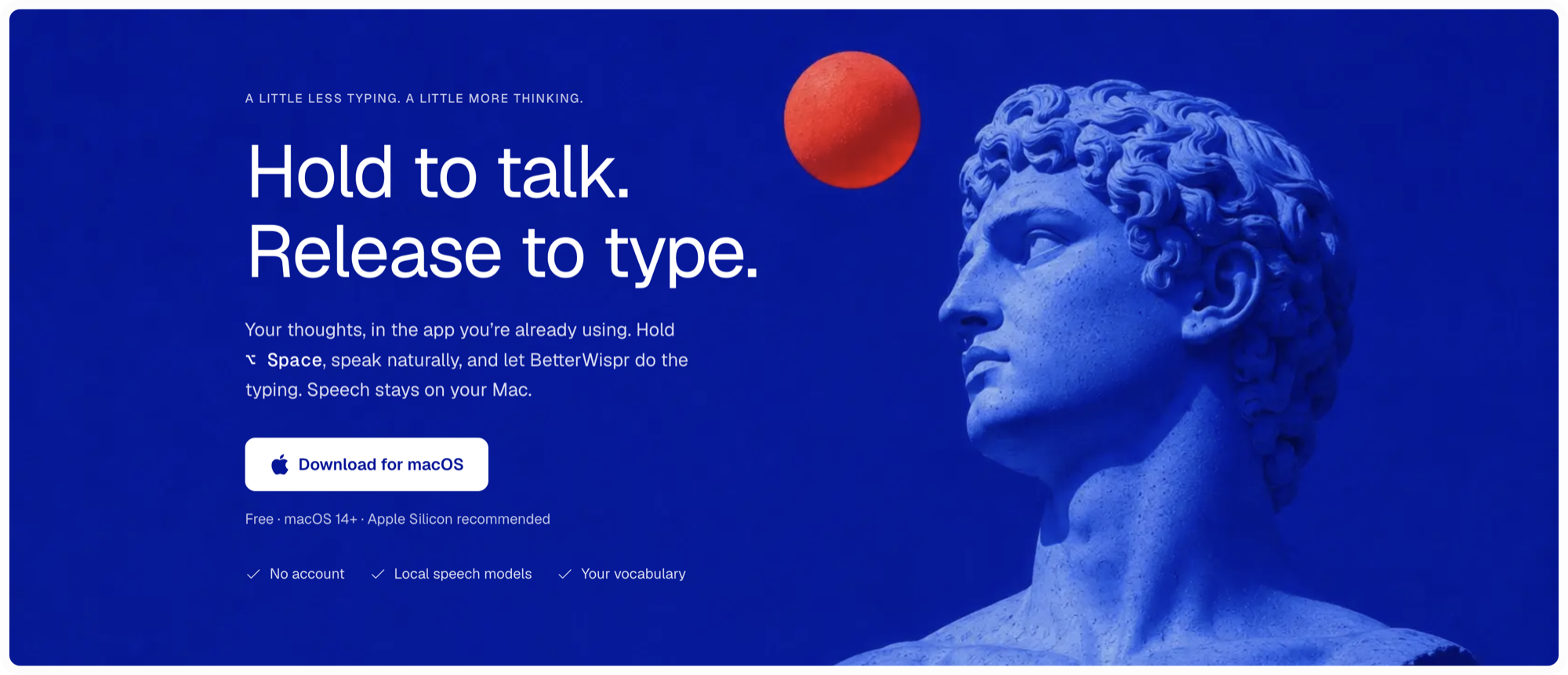
BetterWispr
Free, open-source voice dictation for macOS. Hold ⌥ Space, speak, release, and the text lands in whatever app you were typing in.
BetterWispr is a private, offline speech-to-text app and an open-source alternative to Wispr Flow. It transcribes on your Mac with Whisper, NVIDIA Parakeet or Apple's on-device speech recognition, so your voice never leaves your computer unless you explicitly select an API connection or Codex subscription transcription.
Download the latest release · Website · Changelog

Features
- Dictate anywhere: hold-to-talk or press-to-toggle, with a shortcut you choose.
- On-device models: Apple speech, Parakeet v3 (25 European languages), Parakeet v2 (English) and Whisper large-v3 turbo.
- Vocabulary: spelling hints and phrase replacements for names and jargon.
- Learns your corrections: fix a misheard word once (in History, or right after it's pasted) and it's spelled right next time.
- Voice commands: say "comma", "new line", "scratch that" or "sorry, remove that", and "at the rate KV" for "@KV".
- Meetings: live transcript of you and the other side, plus on-device titles, summaries and action items with Apple Intelligence or a local Ollama model.
- Transcribe files and links: drop in an audio or video file or paste a video link and get a timestamped transcript with the model you choose, to copy or export as text or Markdown. Links use yt-dlp, which BetterWispr installs only when you click Install.
- Connected apps: let Claude, Cursor and other apps that support MCP list, search and read your meeting notes and transcripts. Off by default and read-only.
- Send to Claude: optionally press Return after pasting, only into Claude Desktop or Claude Code in the VS Code panel, Terminal or iTerm2. Off by default.
- History: raw and corrected transcripts, stored locally (can be turned off).
- Bring your own model: optional Sarvam AI, Smallest AI or any OpenAI-compatible endpoint.
Requirements
- macOS 14 or later
- Apple Silicon recommended
Getting started
- Download the DMG from Releases and drag BetterWispr to Applications.
- Open it and follow the welcome guide.
- Pick a model in Models. Apple on-device needs no download; Parakeet and Whisper download once, then work offline.
- Grant Microphone access, and Accessibility access so BetterWispr can paste for you.
- Click into a text field in any app, hold ⌥ Space, speak, and release.
If paste can't safely reach the previous app, the text is copied to your clipboard instead, so you never lose a dictation. Recordings stop automatically after ten minutes, with a countdown in the last 30 seconds.
Bring your own model
Models → Bring your own model → Add connection. Choose a provider, enter the model ID and API key, save, then click Use.
| Provider | Default model | Notes |
|---|---|---|
| Sarvam AI | saaras:v4 |
Long recordings are sent in 25-second chunks |
| Smallest AI | pulse |
Set an explicit spoken language in Settings |
| OpenAI-compatible | any | Full URL, e.g. http://localhost:8000/v1/audio/transcriptions. HTTPS required except on localhost |
When a connection is in use, your audio goes to that endpoint and its pricing and retention policies apply. Keys are stored in the macOS Keychain. Switch back to a built-in model to return to fully local transcription. BetterWispr never falls back to a cloud provider on its own.
Privacy
For optional subscription transcription, see Codex subscription setup. BetterWispr uses your local Codex sign-in directly with an unofficial ChatGPT endpoint. Audio goes to ChatGPT only when you select this model and start transcription.
- Settings, vocabulary and history live in
~/Library/Application Support/BetterWispr/workspace.json(not encrypted). - Models live in the
Modelsfolder next to it. - With Remember named voices on, voice profiles of the speakers you name live in
Voices.jsonnext to it (not encrypted). Forget Voices in Models deletes them, and deleting a meeting deletes the profiles named in it. - Audio is written to temporary files and deleted after each recording.
- Built-in models only touch the network when you explicitly download one.
- Send to Claude is off by default. When it is on, BetterWispr reads the list of running processes on this Mac to find Claude Code, and asks Terminal and iTerm2 which tab is in front once you allow it. Nothing is stored or sent.
- Connected apps is off by default. When you turn it on, apps you connect read your meetings through
BetterWispr --mcpon this Mac and send what they read to their own AI provider.
Troubleshooting
- Paste stopped working after an update or rebuild: remove and re-add BetterWispr in System Settings → Privacy & Security → Accessibility.
- Apple on-device model unavailable: your language or OS speech assets may not support it. Install Parakeet or Whisper instead.
- First transcription is slow: large models take time to load the first time.
Contributing
Build instructions, project layout and guidelines are in CONTRIBUTING.md.
Star history
License
Apache-2.0. Third-party code and model weights keep their own terms;
Explore related projects
n8n-io/n8n
Fair-code workflow automation platform with native AI capabilities. Combine visual building with custom code, self-host or cloud, 400+ integrations.
209,959 starslanggenius/dify
Build Agentic workflows, RAG pipelines, with rich AI model and tool support on one collaborative workspace. Deploy on cloud, VPC, or self-hosted, so teams move from prototype to production without rebuilding the stack.
160,773 starsmicrosoft/PowerToys
Microsoft PowerToys is a collection of utilities that supercharge productivity and customization on Windows
140,755 starsstablyai/orca
Orca is the place for working with a fleet of agents (e.g. Grok Bot, Claude Code). Run any coding agent with your own subscription. Available on desktop, mobile and remote runtime.
120,604 stars