
ohdearapp/ohdear-cli
ohdearapp/ohdear-cli has 142 GitHub stars and 3 forks. GitHot measured 0 stars in 24 hours. Last checked 2026-11-18 07:47 UTC. Last push 2026-11-13.
Measured star growth
- in 24h
- 0
- in 7 days
- Collecting history
- in 15 days
- Collecting history
- in 1 month
- Collecting history
Net star changes over overlapping periods, not daily totals. Missing measurements are left blank. Stars measure attention, not software quality.
About
The official Oh Dear CLI
Developer ToolsREADME.md
Original
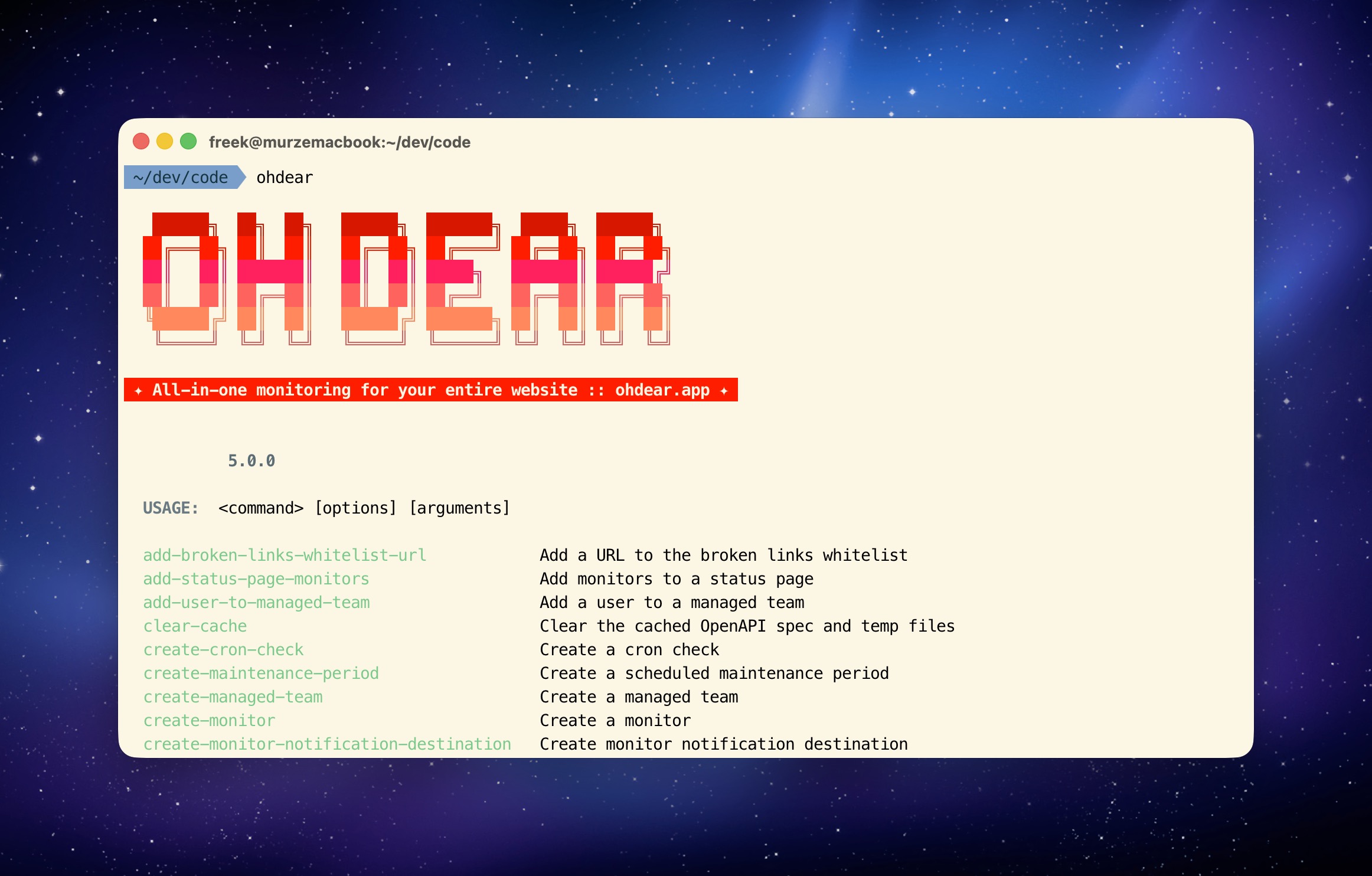


About Oh Dear CLI
Oh Dear CLI is a command line tool to manage Oh Dear website monitoring. Built with Laravel Zero, it auto-generates commands from the Oh Dear OpenAPI spec so every API endpoint is available as a CLI command.
Install
Requires PHP 8.4.1+
Via Composer
composer global require ohdearapp/ohdear-cli
Ensure Composer's global bin directory is in your PATH:
composer global config bin-dir --absolute
Authentication
First, log in with your Oh Dear API token. You can generate one at ohdear.app/user/api-tokens.
ohdear login
You'll be prompted for your API token. The token is stored in ~/.ohdear/config.json.
To log out:
ohdear logout
Usage
List all available commands:
ohdear list
Monitors
# List all monitors
ohdear list-monitors

# Get a specific monitor
ohdear get-monitor --monitor-id=123

# Add a new monitor
ohdear create-monitor --field url="https://example.com" --field team_id=1

# Delete a monitor
ohdear delete-monitor --monitor-id=123
Uptime and downtime
ohdear get-uptime --monitor-id=123
ohdear get-downtime --monitor-id=123
Broken links and mixed content
ohdear list-broken-links --monitor-id=123
ohdear list-mixed-content --monitor-id=123
Certificate health
ohdear get-certificate-health --monitor-id=123
Maintenance periods
ohdear start-maintenance --monitor-id=123
ohdear stop-maintenance --monitor-id=123
ohdear list-maintenance-periods --monitor-id=123
Status pages
ohdear list-status-pages
ohdear get-status-page --status-page-id=123
ohdear create-status-page-update --status-page-id=123 --field title="Investigating" --field text="Looking into it."
Cron checks
ohdear list-cron-checks --monitor-id=123
ohdear create-cron-check --monitor-id=123 --field name="Daily Backup" --field frequency_in_minutes=1440
Lighthouse reports
ohdear get-latest-lighthouse-report --monitor-id=123
ohdear list-lighthouse-reports --monitor-id=123
Other commands
ohdear get-me                    # Display authenticated user info
ohdear get-dns-history           # DNS history for a monitor
ohdear list-application-health-checks  # Application health checks
ohdear list-tags                 # List all tags
ohdear clear-cache               # Clear cached OpenAPI spec
By default, commands output human-readable text. Add --json for JSON output. Run ohdear <command> --help for full parameter details.
AI Skill
Install the Oh Dear skill for AI coding assistants:
ohdear install-skill
Contributing
Thank you for considering contributing to Oh Dear CLI. All contributions are welcome via pull requests.
You can have a look at the CHANGELOG for constant updates and detailed information about the changes.
License
Oh Dear CLI is an open-sourced software licensed under the MIT license.