
nusu/avvvatars
nusu/avvvatars has 1,974 GitHub stars and 86 forks. GitHot measured 0 stars in 24 hours. Last checked 2026-11-08 23:18 UTC. Last push 2024-07-08.
Beautifully crafted unique avatar placeholder for your next react project
What you can do
- 🌈 40 Colors - Colors are so on point that most of the projects can use it without changing it
- 💠 60 Shapes - Beautifully crafted shapes that are unique to your user with color combination
- 🆎 Text or Shapes 🔸 - Use letters (eg. JD for John Doe) or unique shapes
- 🤠 Unique to user - Generated avatars are unique to the string that you provide, it means if you pass [email protected] you will always get the same avatar
Measured star growth
- in 24h
- 0
- in 7 days
- Collecting history
- in 15 days
- Collecting history
- in 1 month
- Collecting history
Net star changes over overlapping periods, not daily totals. Missing measurements are left blank. Stars measure attention, not software quality.
README.md
Original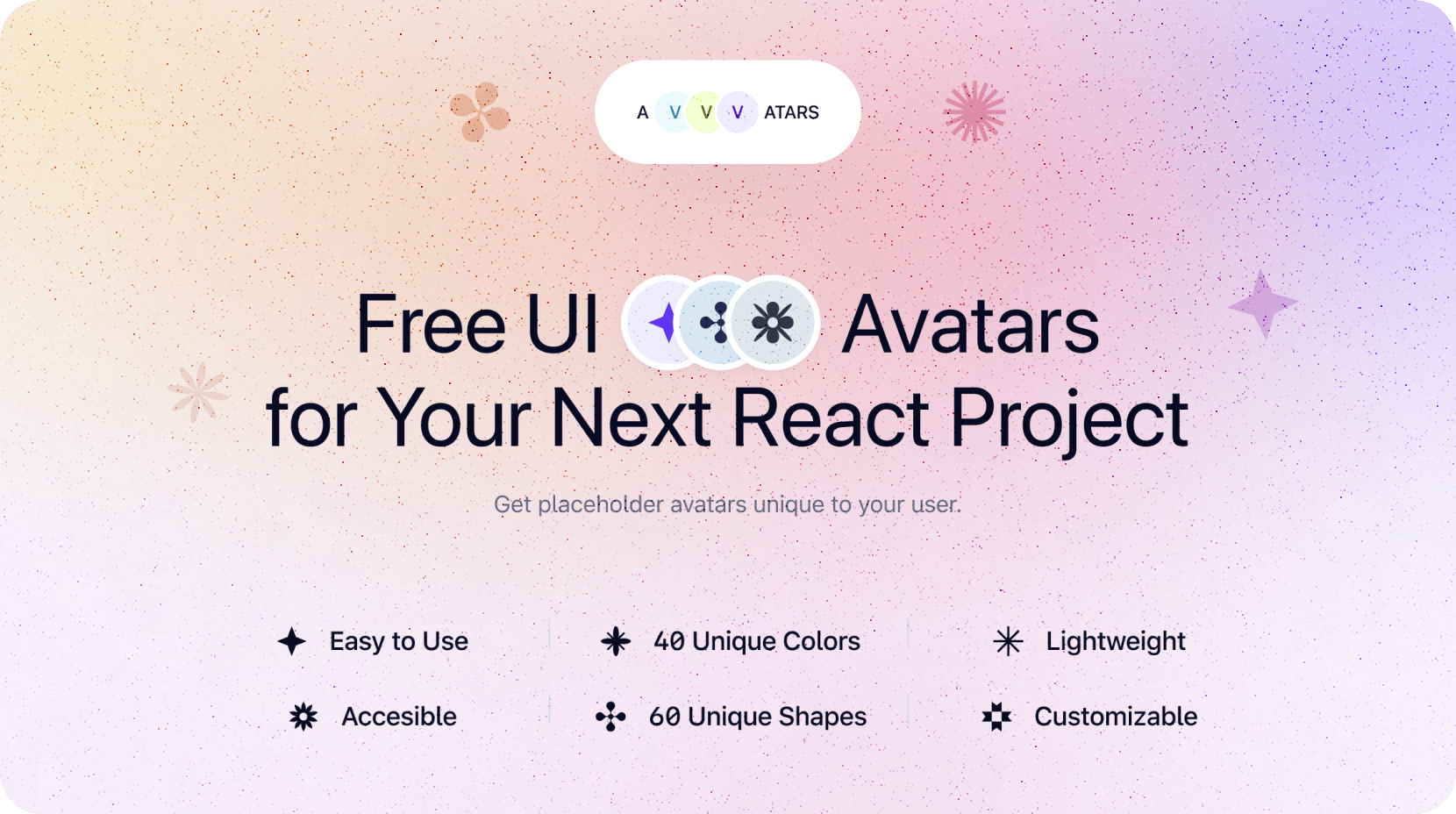
Avvvatars
Beautifully crafted unique avatar placeholder for your next react project
Lightweight and customizable ❤️
https://user-images.githubusercontent.com/1702215/158075475-c23004ab-827a-45ad-bdba-aee29ac5b582.mp4
Built by Nusu Alabuga and Oguz Yagiz Kara
🙏 Special thanks to Monika Michalczyk for awesome shapes 🙏
Features
- 🌈 40 Colors - Colors are so on point that most of the projects can use it without changing it
- 💠 60 Shapes - Beautifully crafted shapes that are unique to your user with color combination
- 🆎 Text or Shapes 🔸 - Use letters (eg. JD for John Doe) or unique shapes
- 🤠 Unique to user - Generated avatars are unique to the string that you provide, it means if you pass [email protected] you will always get the same avatar
- 🕊 Lightweight - less than 20kb compressed + gzipped
- ✍️ Customizable - use shadows, change size, provide alternative text to display
Installation
With yarn
yarn add avvvatars-react
With npm
npm install avvvatars-react
Getting Started
Import Avvvatars to your app, then use it anywhere you want.
import Avvvatars from 'avvvatars-react'

export default function MyAvatar() {
  return (
    <Avvvatars value="[email protected]" />
  )
}
Customization
value: string
This is required for plugin to work, each value generates a random avatar to unique to this value, so each time plugin renders, you will get the same results.
<Avvvatars value="[email protected]" />
displayValue?: string
Override default text by providing displayValue
for example if you provide value=”[email protected]” the character output will be the first 2 letters of value which is “BE”, if you pass displayValue=”BU” you can override it to BU
<Avvvatars value="[email protected]" displayValue="BE" />
style?: character | shape (default character)
Use shape or character as avatar.
<Avvvatars value="[email protected]" style="character" />
size?: number (default 32)
Override default size (32px) by providing a number.
<Avvvatars value="[email protected]" size={32} />
shadow?: boolean (default false)
Enable shadow around the avatar.
<Avvvatars value="[email protected]" shadow={false} />
radius?: number (default size)
Override the radius of the avatar, it takes size by default to always turn it to a circle
<Avvvatars value="[email protected]" radius={10} />
border?: boolean (default false)
Toggle border
<Avvvatars value="[email protected]" border={false} />
borderSize?: number (default 2)
Override border width
<Avvvatars value="[email protected]" borderSize={2} />
borderColor?: string (default #fff)
Override border color
<Avvvatars value="[email protected]" borderColor="#fff" />
Figma
If you want to access design files to change something or customize it to your own, use our Figma File
License
MIT
Explore related projects
freeCodeCamp/freeCodeCamp
freeCodeCamp.org's open-source codebase and curriculum. Learn math, programming, and computer science for free.
458,779 starsdonnemartin/system-design-primer
Learn how to design large-scale systems. Prep for the system design interview. Includes Anki flashcards.
377,373 starsreact/react
The library for web and native user interfaces.
252,429 starsvuejs/vue
This is the repo for Vue 2. For Vue 3, go to https://github.com/vuejs/core
212,632 stars