
nihui/ncnn-android-ppocrv5
nihui/ncnn-android-ppocrv5 has 204 GitHub stars and 39 forks. GitHot measured 0 stars in 24 hours. Last checked 2026-11-16 20:34 UTC. Last push 2026-10-27.
Measured star growth
- in 24h
- 0
- in 7 days
- Update delayed
- in 15 days
- Update delayed
- in 1 month
- Update delayed
Net star changes over overlapping periods, not daily totals. Missing measurements are left blank. Stars measure attention, not software quality.
About
ncnn android paddle ocr v5
Developer ToolsREADME.md
Originalncnn-android-ppocrv5

PPOCRv5
This is a sample ncnn android project, it depends on ncnn library and opencv
https://github.com/Tencent/ncnn
https://github.com/nihui/opencv-mobile
https://github.com/nihui/mesa-turnip-android-driver (mesa turnip driver)
https://github.com/nihui/momoten (momoten driver)
android apk file download
https://github.com/nihui/ncnn-android-ppocrv5/releases/latest
how to build and run
step1
https://github.com/Tencent/ncnn/releases
- Download ncnn-YYYYMMDD-android-vulkan.zip or build ncnn for android yourself
- Extract ncnn-YYYYMMDD-android-vulkan.zip into app/src/main/jni and change the ncnn_DIR path to yours in app/src/main/jni/CMakeLists.txt
step2
https://github.com/nihui/opencv-mobile
- Download opencv-mobile-XYZ-android.zip
- Extract opencv-mobile-XYZ-android.zip into app/src/main/jni and change the OpenCV_DIR path to yours in app/src/main/jni/CMakeLists.txt
step3
https://github.com/nihui/mesa-turnip-android-driver
- Download mesa-turnip-android-XYZ.zip
- Create directory app/src/main/jniLibs/arm64-v8a if not exists
- Extract
libvulkan_freedreno.sofrom mesa-turnip-android-XYZ.zip into app/src/main/jniLibs/arm64-v8a
step4
https://github.com/nihui/momoten/releases/latest
- Download
momoten-YYYYMMDD-android-<target>.zipforarm64-v8a-api21,armeabi-v7a-api14,x86-api14andx86_64-api21 - Extract
lib/libmomoten.sointoapp/src/main/jniLibs/<abi>for each corresponding ABI (create directories if needed) - Select momoten in the CPU/GPU selector; a usable vendor OpenCL driver is required
step5
- Open this project with Android Studio, build it and enjoy!
some notes
- Android 5.0 (API 21) or newer is required
- NDK Camera is preferred, with Camera1 used on older Android versions and legacy devices
- All models are manually modified to accept dynamic input shape
- Most small models run slower on GPU than on CPU, this is common
- FPS may be lower in dark environment because of longer camera exposure time
screenshot
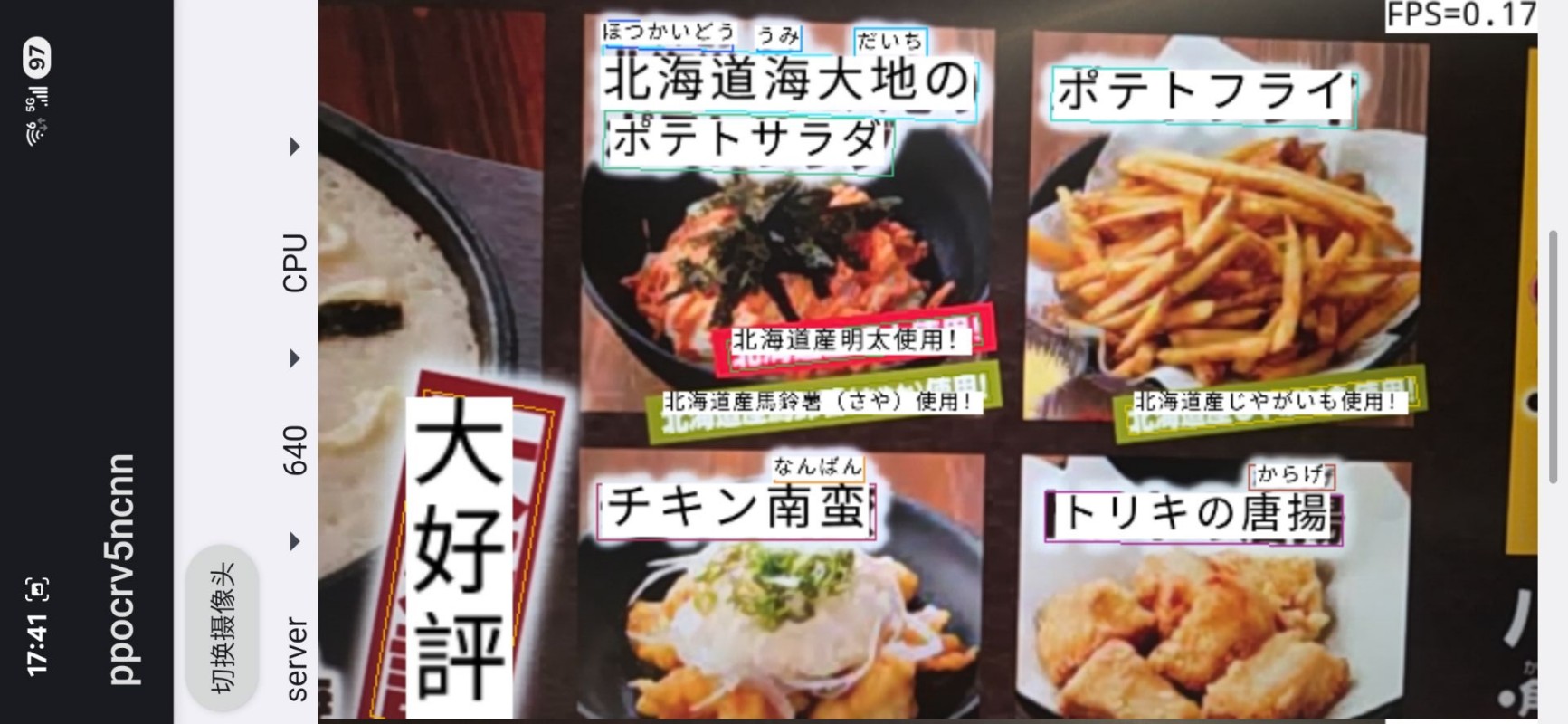
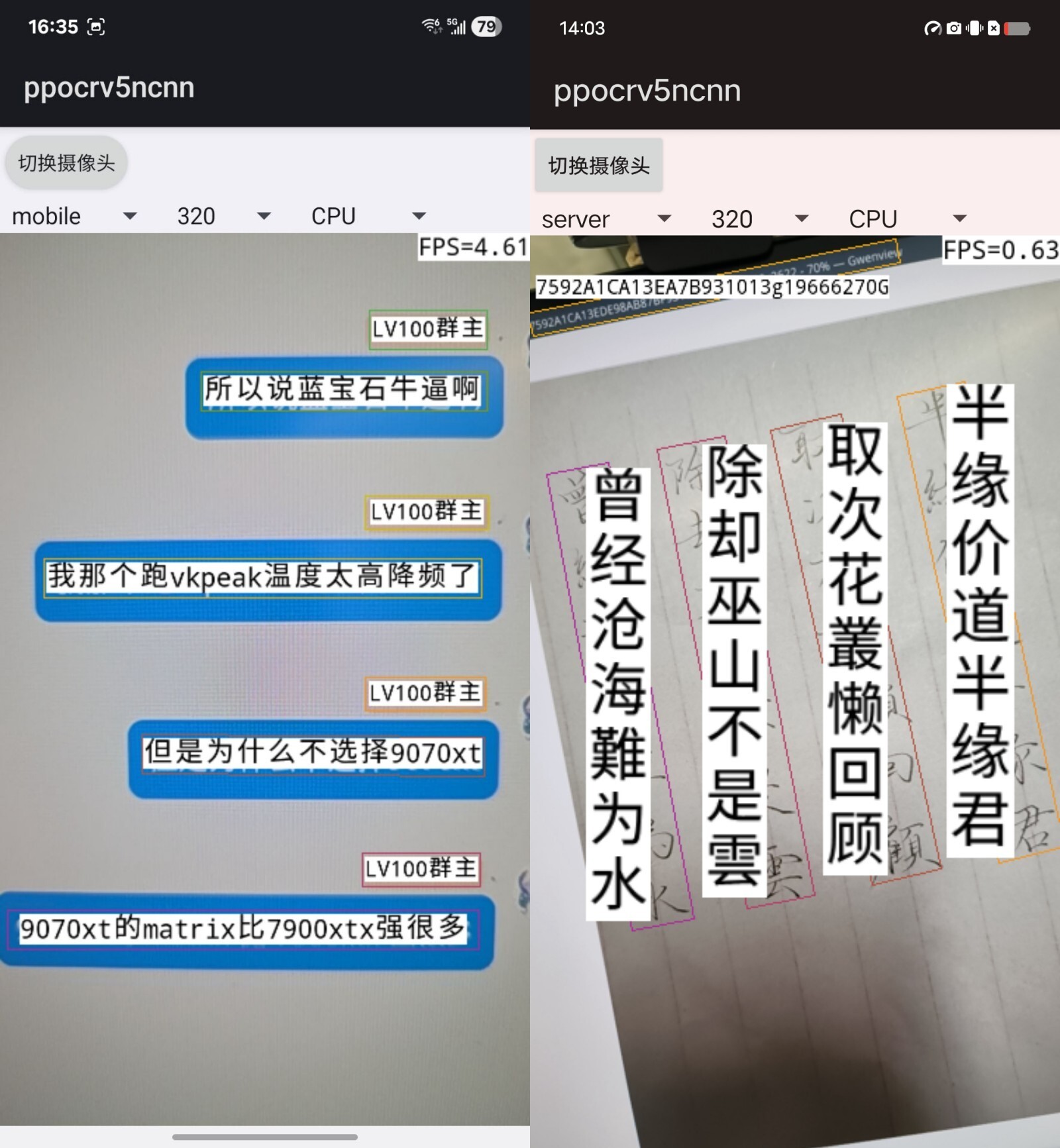
guidelines for converting PPOCRv5 models
- install paddleocr
pip install paddlepaddle==3.0.0
pip install paddleocr==3.0.0
paddlex --install paddle2onnx
- test paddleocr and export onnx models
paddleocr ocr -i test.png
paddlex --paddle2onnx --paddle_model_dir ~/.paddlex/official_models/PP-OCRv5_mobile_det --onnx_model_dir PP-OCRv5_mobile_det
paddlex --paddle2onnx --paddle_model_dir ~/.paddlex/official_models/PP-OCRv5_mobile_rec --onnx_model_dir PP-OCRv5_mobile_rec
- convert onnx models to ncnn with pnnx tool
pip install -U pnnx
pnnx PP-OCRv5_mobile_det.onnx inputshape=[1,3,320,320] inputshape2=[1,3,256,256]
pnnx PP-OCRv5_mobile_rec.onnx inputshape=[1,3,48,160] inputshape2=[1,3,48,256]
pnnx PP-OCRv5_server_det.onnx inputshape=[1,3,320,320] inputshape2=[1,3,256,256] fp16=0
pnnx PP-OCRv5_server_rec.onnx inputshape=[1,3,48,160] inputshape2=[1,3,48,256] fp16=0