
nelsonmestevao/dotfiles
nelsonmestevao/dotfiles has 112 GitHub stars and 13 forks. GitHot measured 0 stars in 24 hours. Last checked 2026-11-15 15:57 UTC. Last push 2026-11-15.
Measured star growth
- in 24h
- 0
- in 7 days
- Update delayed
- in 15 days
- Update delayed
- in 1 month
- Update delayed
Net star changes over overlapping periods, not daily totals. Missing measurements are left blank. Stars measure attention, not software quality.
About
:penguin: Configuration files
Developer ToolsREADME.md
Original


I enjoy customizing every aspect of my system. This repository contains my complete setup — from configuration files for the tools I use (managed through symlinks) to the declarative configuration of my entire system using the Nix package manager, language, and operating system.
If you're just getting started, feel free to use my setup (I don't mind — see the LICENSE). But for your own good, take the time to read through it. You won't get the most out of it otherwise.
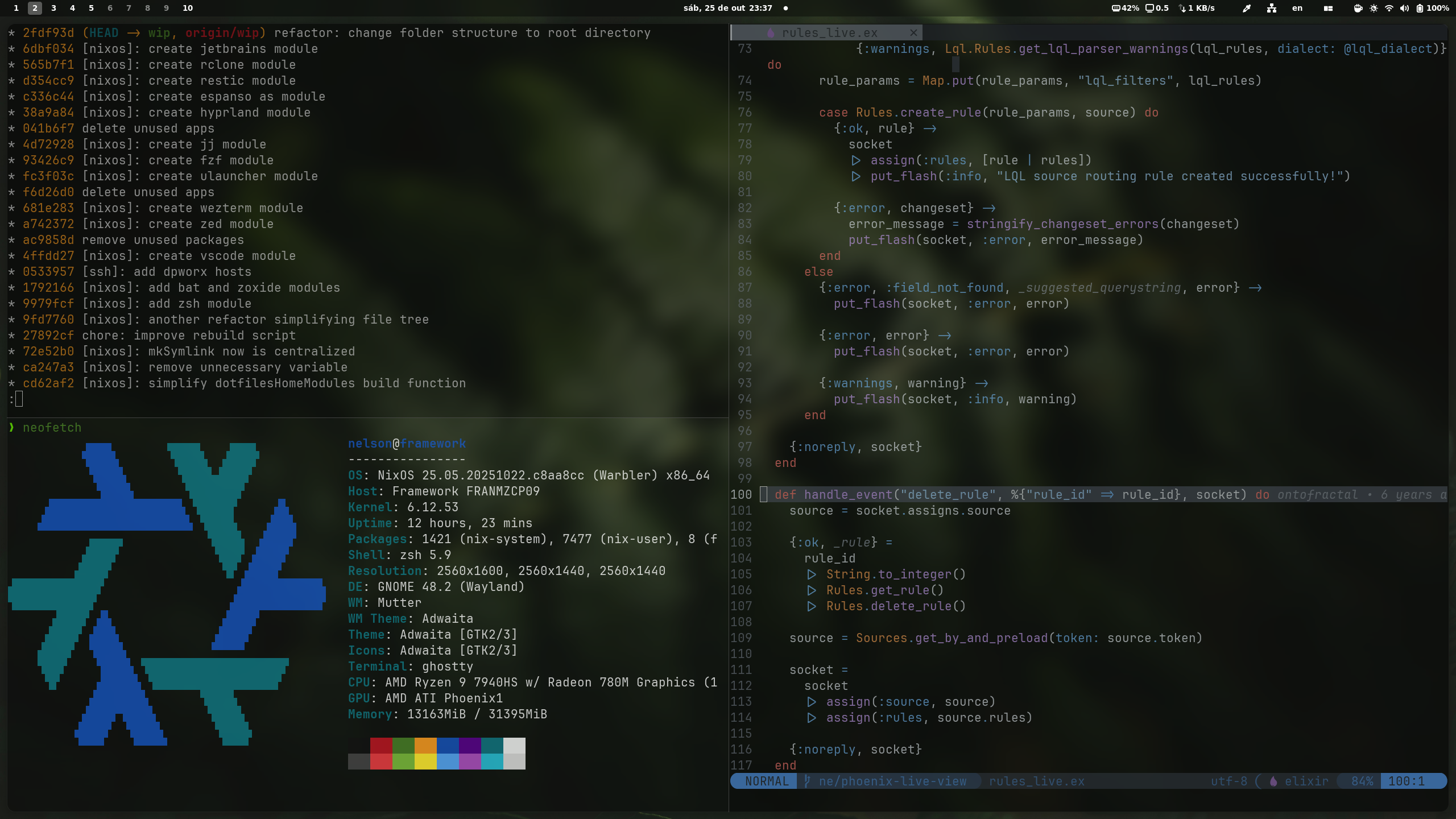
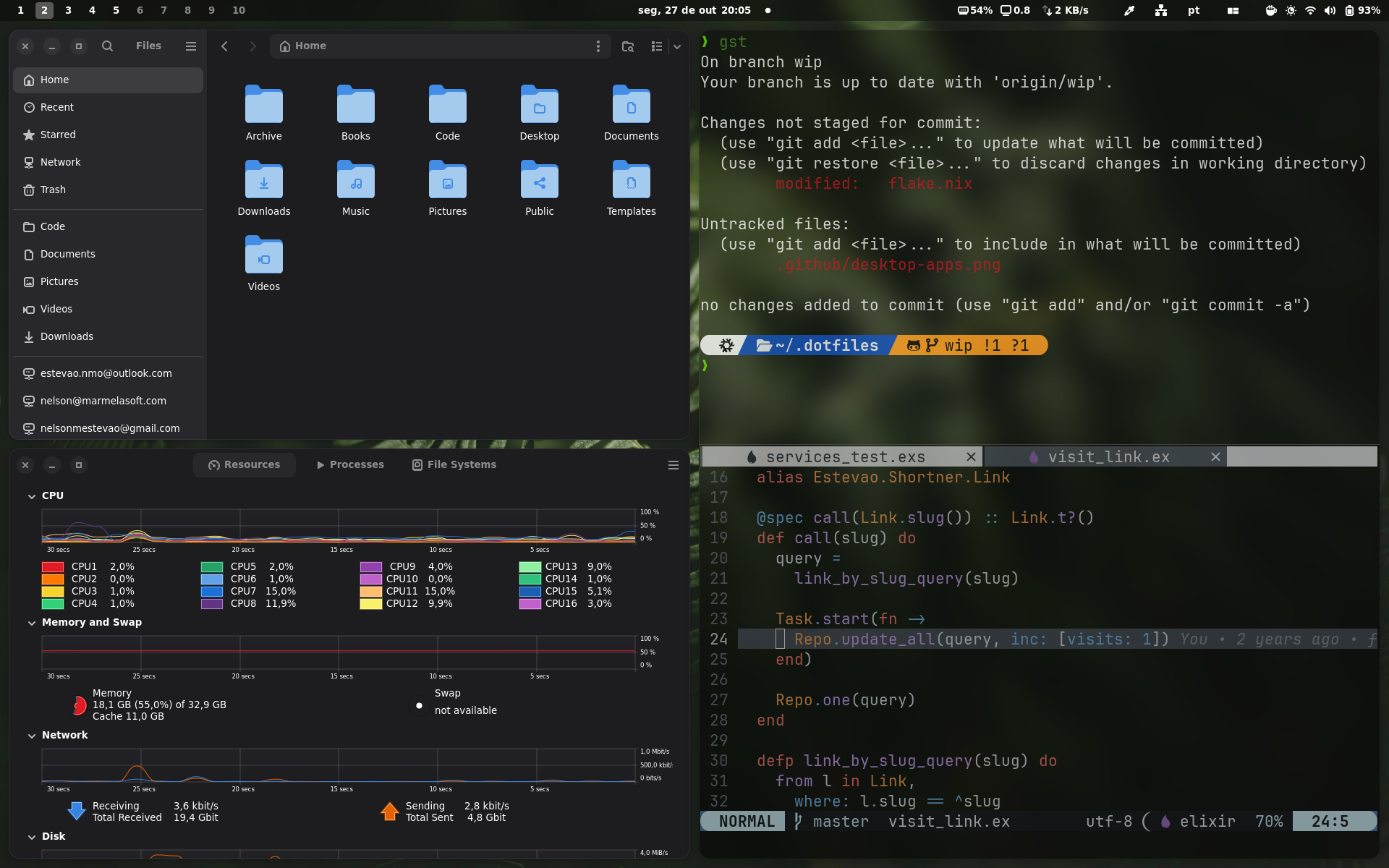
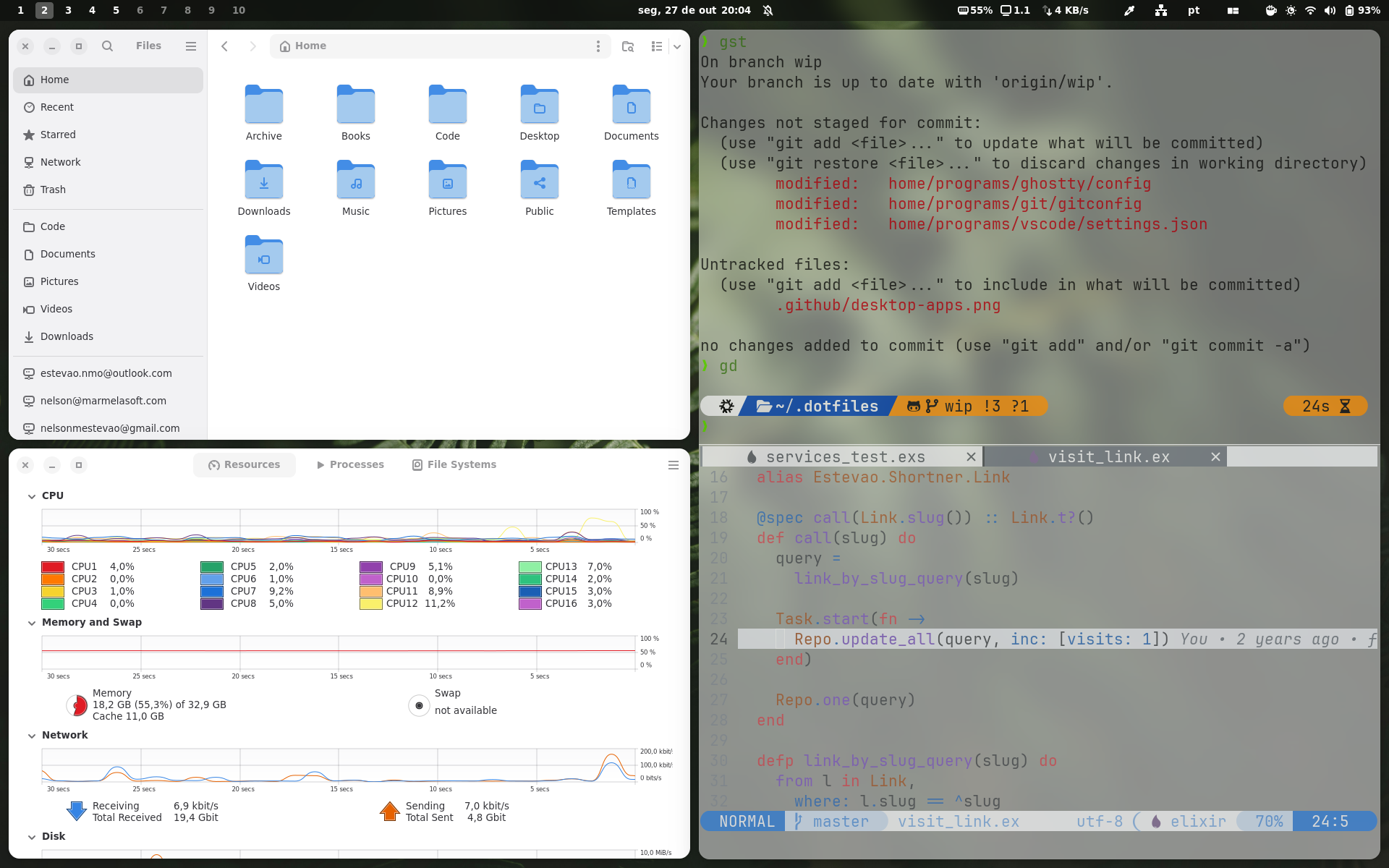
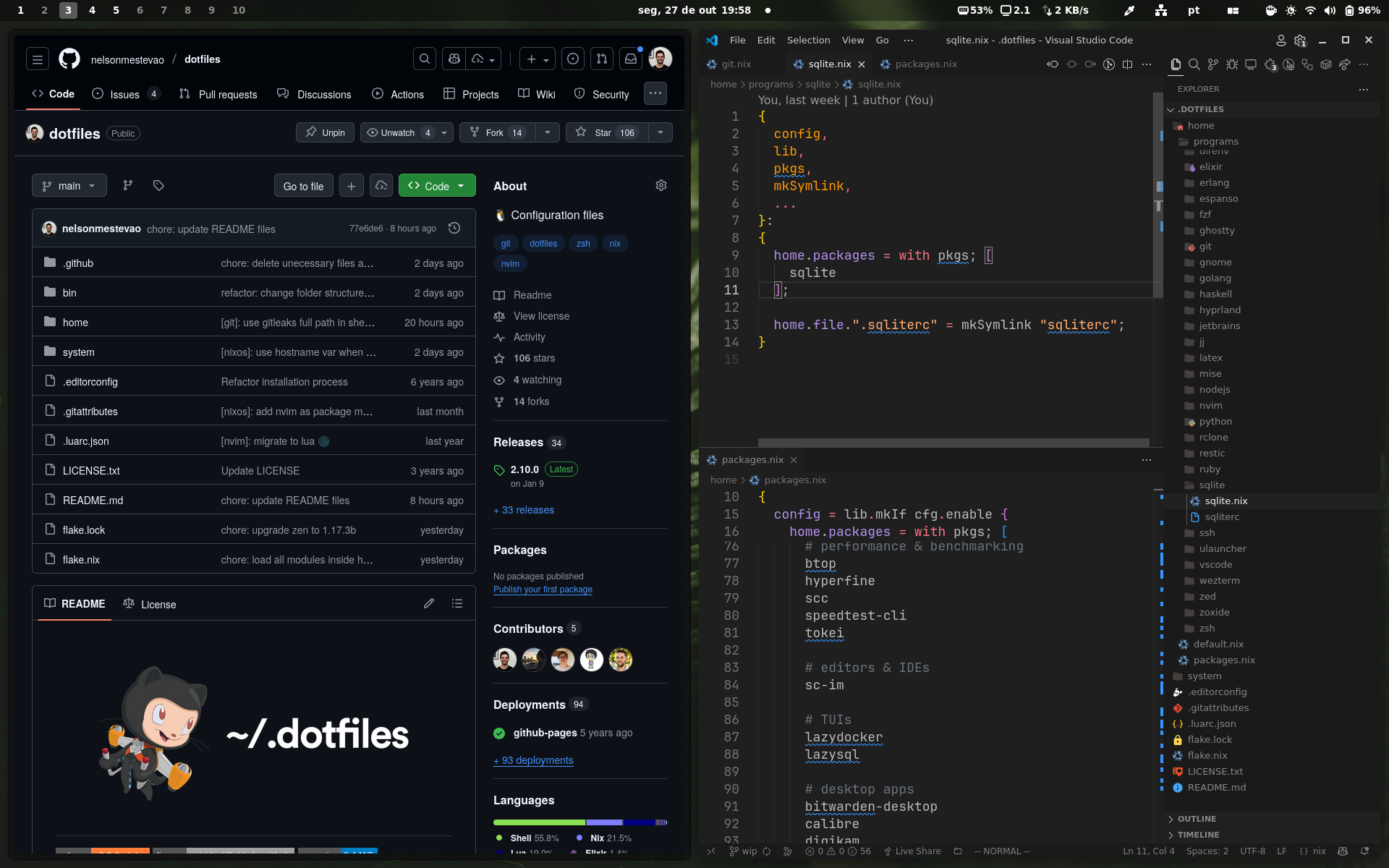
🧩 Overview
This configuration is as modular as I can make it. It's split into two main layers:
home/— portable Home Manager configuration that works across any Linux distribution and macOS. Most modules run everywhere; platform-specific ones like GNOME, Hyprland, or Vicinae are simply left disabled where they don't apply, and cross-platform modules (e.g. Ghostty, Docker) adapt their config per OS viapkgs.stdenv.isDarwin.system/— OS-level configuration for both NixOS (Linux) and nix-darwin (macOS). It holds only what's truly necessary for the system layer (at least I try to), with modules split by platform undersystem/modules/nixos/andsystem/modules/darwin/.
Together these produce three kinds of builds: NixOS hosts, nix-darwin (macOS) hosts, and standalone Home Manager setups on any other machine. These are my hosts today:
| Host | Build | Roles | System | What runs there |
|---|---|---|---|---|
framework |
NixOS | desktop |
x86_64-linux |
GNOME desktop with my full set of apps |
temis |
NixOS | server |
x86_64-linux |
No desktop: SSH, Tailscale, and Docker |
thinkpad |
Home Manager only | — | x86_64-linux |
Another Linux distro; only my home config |
Remote-Nelson-Estevao |
nix-darwin | desktop |
aarch64-darwin |
A Mac managed by Workbrew (MDM) |
How modules work
Each program lives in its own folder under home/programs/ as a self-contained
module. A helper called mkHomeModule wraps each one, providing a
dotfiles.programs.<name>.enable option and a mkSymlink function for
linking config files back to this repo.
[!NOTE]
mkSymlinkcreates true symlinks (on Linux and macOS alike) pointing directly from your home directory into this repo, so you can edit config files in place and see changes immediately — no rebuild needed. This is how I like it. A path that is not in the repo fails the build, so a link can't dangle.By default, Nix/Home Manager copies files into the read-only Nix store, requiring a rebuild for every change. This provides more guarantees like immutability. If you prefer that approach, replace
mkSymlinkcalls with the standardsourceattribute:# Instead of: xdg.configFile."ghostty/config" = mkSymlink "config"; # Use the standard Nix way: xdg.configFile."ghostty/config".source = ./config;
A module that only runs on one OS says so with platforms = [ "linux" ] or
[ "darwin" ], next to its config. Turning it on for a host on the other OS
stops the build with a message that names the host, instead of failing deep
inside a package build. Most modules run everywhere and leave it out.
A program can also offer settings beside enable. It declares each one
with options.<setting>, next to its config, and reads it from
config.dotfiles.programs.<name>.<setting>. A user file sets it, with
enableFor for the exceptions:
# home/programs/zsh/zsh.nix
options.showHost = lib.mkEnableOption "the host name in the prompt";

home.sessionVariables.PROMPT_SHOW_HOST = lib.mkIf config.dotfiles.programs.zsh.showHost "1";

# home/users/nelson.nix
dotfiles.programs.zsh.showHost = enableFor [ "server" ];
A misspelled setting stops the build with its name. So a module never checks
a host name or a user name: it offers a setting, and the user file picks.
System modules and GNOME extensions take options the same way.
One rule: a module returns a plain attribute set, with lib.mkIf on single
values inside it. A body wrapped whole in lib.mkIf or lib.mkMerge stops
the build with a message that names the module, because the wrapper could not
see its settings. A body that picks between two sets with
if config.… then … else … loops forever. The wrapper also owns the name
enable, so a setting can't be called that.
Similarly, system-level concerns live under system/modules/, split by platform
into nixos/ and darwin/. Each module provides a
dotfiles.modules.<name>.enable option — the NixOS side covers things like
audio, boot, networking, and Docker, while the macOS (nix-darwin) side currently
manages Homebrew (see macOS notes).
Where things are wired together
config/hosts.nix— lists each host (see What goes into a host entry).config/users.nix— defines each user (see What goes into a user entry).config/overlays.nix— the nixpkgs overlays every host and user shares (see Using another flake).home/users/<username>.nix— toggles which programs a user gets.system/hosts/<hostname>.nix— toggles which system modules a host gets. It also holds settings that only that host needs, like its boot loader. The modules hold only what all hosts share.flake.nix— declares the flake inputs and passes them on. The code inlib/turnsconfig/into the flake's outputs.
Two helpers control what runs where. Both take host names, roles, or a mix:
# home/users/nelson.nix
dotfiles.programs.nvim.enable = true;                                 # everywhere
dotfiles.programs.zed.enable = enableFor [ "desktop" ];               # hosts with the desktop role
dotfiles.programs.jetbrains.enable = enableFor [ "framework" ];       # only on framework
dotfiles.programs.herdr-core.enable = enableFor [ "desktop" "temis" ]; # desktops and temis
dotfiles.programs.vscode.enable = disableFor [ "server" ];            # everywhere except servers
Each host also gets a role for its OS, "linux" or "darwin". It comes from
the host's system, so you never list it. Use enableFor [ "linux" ] for
programs that only run on Linux. Both names always work, even when no host
runs that OS.
Use roles where you can. A new desktop then needs one line in
config/hosts.nix, with no edits to the user files. Three rules keep this
safe:
- A name that is neither a host nor a role stops the build, so a typo can't quietly turn a program off.
- A host the user has no home on stops the build too. Your user file is never used there, so naming it does nothing. Roles stay open: you may name a role none of your hosts has yet.
- A role can't have the same name as a host, so every name means one thing.
A third helper, valueFor, picks a value instead of on or off. It takes a set
keyed by the same names. A host name beats a role, a role beats default, and
with no match the value is null. The rules above apply to every key, on
every host. Two of a host's roles with different values stop the build too:
name the host to pick one. The git signing key uses it (see
What goes into a user entry).
# system/hosts/framework.nix
dotfiles.modules.audio.enable = true;
dotfiles.modules.docker.enable = true;
dotfiles.modules.tailscale.enable = true;
🚀 Installing
[!WARNING] Helper scripts are available in the
bin/directory. Read them before running anything — as always, never execute code you don't understand or trust.
The only requirement is to have NixOS, nix-darwin, or the Nix package manager installed.
1. Clone the repos
Start by cloning my dotfiles into ~/.dotfiles:
git clone https://github.com/nelsonmestevao/dotfiles ~/.dotfiles
You can also clone my spells into ~/.spells. Spells are the small
shell scripts I use every day. They're optional: zsh only loads them when
~/.spells/spells.init exists. But there's a lot of goodies there.
git clone https://github.com/nelsonmestevao/spells ~/.spells
2. Add your user and host
bin/rebuild picks the config that matches the machine's hostname and your
username. On a new machine, add both first, or the build fails.
The fast way is bin/setup. It asks a few questions, writes the files, and adds
the entries to config/:
bin/setup user <username>  # home/users/<username>.nix + an entry in config/users.nix
bin/setup host <hostname>  # system/hosts/ files + an entry in config/hosts.nix
Add the user first, since bin/setup host asks which users go on the host. It
also asks for the host's roles.
You can pass the answers as flags instead. Anything you leave out is asked for, or, with no terminal (a script or an agent), set to its default when it has one:
bin/setup user alice --name "Alice Smith" --groups docker,wheel
bin/setup host box --platform nixos --system x86_64-linux --users alice --roles server
bin/setup host writes a stub hardware.nix by default, even in a terminal.
To detect hardware, run setup on the new NixOS machine and pass
--detect-hardware:
bin/setup host box --platform nixos --users alice --roles server --detect-hardware
Before evaluating or rebuilding a NixOS host, replace any hardware stub with
the target machine's configuration, verify its root and boot filesystems, and
set a boot loader in system/hosts/<hostname>.nix. Setup prints these next
steps. Hardware detection failures stop setup without creating host files.
Both scaffolding helpers validate names and rendered Nix in a temporary directory before changing the repository. Setup also checks platform and architecture compatibility, registered users and their module files, and role collisions. Display names can contain quotes, backslashes, and literal Nix interpolation syntax. File names must be single components containing letters, digits, underscores, or hyphens; host and user names can also contain dots. Program, module, and extension names must start with a lowercase letter.
New files are formatted, linted, and staged. Changes to existing config/
files stay unstaged, preserving any edits already staged there. Review and
stage those configuration changes when ready. If writing or staging fails,
the helpers restore the files they changed. This is validation of the scaffold,
not a full configuration evaluation; unknown package names and incomplete
hardware still need to be resolved before building.
To do it by hand:
- Add your user to
config/users.nixand createhome/users/<username>.nix. Usenelson.nixas a reference. - Add your host to
config/hosts.nix. Set itssystem, itsusers, itsroles(like[ "desktop" ]), itsstateVersion(the release you are installing, like"26.05"), andplatform = "nixos"orplatform = "darwin". Leaveplatformout for a standalone Home Manager host. A Mac also needsdarwinStateVersion. - Add the host's system files:
- NixOS: both
system/hosts/<hostname>.nixandsystem/hosts/<hostname>/hardware.nix. Make the hardware file on the target machine withnixos-generate-config --show-hardware-config. Also set a boot loader (for exampleboot.loader.systemd-boot.enable = true;) in the host file. Thebootmodule doesn't set one, so the build fails without it. - nix-darwin:
system/hosts/<hostname>.nix(seeRemote-Nelson-Estevao.nix). - Home Manager only: nothing.
- NixOS: both
- Pick your programs by setting
dotfiles.programs.<name>.enable = truein your user file.
[!IMPORTANT] Flakes only see files that git tracks. Run
git addon new files before you build.bin/setupdoes this for you.
3. Build it
bin/rebuild detects the platform and drives NixOS or nix-darwin accordingly.
bin/rebuild            # rebuild both OS and home config
bin/rebuild os         # rebuild only the system config (NixOS or nix-darwin)
bin/rebuild home       # rebuild only the home-manager configuration
bin/rebuild os --boot  # activate on next boot (handy for major release upgrades)
On a Home Manager–only host, run bin/rebuild home. Plain bin/rebuild also
tries to rebuild the OS, which fails there.
To see what would change first, run bin/build. It takes the same os and
home arguments, builds the configs, and prints the package diff. It doesn't
switch, so it needs no sudo.
What goes into a host entry
Each host in config/hosts.nix has these fields:
system— likex86_64-linuxoraarch64-darwin.platform—"nixos"or"darwin". Leave it out for a standalone Home Manager host.roles— what the host is for, like[ "desktop" ]. Optional.users— the users fromconfig/users.nixthat get a home config there.stateVersion— the release the host was first installed with, like"26.05". Home Manager and NixOS keep that release's defaults for stateful things, so never bump it. A Mac also setsdarwinStateVersion, the nix-darwin version it was first installed with.bin/setup hostfills both in.
Modules get the whole entry as host, so a module can read a host fact
without knowing the host's name. An entry holds facts about the machine. What
one program needs per host is a setting of that program, set in the user file
(see How modules work).
What goes into a user entry
Each user in config/users.nix has these fields:
name— your full name. On NixOS it becomes the account's description.extraGroups— groups for the account on NixOS, likewheelordocker.extraSpecialArgs— extra arguments for your Home Manager modules. Optional.
Modules get the whole entry as user. Your git identity is not in the entry:
it's the file home/programs/git/profiles/<username>.ini, included when it
exists. Without it, git refuses to commit until you set an email.
The SSH key that signs your commits is a setting of the git program. Set it in
your user file with valueFor, as the public key or the path of its file. A
key belongs to a machine, so name each host, not a role. A host you leave out
gets null, so a new host signs nothing until you add it:
# home/users/<username>.nix
dotfiles.programs.git.signingKey = valueFor {
  framework = "ssh-ed25519 AAAA…";
  temis = "~/.ssh/id_ed25519.pub";
};
dotfiles.programs.git.signingProgram is the program that signs with it, when
it isn't ssh-keygen (1Password's, for one). Set it the same way, per host.
Leave both out and commits aren't signed.
Using another flake
Packages from other flakes (Zen Browser, Claude Code, …) and pkgs.unstable
come in through the overlays in config/overlays.nix. Every NixOS, nix-darwin
and Home Manager configuration gets them. Some are short-term GNOME patches. To
use a new flake:
- Add it to
inputsinflake.nix. - Add its overlay to
config/overlays.nix. It's in scope asinputs.<name>. If the overlay reuses the name of a nixpkgs package, give it a new name instead, likeorca-appthere. Otherwise it replaces that package on the systems too.
🧰 Scripts
Runnable helpers live in bin/; shared code lives in scripts/.
scripts/scaffold.xsh provides validation and file transactions for bin/new
and bin/setup. Run any helper with --help for details. Run
them from inside the repo: each one starts in the flake's dev shell, so the
tools it needs come from flake.lock. With direnv, cd into the repo loads
that shell for you (direnv allow once).
| Script | What it does |
|---|---|
bin/rebuild [os|home] |
Builds the config and switches to it. |
bin/build [os|home] |
Builds the config and shows what would change, without switching. |
bin/update |
Updates the flake inputs and lists what changed. |
bin/update --save |
Same, then commits flake.lock with a note for each input. |
bin/check |
Evaluates every config, then builds this machine's checks. |
bin/check --eval |
Evaluates every config without building anything (about a minute). |
bin/check --all-systems |
Builds every system's checks. Needs a builder for the other OS. |
bin/check --same [<rev>] |
Shows which configs build a different derivation than <rev> did. |
bin/lint |
Runs deadnix, statix and nixfmt, like CI does before it builds. |
bin/format |
Formats every Nix file (nix fmt). |
bin/autoclean |
Deletes generations older than 7 days and frees space (uses sudo). |
bin/setup user|host <name> |
Adds a user or host (see Installing). |
bin/new program <name> |
Creates a Home Manager program in home/programs/<name>/. |
bin/new module <name> |
Creates a NixOS module in system/modules/nixos/<name>/. |
bin/new module <name> --darwin |
Creates a nix-darwin module in system/modules/darwin/<name>/. |
bin/new extension <name> |
Creates a GNOME extension in home/programs/gnome/extensions/<name>/. |
bin/new and bin/setup stage the files they create with git add, so the
flake sees them right away. Existing configuration files retain their staged
contents; their new entries are left in the working tree for review.
bin/check has three depths. bin/check --eval evaluates every config on
every system and builds nothing. It reads the Mac config on Linux and the
Linux ones on a Mac, but it does not test that a config activates on the
other OS. Plain bin/check does that evaluation first, then builds the checks
of this machine's system, which is what each CI runner builds.
bin/check --all-systems builds the checks of every system and needs a
builder for the other OS.
bin/check --same proves that a change builds what was built before. It lists
the derivation of every config at a commit (HEAD unless you name another)
and in the working tree, and prints each one as same or changed. It exits
0 only when all are the same, so use it after a refactor. Add --why to see
what differs in each changed derivation:
bin/check --same             # what does my uncommitted work change?
bin/check --same main --why  # what changed since main, and why?
It evaluates both sides at the same time and shows the warnings Nix printed
for each. For a nixos-<host> or darwin-<host> check, --why compares the
system derivations, since those checks only evaluate the system.
Flakes only see tracked files, so git add a new file first. The command
lists the untracked files it found, whatever their type.
Run the regression tests for bin/new, bin/setup and bin/check in
disposable repositories with:
nix develop --command python3 -B -m unittest discover -s tests -v
Coding agents get their rules from AGENTS.md. For Claude Code,
.claude/settings.json also makes it ask before it
runs bin/rebuild, bin/autoclean, bin/update, sudo or git push, and
lets it lint, check and build without asking.
To stay up to date:
bin/update --save  # update the flake inputs and commit flake.lock
bin/rebuild        # switch to the new versions
To move to a new NixOS release, bump 26.05 in flake.nix. Then run
bin/rebuild os --boot and reboot, so services don't hang while they restart.
🍎 macOS / nix-darwin
macOS hosts are built with nix-darwin and behave a little differently from NixOS:
- Nix is managed by Determinate Nix, so nix-darwin's own Nix management is
turned off (
nix.enable = false) to avoid conflicts — Determinate owns flakes,nix-command, and garbage collection. - Homebrew is driven declaratively through the
dotfiles.modules.homebrew.enablemodule, which reconciles casks/formulae viabrew bundleon activation. nix-darwin does not install Homebrew itself — install it once, manually, first. - Home Manager runs the same modules as on Linux; Linux/Wayland-only ones (GNOME, Hyprland, Vicinae) stay disabled and evaluate cleanly.
Using the Homebrew module on your own Mac
My Mac is managed by Workbrew (MDM), and the Homebrew module is set up for
that. On a normal Mac, change these in
system/modules/darwin/homebrew/homebrew.nix:
prefix = "/opt/workbrew";— delete this line. nix-darwin then uses the normal Homebrew prefix (/opt/homebrewon Apple Silicon).- The
fpathline at the bottom — delete it too. It hides folders that Workbrew owns from zsh. Without Workbrew, it only hides Homebrew's own zsh completions. taps,brews, andcasks— these are my apps. Swap in your own.
📄 License
This repository is licensed under the WTFNMFPL.