
nbennett320/dawesome
nbennett320/dawesome has 27 GitHub stars and 0 forks. GitHot measured 0 stars in 24 hours. Last checked 2026-11-15 03:37 UTC. Last push 2026-11-13.
Measured star growth
- in 24h
- 0
- in 7 days
- Collecting history
- in 15 days
- Collecting history
- in 1 month
- Collecting history
Net star changes over overlapping periods, not daily totals. Missing measurements are left blank. Stars measure attention, not software quality.
About
A digital audio workstation for all platforms that is libre, gratis, and awesome
Web & AppsREADME.md
Original🎹 Dawsome

An awesome, libre, and cross-platform DAW (and extremely early work in progress) built with Rust, Tauri, React, and Typescript.
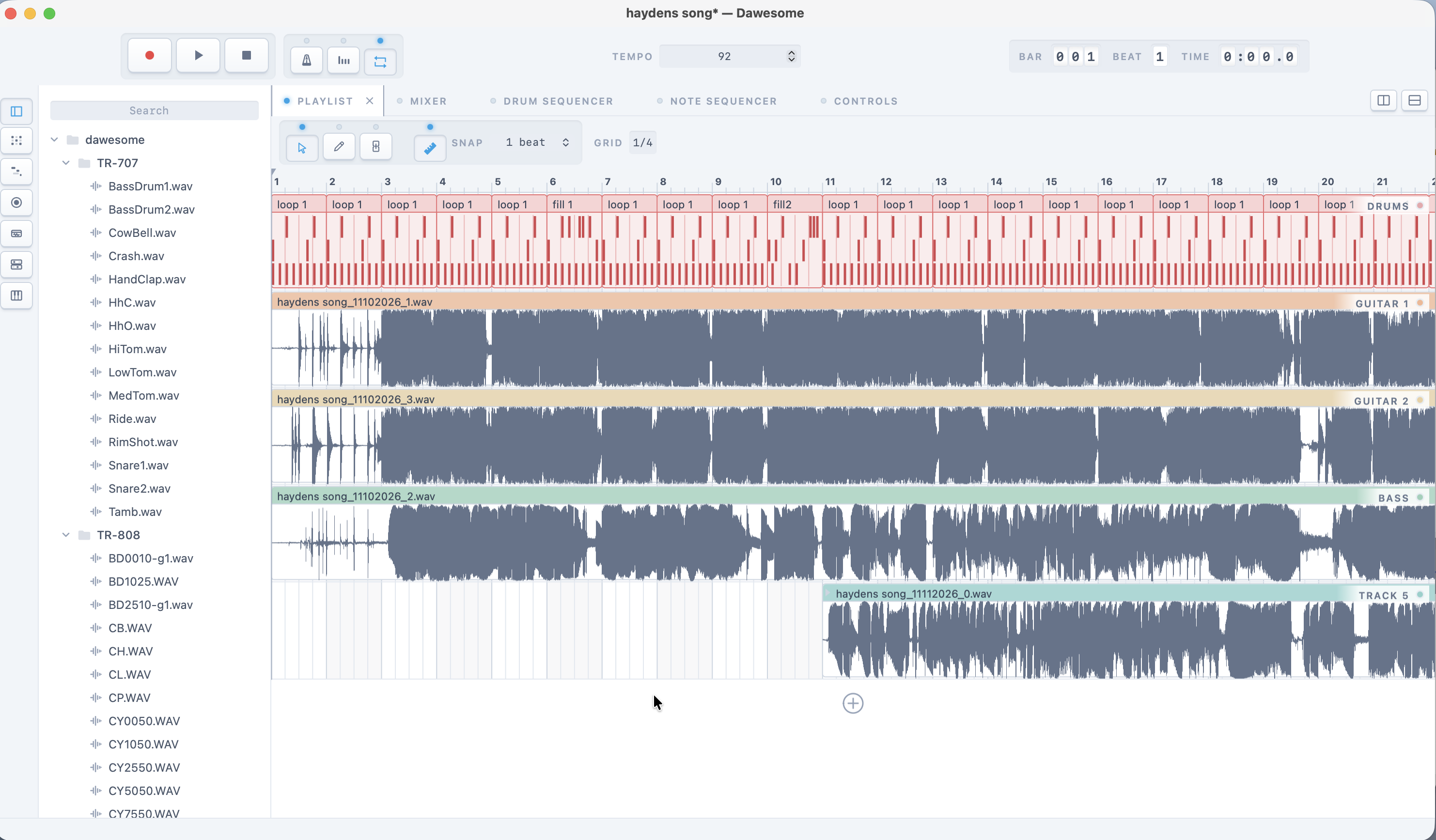
Early screenshot of Dawesome running on Mac
About
Project design
On compilation, Tauri generates bindings for
Rust functions to be called by the frontend, or
the Typescript code that ultimate gets rendered by Wry.
Rust commands are called from the frontend by Tauri's invoke method.
See the docs
on this for more information.
Redux
Redux slices are a neat and concise way of issuing commands to the Rust/Tauri backend, or the meat 'n bones of the Dawesome. The backend includes every moving part Daweome has under the hood. Redux and Redux slices are the metaphorical bolts used to unite Dawesome's internal components with the much prettier exterior.
Below is a brief example of how Redux slices work for toggling Dawesome's playlist: Note that 'playlist' here, is synonymous with 'arrangement view' in Ableton-speak.
// src/state/slices/playlistSlice.ts

import { createSlice, Dispatch } from '@reduxjs/toolkit'
import { invoke } from '@tauri-apps/api'
import { RootState } from 'state/store'

export interface PlaylistState {
  playing: boolean
}

const initialState = {
  playing: false,
} as PlaylistState

export const playlistSlice = createSlice({
  name: 'playlistSlice',
  initialState,
  reducers: {
    setPlaying: (state, action) => {
      state.playing = action.payload
    },
  },
})

// start play/pause methods
export const { setPlaying } = playlistSlice.actions

// a React component calls this Thunk to toggle the playlist
export const togglePlay = () => async (dispatch: Dispatch) => {
  await invoke<void>('toggle_playlist', {})
  const playing = await invoke<boolean>('get_playlist_playing', {})
  dispatch(setPlaying(playing))
}

export const selectPlaylistPlaying = (state: RootState) =>
  state.playlist.playing

// ...

// export root reducer for this slice
export default playlistSlice.reducer
A component calling this Thunk (which invokes the Rust function, then sets the state (the root state is defined by the InnerState struct)) might look like this:
// src/components/topbar/PlayPauseButton.tsx

import React from 'react'
import {
  togglePlay,
  selectPlaylistPlaying,
} from '../../state/slices/playlistSlice'
import Button from '../common/Button'
import { useAppSelector, useAppDispatch } from '../../hooks/redux'
import PlayIcon from '../icons/PlayIcon'
import PauseIcon from '../icons/PauseIcon'

const PlayPauseButton = () => {
  // uses the redux selector and thunk dispatcher
  // hooks to set and get state
  const playing = useAppSelector(selectPlaylistPlaying)
  const dispatch = useAppDispatch()

  return (
    <Button
      onClick={() => dispatch(togglePlay()) }
      className="bg-gray-400 hover:bg-gray-500 py-1 px-3 rounded inline-flex items-center"
      aria-label="Play/Pause Button"
    >
      {playing ? <PauseIcon fill="white" /> : <PlayIcon fill="white" />}
    </Button>
  )
}

export default PlayPauseButton
Sound streams and DSP
Dawesome uses Rodio for sound file decoding, as well as handling audio playback and managing available drivers on Mac and Windows devices. On Linux, Rust bindings for PulseAudio are used. As such, functions and modules that use PulseAudio to handle audio steams are prefixed with:
// conditionally compile for linux
#[cfg(target_os = "linux")]
fn foo() {
  // ...
}
and those that use Rodio for handling audio streams are prefixed with:
// conditionally compile for not-linux
#[cfg(not(target_os = "linux"))]
fn foo() {
  // ...
}
Development environment
The development environment uses Tauri for the backend, and Vite and pnpm for the frontend.
The frontend needs Node 22 (see .nvmrc) and pnpm 8 (pinned by packageManager
in package.json; corepack enable picks it up).
To learn React, see the React documentation.
Available Scripts
In the project directory, you can run the following scripts:
pnpm dev
This command runs both the backend and frontend.
Tauri will open a new window with the app in development mode.
The page will reload if you make edits. You will also see any lint errors in the console.
See the section about development for more information.
To run the frontend separately from the backend, use pnpm ui:start.
pnpm build
Builds the app for production to the build folder.
This builds the Tauri app bundle and correctly bundles React in production mode, optimizing the build for the best performance.
The build is minified and the filenames include the hashes.
Your app is ready to be deployed!
See the section about building for more information.
pnpm build:assets:link
Create a symbolic link for the assets directory in the project build directory. This is a temporary solution for getting compiled binaries working properly.
pnpm ui:test
Runs the frontend tests once.
See the Vitest docs for more information.
pnpm lint
Lints the frontend with ESLint (eslint.config.mjs).
pnpm version:bump --to {x.y.z}
Bump the version to what's passed as the parameter.
Once a new version hits main, a new release will kick off.
Resources
Research, articles, tutorials, and misc. implementation details
- Steinberg implementation spec
- The nature of sound: lecture/text on audio programming
- ALSA/PulseAudio driver research with
cpal(warning: links to google docs) - ALSA/PulseAudio: playing a wav file example
Read more about...
See notes/ for more.
Gallery
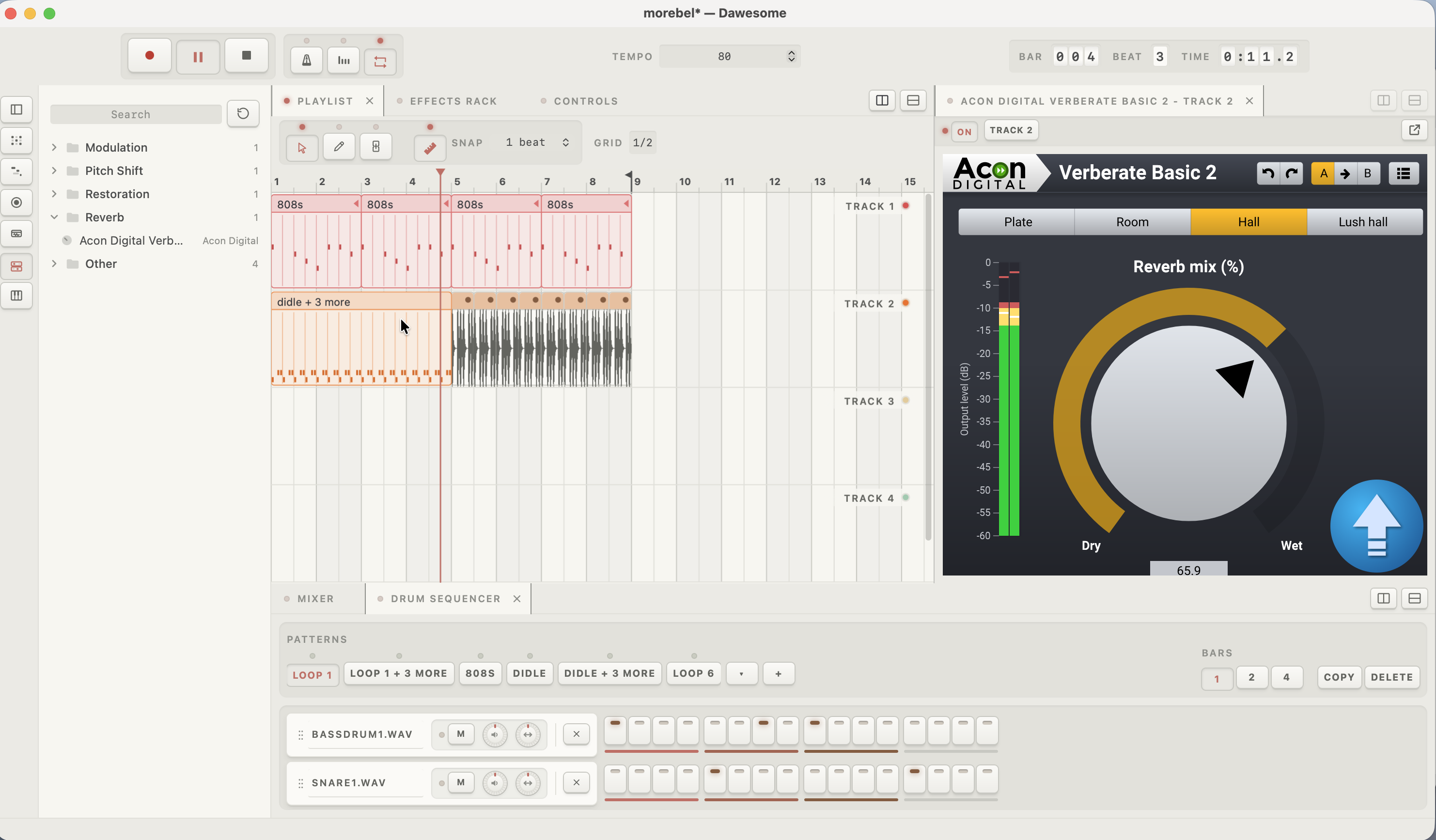
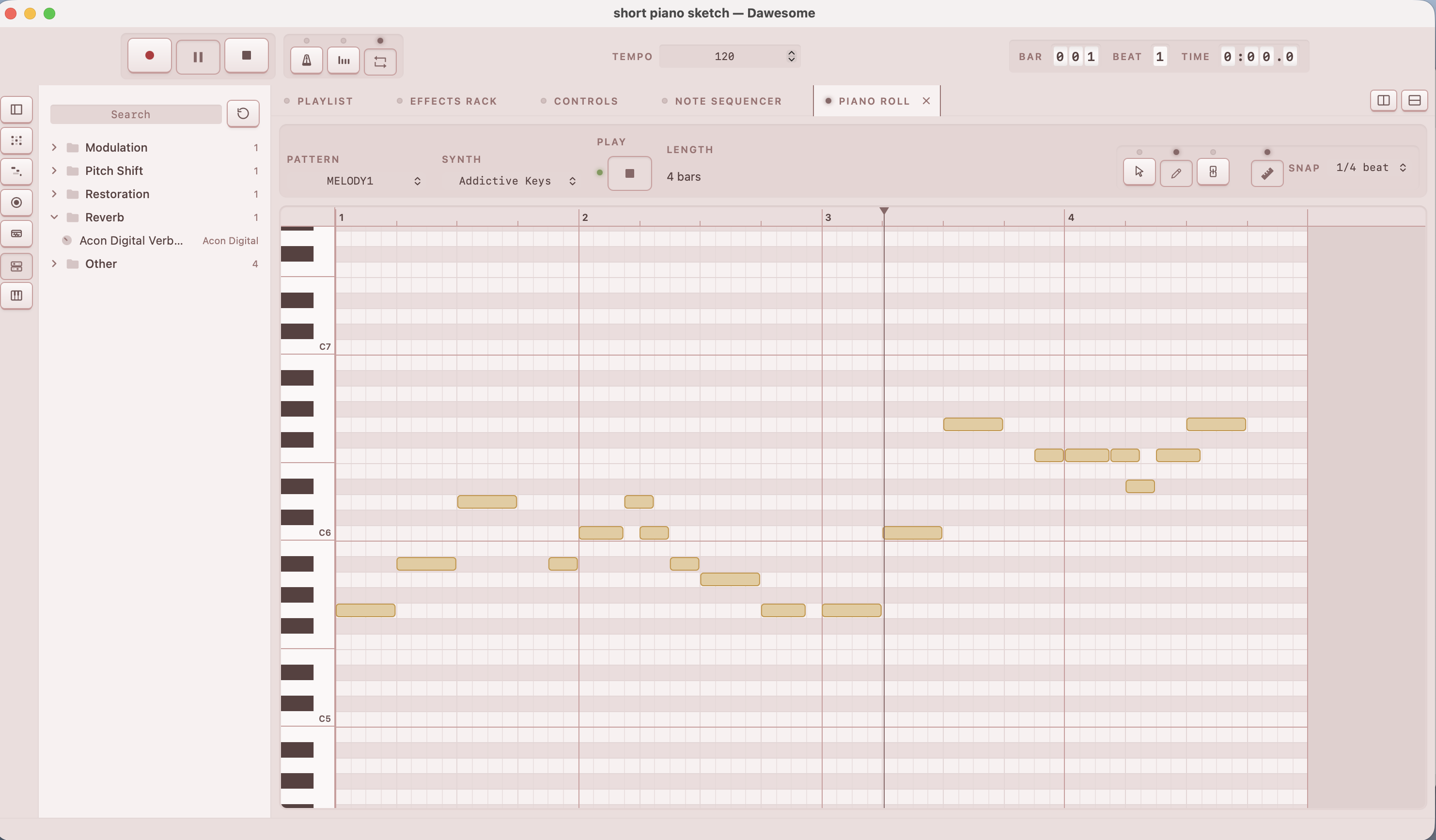
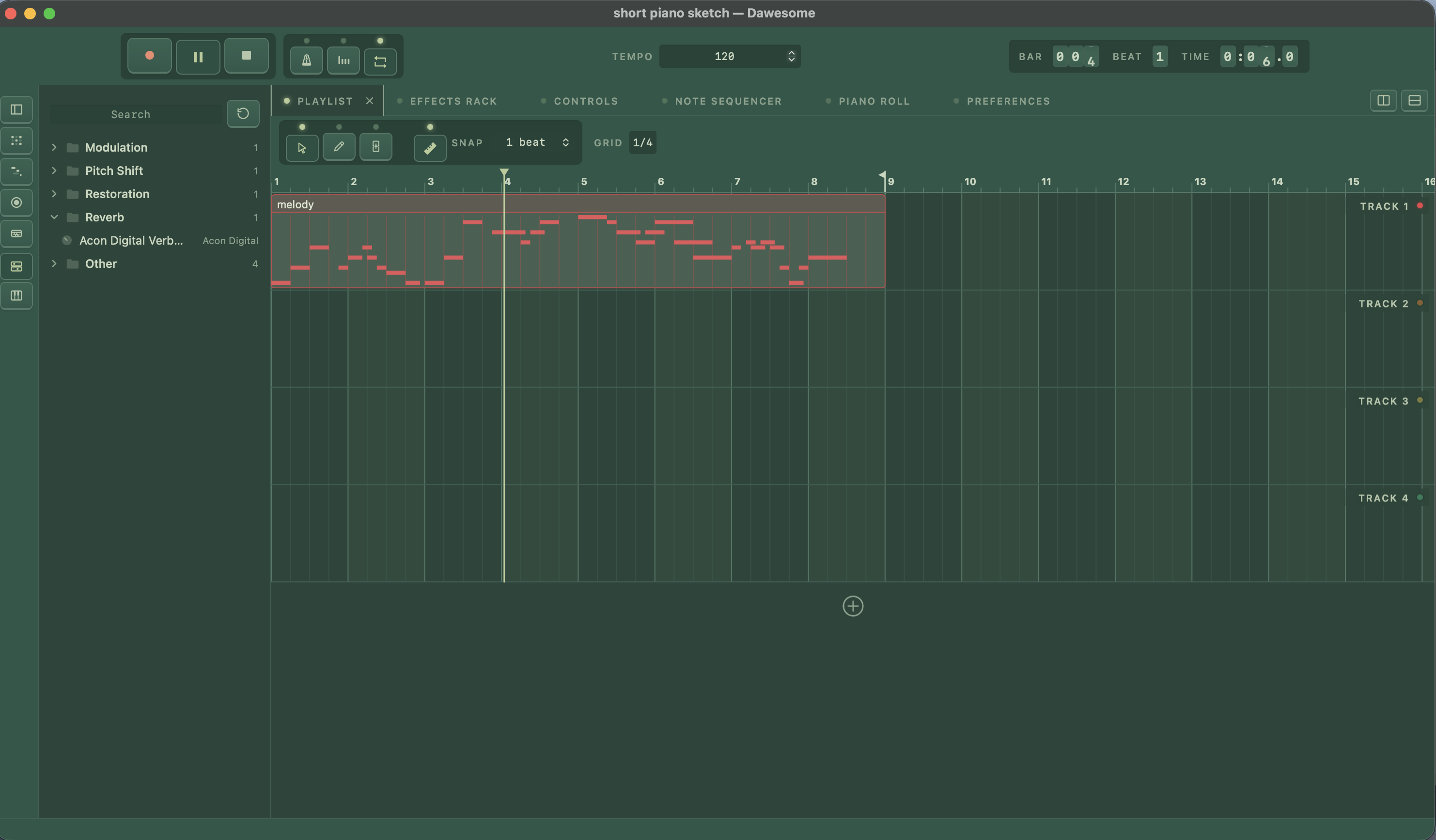
License
Dawesome is free software: you can redistribute it and/or modify it under the terms of the GNU General Public License as published by the Free Software Foundation, either version 3 of the License, or (at your option) any later version. See LICENSE.
MP3 export uses LAME, which is licensed under the GNU LGPL.
Samples packaged with the release binaries are provided from Open Drums by Fluid Music, which were sourced from machines.hyperreal.org.