
myunwang/LLMPET
myunwang/LLMPET has 130 GitHub stars and 21 forks. GitHot measured 0 stars in 24 hours, 0 in 7 days, and 0 in 15 days. Last checked 2026-11-18 03:44 UTC. Last push 2026-11-09.
Measured star growth
- in 24h
- 0
- in 7 days
- 0
- in 15 days
- 0
- in 1 month
- Collecting history
Net star changes over overlapping periods, not daily totals. Missing measurements are left blank. Stars measure attention, not software quality.
About
🐙 盯着 Claude Code 的桌面宠物:随 agent 状态变表情、弹消息气泡、一键授权,并统计 token 用量与花费。本地优先、MIT。
AIREADME_EN.md
Original🐙 LLMPET — A Claude Code, Codex & DeepSeek Harness Desktop Pet Workspace
LLMPET is a local-first multi-agent workspace with a desktop pet as its front door. It brings Claude Code, OpenAI Codex, and DeepSeek Harness into one desktop layer where you can watch live state, find and reopen sessions, manage local history, and hand work from one agent to another.
The pet remains the most immediate interface: it reacts while an agent is thinking, using tools, waiting for you, finishing, failing, or resting, and it surfaces the latest reply in a speech bubble. LLMPET now goes beyond observation with unified session management, cross-agent takeover, a local archive and optional backup, usage diagnostics, and explicit user-triggered agent actions.
Exact cross-agent boundary: Claude and Codex do not share a native transcript. LLMPET locally extracts a bounded recent conversation and Git worktree summary, redacts common secrets, writes a temporary handoff packet, and launches the receiving agent with instructions to verify the files, runtime state, and failure paths. Same-provider actions use the official resume or fork flow. DeepSeek Harness is currently a handoff source, not a takeover target.
DeepSeek Harness (dsh) support is live — give it a Whale Maid pet
LLMPET now supports DeepSeek Harness (CLI: dsh). It read-only tails dsh's own local session logs and maps thinking, tool calls, user waits, completion, errors, and compaction to pet states. No dsh plugin is installed and no Harness profile is modified.
- Zero-config dsh monitoring — supports framed zstd
session.jsonl.zstdand plainsession.jsonl; unknown log versions fail closed instead of being guessed. - A separate dsh pet — enable 🌊 dsh pet in the tray for its own pet, skin, position, and name tag. The main pet can monitor dsh when the split pet is off.
- Whale Maid (
whale) skin — selectable for the main, Codex, or dsh pet, with 23 animations covering the full workflow rather than one static mascot. - DeepSeek Maid (Transparent Remix,
deepseek-maid) — 23 transparent GIFs alongside the original Whale Maid. Preserves all 731 frame delays, the V6 spray loop, V4 tail/eyes, V10 keyboard/mouse motion, and white foreground props. New installations use this as the main pet's default, including the V8 r3 sleeping and V9 r1 bubble repairs. Existing valid choices are preserved; switch skins from the tray or pet menu. Preview and provenance - Searchable and handoff-ready sessions — dsh sessions appear in the unified workspace and local archive, and can be handed to Claude Code or Codex as a source. dsh is not currently advertised as a takeover target; see the exact boundary below.
Arrived here while searching for DeepSeek Harness or dsh? Start one dsh session after installing LLMPET and the pet will pick it up. If a whale that reports your agent's progress sounds useful, please leave a Star ⭐
Whale Maid (whale) — every animated state
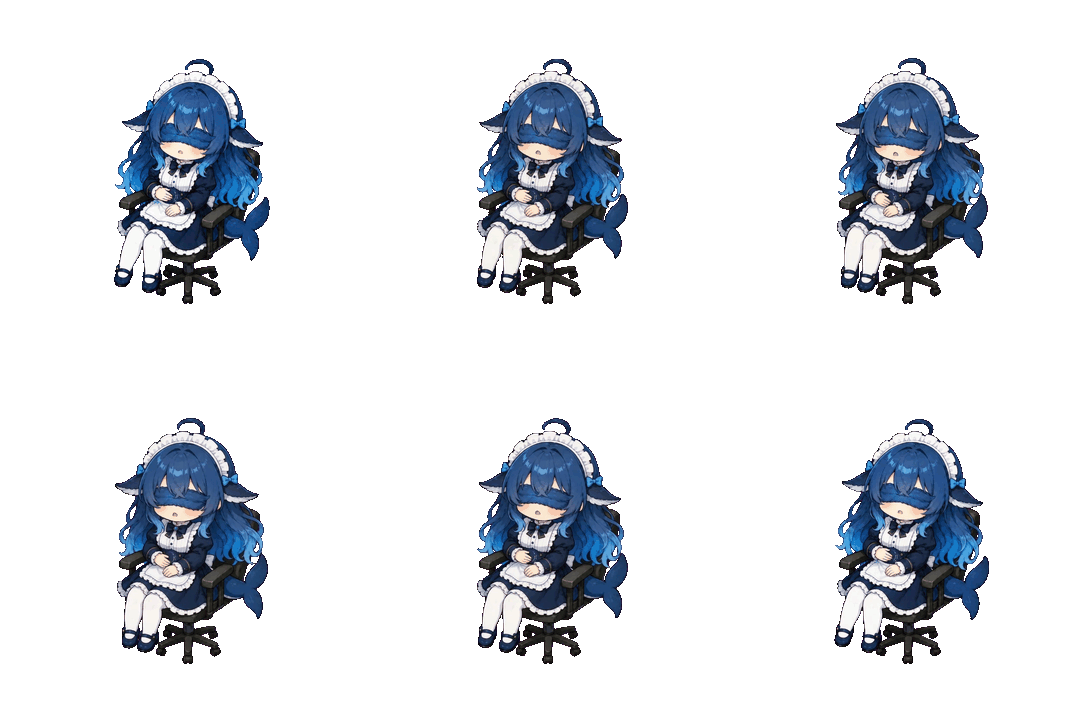
The 23 GIFs cover 21 state keys. working, loafing, and sleeping rotate through multiple poses. These are the actual assets used by the desktop pet:
| Animation | State | When it appears |
|---|---|---|
    |
🛠️ Working | dsh, Claude, or Codex is using tools, running commands, or editing files |
 |
🤔 Thinking | A turn has started and is reasoning before its first tool call |
 |
💬 Replying | The agent is producing its response |
 |
🤹 Parallel tasks | Multiple subagents are working at once |
 |
🧹 Compacting | Context is being compressed or cleaned up |
 |
✋ Waiting | User approval is needed; also used for the sorry state |
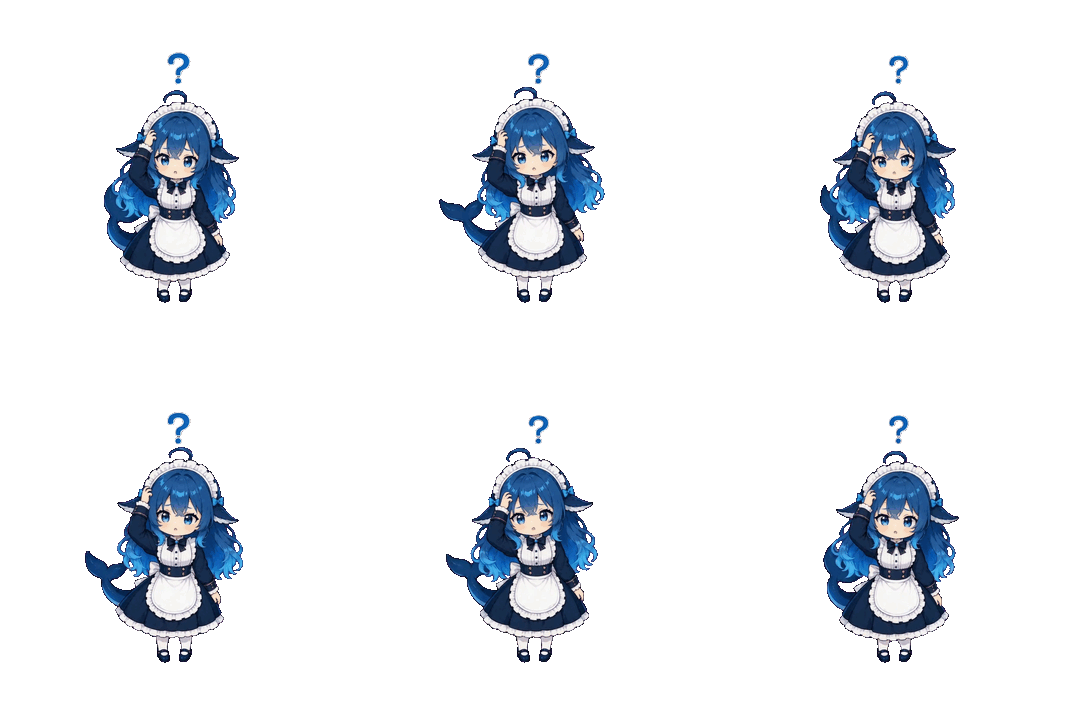 |
❓ Needs input | The agent needs an answer or selection; also used for puzzled |
 |
🔔 Attention | A finished task needs a look |
 |
🎉 Completed | A turn finished successfully; also used for loved and excited |
 |
👋 Greeting | A new session starts |
 |
💥 Error | A tool, command, or API request failed |
 |
😭 Sad | Negative feedback or failure emotion |
   |
🍟 Loafing | The previous step ended and the next one has not started |
 |
🪑 Idle | There is no active task |
 |
🧳 Traveling | A read-only project expedition is running |
 |
👀 Lookout | Reviewing the result of an expedition |
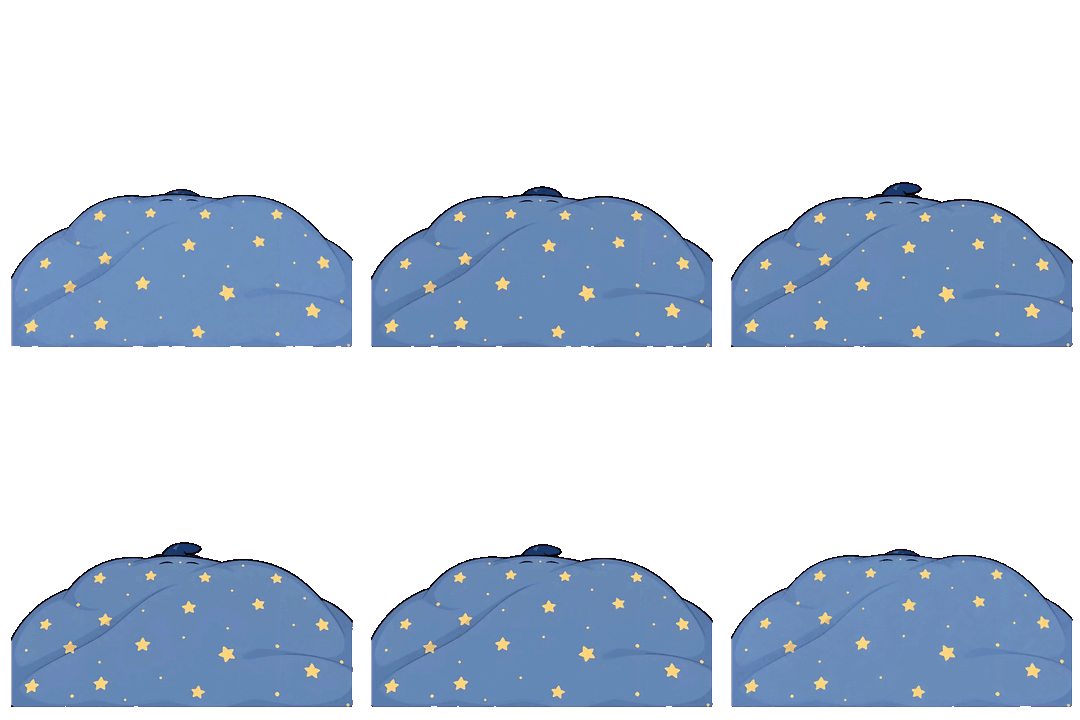  |
😴 Sleeping | The session ended or has been inactive for a while |
Whale Maid is an original character from this project and is not affiliated with or endorsed by DeepSeek. See assets/whale/CREDITS.md for provenance, production notes, and asset specifications.
The interface is available in Simplified Chinese, English, and Japanese. Switch languages instantly from the tray menu under Settings → Language; no restart is required.
What it does
- Live agent state — see thinking, working, parallel subagents, context cleanup, waiting, errors, completion, and idle time as pet animations.
- Claude Code approvals — allow or deny a Claude Code permission request directly from the pet.
- Claude Code + Codex + DeepSeek Harness sessions — the main pet can watch all three backends, while Codex and dsh can each use a separate pet with its own skin and position.
- Unified session workspace — search and filter live or historical sessions, pin important work, archive noise, inspect context usage, and bring the selected terminal or desktop session forward.
- Cross-agent takeover — hand work between Claude and Codex in either direction, or hand a dsh session to Claude or Codex; same-provider sessions use native resume or fork.
- Local session archive — index user-owned sessions across all three providers, filter internal subagents, and optionally back up transcripts without overwriting an existing source during restore.
- Meme actions — send a GIF + voice line to the pet and continue the selected session with the corresponding structured prompt.
- Travel Frog — send the selected Claude or Codex pet on an isolated, read-only project expedition and receive a local postcard when it returns.
- Usage dashboard — inspect real token trends, model breakdowns, Claude API-price-equivalent estimates, a local Codex token ledger, rate-limit windows, diagnostics, and live operations.
- Five skins — the latest transparent DeepSeek Maid by default, plus Octopus 🐙, Pixel Monster 👾, Salary Cat 🐱, and Whale Maid 🌊.
- Patrol mode on macOS and Windows — LLMPET can detect supported rival desktop pets, stay above them, and push their windows toward a screen edge.
LLMPET's state machine, metering, permission flow, process reconciliation, and desktop UI are implemented in this repository. Claude Code connects through its public hook system. Codex and DeepSeek Harness integrations are read-only: LLMPET tails their local session files and does not modify Agent configuration.
How cross-agent takeover works
Source session
├─ same agent ─────► official resume, or official fork while the source is active
└─ another agent ─► recent dialogue + Git status/diff summary + provenance
                     └─ local redacted handoff packet ─► visible target-agent session
The packet is deliberately bounded, stored in a 0700 temporary directory as a 0600 file, and removed about two minutes after a successful launch or immediately after a failed launch. It is labeled as handoff context—not a native transcript—and tells the receiving agent to preserve unrelated changes and separate verified facts from unverified claims and remaining risks. Takeover targets are currently Claude Code and Codex; dsh is source-only.
Salary Cat states
| Animation | State | When it appears |
|---|---|---|
  |
🛠️ Working | Running tools, editing files, or executing commands |
  |
🤔 Thinking | Reasoning before the first tool call |
 |
💬 Replying | Producing the assistant response |
 |
🤹 Parallel tasks | Subagents are working in parallel |
 |
✋ Waiting | Claude Code needs approval |
 |
❓ Needs input | The agent needs an answer or selection |
 |
🎉 Completed | A turn has finished |
 |
💥 Error | A command or API request failed |
 |
🍦 Loafing | The previous step ended and nothing new is happening |
 |
🧳 Traveling | A Travel Frog read-only expedition is in progress |
 |
😴 Sleeping | The session ended or has been inactive for a while |
Salary Cat assets are credited to Douyin creator @月薪喵. See assets/cat/CREDITS.md.
Run from source
For source deployment, local packaging, permissions, and troubleshooting, see Deploy LLMPET locally.
Requirements:
- macOS or Windows
- Recommended: Node.js 22 (22.12.0 or a newer 22.x, including npm;
.nvmrcselects 22) - At least one supported agent installed and used once: Claude Code, OpenAI Codex, or DeepSeek Harness
git clone https://github.com/myunwang/LLMPET.git
cd LLMPET
npm ci
npm run install:electron
npm start
Electron startup error: Windows + Node.js 26 has a report of
Electron failed to install correctly(#28); the reporter recovered with Node.js 20. The locked packaging dependencies require Node.js ≥22.12.0, so use 22.x for source installation and packaging. This error means the Electron binary installation is incomplete; it does not establish Node.js as the cause.npm startnow checks the installation first. Runnpm run check:electronfor diagnostics and see the recovery steps.
Useful commands:
npm test                 # full headless regression suite
npm run package:mac:dev  # isolated LLMPET Dev.app (ad-hoc signed)
npm run package:win      # Windows installer + portable ZIP
npm run uninstall:hooks  # remove LLMPET's Claude hooks safely
How the integrations work
Claude Code
LLMPET registers merge-safe lifecycle and permission hooks in ~/.claude/settings.json.
- Lifecycle events such as
UserPromptSubmit,PreToolUse,PostToolUse,Stop, andSubagentStartare sent to a local server bound to127.0.0.1. - Permission requests stay open until the user chooses allow or deny.
- Local transcripts are scanned incrementally for token counts, model IDs, and timestamps. Streamed usage snapshots are merged by positive delta, and 5-minute / 1-hour cache writes are priced separately. Assistant text is only read when needed for the short reply bubble.
OpenAI Codex
LLMPET does not install Codex hooks. It incrementally and read-only tails:
~/.codex/sessions/YYYY/MM/DD/*.jsonl
It maps rollout events into the same state machine, filters internal subagent threads, restores long-running sessions without replaying old events, and builds a persistent local token ledger from each event's last_token_usage. Codex rate-limit windows remain separate; local history is not presented as an OpenAI bill.
DeepSeek Harness (dsh)
DeepSeek Harness is still a developer preview and may make breaking changes. LLMPET fails closed on an unknown session-log version instead of guessing its shape. It installs no dsh plugins; it read-only tails the harness's own session logs:
$DSH_HOME|~/.dsh/sessions/--<project>--/<session>/session.jsonl.zstd
Those logs are concatenated zstd frames by default. For consistent behavior across runtimes, LLMPET scans frame boundaries itself and decodes complete frames one by one (bundled pure-JS decoder fzstd, MIT, see backend/vendor/), leaving a torn trailing frame for the next poll. A compressed frame has a 32 MiB decode safety limit; a larger frame is logged and skipped while later frames continue, so the watcher cannot remain stuck forever. Uncompressed session.jsonl logs (compression: 'none') work too.
turn/start means thinking; once the turn's first tool/call lands it stays "working"; turn/end maps to celebration, interruption, or error by its reason; approval/asked shows "waiting for you" (answer it in dsh's own UI); session/title supplies the session name, and assistant/message.usage plus request/context.contextWindow give the context percentage. Subagent logs (origin: 'subagent', delegationDepth > 0) are skipped entirely.
Tick 🌊 dsh pet in the tray to give dsh its own pet with a separate skin, position, and name tag — independent of the Codex pet toggle. Without it the main pet watches dsh too. "Go reply" opens the generic dsh web UI (http://127.0.0.1:3080 by default, override with LLMPET_DSH_WEB); it cannot promise to focus one exact historical session. Harness can resume through dsh --profile tui --resume <id> only when that optional profile is installed, and the tested rc.6 machine had web/headless only, so LLMPET does not advertise dsh as a takeover target. A dsh session can still be handed off as a source to Claude or Codex. No cost ledger is built for dsh — it can front any provider, so LLMPET reports context only and never displays a made-up $0 bill.
Travel Frog
Click 🧳 beside a session to send that session's Claude Code or Codex agent on a separate expedition in the same project directory. Choose Project scout, Bug hunt, Idea trail, or write a custom mission.
- 🐱 Wander at the bottom of the session panel is deliberately unrelated to every session and project. Without asking the user for a destination, it randomly chooses a real-world route such as A faraway window, A living craft, or A strange corner of Earth, then opens a visible Claude or Codex CLI and completes at least three legs before returning.
- Wander exposes only public web search and page reading. It has no file, shell, login, form, or upload capability. If the selected CLI presents its native web-access approval, the user can allow or deny it in the visible terminal; a denial is not bypassed and does not lead to a request for broader access. Each trip leaves from its own retained footprint under
~/.octopus/wander-home/trips/; recent routes and memories help prevent repetitive outings. - One trip can run at a time. It is cancellable and limited to 30 minutes.
- The returned postcard, status, and exact invocation usage stay in
~/.octopus/travel.jsonwith0600permissions. - Every 10,000 travel tokens earns one leaf; 4 leaves become a star, 4 stars a moon, and 4 moons a sun.
- LLMPET never starts a trip automatically. Only pressing Depart sends the mission and relevant project context through the selected agent's CLI to Anthropic or OpenAI.
Meme actions
Each meme is stored as structured data under:
assets/memes/<meme-id>/
  visual.gif
  voice.mp3
The catalog keeps the label, description, playback behavior, pet reaction, prompt version, localized prompt, and source/licensing status together. GIF/MP3 formats and size limits are validated, while content hashes make resource replacements visible without restarting. See assets/memes/README.md.
The localized prompts are adapted to the culture of each language rather than translated word for word. For example, the Chinese “你这瓜保熟吗?” challenge becomes “Source: trust me bro?” in English because both jokes serve the same purpose: demanding proof instead of an unverified claim.
Patrol mode on macOS and Windows
From the pet's context menu, choose Patrol now, or enable automatic patrol from the tray.
- Paw stays on top: when a supported rival pet is detected, LLMPET reasserts its topmost window level.
- Push to the edge: LLMPET approaches the rival and moves it toward a horizontal edge. macOS requires Accessibility permission; Windows uses native window handles without moving the mouse or taking focus.
The drag helper avoids acting while the user is actively using the mouse. Global input fallback is guarded by idle checks and restores mouse state on completion or failure.
Windows also supports Loot Codex pet: import real session references into LLMPET, kick the pet to an edge, and close only the verified pet window. Modern large transparent overlays are identified by their accessible Codex pet image. Source session files and the host app remain intact. Automatic patrol waits for two seconds of input inactivity; unrecognized or inaccessible windows are skipped. See Windows interaction details.
On Windows, meme commands resume the selected session through Claude/Codex CLI. Native executables and .cmd launchers are supported; prompts travel over stdin, and delivery is confirmed in the selected transcript. GIF/audio playback is tested in real Electron windows.
Privacy and security
The 📚 Archive button in the live session panel opens a separate desktop-style session archive. It indexes user-owned Claude Code, Codex, and supported DeepSeek Harness sessions from desktop, CLI, and Harness storage while filtering internal subagent threads. Claude/Codex same-provider sessions use the official resume flow; cross-provider takeover uses a local handoff packet, and dsh is currently source-only. On macOS, LLMPET keeps one Dock entry; clicking it reopens or focuses the archive without creating another instance.
Scheduled local backup is off by default. When the user explicitly enables it, Claude, Codex, and DeepSeek Harness transcripts are copied incrementally to ~/.octopus/session-vault without changing their compression format. Restore only recreates a missing transcript and never overwrites one that still exists. This protects against provider reinstall or deleted local history; it is not cloud sync and does not protect against losing the whole disk.
- The HTTP server binds only to
127.0.0.1; write endpoints require a random per-run token in addition to loopback, Host, and browser-origin checks. - Session data, configuration, and usage history stay on the local machine.
- Codex rollout and DeepSeek Harness session-log access are read-only.
- Background network access is limited to the optional daily LiteLLM pricing download. A Travel Frog run contacts Anthropic or OpenAI only after you explicitly press Depart;
OCTOPUS_NO_NET=1disables LLMPET's pricing fetch, but does not override a CLI trip you explicitly start. - Electron runs with
contextIsolationenabled andnodeIntegrationdisabled. - Claude hook installation is merge-safe, atomic, reversible, and backed up before uninstall.
Configuration and development flags
OCTOPUS_NO_HOOKS=1 npm start— launch without changing Claude settings.OCTOPUS_ALLOW_MULTI=1 npm start— bypass single-instance protection for development.OCTOPUS_NO_NET=1 npm start— disable all external network requests.OCTOPUS_DEBUG=1 npm start— expose the local/debugendpoint.LLMPET_NO_CODEX=1 npm start— disable Codex rollout watching.LLMPET_CODEX_DIR=<dir> npm start— use a custom rollout directory for testing.LLMPET_NO_DSH=1 npm start— disable DeepSeek Harness session watching.LLMPET_DSH_DIR=<dir> npm start— use a custom dsh session directory for testing.
Contributors
- @james6666-max contributed Windows session focusing, terminal PID-chain resolution and caching, electron-builder packaging, and the Windows CI test matrix in PR #6.
- @ziyuezhou1 implemented precise Windows Terminal tab focusing on a separate experimental branch, including tab-identity capture, route-cache recovery, elevated-terminal support, and a validation script, in PR #16.
- @purrfecto114-lgtm submitted an extensive audit and improvement proposal covering CodeWhale integration, runtime security, persistence hardening, and testing in PR #10. The PR was not merged, but the audit and design effort are still appreciated.
- @andglf diagnosed and fixed permission requests being incorrectly denied when parallel subagents shared a session, backed by runtime evidence and a regression test, in PR #13.
Contributions and issue reports are welcome.