
msojocs/bilibili-linux
msojocs/bilibili-linux has 1,367 GitHub stars and 81 forks. GitHot measured +1 stars in 24 hours and +10 in 7 days. Last checked 2026-11-09 05:38 UTC. Last push 2026-11-01.
基于哔哩哔哩官方客户端移植的Linux版本 支持漫游
Measured star growth
- in 24h
- +1
- in 7 days
- +10
- in 15 days
- Collecting history
- in 1 month
- Collecting history
Net star changes over overlapping periods, not daily totals. Missing measurements are left blank. Stars measure attention, not software quality.
README_en.MD
Original[!NOTE] This file is generated by AI.
Simplified Chinese | Traditional Chinese | English

Introduction
This project involves:
- Deobfuscation
- Debugging
- Brains
This project is completely open source, with no code encryption. If you have any doubts, please review the code yourself or stop using the related files.
Features
- No annoying title bar
- Full-screen support for low-resolution screens
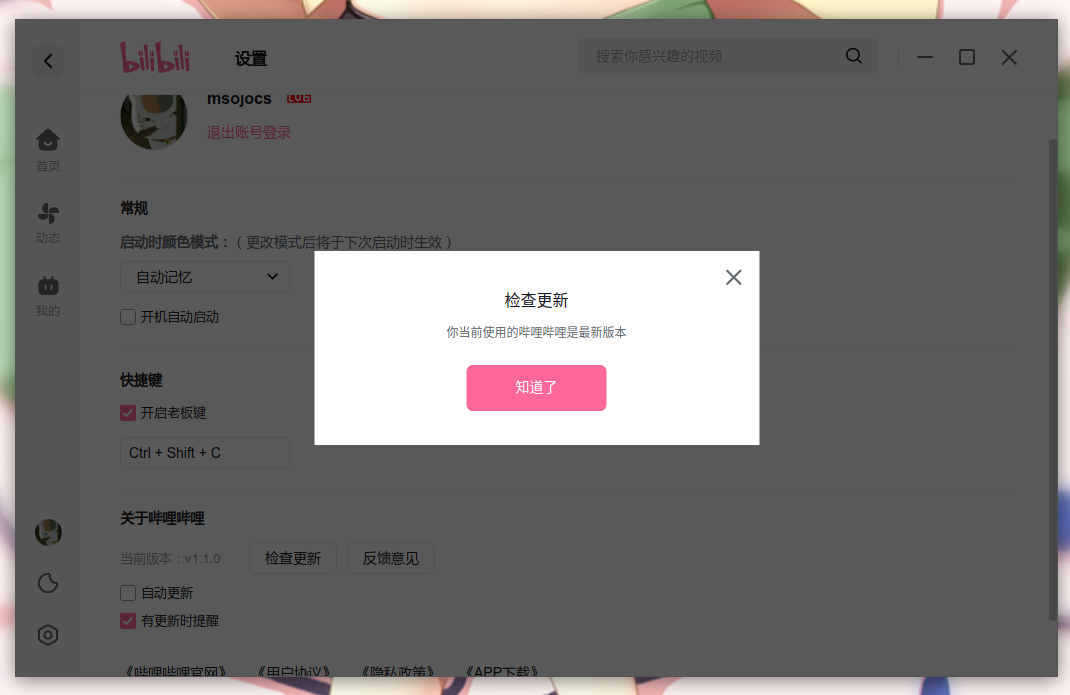
- Update check support
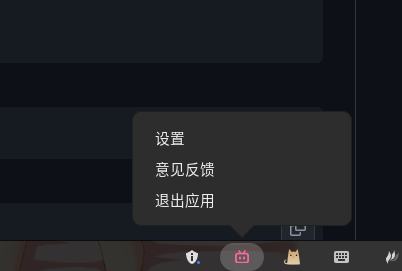
- A menu to close the application
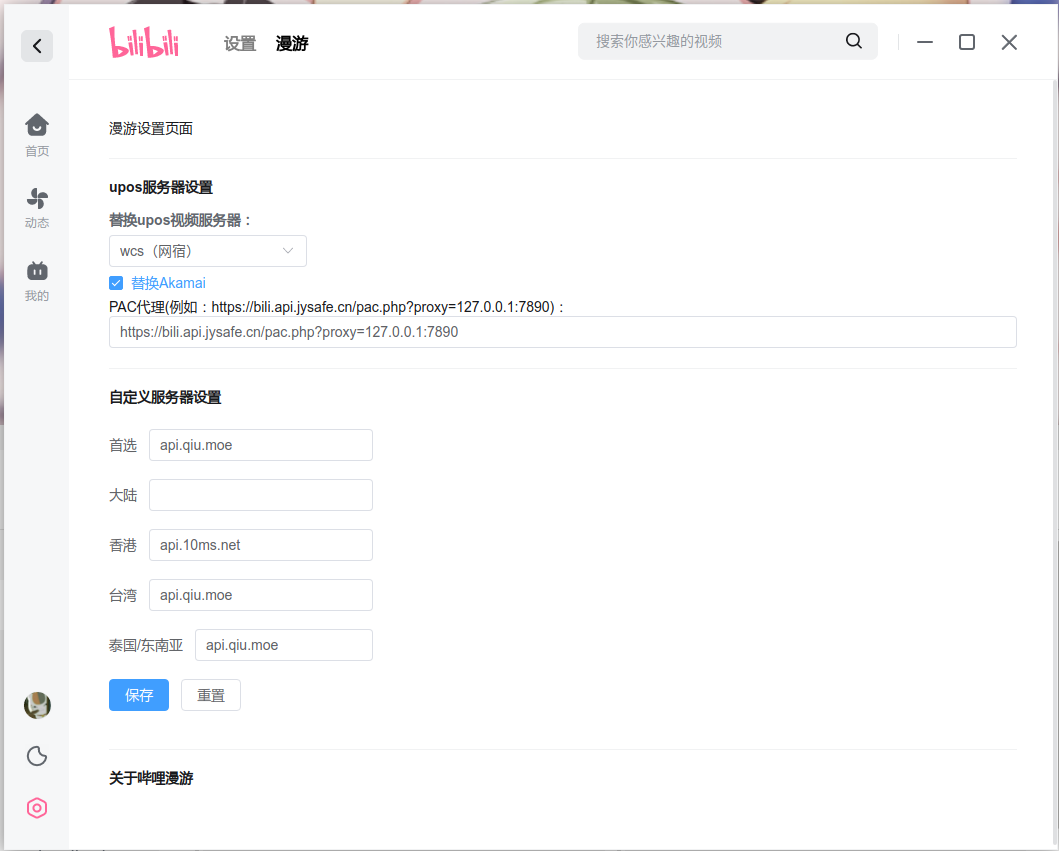
- Roaming support
- Search in other regions
- Danmaku Sharing (Content in Chinese)
How to Use
Automated Builds
Please download from the Release page:
https://github.com/msojocs/bilibili-linux/releases
For continuous builds:
https://github.com/msojocs/bilibili-linux/releases/tag/continuous
Manual Build
- Clone the code
git clone https://github.com/msojocs/bilibili-linux.git cd bilibili-linux - Install
tools/setup-bilibili.sh - Launch
bin/bilibili
AppImage Installation
Please use AppImageLauncher
Gentoo Linux
Emerge from gentoo-zh overlay.
Additional Notes
If you don't want to install another Electron on your computer, you can extract app.asar from the release version and run it with your already installed Electron. The recommended Electron version is: 43.1.1 (VaapiOnNvidiaGPUs requires Electron 43+ / Chromium 130+).
GPU Acceleration Configuration
Electron 43 (Chromium 150) supports VA-API hardware video decoding on Linux. Below are the recommended configurations:
NVIDIA GPU
Install the VA-API → NVDEC backend:
# Arch Linux
sudo pacman -S libva-nvidia-driver
# Debian/Ubuntu
sudo apt install libva-nvidia-driver
Set the environment variable (libva needs this to find the NVIDIA backend):
export LIBVA_DRIVER_NAME=nvidiaConfigure in
~/.config/bilibili/bilibili-flags.conf:--ignore-gpu-blocklist --enable-features=AcceleratedVideoDecodeLinuxGL,AcceleratedVideoDecodeLinuxZeroCopyGL,VaapiOnNvidiaGPUs,VaapiIgnoreDriverChecks,PlatformHEVCDecoderSupport --enable-gpu-rasterization --enable-zero-copy --disable-gpu-sandboxNotes:
VaapiOnNvidiaGPUs(Chromium 130+) bypasses vaapi_wrapper's NVIDIA device skip checkAcceleratedVideoDecodeLinuxGL/AcceleratedVideoDecodeLinuxZeroCopyGLare the recommended GL zero-copy decode paths for Chromium 150- Electron 28 lacks these features — NVIDIA hardware video decode requires Electron 43+
Intel / AMD GPU
--ignore-gpu-blocklist
--enable-features=AcceleratedVideoDecodeLinuxGL,AcceleratedVideoDecodeLinuxZeroCopyGL,VaapiVideoDecoder,VaapiIgnoreDriverChecks,PlatformHEVCDecoderSupport
--enable-gpu-rasterization
--enable-zero-copy
--disable-gpu-sandbox
Intel iGPUs and AMD GPUs use the Mesa VA-API backend — no additional driver or environment variables needed.
Verifying Hardware Decode
After playing a video, check if the GPU decode engine is active:
cat /proc/$(pgrep -f "type=gpu-process.*bilibili")/fdinfo/* | grep drm-engine-video
A non-zero value indicates the GPU decode engine is working. You can also visit chrome://gpu to check the "Video Decode" status.
Note
--use-gl=angle --use-angle=glmay break VA-API decoding on some Linux desktop environments (especially Wayland). The default EGL/GLX backend is recommended.- If using a system proxy (e.g. Clash),
bilipc.bilibili.commay fail to resolve through the proxy, causing a blank white screen. Electron 43+ includes built-in proxy bypass handling.
Developer Tools
F12 Developer Panel
You can now open the developer tools yourself:
Try pressing F12. If there's no response, it's not enabled.
The login interface has two layers: right-click to open the inner layer, and press F12 for the outer layer.
About Loongson
https://areweloongyet.com/docs/loong-or-loongarch
| Distribution | Architecture Identifier |
|---|---|
| AOSC OS | loongarch64 |
| Debian |
|
| Gentoo | loong |
| Loong Arch Linux | loong64 |
| RPM-based | loongarch64 |
| Slackware | loong64 |
SponsorBlock Assistant
Automatically helps you jump to key moments.
| Option | Description |
|---|---|
| Whisper Proxy | A proxy is needed for model downloads, e.g., http://127.0.0.1:1080 |
| LD_LIBRARY_PATH | You might encounter a cudnn library not found issue, refer here |
| AI Recognition TOKEN | Token from https://www.bigmodel.cn/, using the free model glm-4.5-flash |
Switch Language
- Click the settings button in the bottom right corner of the homepage.
- Go to "Other Settings".
- Select your desired language in the "Language Settings" area.
Changelog
Preview


Thanks to the following projects
Disclaimer
The license applies only to this project, not its products.
The copyright of the Bilibili client belongs to Shanghai Kuanyu Digital Technology Co., Ltd.
The maintainer is not responsible for any additional issues arising from the use of this project, such as account bans or theft. Please use with caution.
If there are any improprieties, please contact me at: [email protected]
Explore related projects
codecrafters-io/build-your-own-x
Master programming by recreating your favorite technologies from scratch.
561,239 starspublic-apis/public-apis
A collective list of free APIs
497,490 starsmorluto/rea
Reverse engineer anything with agents, from app behavior down to native binaries.
445,685 starsopenclaw/openclaw
The AI that really does things. Any OS. Any Platform. The lobster way. 🦞
394,228 stars