
mohamedsabith/setupscore
mohamedsabith/setupscore has 9 GitHub stars and 0 forks. GitHot measured 0 stars in 24 hours. Last checked 2026-11-14 09:55 UTC. Last push 2026-11-08.
Measured star growth
- in 24h
- 0
- in 7 days
- Collecting history
- in 15 days
- Collecting history
- in 1 month
- Collecting history
Net star changes over overlapping periods, not daily totals. Missing measurements are left blank. Stars measure attention, not software quality.
About
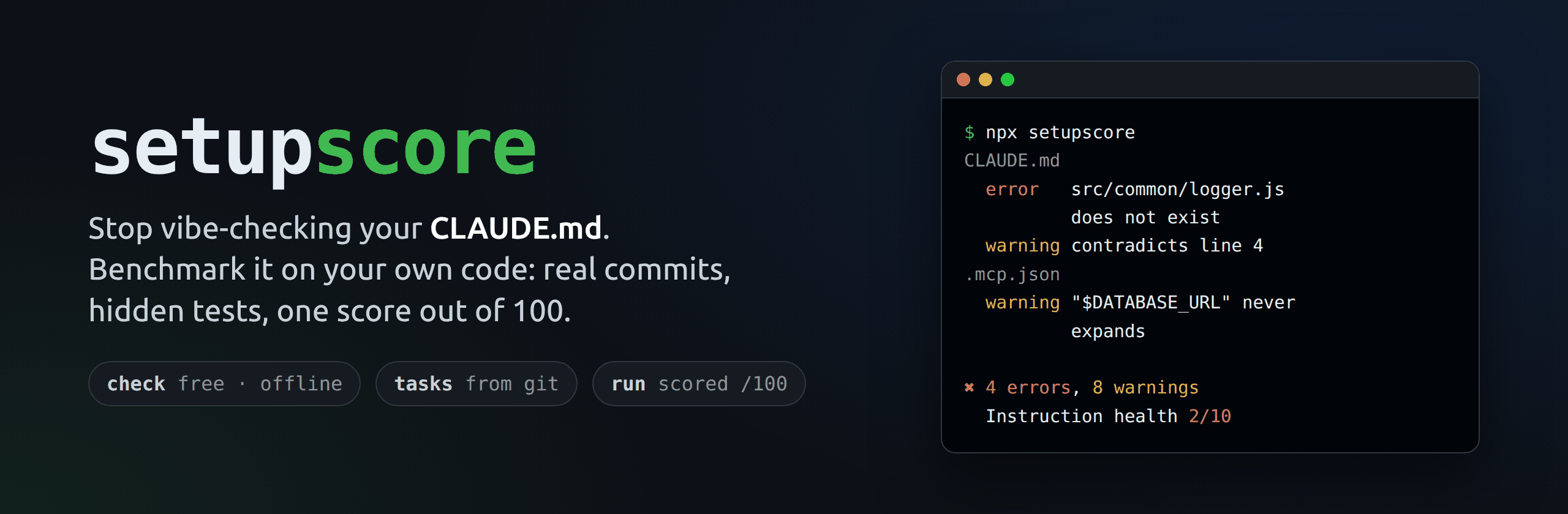
Stop vibe-checking your CLAUDE.md. Benchmark it on your own code. Real commits. Hidden tests. One score out of 100.
Developer ToolsREADME.md
Original




Why · Install · Check · Measure · Help · Reference
setupscore
setupscore checks the instructions you give Claude Code, and tells you in plain English what is broken and how to fix it.
Claude Code reads files in your project to learn how you work: CLAUDE.md, the .claude/ folder (rules, skills, agents, settings) and .mcp.json. We call these files your setup. When they are wrong, Claude doesn't complain. It just does a worse job.
Why you need it
Your code changes every day. Your CLAUDE.md usually doesn't. Sooner or later, one of these happens:
| What goes wrong | What Claude does |
|---|---|
A folder was renamed, but CLAUDE.md still points to the old path |
Looks for a file that isn't there, then guesses |
| A script was removed, but the instructions still say "run it" | Runs a command that fails |
| Two rules say opposite things | Has to pick one, and may pick the wrong one |
| A rule is vague, like "write good code" | Has nothing it can act on |
| Someone pasted a password or API key into a setup file | Sends it to the AI along with your instructions |
| Claude may run any command without asking | Can run something you didn't want |
setupscore finds all of these in about a second, before they cost you time.
Use it when:
- You use Claude Code on a project and want to know your instructions still match the code.
- Your team shares one
.claude/folder and you want to catch mistakes and leaked secrets before they are merged. - You changed
CLAUDE.mdand want to know if Claude really does better with the new version, instead of guessing. - You review pull requests and want a check that fails when someone breaks the setup.
Install in 3 steps
You don't need to install setupscore itself. One command downloads and runs the newest version.
Step 1. Install Node.js (version 22.12 or newer). Download the LTS version from nodejs.org and install it like any other app. To check, open a terminal and type:
node -v
You should see v22.12.0 or a higher number.
Step 2. Open a terminal in your project folder. That is the folder that holds your CLAUDE.md (or your .claude/ folder).
- macOS: open Terminal, type
cd(with a space), drag the project folder into the window, and press Enter. - Windows: open the project folder in File Explorer, click the address bar, type
powershelland press Enter. - VS Code: open the project, then choose Terminal → New Terminal.
Step 3. Run setupscore.
npx setupscore
The first time, npx asks to install the package. Type y and press Enter. That's it.
Check your setup (free)
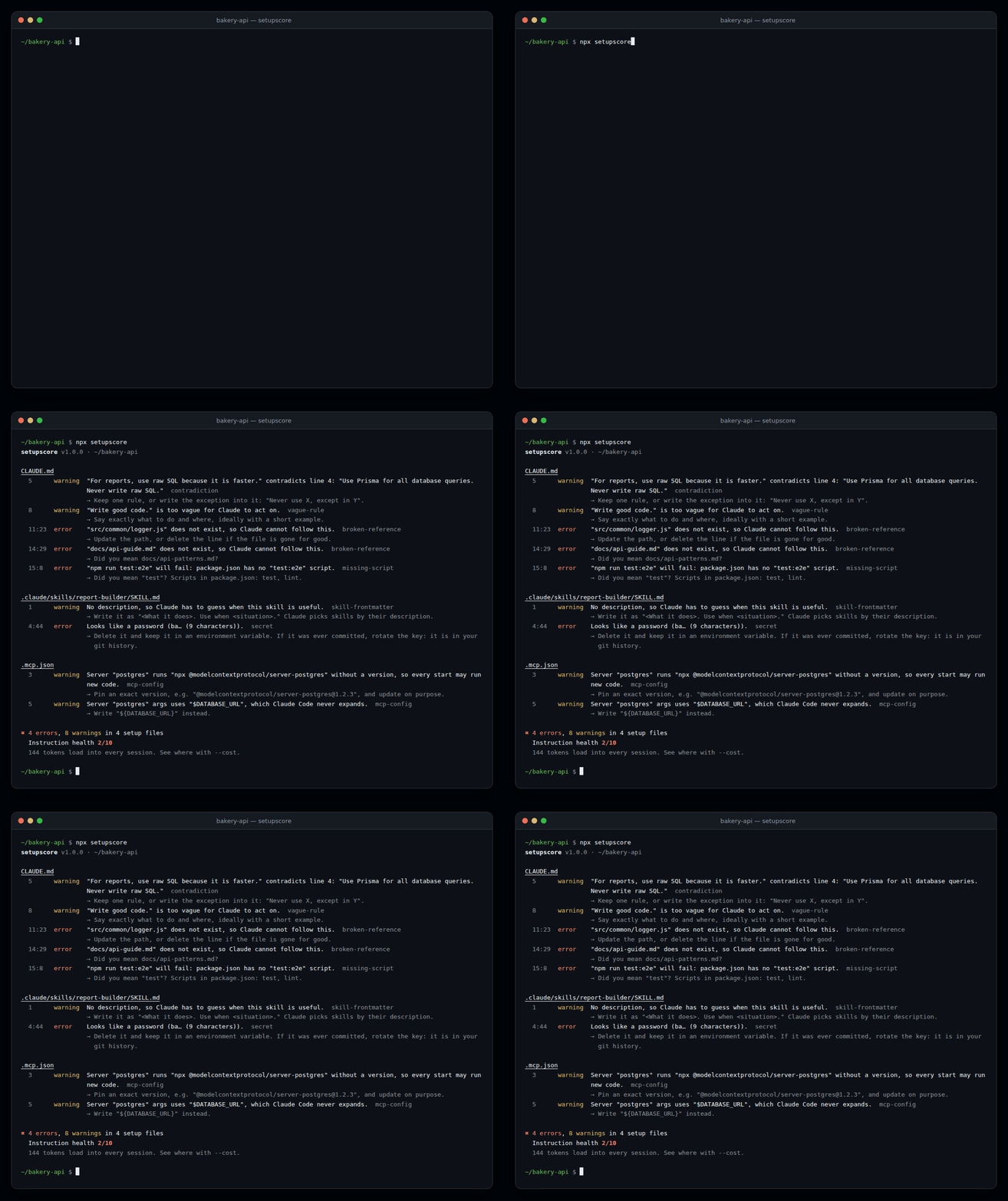
npx setupscore reads your setup files and lists every problem. It is free, works offline, and makes no AI calls. Nothing leaves your computer.
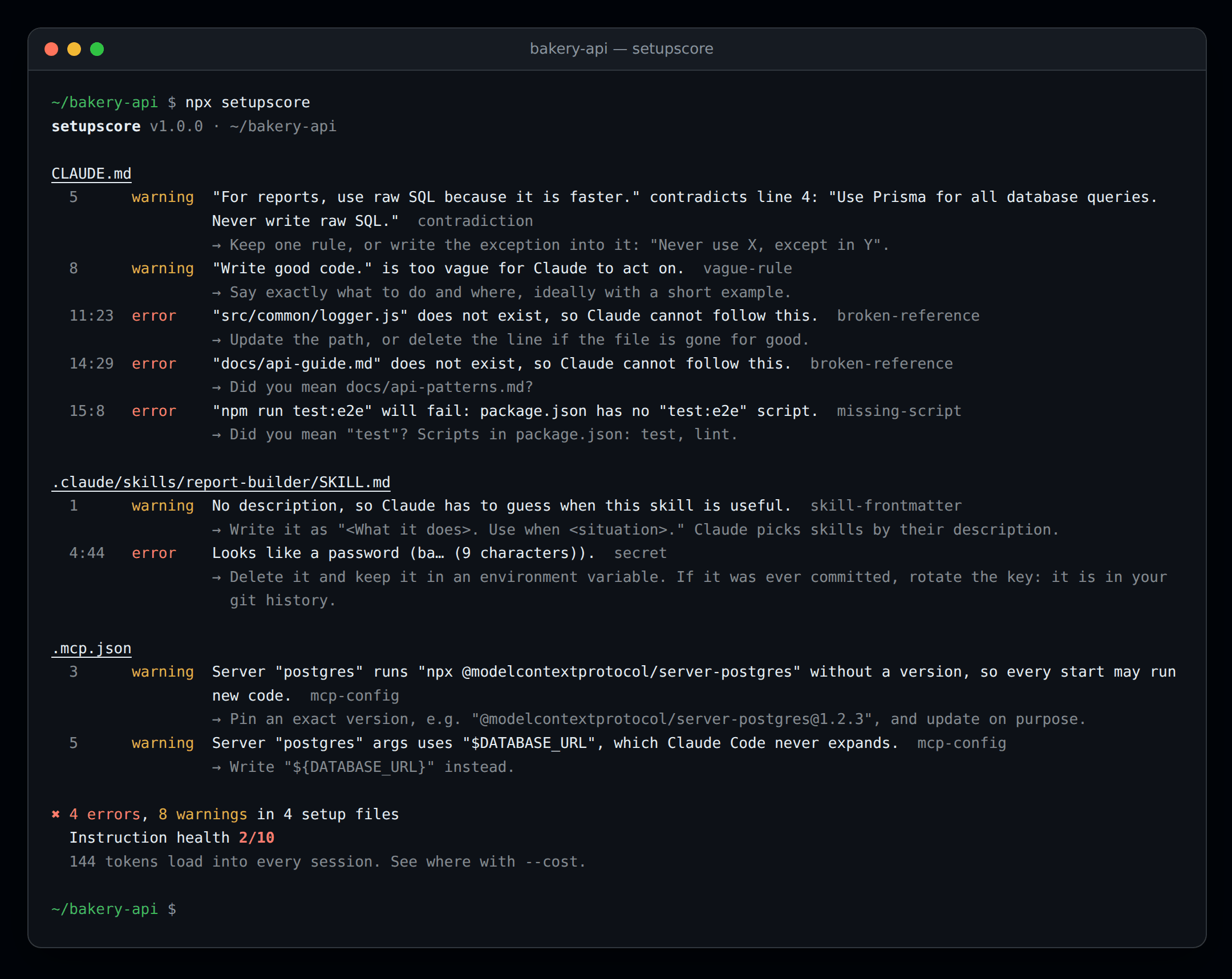
How to read it:
- Each file is listed with its problems.
11:23means line 11, character 23. - error (red): something is broken. Fix these first.
- warning (yellow): something that makes Claude's job harder.
- The line starting with → tells you how to fix it.
- Instruction health is a score from 0 to 10. 10 means no problems were found.
The screenshot shows our example project, which is broken on purpose. Secrets are never printed in full.
Useful commands:
| Command | What it does |
|---|---|
npx setupscore |
Check the folder you are in |
npx setupscore check ../other-project |
Check a different folder |
npx setupscore --fix |
Fix file paths that moved or were renamed (only when the answer is certain) |
npx setupscore --cost |
Show how much each file adds to every Claude session |
npx setupscore rules |
List every check and why it matters |
Every check is explained, with good and bad examples, in docs/rules.md.
Measure your setup (optional)
Finding mistakes is step one. Step two is proving that your setup actually helps Claude. npx setupscore run does that:
- It takes real changes from your project's git history: commits that changed both code and tests.
- It gives each one to Claude Code as a task, once with your setup and once without it (or with an older version).
- It checks Claude's work with the commit's own tests, which Claude never sees.
- It gives your setup a Setup Score out of 100, and tells you if a difference is real or could be luck.
  Setup     Source   Score  Success (95% range)  Cost/try  Turns  Rule breaks  vs none
  A         working  97     100% (72%–100%)      $0.24     14     1            +60 pts
  baseline  none     40     40% (17%–69%)        $0.21     11     0
This is an example. Your numbers depend on your project, your tasks and the model.
Before you start, you need:
- macOS, Linux, or Windows with WSL2. On Linux, also install three small tools:
sudo apt-get install bubblewrap socat ripgrep - Claude Code:
npm install -g @anthropic-ai/claude-code - A JavaScript or TypeScript project with tests and some git history
- A Claude API key from console.anthropic.com, or a token for your Claude subscription (run
claude setup-token)
Then run:
npx setupscore doctor                    # 1. checks that your computer is ready, and says what to fix
export ANTHROPIC_API_KEY=sk-ant-...      # 2. your key (or: export CLAUDE_CODE_OAUTH_TOKEN=...)
npx setupscore run --baseline            # 3. your setup vs no setup
Good to know:
- It costs a little money. Every try is a real Claude Code session on your key or subscription. setupscore shows an estimate and asks before it starts. By default it stops at $5, and 5 tasks usually cost a few dollars.
- It's safe. Claude works in a throwaway copy of your project, inside your computer's own sandbox. No Docker needed. It can't read your
.envfiles, SSH keys or cloud passwords, and it can only reach the Claude API and your package registry. - You can stop at any time with Ctrl+C. Nothing is lost: continue later with
npx setupscore run --resume latest. - After a run,
npx setupscore suggestshows changes toCLAUDE.mdbased on what went wrong, andnpx setupscore reportshows the results again.
Scoring, costs and every option are explained in docs/run.md. How the sandbox protects you is in docs/sandbox.md.
Use it on GitHub
Add this file to your repository as .github/workflows/setupscore.yml. Every pull request is then checked, and the check fails if the setup has errors:
name: setupscore
on: [pull_request]
permissions:
  contents: read
jobs:
  check:
    runs-on: ubuntu-latest
    steps:
      - uses: actions/checkout@v7
      - uses: actions/setup-node@v7
        with:
          node-version: 22
      - run: npx setupscore@1
There is also a GitHub Action that can measure the setup on pull requests and post the score as a comment. See CI and the GitHub Action.
Common problems
| You see | What to do |
|---|---|
npx: command not found or 'npx' is not recognized |
Node.js isn't installed, or the terminal was opened before you installed it. Install Node.js, then open a new terminal. |
setupscore needs Node.js 22.12 or newer |
Your Node.js is too old. Install the current LTS from nodejs.org. |
No Claude Code setup files found here |
You are in the wrong folder. Go to the folder that holds CLAUDE.md or .claude/, or pass it: npx setupscore check path/to/project. |
| A warning you think is wrong | Put <!-- setupscore-disable-next-line rule-id --> above that line, and please tell us. |
run says the sandbox doesn't work |
Run npx setupscore doctor. It tells you exactly what to install or change. |
You want run on Windows |
run needs WSL2: open your project in WSL2 and run it there. check works on Windows directly. |
Still stuck? Open an issue with what you ran and what you saw. Put SETUPSCORE_DEBUG=1 before the command to get more detail.
FAQ
Does it send my code anywhere? npx setupscore (check) doesn't: no network and no AI. run sends the tasks and the files Claude reads to the Claude API, exactly like Claude Code does when you use it yourself. Results stay on your computer, in the .setupscore/ folder.
Does it work with Python, Go or other languages? check works on any project that uses Claude Code. run supports JavaScript and TypeScript projects for now. Python and Go are planned.
Why does run need an API key when I'm already signed in to Claude Code? Your normal sign-in is stored where the sandbox can't see it, on purpose. Set ANTHROPIC_API_KEY, or run claude setup-token and set CLAUDE_CODE_OAUTH_TOKEN to use your subscription.
What is "instruction health"? A quick score from 0 to 10: 10, minus 1 for each error and 0.5 for each warning. Use it to track your setup over time.
Does it check AGENTS.md? Yes, when Claude Code reads it through your CLAUDE.md: an @AGENTS.md import, or a CLAUDE.md that is a link to AGENTS.md. setupscore also warns when a CLAUDE.md stops Claude from reading your AGENTS.md: Claude Code 2.1.277 and newer reads AGENTS.md on its own, but only when the project has no CLAUDE.md. Codex and Cursor rules are planned.
More documentation
- Reference: every command and option, configuration (
setupscore.yml), CI, exit codes and JSON output - Rules: every check, with examples
- Measuring with
run: scoring, costs, resuming and comparing models - Sandbox: how setupscore keeps your computer safe
Contributing
Bug reports, false-alarm reports and new rules are very welcome. See CONTRIBUTING.md.
License
MIT © Mohamed Sabith
setupscore tasks and setupscore run download @anthropic-ai/sandbox-runtime (Apache-2.0) on first use. It isn't bundled or installed with setupscore.
Explore related projects
codecrafters-io/build-your-own-x
Master programming by recreating your favorite technologies from scratch.
562,429 starspublic-apis/public-apis
A collective list of free APIs
498,882 starsmorluto/rea
Reverse engineer anything with agents, from app behavior down to native binaries.
458,516 starsopenclaw/openclaw
The AI that really does things. Any OS. Any Platform. The lobster way. 🦞
394,418 stars