
memospot/memos-builds
memospot/memos-builds has 50 GitHub stars and 7 forks. GitHot measured 0 stars in 24 hours. Last checked 2026-11-15 06:35 UTC. Last push 2026-11-13.
Measured star growth
- in 24h
- 0
- in 7 days
- Collecting history
- in 15 days
- Collecting history
- in 1 month
- Collecting history
Net star changes over overlapping periods, not daily totals. Missing measurements are left blank. Stars measure attention, not software quality.
About
Builds for https://github.com/usememos/memos
ProductivityREADME.md
OriginalMemos Builds


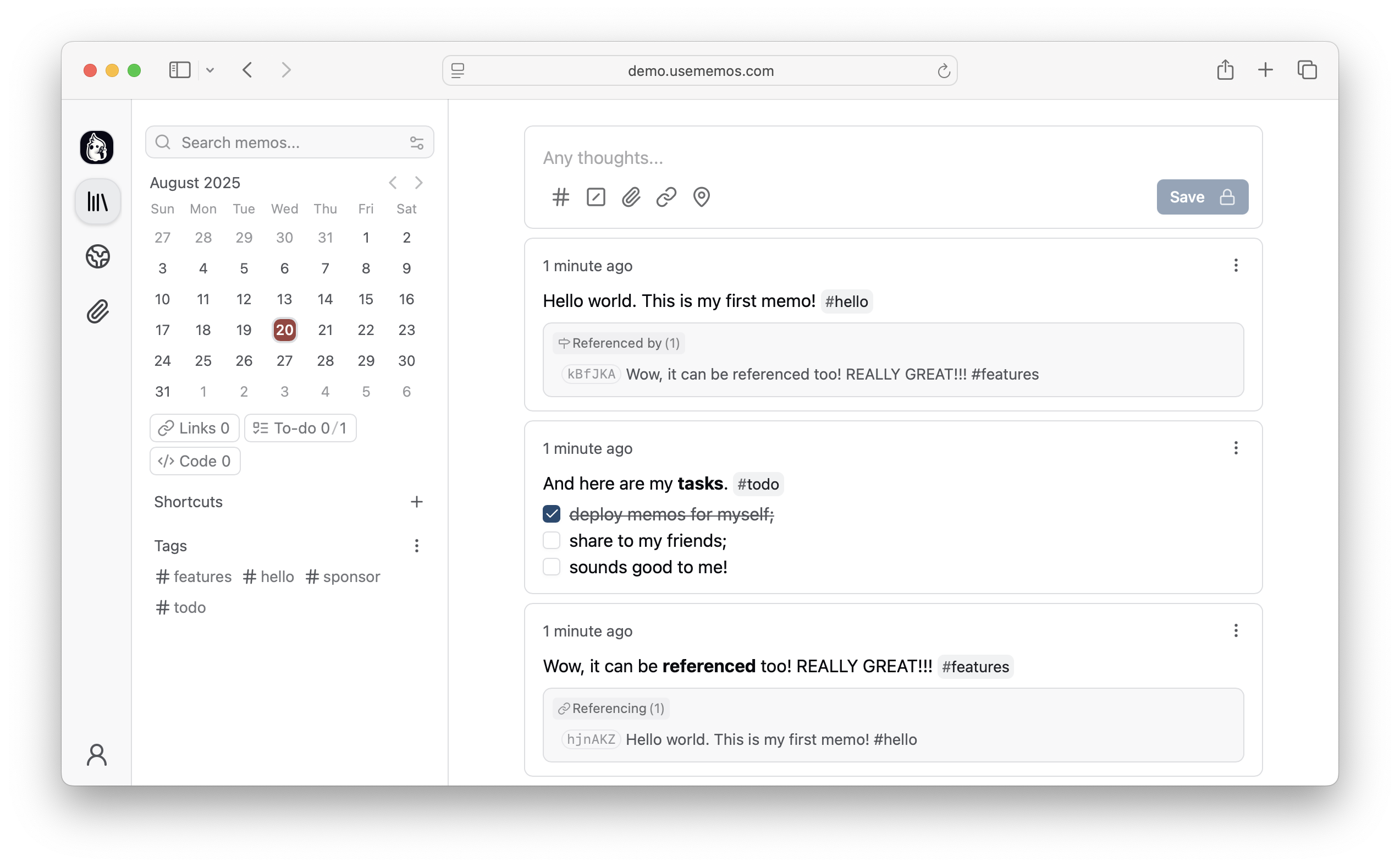
Multiplatform builds for Memos, a beautiful, lightweight, and privacy-first note-taking service.
Some of these builds are used by Memospot, a self-contained desktop app for Memos, available on macOS, Linux and Windows.
Dev and Stable builds are available.


Docker platforms
| amd64 | arm32 | other |
|---|---|---|
| linux/amd64 | linux/arm/v5 | linux/386 |
| linux/amd64/v2 | linux/arm/v6 | linux/ppc64le |
| linux/amd64/v3 | linux/arm/v7 | linux/riscv64 |
| linux/arm64 | linux/s390x |
To use an image for a specific CPU architecture, add --platform=<platform> to the docker command line, before the image specifier. Read more at Platform variants.
Quick start
Docker run (latest)
docker run --detach --name memos --publish 5230:5230 \
  --volume ~/.memos/:/var/opt/memos ghcr.io/memospot/memos-builds:latest
Docker run (dev)
docker run --detach --name memos-dev --publish 5231:5230 \
  --volume ~/.memos-dev/:/var/opt/memos ghcr.io/memospot/memos-builds:dev
Docker run (throwaway dev in demo mode)
docker run --detach --rm --name memos-throwaway --publish 5232:5230 \
  --env MEMOS_DEMO=true ghcr.io/memospot/memos-builds:dev
Keeping containers up to date
Automatically
Use Watchtower.
docker run --detach --name watchtower \
  --volume /var/run/docker.sock:/var/run/docker.sock nickfedor/watchtower
Manually
# Pull the latest image
docker pull ghcr.io/memospot/memos-builds:latest

# Stop the current container
docker stop memos

# Remove the current container
docker rm memos

# Start a new container with the latest image
docker run --detach --name memos --publish 5230:5230 \
  --volume ~/.memos/:/var/opt/memos ghcr.io/memospot/memos-builds:latest
About images
- Versioned images are checked out to the matching Memos upstream tag.
- Dev images use whatever is available at Memos
mainbranch at build time. - Image packages are auto-upgraded at build time.
- Dev images are built daily at 07:25 UTC.
- Images are published to Docker Hub and GitHub Container Registry.
| Platform | Image |
|---|---|
| arm/v5 | busybox:1.38-glibc |
| All other | alpine:3.24 |
[!TIP]
Starting from v0.26.0+, you can inject an env file as
$MEMOS_DATA/memos.env.This file has precedence over environment variables passed to the container.
[!NOTE] In advanced setups, you can mount the database DSN with Docker Secrets.
E.g., Pass in the secret id
MEMOS_DSNto the container, and it will be loaded automatically from the default Docker secret mount/run/secrets/MEMOS_DSN.
Platform variants
Multiple builds for arm and amd64 platforms exist, with different hardware optimizations. Choose the build that best suits the host CPU.
Run cat /proc/cpuinfo and uname -m to find out your CPU model and architecture. For an ARMv8 or aarch64 CPU, use the ARM64 build.
[!IMPORTANT] Avoid using the
arm/v5variant unless the host CPU can't handle anything newer. While it works, the lack of VFP hinders the performance of applications that were not specifically written for this architecture.
| Variant | Target CPUs |
|---|---|
| amd64 | Runs on all AMD64/Intel 64 CPUs. Also known as x86_64 |
| amd64/v2 | Intel Nehalem (1st gen from 2009) / AMD Jaguar (2013+) |
| amd64/v3 | Intel Haswell (4th gen) / AMD Excavator (2015+) |
| arm/v5 | Older ARM without VFP (Vector Floating Point) |
| arm/v6 | VFPv1 only: ARM11 or better cores |
| arm/v7 | VFPv3: Cortex-A cores |
| arm64 | Recent ARM64/AArch64 CPUs |
Building
Support
Memos' official first-class support is for its Docker container. These binaries and images are provided as a convenience for some specific use cases. They may work fine, and they may not. Use them at your discretion.
Please do not open issues on the official Memos repository regarding these builds unless you can reproduce the issue on the official Docker container.
Running as a Service
To start Memos at system boot, you must manually set up a system service:
Running on Android
Supporting
If you appreciate this project, be sure to ⭐star it on GitHub.