
mblode/diffhub
mblode/diffhub has 28 GitHub stars and 5 forks. GitHot measured 0 stars in 24 hours. Last checked 2026-11-14 18:34 UTC. Last push 2026-10-27.
Measured star growth
- in 24h
- 0
- in 7 days
- Collecting history
- in 15 days
- Collecting history
- in 1 month
- Collecting history
Net star changes over overlapping periods, not daily totals. Missing measurements are left blank. Stars measure attention, not software quality.
About
Local git diff viewer
Developer ToolsREADME.md
OriginalDiffHub
A cmux git diff viewer for reviewing a whole branch, with inline comments you can hand to an agent
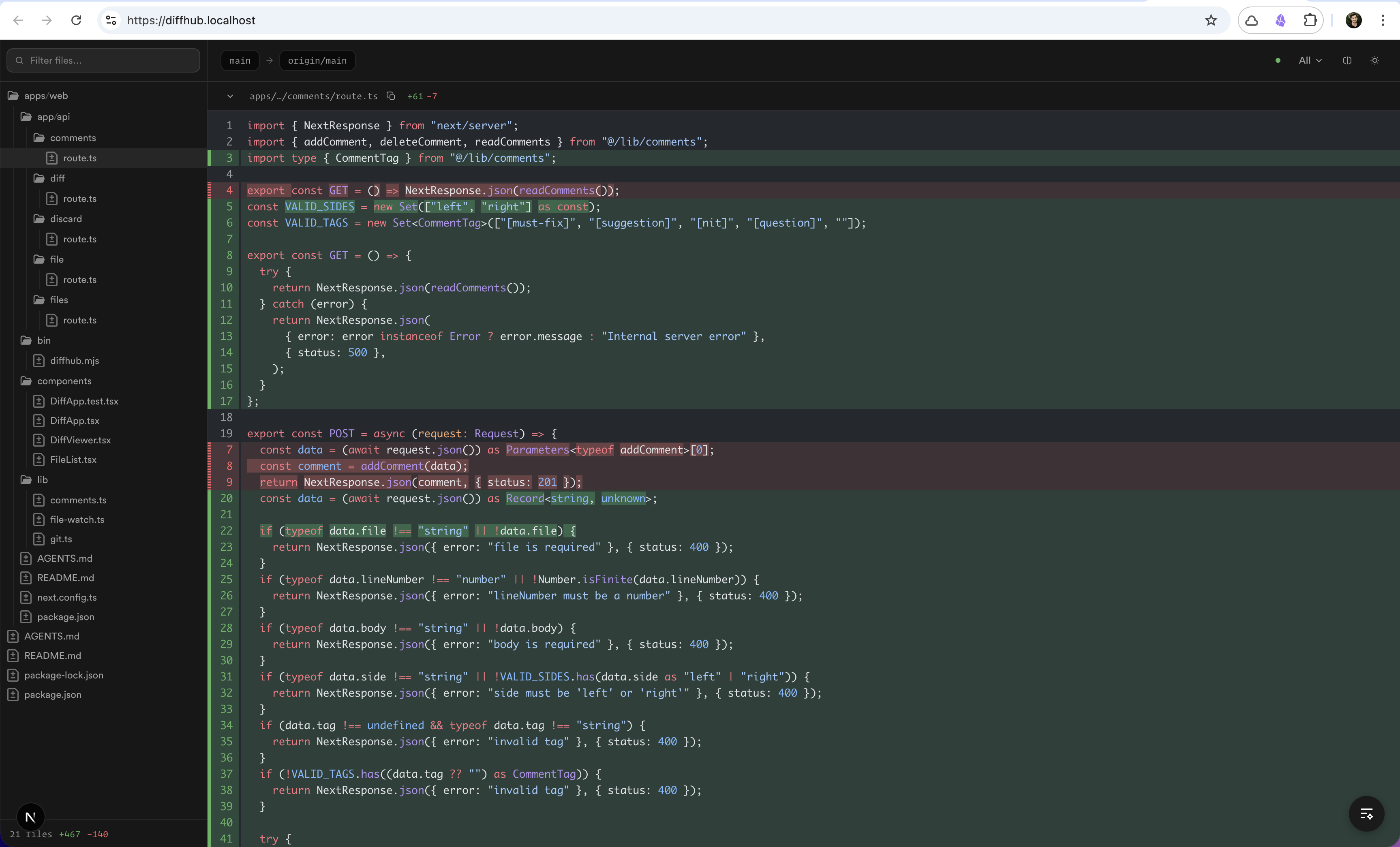
Run one command inside any git repository and DiffHub serves a GitHub-style diff of your working tree at localhost:2047.


Demo
Browse any public GitHub pull request in the hosted viewer, with nothing installed.

Install
npm install -g diffhub
Or run it without installing: npx diffhub@latest.
Quickstart
Run inside any git repository.
# Review the current branch in a cmux browser split
diffhub cmux

# The same viewer in your default browser
diffhub

# Compare against a different base branch
diffhub cmux --base develop

# Review a repository in another directory
diffhub cmux --repo ~/Code/mblode/cmux
The default view is touched: HEAD versus the working tree, including untracked files. Merge-base scopes (all, committed) are available from the status bar, and --base still selects the comparison branch, preferring origin/main so unpushed commits show up. A watcher marks updates available; press r to refresh. diffhub cmux uses a repo-derived port in 20000–29999 instead of 2047.
For a complete review loop, see Review agent-written code in cmux.
Commands
| Command | Description |
|---|---|
diffhub |
Open DiffHub in your default browser |
diffhub cmux |
Open DiffHub in a cmux browser split |
diffhub serve |
Same as diffhub, starts the local web app |
Options
diffhub and diffhub serve
| Flag | Default | Description |
|---|---|---|
-p, --port <port> |
2047 |
Port to serve on |
-r, --repo <path> |
cwd |
Path to the git repository |
-b, --base <branch> |
auto | Base branch to diff against |
--no-open |
Skip automatic browser open |
diffhub cmux
| Flag | Default | Description |
|---|---|---|
-r, --repo <path> |
cwd |
Path to the git repository |
-b, --base <branch> |
auto | Base branch to diff against |
Keyboard shortcuts
| Key | Action |
|---|---|
j / k |
Next / previous file |
s |
Toggle split / stacked view |
c |
Collapse or expand the selected file |
Shift+C |
Collapse all files |
Shift+E |
Expand all files |
/ or t |
Focus the file filter |
r |
Refresh the diff |
F2 |
Toggle the Diff stats panel |
Notes
- Node.js 20.11+ or Bun 1.0.23+, and a git repository (
git rev-parse --show-toplevelmust succeed). - cmux mode expects
cmux.appinstalled on macOS at/Applications/cmux.app. - Comments live in
.git/diffhub-comments.jsonin the repository you are reviewing, and copy out as a markdown review prompt for a coding agent.
License
MIT
Crafted by  Matthew Blode