
maxence-charriere/go-app has 8,982 GitHub stars and 406 forks. GitHot measured -1 stars in 24 hours. Last checked 2026-11-08 14:44 UTC. Last push 2026-11-03.
A package to build progressive web apps with Go programming language and WebAssembly.
Measured star growth
- in 24h
- -1
- in 7 days
- Update delayed
- in 15 days
- Update delayed
- in 1 month
- Update delayed
Net star changes over overlapping periods, not daily totals. Missing measurements are left blank. Stars measure attention, not software quality.
README.md
Original




Go-app is a package for building progressive web apps (PWAs) with Go and WebAssembly (Wasm).
Write your UI in Go using reusable components and a declarative syntax. Handle user interactions in Go and serve your app with the standard net/http package.
Apps built with go-app are SEO-friendly and support offline use. On supported browsers and devices, users can install your app and run it in its own window.
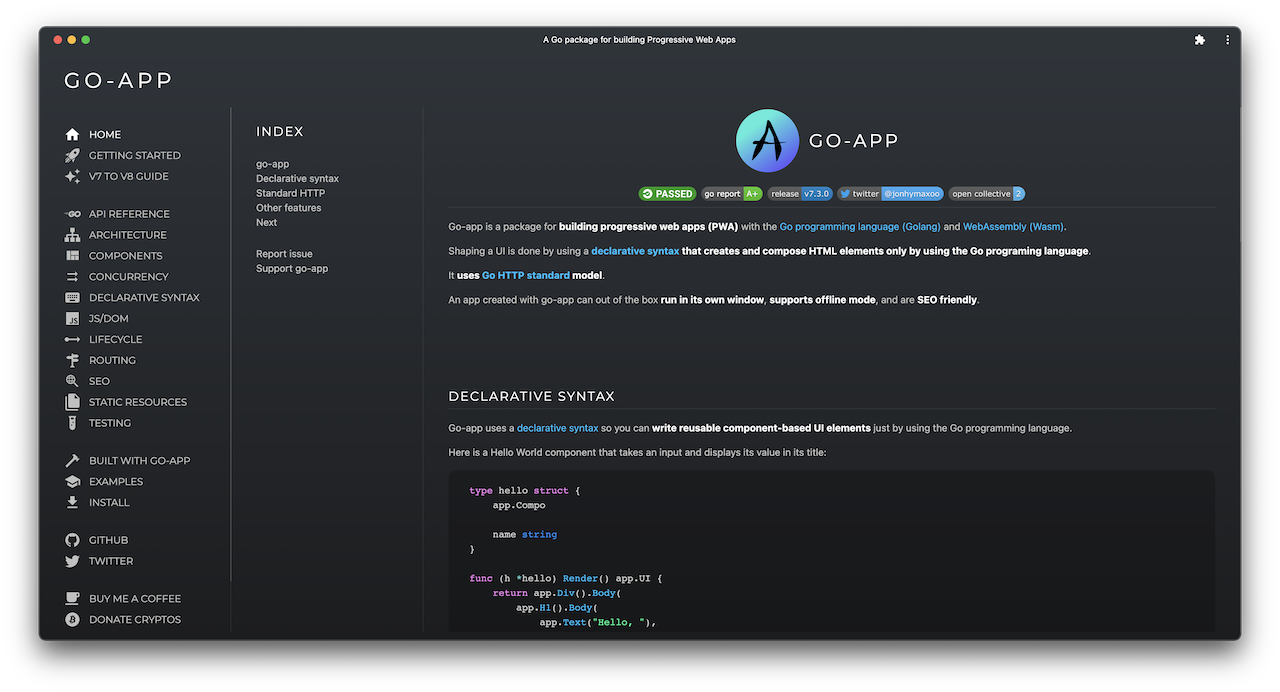
Documentation (built with go-app)
Install
Requires Go 1.26 or newer.
From your project directory, initialize a Go module if you do not already have one. Replace example.com/myapp with your module path:
go mod init example.com/myapp
Add go-app to your project:
go get github.com/maxence-charriere/go-app/v11/pkg/app
Components
Describe your UI with Go functions using go-app's declarative syntax. Each component embeds app.Compo and defines a Render method that returns its UI.
Create a main.go file with the following component, then add the main function from the next section. The component displays a greeting that updates as you type your name:
package main

import (
	"log"
	"net/http"

	"github.com/maxence-charriere/go-app/v11/pkg/app"
)

type hello struct {
	app.Compo

	name string
}

func (h *hello) Render() app.UI {
	return app.Div().Body(
		app.H1().Body(
			app.Text("Hello, "),
			app.If(h.name != "", func() app.UI {
				return app.Text(h.name)
			}).Else(func() app.UI {
				return app.Text("World!")
			}),
		),
		app.Input().
			Type("text").
			Value(h.name).
			Placeholder("What is your name?").
			AutoFocus(true).
			OnInput(h.ValueTo(&h.name)),
	)
}
Serving the app
Serve your app with Go's standard net/http package. The app.Handler type implements http.Handler and can be used with an existing Go server.
Add this function to main.go to register the component at / and serve the app on port 8000:
func main() {
	// Register the component.
	app.Route("/", func() app.Composer { return &hello{} })

	// Start the app in the browser; on the server, continue below.
	app.RunWhenOnBrowser()

	// Serve the app over HTTP.
	http.Handle("/", &app.Handler{
		Name:        "Hello",
		Description: "A Hello World example",
	})

	if err := http.ListenAndServe(":8000", nil); err != nil {
		log.Fatal(err)
	}
}
Build and run
From your project directory, build the WebAssembly app and the server, then run the server:
mkdir -p web
GOOS=js GOARCH=wasm go build -o web/app.wasm
go build -o server
./server
Open localhost:8000 in your browser. After changing the code, rebuild both binaries and restart the server.
Getting started
Follow the Getting Started guide to build and run your first app.
Built with go-app
- Murlok: World of Warcraft character builds and guides.
- GoApp Docs: The documentation website, built with go-app.
- liwasc: Network discovery, port scanning, and Wake-on-LAN.
Support the project
If go-app is useful to you, consider sponsoring its development.
Explore related projects
freeCodeCamp/freeCodeCamp
freeCodeCamp.org's open-source codebase and curriculum. Learn math, programming, and computer science for free.
458,792 starsdonnemartin/system-design-primer
Learn how to design large-scale systems. Prep for the system design interview. Includes Anki flashcards.
377,397 starsreact/react
The library for web and native user interfaces.
252,436 starsvuejs/vue
This is the repo for Vue 2. For Vue 3, go to https://github.com/vuejs/core
212,627 stars