
maniecodes/Appwrite-Todo
maniecodes/Appwrite-Todo has 26 GitHub stars and 3 forks. GitHot measured 0 stars in 24 hours. Last checked 2026-11-15 01:53 UTC. Last push 2024-07-12.
What you can do
- Build on BLoC Architecture Pattern
- Reactive Programming
- Sign up by Registering inputting email and password
- Enter email and password to Login
Measured star growth
- in 24h
- 0
- in 7 days
- Collecting history
- in 15 days
- Collecting history
- in 1 month
- Collecting history
Net star changes over overlapping periods, not daily totals. Missing measurements are left blank. Stars measure attention, not software quality.
About
This TODO app is a Flutter application built using Dart and Appwrite.
Developer ToolsREADME.md
Original

Appwrite-Todo
A functional flutter Todo app designed appwrite with minimal features, just enough to help you do your tasks.
Why Appwrite
Appwrite is an end-to-end backend server that is aiming to abstract the complexity of common, complex, and repetitive tasks required for building a modern app.
Appwrite provides you with a set of APIs, tools, and a management console UI to help you build your apps a lot faster and in a much more secure way.
Features
- Build on BLoC Architecture Pattern
- Reactive Programming
- Sign up by Registering inputting email and password
- Enter email and password to Login
- Add Tasks to create new task
- Click Complete to complete a task
- Click Favourite to add a task as favourite
- Swipe to delete the task
- View All Task
- View Completed Task
- View Favourite Task
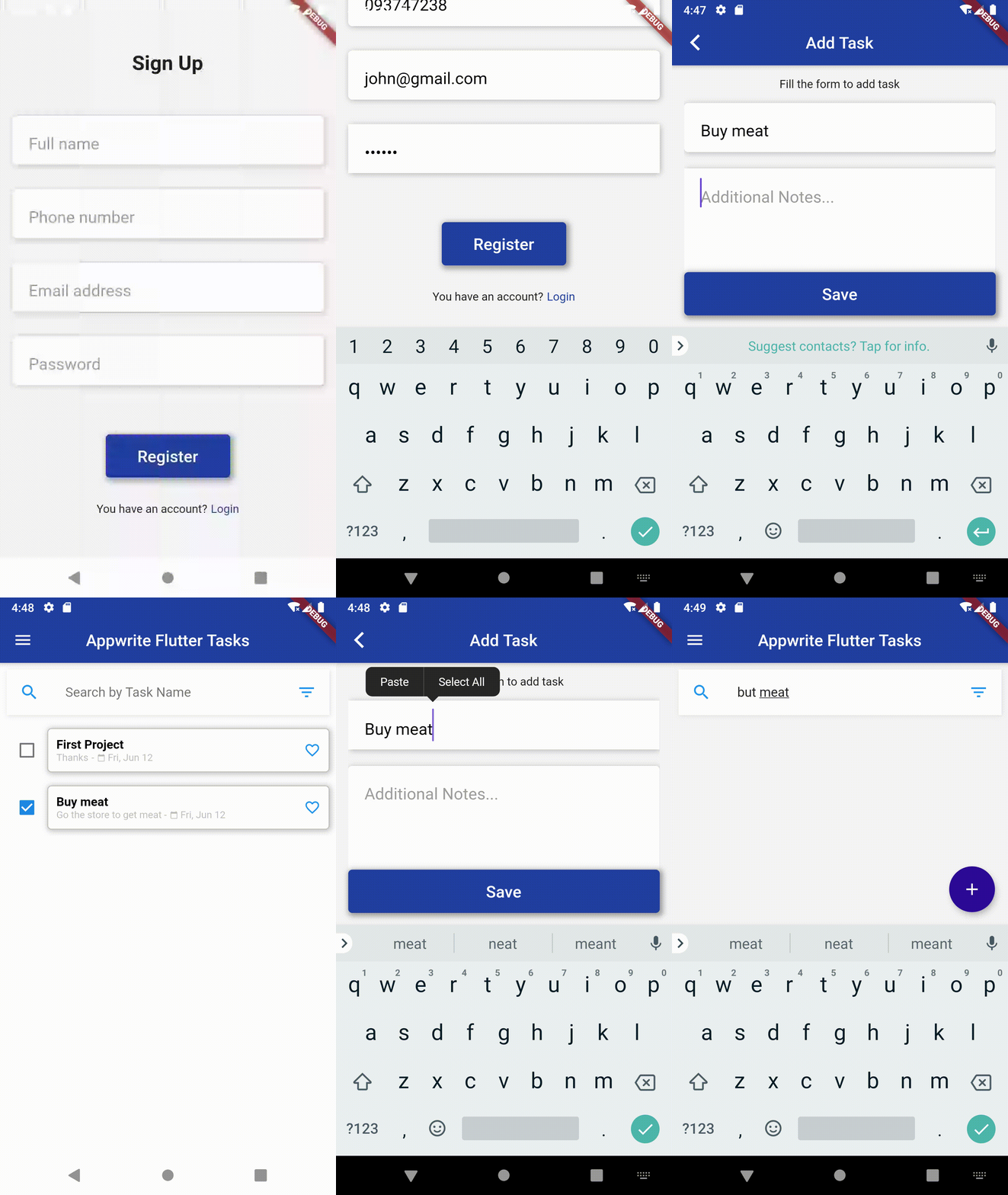
Screenshots
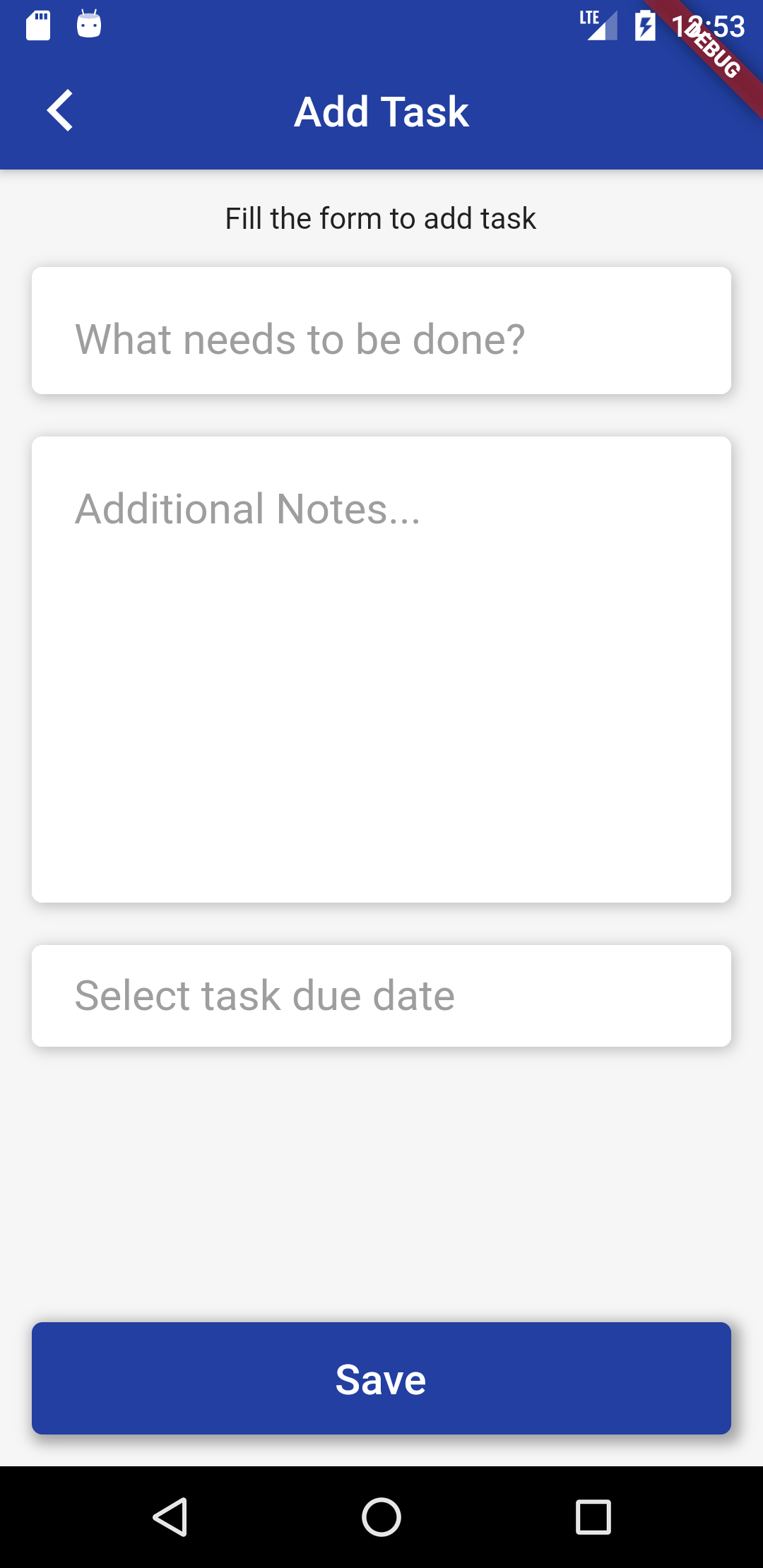
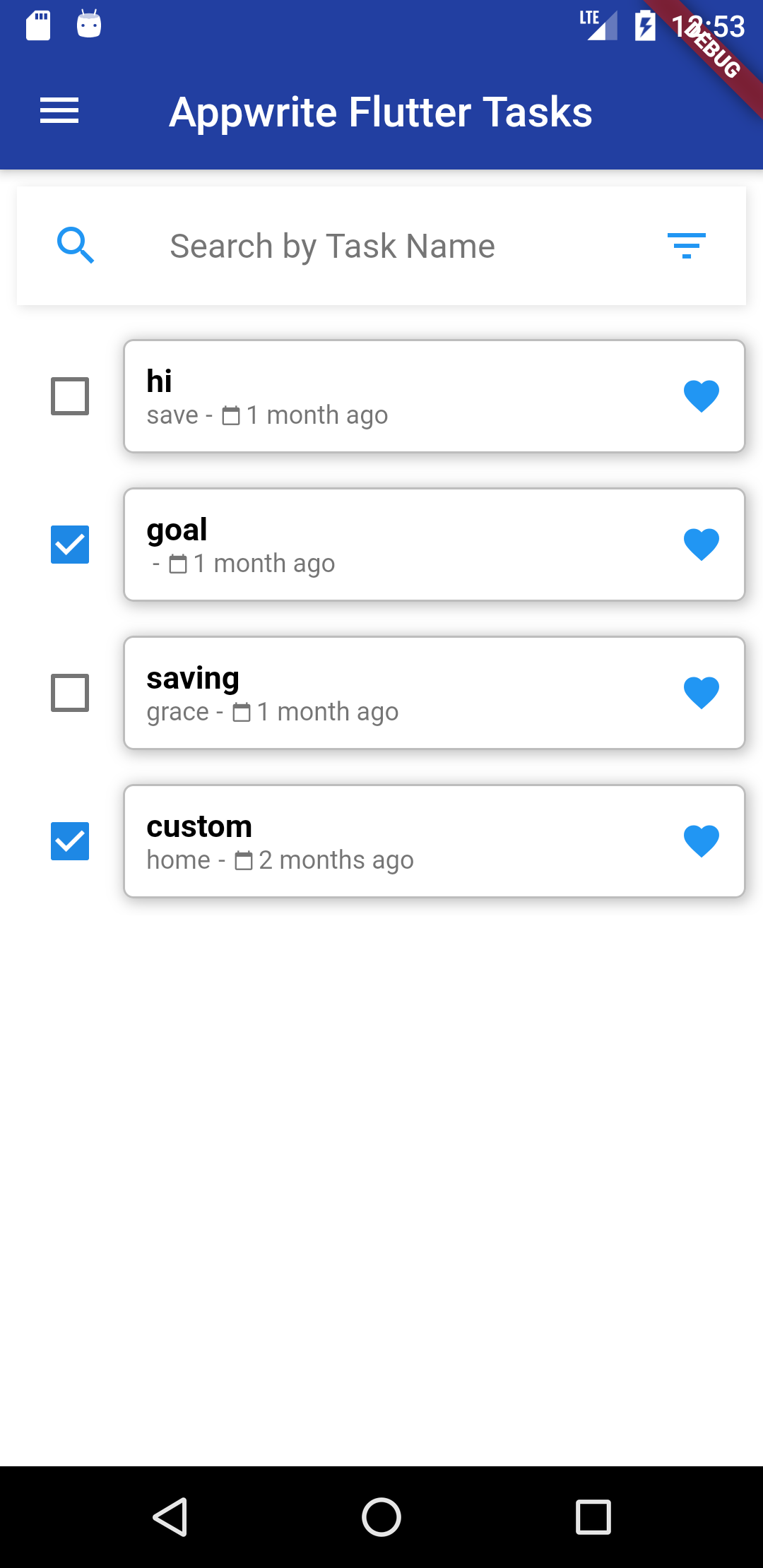
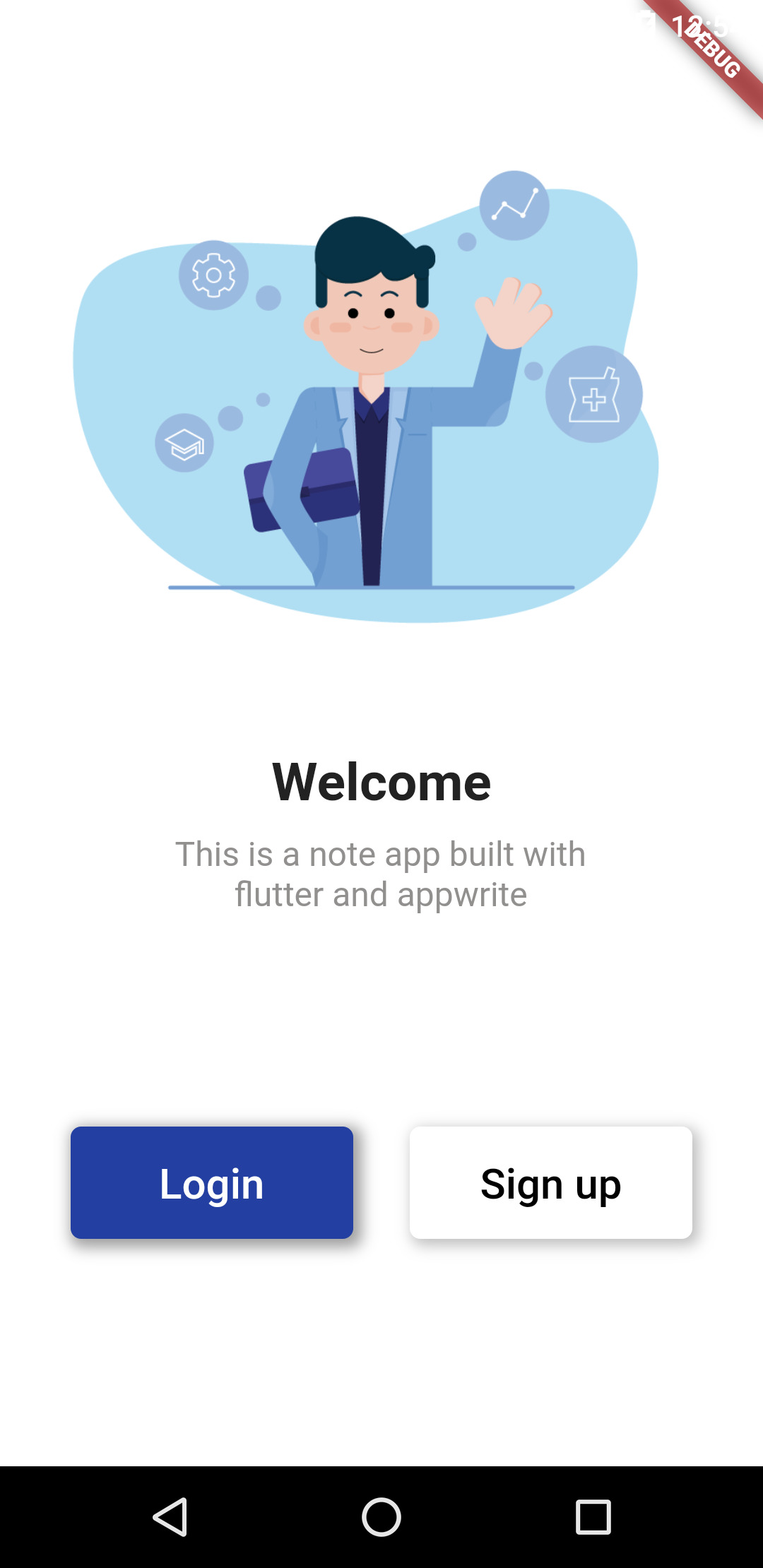
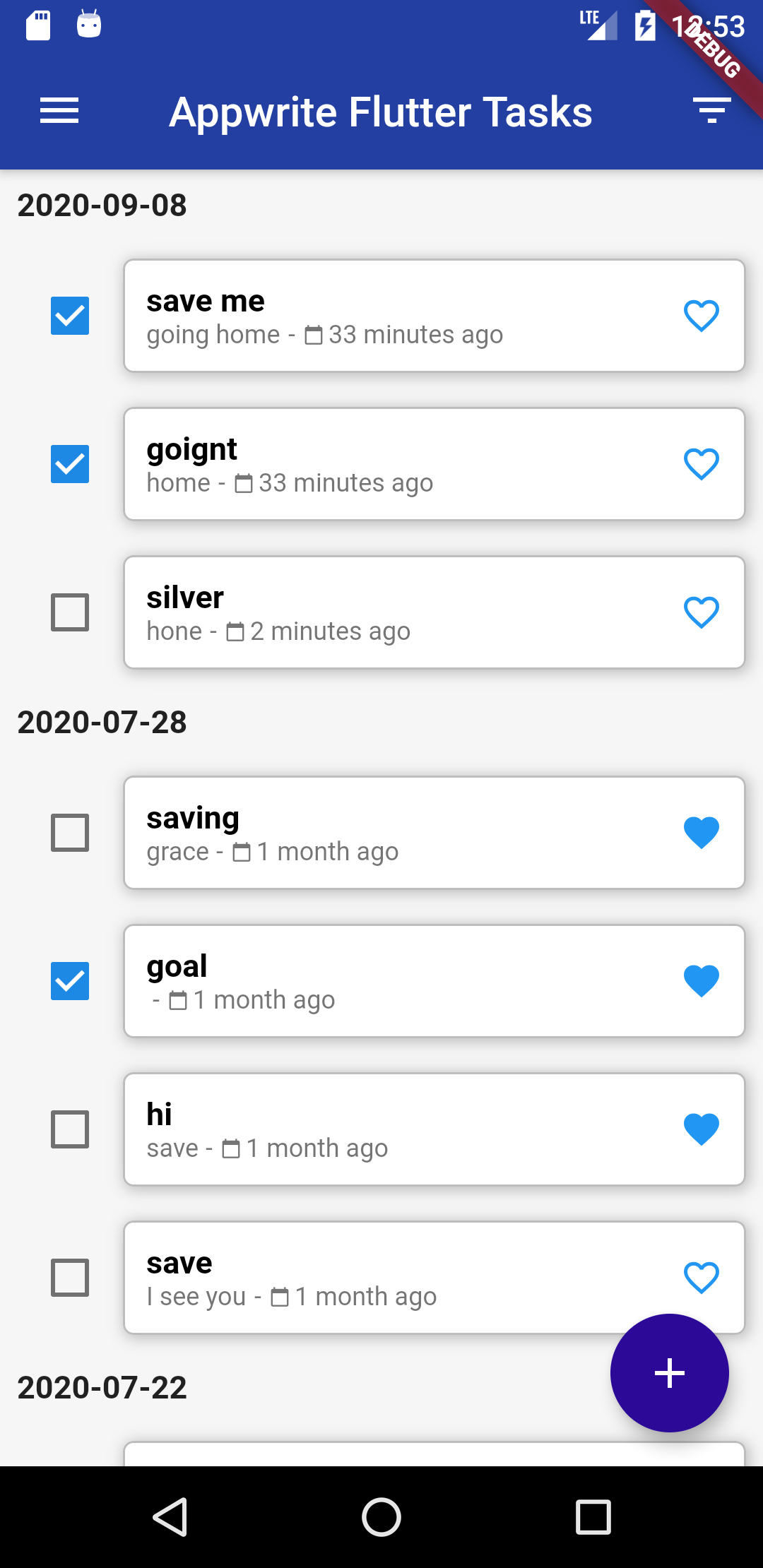
Demo
Installation
Appwrite
Appwrite backend server is designed to run in a container environment. Running your server is as easy as running one command from your terminal. You can either run Appwrite on your localhost using docker-compose or on any other container orchestration tool like Kubernetes, Docker Swarm or Rancher.
The easiest way to start running your Appwrite server is by running our docker-compose file. Before running the installation command make sure you have Docker installed on your machine:
Unix
docker run -it --rm \
    --volume /var/run/docker.sock:/var/run/docker.sock \
    --volume "$(pwd)"/appwrite:/install/appwrite:rw \
    -e version=0.6.2 \
    appwrite/install
Windows
CMD
docker run -it --rm ^
    --volume //var/run/docker.sock:/var/run/docker.sock ^
    --volume "%cd%"/appwrite:/install/appwrite:rw ^
    -e version=0.6.2 ^
    appwrite/install
PowerShell
docker run -it --rm ,
    --volume /var/run/docker.sock:/var/run/docker.sock ,
    --volume ${pwd}/appwrite:/install/appwrite:rw ,
    -e version=0.6.2 ,
    appwrite/install
Once the Docker installation completes, go to http://localhost to access the Appwrite console from your browser. Please note that on non-linux native hosts, the server might take a few minutes to start after installation completes.
For advanced production and custom installation, check out our Docker environment variables docs. You can also use our public docker-compose.yml file to manually set up and environment.
Setting up appwrite project
Flutter
To build and run this project:
- Get Flutter here if you don't already have it
- Clone this repository
cdinto the repo folder- run
flutter run-androidorflutter run-iosto build the app
(Please note that a Mac with XCode is required to build for iOS)
