
maayaranai/double-headphones
maayaranai/double-headphones has 50 GitHub stars and 1 forks. GitHot measured 0 stars in 24 hours, +5 in 7 days, and +6 in 15 days. Last checked 2026-11-11 08:09 UTC. Last push 2026-07-13.
Play audio through two headphones at the same time on Windows. Free app for dual audio output. Watch movies together with separate headphones. No drivers needed.
What you can do
- Multi-device output — play audio on 2+ devices simultaneously
- No drivers required — pure Windows APIs, nothing to install
- Dead simple — three dropdowns and one button
- Any headphones — Bluetooth, wired, USB DACs, speakers, any mix
Measured star growth
- in 24h
- 0
- in 7 days
- +5
- in 15 days
- +6
- in 1 month
- Update delayed
Net star changes over overlapping periods, not daily totals. Missing measurements are left blank. Stars measure attention, not software quality.
README.md
Original
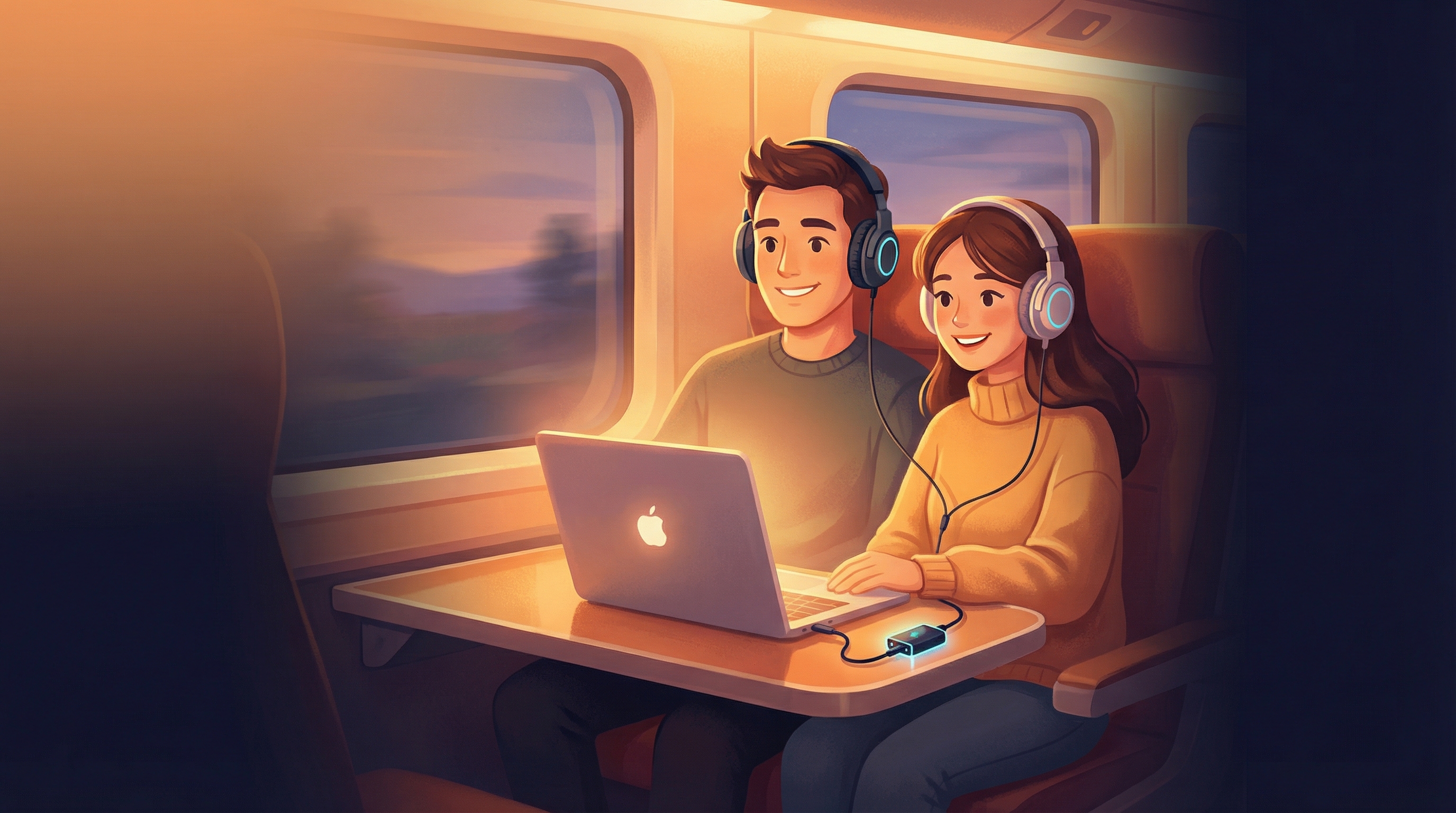
Double Headphones
Share audio to multiple headphones simultaneously on Windows
No drivers. No complexity. Just click and listen.


The Problem
You're on a train with your partner. You want to watch a movie together on your laptop. But Windows only plays audio through one device at a time.
Your options? Share one pair of earbuds (uncomfortable). Use a splitter cable (who carries those?). Let one person use the laptop speaker (everyone on the train hates you).
The Solution
Double Headphones captures your system audio and routes it to two or more output devices at the same time. Bluetooth, wired, USB — any combination works.
- Connect both headphones
- Select them in the app
- Click Share Audio
- Both headphones play the same audio, in sync
That's it. When you stop sharing, everything goes back to normal automatically.
Features
- Multi-device output — play audio on 2+ devices simultaneously
- No drivers required — pure Windows APIs, nothing to install
- Dead simple — three dropdowns and one button
- Any headphones — Bluetooth, wired, USB DACs, speakers, any mix
- Per-device volume — adjust each output independently
- Latency compensation — align Bluetooth with wired using a 0–2 second delay slider (type an exact value too)
- Crash-safe — if the app crashes, your audio restores automatically
- System tray — minimize and forget about it
- Lightweight — under 5% CPU
- Free forever — no ads, no telemetry, no tracking, no trial
Download
Download DoubleHeadphones.exe (Windows 10/11, 64-bit)
Single portable .exe — no installation needed. Just download and run.
System Requirements
| Minimum | |
|---|---|
| OS | Windows 10 (build 20348+) or Windows 11 |
| Arch | 64-bit (x64) |
| Audio | Two or more output devices connected |
FAQ
Why do I hear audio from my laptop speakers?
You shouldn't. When one of your chosen outputs is also your Windows default device, the app quietly hands the default off to a spare output and mutes it, so nothing leaks out. If your machine has no spare device to hand it to, that one output plays normally and the app tells you — set a different device as your Windows default to silence it.
Netflix/Disney+ audio is silent
Streaming apps with DRM block audio capture. Use Chrome instead of the native Windows app — it works perfectly.
Audio is out of sync with video
Bluetooth adds 150-250ms of latency. Use the latency slider in the app, or adjust audio delay in your video player (VLC: press J/K).
Two Bluetooth headphones are stuttering
Two Bluetooth devices at once usually works fine — it's the whole point of the app. If you do hit stutters, moving the headphones closer to the PC helps most. On rare setups where a single built-in adapter can't keep up with two streams, a spare USB Bluetooth adapter (~$10) removes the bottleneck.
Can I use more than 2 devices?
Yes — the architecture supports unlimited devices. The current UI shows two, with more planned.
Known Limitations
- DRM content (Netflix app, Edge) — use Chrome as workaround
- Bluetooth latency (150-250ms) — physics, use the latency slider
- Dual Bluetooth — works on most setups; a rare built-in adapter may stutter (move devices closer, or add a spare USB adapter)
- Windows 10 before build 20348 — required API not available
Support Development
Double Headphones is free forever. If it saves you from sharing earbuds on your next trip, consider buying me a coffee.
License
Proprietary — free for personal use. See LICENSE for details.
Built with ♥ for couples who travel together
Explore related projects
ytdl-org/youtube-dl
Command-line program to download videos from YouTube.com and other video sites
141,527 starsexcalidraw/excalidraw
Virtual whiteboard for sketching hand-drawn like diagrams
135,492 starsgodotengine/godot
Godot Engine – Multi-platform 2D and 3D game engine
119,942 starsmrdoob/three.js
JavaScript 3D Library.
118,122 stars