
lyracode-app/Lyra-Code
lyracode-app/Lyra-Code has 57 GitHub stars and 10 forks. GitHot measured 0 stars in 24 hours and +1 in 7 days. Last checked 2026-11-15 19:36 UTC. Last push 2026-11-06.
Measured star growth
- in 24h
- 0
- in 7 days
- +1
- in 15 days
- Update delayed
- in 1 month
- Update delayed
Net star changes over overlapping periods, not daily totals. Missing measurements are left blank. Stars measure attention, not software quality.
About
AI-powered full-stack development on Android with app-managed PRoot Linux, Termux integration, and an Agent for on-device coding, builds, testing, and debugging.
ProductivityREADME.md
OriginalLyra Code
AI-powered full-stack development on Android





Lyra Code turns an Android device into an AI-assisted full-stack development environment. Its core is not just chat, file management, or code editing: the Agent can work inside app-managed PRoot Linux environments or an existing Termux environment to edit projects, install toolchains, run commands, build and test code, start services, and debug applications directly on Android.
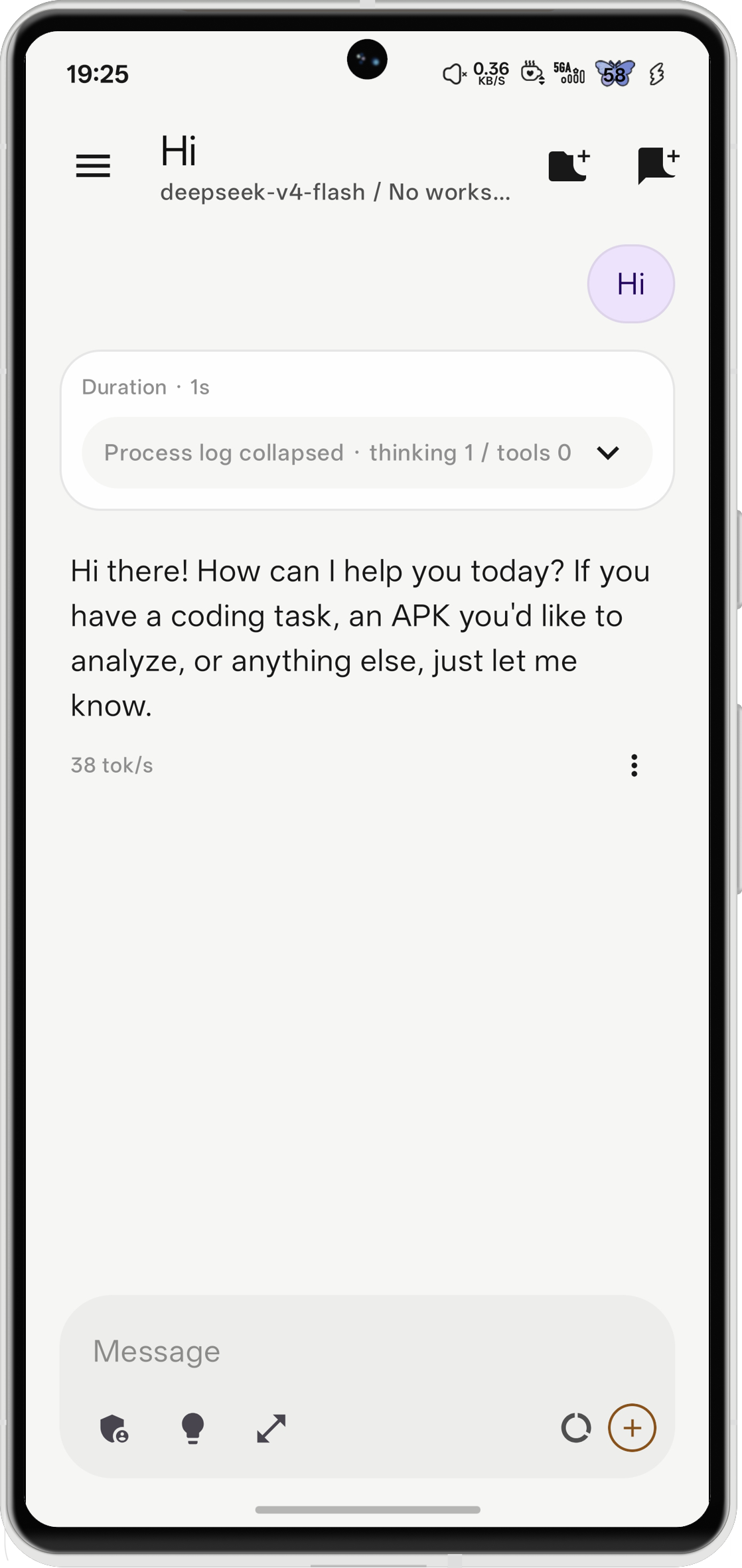
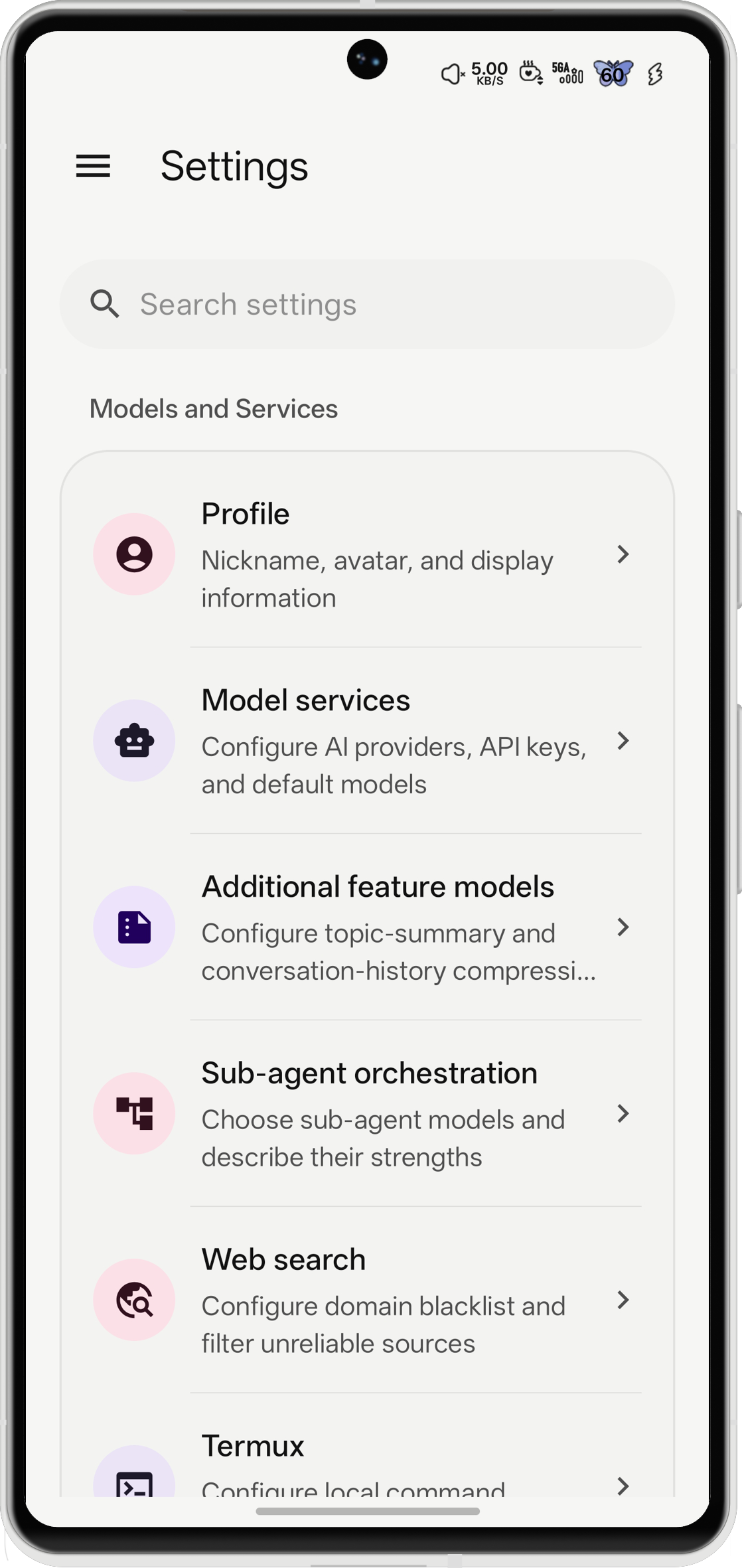
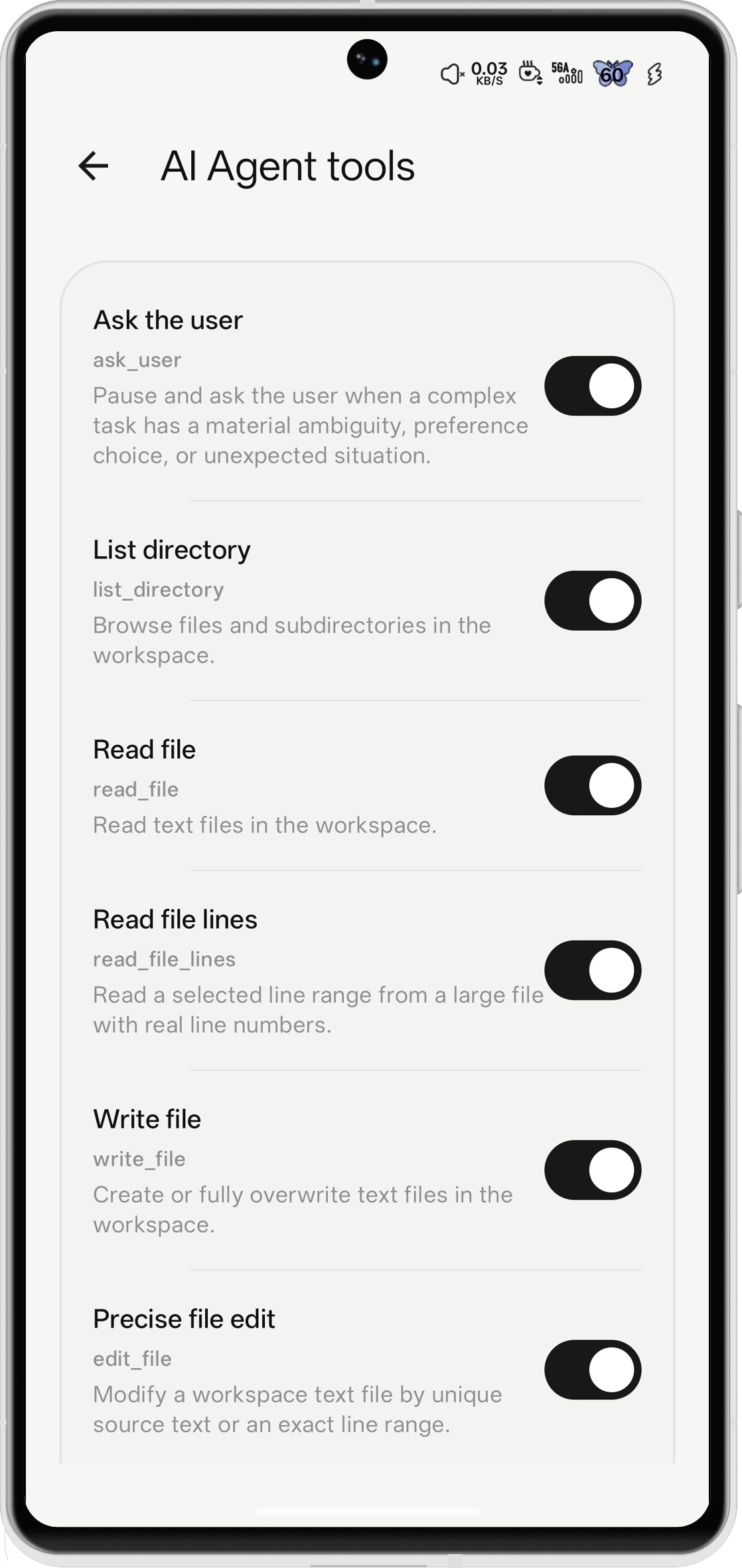
Screenshots
| Chat | Settings | Agent Tools |
|---|---|---|
 |
 |
 |
Built for Android full-stack development
- Complete Linux userspace with PRoot: download the verified Debian Trixie seed or import compatible rootfs archives such as Ubuntu and Alpine. Keep multiple environments, use distro package managers and development toolchains, and access each environment from the shared terminal or the Agent's
proot_commandtool. - First-class Termux integration:
run_commandcalls Termux RunCommandService and returns the exit code, stdout, and stderr. This lets the Agent use your existing Termux packages, scripts, and workspace; Termux:API is optional. - Agent-driven coding loop: use OpenAI-compatible, Anthropic, or Gemini APIs to search, read, edit, and review project files; execute commands; inspect diffs; follow TODO plans; search the web; and use Skills.
- On-device app and web workflows: run front-end or back-end development commands in Linux/Termux, then preview static sites with the built-in HTTP/HTTPS mini server and inspect live request and JavaScript-error logs.
Two local execution paths
| App-internal PRoot Linux | External Termux | |
|---|---|---|
| Environment | Full Linux userspace managed by Lyra Code | Your existing Termux installation and packages |
| Agent tool | proot_command(linux_id, ...) |
run_command(...) |
| Terminal | Built in; one persistent session per Linux environment | Continue using Termux itself |
| Best for | Debian/Ubuntu/Alpine toolchains and isolated distro environments | Android-native Termux workflows and an existing setup |
PRoot is available without installing Termux; the two modes can coexist. PRoot uses the Android host kernel, so it is not a VM, root access, or a security boundary.
Supporting toolkit
- Workspace file search and editing, change review, diff visualization, TODO/process records, native downloads, background tasks, and scheduled tasks.
- Sora Editor with TextMate highlighting, line numbers, search, navigation, wrapping,
.bakbackups, and an AI editing panel; plus a dual-pane Android file manager. - MCP client/server, SSH, SMTP/IMAP, WebDAV, FTP/FTPS/SFTP, native HTTP/HTTPS downloads, and natural-language configuration.
- Importable Skills, image input and annotation, Markdown/LaTeX/media rendering, device diagnostics, usage statistics, and local/WebDAV backups.
- SVG previews in AI answers: raw inline SVG,
svgcode fences, and SVG data URLs (percent encoded or Base64), with fullscreen viewing and original.svgsaving. Static images use AndroidSVG; SMIL and CSS animations play through an isolated WebView image renderer. SVG scripts, external resources, and interactive document events are disabled. Static AndroidSVG previews do not support filters orforeignObject. - AI charts rendered offline in answers: flowcharts, sequence diagrams, Gantt charts, line/bar/pie charts, mind maps, architecture and relationship diagrams, and electrical circuit schematics, with fullscreen viewing and PNG/SVG/source export. See inline charts.
- Optional Shizuku and Root tools, each independently switchable.
Device interaction
Enable device interaction and accessibility in Settings > Device interaction, then send tasks through floating chat. The AI first calls device_get_capabilities to check actual ADB Shell permissions and availability. When Shell is available, it combines Shizuku Shell, accessibility controls and image recognition, verifying the results of its actions. Image recognition requires a configured vision model.
Device interaction full access is off by default. Enabling it requires Android screen-lock credential or biometric verification; devices without a secure screen lock cannot enable it. Once authenticated, the AI can operate any app and perform sensitive actions without the repeated approvals used in standard mode. Turning it off restores standard restrictions. Lyra Code never reads or stores credentials or biometric data, and the grant is excluded from backups and device transfers. Full access does not grant missing Shell, Root or other Android permissions; operations remain subject to actual system capabilities.
Getting started
- Add a model provider and select a model.
- Open Settings > PRoot Linux, then download Debian or import a compatible rootfs. No Termux installation is required for this path.
- Open a terminal or let the Agent use
proot_commandto set up the project's language runtimes, dependencies, build tools, and services. - Optionally connect Termux to reuse an existing Termux development environment.
To enable Termux command execution, run this once in Termux:
mkdir -p ~/.termux && (grep -qxF 'allow-external-apps=true' ~/.termux/termux.properties || echo 'allow-external-apps=true' >> ~/.termux/termux.properties) && termux-reload-settings
Then grant the Termux RUN_COMMAND permission from Lyra Code settings. Without that permission, only run_command is disabled; app-internal PRoot Linux continues to work.
PRoot Linux notes
- Every APK includes the small PRoot engine, but not a rootfs. The managed runtime matches your device's architecture and does not emulate other architectures.
- Granting Android “All files access” mounts shared storage at
/storageand primary storage at/sdcard; a directly accessible workspace is mounted at/workspace. Android app-UID and SELinux restrictions still apply. - Workspace selection starts with shared storage or proot. Shared storage keeps the system directory permission flow; proot lets you choose a Linux ID and then a directory inside that instance. Proot workspaces use the app-private filesystem without shared-storage permissions, supporting development with Unix permissions, symbolic links, and binary files.
- Linux rootfs instances are mutable app data. Clearing app data or uninstalling Lyra Code removes them, and they are excluded from Android cloud backup/device transfer.
- See App-internal PRoot Linux environments for supported archives, lifecycle, storage, limitations, and source information.
Web access
Start Settings → Web access on your phone, then open its address in a desktop browser and enter the access code. Chat, upload desktop files, browse session history, and adjust agent settings in sync with the phone. The foreground Activity keeps the screen awake while the service runs. See Web access for LAN/public access, directory permissions, and verification.
Build
Requirements: JDK 17, Android SDK 37, and Android Studio or a command-line Android SDK. The minimum supported version is Android 8.0 (API 26).
.\gradlew.bat assembleDebug
The APK is generated under app/build/outputs/apk/debug/. Configure release signing locally, and never commit signing keys, keystores, API keys, .env, local.properties, or other private files.
Builds generate one universal APK by default; release builds enable R8 and resource shrinking. Per-ABI builds remain available with -Plyra.abiSplits=true. See APK size optimization for build switches, size analysis, and update compatibility.
Security
Lyra Code can execute commands, modify files, start servers, and connect to third-party services. Review Agent tool calls, use HTTPS/TLS or trusted networks for remote endpoints, protect backups that contain secrets, and only install rootfs archives, Skills, scripts, and MCP servers you trust. PRoot processes have Lyra Code's Android permissions and must not be treated as isolated from the app.
Contributing
Pull requests are welcome from anyone. Frequent contributors may apply to join the organization. AI-assisted contributions are welcome, but contributors must test and review their changes, remain responsible for the result, and describe the test scope in the PR.
License
Original Lyra Code source code is licensed exclusively under GNU AGPL v3. Third-party components retain their own licenses. See LICENSE and THIRD_PARTY_NOTICES.md.