
lukasbaxter/slopify
lukasbaxter/slopify has 26 GitHub stars and 0 forks. GitHot measured 0 stars in 24 hours. Last checked 2026-11-16 19:36 UTC. Last push 2026-11-14.
Measured star growth
- in 24h
- 0
- in 7 days
- Collecting history
- in 15 days
- Collecting history
- in 1 month
- Collecting history
Net star changes over overlapping periods, not daily totals. Missing measurements are left blank. Stars measure attention, not software quality.
About
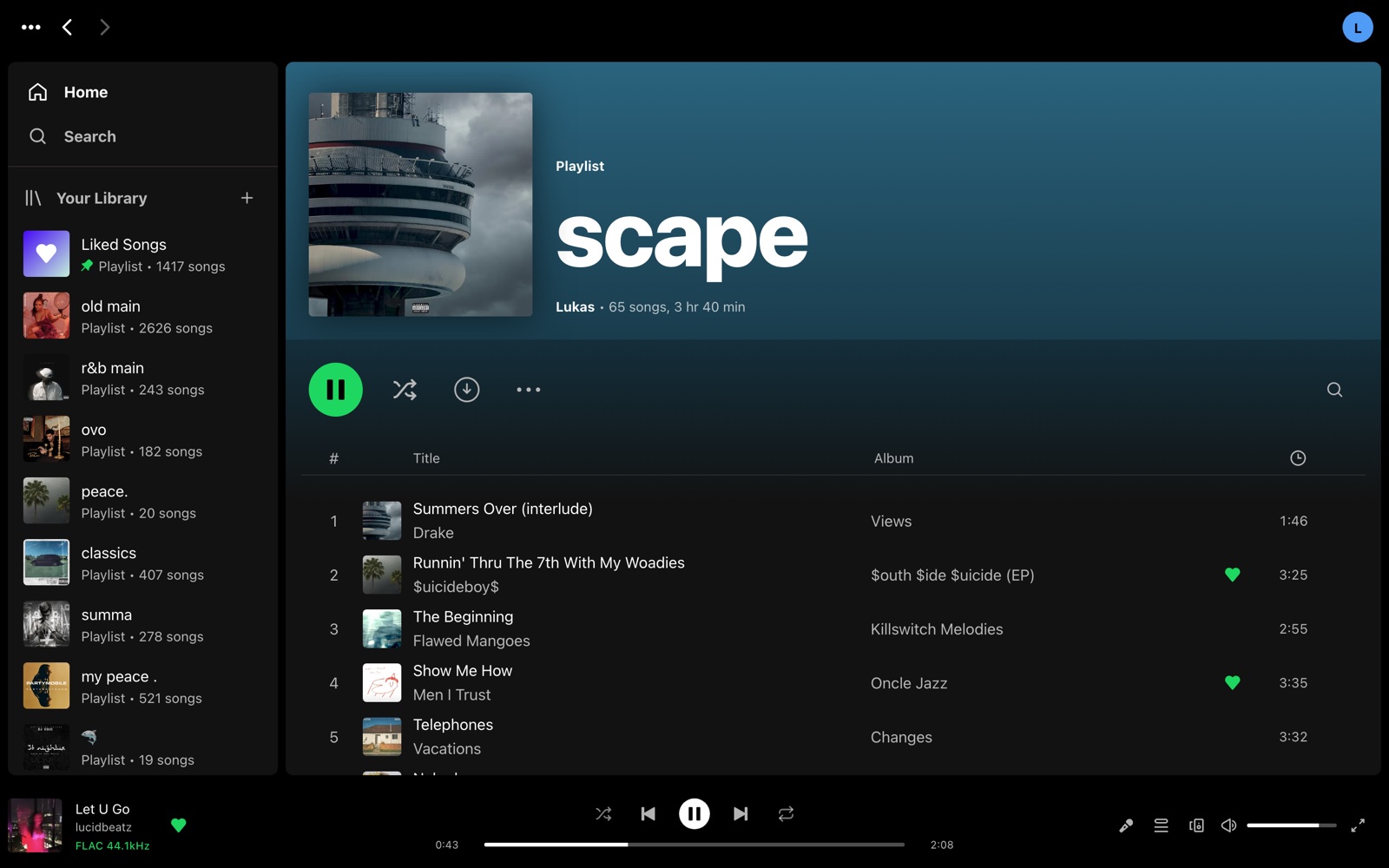
Self-hosted Spotify-style music server for your own library: web, Android, native iPhone, Mac, Windows and TV apps, handoff between devices, Chromecast and BluOS speakers, Home Assistant integration. One Docker container.
Self-hostedREADME.md
OriginalSlopify
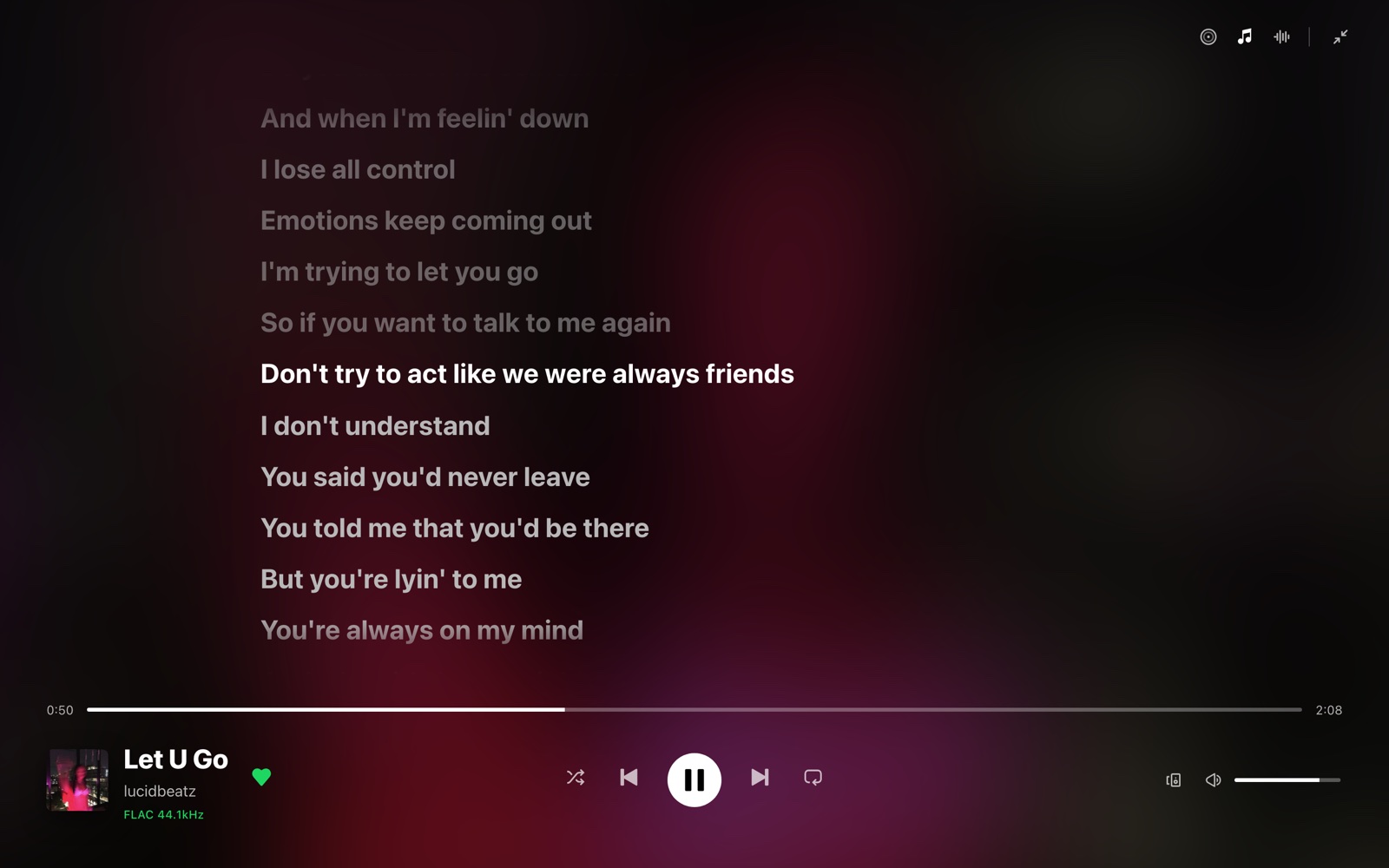
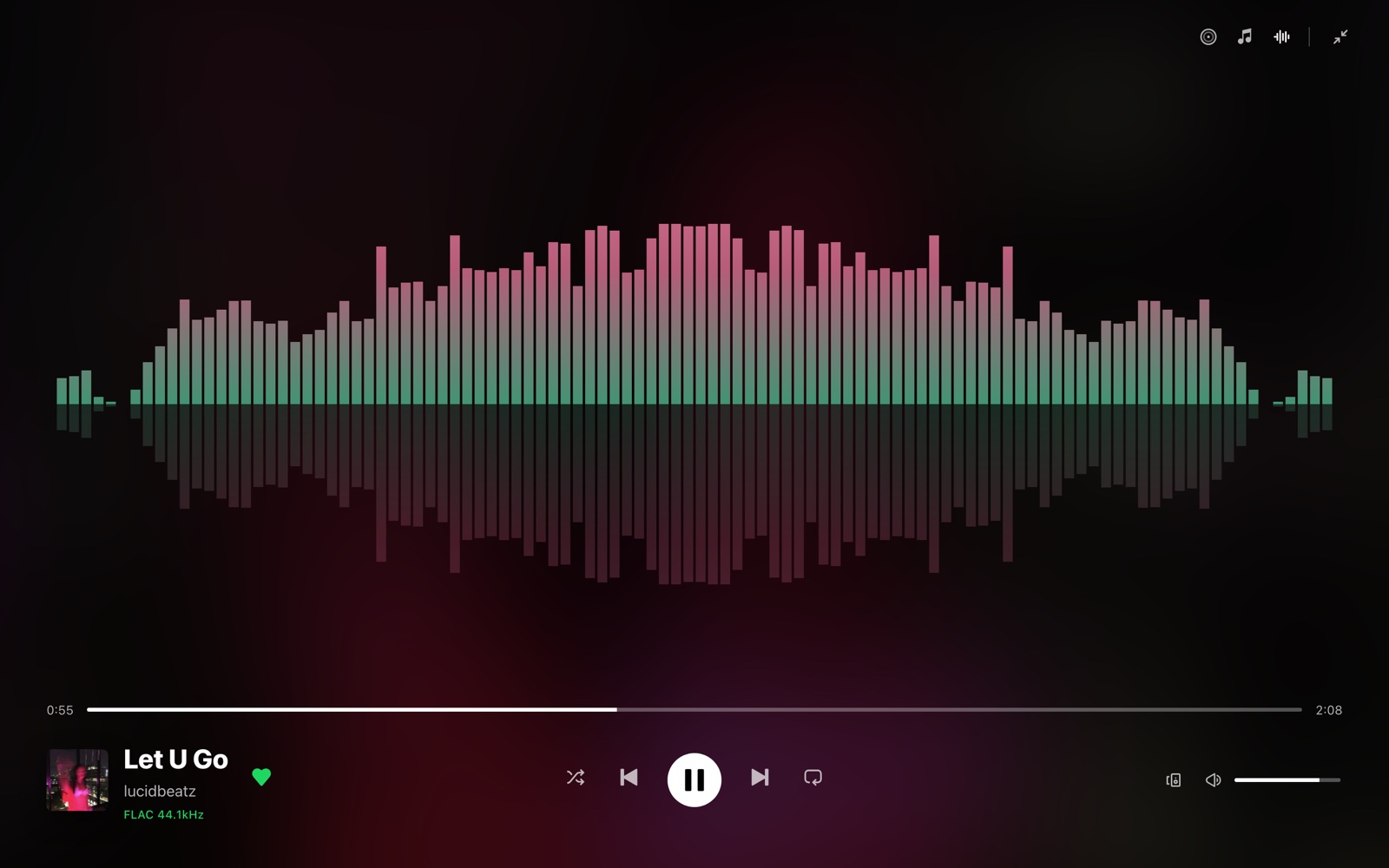
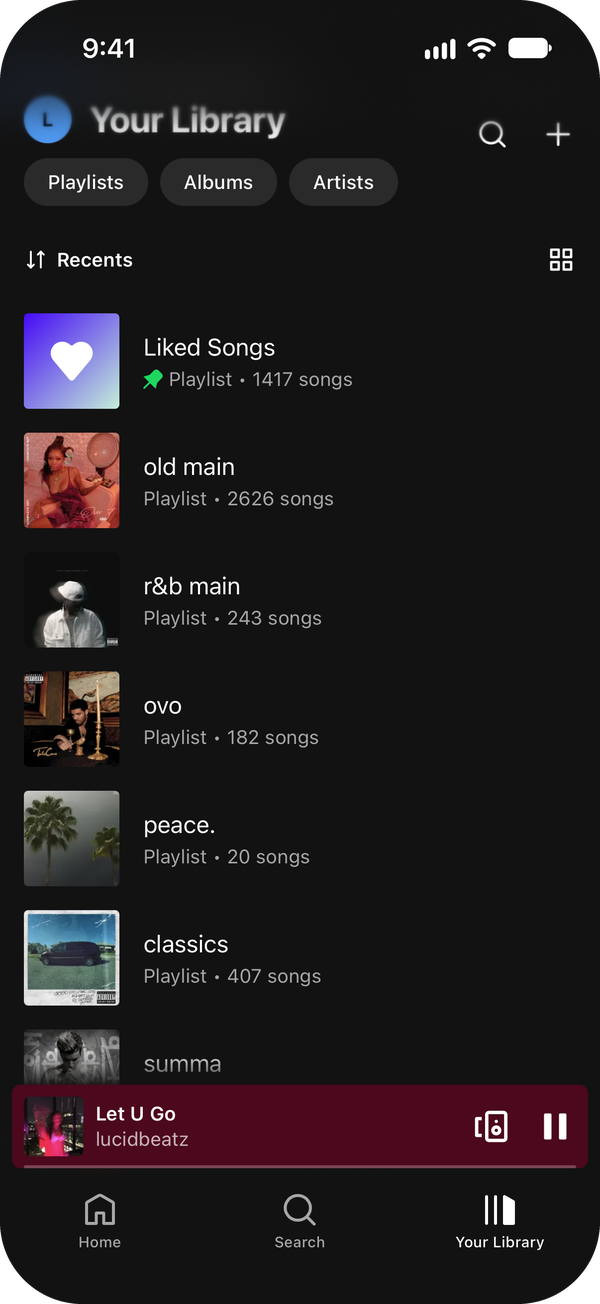
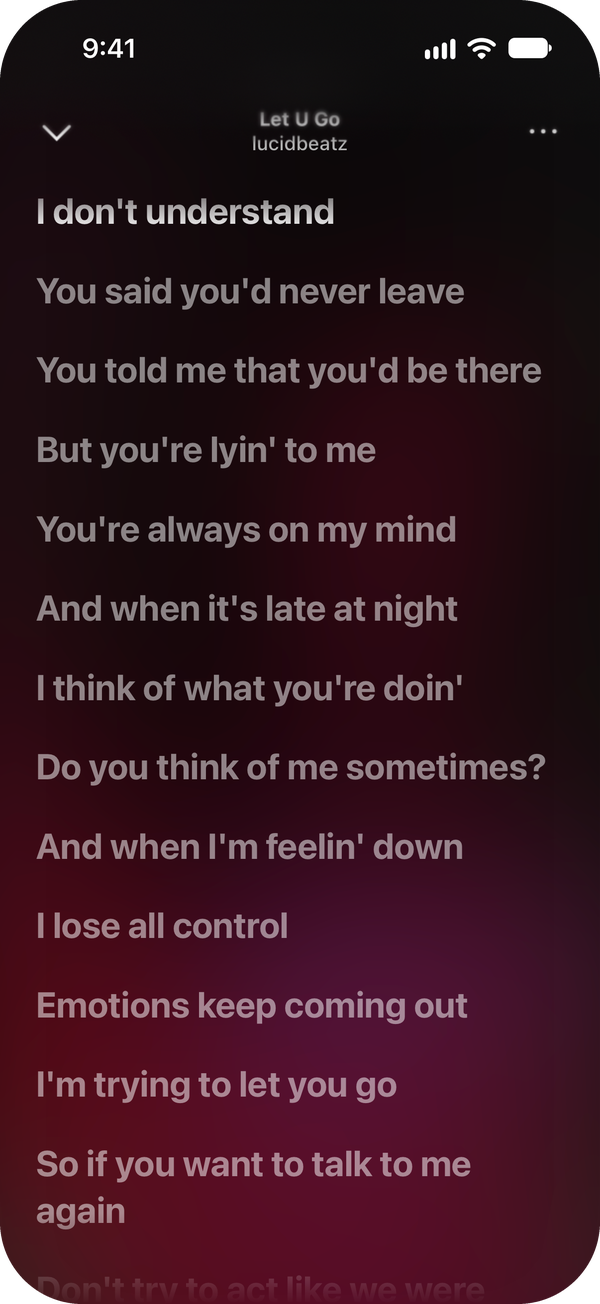
Spotify, but it's your music on your server. One Docker container, point it at your music folder, and everyone in the house gets their own account with likes, playlists, lyrics and a Home page. Start a song on your phone and finish it on the speakers.

No sign-up, 30-second clips.



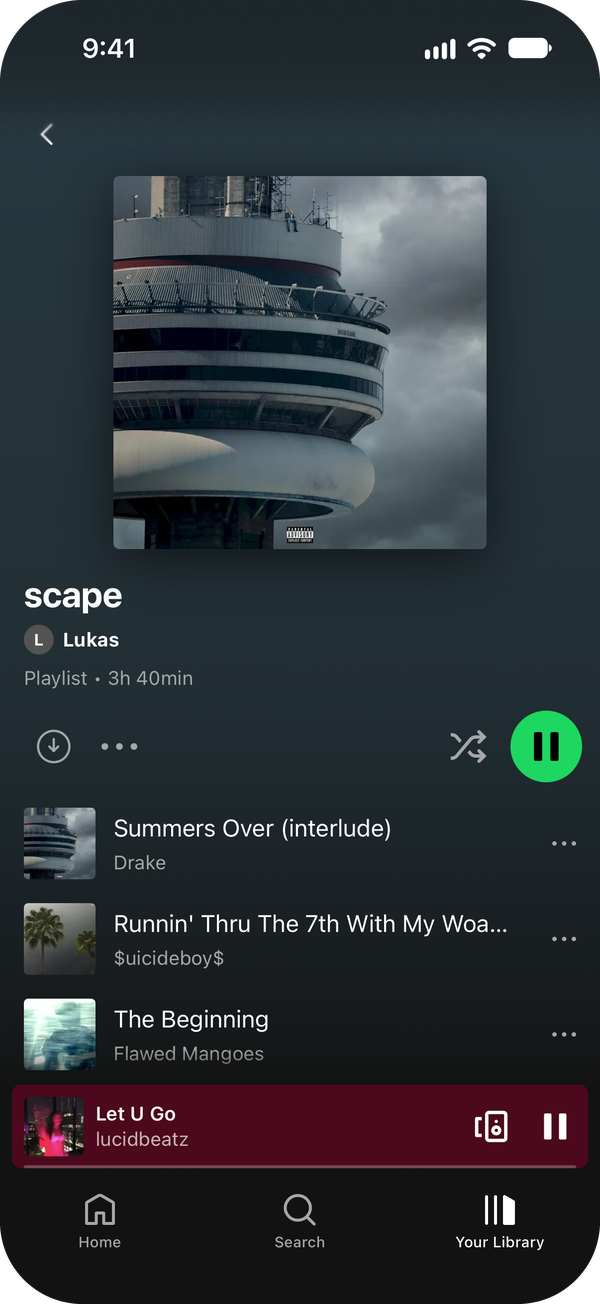
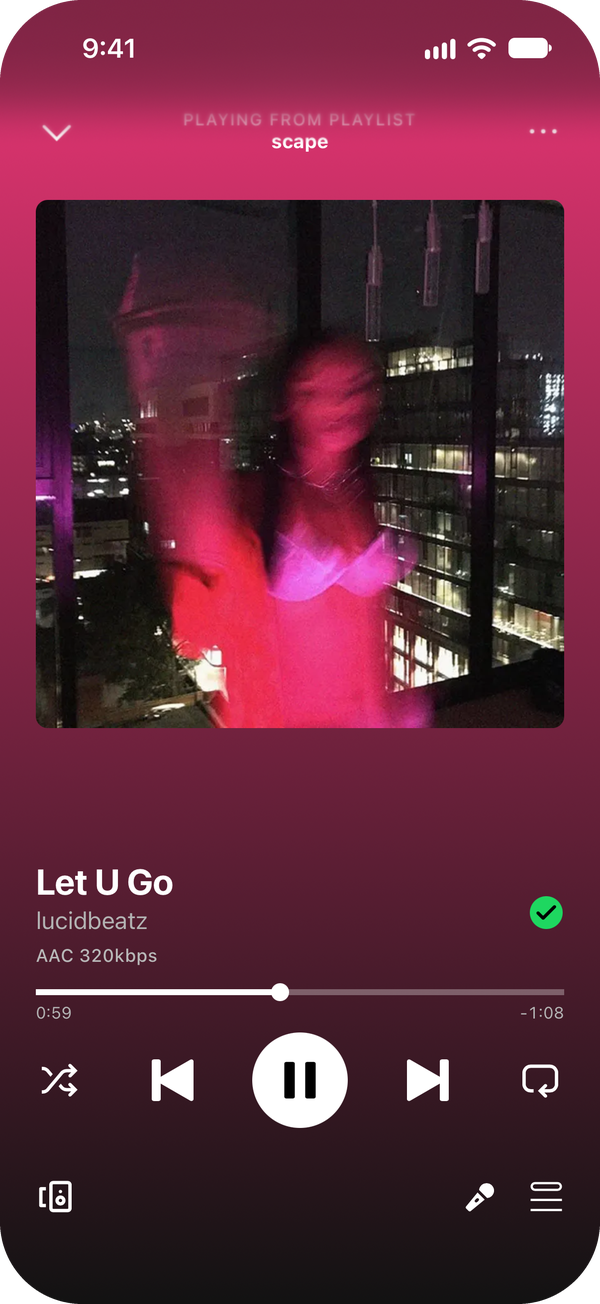
Install
Needs Docker and a folder of music. Any folder layout works, it reads the tags. Runs on amd64 and arm64 (Raspberry Pi 4/5 is fine).
# compose.yml
services:
  slopify:
    image: ghcr.io/lukasbaxter/slopify:latest
    container_name: slopify
    restart: unless-stopped
    network_mode: host          # needed to find speakers and TVs on your network
    volumes:
      - /path/to/music:/music:ro
      - ./data:/data
    environment:
      PORT: "8080"
      TZ: Europe/London
docker compose up -d
Open http://<server>:8080, log in with admin / admin, set a password.
The library scans by itself. Add people in Settings › Accounts or send them
an invite link.
- Your music stays read-only. Slopify keeps its stuff in
./data. - Runs as uid 1000; set
PUID/PGIDif your files need a different user. - Using
ports: ["8080:8080"]instead of host networking works too, you just lose speaker discovery. - Outside your house, put it behind HTTPS: reverse proxy guide.
- If something's off,
docker compose logs slopifyusually says why.
Apps
| Platform | How |
|---|---|
| Web | Any browser, nothing to install |
| Android | .apk from releases |
| iPhone / iPad | Add to Home Screen from Safari, or the .ipa through SideStore (how) |
| iPhone (native, beta) | SwiftUI app, build it from ios/ with Xcode |
| Mac | .dmg from releases (Apple Silicon) |
| Windows | Installer or portable .exe from releases |
| Linux | Web app |
| Android TV / Google TV | Build it from tv/ |
Every app shares one session per person, so any device can see and control what's playing on the others.
The phone apps ask for your server address on first launch. You can also add
a home address (like http://192.168.1.10:8080): the app uses it whenever it
answers, so music streams straight over Wi-Fi at home, and switches to the
main address when you're out. Change either one in Settings > Server address.
In 22 languages. Set LANGUAGE in compose for everyone (e.g. de, ja,
pt-BR), or let each person pick in Settings. Default follows the device.
Works with
| Chromecast | Play to any Cast speaker, TV or group, from any device |
| Bluesound / BluOS | Same, plus grouping and volume |
| Sonos, Denon / HEOS, DLNA | Sonos, HEOS receivers, smart TVs, Kodi, WiiM and anything else that's a DLNA renderer |
| AirPlay | Apple TV, HomePod and AirPlay speakers. Apple TVs that ask for a PIN get paired once in Settings › Speakers. Streams through Music Assistant's cliairplay, which ships in the image |
| Roku | Roku players and Roku TVs, through Play on Roku |
| Fire TV / Android TV | The Slopify TV app (tv/), sideloaded; it shows up in every device list under the TV's name |
| DIY speakers | Anything that speaks the small slopify-speaker/1 HTTP API on port 7780 shows up as a speaker (see server/src/speakers/transports.ts) |
| Home Assistant | Every person and speaker becomes a media player. Install with HACS (guide) |
| Soulseek (slskd) | Upgrade to FLAC (guide) |
| Lidarr | Full discographies and requests from inside the app (guide) |
| Spotify import | Upload your Spotify data download: playlists, Liked Songs, saved albums and listening history come over. Anything you don't have gets requested |
| ListenBrainz | Scrobbling, per person |
| LrcLib | Lyrics, if you don't have your own .lrc files. Can also sync them on a GPU (guide) |
| Your GPU | Optional: the brain learns how your house listens and what each song sounds like, and picks what plays next. Type a vibe and it makes a playlist from your library. NVIDIA, Intel Arc or CPU, one extra container |
Nothing phones home. PRIVACY.md lists every outside service it talks to and how to turn each one off.
Docs
Configuration · Reverse proxy · Backups and upgrades · Downloads · Home Assistant · iPhone · Lyric sync
Develop
npm install
npm run fixtures        # generates a 30-track fake library in fixtures/music (needs ffmpeg)
MUSIC_DIR=$PWD/fixtures/music CONFIG_DIR=$PWD/data npm run dev   # server on :8080
# (absolute paths: npm runs the dev script with server/ as its cwd)
npm run dev -w web      # web on :5180, proxies /api to the server
npm test                # unit (vitest)
npm run e2e             # Playwright against the fixture library
npm run test:changed    # only the platforms your change touches (tools/test-areas.mjs)
npm run test:area android   # one platform: lint server web android desktop tools ios
cd ios && make test      # native iOS app (Xcode + xcodegen), see ios/README.md
Tests never touch a real library or account: they run against the fixture folder and a data dir under /tmp.
License
AGPL v3 (LICENSE). The Home Assistant integration in
custom_components/slopify is Apache 2.0. Third-party licenses are in
NOTICE and THIRD_PARTY_LICENSES.md.
Bugs and ideas: issues. Security stuff: SECURITY.md. Contributing: CONTRIBUTING.md.
Built by Lukas with a lot of help from Claude. Not affiliated with Spotify.