
lucasfrag/kali-linux-tools-interface
lucasfrag/kali-linux-tools-interface has 277 GitHub stars and 72 forks. GitHot measured 0 stars in 24 hours, 0 in 7 days, and +1 in 15 days. Last checked 2026-11-13 14:10 UTC. Last push 2026-04-27.
Measured star growth
- in 24h
- 0
- in 7 days
- 0
- in 15 days
- +1
- in 1 month
- Collecting history
Net star changes over overlapping periods, not daily totals. Missing measurements are left blank. Stars measure attention, not software quality.
About
Graphical Web interface developed to facilitate the use of security information tools.
SecurityREADME.md
Original


Kali Linux Tools Interface
A graphical interface to use information security tools by the browser.
Explore the article »
(Available only in Brazilian Portuguese)
Report Bug
·
Request Feature
⚠️ ALERT 🚧
As I am involved in other projects, I am no longer supporting this project. However, the code remains open to anyone who wants to download, test and modify. Thanks to everyone for your support! Enjoy 😉🧩 Citation
If you use this repository in your research, please cite it as follows:
- BibTeX:
@software{Fraga_Kali_Linux_Tools_2025,
author = {Fraga, Lucas},
doi = {10.5281/zenodo.17298710},
license = {MIT},
month = oct,
title = {{Kali Linux Tools Interface: Graphical Web Interface for Security Tools}},
url = {{"type" => "GitHub", "url" => "https://github.com/lucasfrag/kali-linux-tools-interface"}},
version = {v2.0.0},
year = {2025}
}
Getting Started
Kali Linux Tools Interface is a graphical interface to use information security tools by the browser. The project uses the Kali Linux tools as a reference because it is the distribution that has the largest package of native tools.
Prerequisites
- A Debian-based distribution (preferably Kali Linux)
- The information security tools installed
- Apache / Nginx service running
- SSH Service running
- Shell In A Box (if you want to use the Terminal)
- To install Shell In A Box, use the following command:
sudo apt-get install shellinabox
- To install Shell In A Box, use the following command:
Installation
- Extract the contents to the folder of your web server.
- Create a database called
kaliin MySQL and import the fileassets/database.sql. - Edit the file
assets/includes/config.phpand set yours settings. - Enjoy!
Screenshots
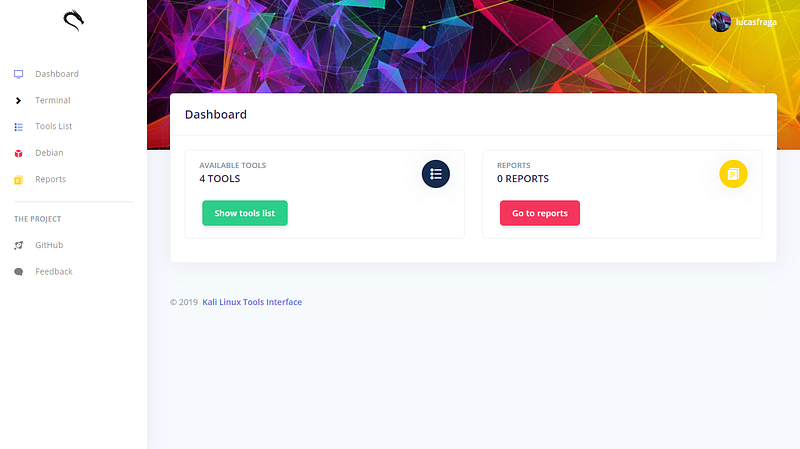
Dashboard
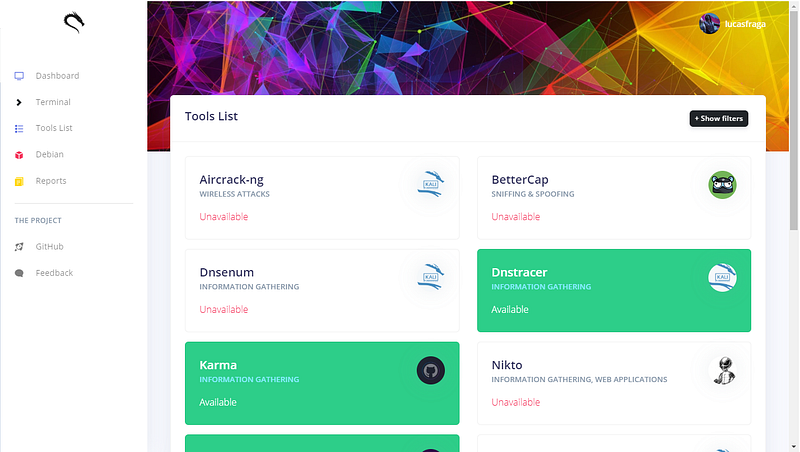
Tools list
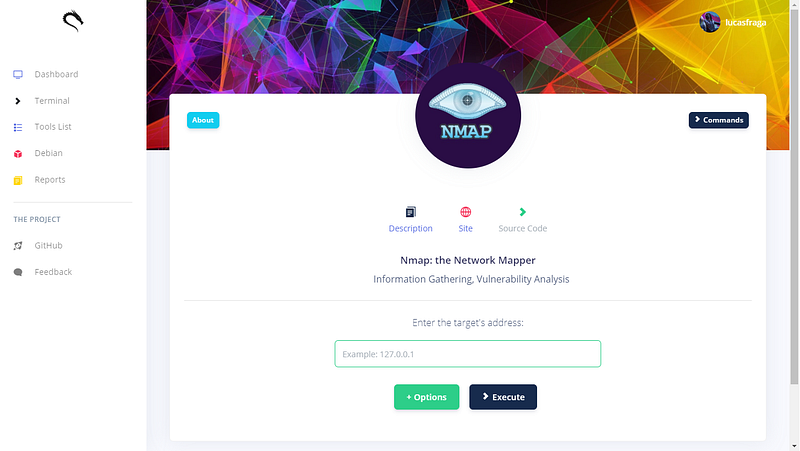
Choose and use!
More screenshots:
Check the article for more screenshots!
Built With
License
Distributed under the MIT License. See LICENSE for more information.
Explore related projects
trimstray/the-book-of-secret-knowledge
A collection of inspiring lists, manuals, cheatsheets, blogs, hacks, one-liners, cli/web tools and more.
258,176 starsHack-with-Github/Awesome-Hacking
A collection of various awesome lists for hackers, pentesters and security researchers
125,360 starsswisskyrepo/PayloadsAllTheThings
A list of useful payloads and bypass for Web Application Security and Pentest/CTF
82,649 starscaddyserver/caddy
Fast and extensible multi-platform HTTP/1-2-3 web server with automatic HTTPS
79,038 stars