
lrusso/VirtualXP
lrusso/VirtualXP has 554 GitHub stars and 185 forks. GitHot measured 0 stars in 24 hours and 0 in 7 days. Last checked 2026-11-09 01:18 UTC. Last push 2026-05-24.
Virtual Machine running in a web browser
Measured star growth
- in 24h
- 0
- in 7 days
- 0
- in 15 days
- Update delayed
- in 1 month
- Update delayed
Net star changes over overlapping periods, not daily totals. Missing measurements are left blank. Stars measure attention, not software quality.
README.md
OriginalVirtualXP
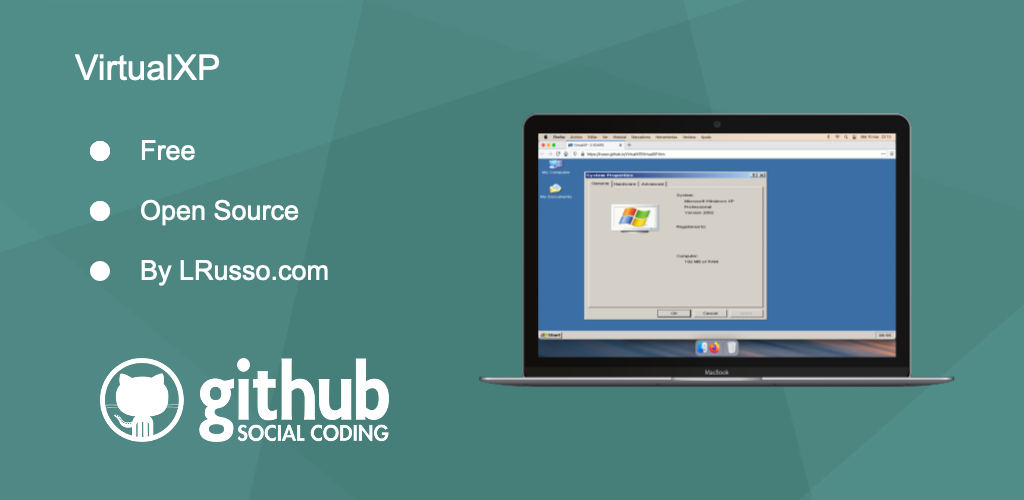
Virtual Machine running in a web browser.
Website
https://lrusso.github.io/VirtualXP/VirtualXP.htm
Changing the ISO file content
To do this, I used the apps Magic ISO Maker and WinImage.
Editing the VirtualXP Registry
Within the VirtualXP.iso image file you will find the following files that belongs to the System Registry.
| REGISTRY KEY | FILE |
|---|---|
| HKEY_CURRENT_USER | \I386\SYSTEM32\CONFIG\DEFAULT |
| HKEY_LOCAL_MACHINE | \I386\SYSTEM32\CONFIG\SOFTWARE |
Copy those files to your hard drive (your hard drive must have a standard Windows installation) and run from that standard Windows installation the following lines:
reg load HKCU\OFFLINE C:\DEFAULT
reg load HKLM\OFFLINE C:\SOFTWARE
Those lines will mount the VirtualXP Registry in:
- HKEY_CURRENT_USER\OFFLINE
- HKEY_LOCAL_MACHINE\OFFLINE
Now open the Registry editor and at the mentioned location you will find all the settings that VirtualXP is using. Modify all the things that you may need in there and after that run the following lines:
reg unload HKCU\OFFLINE
reg unload HKLM\OFFLINE
Those lines will:
- Remove the HKEY_CURRENT_USER\OFFLINE Registry.
- Remove the HKEY_LOCAL_MACHINE\OFFLINE Registry.
- Unmount the DEFAULT file and save changes in it.
- Unmount the SOFTWARE file and save changes in it.
After this, you must copy the modified DEFAULT and SOFTWARE files back to the VirtualXP.iso image file.
The MODELRAM.EXE file
Within the VirtualXP.iso image you will find the \MODELRAM.EXE file that it is self extracting exe file created with the 7-Zip command line that automatically extracts the Documents and Settings folder in the RAMDisk when VirtualXP is booting. The command to create this file is the following:
7z a MODELRAM.EXE -mx9 -sfx "Documents and Settings"
VirtualXP is a modified version of Halfix
https://github.com/nepx/halfix
Disclaimer
The Windows XP minified image is provided for educational purposes ONLY. This demo is not affiliated with or endorsed by their respective copyright holders.
Explore related projects
freeCodeCamp/freeCodeCamp
freeCodeCamp.org's open-source codebase and curriculum. Learn math, programming, and computer science for free.
458,821 starsdonnemartin/system-design-primer
Learn how to design large-scale systems. Prep for the system design interview. Includes Anki flashcards.
377,440 starsreact/react
The library for web and native user interfaces.
252,444 starsvuejs/vue
This is the repo for Vue 2. For Vue 3, go to https://github.com/vuejs/core
212,624 stars