
loonywizard/js-confetti
loonywizard/js-confetti has 1,295 GitHub stars and 56 forks. GitHot measured 0 stars in 24 hours. Last checked 2026-11-06 10:14 UTC. Last push 2025-09-02.
JS Confetti library that supports emojis 🦄 🎉 ⚡️
Measured star growth
- in 24h
- 0
- in 7 days
- Collecting history
- in 15 days
- Collecting history
- in 1 month
- Collecting history
Net star changes over overlapping periods, not daily totals. Missing measurements are left blank. Stars measure attention, not software quality.
README.md
Original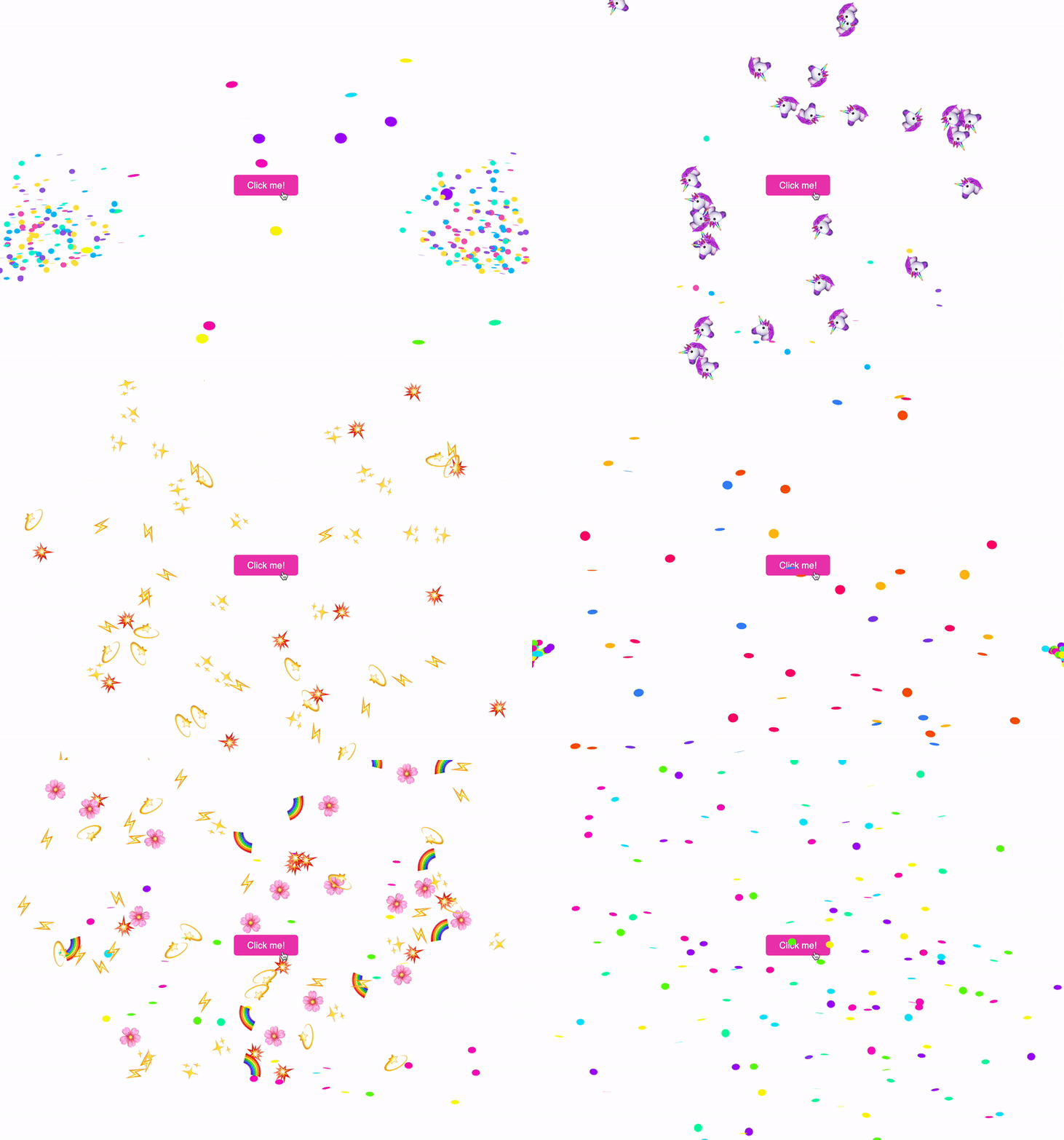


🎉 JavaScript Confetti library
💥 Supports emojis as confetti
⚡️ Zero dependencies used
🦄 Works without any config, yet configurable
🛠 Has TypeScript typings
🧩 Confetti speed adapts to user screen width
Install
You can install library from NPM using yarn or npm
yarn add js-confetti
Alternatively you can download script from CDN
<script src="https://cdn.jsdelivr.net/npm/js-confetti@latest/dist/js-confetti.browser.js"></script>
and then access JSConfetti global variable
Usage
Initialize instance of JSConfetti class and call addConfetti method
import JSConfetti from 'js-confetti'

const jsConfetti = new JSConfetti()

jsConfetti.addConfetti()
NOTE new JSConfetti() creates HTML Canvas element and adds it to page, so call it only once!
If need to use custom canvas element, you can pass canvas arg to JSConfetti constructor (example)
const canvas = document.getElementById('your_custom_canvas_id')

const jsConfetti = new JSConfetti({ canvas })
Customise confetti
Use emojis as confetti:
jsConfetti.addConfetti({
   emojis: ['🌈', '⚡️', '💥', '✨', '💫', '🌸'],
})
Customize confetti colors:
jsConfetti.addConfetti({
  confettiColors: [
    '#ff0a54', '#ff477e', '#ff7096', '#ff85a1', '#fbb1bd', '#f9bec7',
  ],
})
Customize confetti radius:
jsConfetti.addConfetti({
  confettiRadius: 6,
})
Customize confetti number:
jsConfetti.addConfetti({
  confettiRadius: 6,
  confettiNumber: 500,
})
Combine different properties:
jsConfetti.addConfetti({
  emojis: ['🦄'],
  emojiSize: 100,
  confettiNumber: 30,
})
addConfettiAtPosition
example with dispatching confetti on mouse click -
take X and Y position of the mouse from event and
pass them in confettiDispatchPosition param.
all customisations work in this method as well!
jsConfettiRef.addConfettiAtPosition({
  confettiDispatchPosition: {
    x: event.clientX,
    y: event.clientY
  }
})
clearCanvas()
Call clearCanvas method to clear canvas
Example:
const jsConfetti = new JSConfetti()

jsConfetti.addConfetti()

// ...
jsConfetti.clearCanvas()
addConfetti Promise
addConfetti method returns Promise, which is resolved when added confetti dissapears from the user screen due to the gravity physics of confetti
Example:
// async/await
await jsConfetti.addConfetti()
console.log('Confetti animation completed!')

// Promise.then
jsConfetti.addConfetti()
   .then(() => console.log('Confetti animation completed!'))
How to run locally
Install dependencies by Yarn or NPM
yarn install
Run dev script with website build
yarn run dev
License
MIT
Explore related projects
ytdl-org/youtube-dl
Command-line program to download videos from YouTube.com and other video sites
141,474 starsexcalidraw/excalidraw
Virtual whiteboard for sketching hand-drawn like diagrams
135,211 starsgodotengine/godot
Godot Engine – Multi-platform 2D and 3D game engine
119,656 starsmrdoob/three.js
JavaScript 3D Library.
117,669 stars