
lonzzi/nekofin
lonzzi/nekofin has 48 GitHub stars and 7 forks. GitHot measured 0 stars in 24 hours. Last checked 2026-11-11 06:08 UTC. Last push 2026-11-06.
一个现代化的跨平台媒体播放器,支持 Jellyfin 和 Emby 媒体库,具备弹幕功能。
Measured star growth
- in 24h
- 0
- in 7 days
- Update delayed
- in 15 days
- Update delayed
- in 1 month
- Update delayed
Net star changes over overlapping periods, not daily totals. Missing measurements are left blank. Stars measure attention, not software quality.
README.en.md
OriginalNekofin
Your self-hosted media library in your pocket.
An iOS and Android client for Jellyfin and Emby · Expo · React Native · MPV
Nekofin connects to your self-hosted media servers so you can browse movies and shows, search your library, explore details, and pick up where you left off with MPV. It also supports multiple server accounts, synced playback progress, audio and subtitle track selection, danmaku (on-screen comments), and light and dark themes.
App preview
Take a look around the app. Posters and library content depend on the media server you connect to.
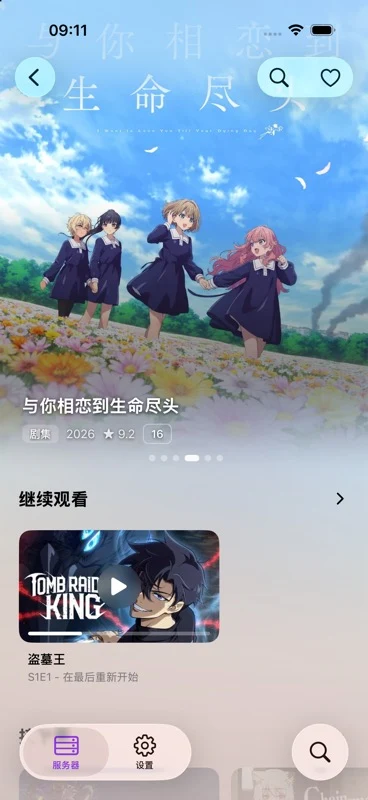 Library · Light |
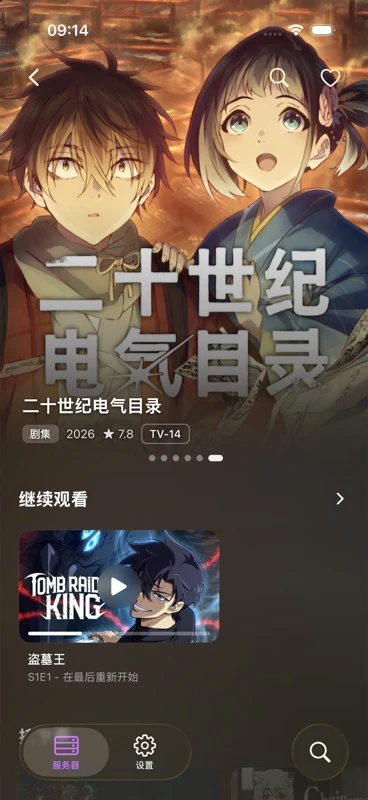 Library · Dark |
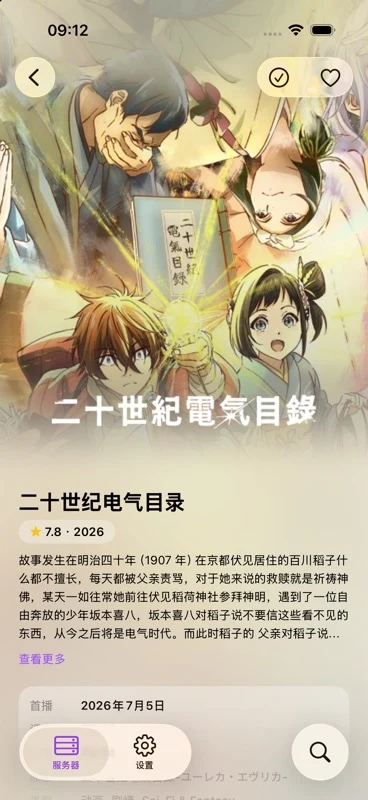 Series details |
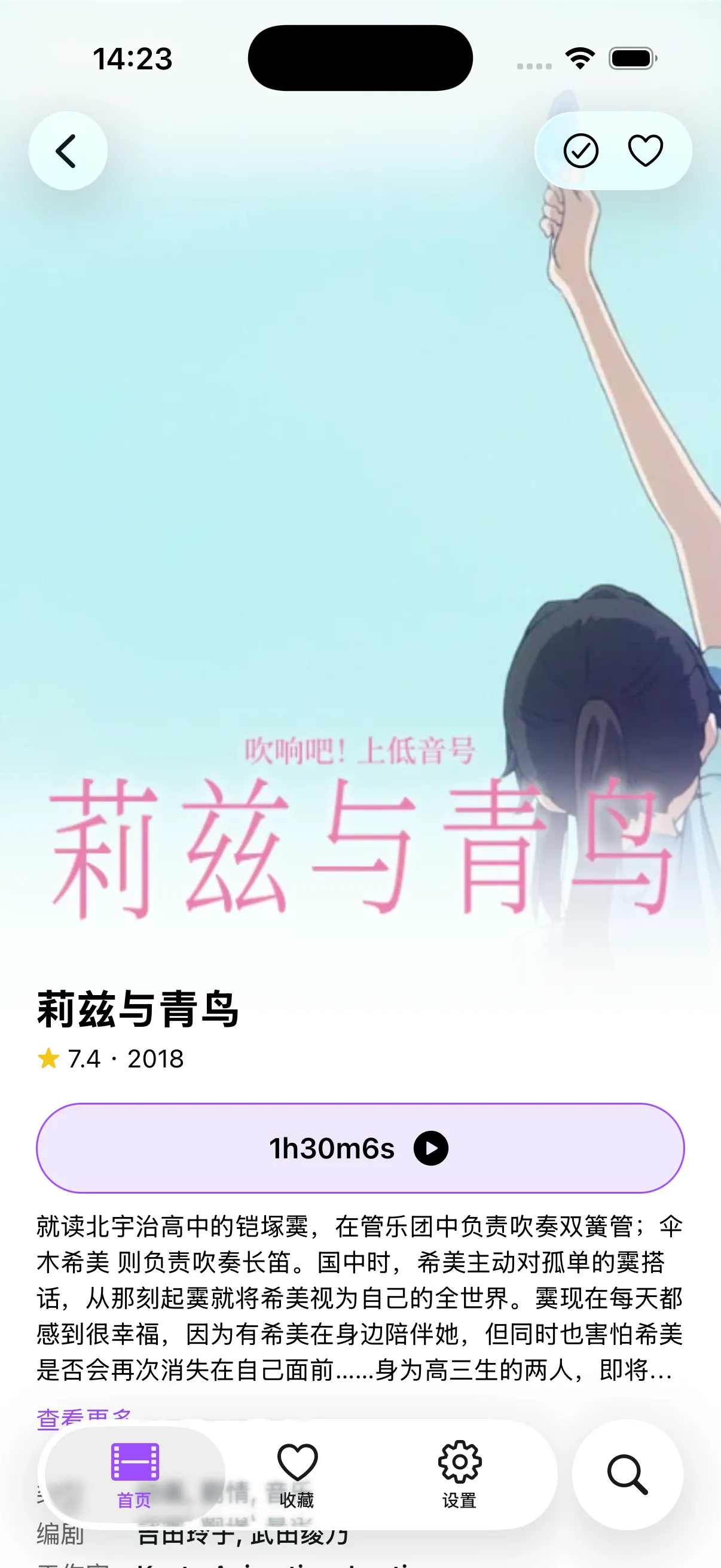 Movie details |
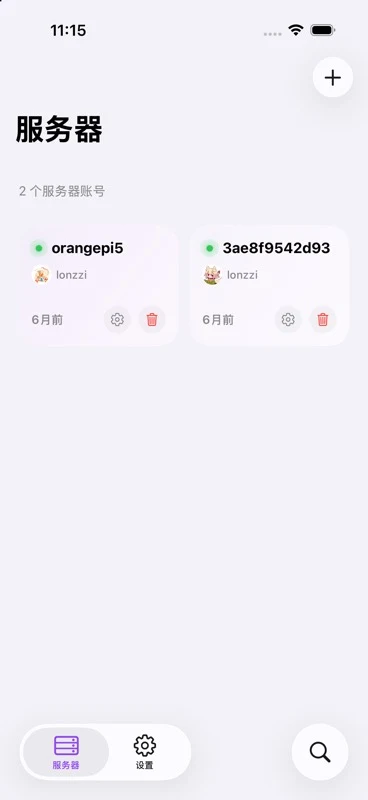 Server management |
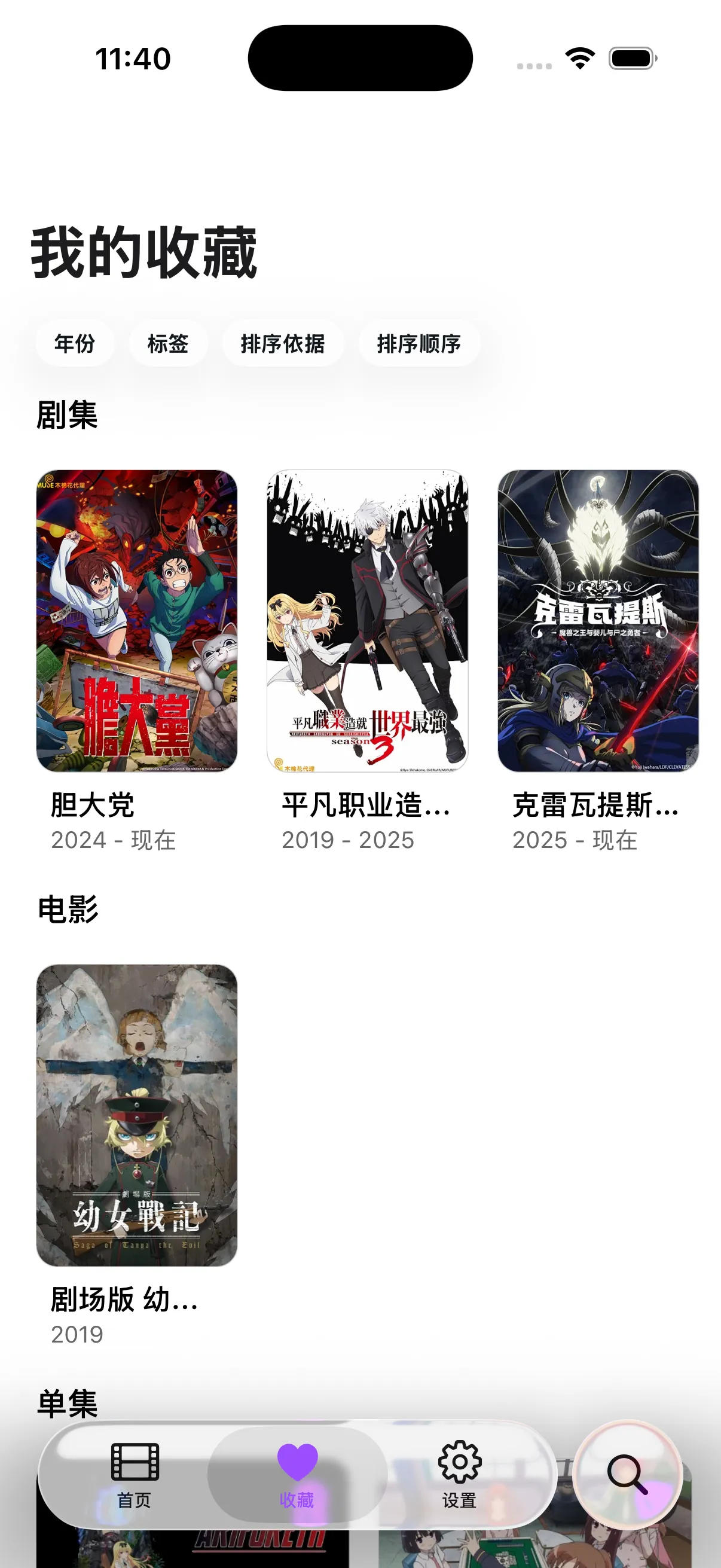 Favorites |
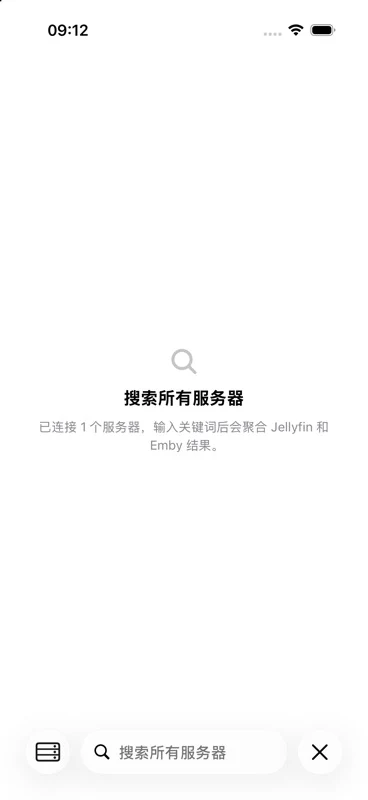 Cross-server search |
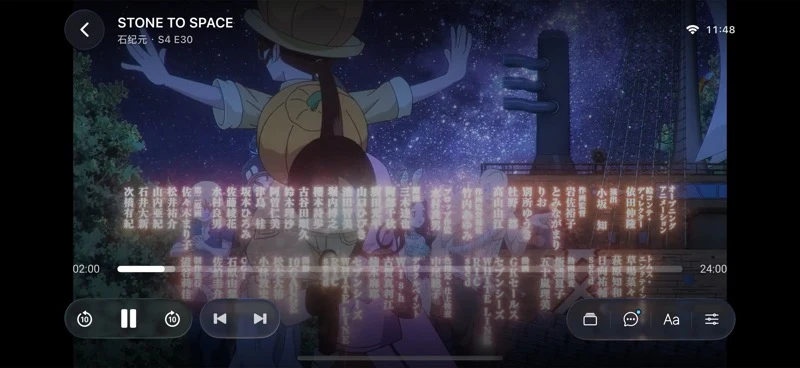 MPV player |
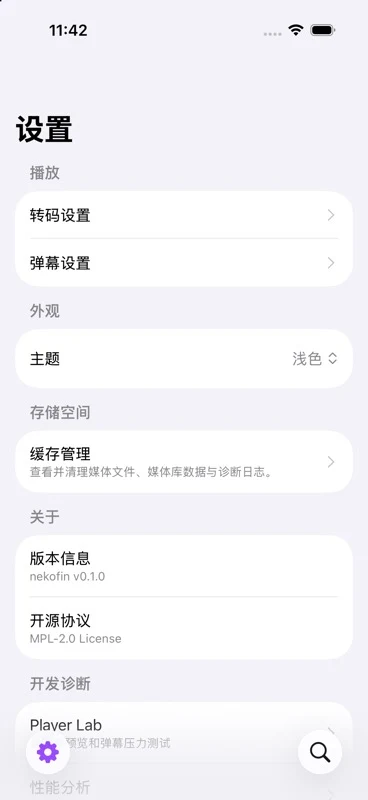 Settings |
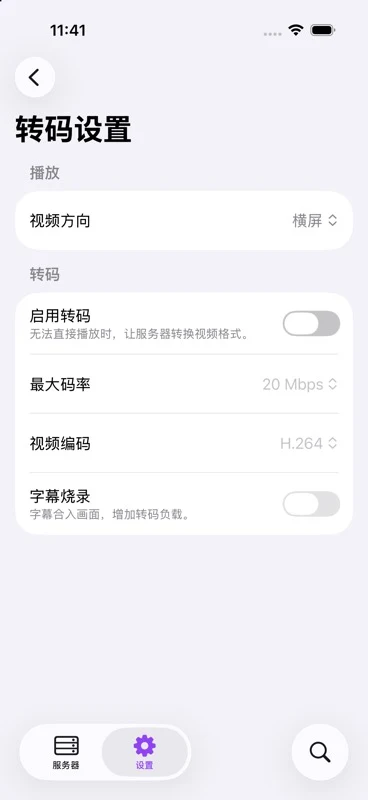 Transcoding settings |
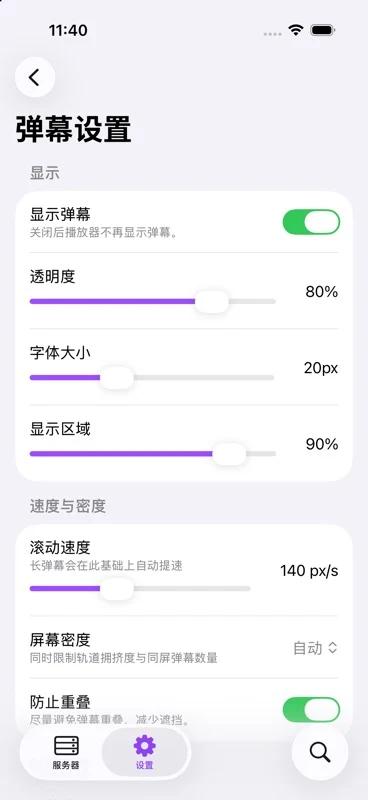 Danmaku settings |
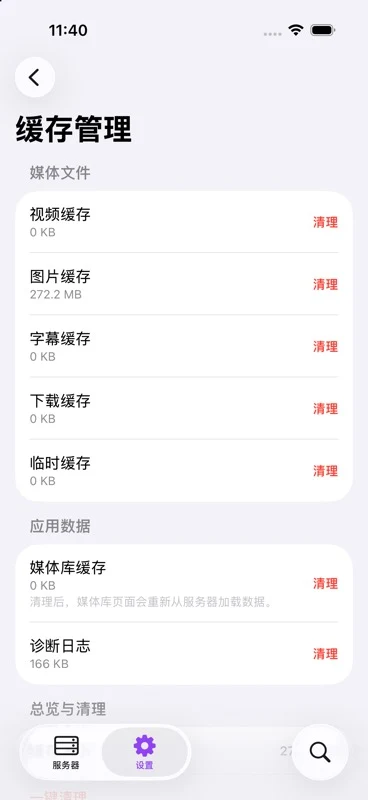 Cache management |
Features
- Connect your library: Manage multiple Jellyfin and Emby accounts, and browse movies, shows, favorites, and continue watching
- Find something to watch: Search the current server or all connected media servers
- Explore details: View movie, show, and episode information, and manage favorites and watched status
- Continue watching: Sync playback progress with the MPV player, and choose audio tracks, subtitles, playback speed, and aspect ratio
- Customize danmaku: Search for on-screen comments and adjust the font, opacity, speed, display area, and density
- Android picture-in-picture: Return to your device’s home screen while playing to keep watching video and danmaku. Enabled by default; turn it off in “Settings → Playback and quality → Picture in picture”
- Choose your theme: Use a light or dark theme, or follow your system settings
- App updates: Go to “Help and about → Check for updates” to check for both app and resource updates, with an option to download automatically. On Android, updates download in the background before prompting you to install; reminders wait until playback ends
The default danmaku API provides Chinese-language comments only.
Getting started
Download an available build from GitHub Releases. Add your Jellyfin or Emby account, then open a library to browse and search. Open a movie or show to start or resume playback.
Local development
Requires Bun, plus Xcode for iOS builds. Xcode 27 or later is recommended: apps built with older Xcode versions may have compatibility issues on iOS 27. The project includes a native player and Expo native modules, so use a development client to build and run it.
bun install
bun run ios:dev
Android picture-in-picture requires rebuilding the native app; an OTA update alone cannot enable it.
Run checks:
bun run typecheck
bun run test
Tech stack
React Native · Expo · Expo Router · MPV · TypeScript
Downloads
- Stable: Latest stable release
- Pre-release: Builds marked as Pre-release in the release list
- CNB downloads: CNB Releases. Each mirrored version also includes CNB release and installer links in its GitHub release notes.
iOS sideloading sources
Tap an image on iPhone or iPad to add the source to AltStore Classic 2.2 or later, or LiveContainer with Sources support. Beta includes prereleases and stable builds; Stable includes stable builds only. Choose Beta while no stable build is available.
| Source · Channel | AltStore Classic | LiveContainer |
|---|---|---|
| CNB · Beta |  |
 |
| CNB · Stable | |
|
| GitHub · Beta | |
|
| GitHub · Stable | |
|
Tap an image to open the sideloading app; iOS may ask for confirmation. If it does not open, copy the corresponding JSON source URL above and add it in your sideloading app. In NekoFin, “Help and about → Update source” selects GitHub or CNB for app and resource update checks, downloads, and automatic updates. Your sideloading tool downloads, signs, and installs iOS packages.
Version tags generate Chinese and English release notes, set the build version, and publish an APK, an unsigned IPA, and checksum files. After a successful release, the version number is synced back to main. Resource updates are published separately through GitHub Actions. See the release process for details.
Acknowledgments
Streamyfin · Jellyfin · Dandanplay · expo-libvlc-player
License
Explore related projects
freeCodeCamp/freeCodeCamp
freeCodeCamp.org's open-source codebase and curriculum. Learn math, programming, and computer science for free.
458,997 starsdonnemartin/system-design-primer
Learn how to design large-scale systems. Prep for the system design interview. Includes Anki flashcards.
377,604 starsreact/react
The library for web and native user interfaces.
252,517 starsvuejs/vue
This is the repo for Vue 2. For Vue 3, go to https://github.com/vuejs/core
212,534 stars