
lmk123568/StreamUI
lmk123568/StreamUI has 464 GitHub stars and 86 forks. GitHot measured 0 stars in 24 hours and 0 in 7 days. Last checked 2026-11-09 08:47 UTC. Last push 2026-10-29.
A minimal and lightweight video streaming management platform 一个极简轻量的视频流媒体管理平台
Measured star growth
- in 24h
- 0
- in 7 days
- 0
- in 15 days
- Update delayed
- in 1 month
- Update delayed
Net star changes over overlapping periods, not daily totals. Missing measurements are left blank. Stars measure attention, not software quality.
README_en.md
Original⚙️ English | 中文

StreamUI
A minimalist and lightweight video streaming management platform — out of the box and easy to extend.
In StreamUI, “Stream” comes from the stream concept in ZLMediaKit, and “UI” comes from Layui. The overall design uses blue-green (
#16baaa) as the primary color and follows the principles of “simple, easy to use, and extensible”. We continuously balance code complexity and feature implementation, and keep pursuing the beauty of minimalism.
Features
✅ Supports pull-proxy ingestion and saving for mainstream protocols such as RTSP/RTMP/HLS/WebRTC/RTP/GB28181.
✅ Supports push ingestion for protocols such as RTSP/RTMP/RTP.
✅ Supports stream distribution via RTSP/WebRTC/RTMP/FLV/HLS/HLS-fMP4/HTTP-TS/HTTP-fMP4 and more.
✅ Supports 1x1, 2x2, 3x3 multi-screen playback.
✅ Supports local recording, playback, download, automatic cleanup, and more.
StreamUI focuses on stream management. It currently does not support ONVIF/GB28181 device discovery, stream ingestion, or PTZ control.
Quick Start
This project is recommended to be deployed with Docker Compose.
cd ./docker
docker compose up -d
After it starts, open http://{your server IP}:10800 in your browser and log in.
The default password is streamui. You can change it in login.html.
Tips
After the first startup, it’s recommended to go to the [Basic Settings] page first and adjust the configuration as needed.
- Consider enabling on-demand forwarding: saves bandwidth, but the first viewer may need to wait for the forwarded stream to start.
- Consider disabling protocols you don’t need to forward. For example, if you don’t need RTMP distribution, disable RTMP forwarding.
- Consider enabling faststart: allows fast seeking during playback, but consumes a bit more storage during recording.
- Consider increasing the GOP cache: smoother playback and longer event video backtracking time, but increases memory usage.
For more options, refer to ZLMediaKit configuration.
Snapshots
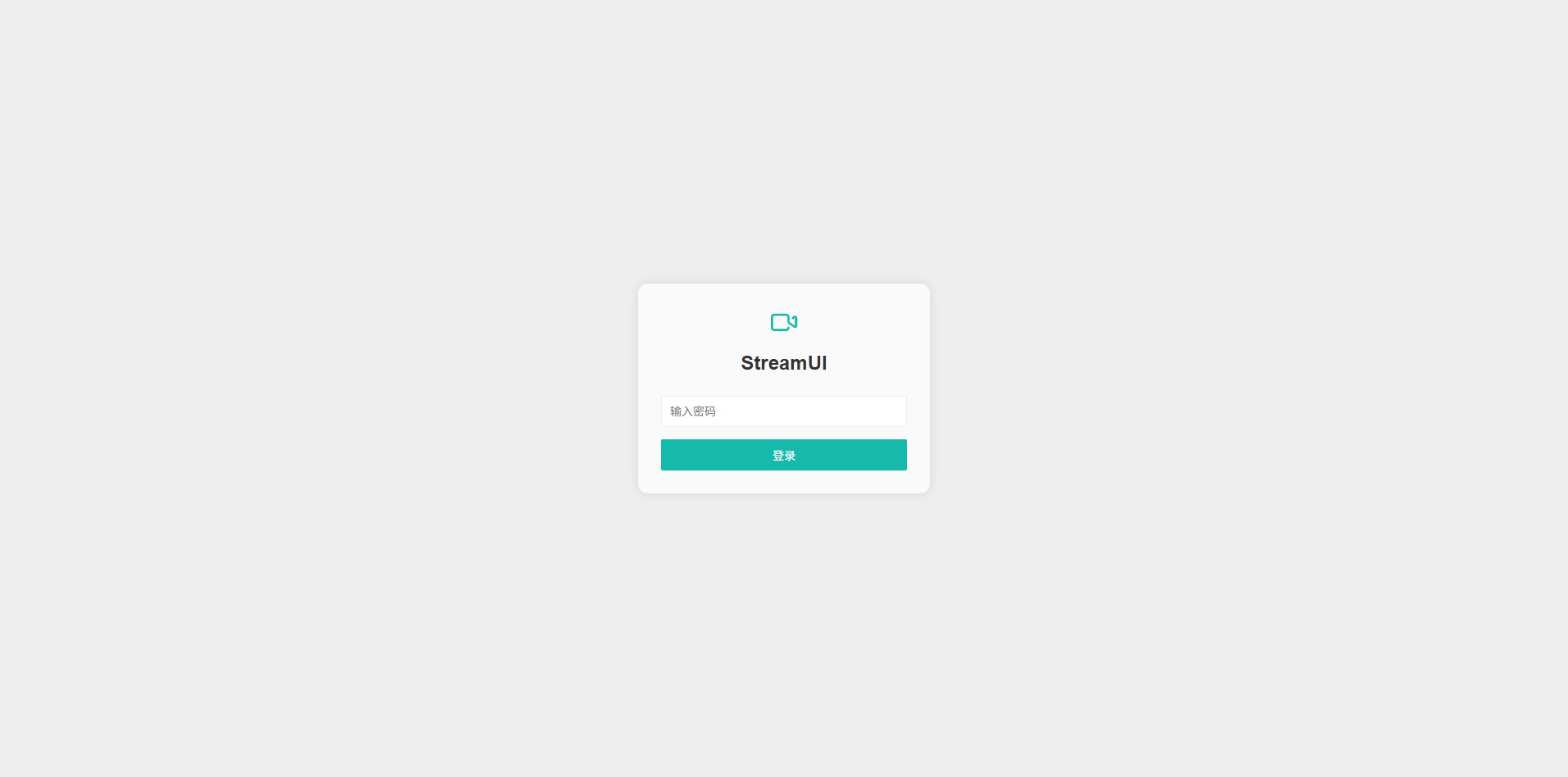 Login |
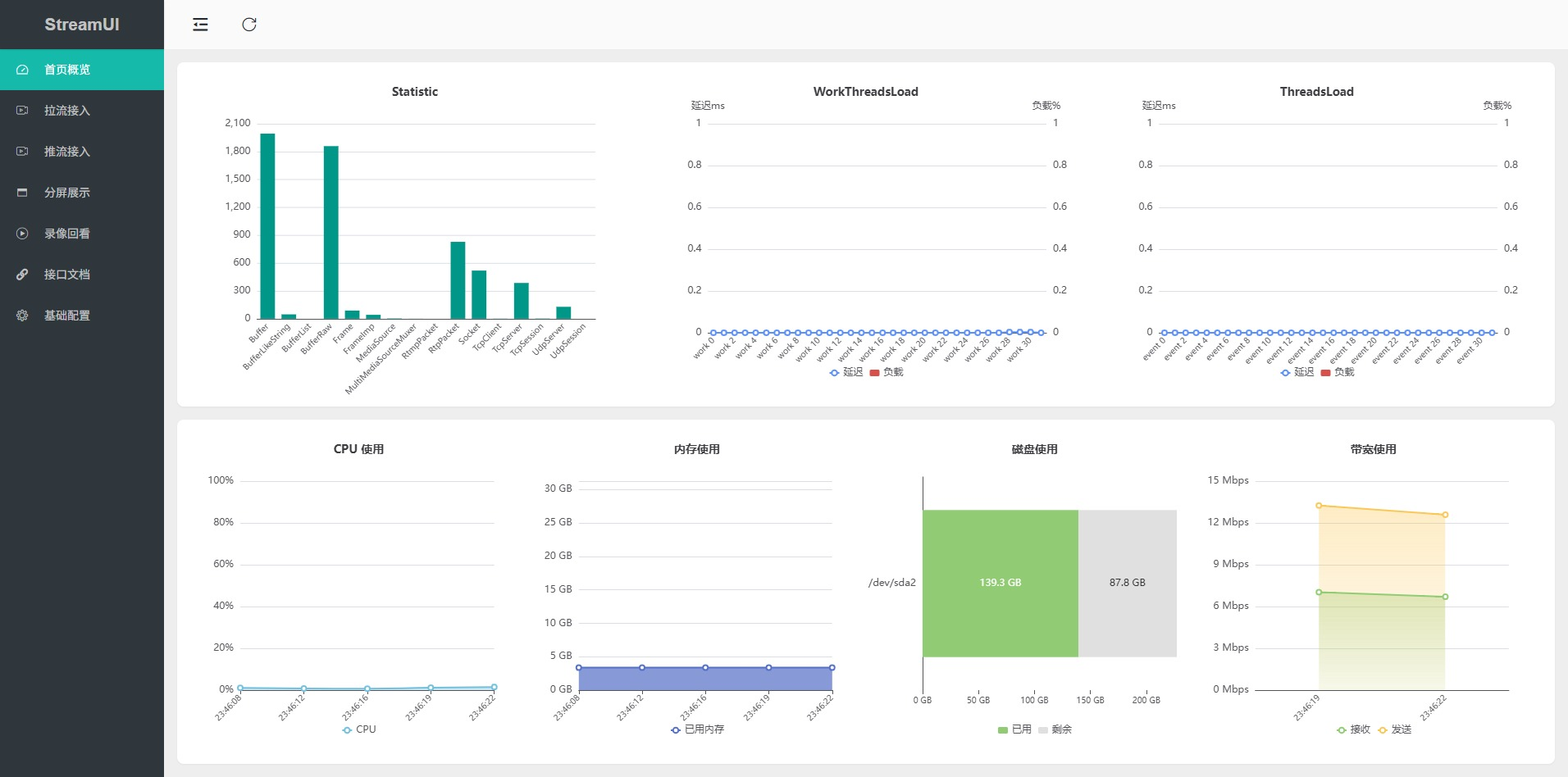 Home |
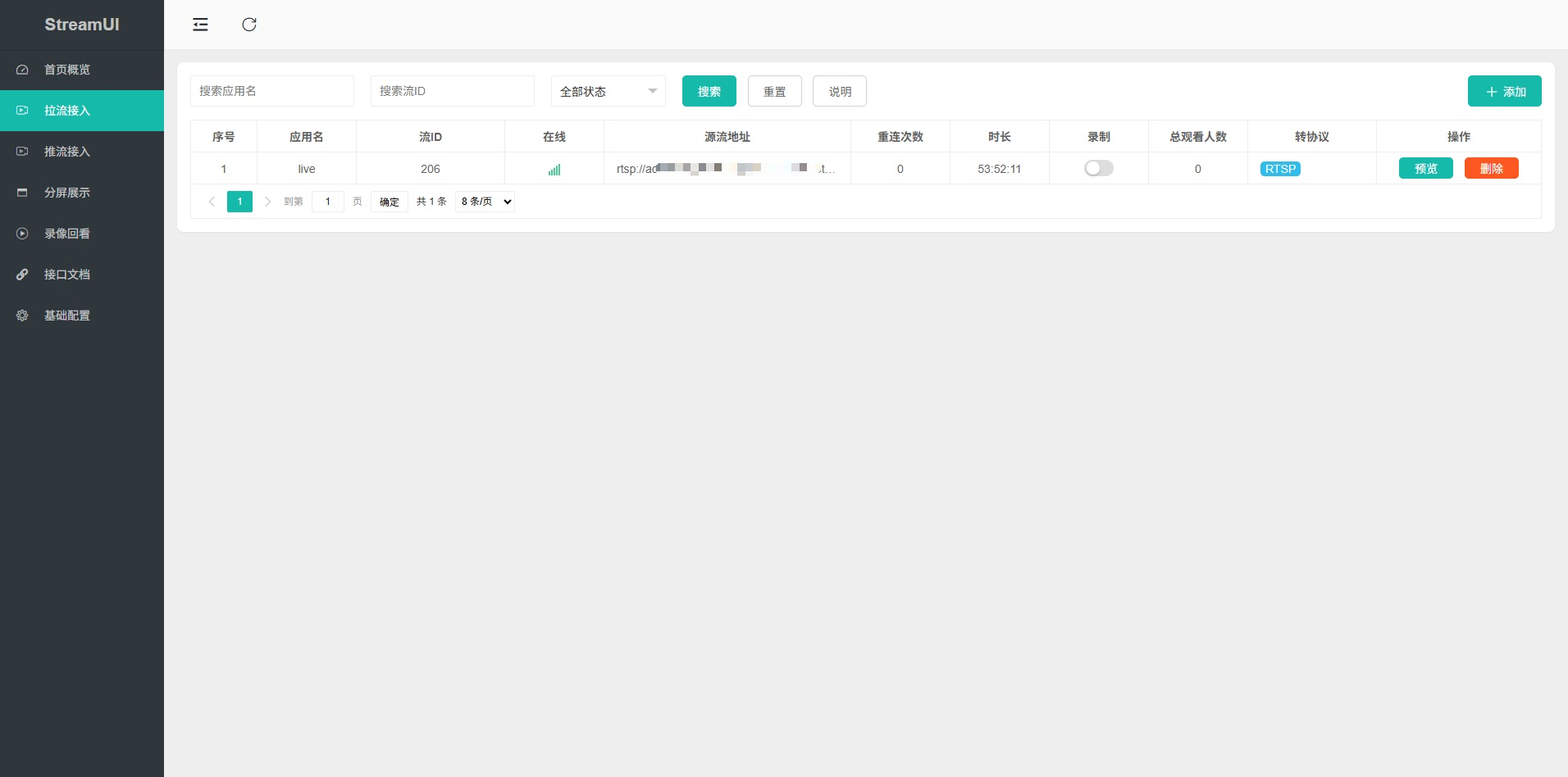 Pull Stream |
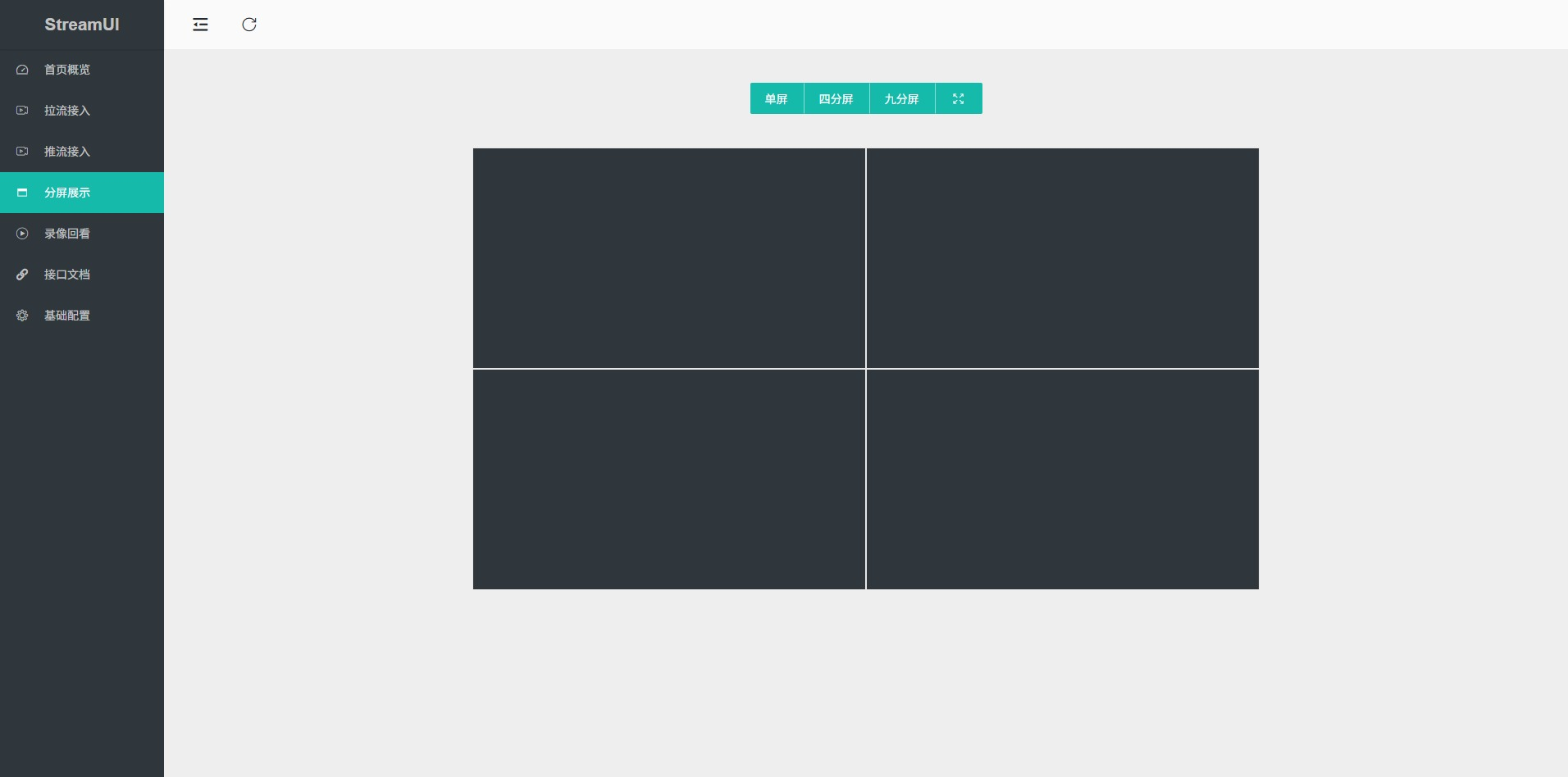 Video Wall |
Architecture
StreamUI is designed for minimal implementation. The frontend does not use heavy frameworks such as Vue or React, and the backend avoids complex Java Spring ecosystems, choosing a lightweight combination of Layui and FastAPI. The overall architecture is clean and easy to understand for secondary development.
Project structure:
├── backend
│   ├── db  # Database
│   ├── main.py  # APIs
│   ├── scheduler.py  # Scheduled jobs
│   └── utils.py  # Utilities
│
├── frontend
│   ├── assets  # Static assets
│   ├── index.html  # Main page
│   ├── login.html  # Login page
│   └── pages
│       ├── home.html  # Overview
│       ├── playback.html  # Playback
│       ├── pull-stream.html  # Pull stream
│       ├── settings.html  # Basic settings
│       ├── push-stream.html  # Push stream
│       └── wall.html  # Video wall
Architecture diagram:
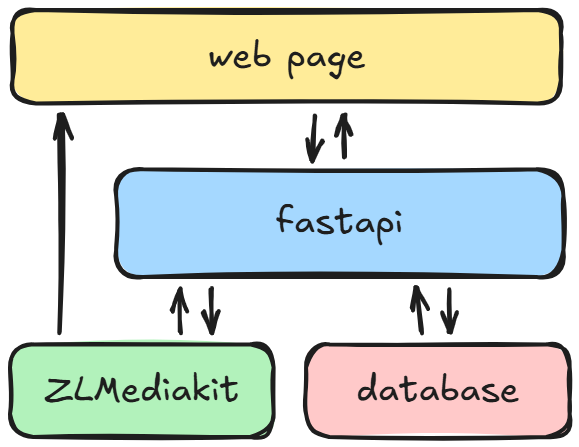
You can add new features or modify existing ones based on StreamUI, such as ONVIF/GB28181 device discovery, stream ingestion, PTZ control, etc.
Thanks
🥰 Our project is now recommended by https://github.com/ZLMediaKit/ZLMediaKit
License
StreamUI is licensed under the MIT License
Explore related projects
ytdl-org/youtube-dl
Command-line program to download videos from YouTube.com and other video sites
141,500 starsexcalidraw/excalidraw
Virtual whiteboard for sketching hand-drawn like diagrams
135,396 starsgodotengine/godot
Godot Engine – Multi-platform 2D and 3D game engine
119,840 starsmrdoob/three.js
JavaScript 3D Library.
117,905 stars