
liyupi/ai-guide
liyupi/ai-guide has 21,917 GitHub stars and 2,389 forks. GitHot measured +21 stars in 24 hours and +163 in 7 days. Last checked 2026-11-06 22:52 UTC. Last push 2026-10-22.
Programmer Yupi’s comprehensive AI resource collection and zero-to-beginner Vibe Coding tutorial, featuring a step-by-step OpenClaw tutorial, ways to use large language models (DeepSeek / GPT / Gemini / Claude / GLM), the latest AI news, a comprehensive collection of Prompt examples, an AI knowledge encyclopedia (Agent Skills / RAG / MCP / A2A), AI programming tutorials (Harness Engineering), guides to AI tools (Cursor / Claude Code / TRAE / Codex / Copilot), AI development framework tutorials (Spring AI / LangChain), and a guide to monetizing AI products. Quickly master AI technologies and stay at the forefront of the field. This project is the open-source documentation project aiguide, now upgraded into the 鱼皮 AI Navigation website.
Measured star growth
- in 24h
- +21
- in 7 days
- +163
- in 15 days
- Collecting history
- in 1 month
- Collecting history
Net star changes over overlapping periods, not daily totals. Missing measurements are left blank. Stars measure attention, not software quality.
translations/en/Vibe Coding 零基础教程/README.md
OriginalFish Skin's Vibe Coding Zero-Basics Tutorial
Hello everyone, I'm programmer Fish Skin.
Nowadays, Vibe Coding has taken the internet by storm. Not just programmers, but even designers, product managers, operations specialists, and people with no technical background at all are using Vibe Coding to realize their ideas, creating products with AI and monetizing them.
To help everyone keep up with the times, I've single-handedly created a completely free and open-source Vibe Coding Zero-Basics Tutorial!
With thousands of images and hundreds of thousands of words, combining my 2.5 years of AI programming experience + project development experience + product monetization experience, I have just one goal: Help anyone quickly master Vibe Coding. Even with zero background, you can rapidly develop and launch your own product to profitability.
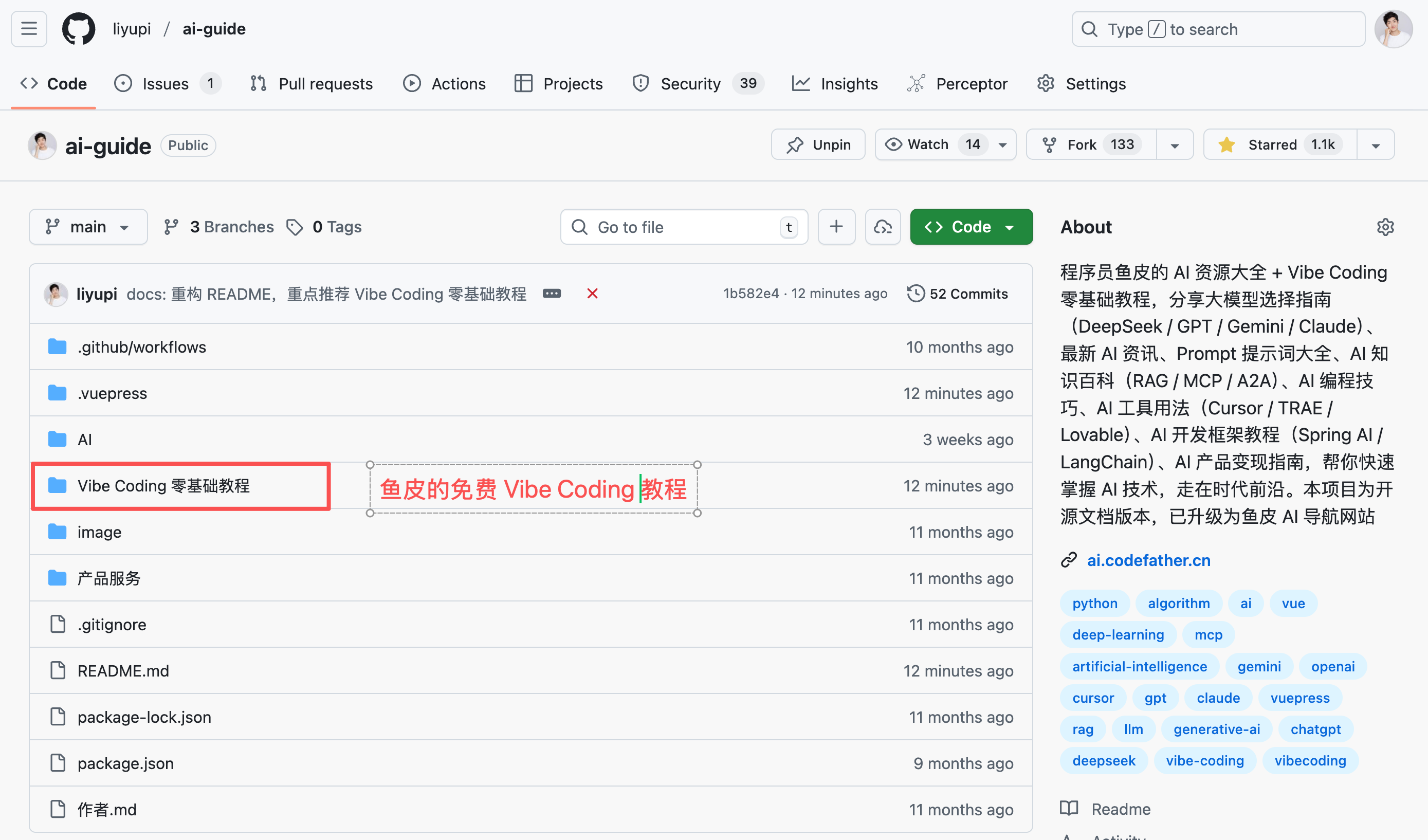
To brag a little, I dare say this free tutorial outperforms 90% of paid Vibe Coding content out there, given the amount of time I've invested.
- Tutorial documentation open-source address: https://github.com/liyupi/ai-guide
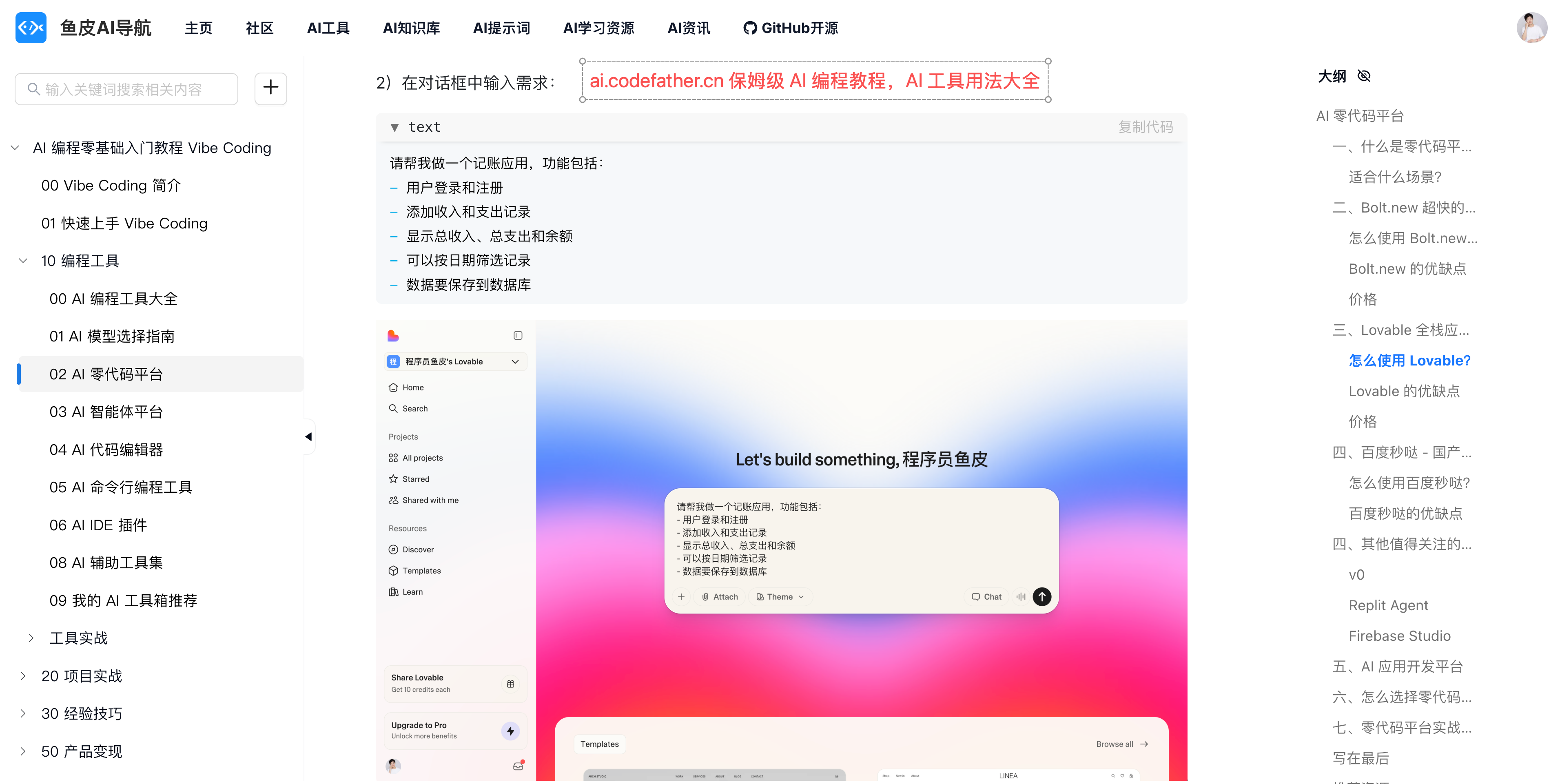
- Online reading address: https://ai.codefather.cn/vibe
Feel free to Star, bookmark, and share with friends!
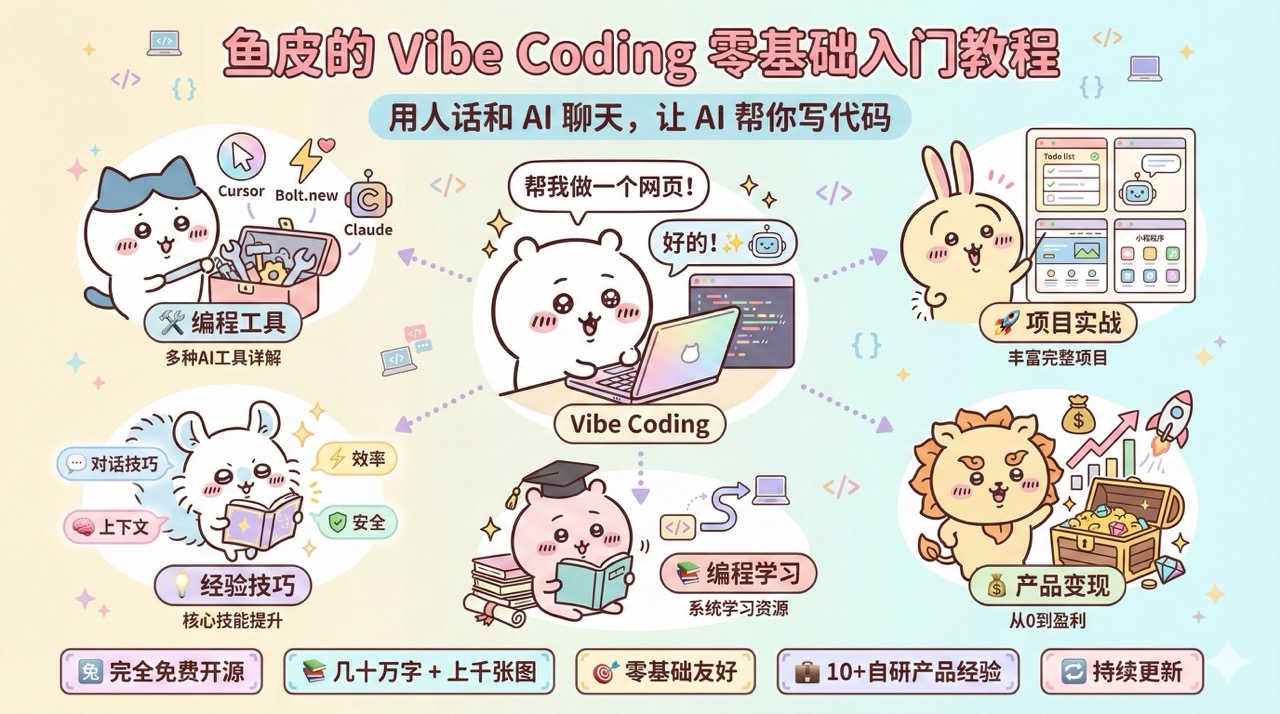
What is Vibe Coding?
Simply put, Vibe Coding is chatting with AI in plain language to have it write code for you. You don't need to memorize any syntax—just clearly articulate your requirements, like "Help me create an expense tracking page," and AI will generate it for you. Programming becomes as natural as having a conversation—that's the magic of Vibe Coding.
Why Learn Vibe Coding?
In the past, learning programming took months. Now with Vibe Coding, you can get started in just a few days. Think of an idea today, build it today—productivity increases by orders of magnitude!
After learning Vibe Coding, you can quickly create tools to boost office efficiency, develop apps to solve everyday problems, and turn creative ideas into real, profitable products.
What's in This Tutorial?
While there are many AI programming tutorials online, most are either too fragmented, only cover tools without methodology, or lack practical examples.
This leads to piecemeal learning—finding one trick here, another there—making it hard to systematically master Vibe Coding.
That's why I stepped in!
This tutorial covers every aspect of Vibe Coding. From zero basics => creating your first project in 10 minutes => learning multiple AI programming tools => hands-on projects => mastering core AI programming techniques => running through the entire product monetization process. Plus, it comes with AI programming learning resources, an AI knowledge base, and a troubleshooting manual to help you dominate Vibe Coding and handle any demand.
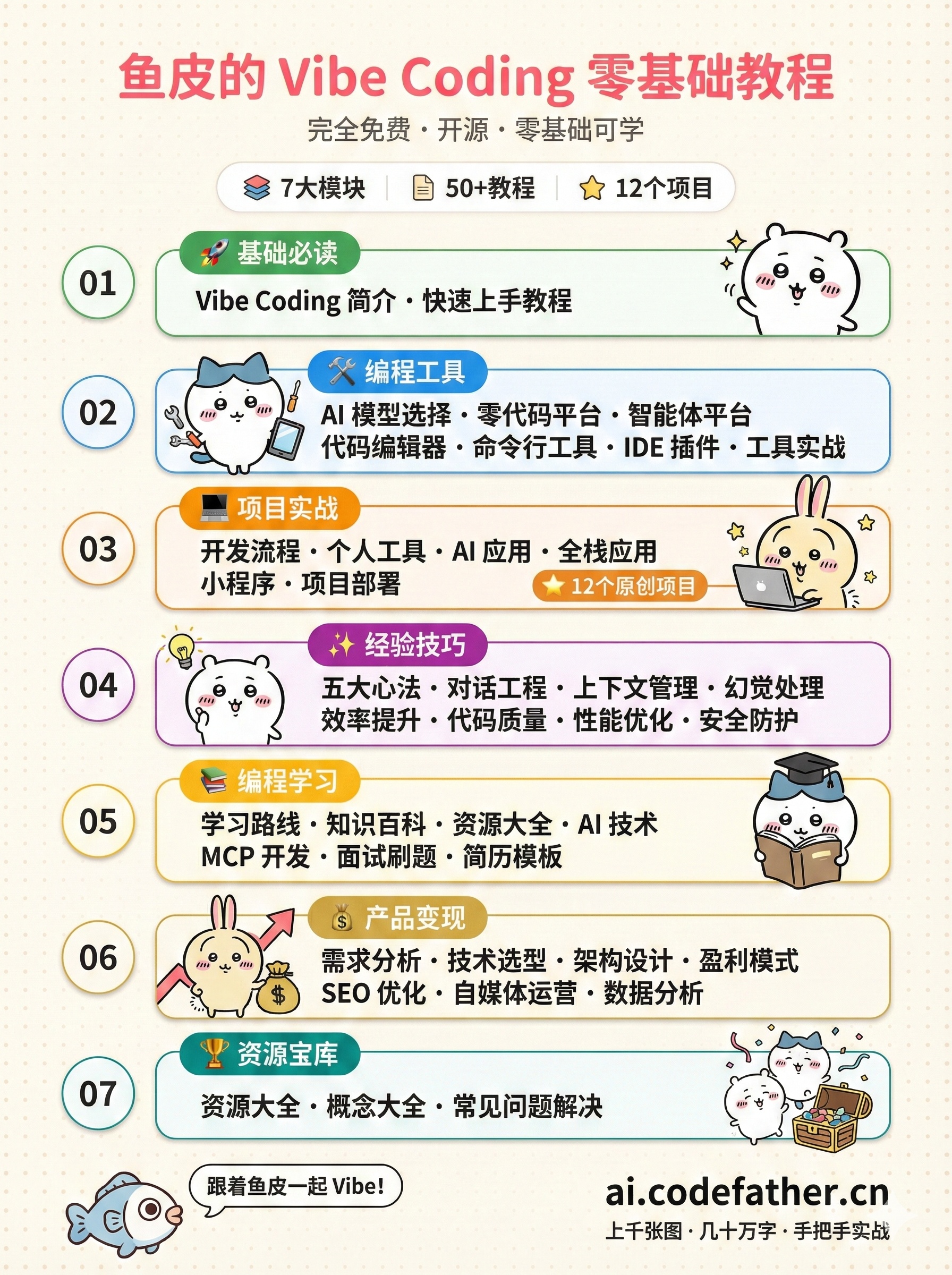
I've carefully structured the content for seamless learning or quick access to relevant sections.
- Essentials: Quickly understand Vibe Coding and get hands-on
- Programming Tools: Help you choose the AI coding tools that suit you best, including AI model selection, AI no-code platforms, AI agent platforms, AI code editors, AI command-line tools, IDE plugins, and more
- Project Practice: Hands-on guidance to build real, usable products from 0 to 1, covering personal tools, AI applications, full-stack apps, mini programs, and more
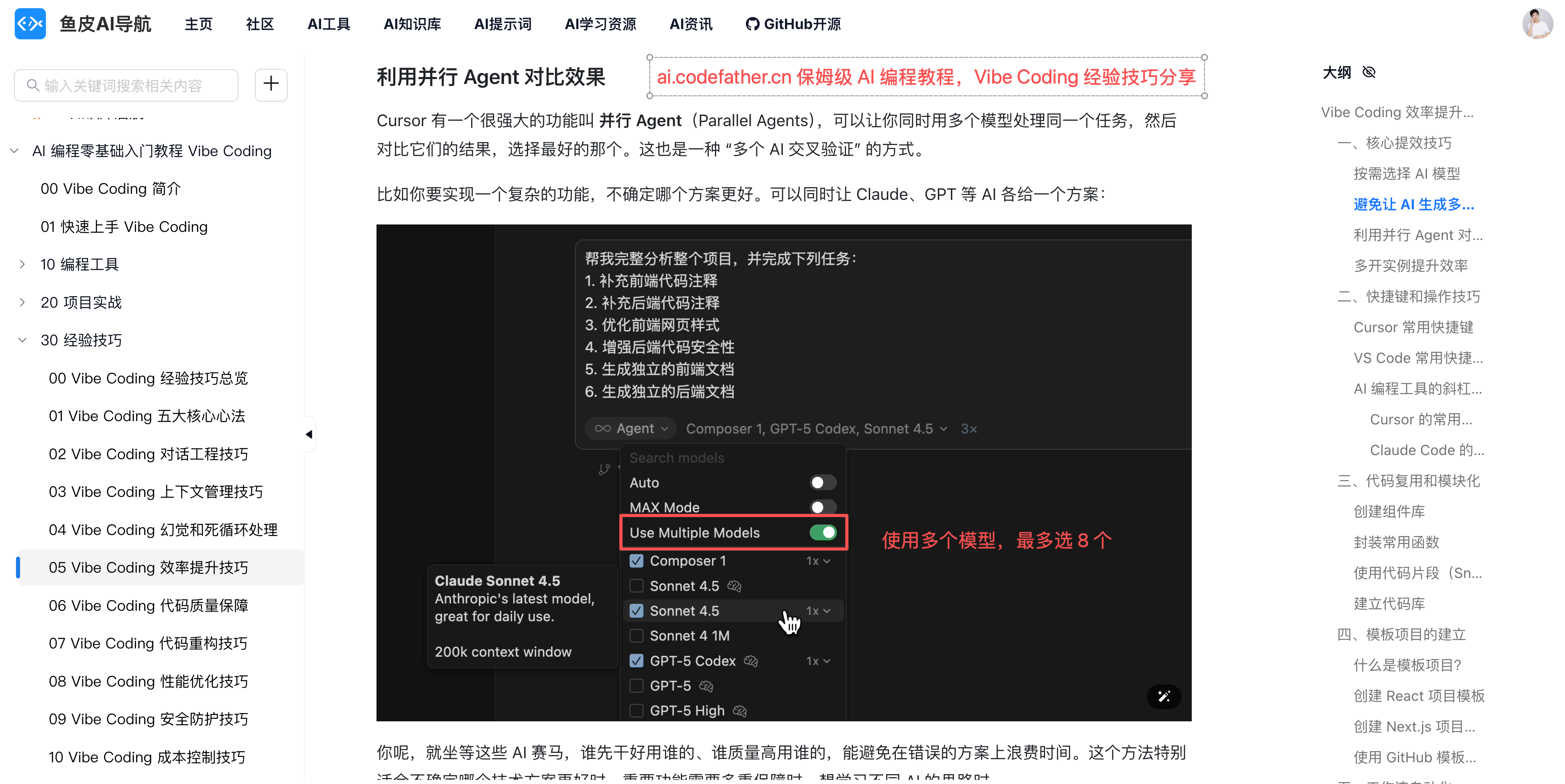
- Tips and Techniques: Help you improve Vibe Coding efficiency and quality, including core principles, conversation engineering, context management, hallucination handling, code quality assurance, and more
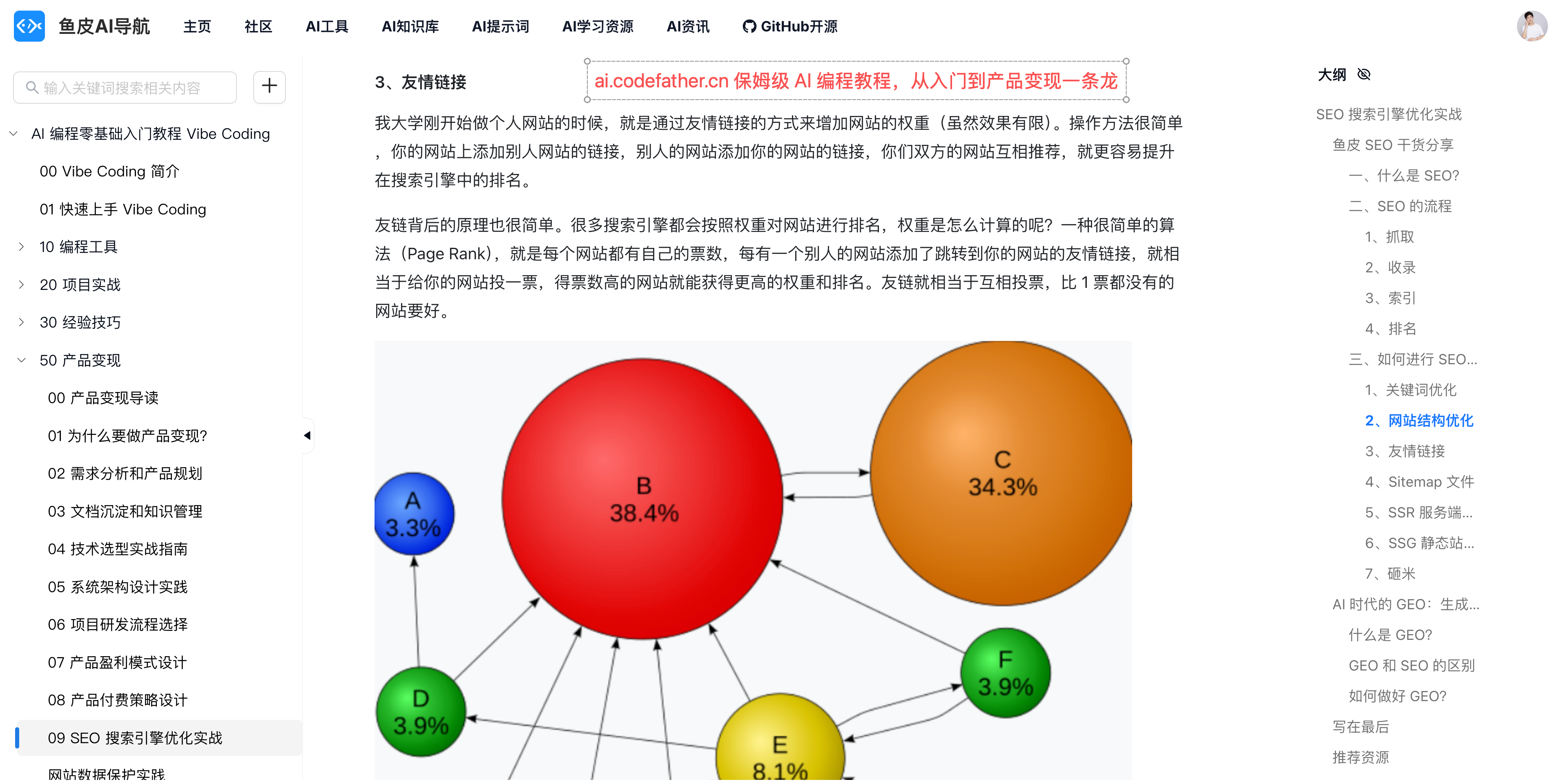
- Product Monetization: Teach you how to make products create value, covering requirement analysis, technology selection, architecture design, monetization models, SEO optimization, self-media operations, and more
- Programming Learning: Advanced content for students who want to dive deeper into programming, including learning paths, knowledge encyclopedias, resource collections, MCP development, interview prep, and more
- Resource Vault: A collection of practical resources, including tool collections, prompt templates, AI concept encyclopedias, common Vibe Coding problems, and more
This tutorial is not a pile of boring theory. It is practice-centered, packed with rich project cases and lots of screenshots, guiding you step by step to learn by doing and truly master Vibe Coding.
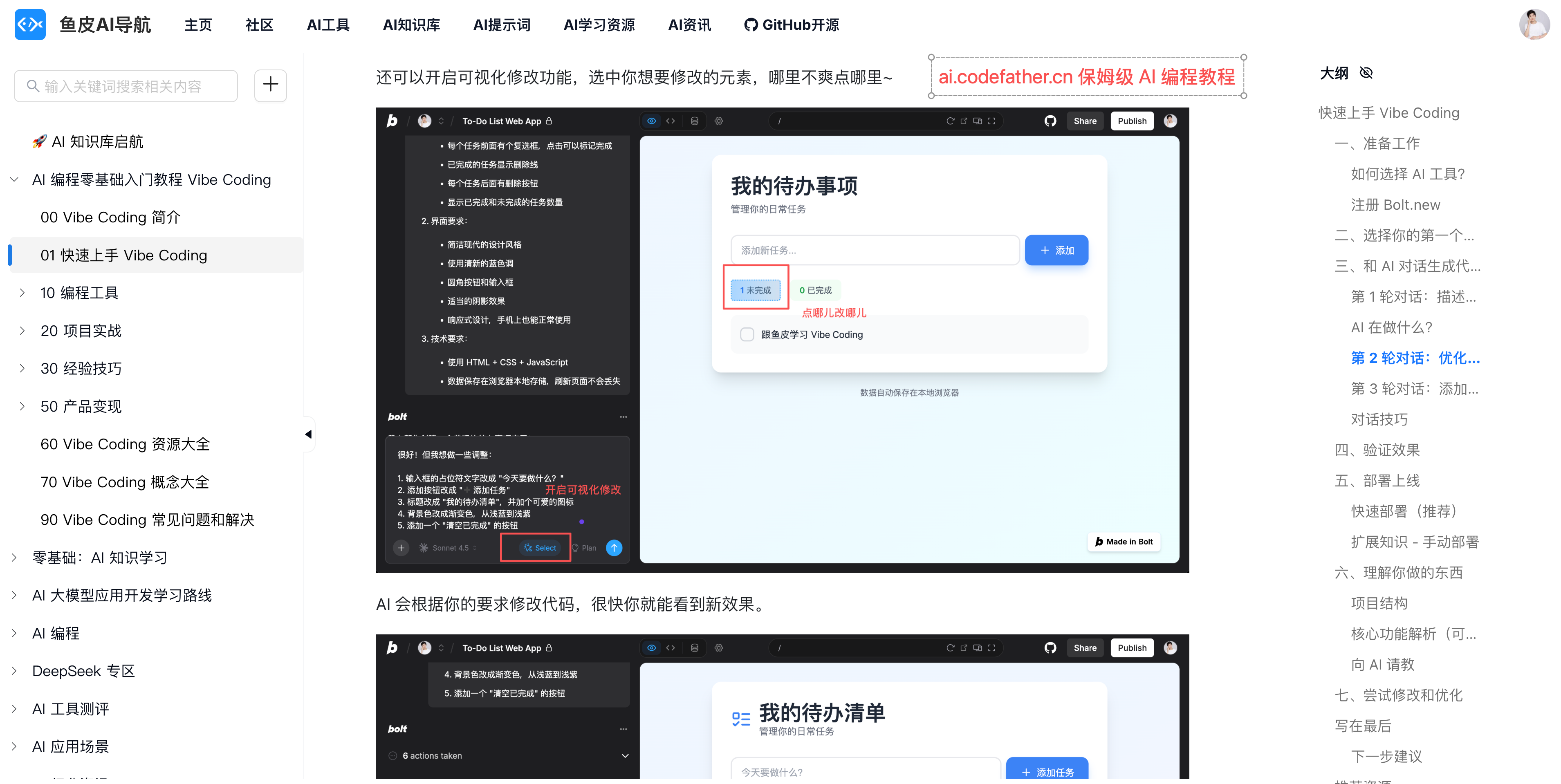
Who Is This Tutorial For?
1) Anyone who wants to use AI to improve efficiency
If you once wanted to learn programming but got scared off by complex syntax and hard-to-understand concepts; or you have a good idea and want to quickly build and launch your own product; or you simply want to use AI to improve daily office efficiency and make small tools to solve repetitive work. With Vibe Coding, you can get started in just a few days and program as naturally as chatting.
2) Programmers who want to improve efficiency
If you’re a traditional programmer who’s being tortured by repetitive code every day and wants to smash the keyboard, Vibe Coding can boost your productivity by dozens of times. The tutorial’s techniques and project practice can help you quickly level up into a Vibe Coding expert.
3) Entrepreneurs who want to monetize products
If you want to turn ideas into products and make money, this tutorial not only teaches you how to build products, but also how to make them valuable. From requirement analysis to monetization models, from SEO optimization to self-media operations, I’ll share all my experience from building 10+ self-developed products and growing from 0 to 2 million followers.
Where Should You Start Learning?
Complete beginners
- Day 1: Finish the essentials, understand Vibe Coding, and build your first project
- Weeks 1–2: Learn AI coding tools and build a few simple projects
- After that: Learn tips, techniques, and product monetization as needed
People with programming foundations
- Day 1: Quickly go through the basics and complete the rapid-start tutorial
- Week 1: Learn mainstream AI coding tools and try refactoring your previous projects
- After that: Focus on advanced techniques to improve your conversation and context management abilities
Practice is the best teacher. No matter what your background is, you should build more projects while learning, encounter problems in real projects, and solve them there. That is the most effective way to learn.
Final Words
I have always believed that knowledge sharing creates mutual benefit.
This tutorial is completely free and open source, and I hope it can help more people open the door to Vibe Coding.
But since it is written by one person after all, there will inevitably be shortcomings. I will keep updating and improving the content.
If this tutorial helps you, I hope you can give it a like or a Star ⭐️ to support it!
Don’t hesitate. Open the tutorial now, and 10 minutes later you’ll be able to build your first project. Start your Vibe Coding journey with Yupi! 🛫
📖 Tutorial documentation open-source repo: https://github.com/liyupi/ai-guide
🌐 Online reading: https://ai.codefather.cn/vibe
🎬 Author’s video collection: https://space.bilibili.com/12890453
💬 Feedback and discussion: feel free to ask questions in the AI Navigation Community
Contributions Welcome
This tutorial is open source, and everyone is welcome to help improve it together~
If, during learning, you:
- find typos or awkward wording
- have better image examples or project cases
- want to add introductions to new AI tools
- discover new Vibe Coding techniques
- have practical prompt templates you want to share
- or have any other idea that could make this tutorial better
you can directly submit a PR (Pull Request) on GitHub. Let’s polish this tutorial together and help more people learn Vibe Coding!
Explore related projects
affaan-m/ECC
The agent harness performance optimization system. Skills, instincts, memory, security, and research-first development for Claude Code, Codex, Opencode, Cursor and beyond.
298,756 starsNousResearch/hermes-agent
The agent that grows with you
261,297 starsmultica-ai/andrej-karpathy-skills
A single CLAUDE.md file to improve Claude Code behavior, derived from Andrej Karpathy's observations on LLM coding pitfalls.
230,390 starsfirecrawl/firecrawl
Supercharge your AI agents with data from the web and beyond. Building the library for superintelligence. 🔥
199,303 stars